
Save time and money with our discounts!
In cart {{totalProductsCount}} item(s)
Your cart is empty
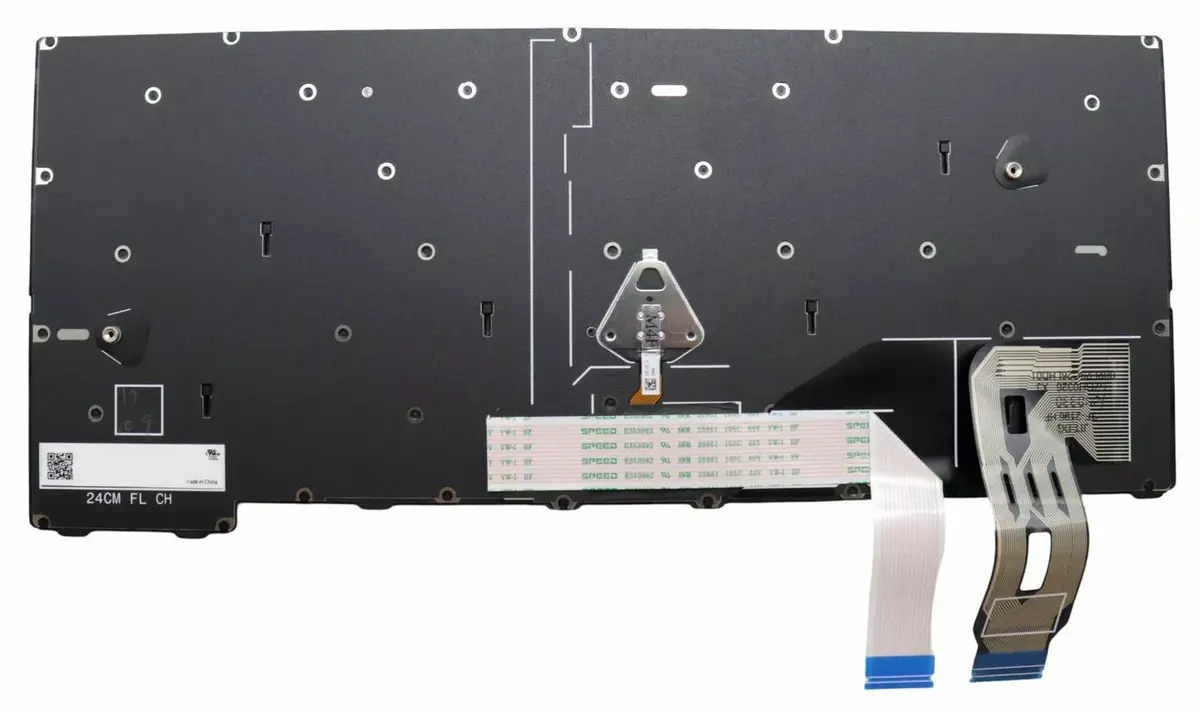
Laptop keyboard Lenovo 5N21M38558 backlit replacement for ThinkPad T14 Gen 5
Replacement laptop keyboard Lenovo 5N21M38558 with backlit keys designed for Lenovo ThinkPad T14 Gen 5. This OEM-compatible spare part restores typing functionality and provides illuminated keys for low-light environments. The keyboard features a standard layout and direct fit for the specified model, offered in black with multicolour backlighting.
The Lenovo 5N21M38558 backlit keyboard delivers reliable performance and long service life while maintaining compatibility with the ThinkPad T14 Gen 5. Its integrated backlight improves usability in dim conditions and the direct-fit design simplifies installation as a replacement part.
Power off the laptop and disconnect any power sources before replacing the keyboard. Remove the bottom cover and any retaining screws according to the ThinkPad T14 Gen 5 disassembly procedure, detach the old keyboard connector, and fit the Lenovo 5N21M38558 keyboard in place. Reconnect the keyboard cable, secure screws and cover, then power on the laptop to verify backlight and key functions.
Handle the keyboard and connector carefully to avoid damage; follow the manufacturer’s service manual or seek professional installation if you are not experienced with laptop disassembly.
{{highlightedFeature.featureTitle}}:
{{getProductFeatureValueById(product, highlightedFeature.featureId)}}
{{ productComparisonGenerationError }}
