
Filters you can trust. Pure water every day.
In cart {{totalProductsCount}} item(s)
Your cart is empty
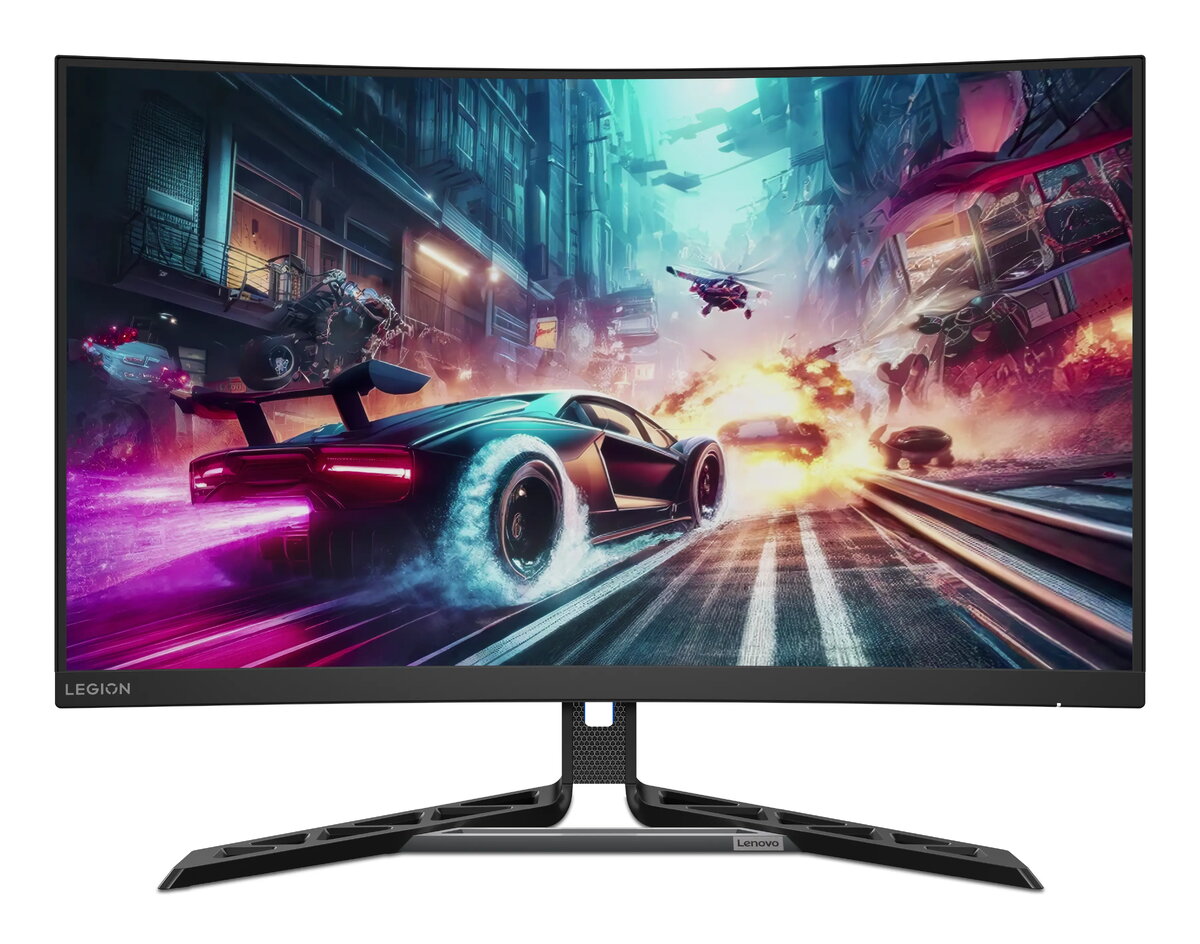
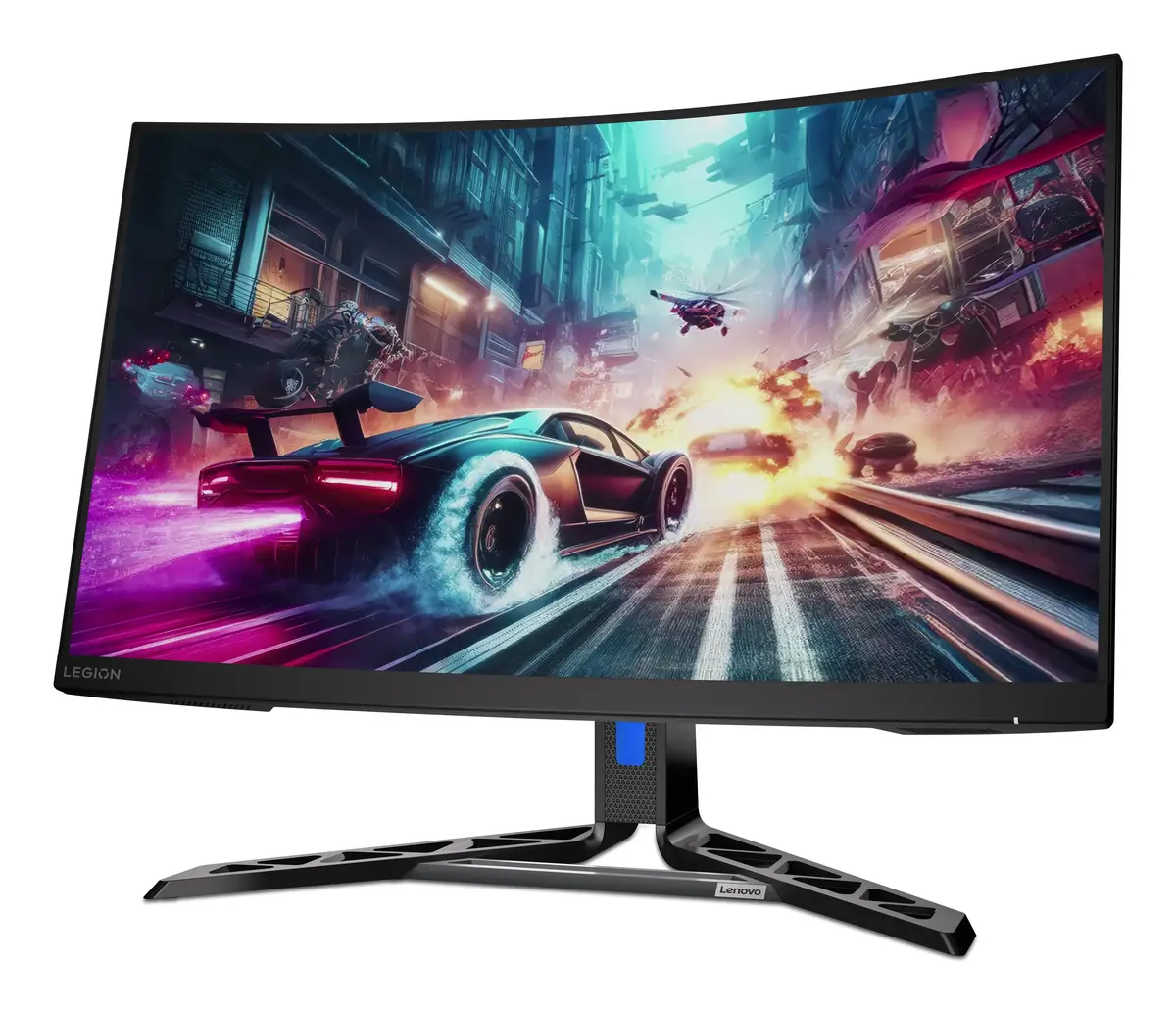
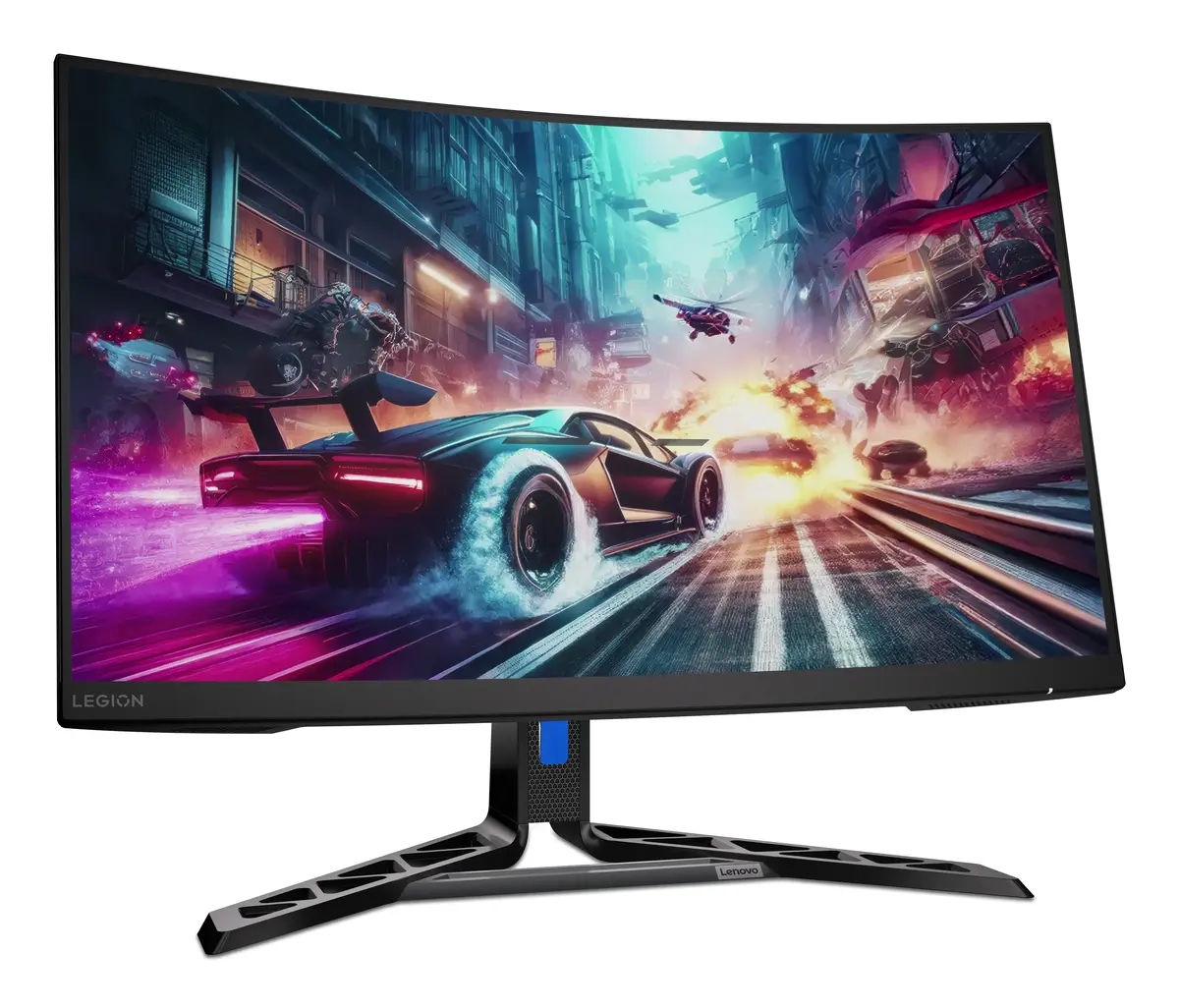
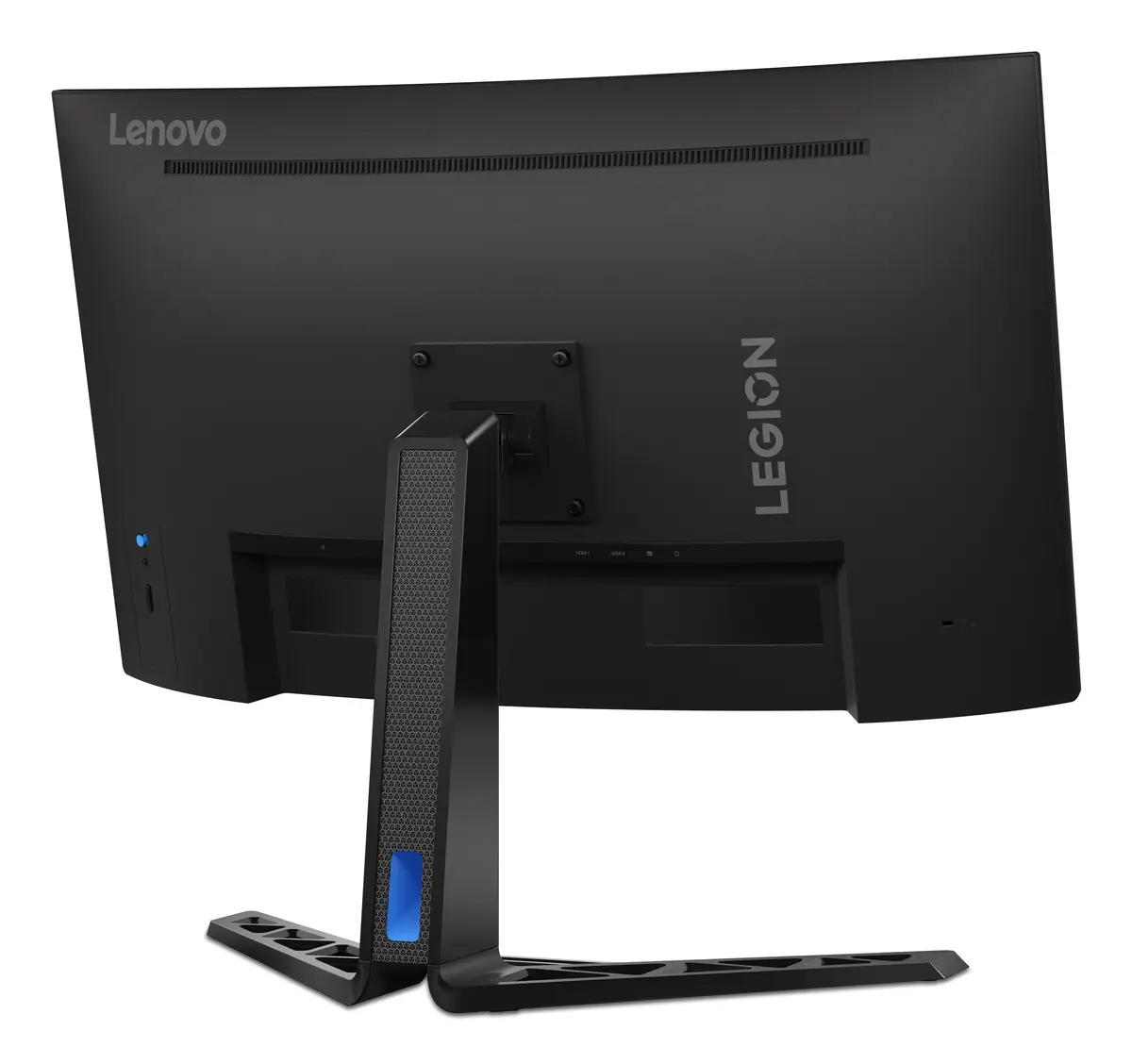
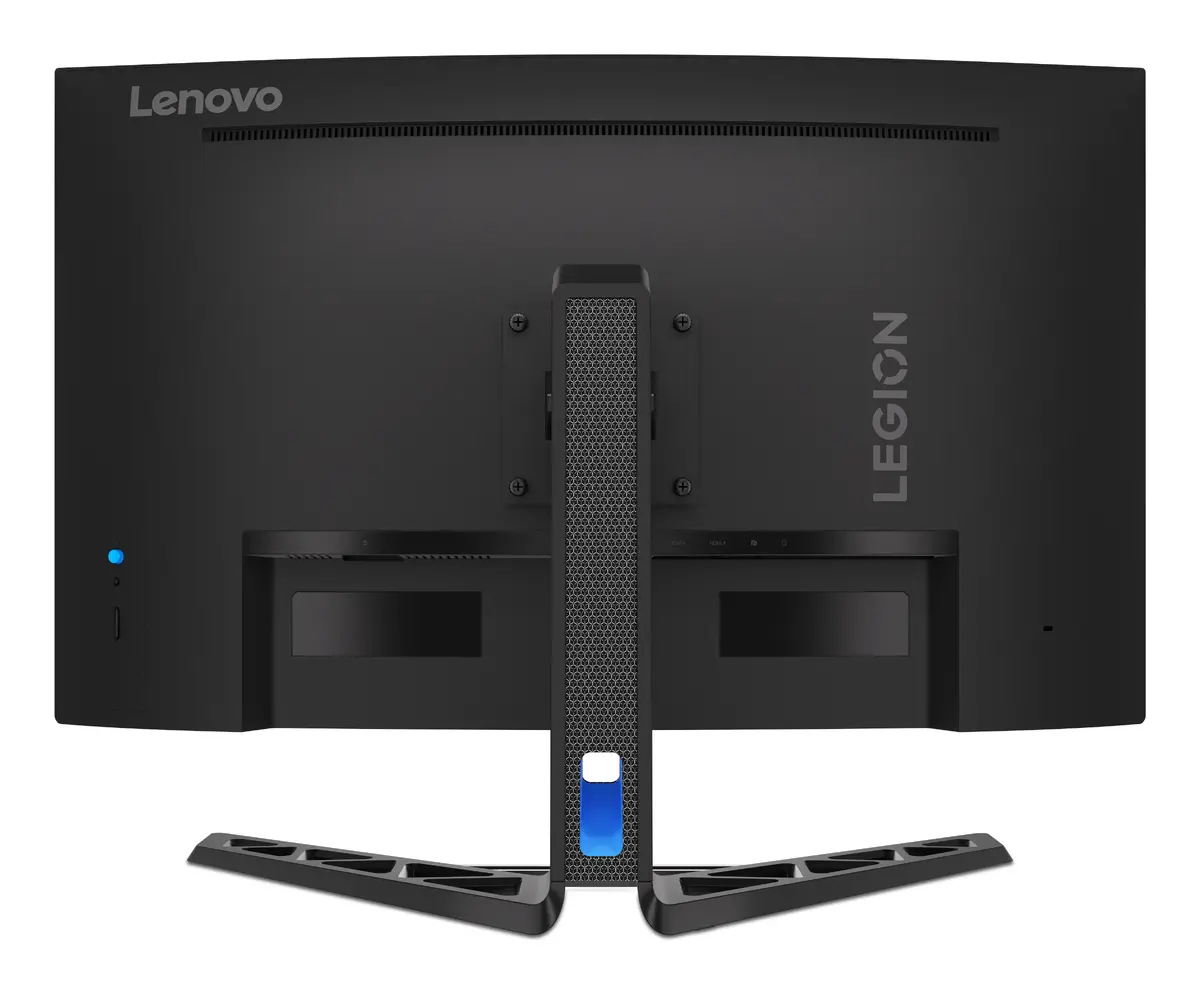
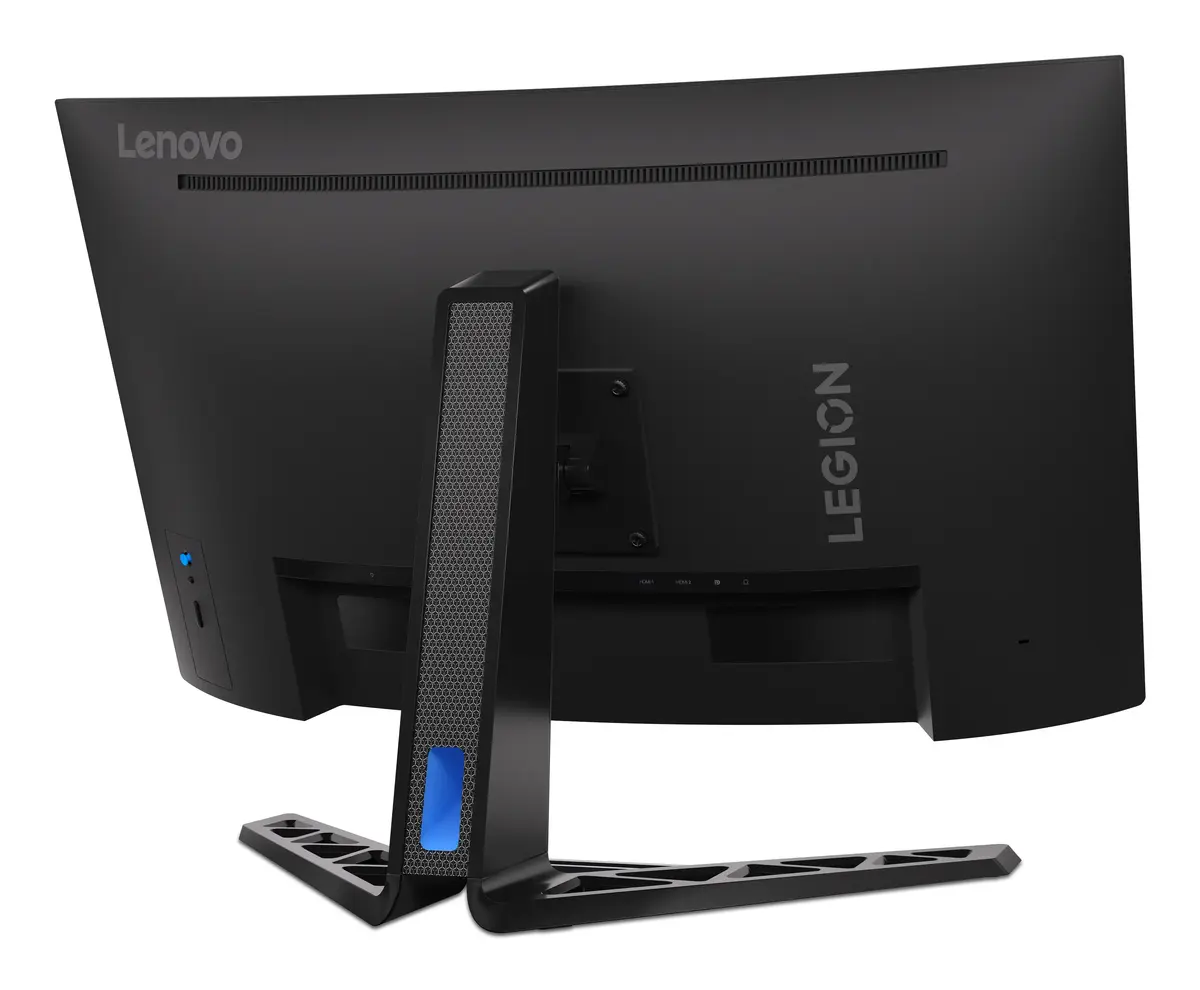
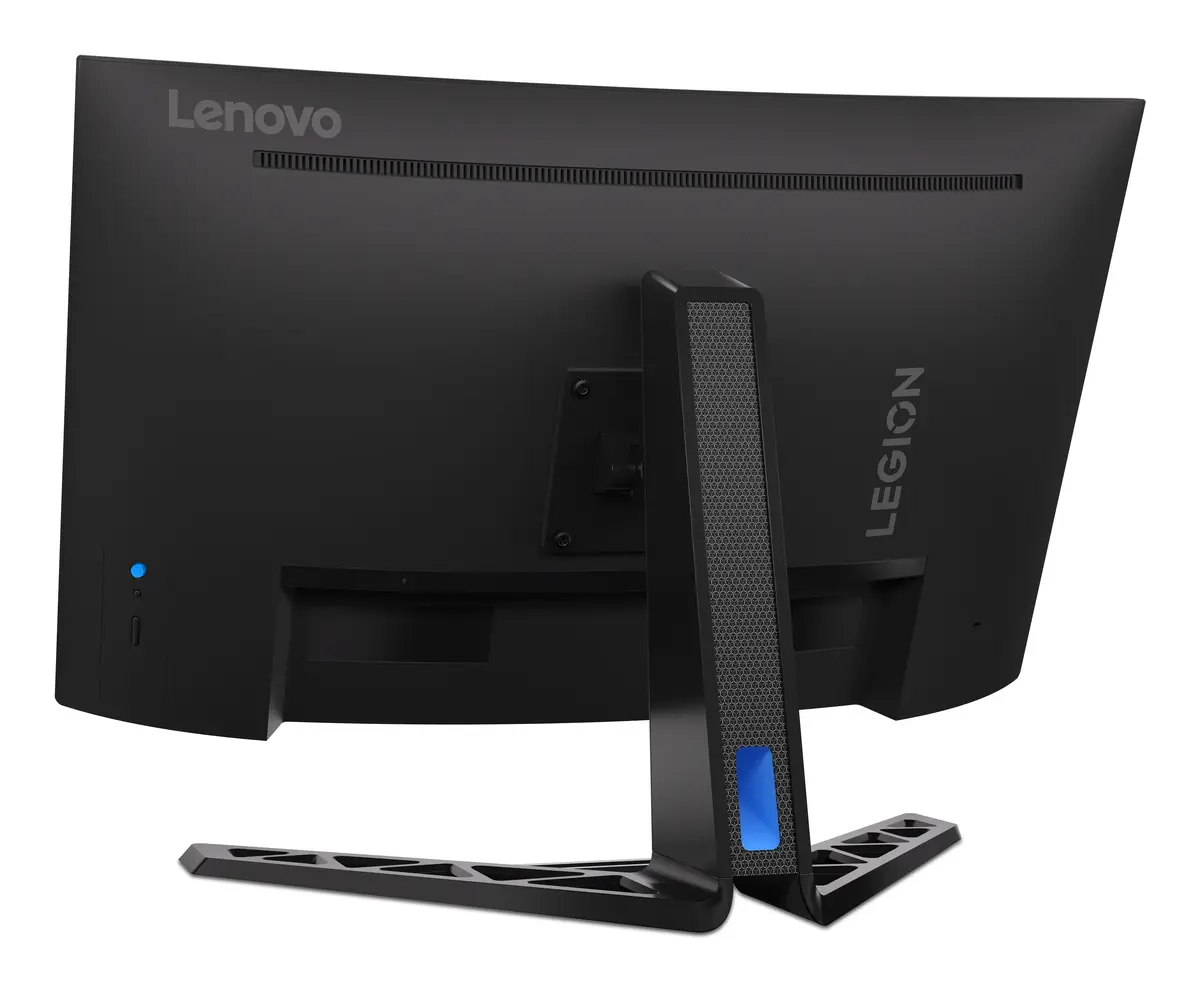
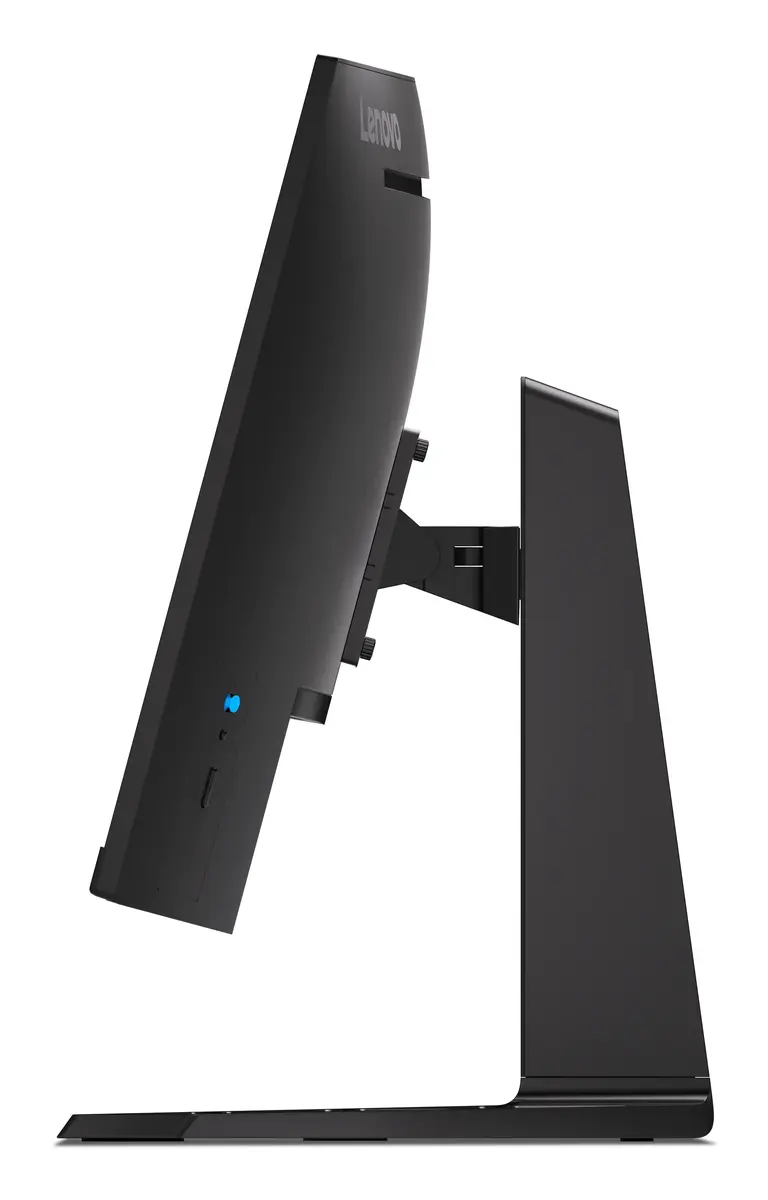
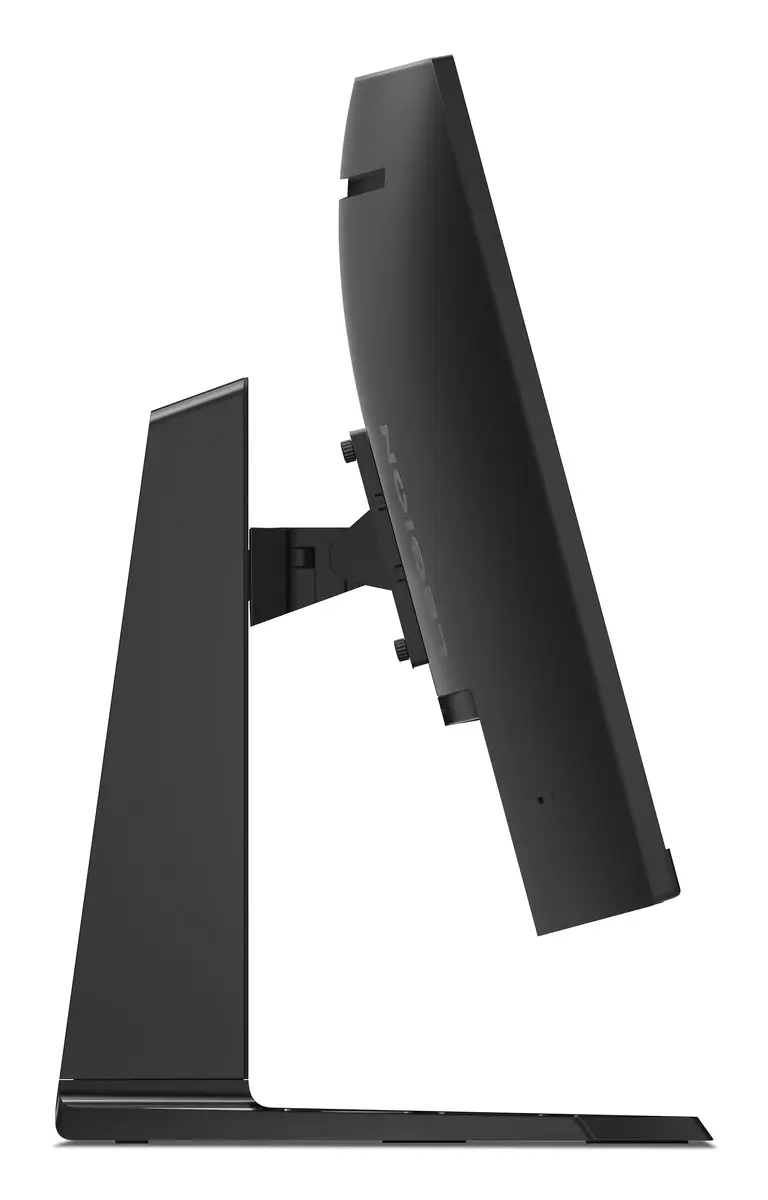
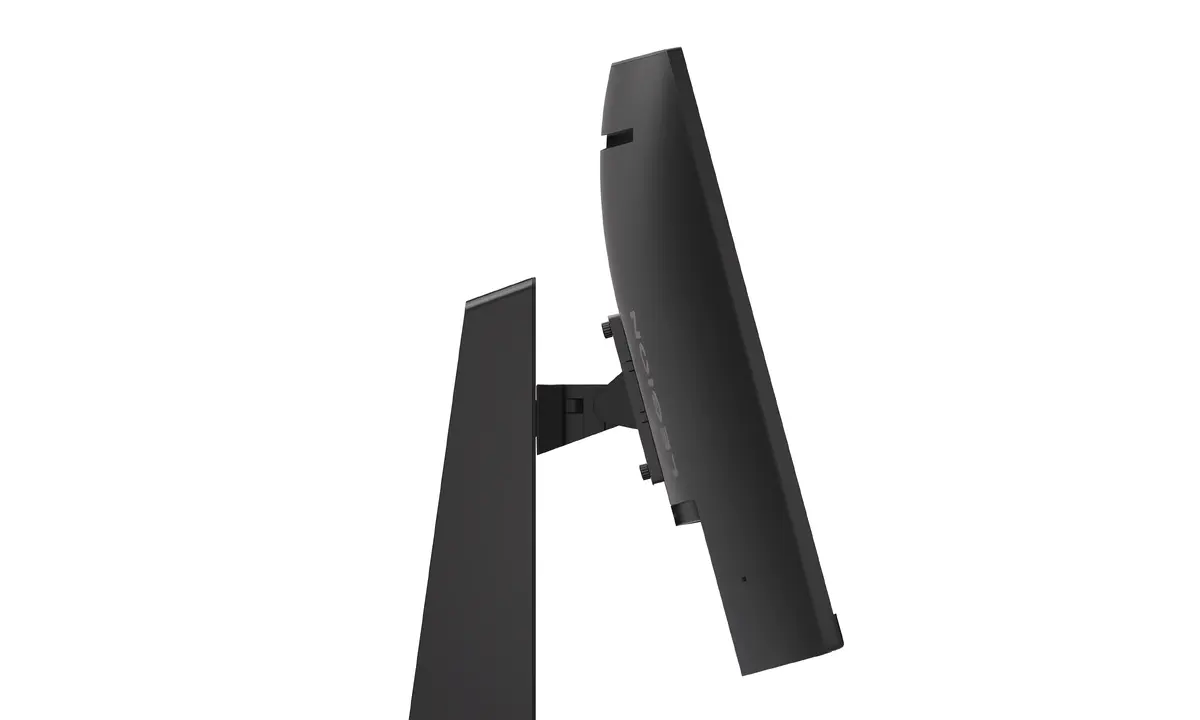
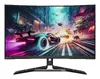
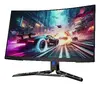
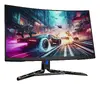
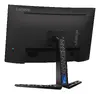
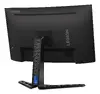
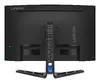
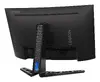
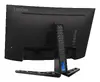
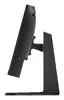
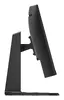
Computer monitor Lenovo Legion R32qc-30 31.5" (80 cm) Quad HD 2560×1440 LED, 16:9, 178° viewing angles, built-in speakers, VESA, height adjustable, Bl...
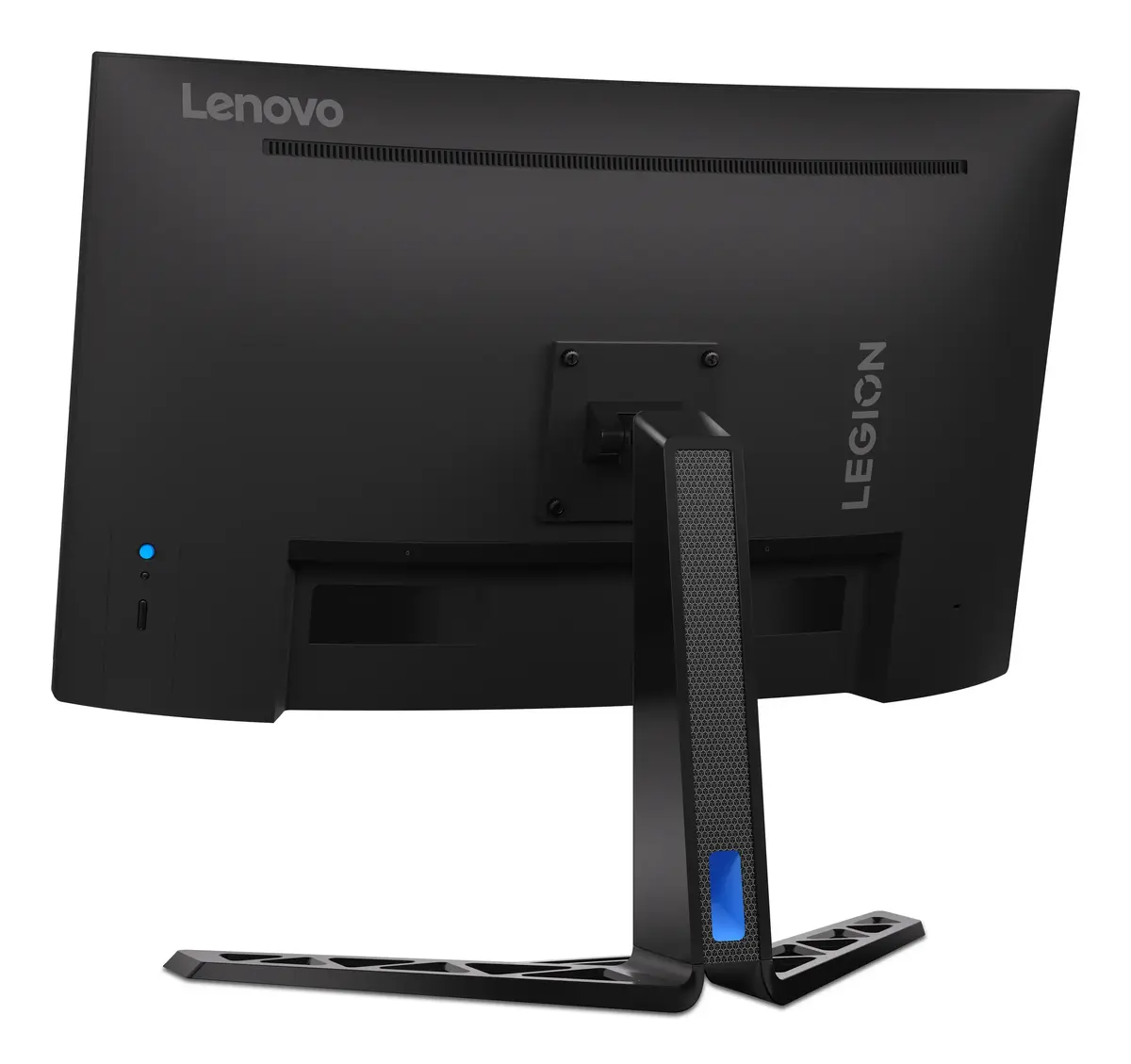
The Lenovo Legion R32qc-30 is a 31.5-inch (80 cm) curved Quad HD (2560×1440) LED monitor designed for gaming, content creation and general productivity. It features a VA panel with wide 178° viewing angles, integrated speakers, VESA mounting compatibility and height-adjustable stand. The 1500R curvature and large screen size deliver immersive visuals while the 2560×1440 resolution maintains high detail across the display.
The monitor combines a large 31.5" QHD VA panel and a 1500R curved design to enhance immersion and on-screen presence. A high 180 Hz refresh rate together with a 0.5 ms (MPRT) response time reduces motion blur and input lag for smoother gameplay. Built-in speakers and a height-adjustable stand add convenience for everyday use, while VESA compatibility makes it easy to mount on arms or wall brackets.
This VA-panel monitor provides strong contrast but may not match the color accuracy or wide color gamut of higher-end IPS panels used in professional color-critical workflows. Users who need ultra-precise color reproduction for print work or color grading may prefer a monitor with factory-calibrated IPS or OLED technology.
Connect the monitor to your PC or console using the included HDMI or DisplayPort cable to take advantage of the available refresh rate and resolution. Adjust the stand height for an ergonomic viewing position and, if needed, attach a VESA-compatible mount. Enable Adaptive Sync/FreeSync in your graphics driver or console settings to reduce screen tearing. For best results in fast gaming, select a low-latency or game mode in the monitor OSD and set the output to 2560×1440 at 180 Hz.
Use DisplayPort for maximum bandwidth where possible, enable FreeSync in both monitor OSD and GPU settings, and set the system output to 2560×1440 at 180 Hz for the smoothest gaming experience. For content work, calibrate the display with a hardware calibrator if accurate color reproduction is required.
{{highlightedFeature.featureTitle}}:
{{getProductFeatureValueById(product, highlightedFeature.featureId)}}
{{ productComparisonGenerationError }}
Device manufacturer code
Device manufacturer
iagonal of the visible part of the screen expressed in centimeters and inches.
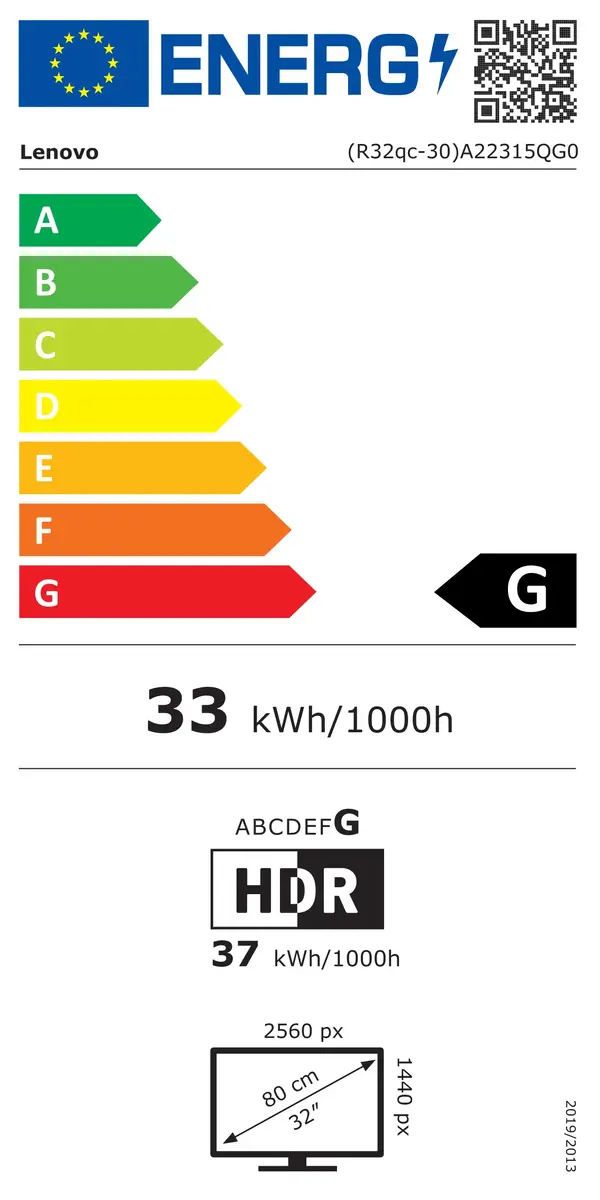
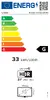
Energy efficiency class is a standard classification that is used all over Europe and which is understandable at first sight. Products can be efficiently compared according to classes, starting from A (the most energy efficient class), and ending with G (the most energy-intensive class). The classification of energy efficiency is based on annual energy consumption which is being calculated on the basis of several different parameters.
Power consumption in switched-on state expressed in W.
