



JBL speakers and headphones for pure and deep sound!
In cart {{totalProductsCount}} item(s)
Your cart is empty
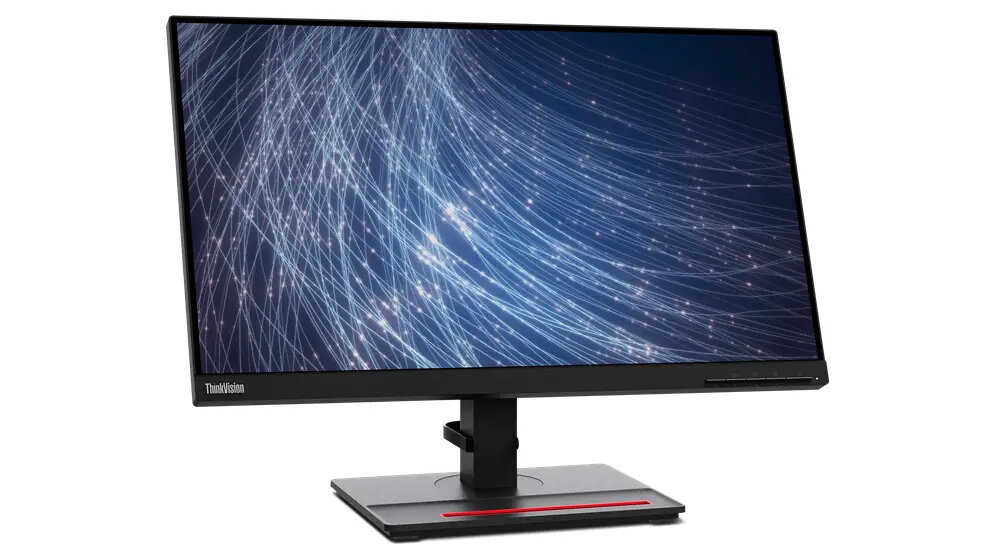
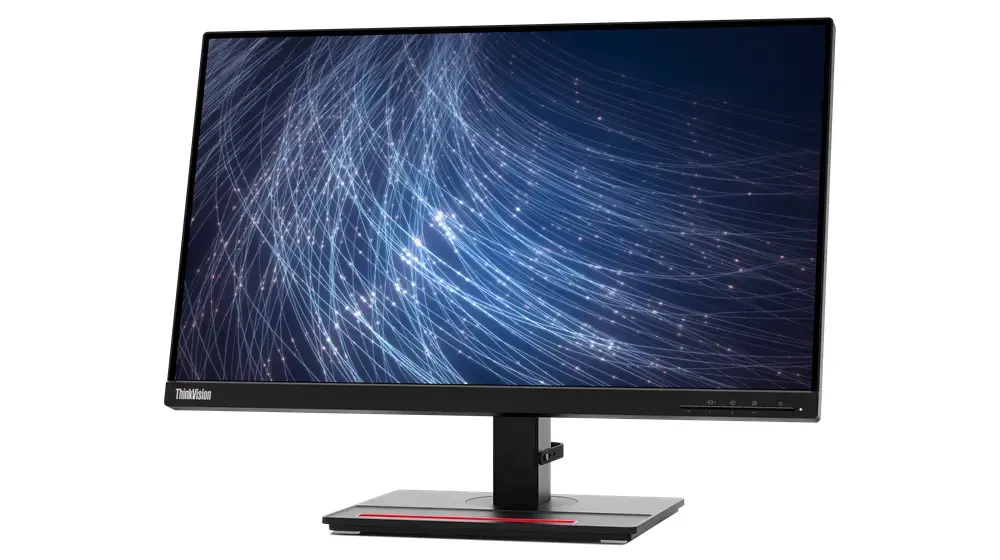
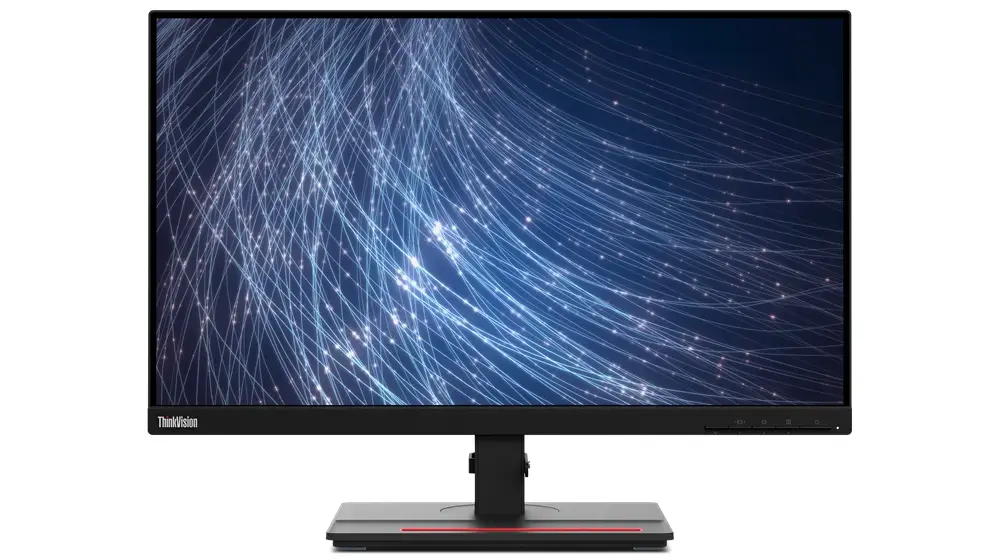
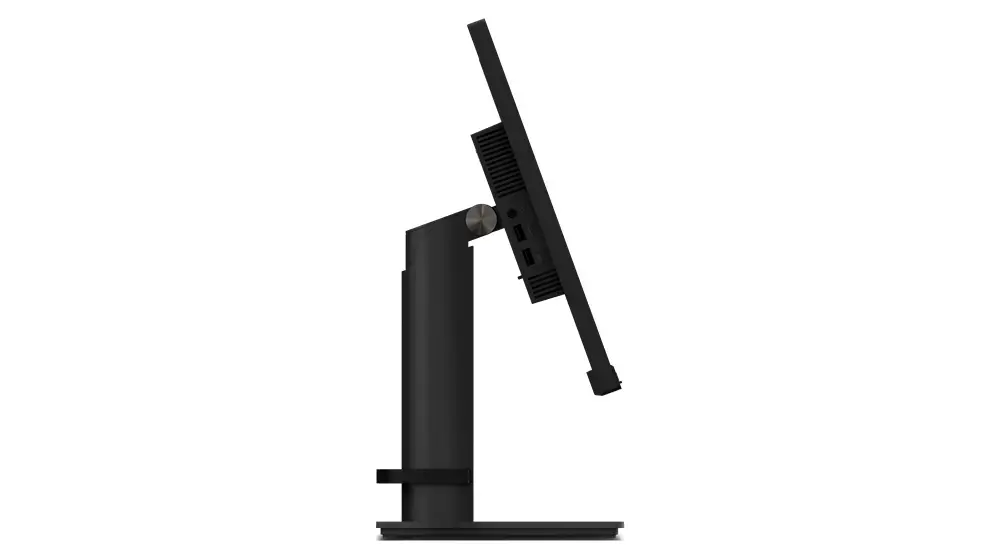
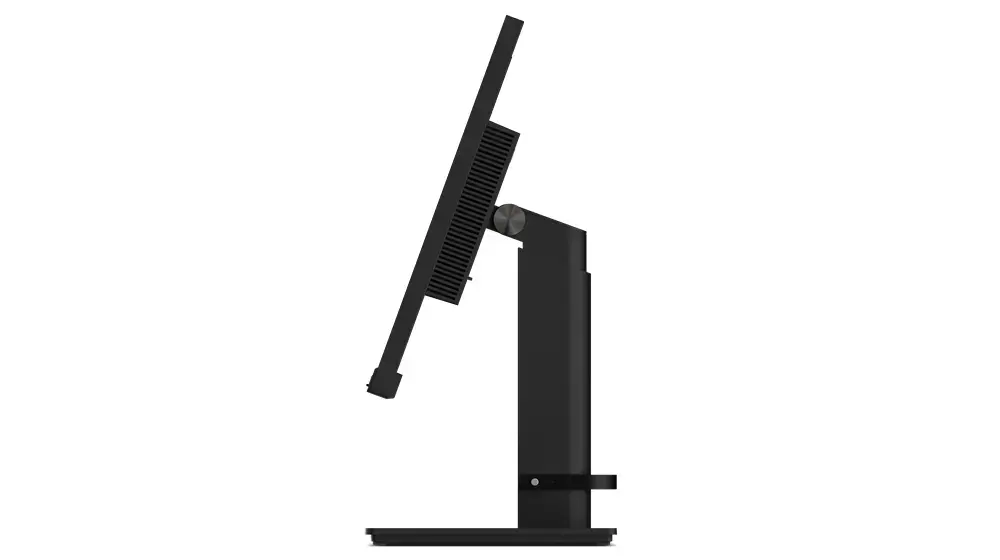
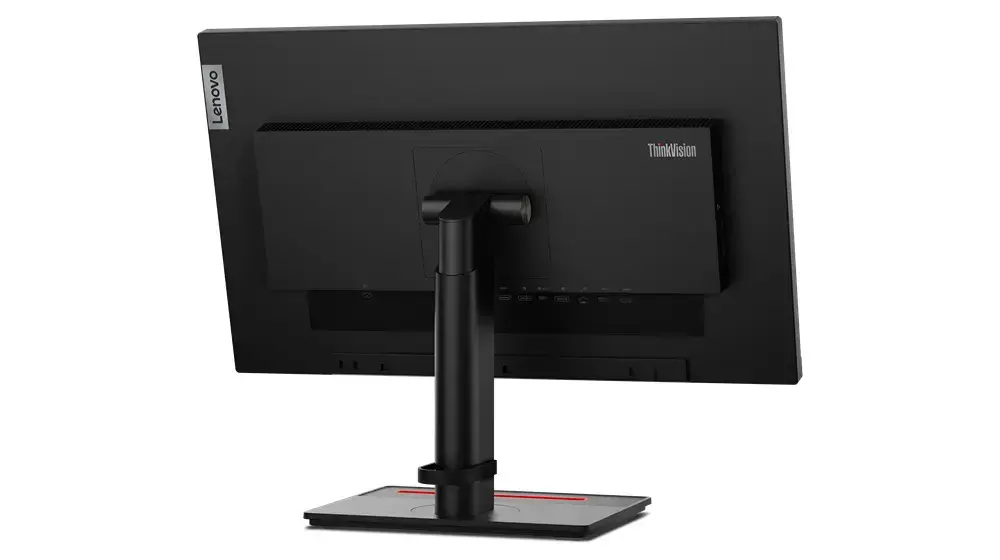
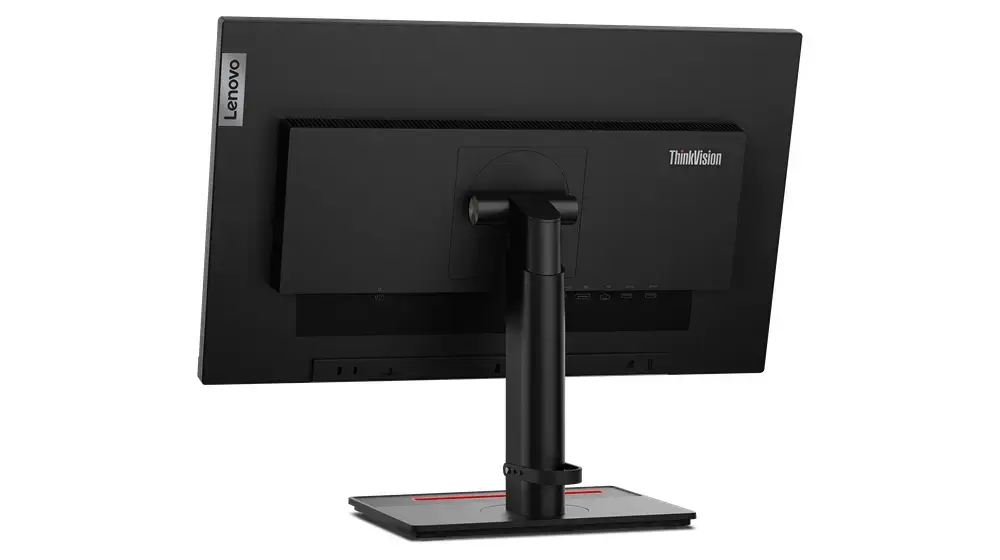
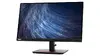
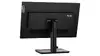
Lenovo ThinkVision T24m-29 23.8-inch Full HD IPS Monitor with USB Hub and Speakers
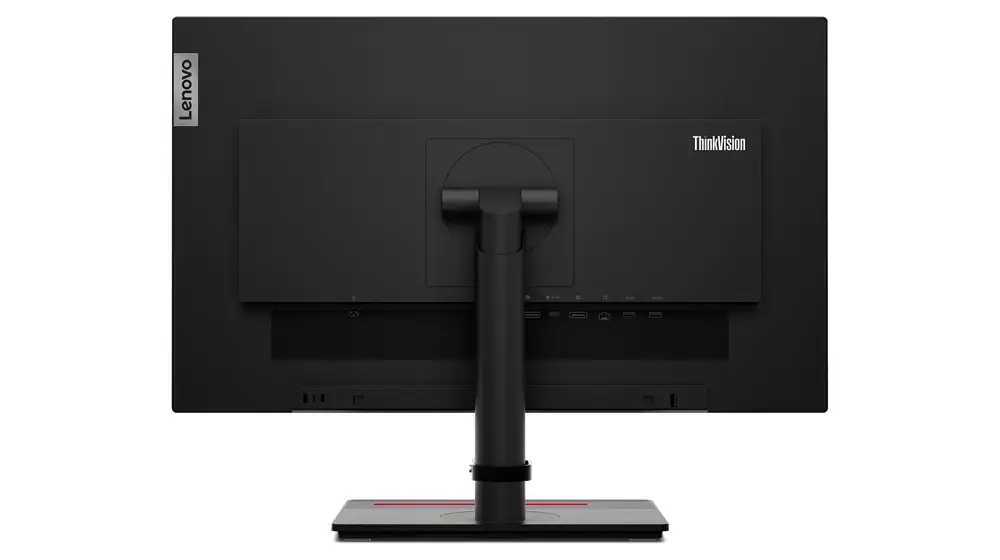
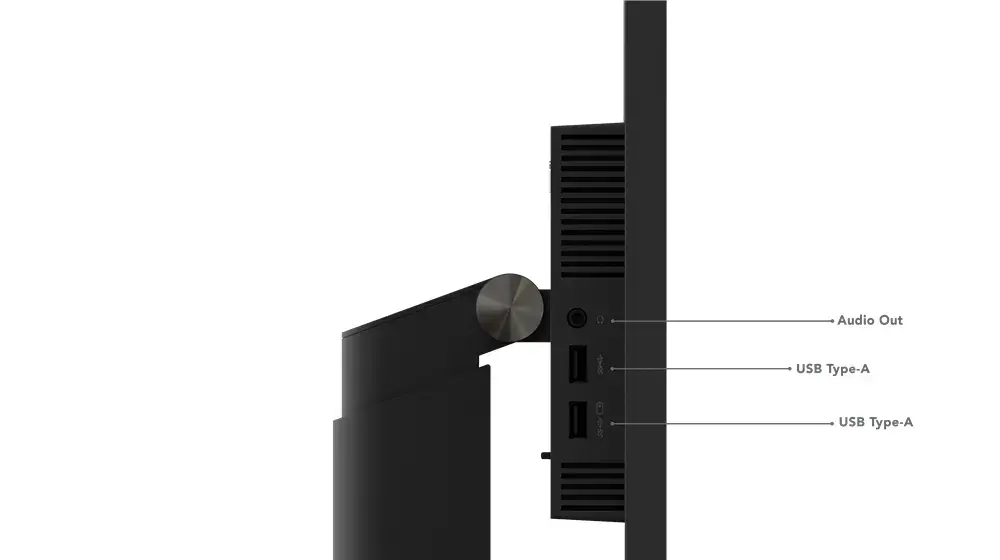
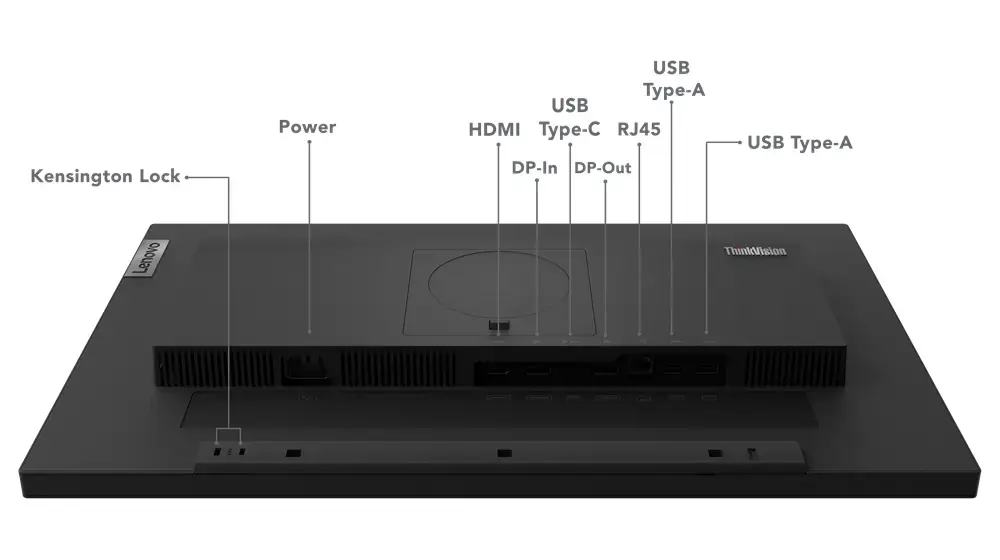
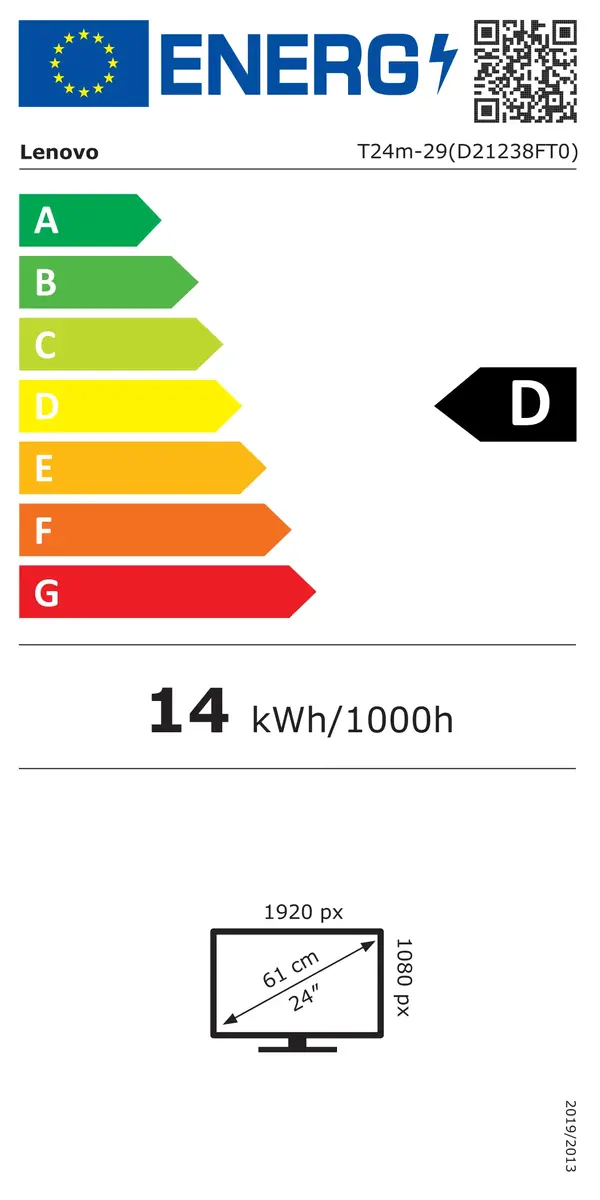
The Lenovo ThinkVision T24m-29 is a 23.8-inch Full HD monitor designed to enhance productivity in professional office environments. Featuring an IPS panel with a 1920 x 1080 resolution, this display provides consistent color accuracy and wide 178-degree viewing angles. The monitor is built for efficiency, incorporating a USB 3.2 Gen 1 hub and integrated speakers to streamline your workspace and reduce cable clutter.
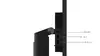
This monitor offers exceptional visual clarity and color consistency, making it ideal for detailed professional tasks. The inclusion of an IPS panel ensures that images remain sharp and accurate even when viewed from the side. With its built-in USB hub and versatile connectivity options, it serves as a central docking point for your peripherals, simplifying your desk setup. The ergonomic stand allows for height adjustment and tilting, promoting a comfortable viewing position during long working hours. Furthermore, the integrated speakers provide audio output without the need for external devices, maintaining a clean and organized workspace.
This monitor may not be suitable for professional-grade color-critical work, such as high-end graphic design or video editing, where specialized color gamuts are required. Additionally, its 60Hz refresh rate and 6ms response time are optimized for office tasks rather than competitive gaming or high-motion video production.
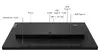
To use the monitor, connect it to your computer using the appropriate HDMI, DisplayPort, or USB-C cable. Once connected, you can utilize the built-in USB hub to attach peripherals like keyboards, mice, or external drives directly to the monitor. Adjust the height and tilt of the stand to suit your ergonomic needs. You can access the monitor's settings menu using the physical buttons on the device to calibrate brightness, contrast, and audio levels for your specific environment.
For optimal performance, ensure that the monitor is placed at eye level to maintain good posture and use the cable management features to keep your workspace tidy and efficient.
{{highlightedFeature.featureTitle}}:
{{getProductFeatureValueById(product, highlightedFeature.featureId)}}
{{ productComparisonGenerationError }}
