Dreame vacuums for fast and efficient cleaning!
In cart {{totalProductsCount}} item(s)
Your cart is empty
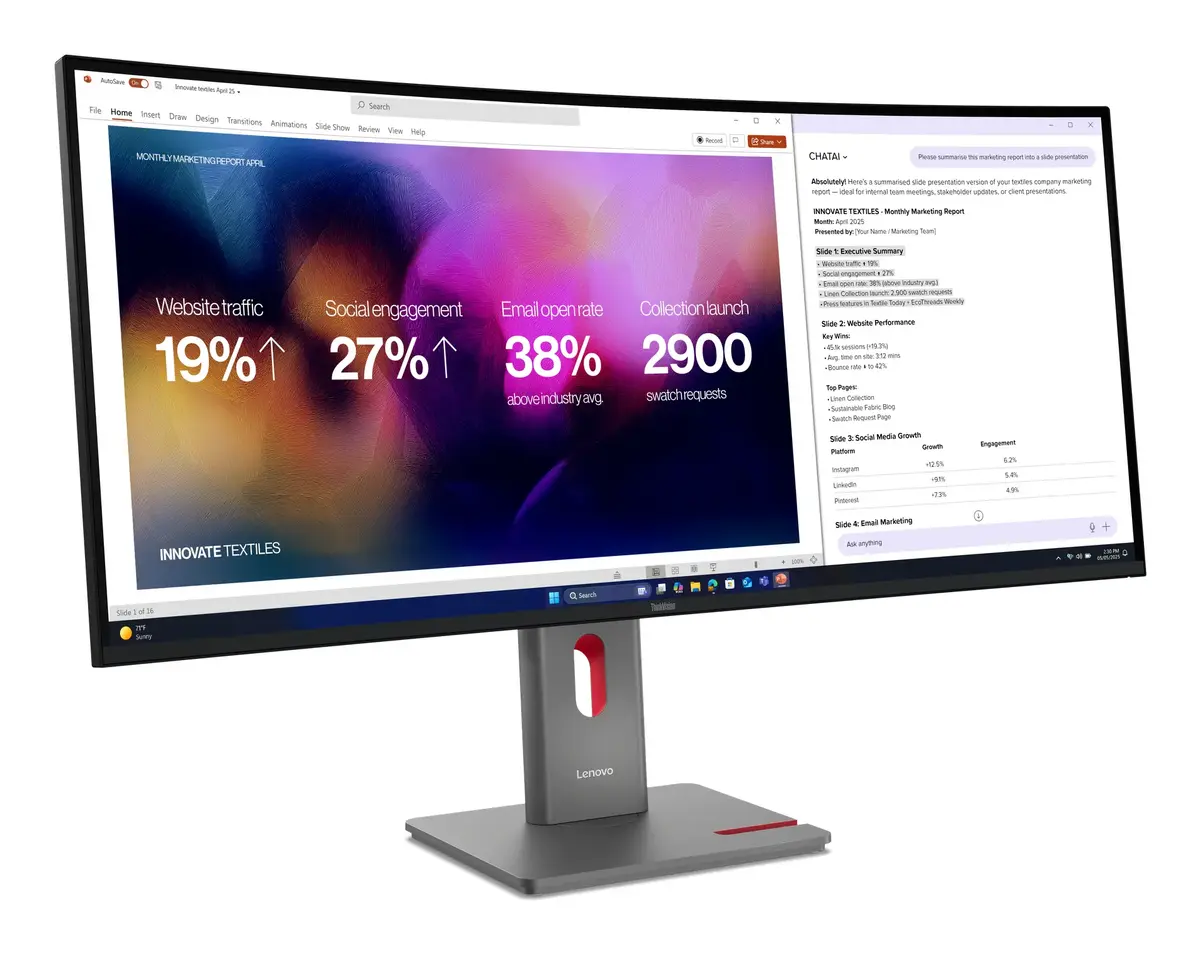
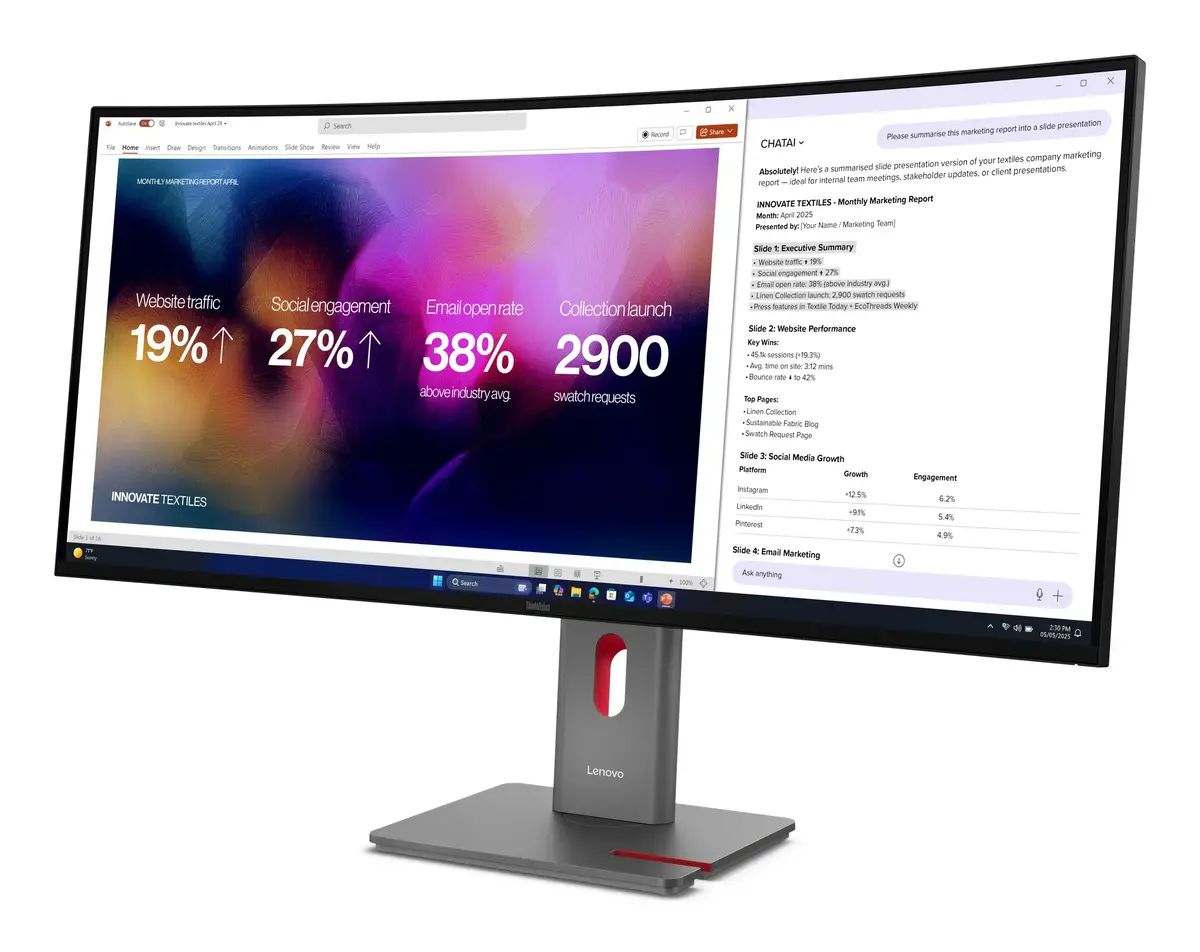
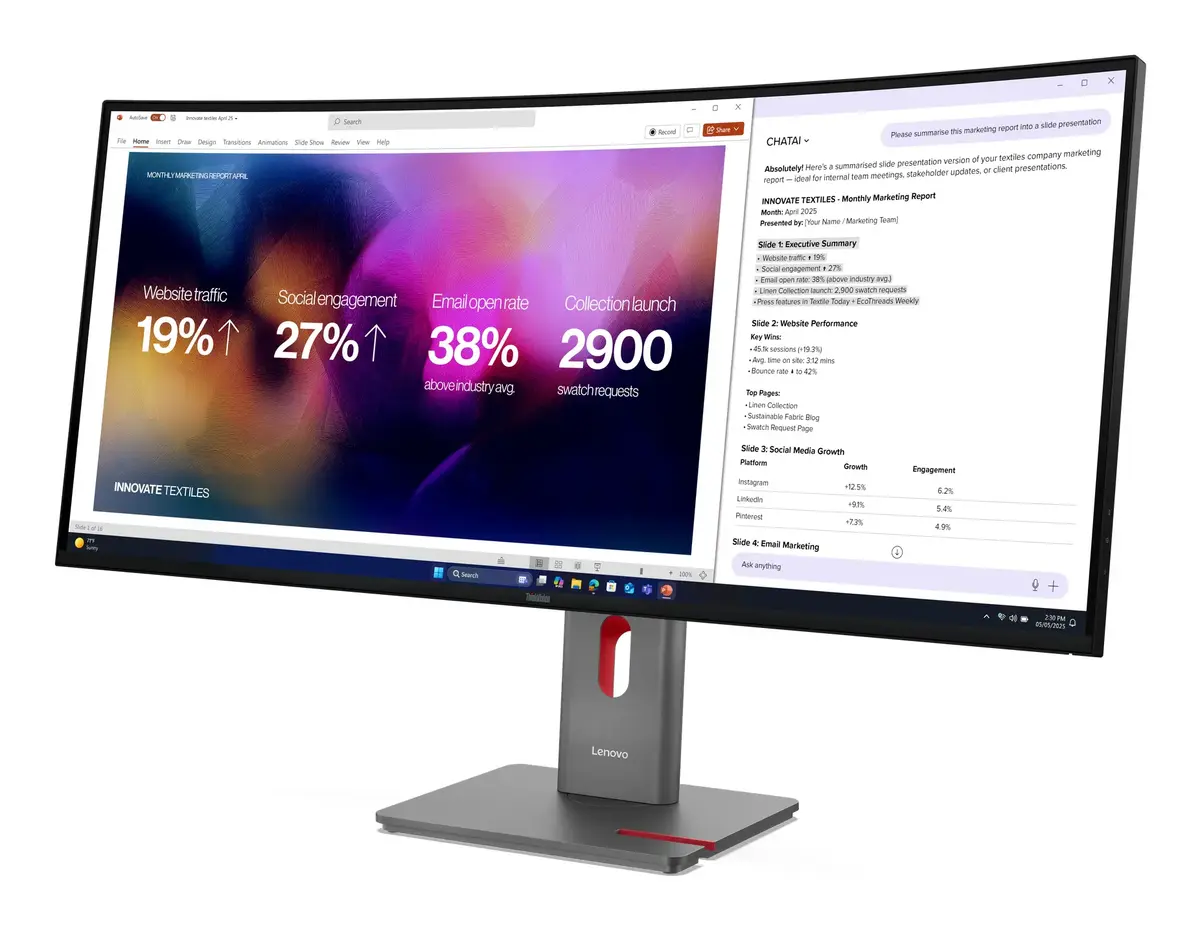
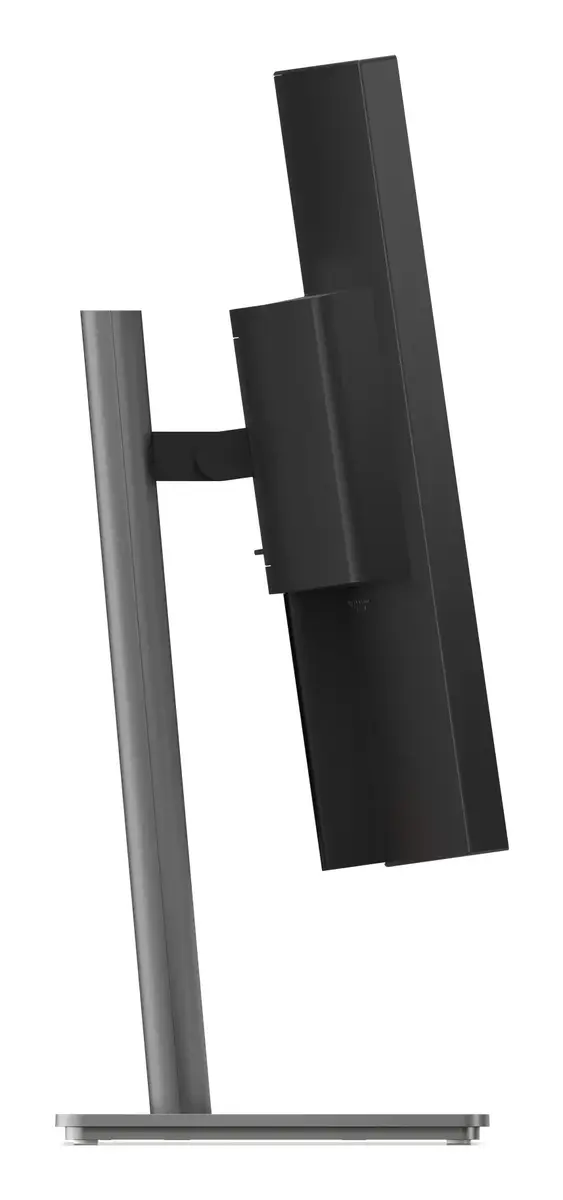
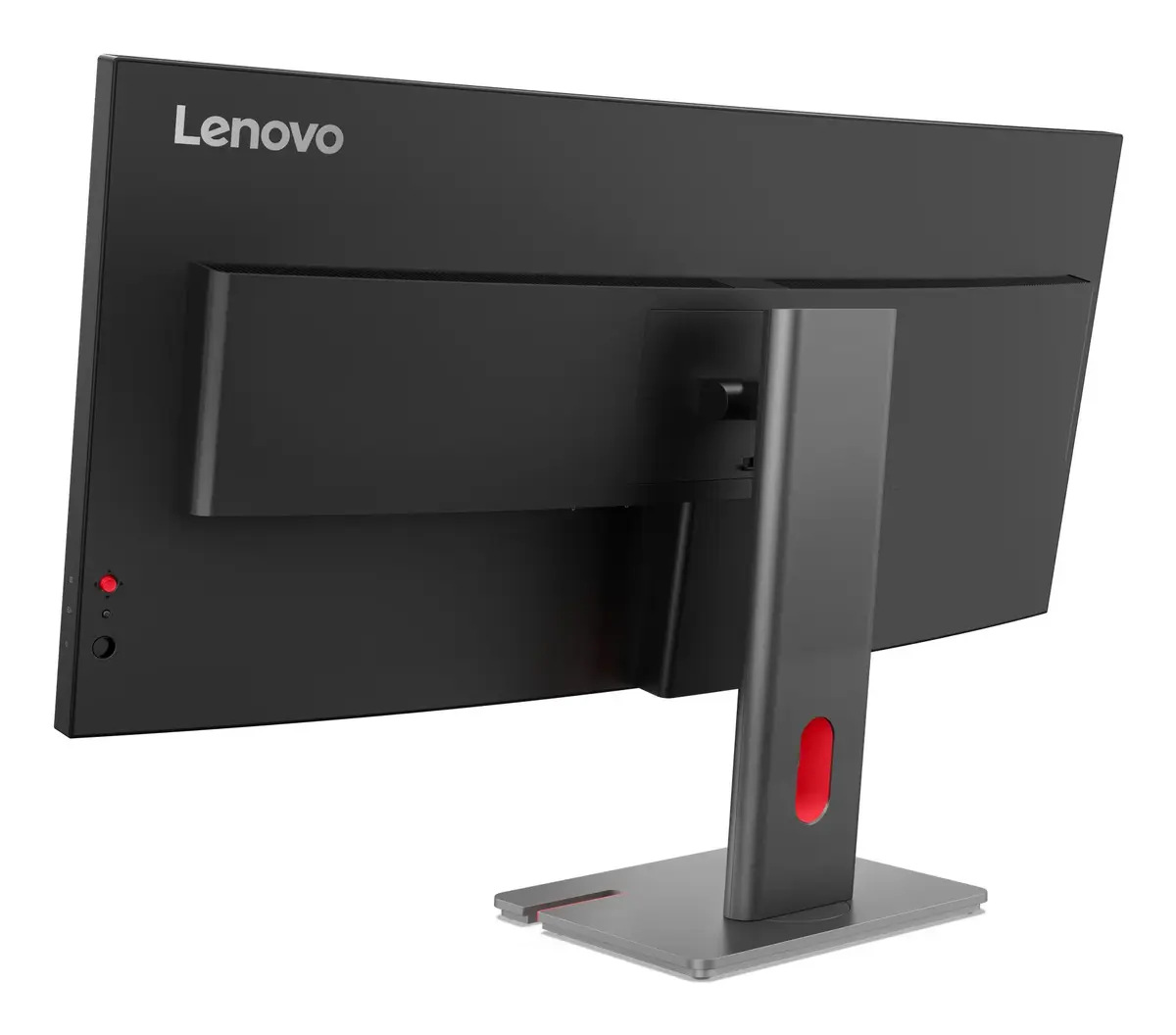
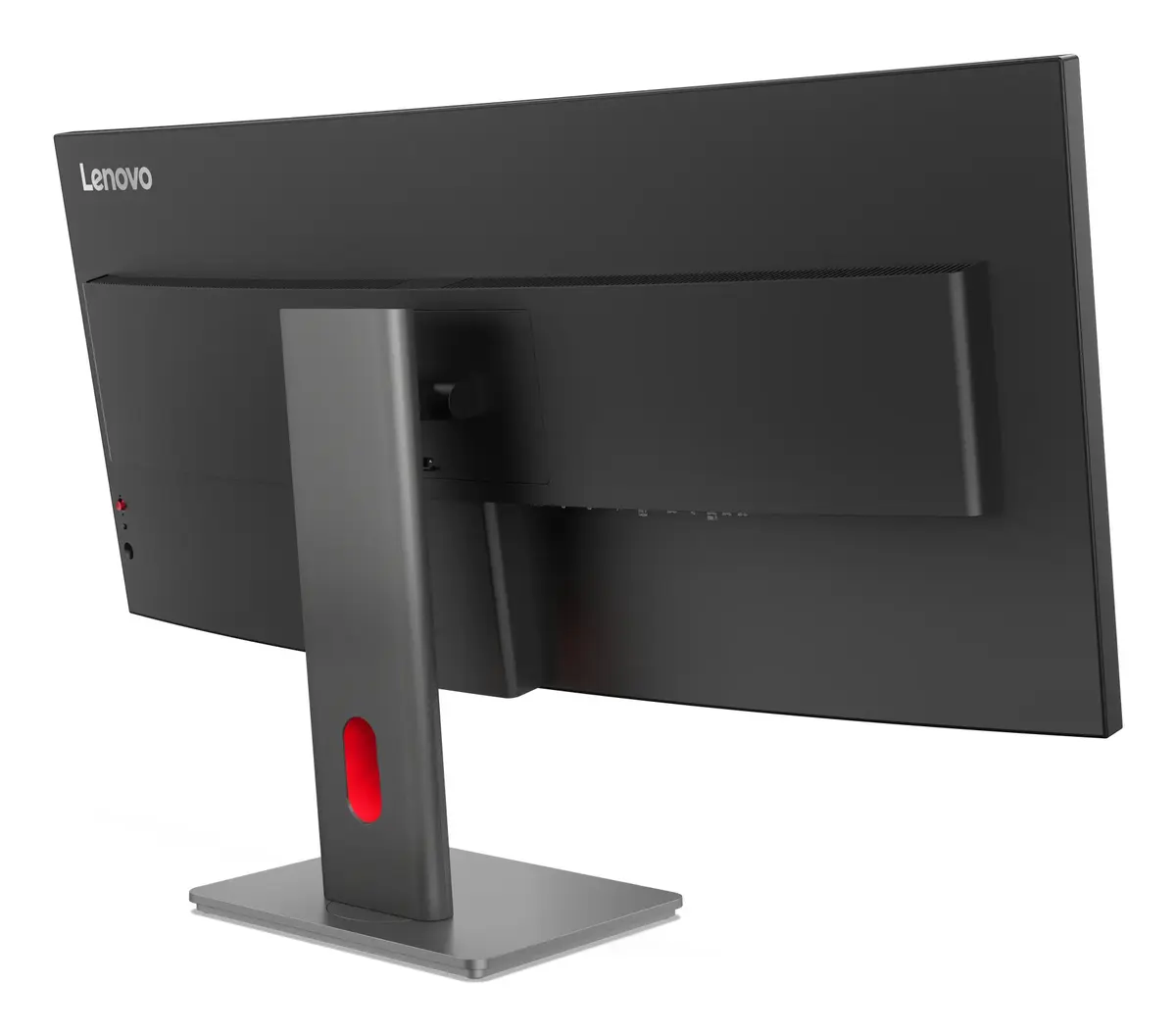
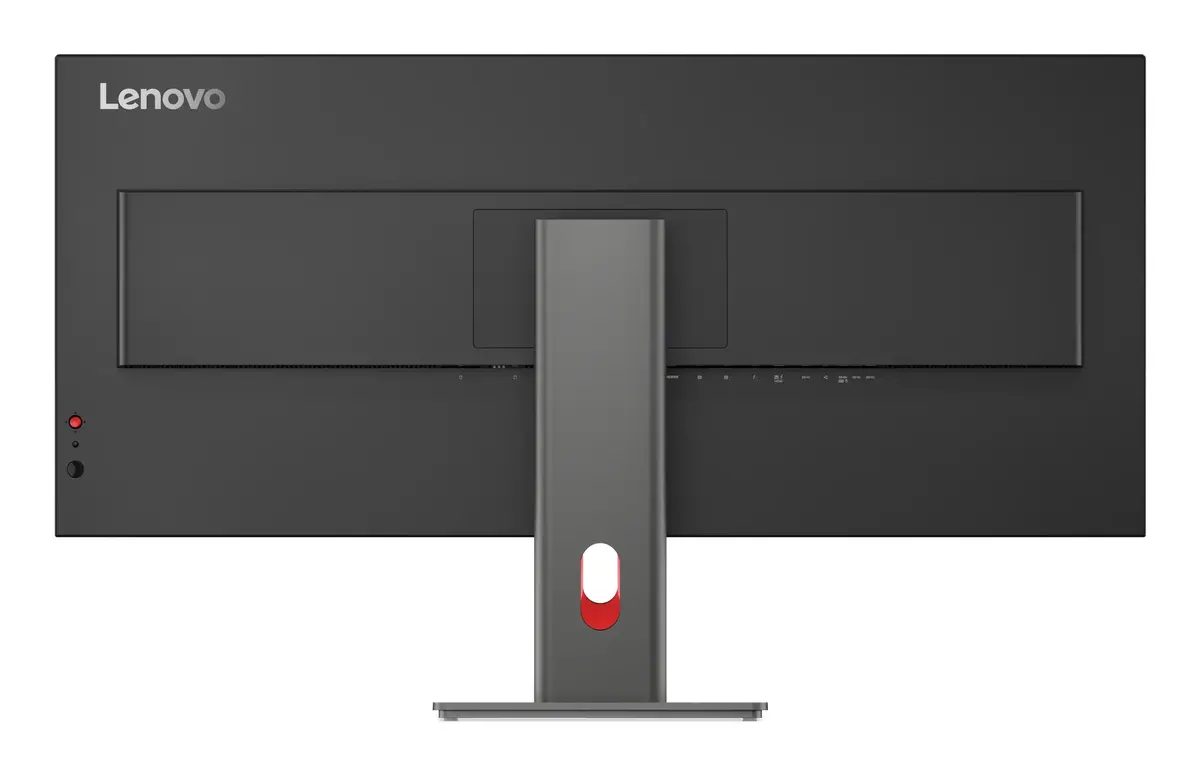
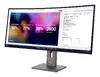
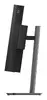
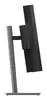
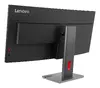
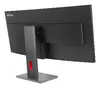
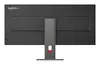
Lenovo ThinkVision P40w-20 Curved Monitor 39.7" 5120 x 2160 IPS 6ms
The Lenovo ThinkVision P40w-20 is a professional-grade 39.7-inch curved monitor designed to enhance productivity and creative workflows. Featuring a stunning WUHD resolution of 5120 x 2160 pixels, this IPS display delivers exceptional clarity and color accuracy, making it an ideal choice for professionals who require expansive screen real estate. The 2500R curvature provides an immersive viewing experience that reduces eye strain during long working hours, while the high-quality panel ensures consistent performance across the entire screen.
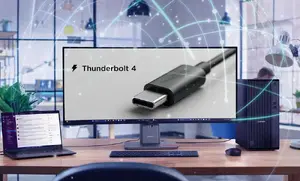
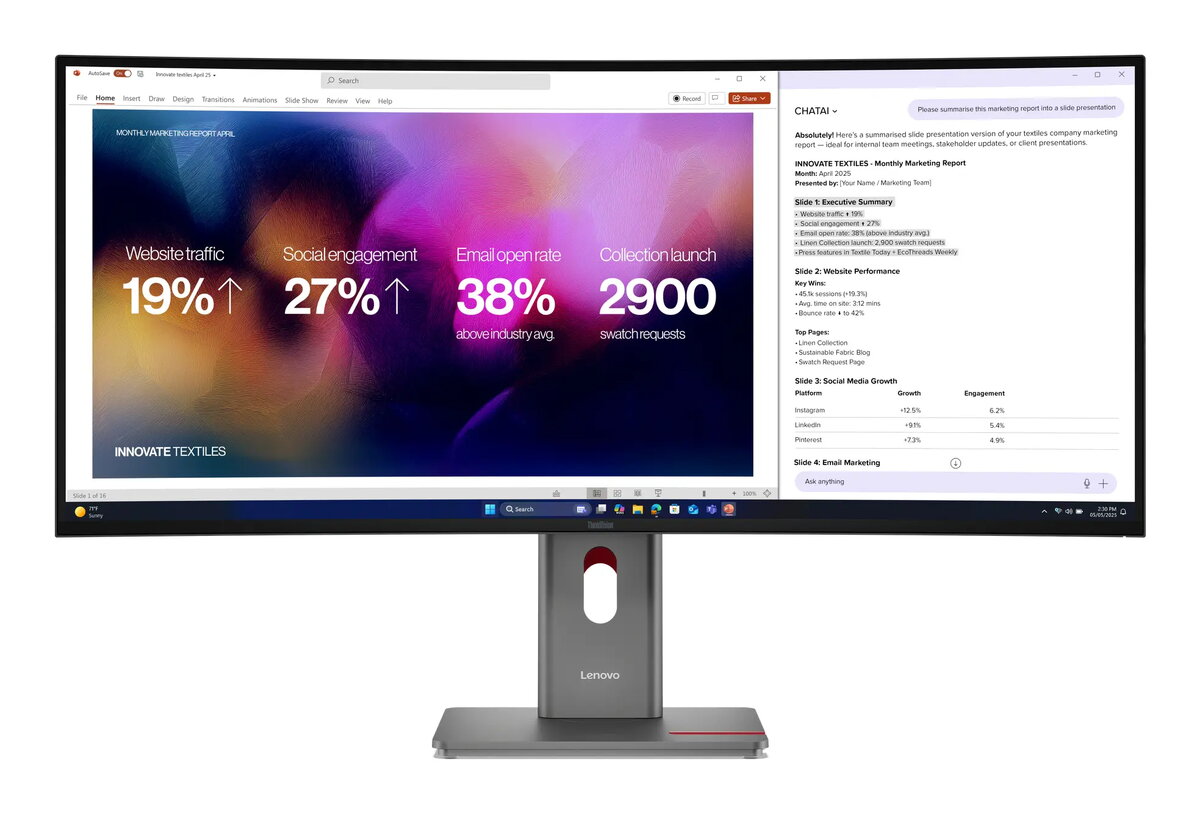
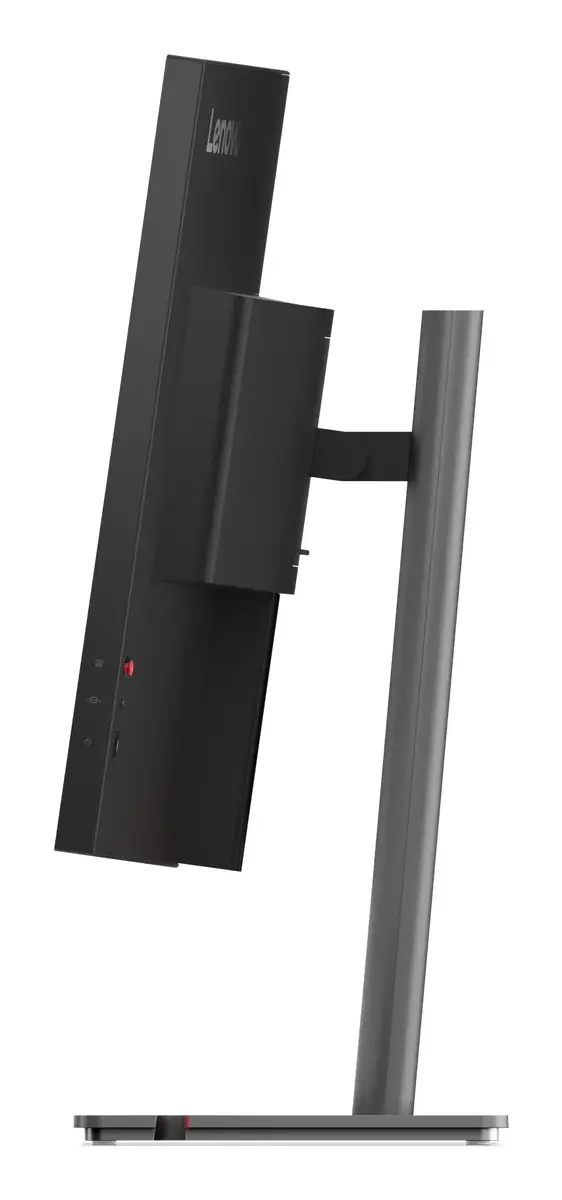
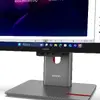
This monitor excels in multitasking environments thanks to its ultra-wide 21:9 aspect ratio, which allows users to manage multiple windows and complex applications side-by-side without the need for a dual-monitor setup. The inclusion of advanced connectivity options, such as Thunderbolt 4, simplifies cable management by providing power delivery, data transfer, and video output through a single connection. Furthermore, the factory-calibrated color gamut ensures that creative professionals can rely on the display for color-critical tasks, while the ergonomic design with height adjustment and VESA compatibility supports a comfortable and organized workspace.
This monitor may not be the best choice for users with limited desk space, as its 39.7-inch size requires a significant footprint. Additionally, while it offers excellent performance for productivity, gamers looking for ultra-high refresh rates or specialized gaming features might find other dedicated gaming displays more suitable for their specific needs.
To use the Lenovo ThinkVision P40w-20, connect your computer using the provided Thunderbolt 4 or DisplayPort cables to ensure full resolution and refresh rate support. Once connected, you can utilize the built-in USB hub to attach peripherals directly to the monitor, reducing clutter on your desk. Use the on-screen display menu to adjust brightness, contrast, and color settings to match your specific lighting environment and workflow requirements. If using multiple devices, take advantage of the integrated KVM functionality to control different computers with a single keyboard and mouse.
For optimal performance, ensure that the monitor firmware is updated via the Lenovo software and that you use high-quality cables to maintain signal integrity for data and power delivery.
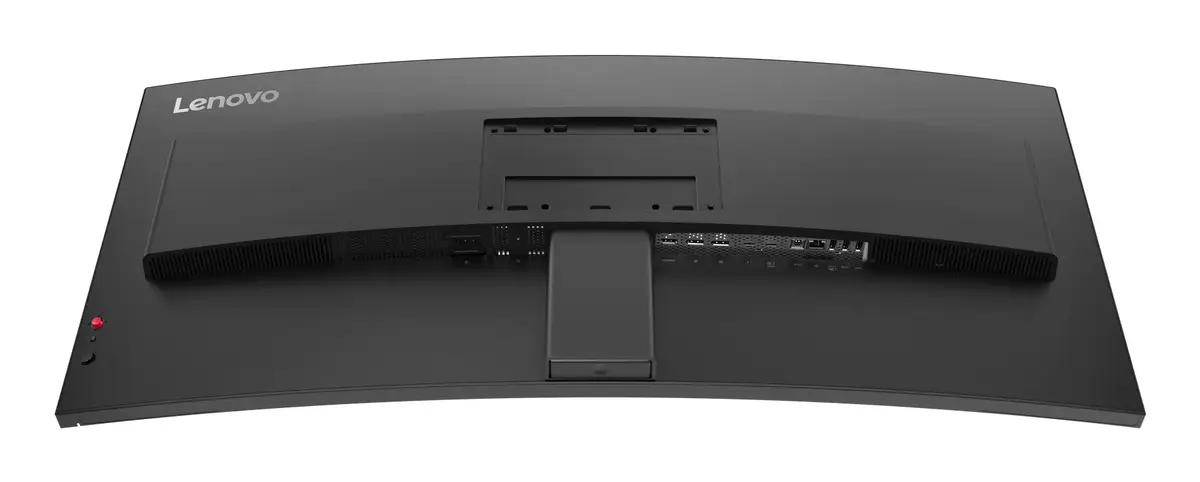
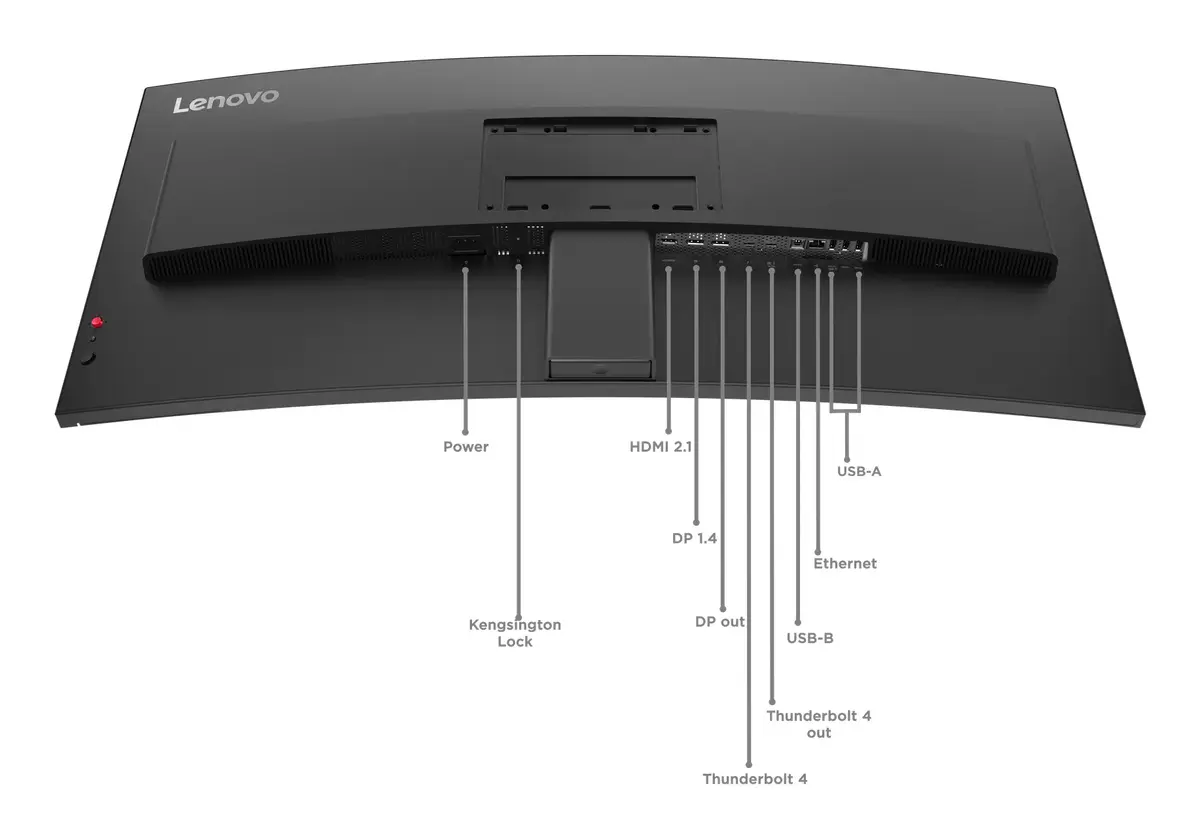
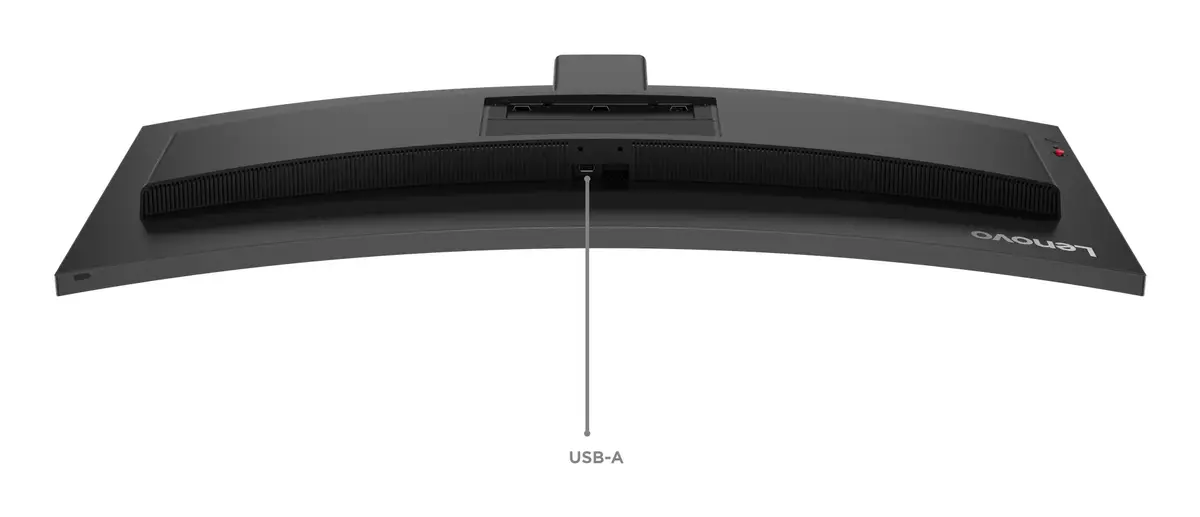
Boost your productivity with a comprehensive Thunderbolt 4 one-cable docking solution. Featuring DisplayPort outputs, a built-in USB hub, PD3.1 charging up to 140W, and a 2.5G RJ45 Ethernet port, this monitor transforms into a seamless hub for your entire workstation ecosystem.

Enhance collaborative efficiency by daisy-chaining up to two displays. The ultra-thin 4-sided bezels minimize gaps, providing a near-seamless multi-monitor workspace perfect for team projects.

Lenovo’s patented True Split technology allows you to divide your ultrawide screen into customizable sections for superior multitasking. The integrated (e)KVM switch further simplifies multi-device workflows, helping you achieve more with less effort.

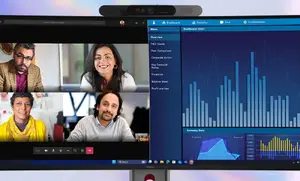
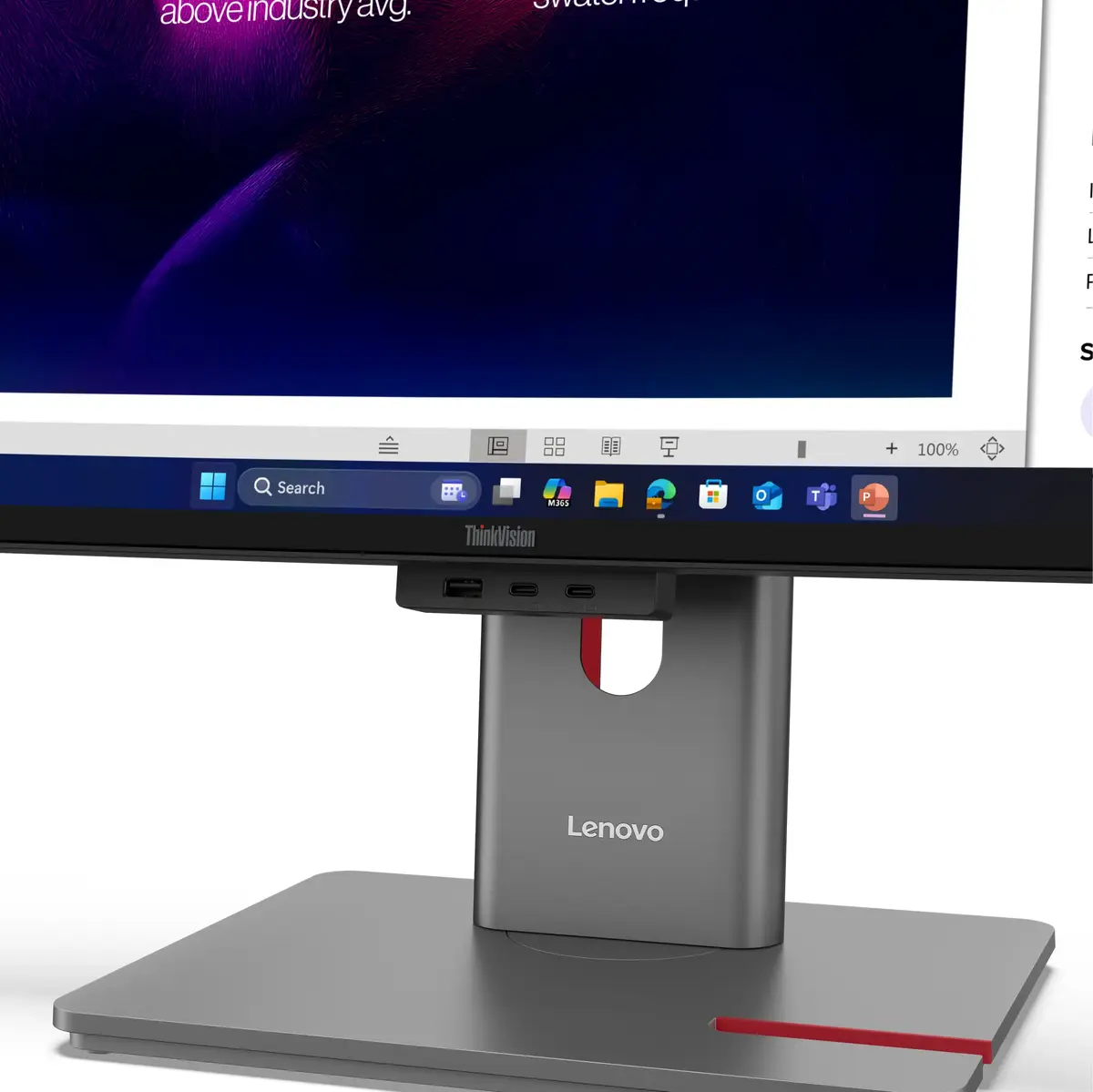
Support for modular stacks like the MC60 and MS30 ensures professional-grade video conferencing. Additionally, the compact PC mounting kit allows for seamless integration with ThinkCentre devices, creating a clean and unified workspace.

The P40w-20 exceeds Energy Star 8.0 standards by over 34%. Its real-time AI-based Backlight Dimming algorithm analyzes on-screen content to dynamically adjust brightness, significantly reducing power consumption.

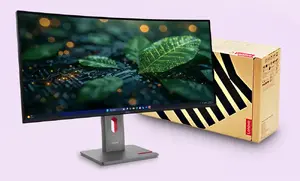
This monitor is built with sustainability in mind, utilizing 95% post-consumer recycled plastic, recycled steel and glass, and 100% paper-based packaging with pulp cushioning.

Lenovo is committed to the environment, ensuring our products meet rigorous global standards including EPEAT Gold, EnergyStar, and TCO 10 certifications.
{{highlightedFeature.featureTitle}}:
{{getProductFeatureValueById(product, highlightedFeature.featureId)}}
{{ productComparisonGenerationError }}
Device manufacturer code
Device manufacturer
iagonal of the visible part of the screen expressed in centimeters and inches.
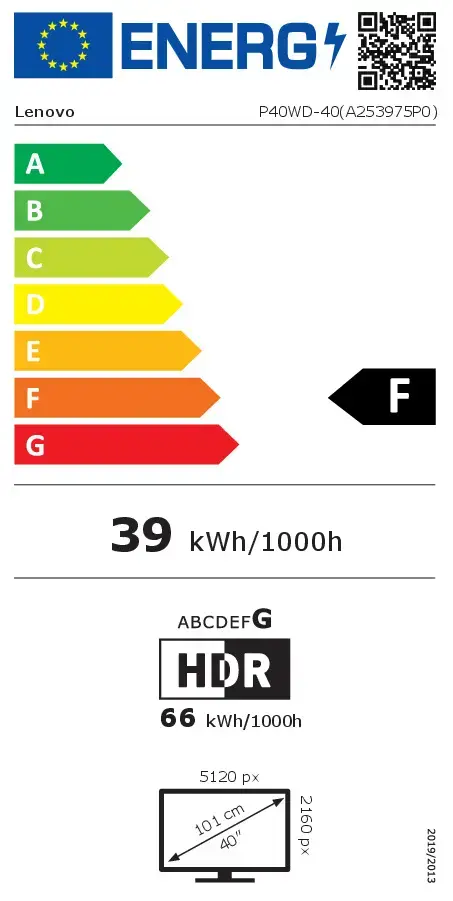
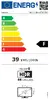
Energy efficiency class is a standard classification that is used all over Europe and which is understandable at first sight. Products can be efficiently compared according to classes, starting from A (the most energy efficient class), and ending with G (the most energy-intensive class). The classification of energy efficiency is based on annual energy consumption which is being calculated on the basis of several different parameters.
Power consumption in switched-on state expressed in W.