
Hurry and order now – up to 50% off!
In cart {{totalProductsCount}} item(s)
Your cart is empty
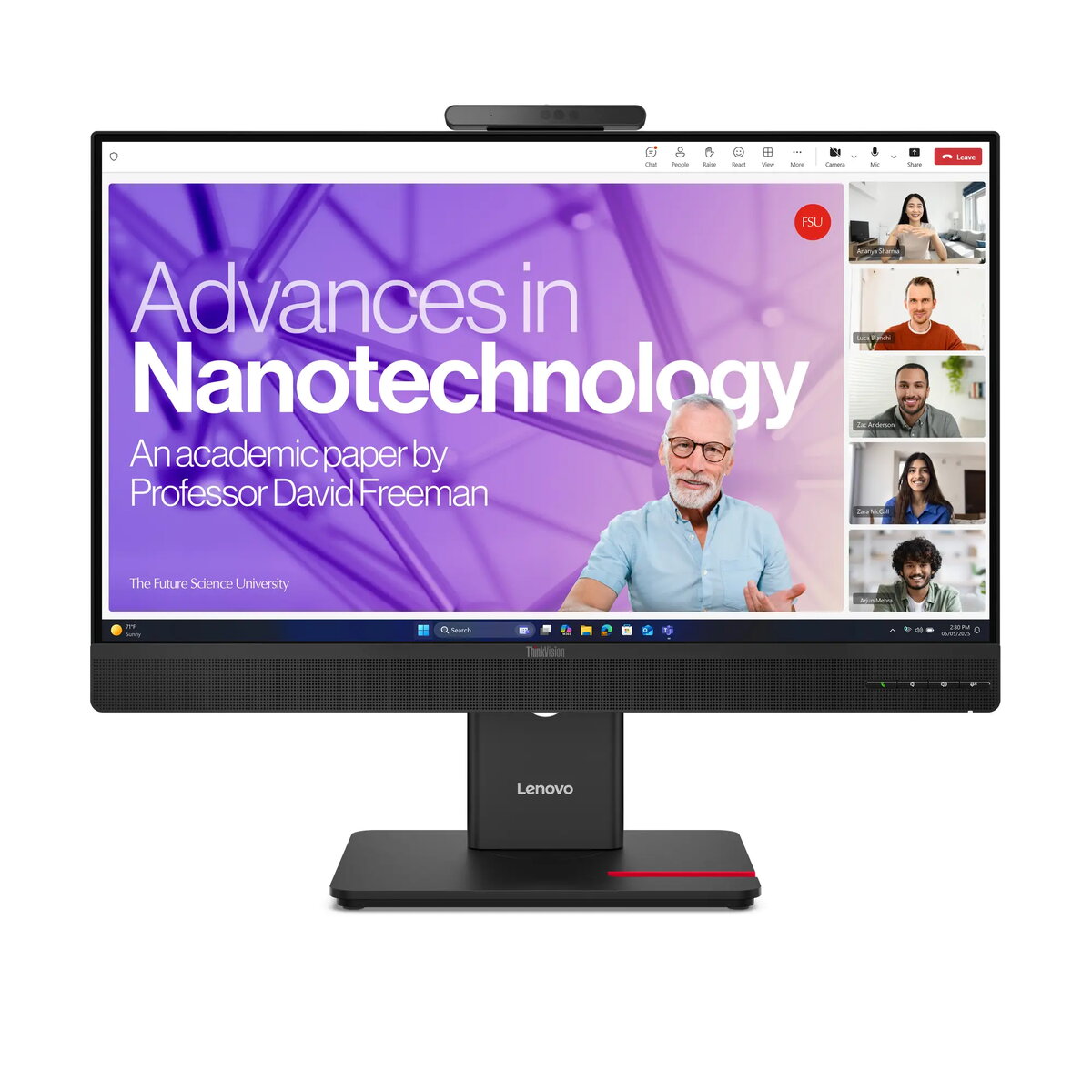
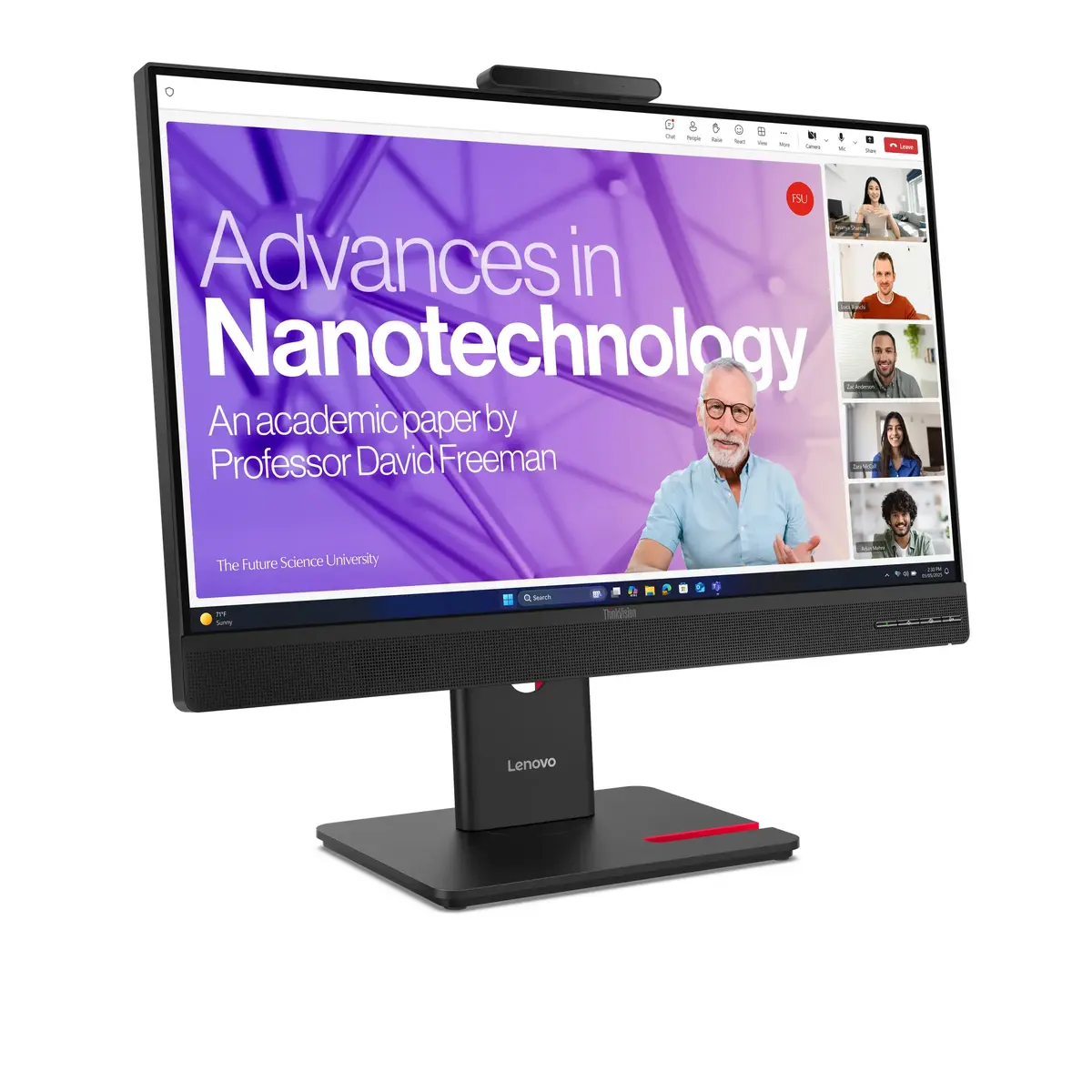
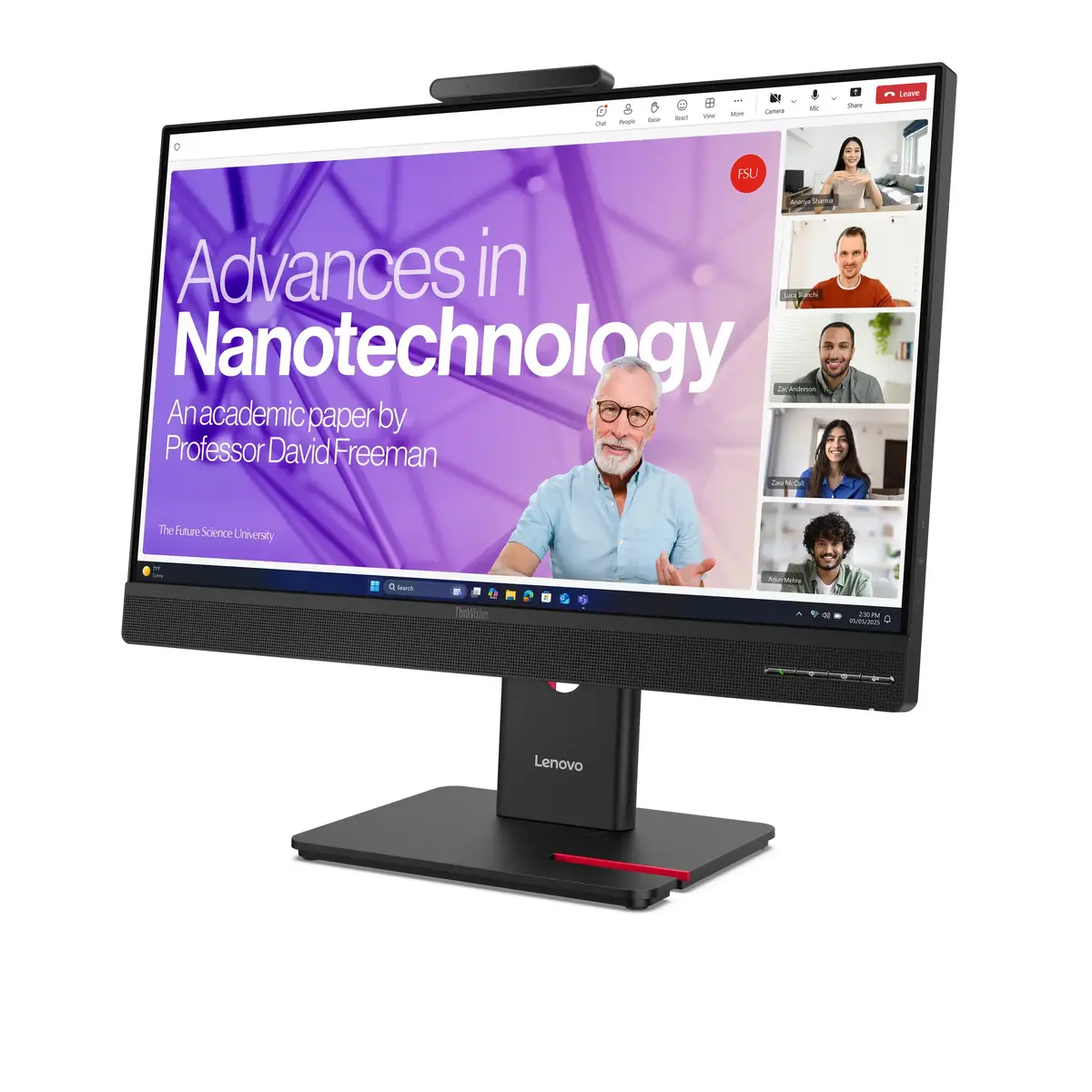
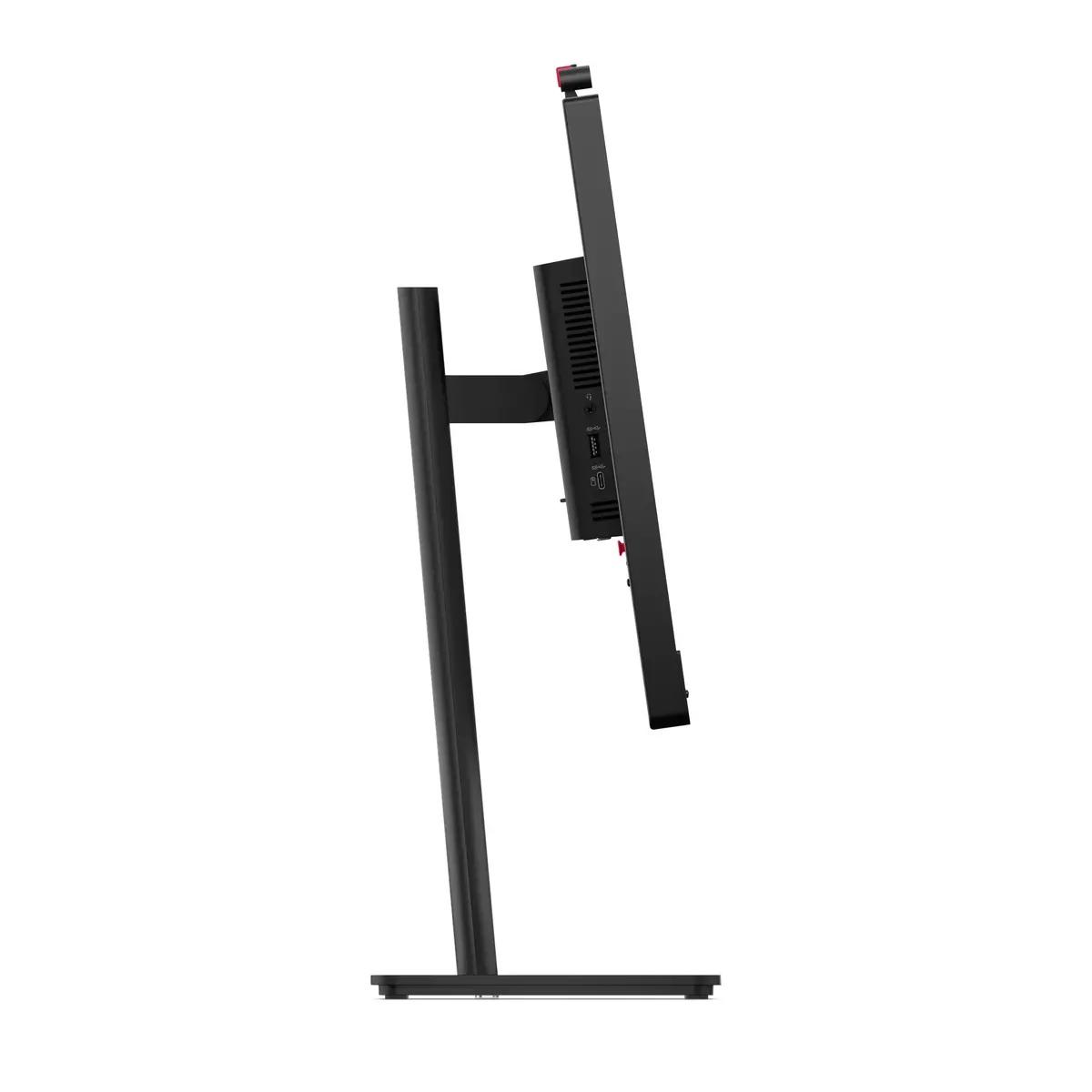
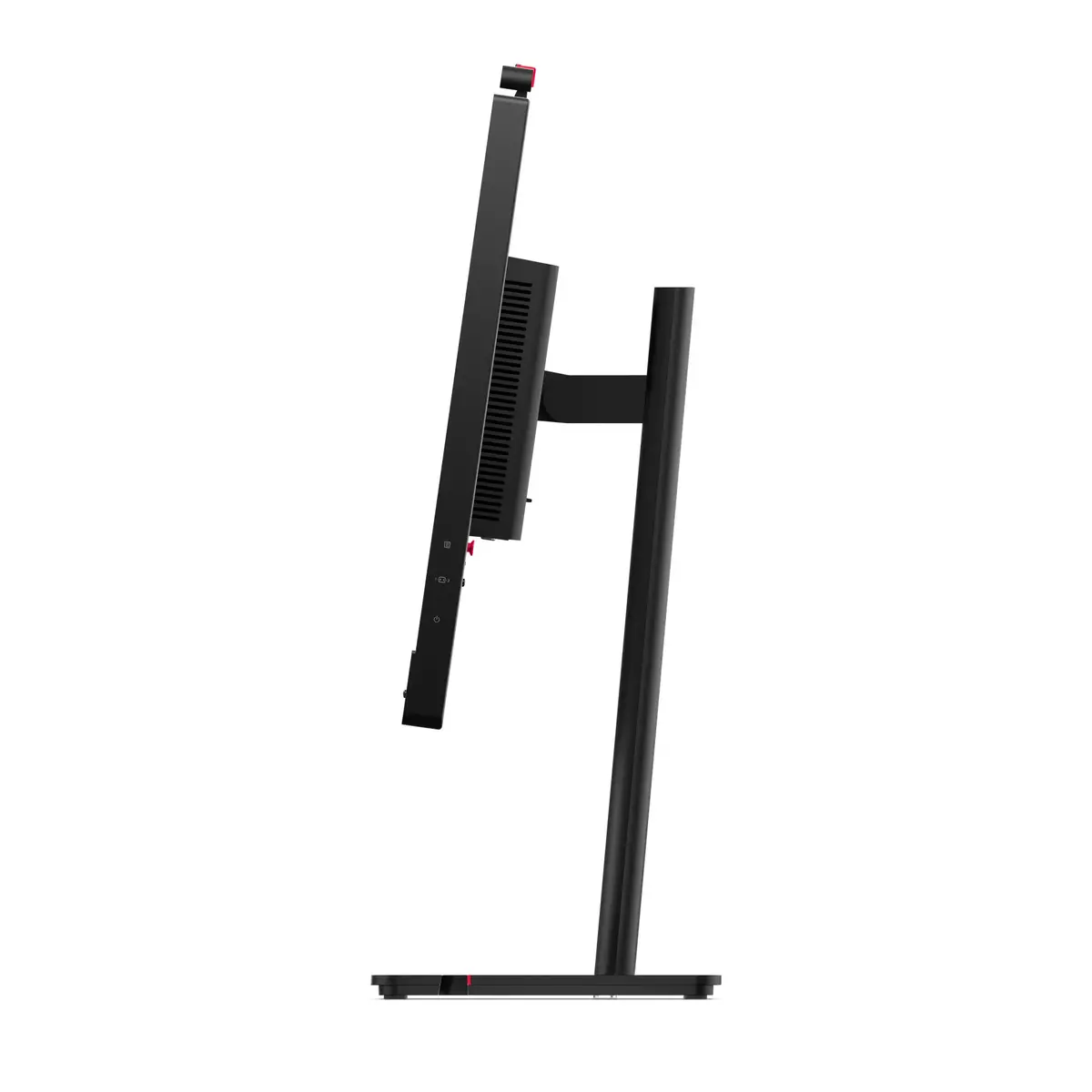
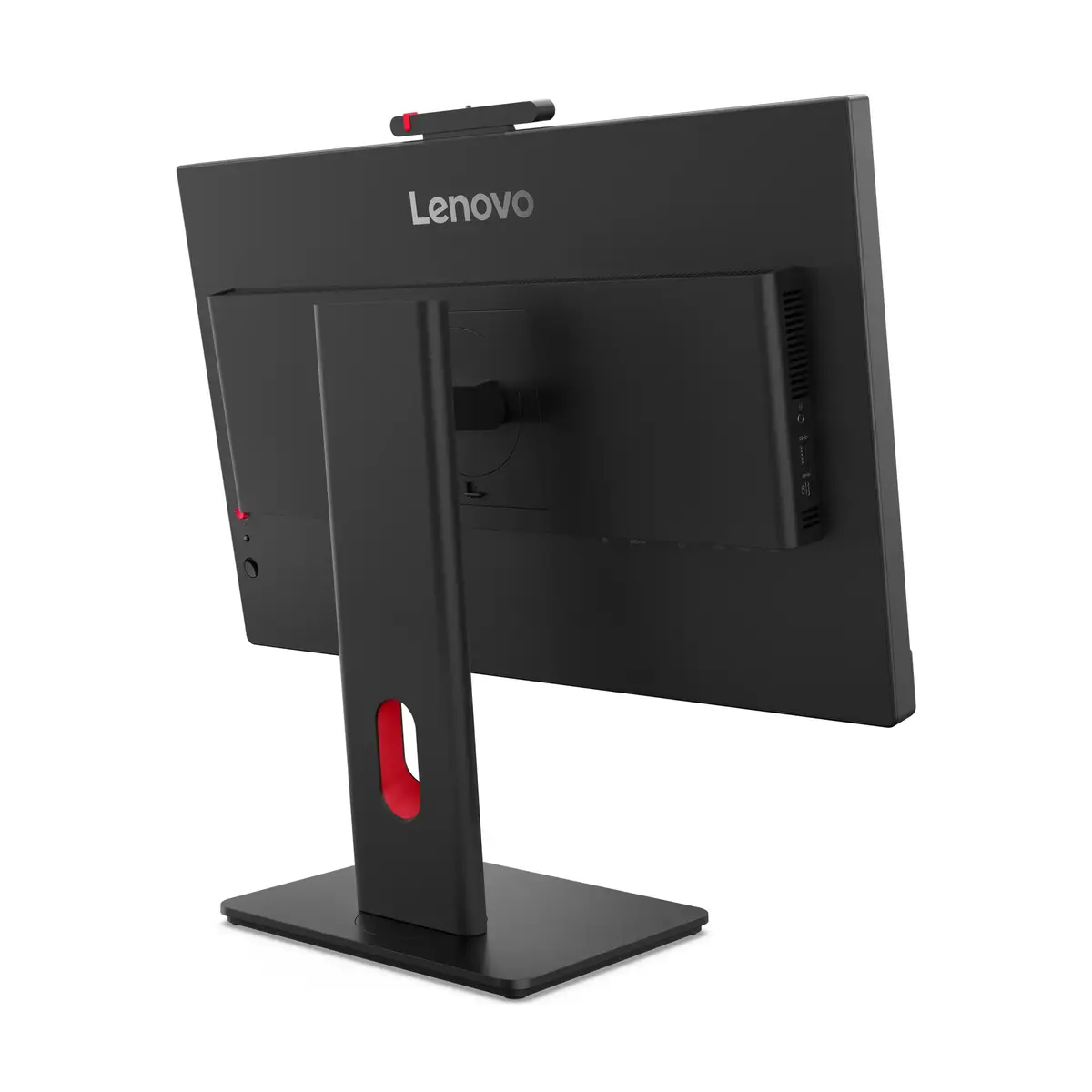
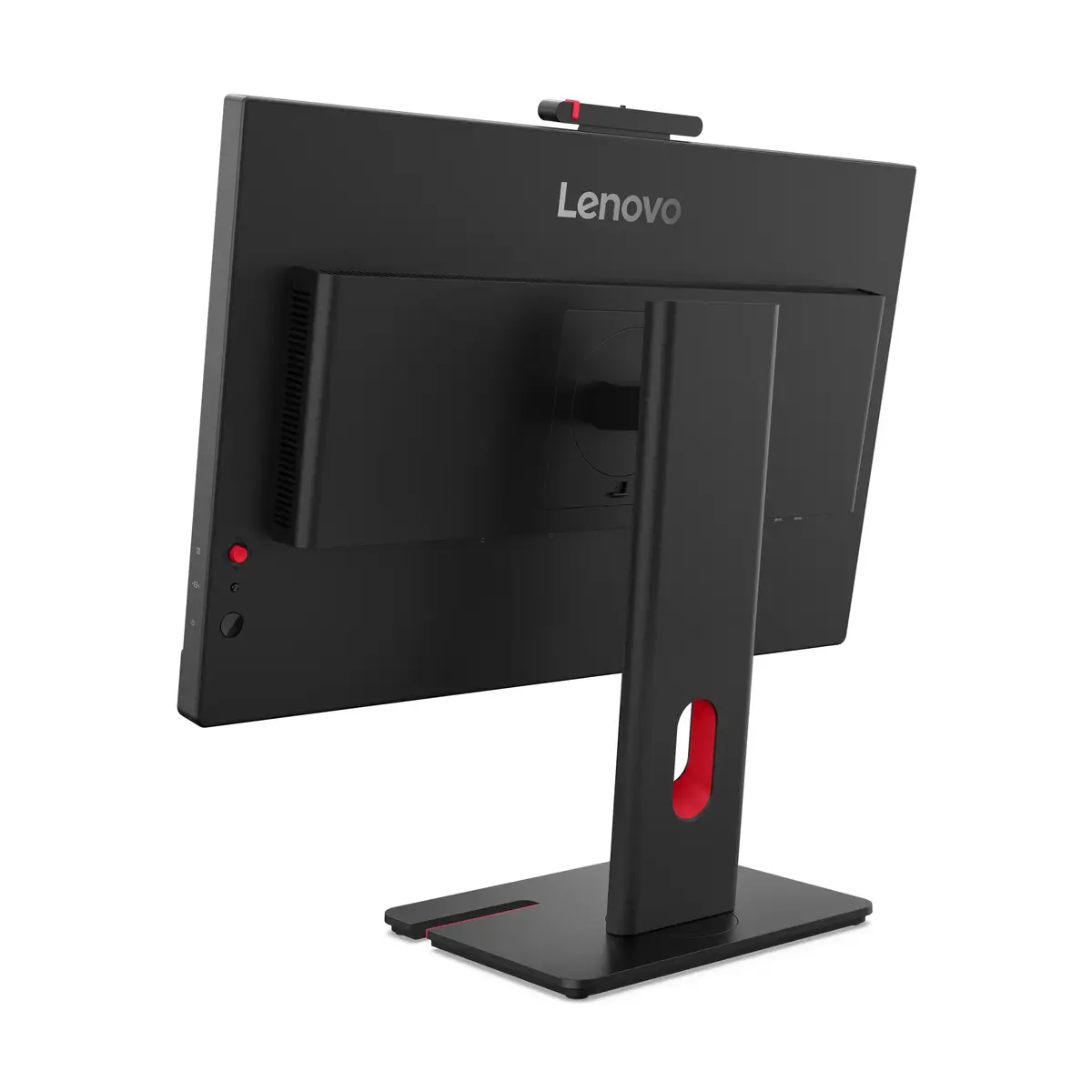
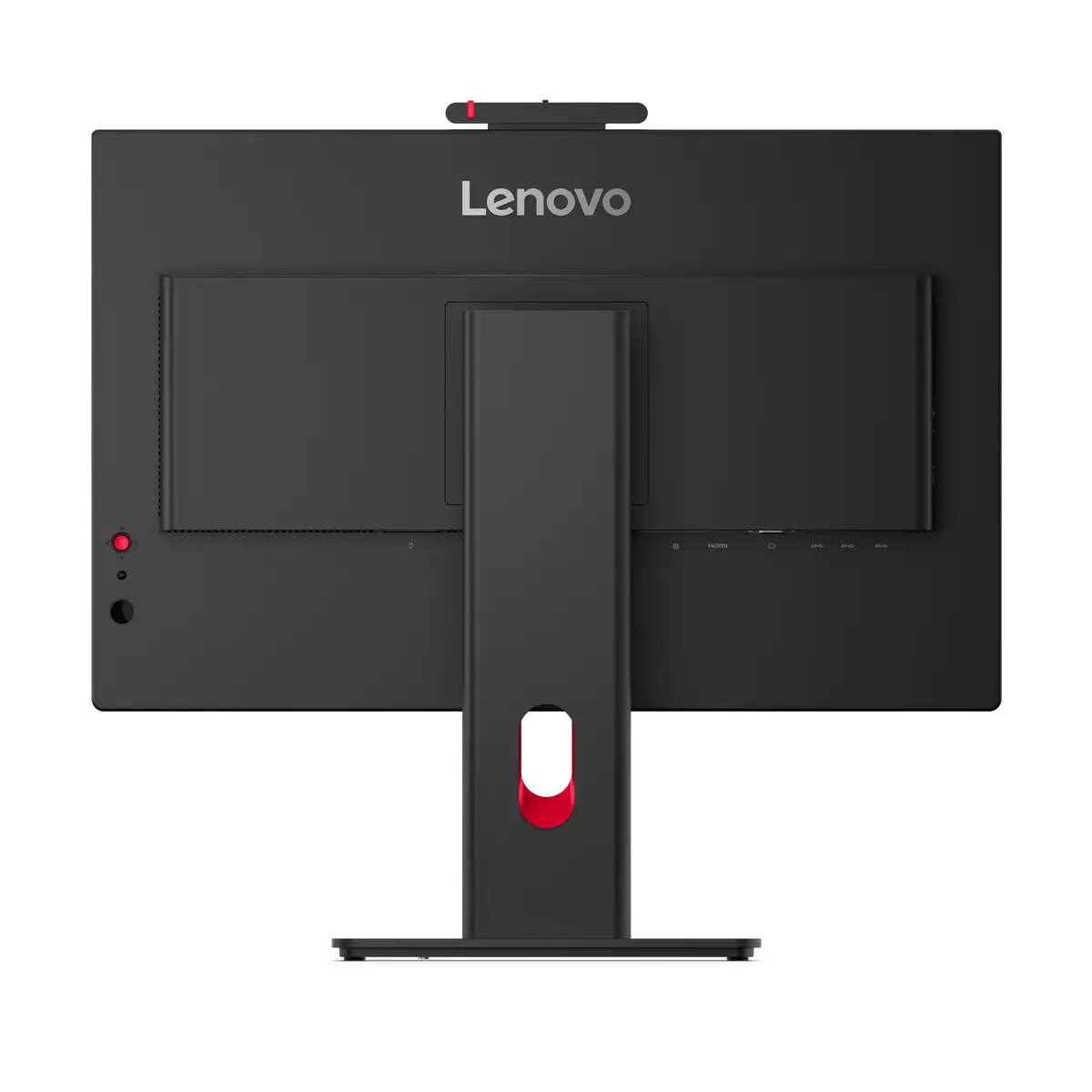
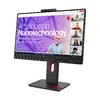
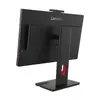
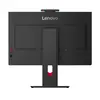
Monitor Lenovo ThinkVision T27QD-4v — 27" (68.6 cm), 2560×1440 QHD, IPS, 6 ms, 350 cd/m², 1500:1, USB hub, speakers, VESA
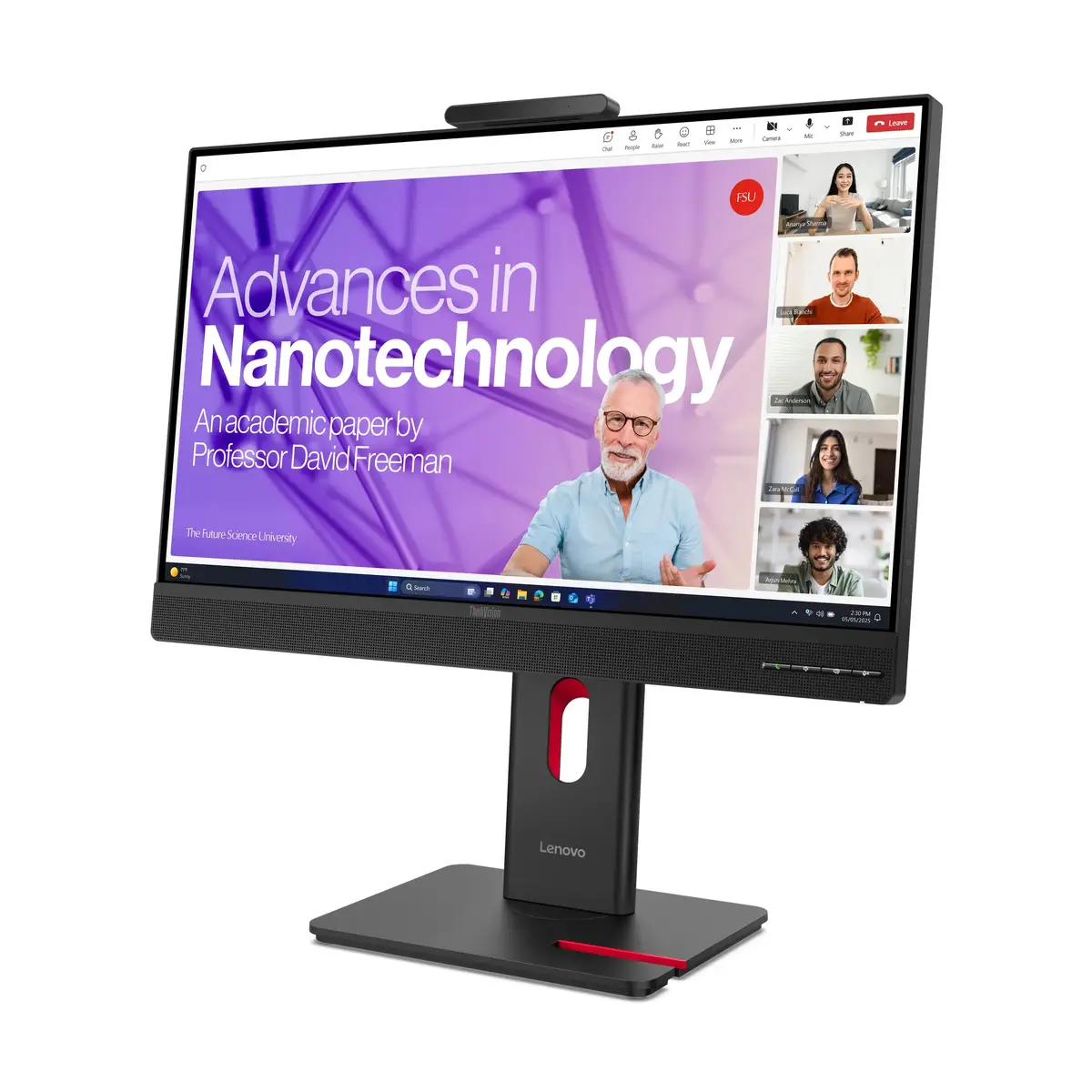
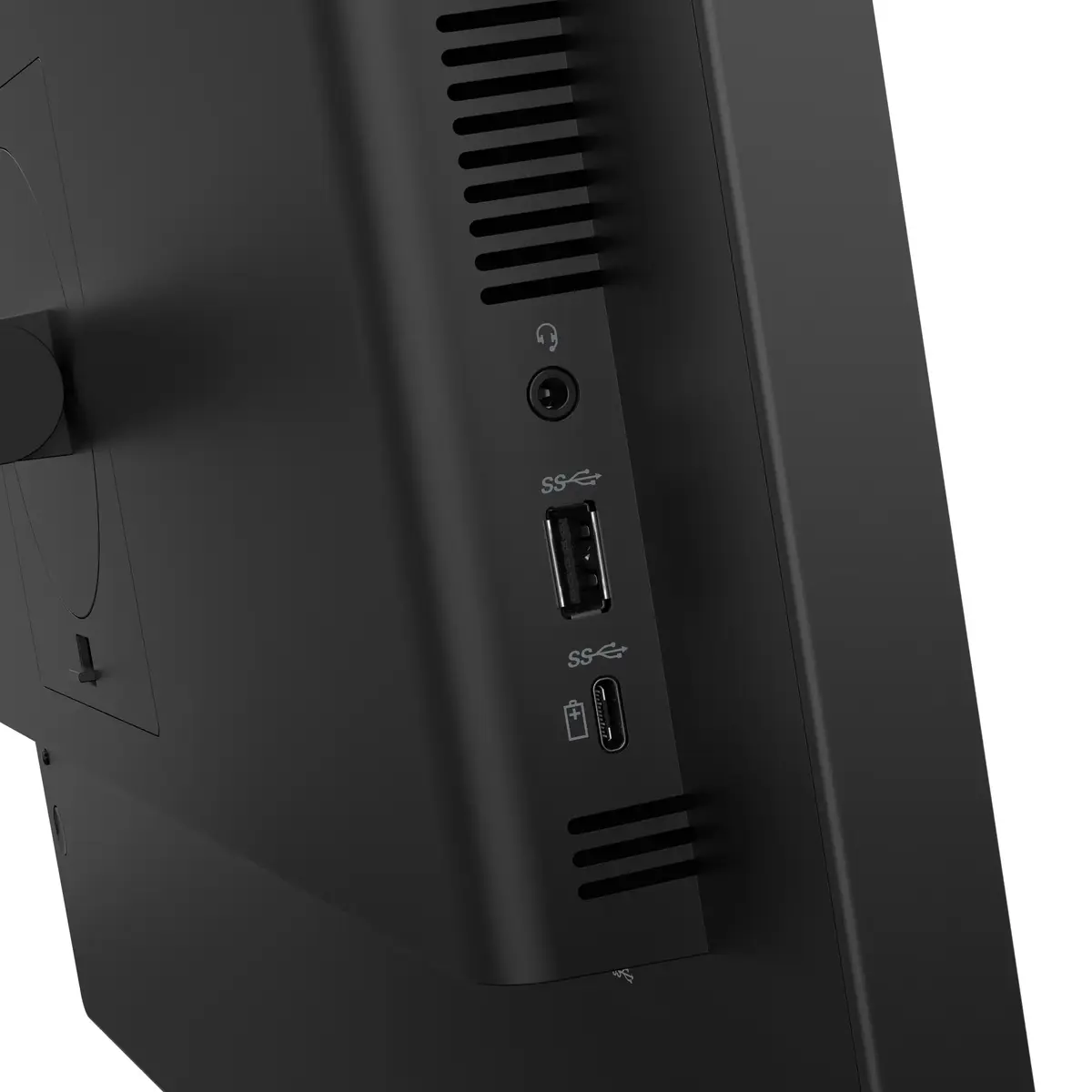
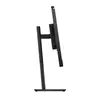
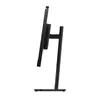
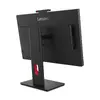
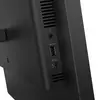
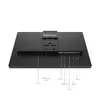
The Lenovo ThinkVision T27QD-4v is a 27" (68.6 cm) QHD (2560×1440) IPS LCD monitor designed for office tasks, multitasking and general content viewing. It delivers a 16:9 widescreen image with a pixel-dense Quad HD resolution, an IPS panel that maintains wide 178° viewing angles, and a matte screen finish to reduce reflections. The display offers a typical brightness of 350 cd/m², a typical contrast ratio of 1500:1 and a 6 ms response time, balanced for productivity and everyday multimedia use. The monitor includes integrated stereo speakers, a built-in USB 3.2 Gen 1 hub with one USB‑C downstream port, ergonomic height adjustment and support for VESA mounting.
The ThinkVision T27QD-4v combines a high-resolution IPS panel with practical connectivity and ergonomic features. Quad HD resolution provides increased desktop space for spreadsheets, documents and side-by-side windows, while the IPS matrix keeps colors and contrast consistent across wide viewing angles. The integrated USB hub and USB‑C downstream port simplify cable management and allow convenient connection of peripherals. Built-in speakers and VESA compatibility reduce the need for extra accessories and make the monitor adaptable to varied workspace setups.
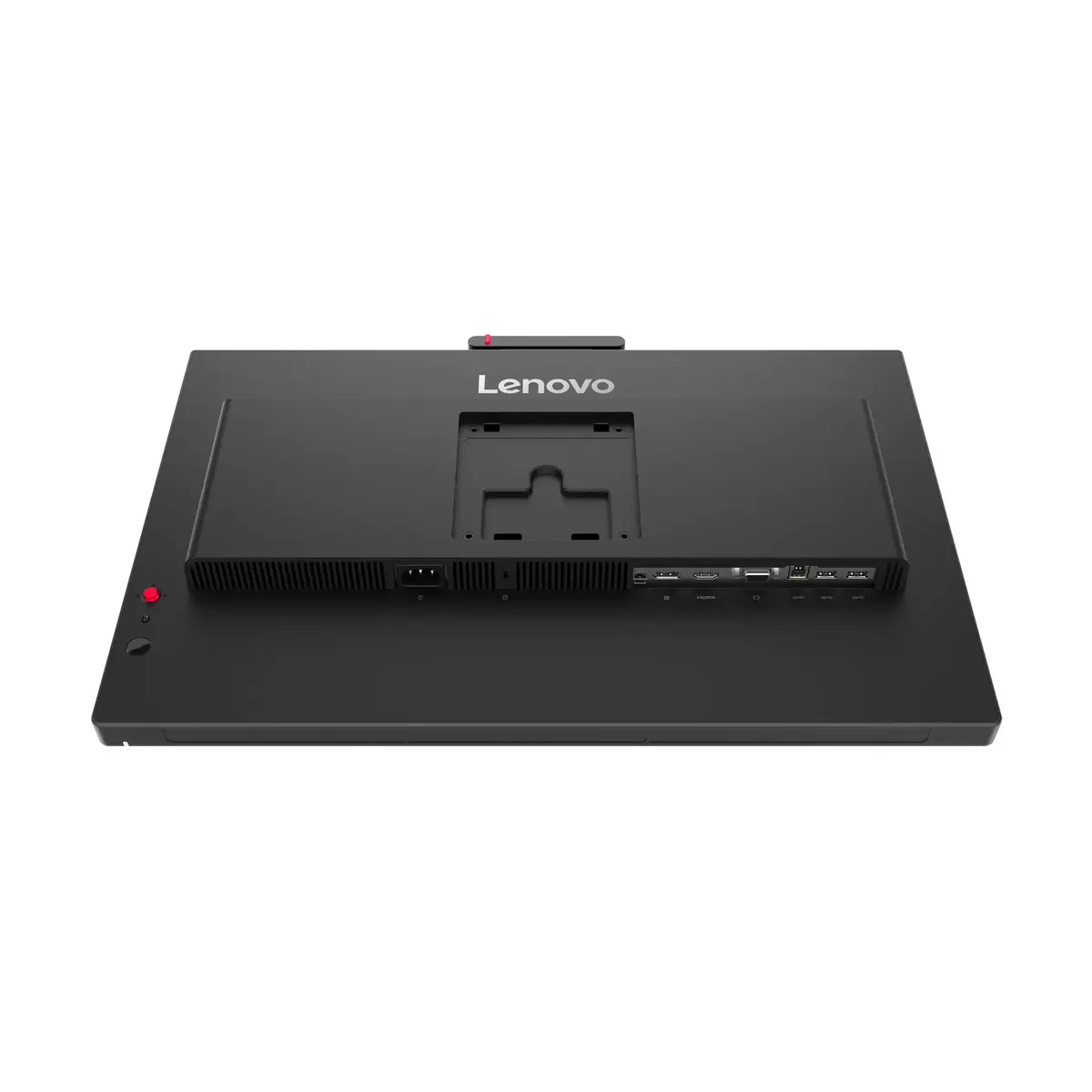
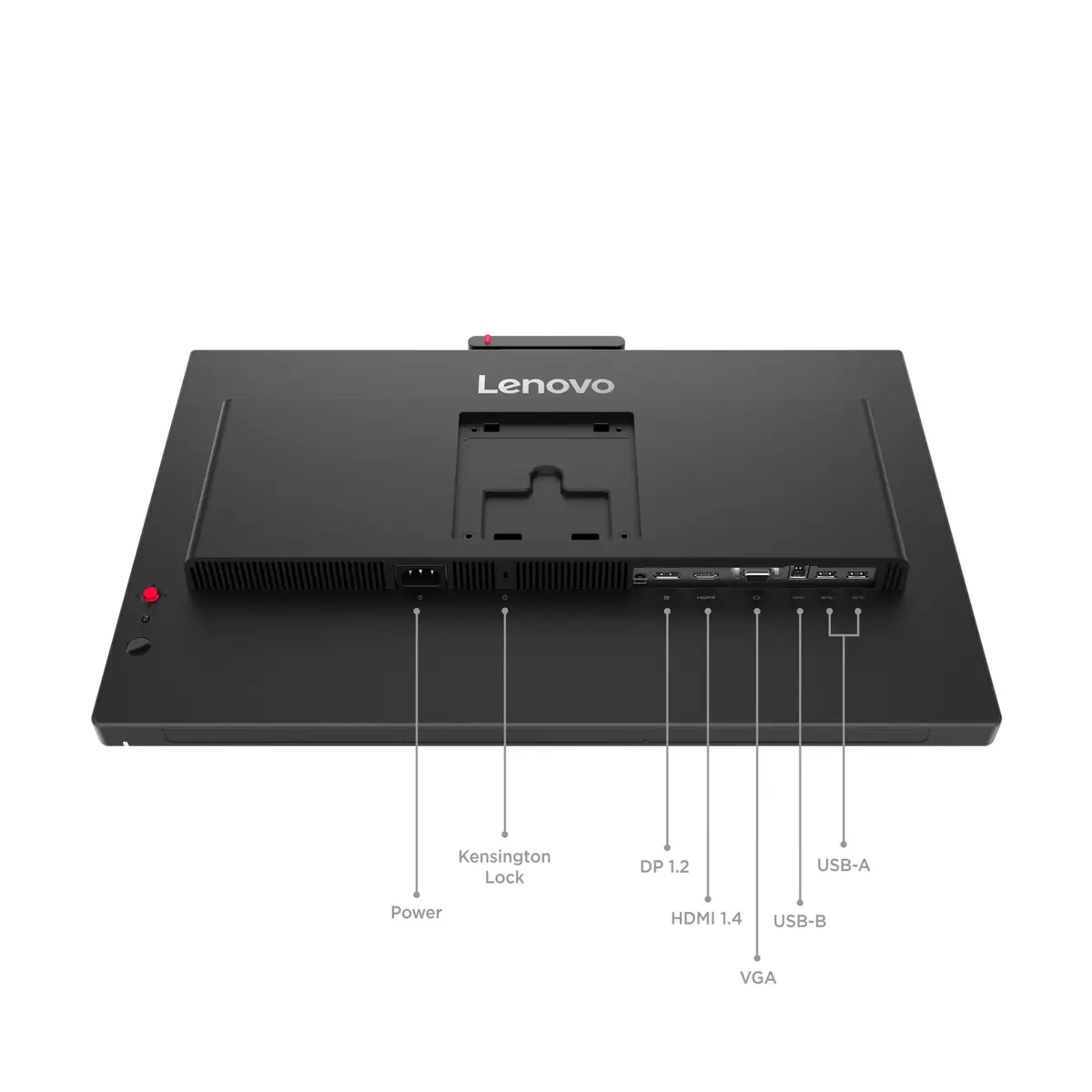
Place the monitor on a stable desk surface or mount it using a compatible VESA bracket. Connect the video source via DisplayPort or HDMI; use the USB Type-C downstream port to connect peripherals or a hub. Adjust the height to align the top of the screen roughly with eye level for an ergonomic viewing position. Use the monitor's built-in menu to calibrate brightness and color settings to your workspace lighting and workflow requirements. For audio, enable the integrated speakers or connect external speakers/headphones to the source device if preferred.
For prolonged productivity sessions, set brightness to a comfortable level relative to ambient light (typically below the maximum 350 cd/m²) and enable a neutral color temperature for accurate review of documents and images. Use the USB hub to consolidate peripherals and reduce desk clutter; mount the display if you require additional desk space or a multi-monitor arrangement.
{{highlightedFeature.featureTitle}}:
{{getProductFeatureValueById(product, highlightedFeature.featureId)}}
{{ productComparisonGenerationError }}
Device manufacturer code
Device manufacturer
iagonal of the visible part of the screen expressed in centimeters and inches.
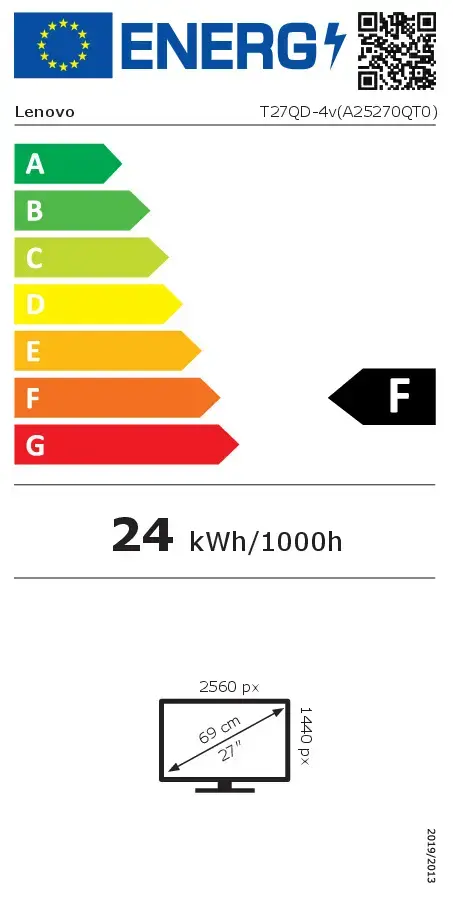
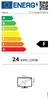
Energy efficiency class is a standard classification that is used all over Europe and which is understandable at first sight. Products can be efficiently compared according to classes, starting from A (the most energy efficient class), and ending with G (the most energy-intensive class). The classification of energy efficiency is based on annual energy consumption which is being calculated on the basis of several different parameters.
Power consumption in switched-on state expressed in W.
