-
Contrast ratio (typical):
-
500:1
-
Processor model:
-
120U
-
Weight:
-
1.61 kg
-
Certification:
-
ErP Lot 6
MIL-STD-810H
TÜV Rheinland® Low Blue Light (Software Solution)
-
Bundled software:
-
Office Trial
-
Internal memory type:
-
DDR5-SDRAM
-
Wi-Fi standards:
-
802.11a, 802.11g, Wi-Fi 5 (802.11ac), 802.11b, Wi-Fi 4 (802.11n), Wi-Fi 6 (802.11ax)
-
Battery technology:
-
Lithium Polymer (LiPo)
-
Motherboard chipset:
-
Intel SoC
-
Pointing device:
-
Touchpad
-
Memory slots:
-
2x SO-DIMM
-
Operating relative humidity (H-H):
-
8 - 95
-
Storage temperature (T-T):
-
5 - 43
-
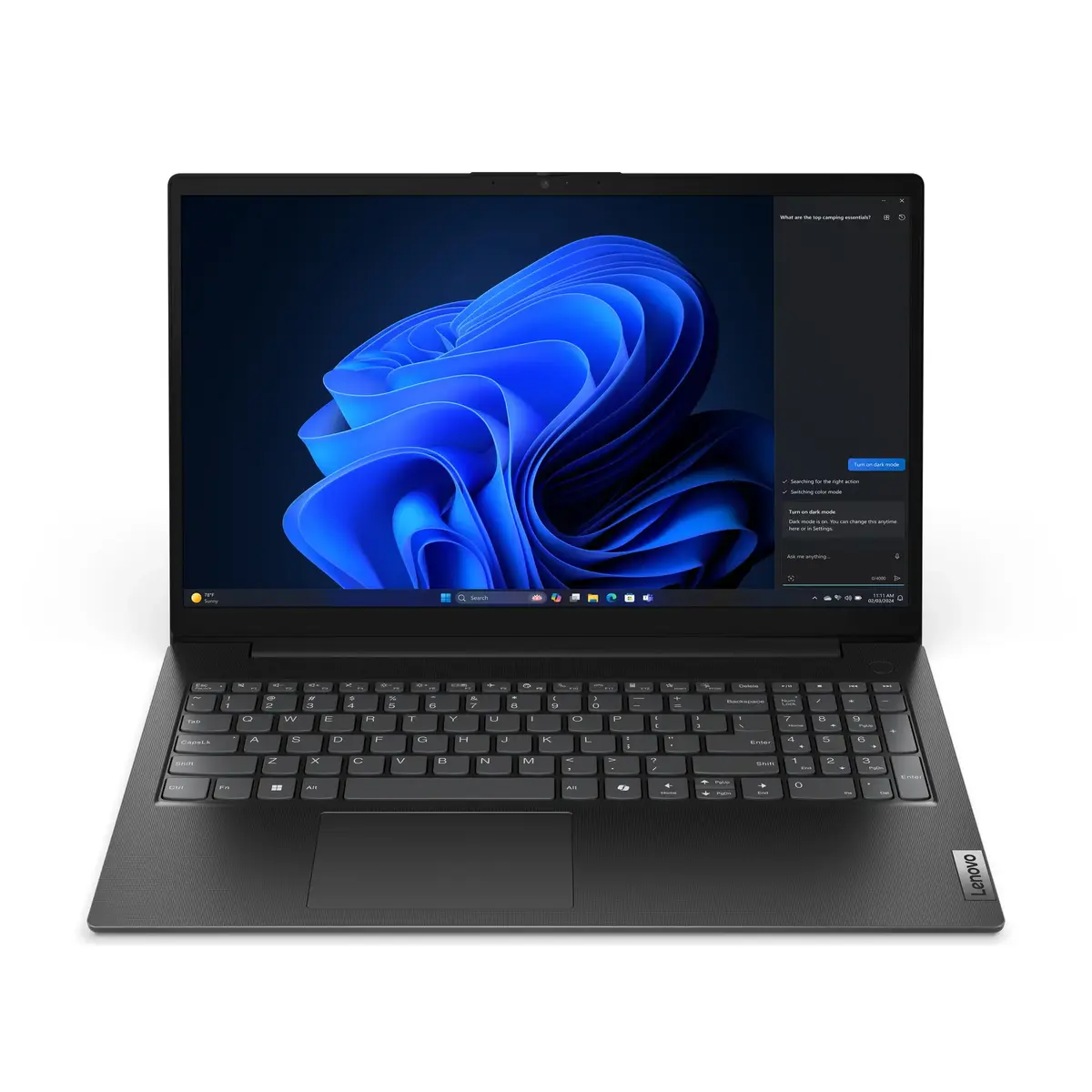
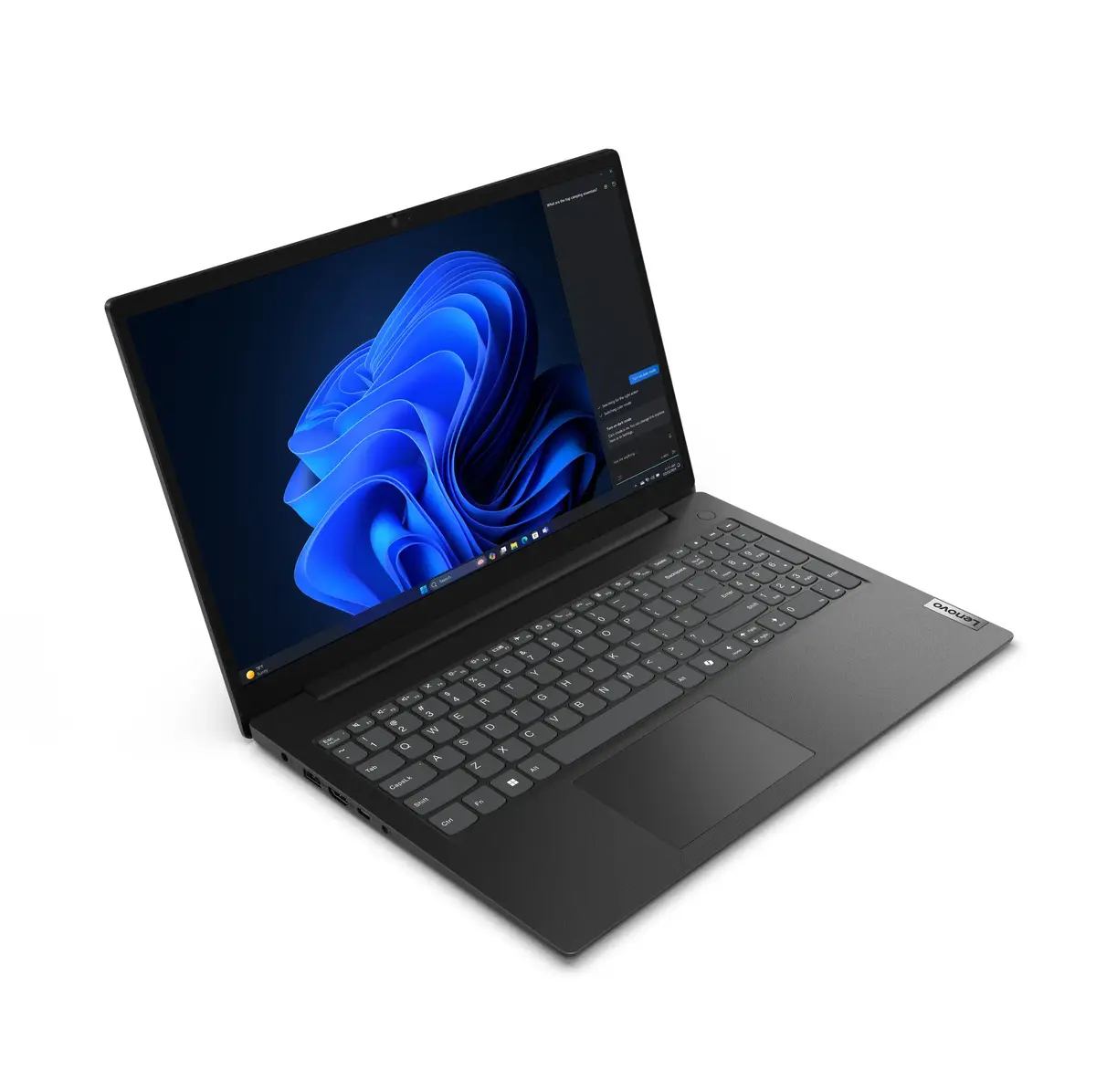
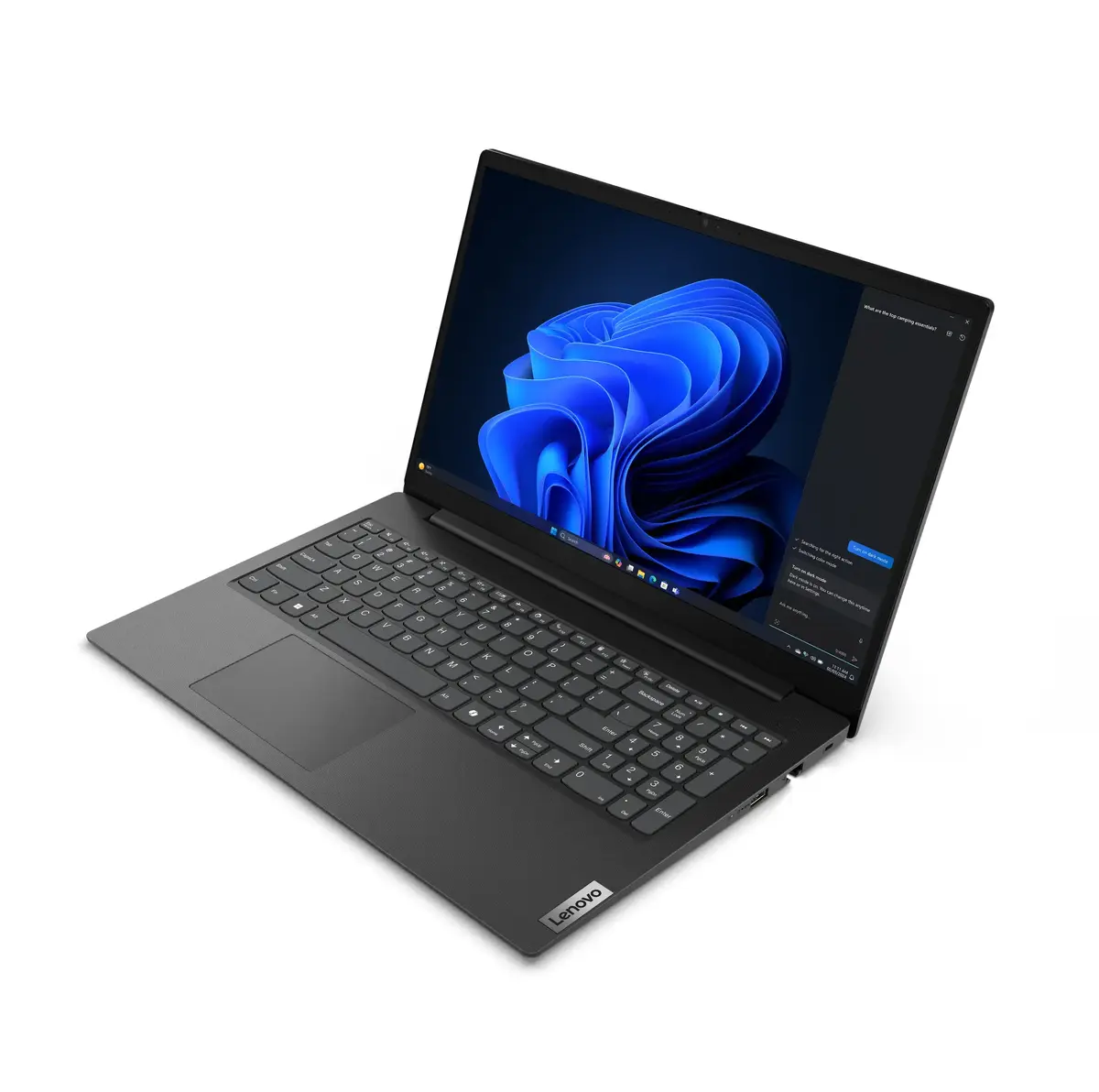
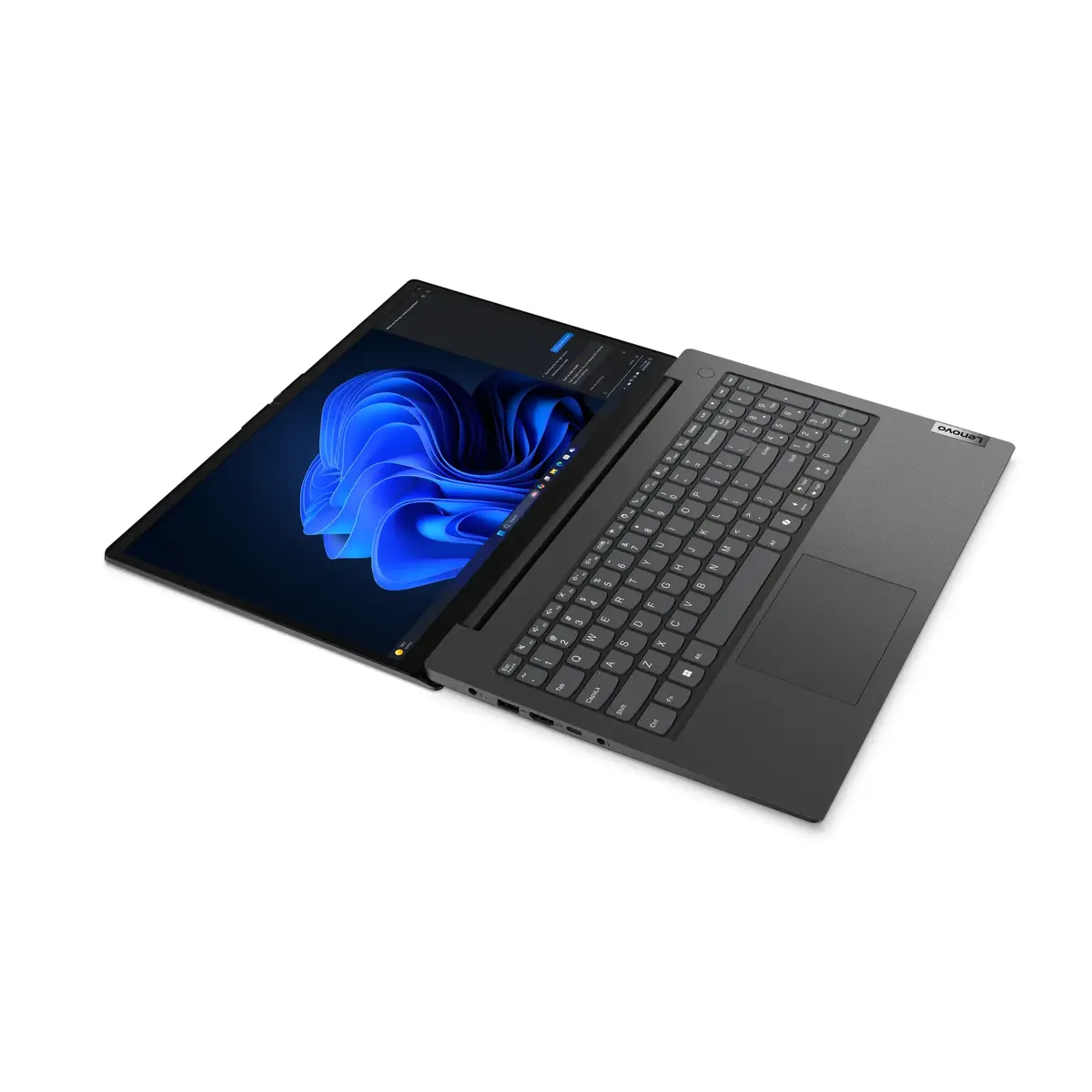
Form factor:
-
Clamshell
-
AC adapter input voltage:
-
100 - 240
-
AC adapter frequency:
-
50/60
-
AC adapter power:
-
65 W
-
Display diagonal:
iagonal of the visible part of the screen expressed in centimeters and inches.
-
15.6 "
-
Numeric keypad:
-
Yes
-
Processor manufacturer:
-
Intel
-
Built-in microphone:
-
Yes
-
Operating temperature (T-T):
-
5 - 35
-
Optical drive type:
-
No
-
Bluetooth version:
-
5.2
-
AC adapter included:
-
Yes
-
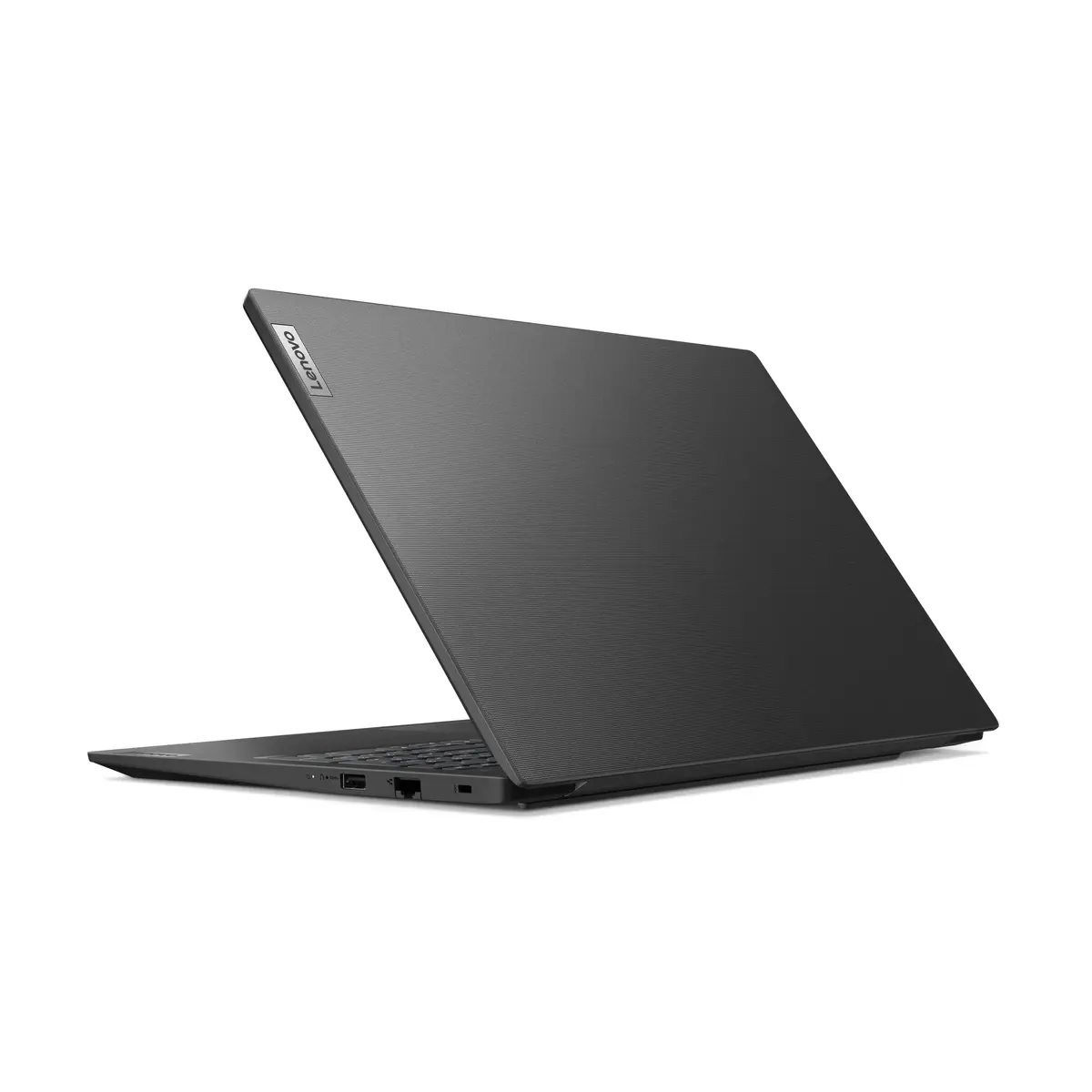
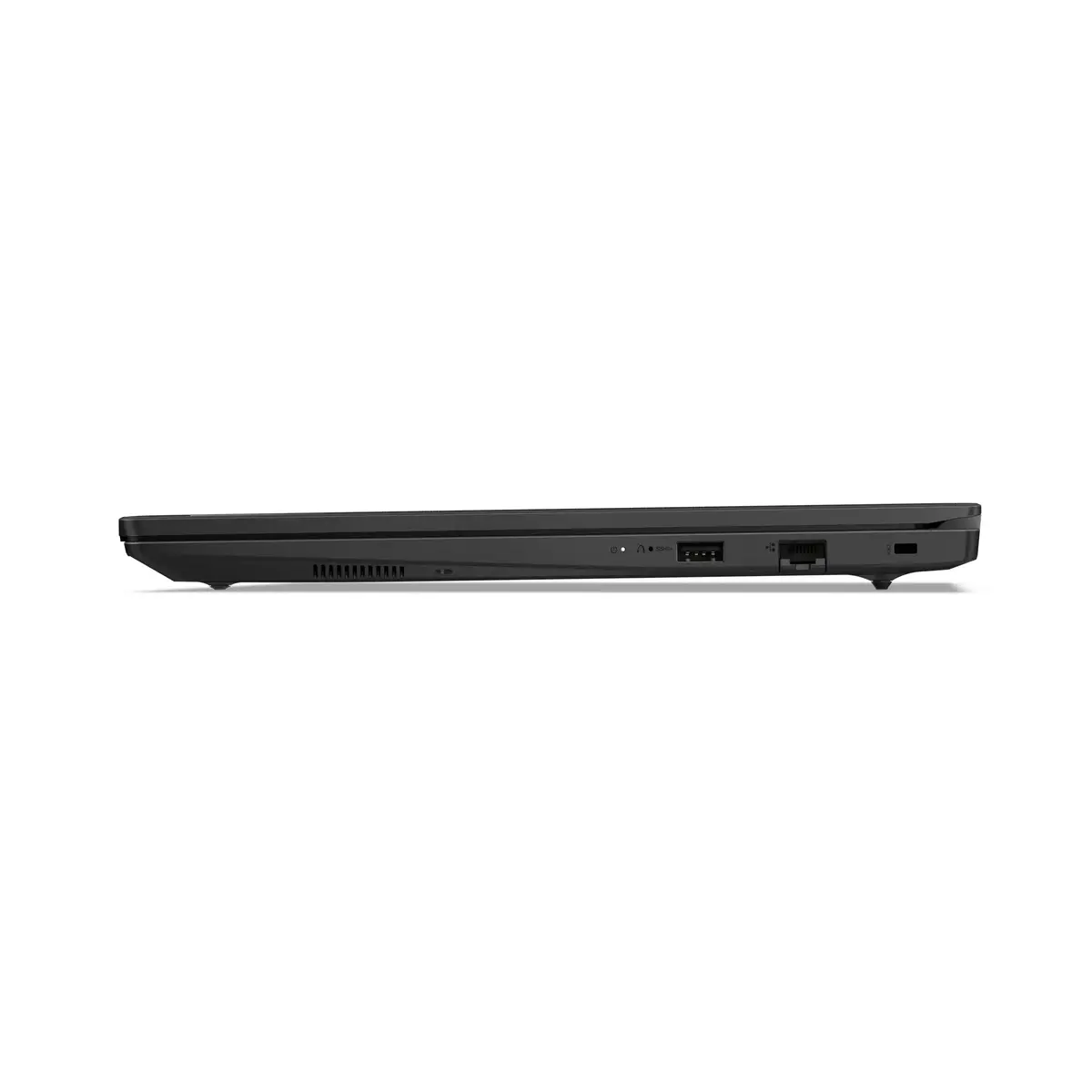
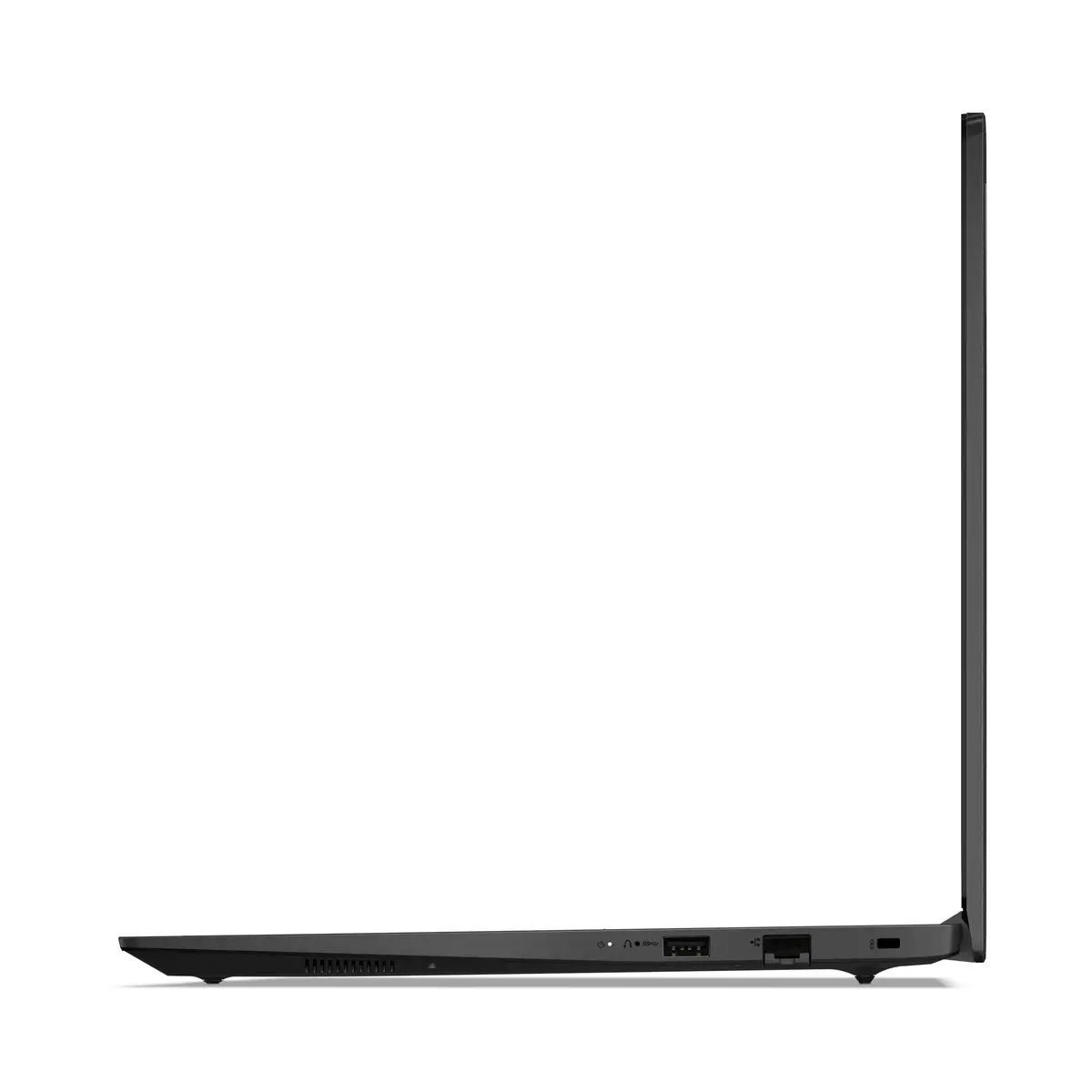
Ethernet LAN:
-
Yes
-
Cable lock slot:
-
Yes
-
Storage relative humidity (H-H):
-
5 - 95
-
Display brightness:
-
250 cd/m²
-
Maximum internal memory:
-
32 GB
-
Height:
-
18.3 mm
-
Antenna type:
-
2x2
-
Display resolution:
-
1920 x 1080
-
Width:
-
359.2 mm
-
Depth:
-
235.8 mm
-
Speaker power:
-
1.5 W
-
Battery life (max):
-
8.9 h
-
Product colour:
-
Black
-
Number of built-in speakers:
-
2
-
Continuous video playback time (max):
-
11.2 h
-
Bluetooth:
-
Yes
-
Processor family:
-
Intel Core 5
-
USB 2.0 ports quantity:
-
0
-
Ethernet LAN (RJ-45) ports:
-
1
-
Memory clock speed:
-
5200 MHz
-
Operating system installed:
-
Windows 11 Pro
-
Total storage capacity:
-
512 GB
-
Card reader integrated:
-
No
-
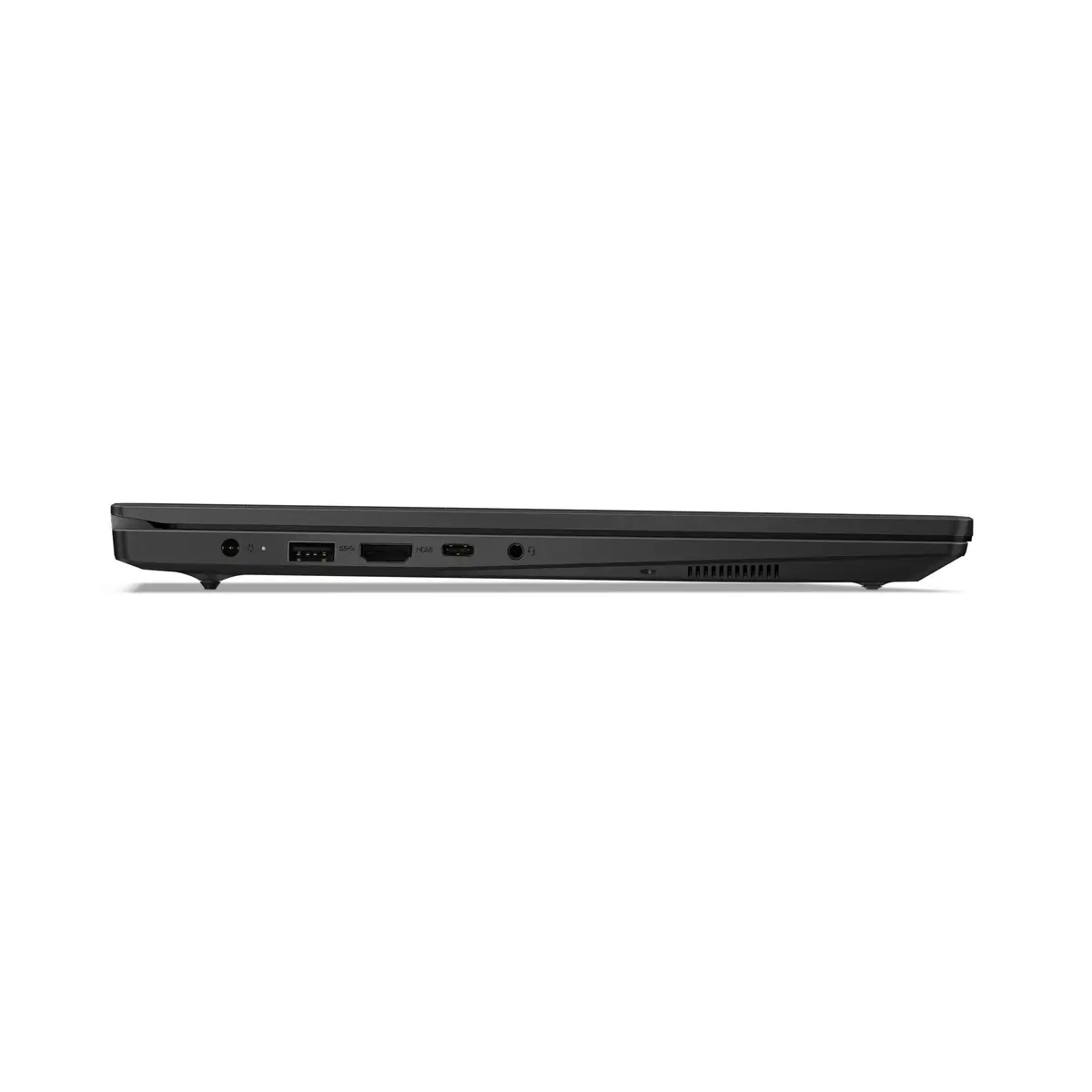
HDMI ports quantity:
-
1
-
Trusted Platform Module (TPM):
-
Yes
-
Fingerprint reader:
-
No
-
Ethernet LAN data rates:
-
100, 1000
-
Touchscreen:
-
No
-
Fast charging:
-
Yes
-
Housing material:
-
Acrylonitrile butadiene styrene (ABS), Polycarbonate (PC)
-
HDMI version:
-
1.4b
-
SSD interface:
-
PCI Express 4.0
-
SSD capacity:
-
512 GB
-
Trial software:
-
Office
-
Processor cores:
-
10
-
Password protection type:
-
BIOS, HDD, Power on, Supervisor
-
LED backlight:
-
Yes
-
Number of microphones:
-
2
-
Processor threads:
-
12
-
Maximum refresh rate:
-
60 Hz
-
WWAN:
-
Not installed
-
Number of SSDs installed:
-
1
-
Memory form factor:
-
SO-DIMM
-
Memory channels:
-
Single-channel
-
Maximum shipping altitude:
-
3048 m
-
Processor boost frequency:
-
5 GHz
-
Spill-resistant keyboard:
-
Yes
-
Battery capacity:
-
47 Wh
-
Keyboard language:
-
UK English
-
Discrete graphics card model:
-
Not available
-
Combo headphone/mic port:
-
Yes
-
On-board graphics card:
-
Yes
-
Processor cache:
-
12 MB
-
Trusted Platform Module (TPM) version:
-
2.0
-
Anti-glare screen:
-
Yes
-
Keyboard backlit:
-
No
-
Memory layout (slots x size):
-
1 x 16
-
Internal memory:
-
16 GB
-
Native aspect ratio:
-
16:9
-
HD type:
-
Full HD
-
Storage media:
-
SSD
-
Front camera:
-
Yes
-
Product type:
-
Laptop
-
Front camera resolution:
-
1280 x 720
-
Cable lock slot type:
-
Kensington
-
Colour gamut:
-
45 %
-
Panel type:
-
TN
-
Password protection:
-
Yes
-
Operating system language:
-
ENG-UK, ENG-US
-
Colour name:
-
Business Black
-
Processor cache type:
-
Smart Cache
-
SSD form factor:
-
M.2
-
USB 3.2 Gen 1 (3.1 Gen 1) Type-A ports quantity:
-
2
-
USB 3.2 Gen 1 (3.1 Gen 1) Type-C ports quantity:
-
1
-
Mobile network connection:
-
No
-
Top Wi-Fi standard:
-
Wi-Fi 6 (802.11ax)
-
Audio chip:
-
Senary SN6147
-
Discrete graphics card:
-
No
-
NVMe:
-
Yes
-
USB Type-C DisplayPort Alternate Mode:
-
Yes
-
USB Power Delivery (USB PD):
-
Yes
-
Privacy camera:
-
Yes
-
Privacy type:
-
Privacy cover
-
Front camera HD type:
-
HD
-
Total SSDs capacity:
-
512 GB
-
RGB colour space:
-
NTSC
-
Sustainability certificates:
-
TCO, ENERGY STAR, EPEAT Gold
-
Efficient cores:
-
8
-
Performance cores:
-
2
-
Processor base power:
-
15 W
-
Maximum turbo power:
-
55 W
-
Efficient-core base frequency:
-
0.9 GHz
-
Performance-core base frequency:
-
1.4 GHz
-
Processor generation:
-
Intel Core (Series 1)
-
On-board GPU manufacturer:
-
Intel
-
M.2 SSD size:
-
2242 (22 x 42 mm)
-
Efficient-core Max Turbo Frequency:
-
3.8 GHz
-
Performance-core Max Turbo Frequency:
-
5 GHz
-
Compliance certificates:
-
RoHS
-
USB Type-C charging port:
-
Yes
-
Certified refurbished:
-
No