






Powerful EcoFlow stations for energy anywhere!
In cart {{totalProductsCount}} item(s)
Your cart is empty
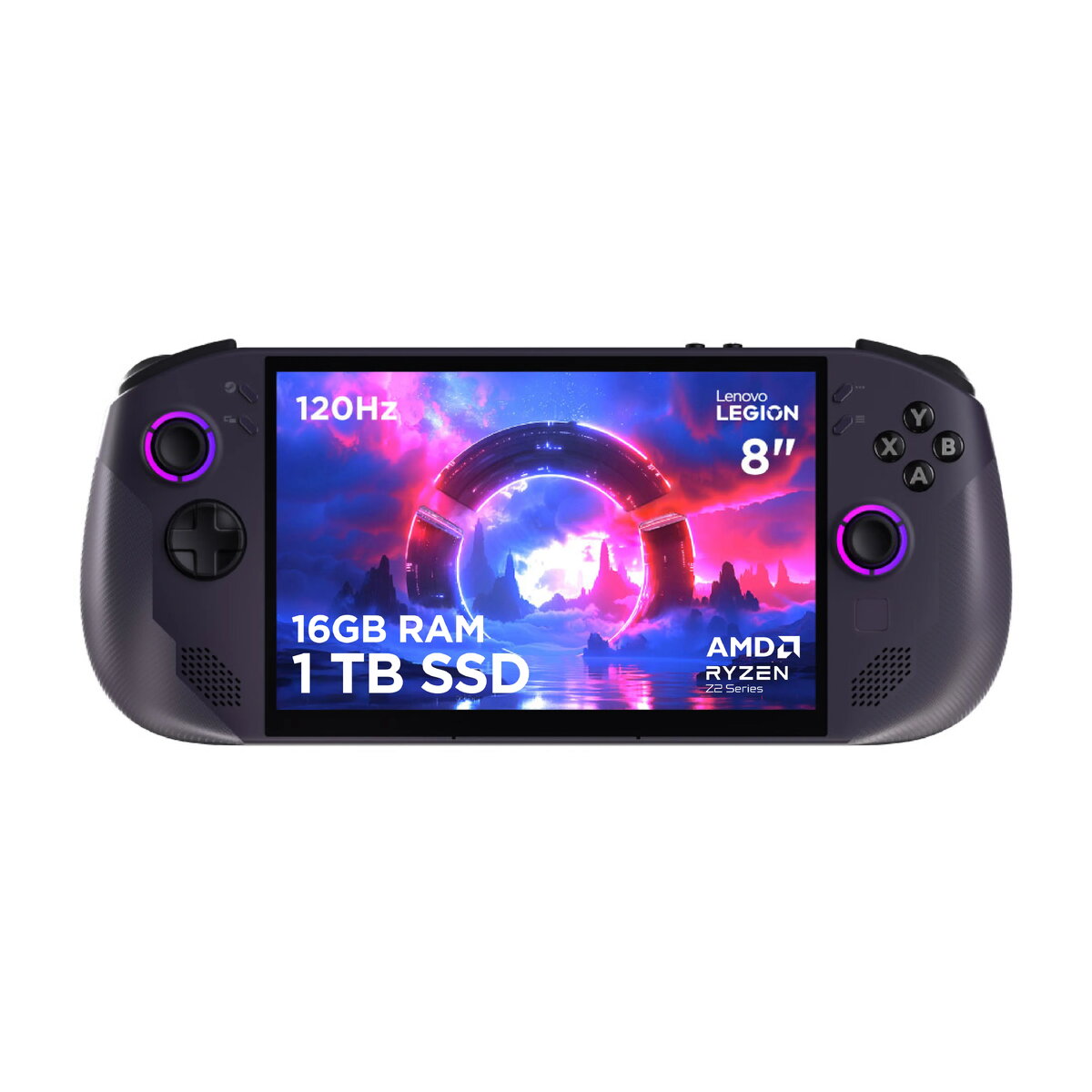
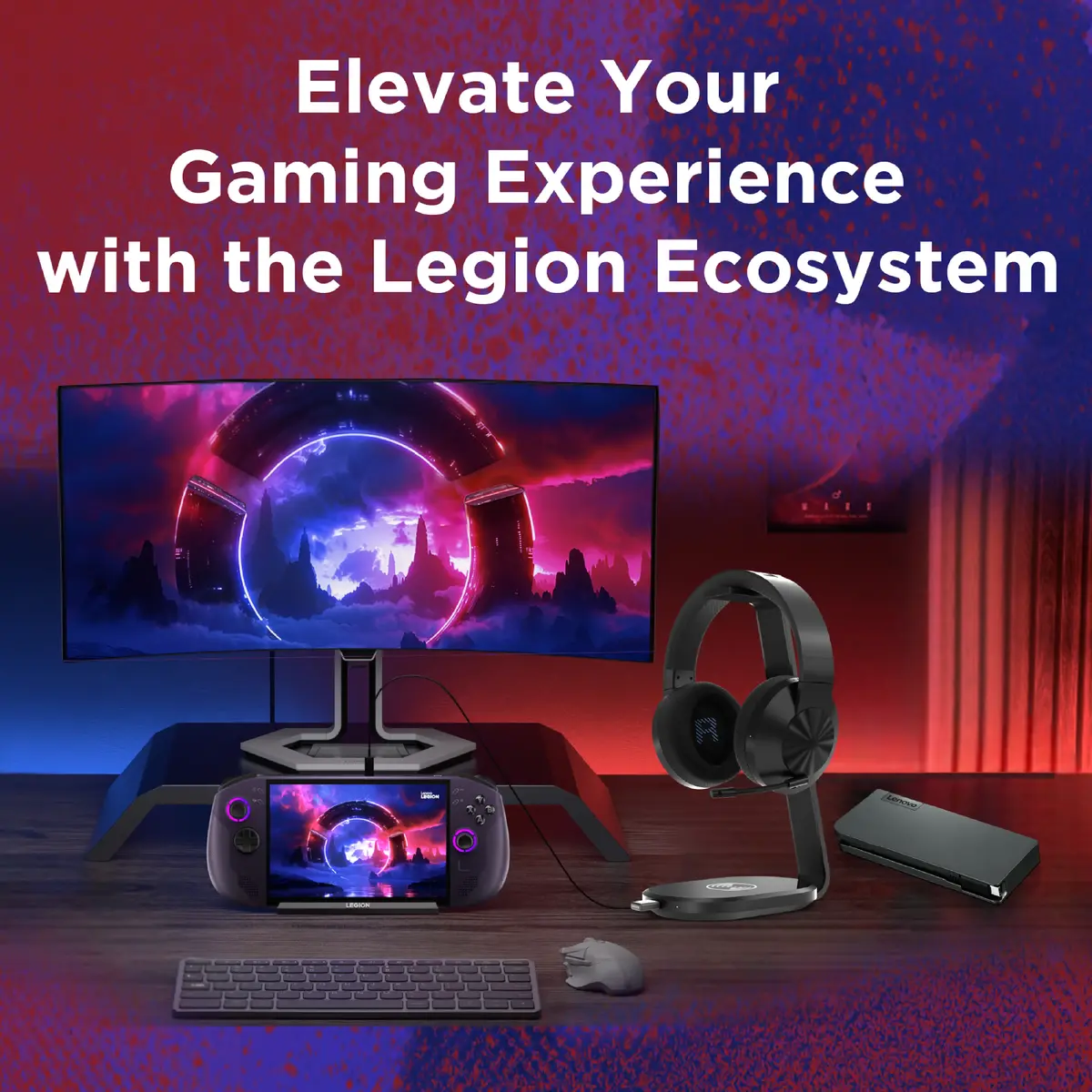
Lenovo Legion Go S 8ARP1 Handheld Gaming Console, 8-inch IPS Touchscreen, AMD Ryzen Z2, 1TB SSD, Wi-Fi 6E
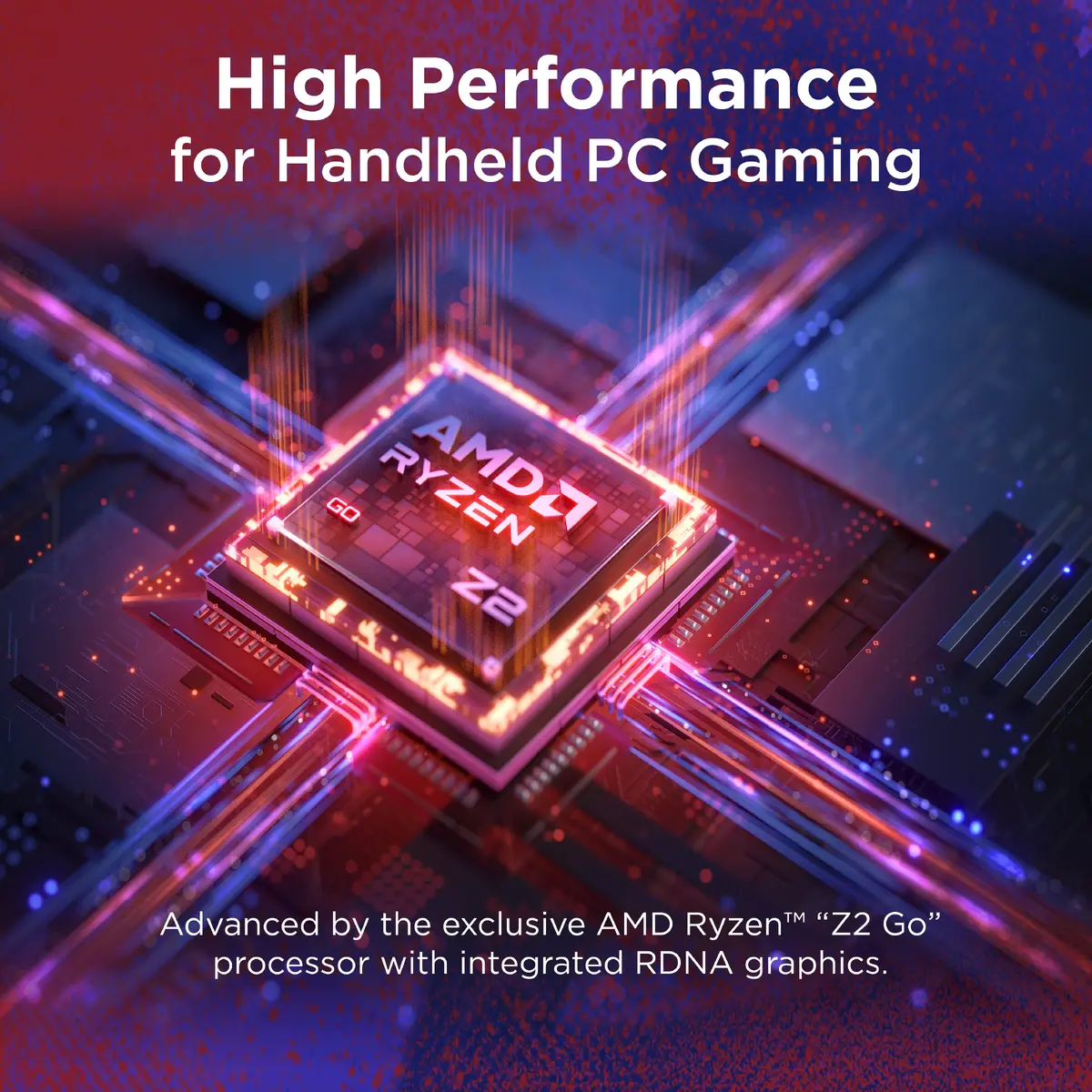
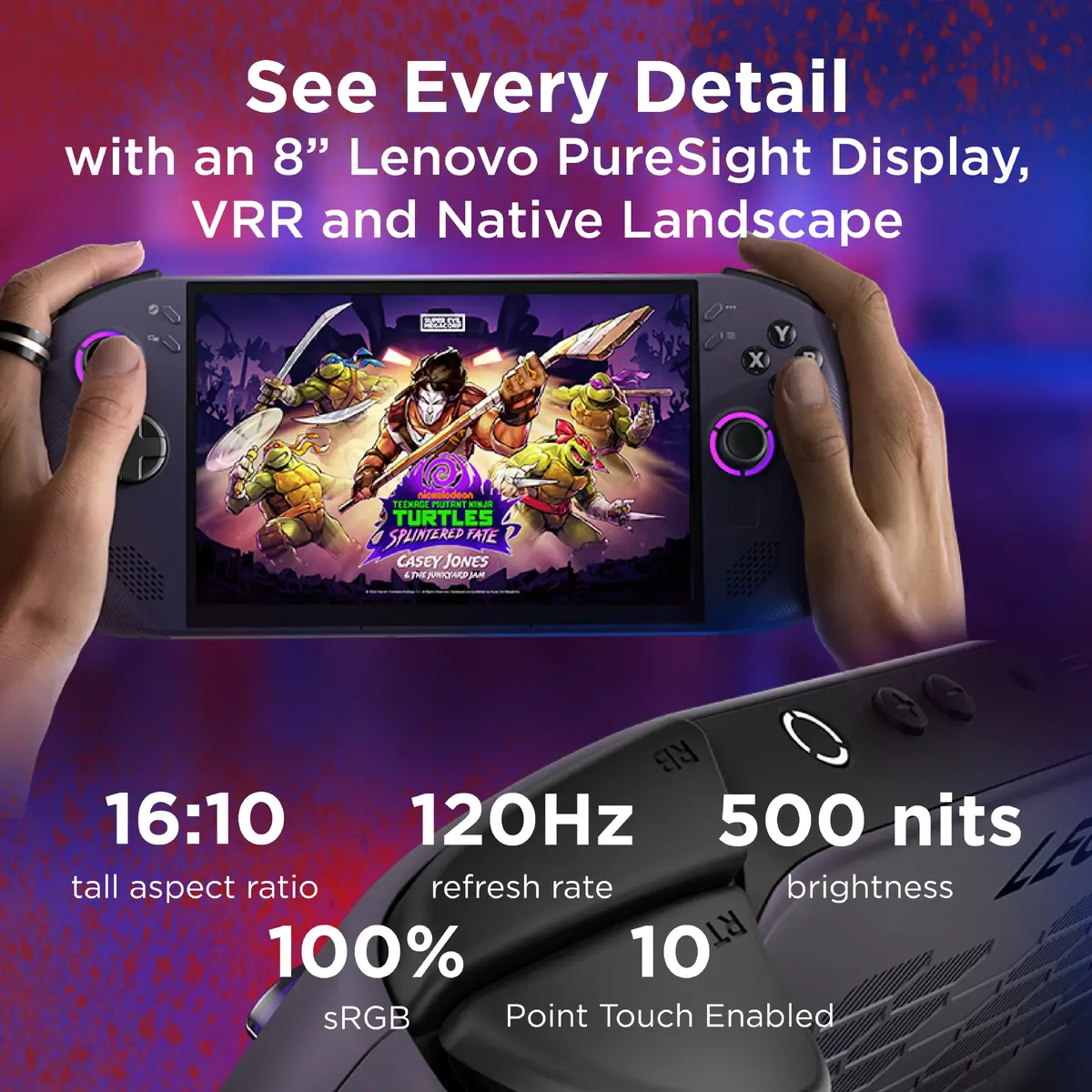
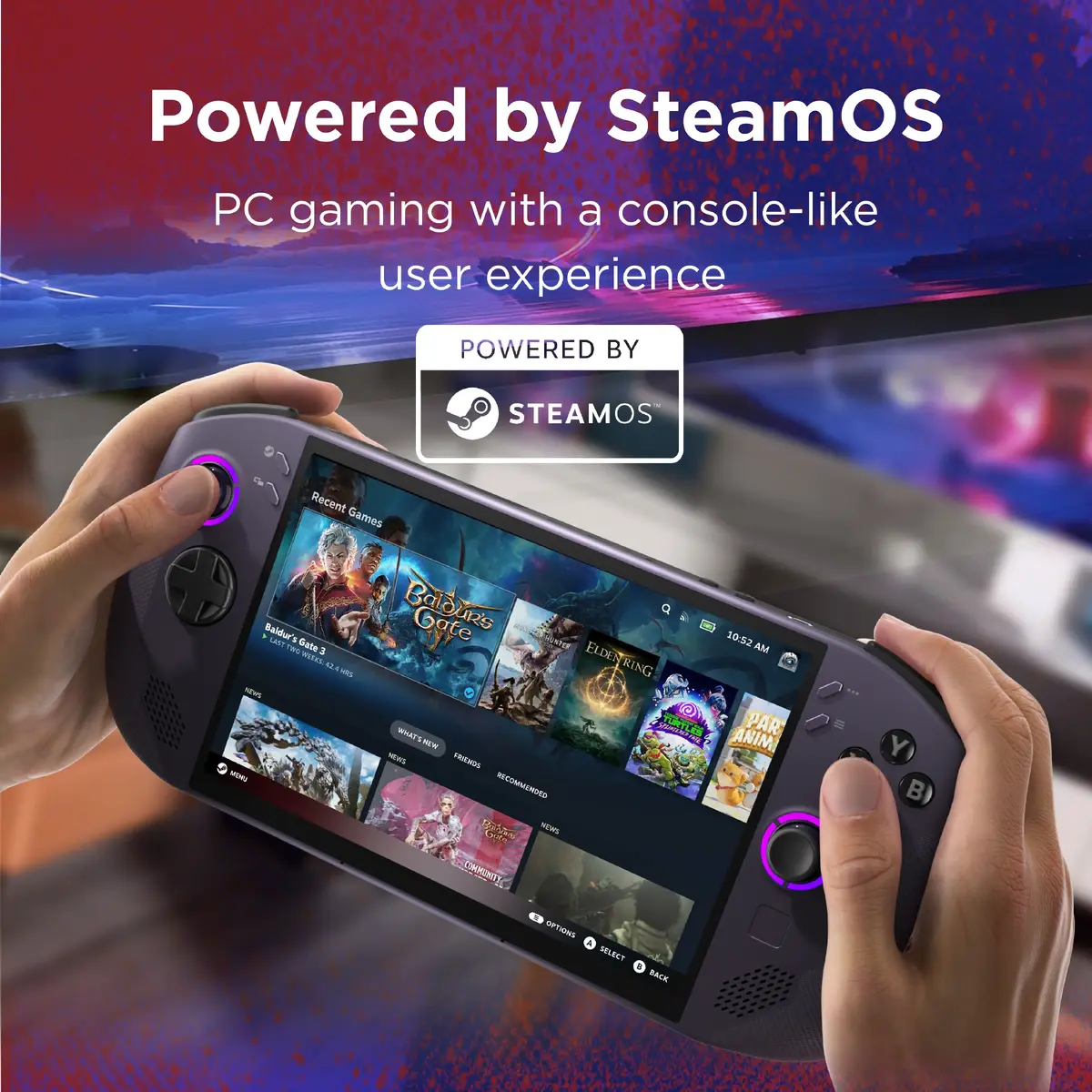
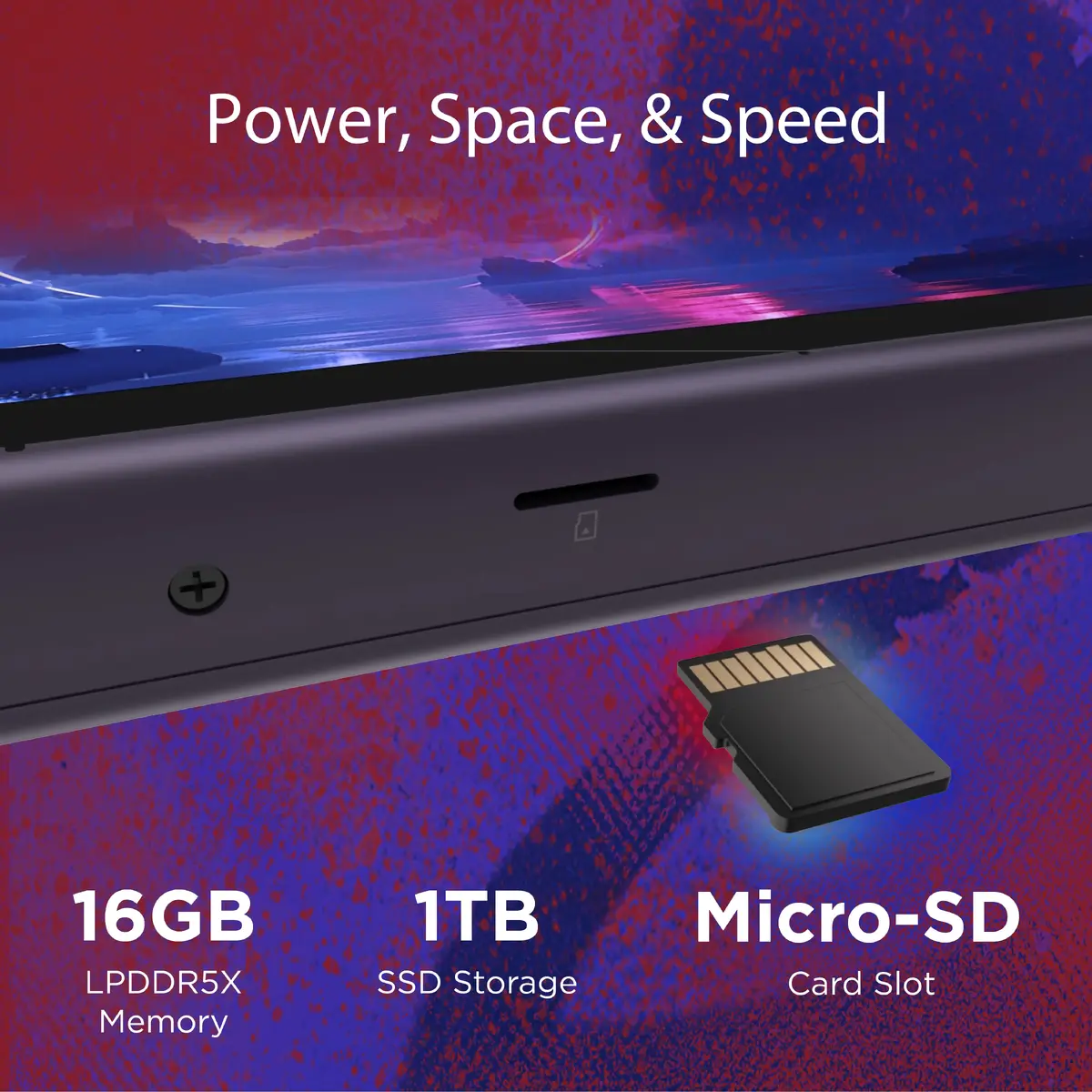
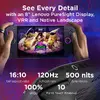
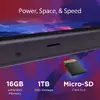
The Lenovo Legion Go S 8ARP1 is a high-performance handheld gaming console designed to bring the full power of PC gaming into a portable form factor. Featuring an 8-inch WUXGA IPS touchscreen display, this device provides a vivid and immersive visual experience for mobile gamers. Powered by the efficient AMD Ryzen Z2 processor with Zen 2 architecture and integrated Radeon graphics, it delivers smooth performance for a wide range of titles. With 1TB of SSD storage and the seamless SteamOS interface, it offers a console-like experience with the flexibility of a PC.
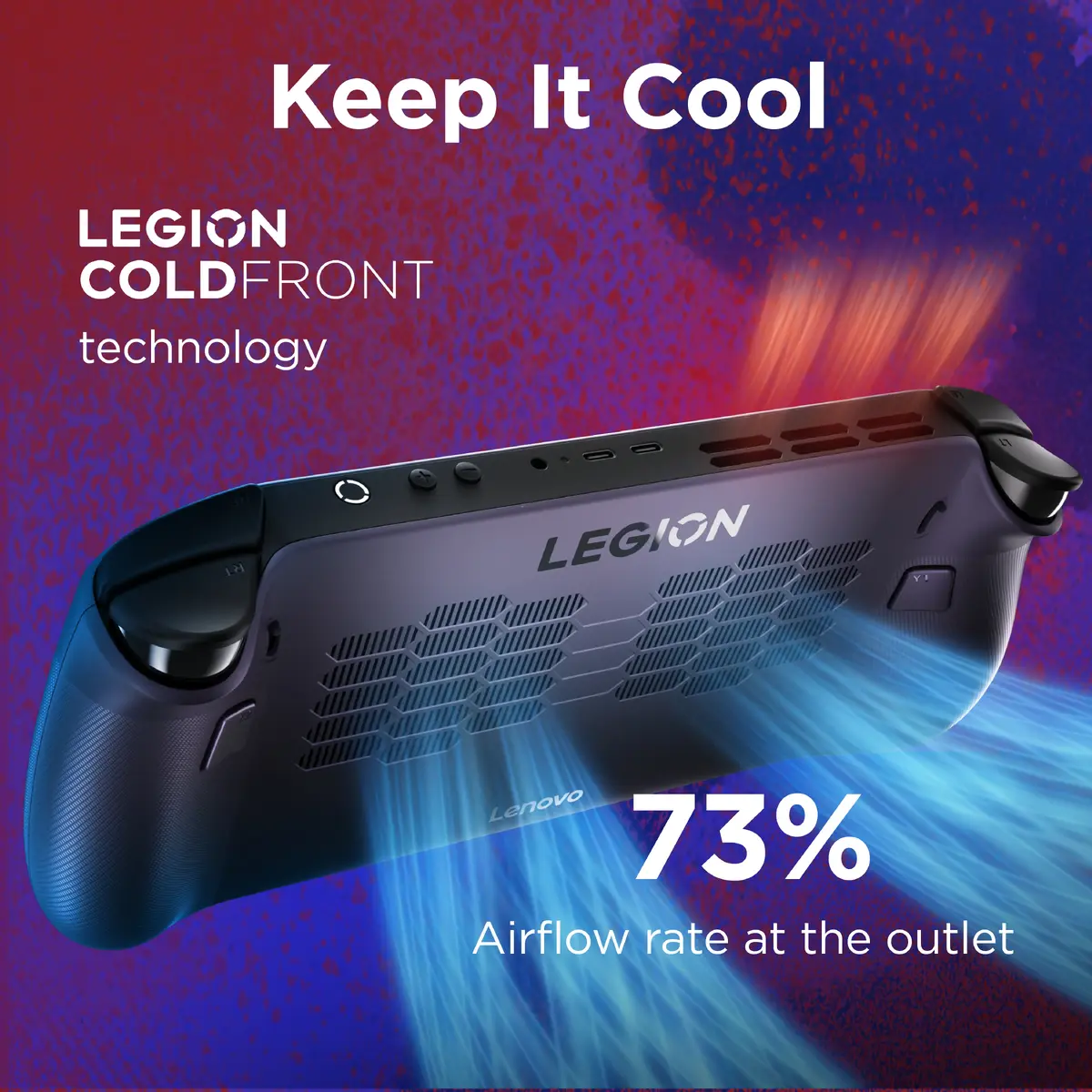
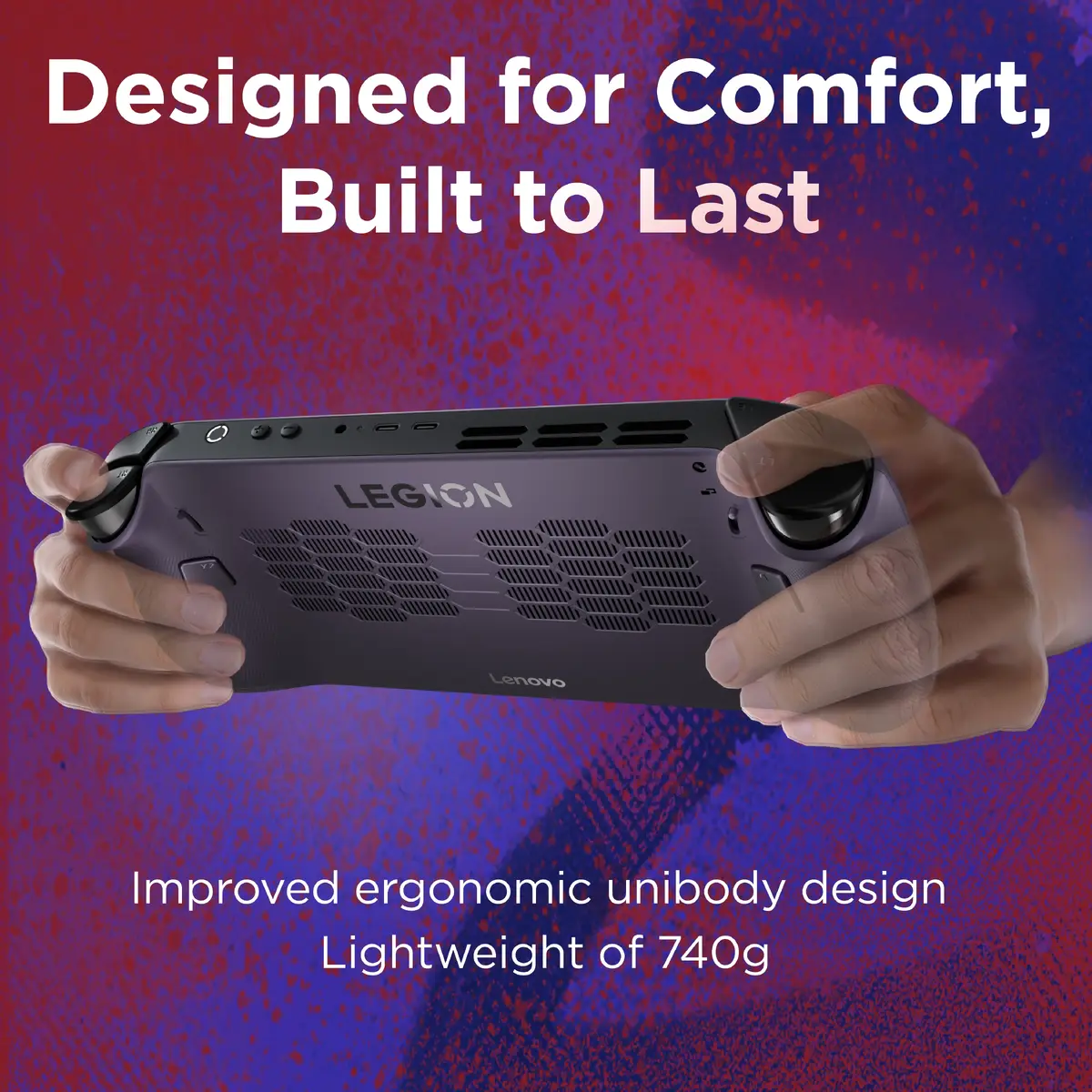
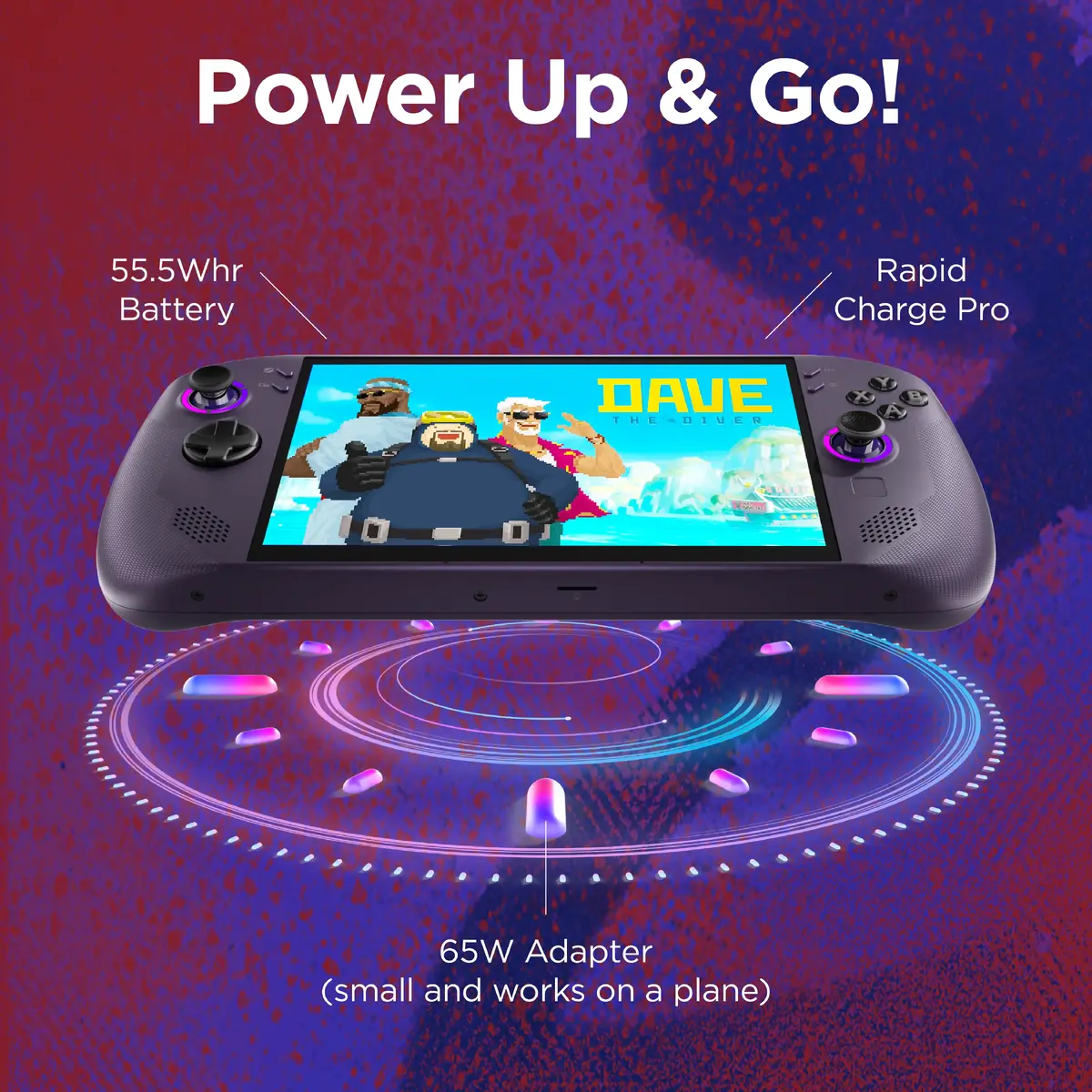
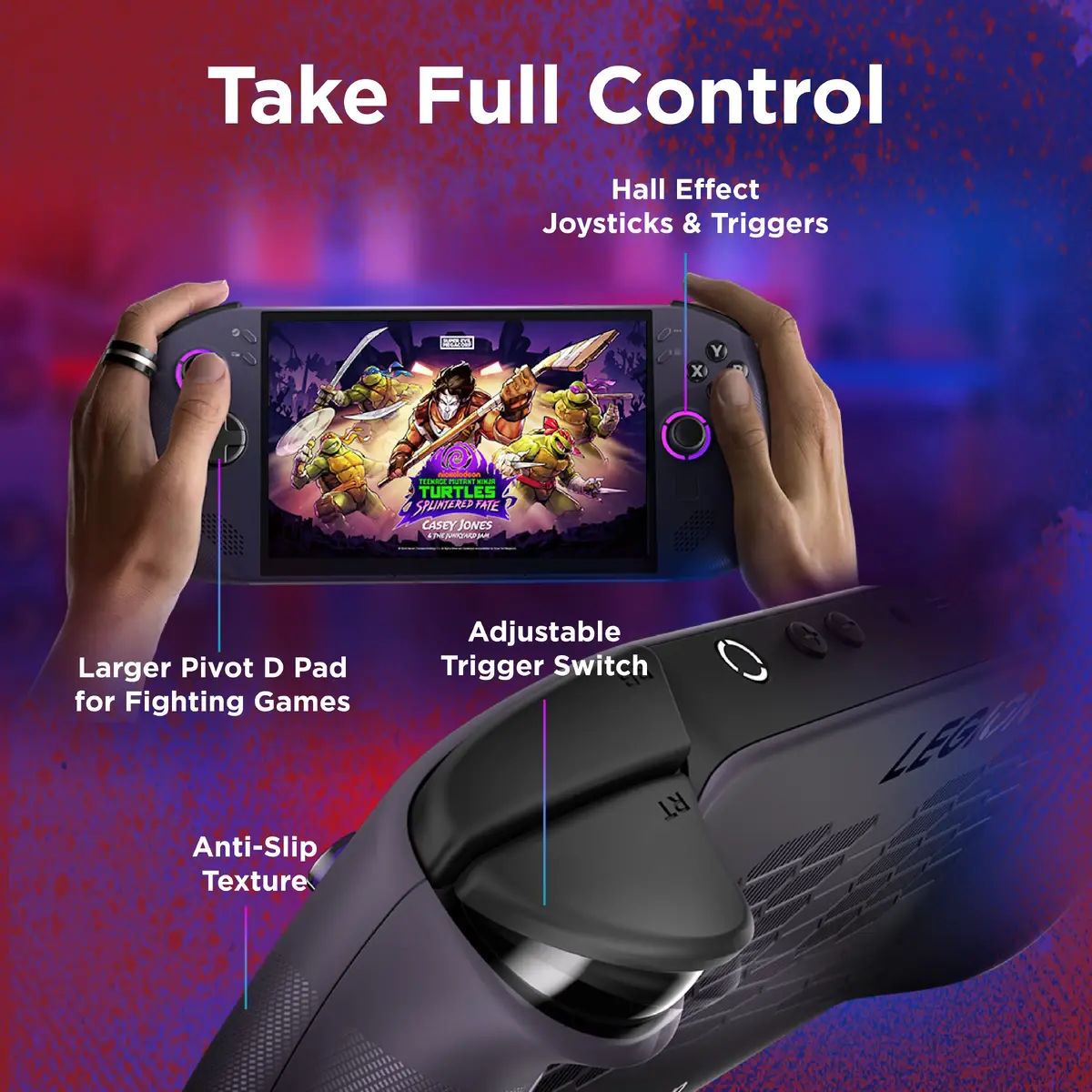
The primary advantage of the Lenovo Legion Go S is its balance of portability and performance. The 8-inch display offers significantly more screen real estate than standard handhelds, while the 120Hz refresh rate ensures fluid motion during fast-paced gameplay. The integration of the Legion Coldfront cooling system keeps the device running optimally during extended sessions. Furthermore, the inclusion of a 55.5Wh battery with Super Rapid Charge technology minimizes downtime, allowing users to get back to their games quickly. The ergonomic design, featuring Hall effect joysticks and adjustable triggers, provides precise control and comfort for long-term use.
This device may not be suitable for users who require a traditional desktop PC experience for heavy professional workloads like video editing or 3D rendering. Additionally, those who prefer playing games that are not compatible with SteamOS or require specific Windows-only anti-cheat software may find the operating system limitations restrictive.
To begin using the Lenovo Legion Go S, power on the device using the dedicated power button and follow the on-screen setup instructions to connect to your Wi-Fi network and log into your Steam account. Once configured, you can navigate your library using the integrated directional buttons, menu buttons, and the built-in touchpad. Games can be launched directly from the SteamOS interface. For storage expansion, insert a compatible MicroSD card into the designated slot. Ensure the device is charged using the provided power adapter to utilize the Super Rapid Charge feature effectively.
For the best experience, keep the device updated with the latest system software provided through SteamOS. Utilize the Legion Coldfront cooling system by ensuring the air vents remain unobstructed during gameplay. When not in use, store the console in a protective case to prevent screen scratches and damage to the joysticks.
{{highlightedFeature.featureTitle}}:
{{getProductFeatureValueById(product, highlightedFeature.featureId)}}
{{ productComparisonGenerationError }}
