
JBL speakers and headphones for pure and deep sound!
In cart {{totalProductsCount}} item(s)
Your cart is empty
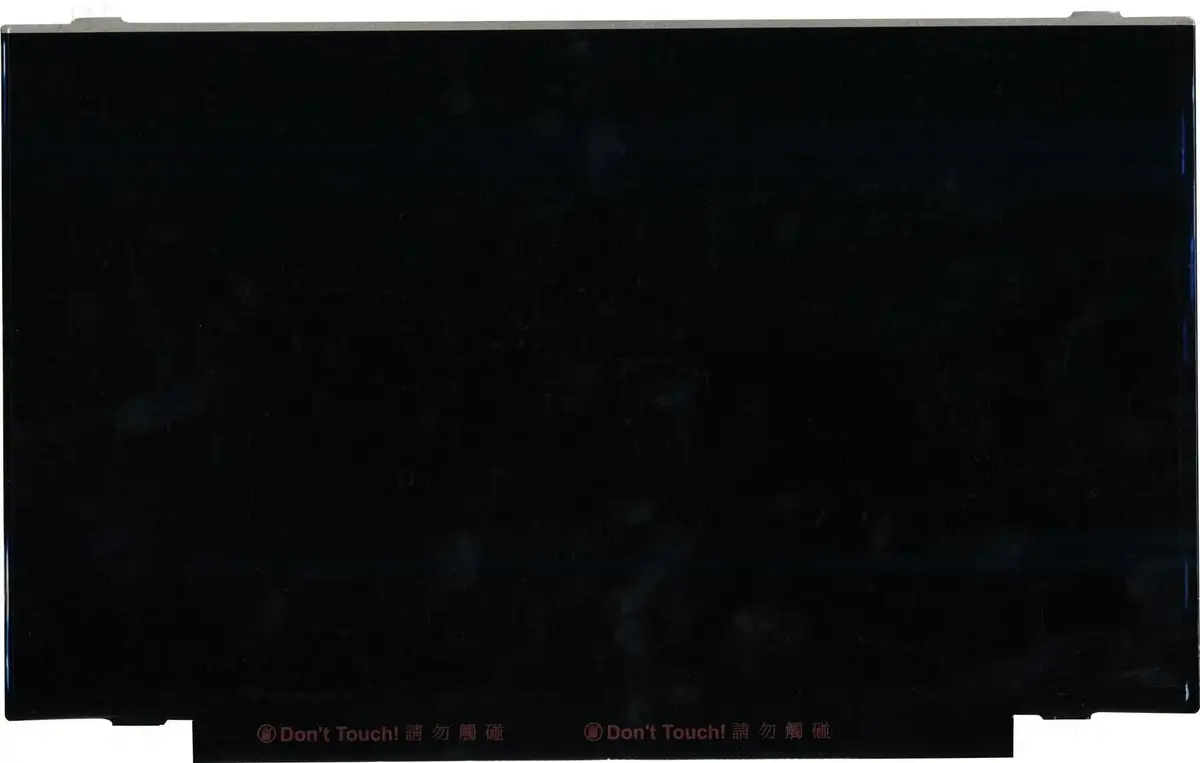
Laptop display panel Lenovo 14.0" FHD IPS anti-glare FRU00NY657 (14.0 FHD IPS AG)
Replacement 14.0-inch laptop display panel designed for compatible Lenovo systems. This 14.0" FHD IPS anti-glare panel delivers 1920 x 1080 resolution with IPS wide viewing angles and an anti-reflective coating to reduce glare. It is intended as a direct swap to restore screen clarity, color consistency and dependable everyday performance for office work, study or travel.
The IPS matrix provides consistent color reproduction and stable contrast across wide viewing angles, helping maintain image quality when the lid is viewed from the side. The Full HD resolution enhances text sharpness and detail for productivity tasks and multimedia. The anti-glare surface reduces distracting reflections from ambient light sources, improving visibility in bright environments. The panel is built to meet laptop form-factor requirements for easy installation and reliable operation during regular use.
Power down the laptop and disconnect any external power source and battery if removable. Remove the bezel or housing according to the device service manual, detach the existing display panel connector carefully, and lift out the old panel. Align the replacement 14.0" FHD IPS anti-glare panel into the chassis, connect the display cable securely and reassemble the bezel. Power on the laptop and verify image, backlight function and screen alignment. Follow manufacturer repair guides for model-specific disassembly and reassembly steps.
Handle the panel by its edges and avoid touching the display surface to prevent pressure marks. Use ESD-safe tools and a clean workspace during replacement. After installation, calibrate brightness and color settings if needed to match user preferences and ensure optimal viewing comfort.
{{highlightedFeature.featureTitle}}:
{{getProductFeatureValueById(product, highlightedFeature.featureId)}}
{{ productComparisonGenerationError }}
