
Dreame vacuums for fast and efficient cleaning!
In cart {{totalProductsCount}} item(s)
Your cart is empty
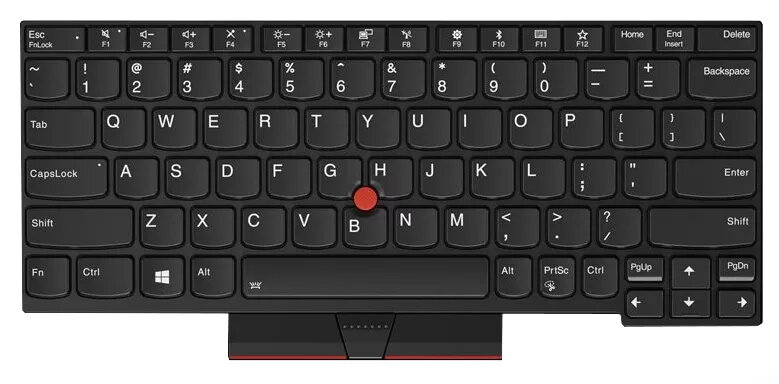
Keyboard Lenovo Thinkpad X280 01YP052 German
The Lenovo 01YP052 keyboard is a replacement keyboard designed for the ThinkPad X280 with a German layout. It is black in color and intended to restore full typing functionality on compatible laptops by providing responsive keys and a durable construction.
The keyboard offers a genuine-fit replacement for the ThinkPad X280, maintaining original key feel and spacing while supporting long life and reliable performance. Its German layout is suitable for users who require localized key labeling and it is finished in black to match the laptop aesthetic.
Power off the laptop and disconnect any power sources and peripherals. Remove the laptop base or follow the manufacturer service guide to access the keyboard connector. Carefully disconnect the old keyboard ribbon cable and remove mounting screws or clips. Position the replacement Lenovo 01YP052 keyboard, secure it with screws or clips, and reconnect the ribbon cable. Reassemble the laptop, reconnect power, and test all keys to confirm proper installation.
Handle the keyboard and ribbon cable with care to avoid damaging connectors. Use anti-static precautions during installation and consult Lenovo service documentation if unsure. If liquid damage occurred, verify internal components before installing a replacement keyboard.
{{highlightedFeature.featureTitle}}:
{{getProductFeatureValueById(product, highlightedFeature.featureId)}}
{{ productComparisonGenerationError }}
