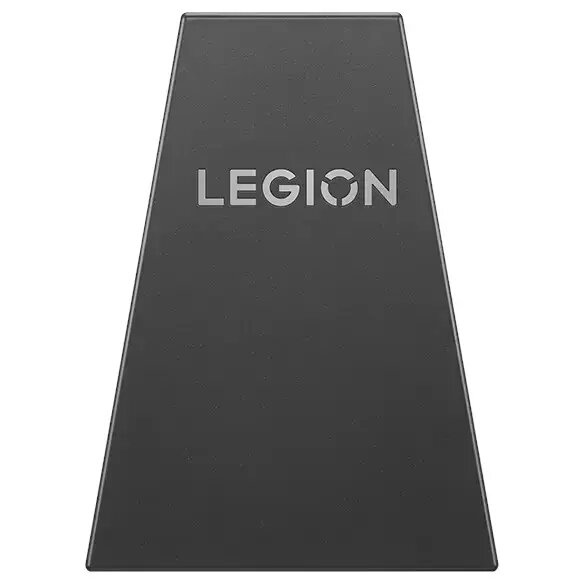
Replacement charging connector assembly designed for Lenovo Legion Go controllers. This unit integrates the electrical charging contact and an internal battery component to restore power and charging functionality on compatible controllers. It is intended as a repair part to return non-charging or power-faulting controllers to operational condition while preserving original form and connection points.
Advantages
The replacement connector with integrated battery provides a single consolidated part for both charging contact restoration and battery replacement, reducing repair complexity. It is shaped to match the original connector interface, allowing straightforward fitment into the controller housing and preserving alignment of charging pins. By combining charging and battery elements, this assembly minimizes the number of separate components to handle during repair and helps restore reliable charging behavior.
Suitable for
- Repairing Lenovo Legion Go controllers that no longer charge
- Replacing a damaged or worn charging connector in compatible controllers
- Restoring controller power when the integrated battery has degraded or failed
- DIY electronics repair or professional service centers working on Legion Go accessories
When it may not be suitable
This replacement assembly is intended specifically for compatible Lenovo Legion Go controller models. It may not fit controllers from other devices or newer/older revisions with different connector shapes or internal layouts. If the controller has additional damage to the mainboard, USB port, or charging circuitry beyond the connector and battery, installing this part alone may not resolve power issues.
Key specifications
- Function: Integrated charging connector assembly with internal battery
- Compatibility: Designed for Lenovo Legion Go controller models matching original connector dimensions and mounting points
- Form factor: Replacement assembly shaped to fit controller housing and contact alignment
- Primary purpose: Restore charging contact and internal battery power to controllers
How to use
Power off the controller and, if possible, disconnect any external power sources. Open the controller housing following appropriate disassembly guidelines for the Lenovo Legion Go model, taking care to avoid damage to flex cables and clips. Remove the defective connector assembly and disconnect any cable or board connections attached to it. Install the replacement assembly ensuring correct orientation and secure mounting, reconnecting any cables or contacts. Reassemble the housing and test charging and power functions before completing the repair. Use appropriate ESD precautions and the correct tools to avoid damage.
What to consider before purchase
- Confirm physical compatibility with your specific Lenovo Legion Go controller revision and connector layout
- Ensure you have the skills and tools for controller disassembly and component replacement
- Check whether other internal damage (mainboard, charging circuitry) may also need repair
- Verify return policy and warranty conditions for replacement parts
Usage recommendations
Use this part as a direct replacement only when the connector and internal battery are the identified faults. Follow manufacturer service manuals where available, work on a clean, static-free surface, and perform a full functional test after installation to confirm restored charging and power behavior.