
Powerful EcoFlow stations for energy anywhere!
In cart {{totalProductsCount}} item(s)
Your cart is empty
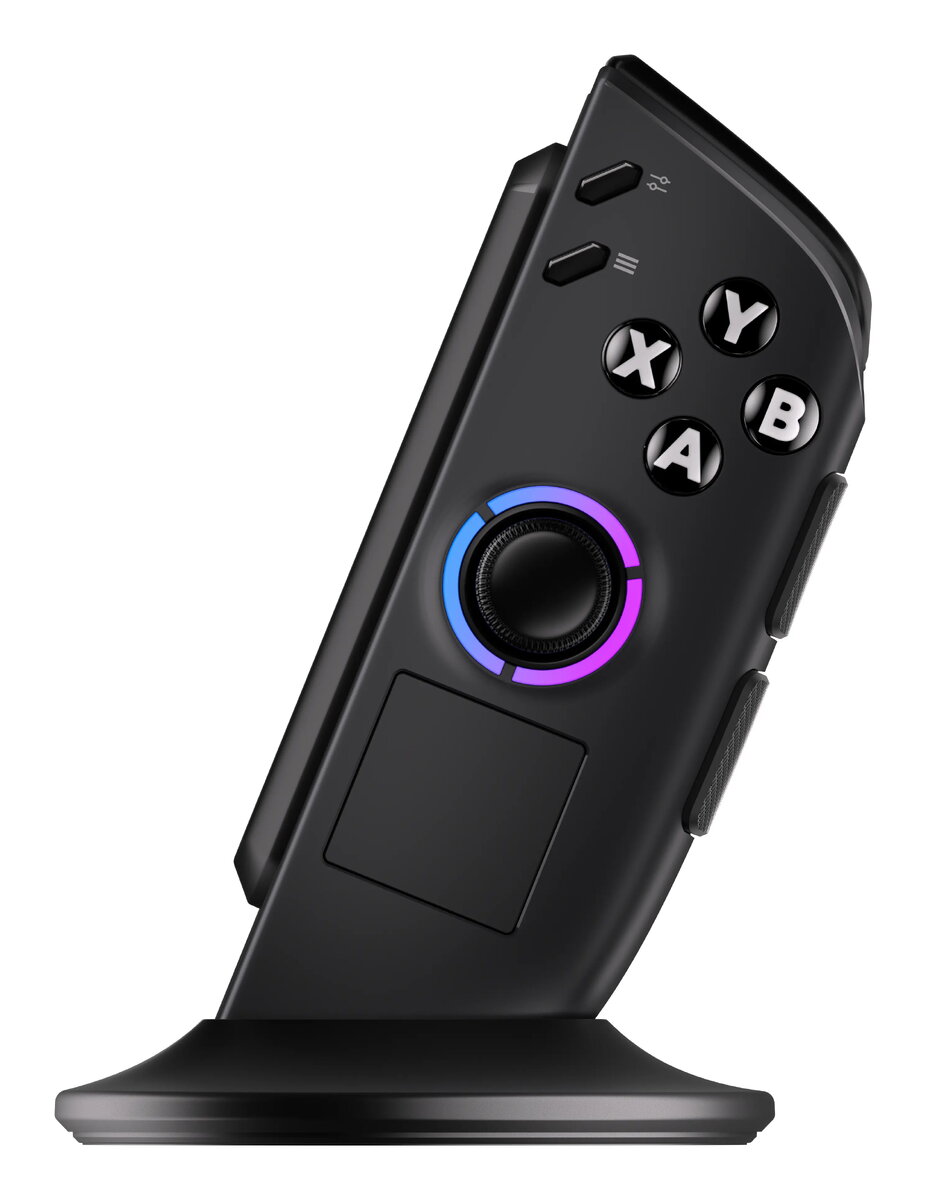
Lenovo Legion Go Right Gaming Controller GXH1T52710 Black Gamepad for PC
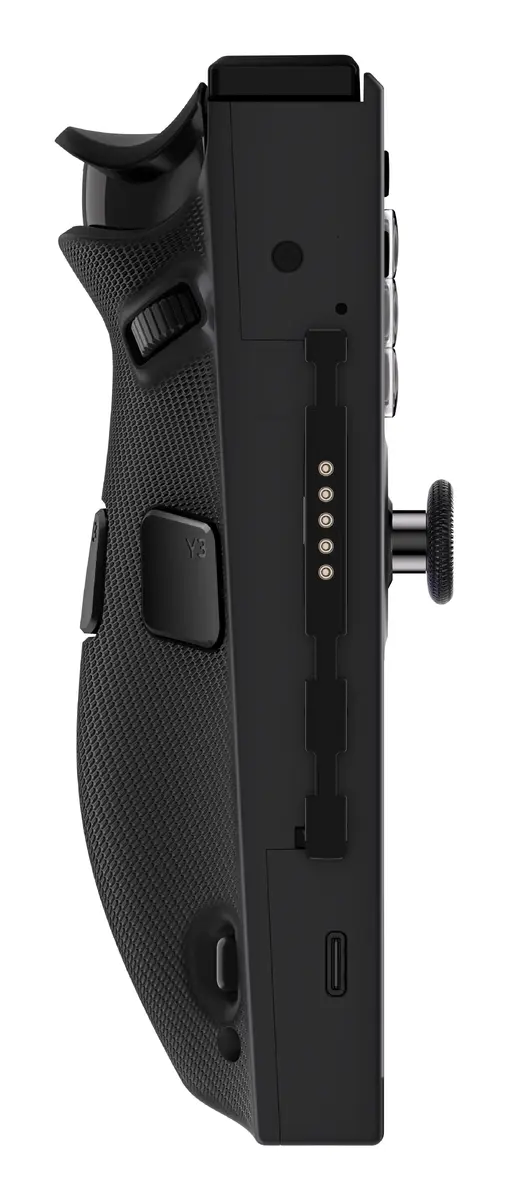
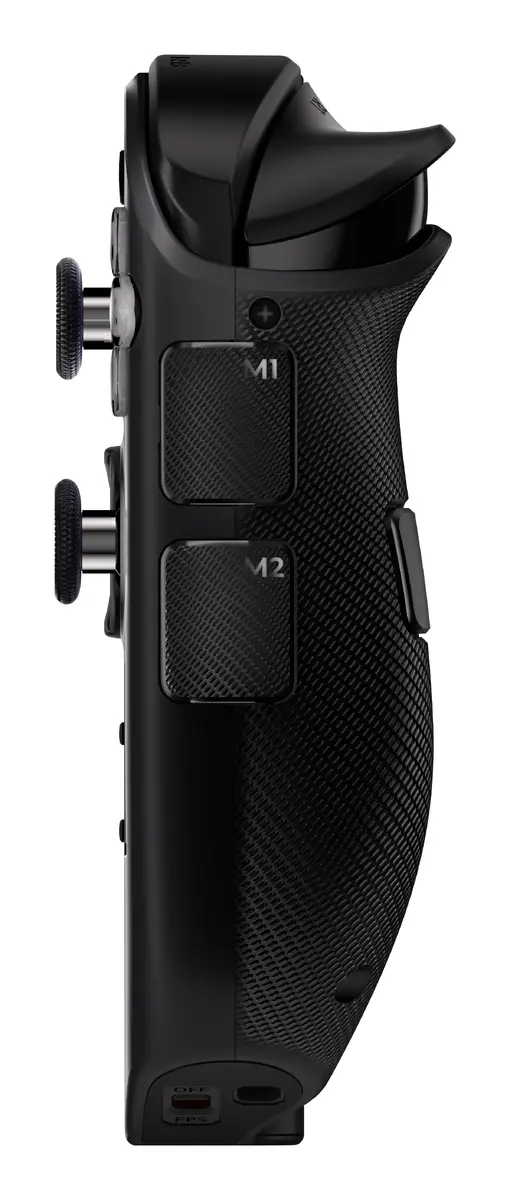
The Lenovo Legion Go Right Gaming Controller is a dedicated peripheral engineered specifically for the Legion Go series, providing a seamless and responsive interface for handheld gaming. This black gamepad is designed to integrate perfectly with your device, offering a comprehensive suite of controls that includes a D-pad, Start, Select, Menu, Options, View, and Home buttons. With its ergonomic design and lightweight construction, it ensures comfort during extended gaming sessions, while the inclusion of Hall Effect joysticks and triggers delivers high-precision input for competitive gameplay.
This controller stands out due to its official compatibility with both Legion Go 1 and Legion Go 2 systems, ensuring a reliable connection and optimal performance. The integration of advanced Hall Effect technology in the joysticks and triggers minimizes wear and provides superior accuracy compared to standard mechanical components. Its lightweight build, weighing only 111 grams, makes it highly portable and reduces hand fatigue. Furthermore, the wireless connectivity allows for a clutter-free gaming experience, while the built-in battery ensures you can enjoy your favorite titles without being tethered to a power source.
This controller may not be suitable for users who require a full-sized gamepad layout with dual analog sticks in a single unit, as this is a dedicated right-side component. It is also not intended for use with gaming consoles outside of the specified Legion Go series or the supported mobile operating systems.
To use the controller, ensure it is fully charged using the appropriate cable before the first session. Pair the device with your Legion Go or compatible mobile device via the wireless settings menu. Once connected, the controller will automatically map its buttons to the standard game inputs. You can customize button assignments through the system settings of your specific gaming platform to better suit your playstyle.
For the best experience, keep the controller firmware updated through the official Lenovo software and store the device in a protective case when not in use to prevent damage to the joysticks.
{{highlightedFeature.featureTitle}}:
{{getProductFeatureValueById(product, highlightedFeature.featureId)}}
{{ productComparisonGenerationError }}
