

Dreame vacuums for fast and efficient cleaning!
In cart {{totalProductsCount}} item(s)
Your cart is empty
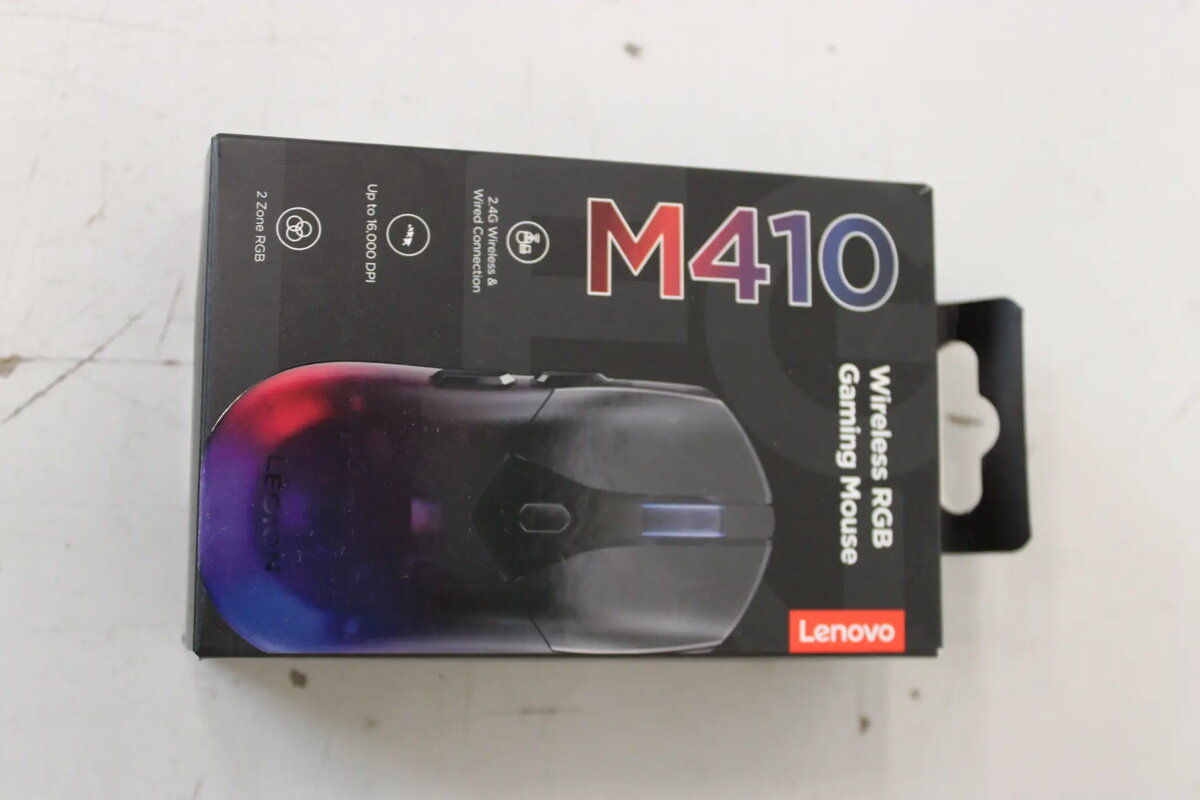
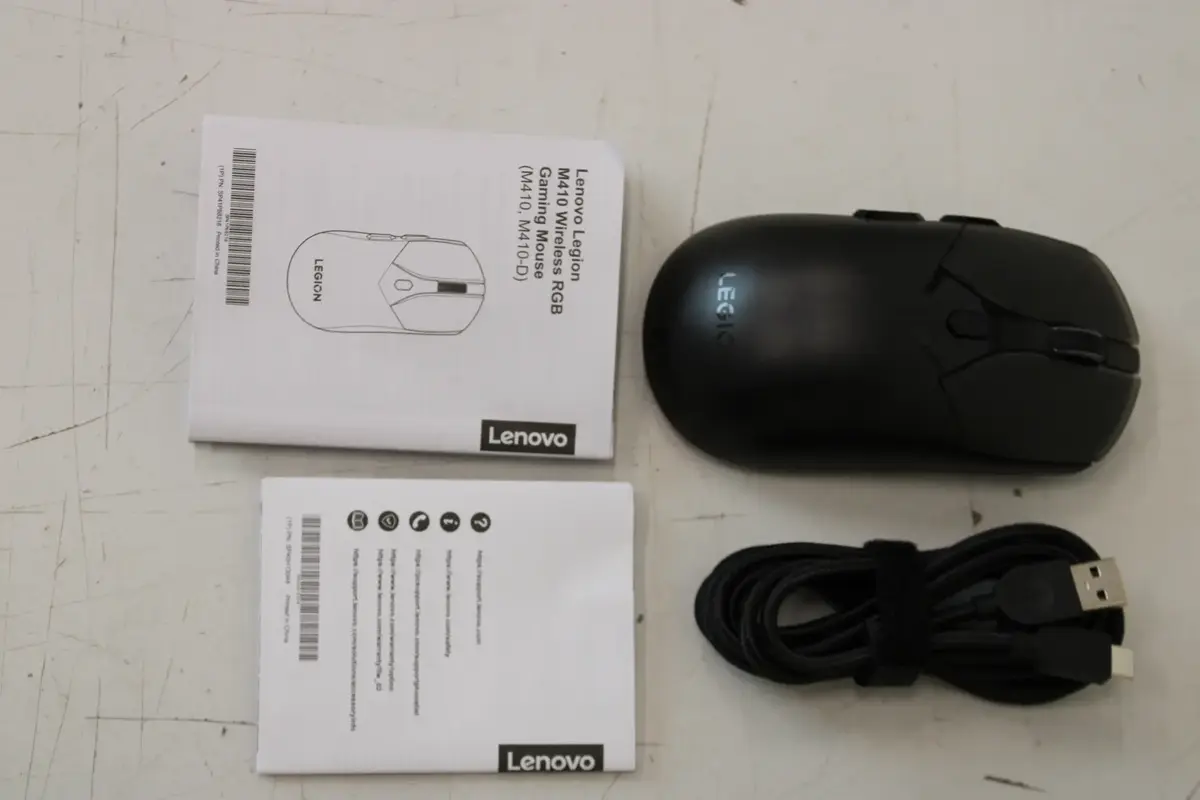
Gaming Mouse Lenovo M410 Wireless
The Lenovo M410 Wireless Gaming Mouse is a high-performance peripheral designed to provide gamers with a reliable and responsive experience. Utilizing a stable 2.4 GHz wireless connection, this mouse eliminates cable clutter while maintaining the speed required for competitive play. Its ergonomic shape is crafted to support the hand during long gaming sessions, reducing fatigue and improving overall control. The integrated customizable RGB lighting adds a personalized aesthetic to any gaming setup, while the lightweight construction allows for swift and precise cursor movements.
This gaming mouse offers significant benefits for users who prioritize freedom of movement and comfort. The wireless 2.4 GHz technology ensures a lag-free connection, which is essential for maintaining accuracy in fast-paced games. The ergonomic design promotes a natural grip, making it suitable for various hand sizes and grip styles. Furthermore, the responsive buttons are engineered for durability and quick actuation, ensuring that every command is registered instantly. The lightweight build reduces wrist strain, allowing for extended periods of comfortable use without compromising on performance.
This mouse may not be suitable for professional esports players who strictly require wired connections to eliminate any potential for signal interference or battery management. Additionally, users with very large hands might find the compact, lightweight design less supportive compared to larger, heavier ergonomic mice.
To begin using the Lenovo M410, simply insert the wireless receiver into an available USB port on your computer. Ensure the mouse is powered on using the switch located on the underside. The device typically operates as a plug-and-play peripheral, though you may need to install specific software from the manufacturer's website to customize the RGB lighting effects and button assignments to your preference.
For optimal performance, keep the wireless receiver in close proximity to the mouse and ensure the battery is charged regularly. Using the mouse on a high-quality gaming mousepad will improve sensor tracking accuracy and longevity of the mouse feet.
{{highlightedFeature.featureTitle}}:
{{getProductFeatureValueById(product, highlightedFeature.featureId)}}
{{ productComparisonGenerationError }}
