
Save time and money with our discounts!
In cart {{totalProductsCount}} item(s)
Your cart is empty
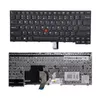
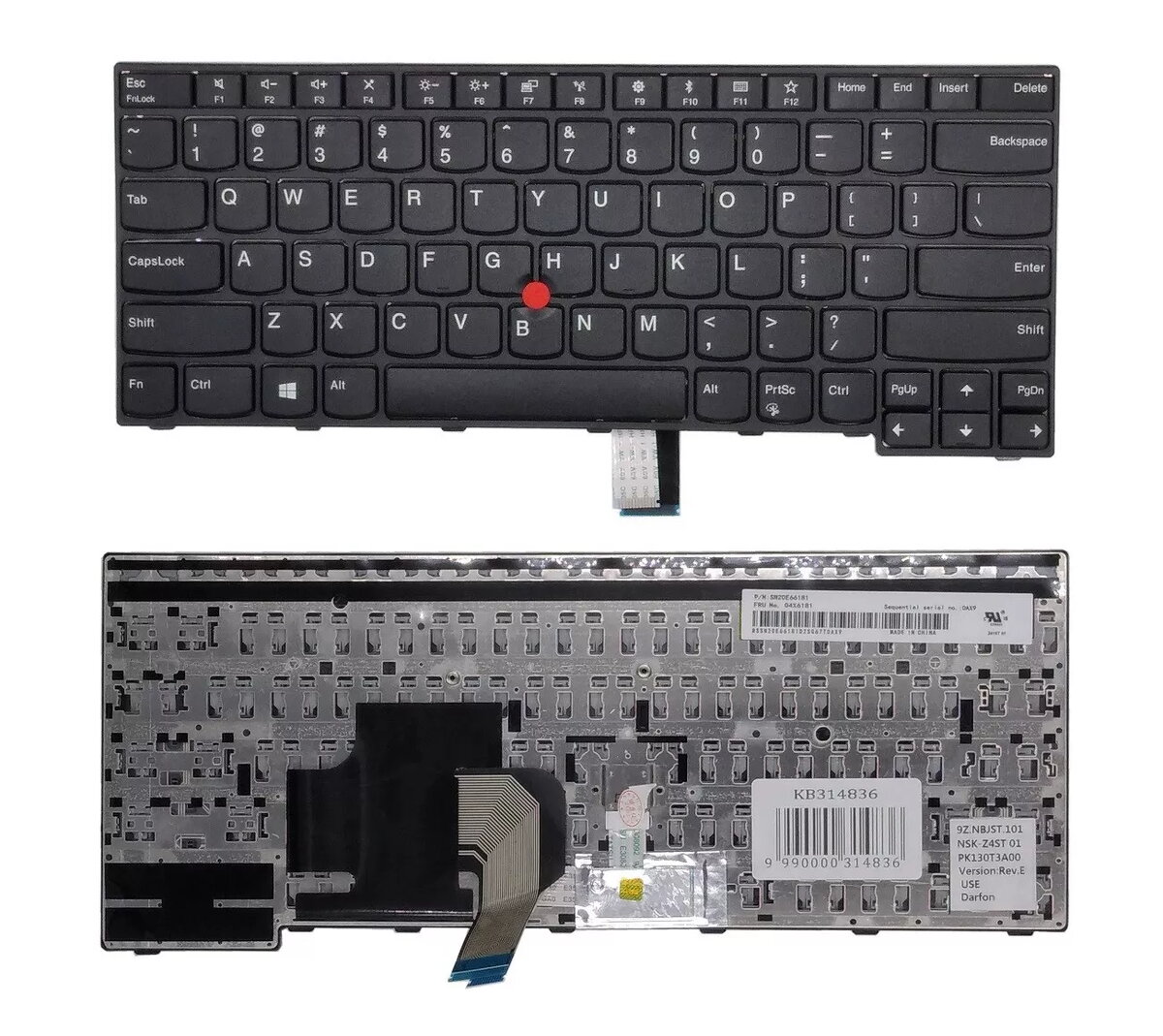
Keyboard Lenovo ThinkPad E470 US layout with TrackPoint, external USB keyboard compatible with ThinkPad E470
Replacement keyboard for Lenovo ThinkPad E470 with US QWERTY layout and integrated TrackPoint. This keyboard comes with a frame and TrackPoint cap and is compatible with multiple ThinkPad E470-series laptops as well as usable as an external spare keyboard. The black finish preserves the original look and key arrangement for typing and precise cursor control.
The keyboard retains the standard US layout and built-in TrackPoint for familiar typing and navigation. Supplied with a frame for easy installation or stable desktop use, it is a direct-fit replacement for supported models and can be used as an external USB input device. The black color matches original Lenovo styling.
For laptop replacement, power off the device, disconnect the battery if possible, remove the bezel or palm rest according to the service manual, detach the old keyboard connector and remove the old unit, then install the replacement keyboard with its frame and reconnect the ribbon cable. For external use, connect the keyboard via the appropriate USB adapter or cable as required and position it on a flat surface. Ensure the TrackPoint cap is fitted for pointer control.
Before installation, verify model compatibility and part numbers. Handle the keyboard and ribbon cable carefully to avoid damage; follow Lenovo service instructions or seek professional installation if unsure.
{{highlightedFeature.featureTitle}}:
{{getProductFeatureValueById(product, highlightedFeature.featureId)}}
{{ productComparisonGenerationError }}
