
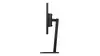

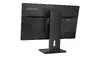
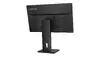
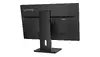

Hurry and order now – up to 50% off!
In cart {{totalProductsCount}} item(s)
Your cart is empty
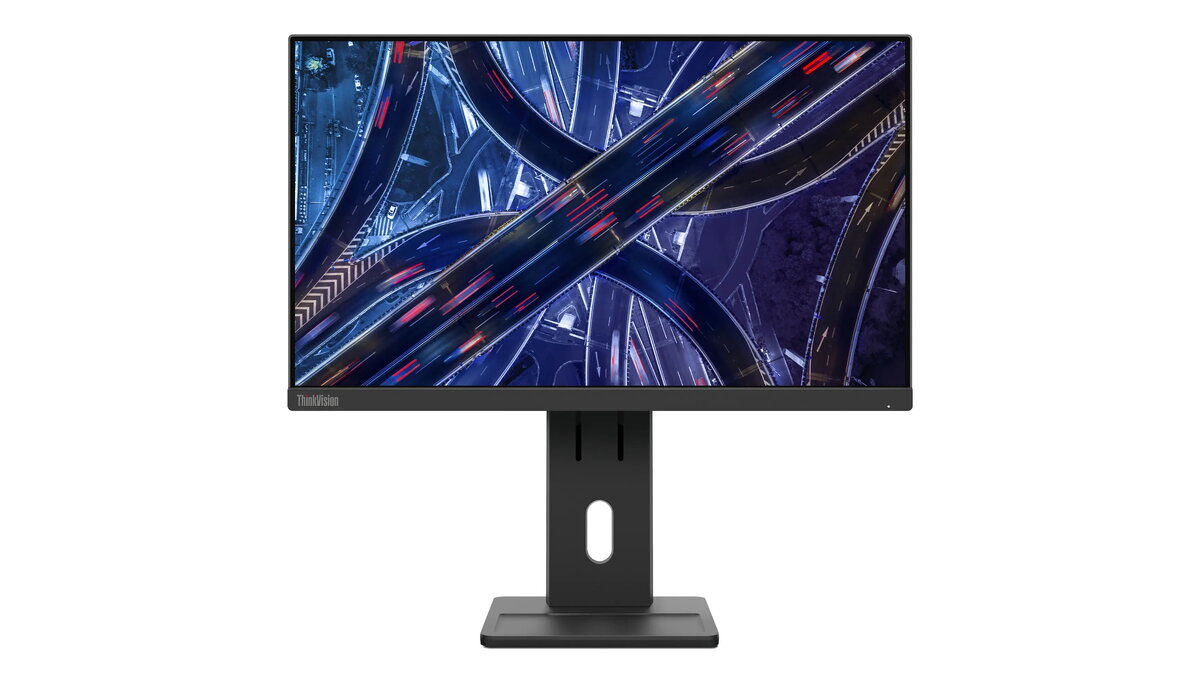
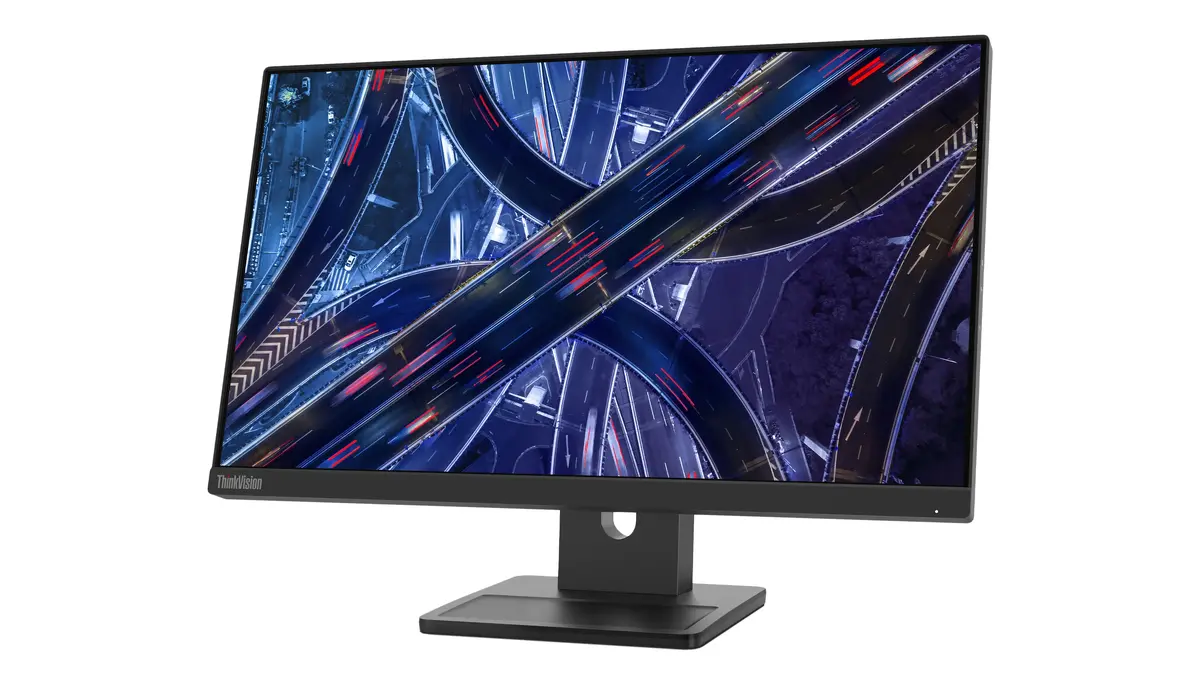
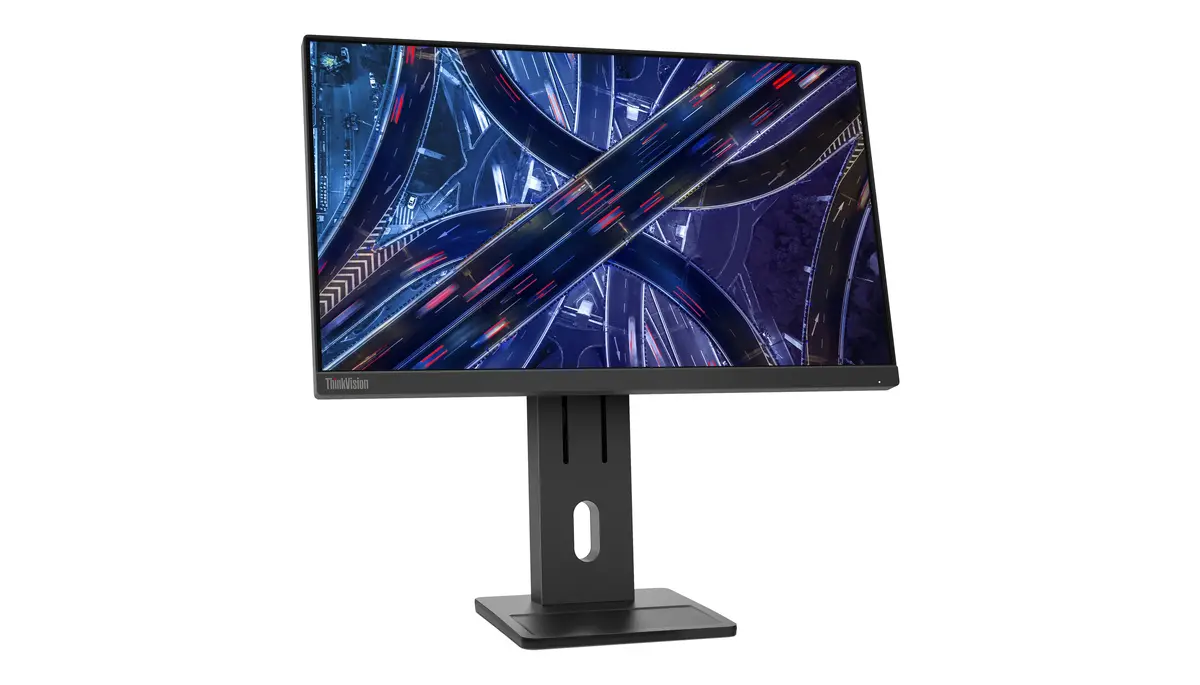
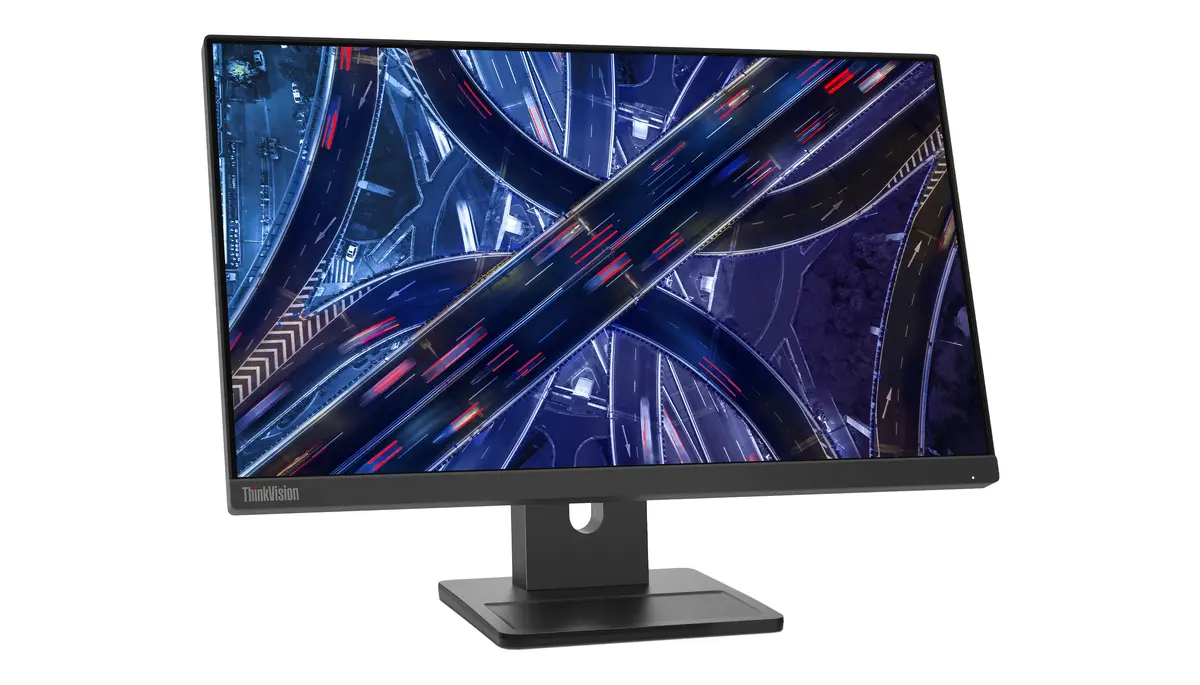
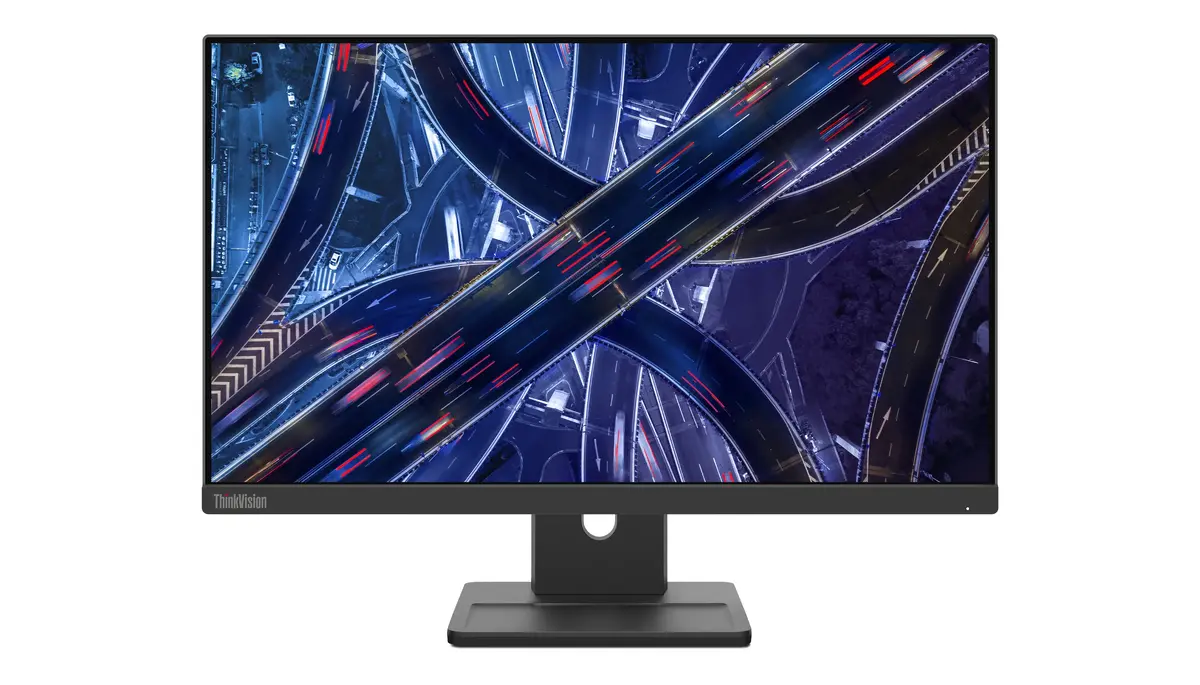
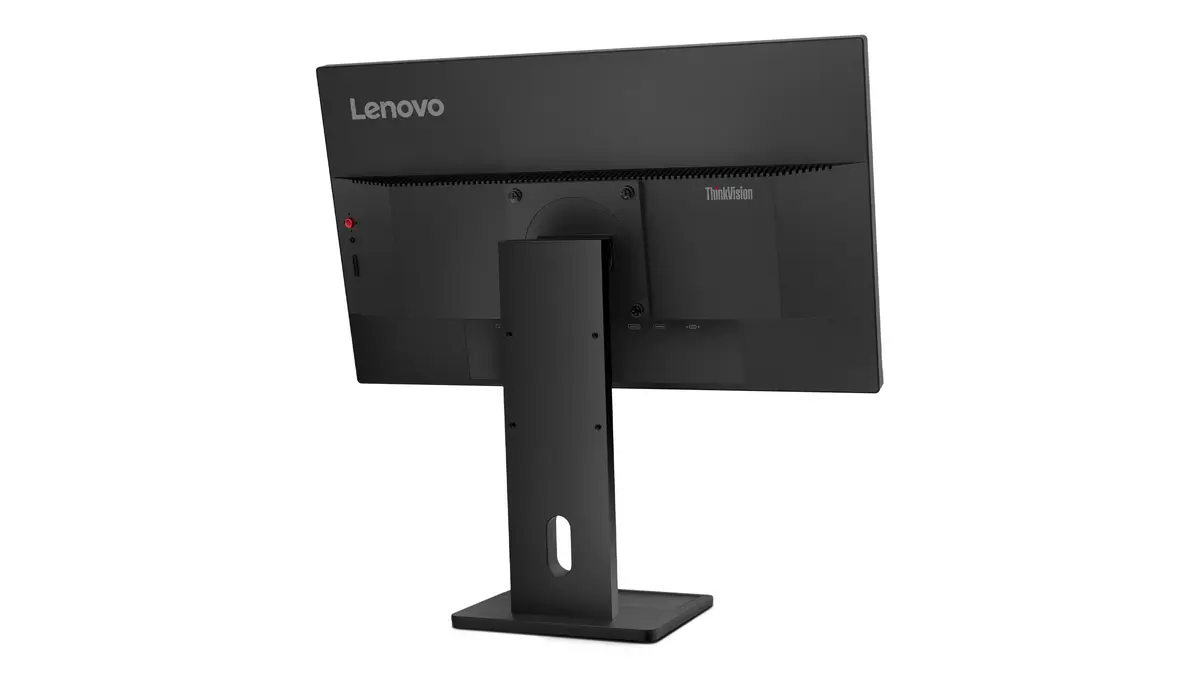
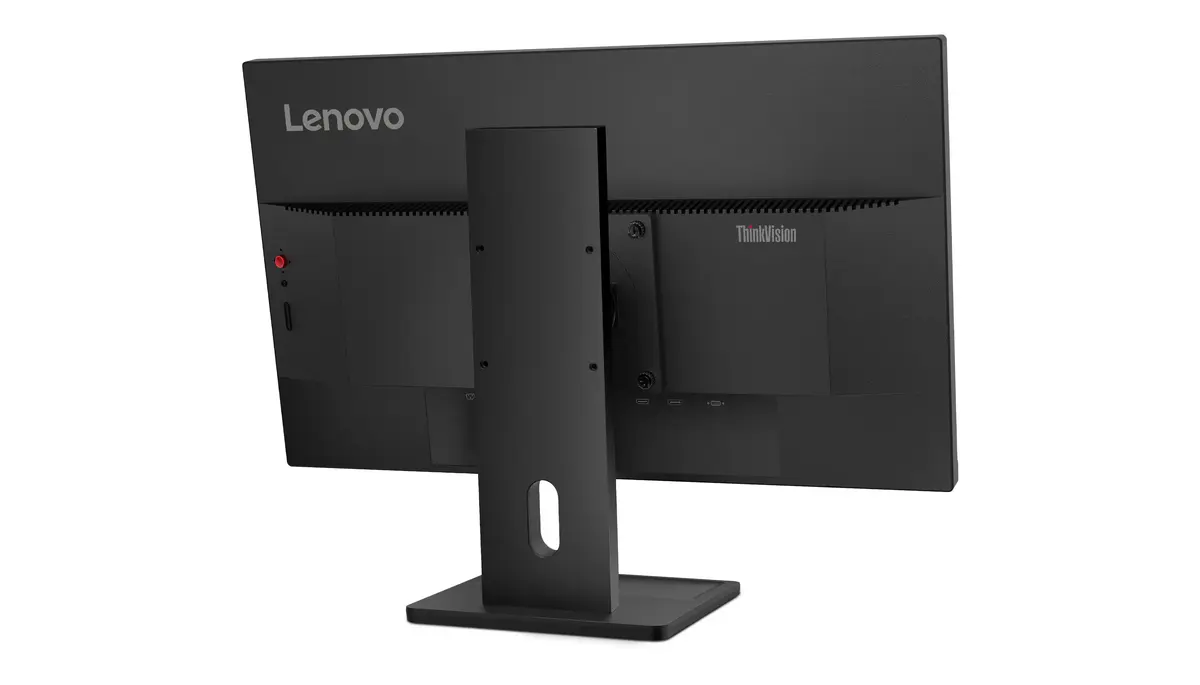
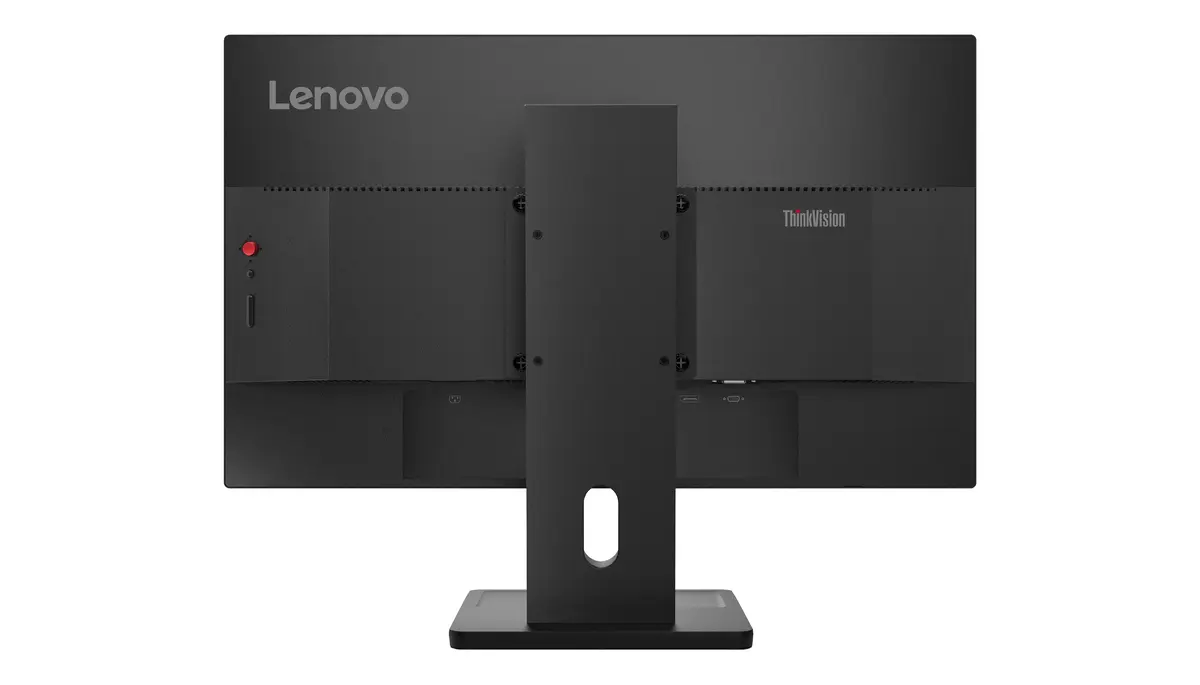
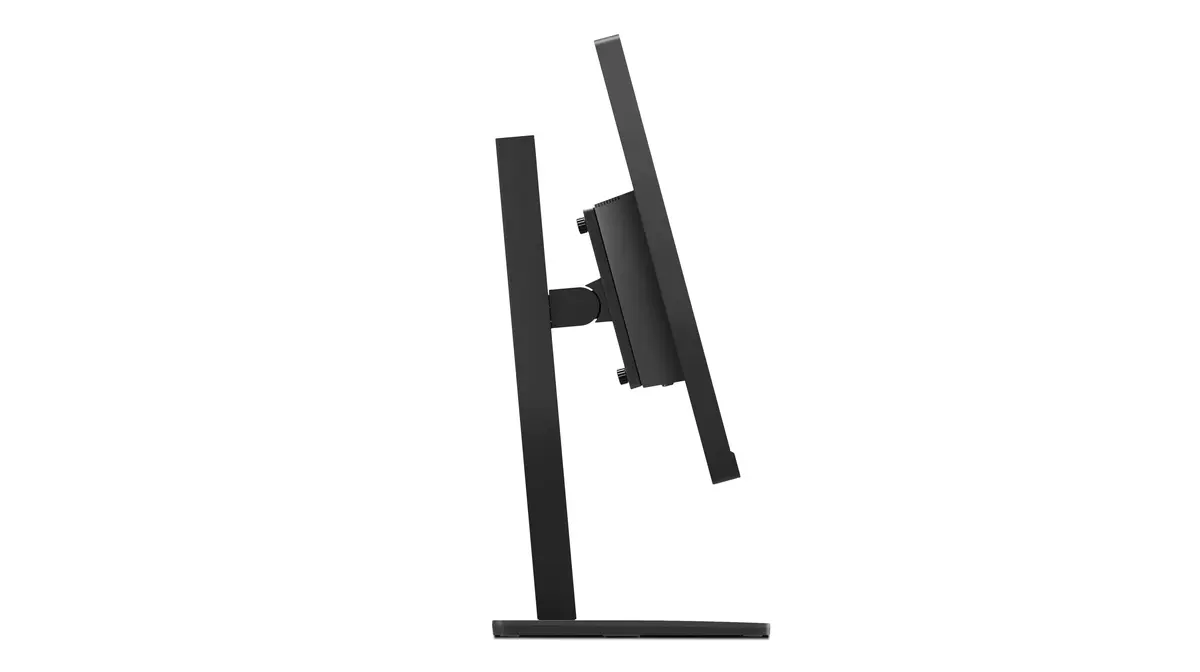
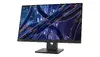
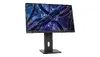
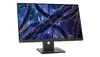
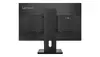
LED monitor Lenovo ThinkVision E22-30 21.5" (54.6 cm) Full HD 1920×1080 IPS, 6 ms, VESA, speakers, black
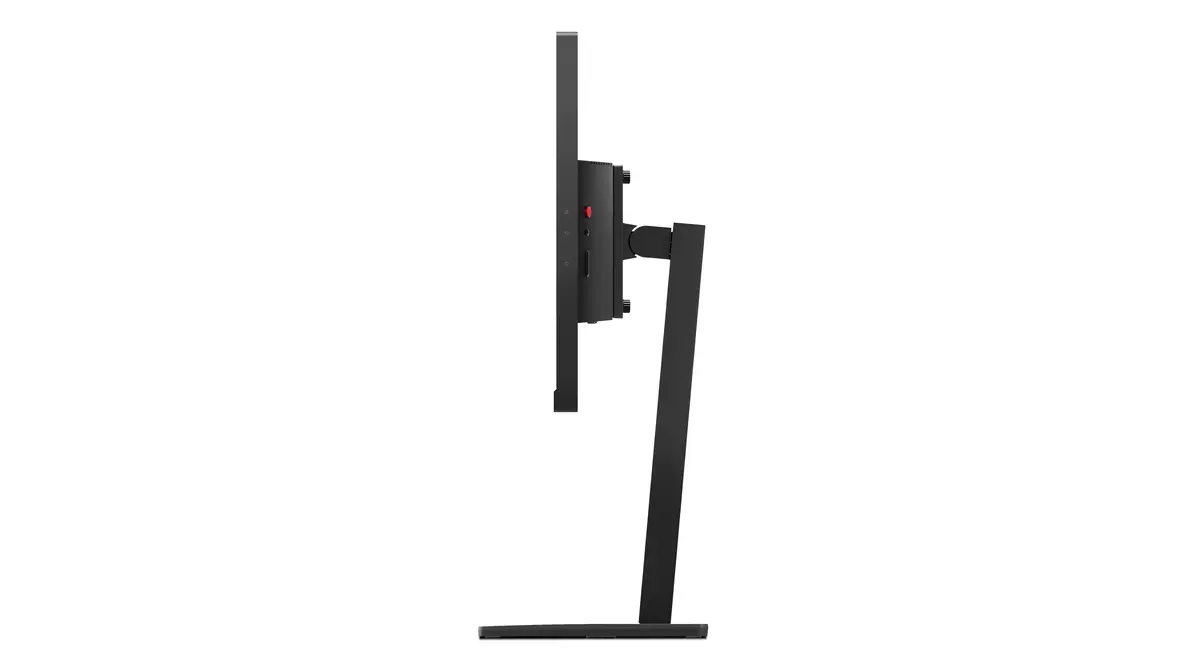
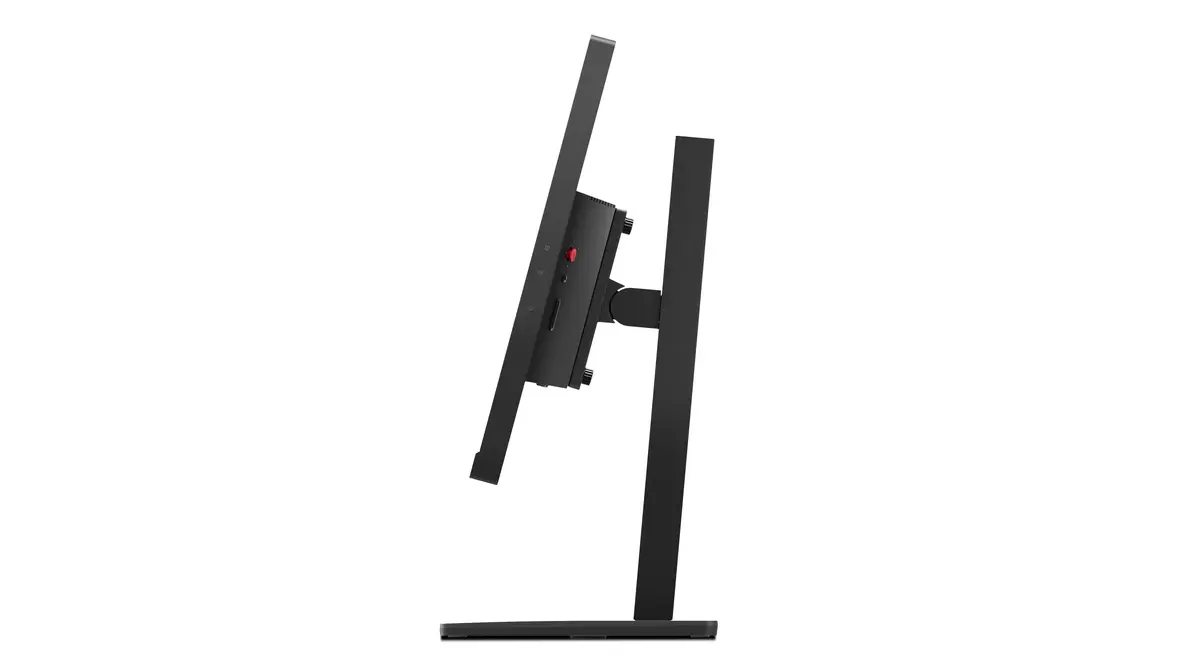
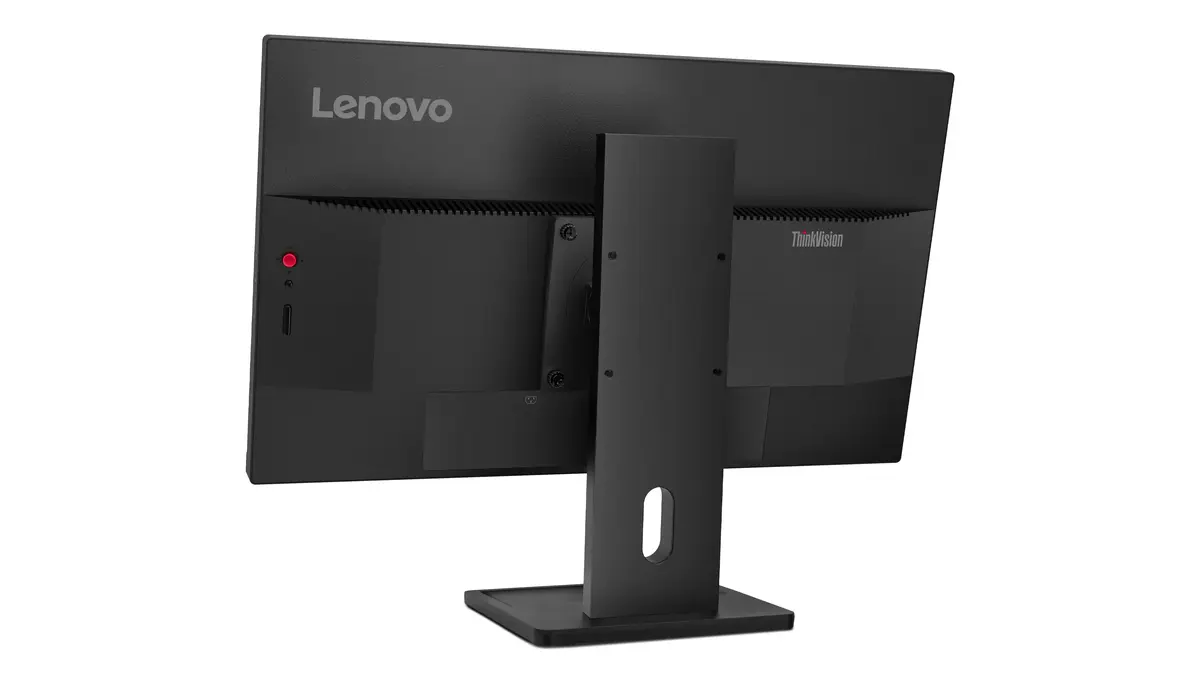
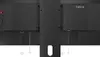
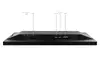
Lenovo ThinkVision E22-30 is a 21.5" (54.6 cm) LED IPS monitor with Full HD 1920×1080 resolution, 16:9 aspect ratio and a flat, three-side near-edgeless screen. The In-Plane Switching panel provides wide 178°/178° viewing angles and accurate color reproduction while a 75 Hz refresh rate and 6 ms response time support fluid video playback. The display offers 250 cd/m² typical brightness, 1000:1 typical contrast and 99% sRGB coverage. Built-in speakers and VESA mounting expand placement options for office desks, home workspaces and multimedia setups.
The IPS panel ensures consistent color and wide viewing angles for collaborative viewing and long work sessions. Full HD resolution combined with a near-edgeless flat design provides a distraction-free, sharp image for documents, spreadsheets and web pages. A 75 Hz refresh rate and 6 ms response time reduce visible motion blur in video and animated content. Integrated speakers simplify basic audio needs without additional peripherals, and VESA compatibility enables flexible mounting on monitor arms or wall brackets.
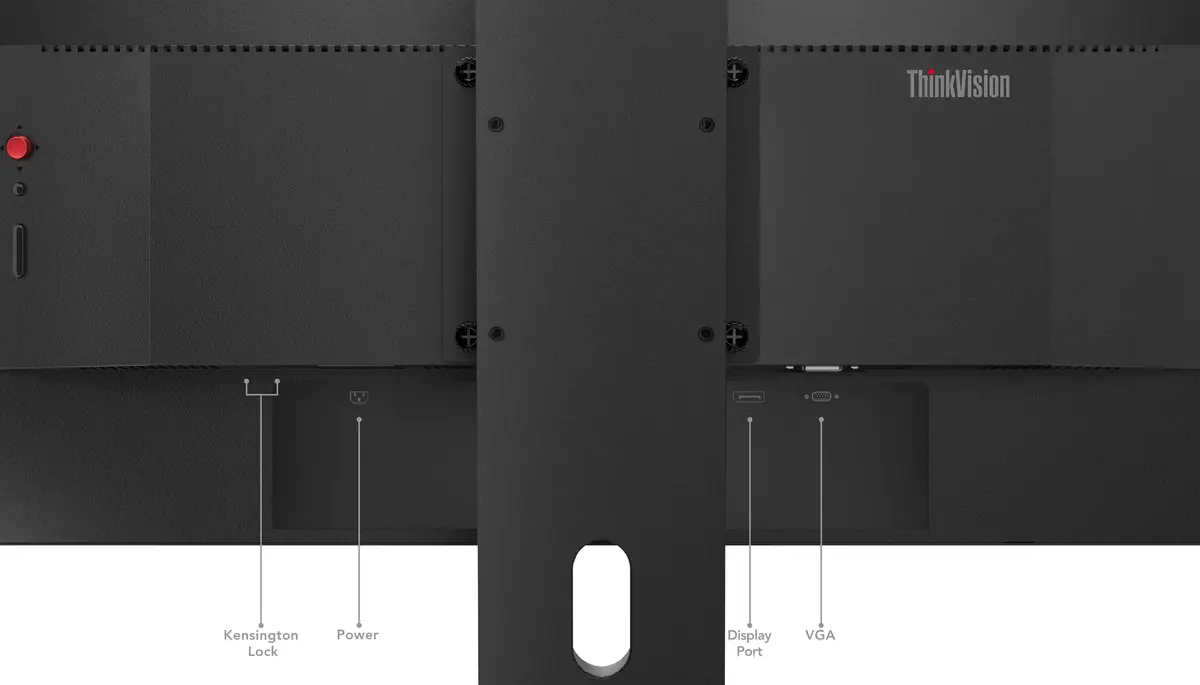
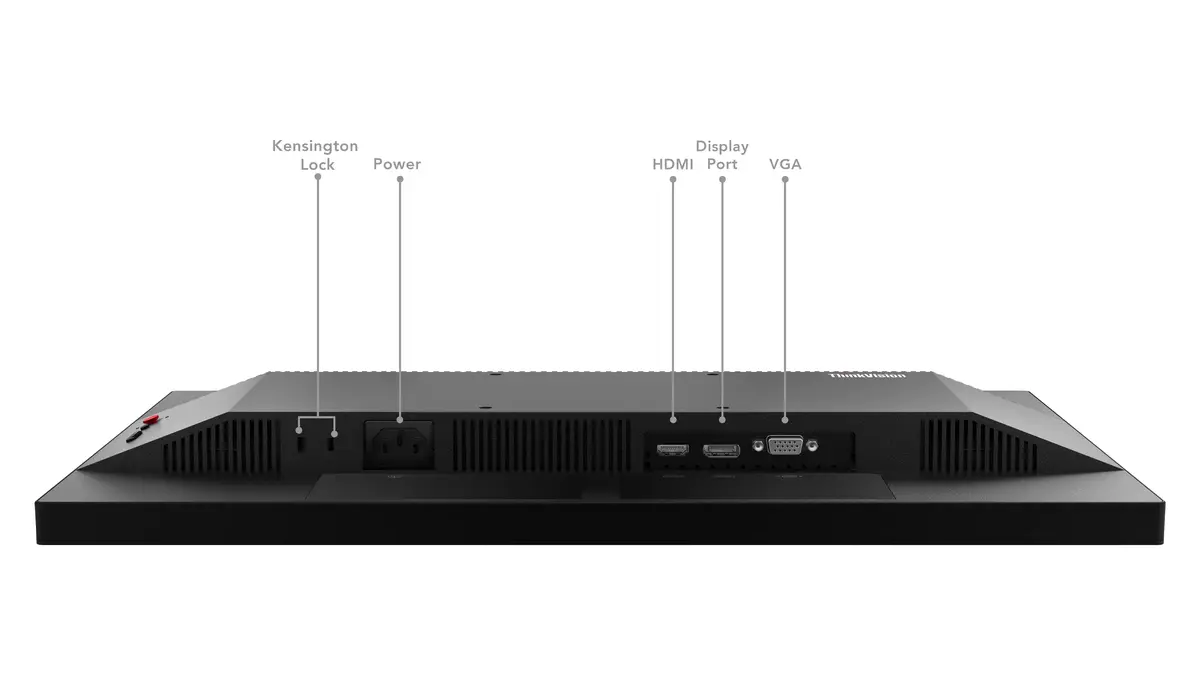
Place the monitor on a stable desk or attach it to a VESA-compatible arm or wall mount following the mounting instructions. Connect to a computer using the available video input (use the cable supplied or compatible HDMI/DisplayPort cable) and plug in the power cord. Adjust the on-screen display settings to match your environment: set brightness to a comfortable level, select color temperature or sRGB mode for accurate color, and enable Low Blue Light if available to reduce eye strain. Use the built-in speakers for basic audio playback or connect external speakers/headphones to improve sound quality.
For extended daily use, set brightness to a level that prevents glare and enable Natural Low Blue Light to minimize visual fatigue without altering color perception. When performing color-critical tasks, verify colors using sRGB mode and calibrate with a hardware calibrator if precise matching is required. If you mount the display, ensure the VESA bracket supports the monitor weight and maintain proper ergonomic height and viewing distance to reduce neck and eye strain.
{{highlightedFeature.featureTitle}}:
{{getProductFeatureValueById(product, highlightedFeature.featureId)}}
{{ productComparisonGenerationError }}
Device manufacturer code
Device manufacturer
iagonal of the visible part of the screen expressed in centimeters and inches.
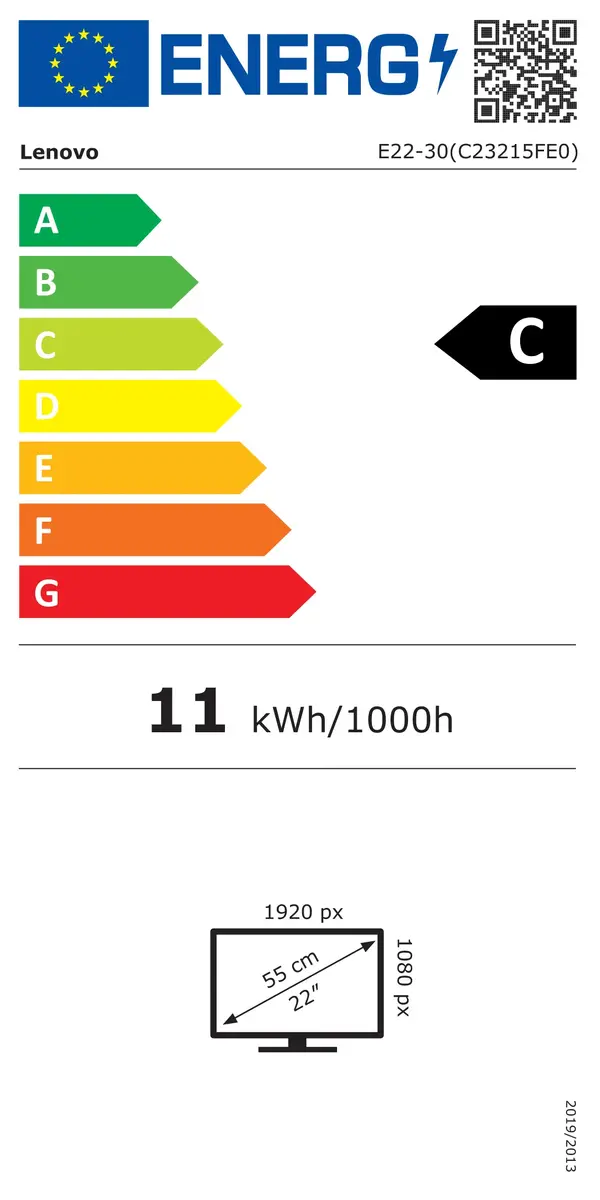
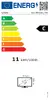
Energy efficiency class is a standard classification that is used all over Europe and which is understandable at first sight. Products can be efficiently compared according to classes, starting from A (the most energy efficient class), and ending with G (the most energy-intensive class). The classification of energy efficiency is based on annual energy consumption which is being calculated on the basis of several different parameters.
Power consumption in switched-on state expressed in W.
