
Hurry and order now – up to 50% off!
In cart {{totalProductsCount}} item(s)
Your cart is empty
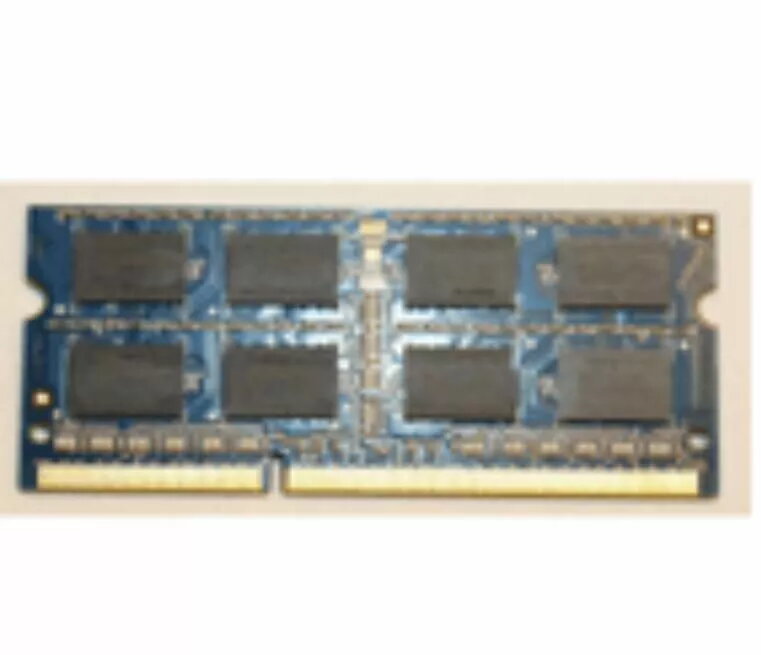
Memory Module Lenovo DDR3L 8GB 1600
Lenovo DDR3L 8GB 1600 memory module delivers a straightforward upgrade option to increase system memory capacity and responsiveness. This low-voltage DDR3L module is designed to operate at 1.35V and supports 1600 MT/s transfer rates, providing reliable performance for everyday multitasking and moderately demanding applications in compatible laptops and desktops.
This 8GB DDR3L module improves system multitasking by allowing more applications and browser tabs to run simultaneously without excessive swapping to disk. The low-voltage 1.35V design reduces power consumption compared with standard 1.5V DDR3 modules, which can contribute to lower thermal output and longer battery life in portable systems. The 1600 MT/s speed provides adequate bandwidth for office work, media playback, and light content creation tasks.
Power off the computer and disconnect it from the power source. Open the system case or access panel to reach the memory slots, following the device manufacturer’s service instructions. Align the module with the slot notch and press firmly and evenly until the retaining clips engage. After installation, reconnect power and start the system; verify that the operating system recognizes the new 8GB module and that memory settings in BIOS/UEFI are correct for DDR3L 1600 operation.
Confirm your system supports DDR3L 1.35V modules and the 1600 MT/s data rate before purchase. If your system uses SO‑DIMM or desktop DIMM slots, ensure you select the matching physical form factor. When mixing modules, pair identical capacities and speeds where possible to maintain optimal compatibility and performance.
{{highlightedFeature.featureTitle}}:
{{getProductFeatureValueById(product, highlightedFeature.featureId)}}
{{ productComparisonGenerationError }}
