
JBL speakers and headphones for pure and deep sound!
In cart {{totalProductsCount}} item(s)
Your cart is empty
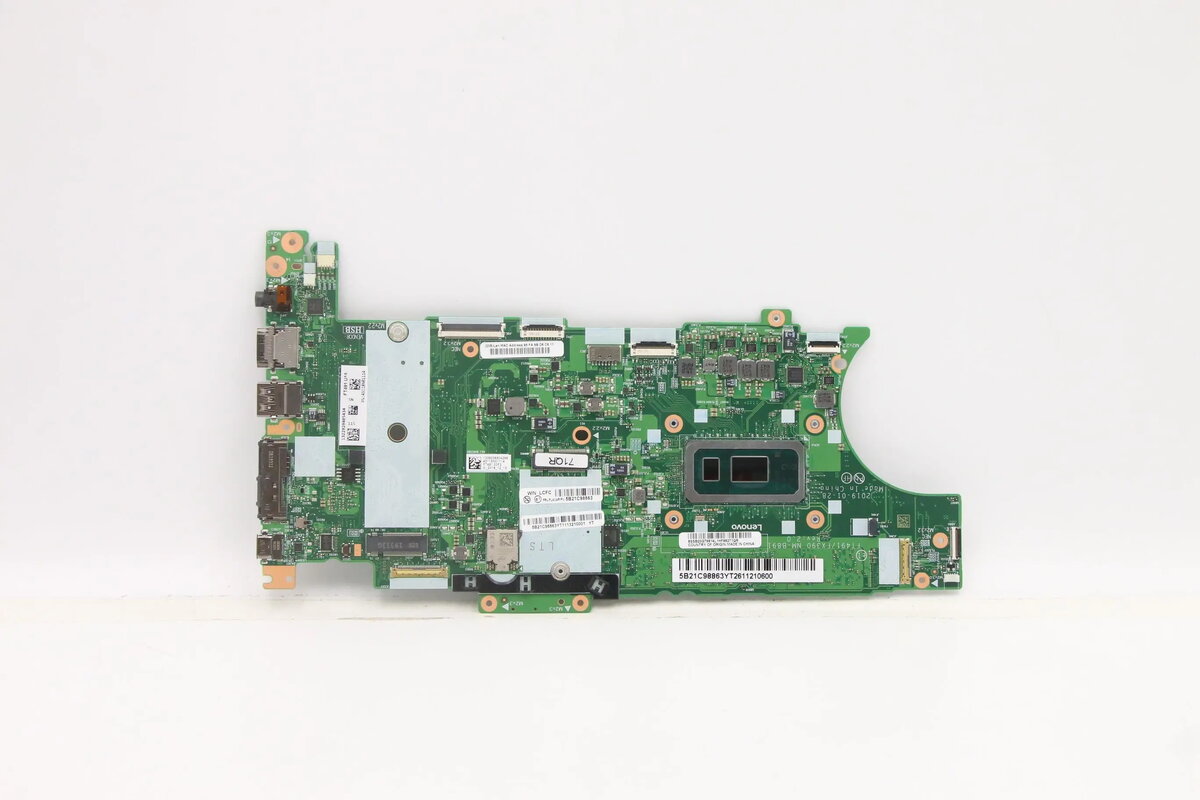
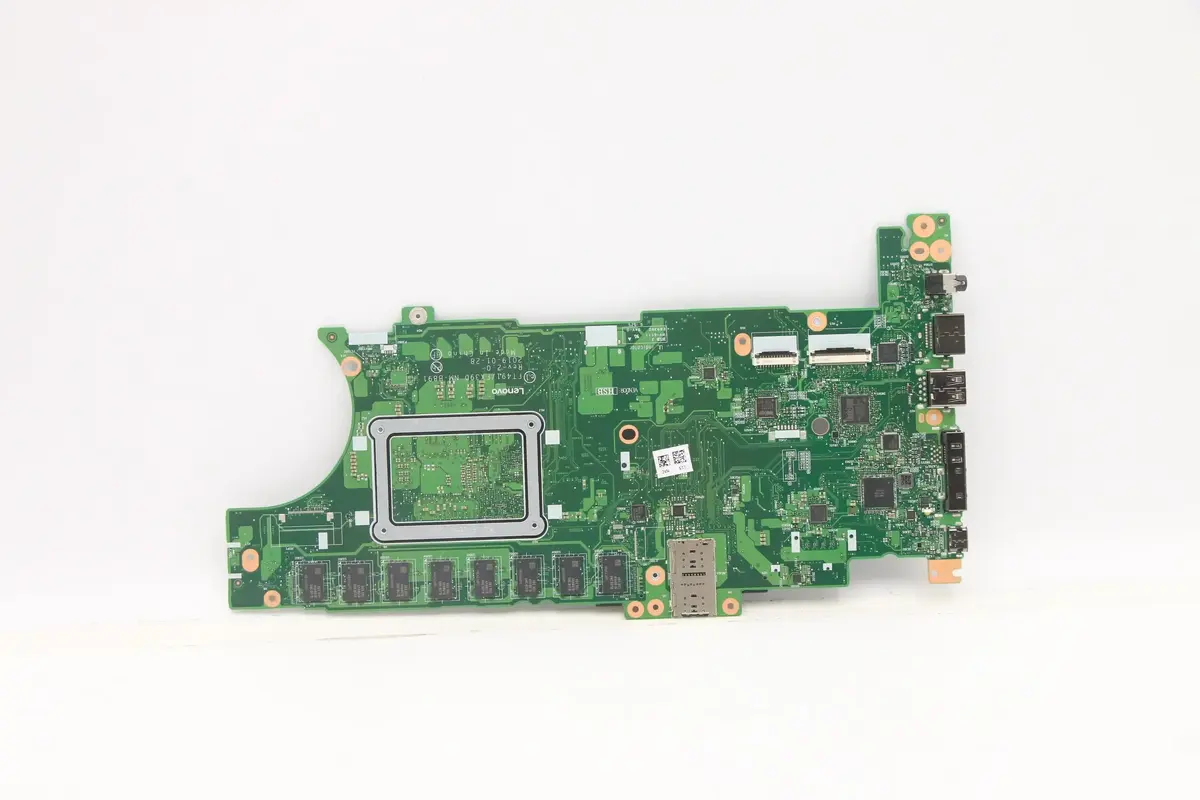
Motherboard for Lenovo ThinkPad T490s — model 5B21C98745, compatible with Intel i5-8265U / 8GB / 9560 / yTPM2
Replacement motherboard 5B21C98745 for Lenovo ThinkPad T490s designed for systems configured with Intel i5-8265U processor, 8GB memory module population, Intel 9560 wireless adapter and yTPM2 security. This board is intended for repair or refurbishment of compatible ThinkPad T490s laptops to restore full system functionality when the original mainboard is faulty or damaged. The motherboard supports the laptop’s existing connectors, ports and onboard components to maintain original device behavior.
The motherboard offers direct compatibility with Lenovo ThinkPad T490s systems that use the listed CPU and modules, allowing straightforward swap-in replacement during repair. Using a board that matches the original hardware configuration helps preserve system stability, security features such as yTPM2 and wireless functionality via the Intel 9560 module. The design follows the original layout to reduce the need for additional modifications or re-cabling.
Power off the laptop, disconnect all power sources and remove the battery if externally accessible. Ground yourself to avoid electrostatic discharge, open the T490s bottom cover, and carefully disconnect cables and modules attached to the original motherboard including storage, display cable, keyboard, and wireless module. Remove mounting screws and lift out the faulty board, then place the replacement 5B21C98745 board into the chassis aligning screw holes and connectors. Reconnect cables and modules in reverse order, secure the board with screws, reassemble the chassis, reinstall the battery and power on the laptop to verify system boot, wireless operation and yTPM2 functionality.
Perform a full hardware verification and BIOS/firmware check after installation. If the system shows mismatched firmware or security settings, update the BIOS and reconfigure TPM settings according to Lenovo support guidance. Use compatible thermal interface materials and ensure proper cooling assembly during reinstallation to maintain system reliability.
{{highlightedFeature.featureTitle}}:
{{getProductFeatureValueById(product, highlightedFeature.featureId)}}
{{ productComparisonGenerationError }}
