
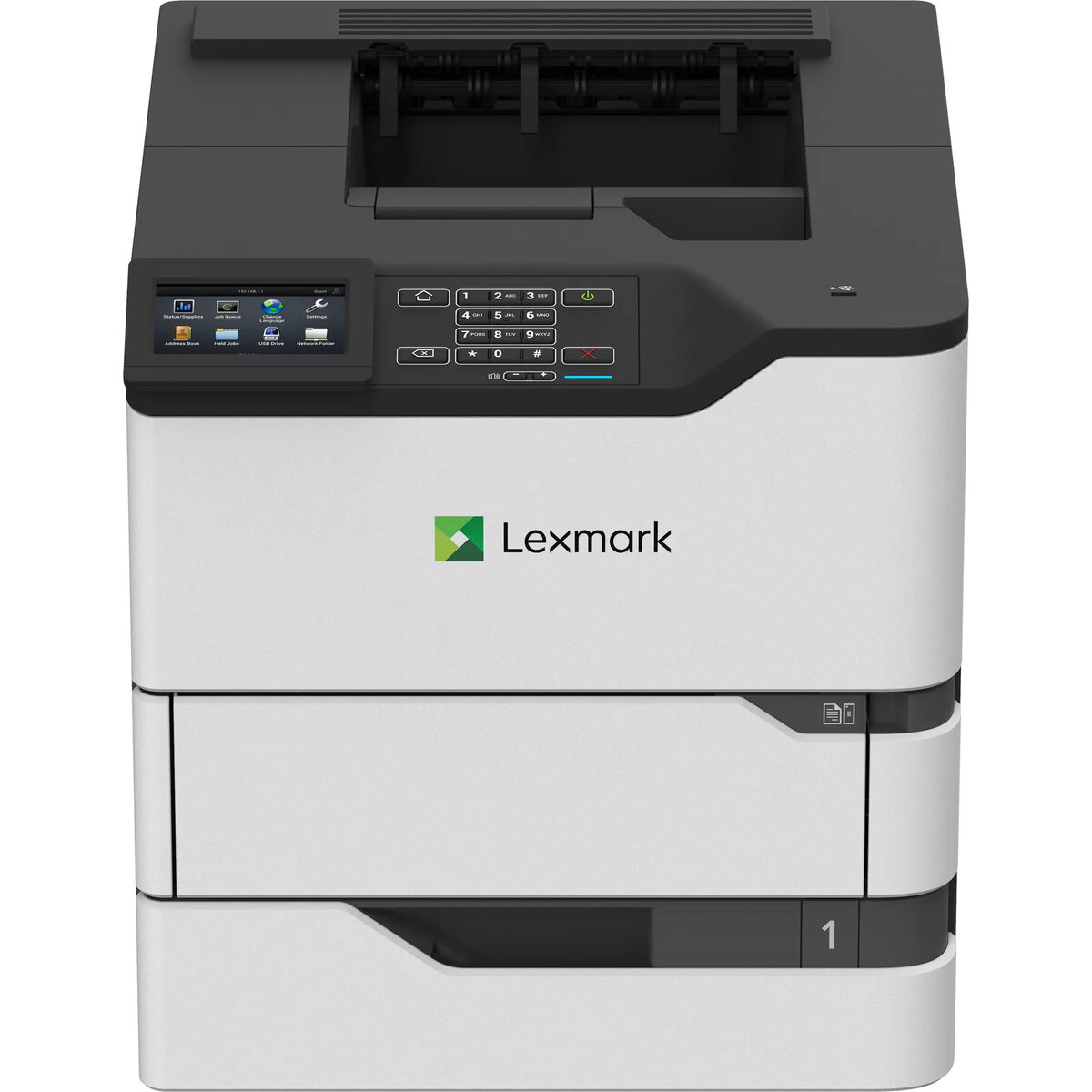
Printer Lexmark M5270 Laser Black White
{{selectedOffer && selectedOffer.price | formatAmount}}
{{selectedOffer && selectedOffer.price | formatAmount}}
Short description
The Lexmark M5270 is a high-performance laser printer designed for efficiency with a maximum resolution of 1200 x 1200 DPI. It features a print speed of 70 pages per minute and supports duplex printing. With a monthly duty cycle of up to 350,000 pages, it is ideal for busy office environments. The printer is network-ready and uses a single cartridge system, ensuring easy maintenance and high-quality output.

Deliver the order:
to the Customer Service Center at Kengaraga 2b, Riga
20.10.2026
{{selectedOffer.officeDeliveryString}}
free
Customer service center
2b. Kengaraga str., Riga, Latvia, LV-1063
20.10.2026
{{selectedOffer.officeDeliveryString}}
free
Courier Delivery
Please note that in case of a large parcel additional delivery costs may apply!
From 19.40 € (Weight: 25.58 kg)

pay in 3 equal parts
All payment Methods:
Bank transfer, Bank cards on-line, Apple Pay, Google Pay, Installment, Leasing for legal entities
36 months installment:
from 44.14 euros per month
Leasing for legal entities:
from 55.3 euros per month


