

Dreame vacuums for fast and efficient cleaning!
In cart {{totalProductsCount}} item(s)
Your cart is empty
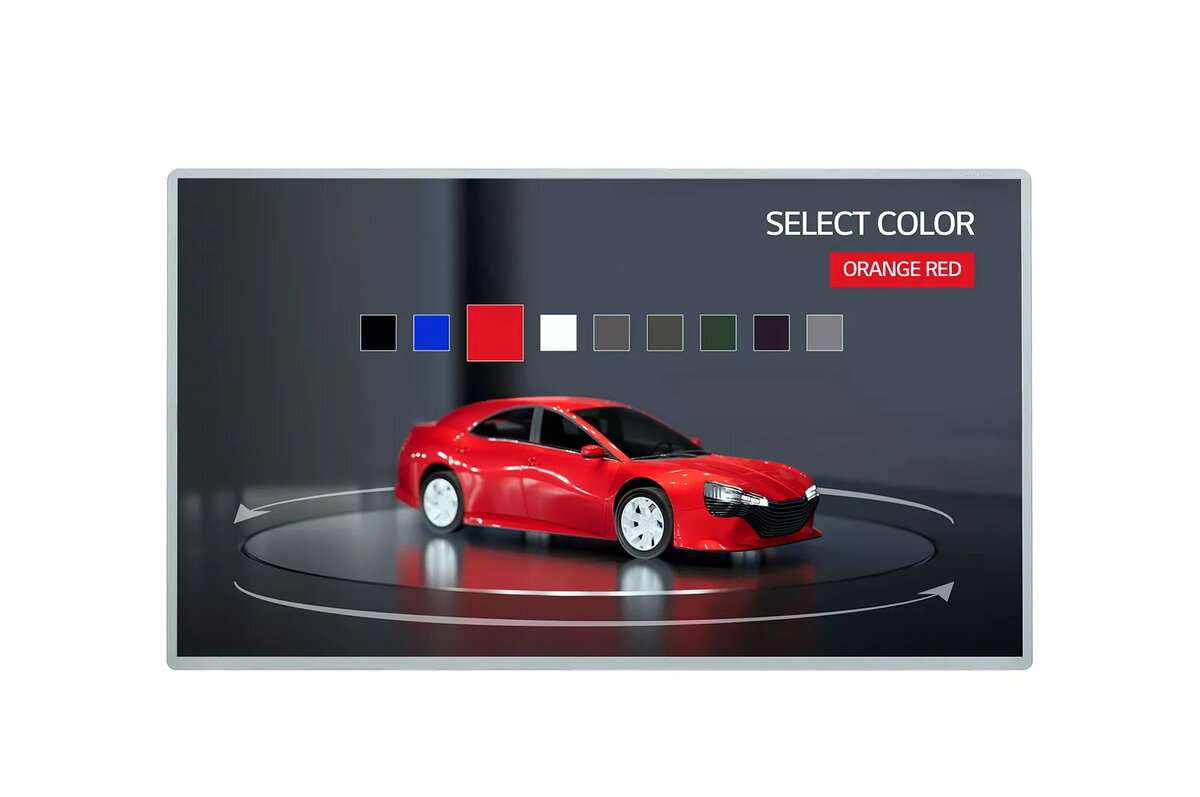
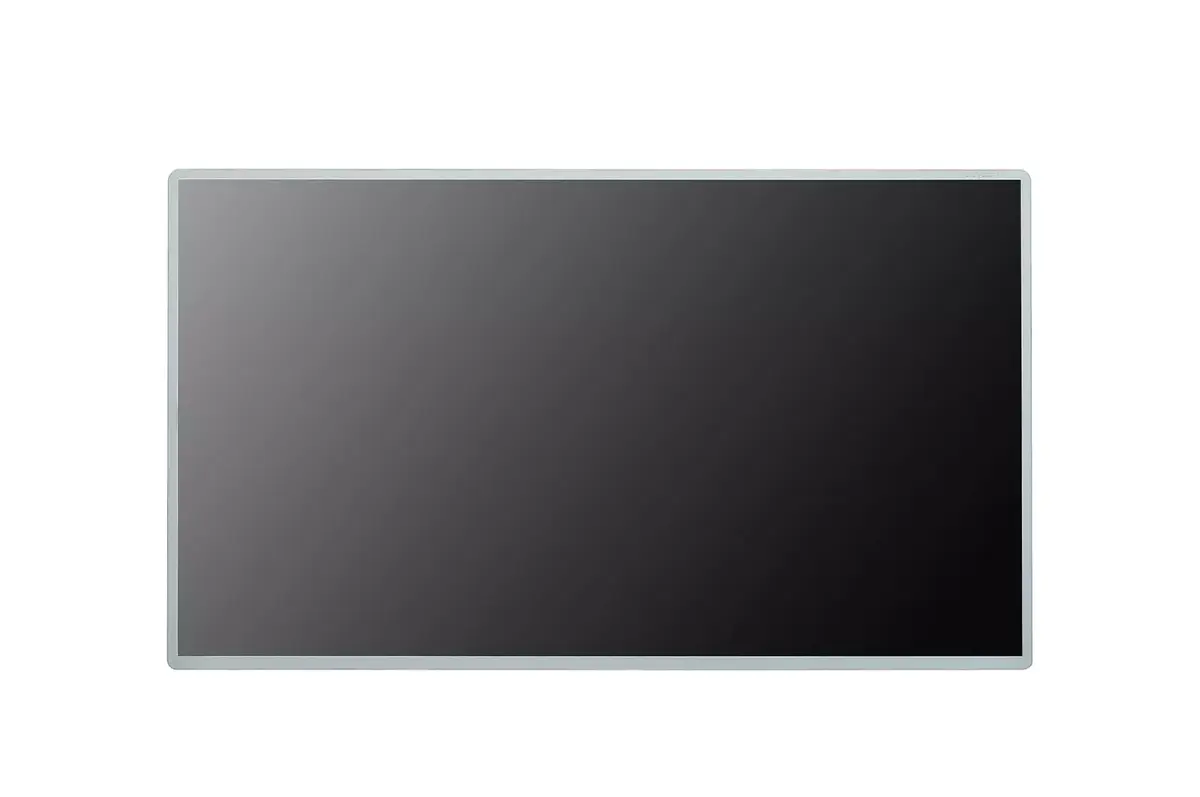
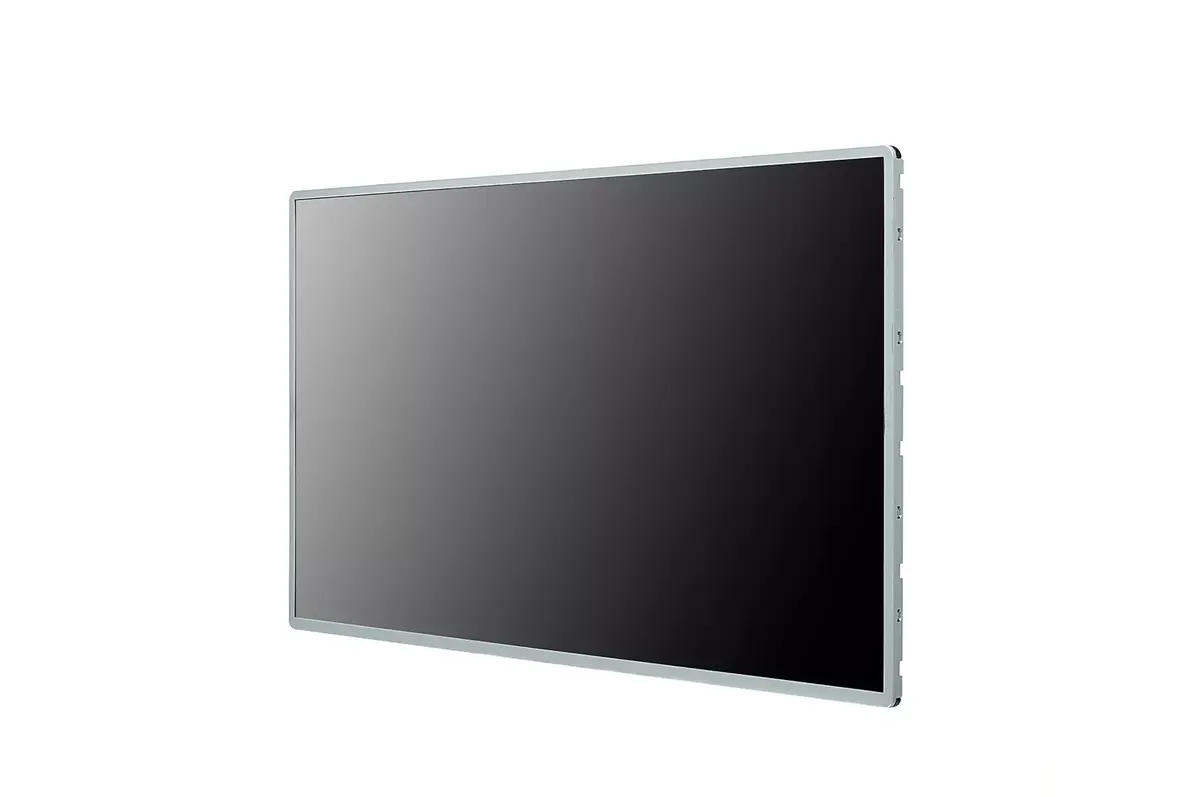
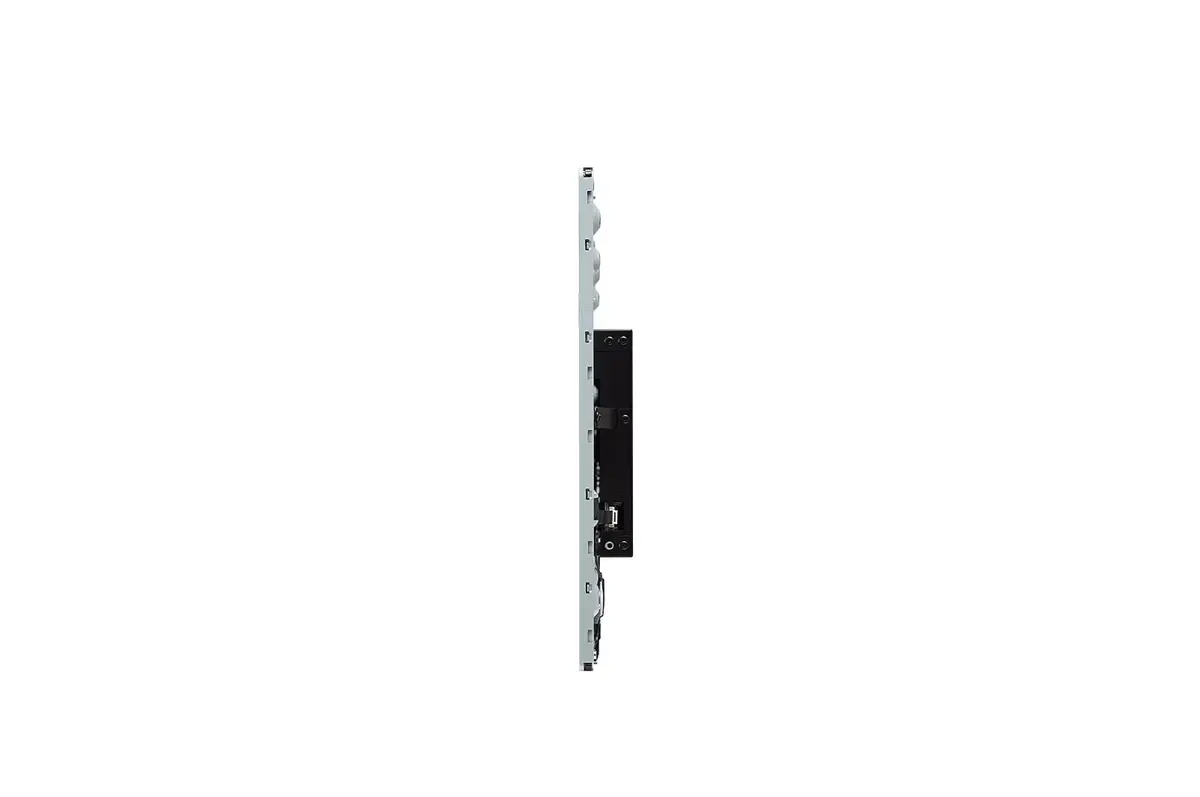
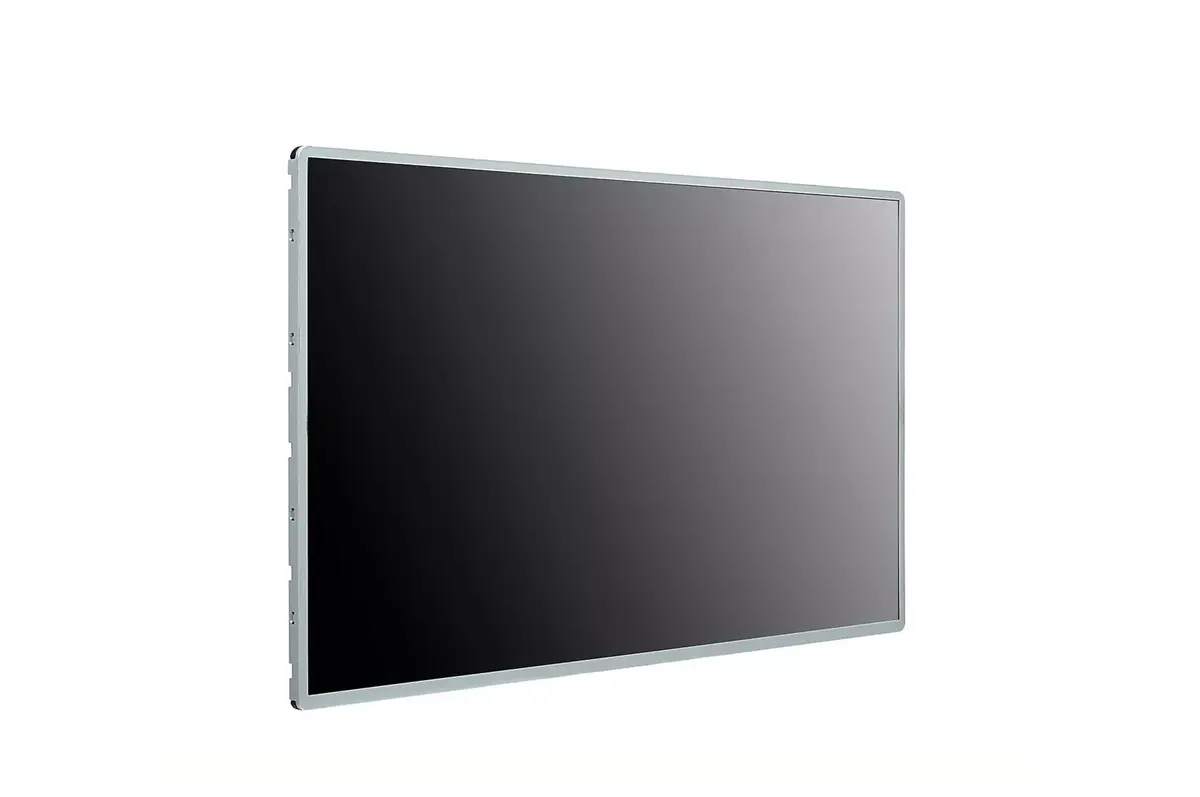
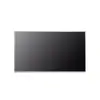
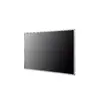
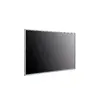
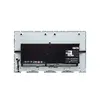
Digital signage flat panel LG 27TNF3K-S 27" Touchscreen LED 1920 x 1080
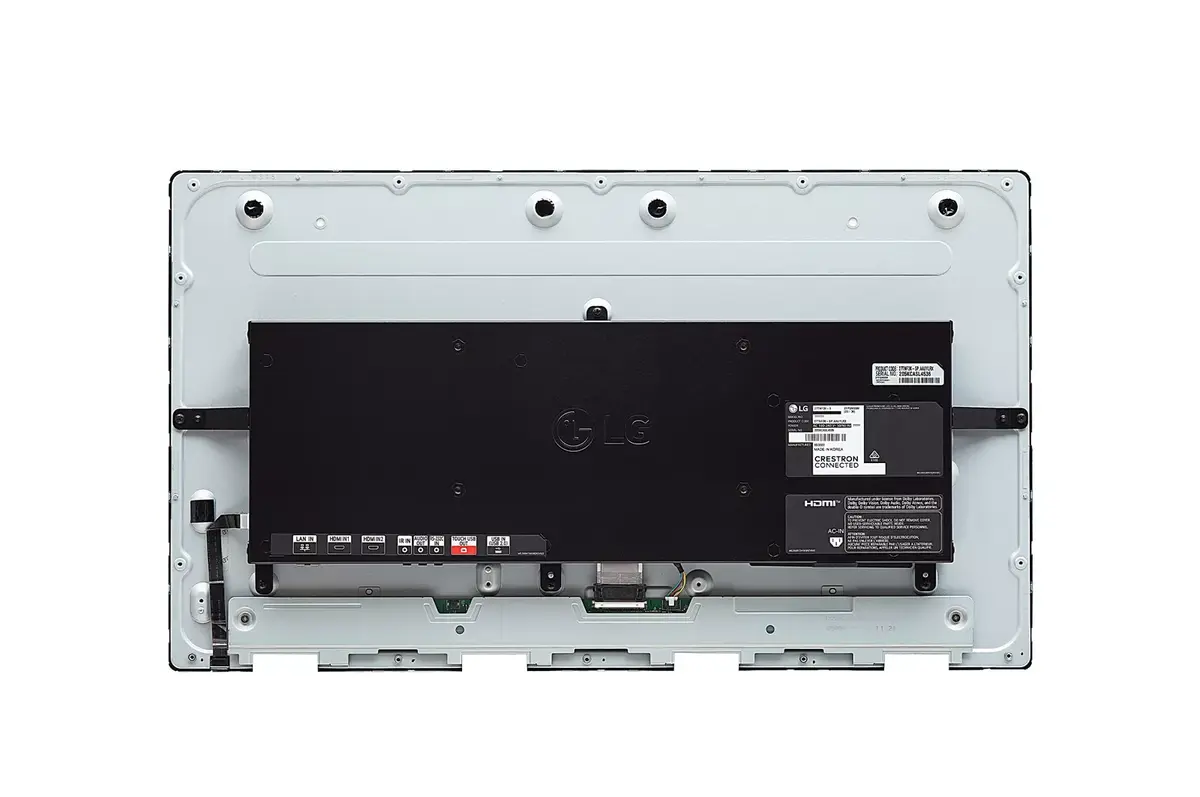
The LG 27TNF3K-S is a 27" digital signage flat panel with an integrated In-Cell touch sensor, Full HD 1920 x 1080 resolution and LED backlight. The IPS panel delivers wide viewing angles and consistent colour reproduction, while a brightness of 300 cd/m² supports visibility in typical indoor lighting. The display is designed for extended operation (16/7) and includes webOS 6.0 for on-device content management and app support. The silver flat-panel design and VESA mount compatibility enable flexible installation in commercial environments.
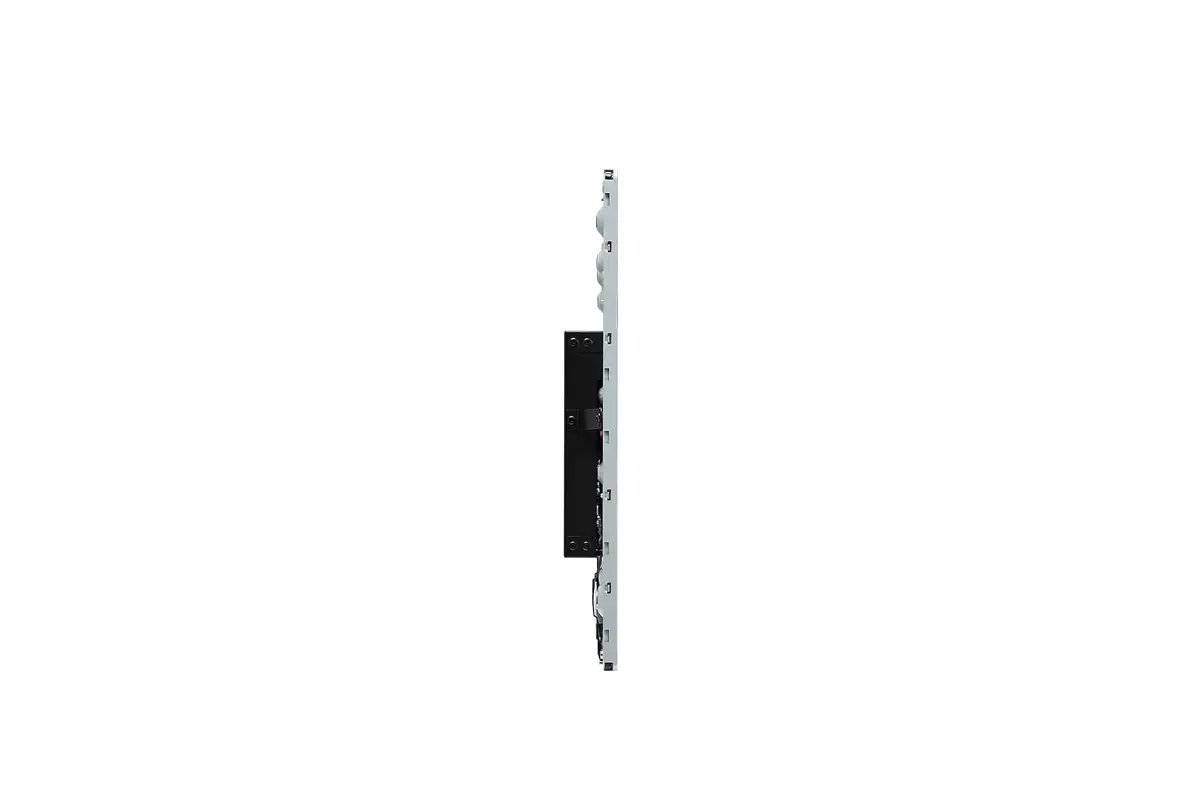
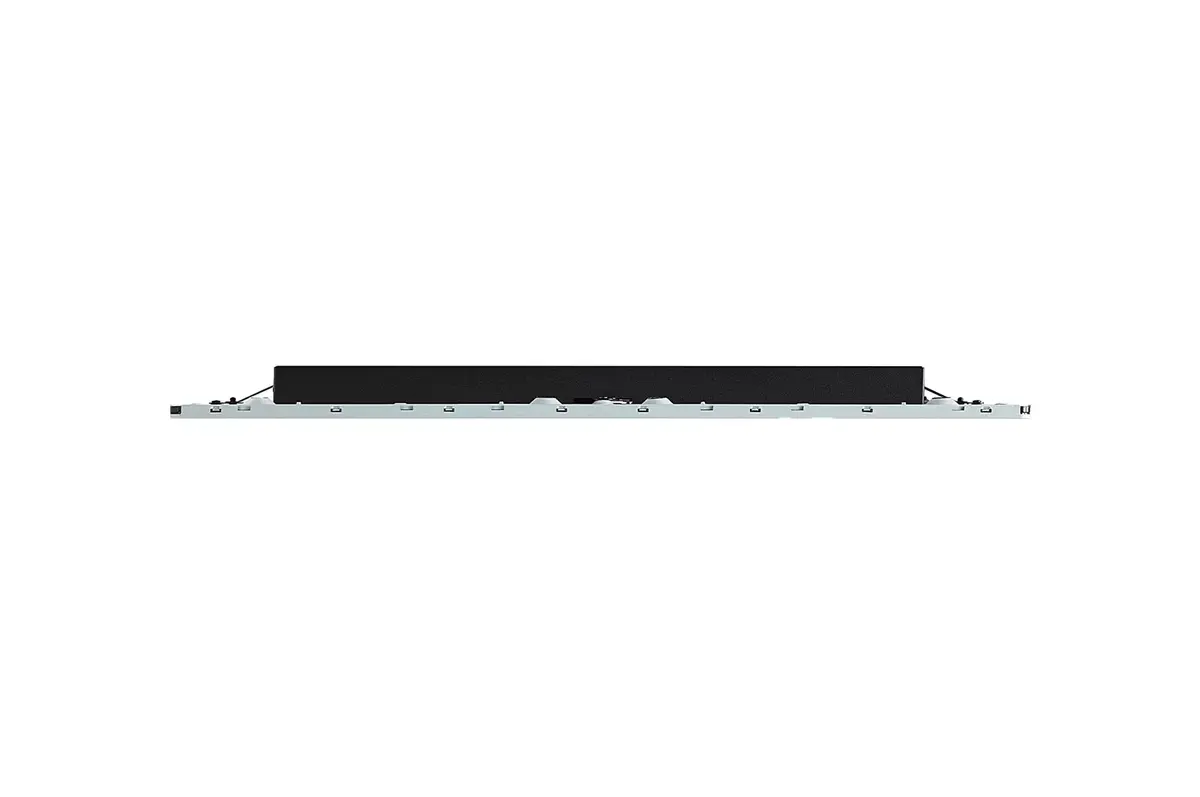
The in-cell touch construction eliminates the need for a separate touch film, resulting in a slimmer profile, narrower bezel and improved image clarity without the milky effect sometimes caused by additional touch layers. Integrated touchscreen, display and webOS simplify system integration and offer design flexibility. The IPS panel ensures wide viewing angles and stable colour, and the screen supports up to 10-point multi-touch for interactive applications. webOS 6.0 and an upgraded SoC facilitate smooth multitasking and provide development tools such as an SDK for custom applications.
Mount the 27TNF3K-S using the compatible VESA bracket or place it on a suitable surface, ensuring the tilt angle does not exceed the supported maximum of 45 degrees for face-up installations. Connect power and required input sources, then configure network and content settings via the webOS interface. Use the multi-touch capability directly on the screen for interactive content; developers can deploy custom apps using the provided SDK and related tools. Follow on-screen menus to adjust brightness, input selection and other display parameters for the intended environment.
For best results, install the display in indoor spaces with controlled ambient light and avoid direct sunlight. Use the integrated webOS platform for centralised content updates and test multi-touch interactions during setup to confirm accurate response across the screen. Ensure regular firmware updates from the manufacturer and mount the display within the recommended tilt limits to maintain touch performance and image quality.
{{highlightedFeature.featureTitle}}:
{{getProductFeatureValueById(product, highlightedFeature.featureId)}}
{{ productComparisonGenerationError }}