Filters you can trust. Pure water every day.
In cart {{totalProductsCount}} item(s)
Your cart is empty
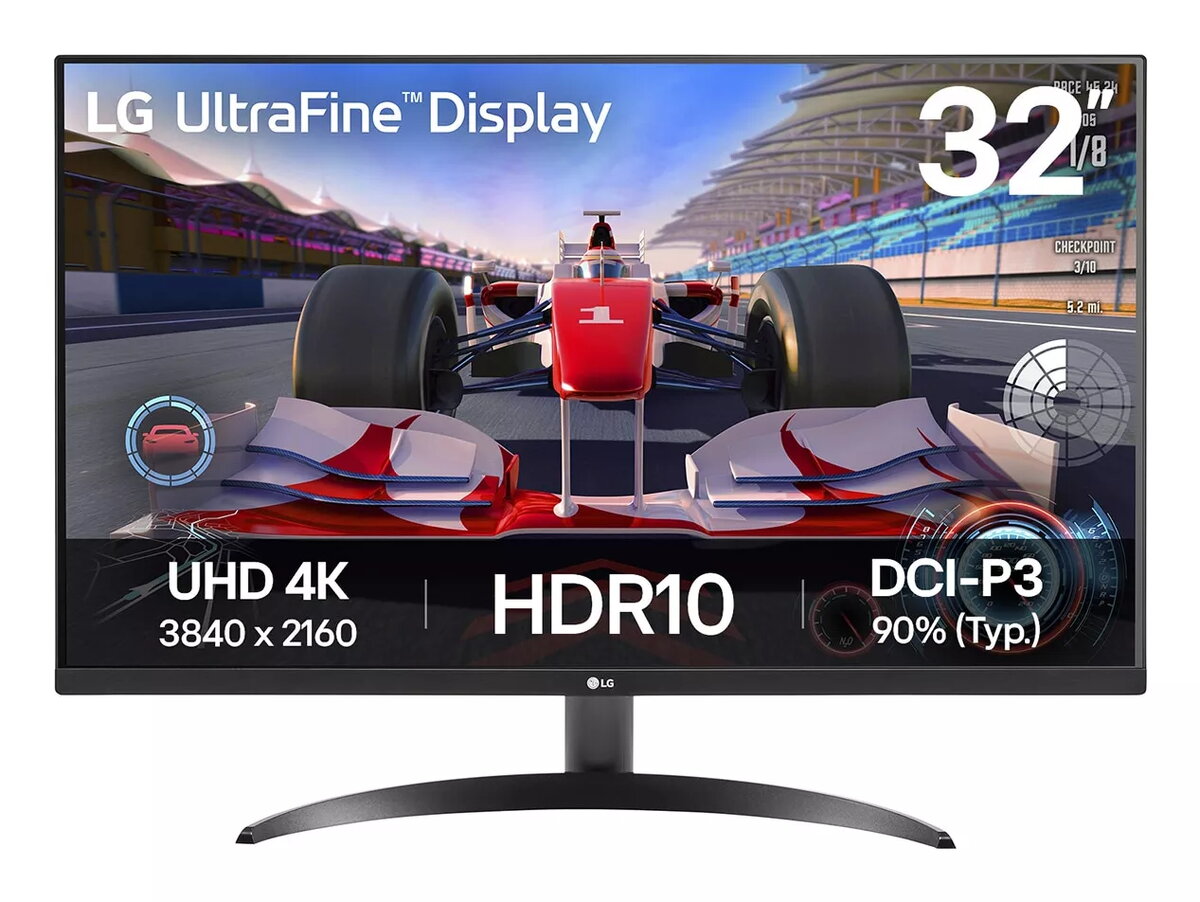
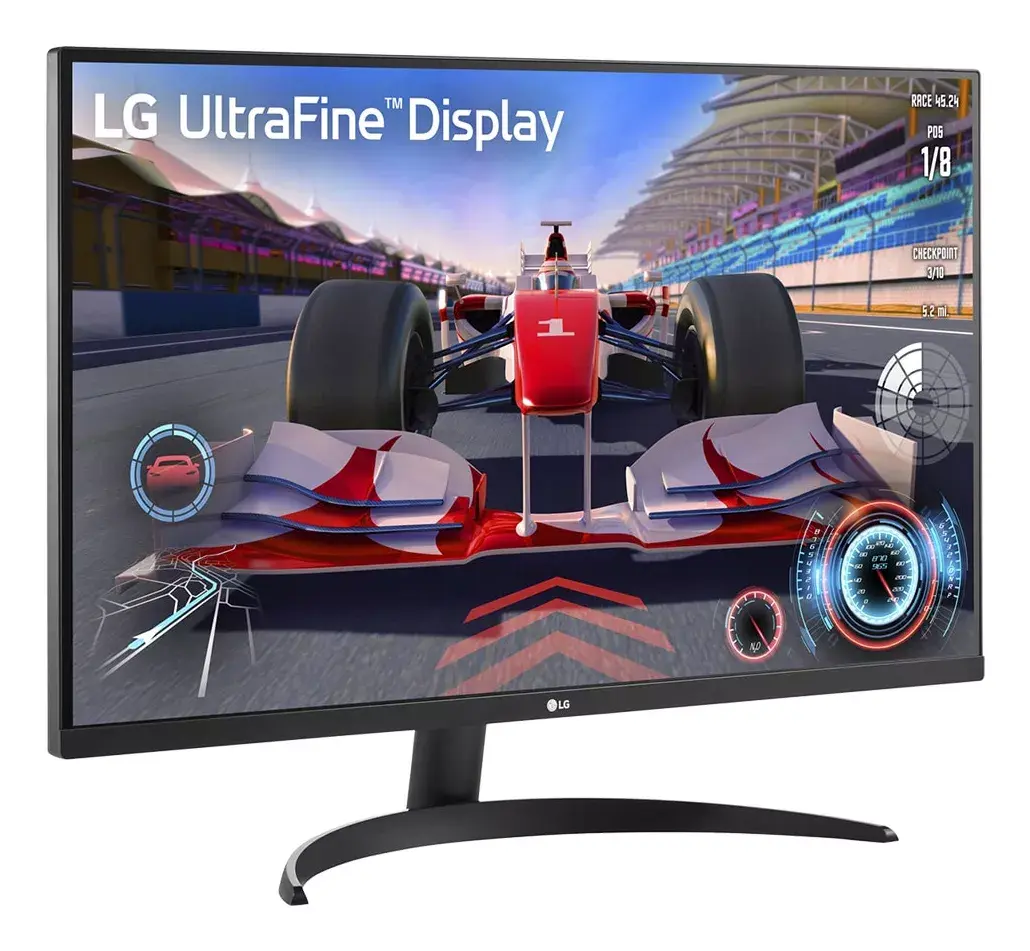
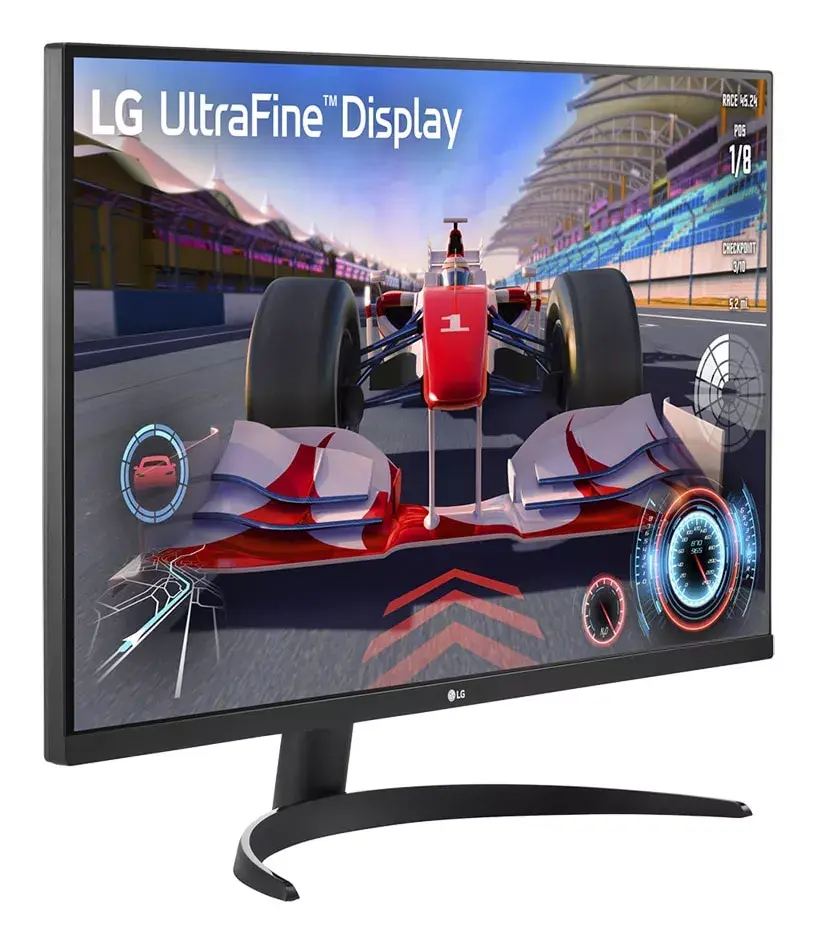
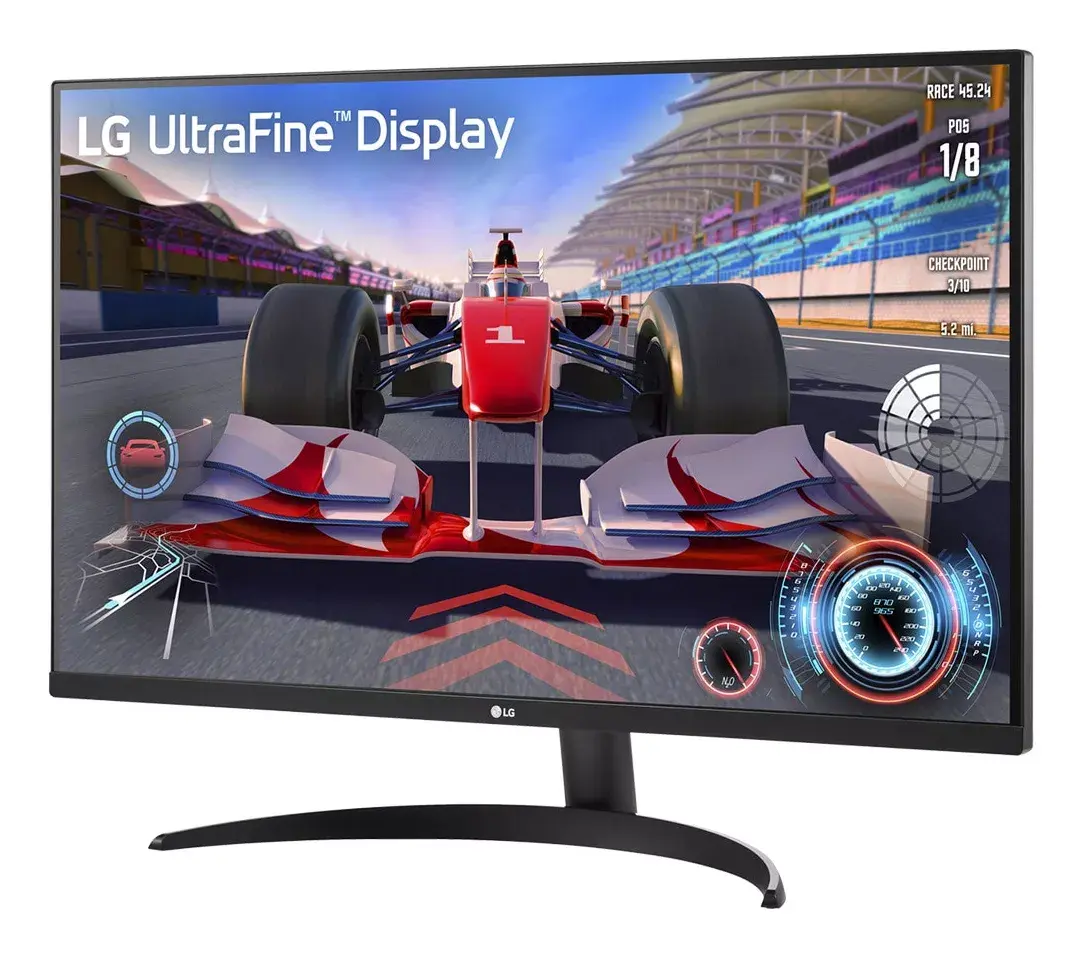
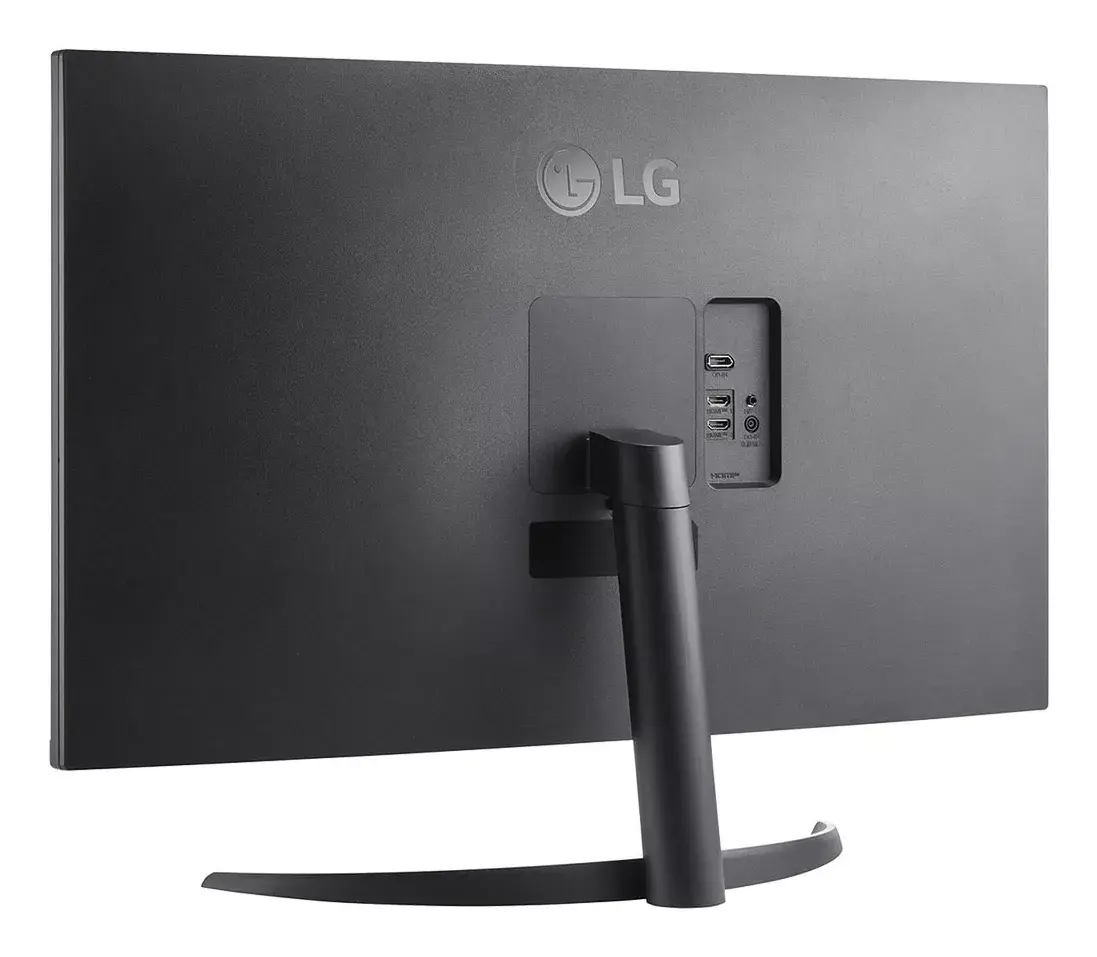
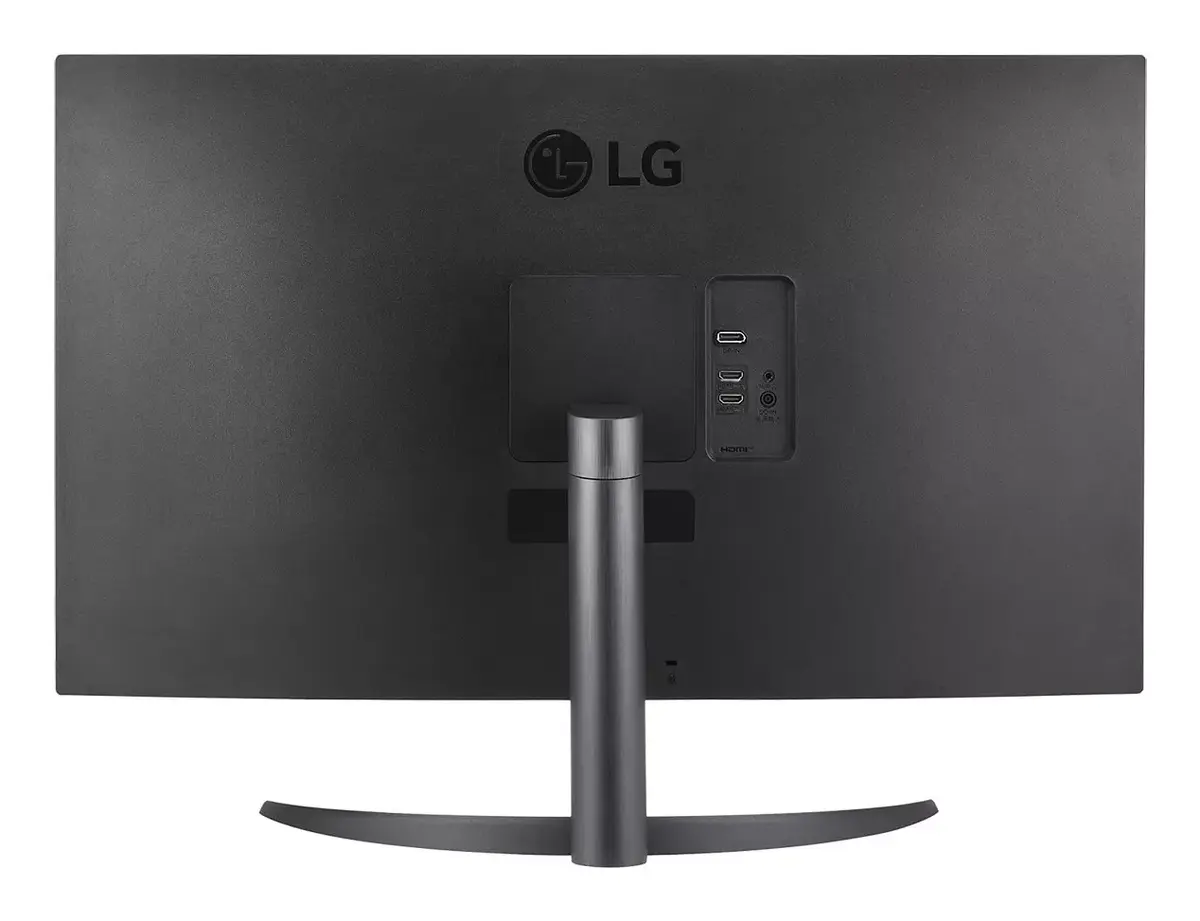
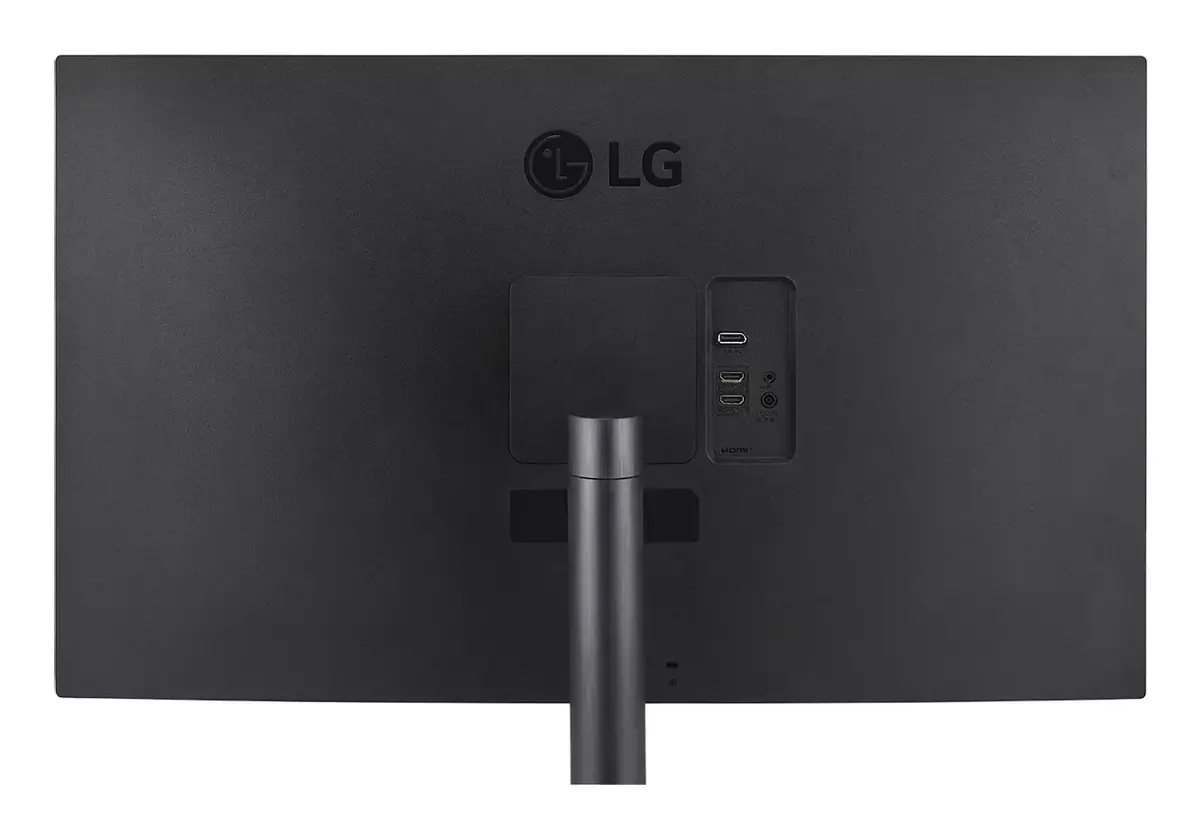
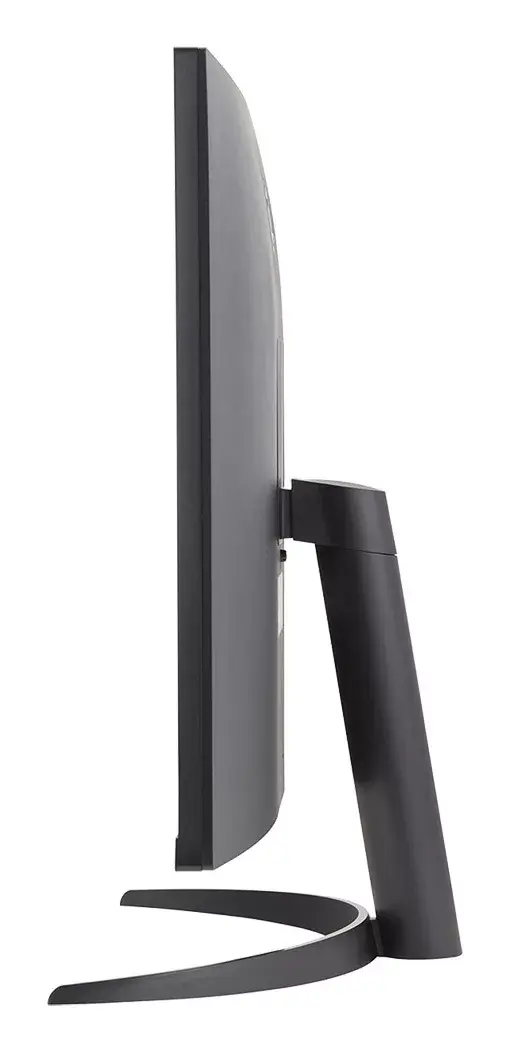
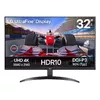
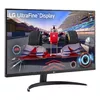
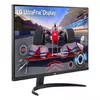
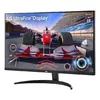
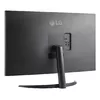
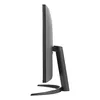
Monitor LG 32UR500K-B 31.5" 4K Ultra HD LCD 3840 x 2160
The LG 32UR500K-B is a 31.5-inch 4K Ultra HD LCD monitor with a native resolution of 3840 x 2160 pixels and a flat 16:9 widescreen format. The TFT LCD panel delivers a typical brightness of 200 cd/m², a contrast ratio of 3000:1 and a 4 ms response time for smooth on-screen motion. Wide 178°/178° viewing angles keep colors consistent from most positions. The monitor includes built-in speakers and supports VESA mounting for flexible placement in desktop or wall-mounted configurations.
The monitor provides high pixel density on a large 31.5" screen, which makes detailed content and multitasking easier without scaling artifacts. A 4 ms response time and 4K resolution combine to offer clear text, sharp images and reduced motion blur for general productivity, content review and media playback. VESA compatibility and an integrated speaker system simplify installation and reduce the need for additional peripherals. The flat panel and standard aspect ratio suit both office and home setups.
Connect the monitor to a compatible 4K-capable source using one of the supported video interfaces on your system (check your source device for compatible outputs and cables). Adjust display resolution and scaling in the operating system to use the 3840 x 2160 native resolution for best image clarity. Position the monitor on a stable desk stand or attach it to a VESA-compatible arm or wall mount if you prefer. Use the on-screen display (OSD) controls to fine-tune brightness, contrast and color settings. If audio is needed, enable the built-in speakers in your system sound settings or connect external speakers as required.
For consistent image quality, calibrate brightness and color settings to your working environment and allow the monitor to warm up for accurate color reproduction. When displaying small UI elements or text at native resolution, consider adjusting operating system scaling to improve readability without losing detail. Ensure adequate ventilation around the monitor and use VESA mounting according to weight and mounting specifications.
{{highlightedFeature.featureTitle}}:
{{getProductFeatureValueById(product, highlightedFeature.featureId)}}
{{ productComparisonGenerationError }}
Device manufacturer code
Device manufacturer
iagonal of the visible part of the screen expressed in centimeters and inches.
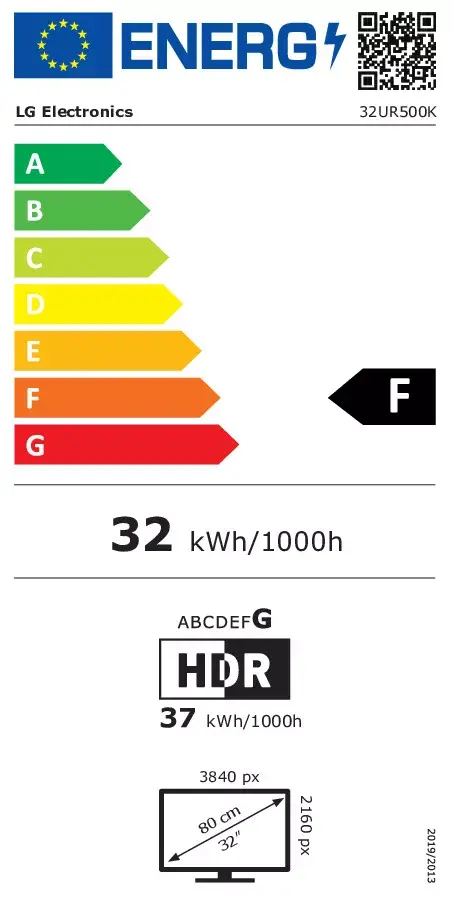
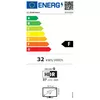
Energy efficiency class is a standard classification that is used all over Europe and which is understandable at first sight. Products can be efficiently compared according to classes, starting from A (the most energy efficient class), and ending with G (the most energy-intensive class). The classification of energy efficiency is based on annual energy consumption which is being calculated on the basis of several different parameters.
Power consumption in switched-on state expressed in W.