Filters you can trust. Pure water every day.
In cart {{totalProductsCount}} item(s)
Your cart is empty
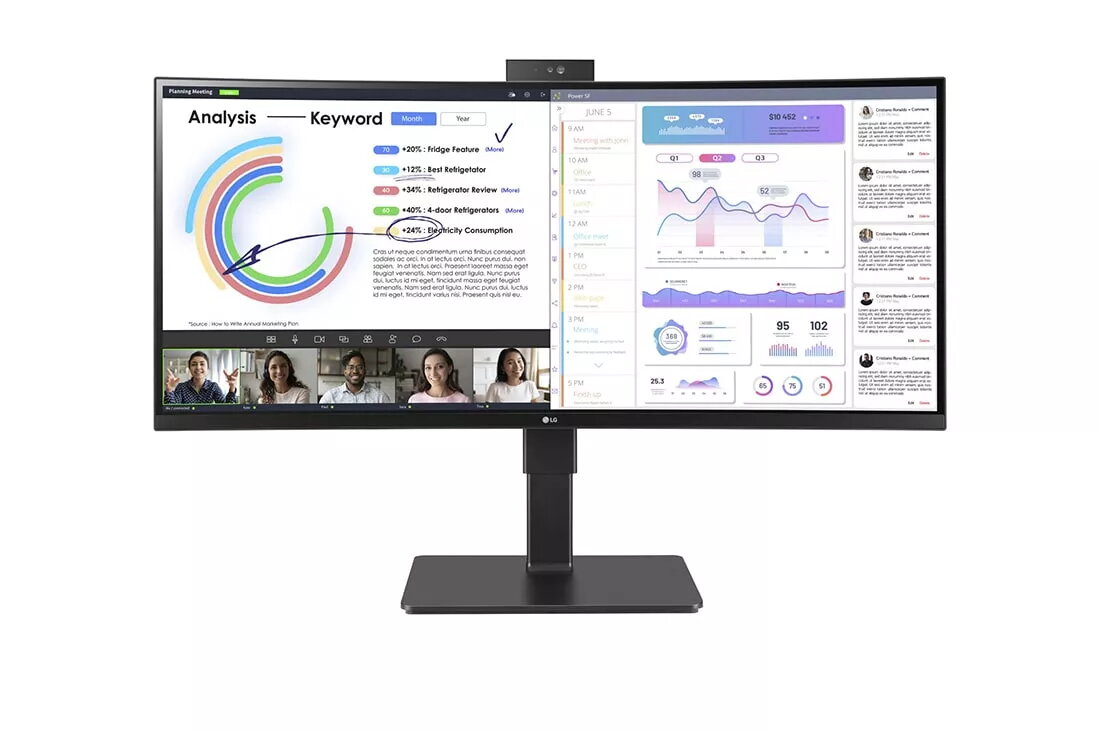
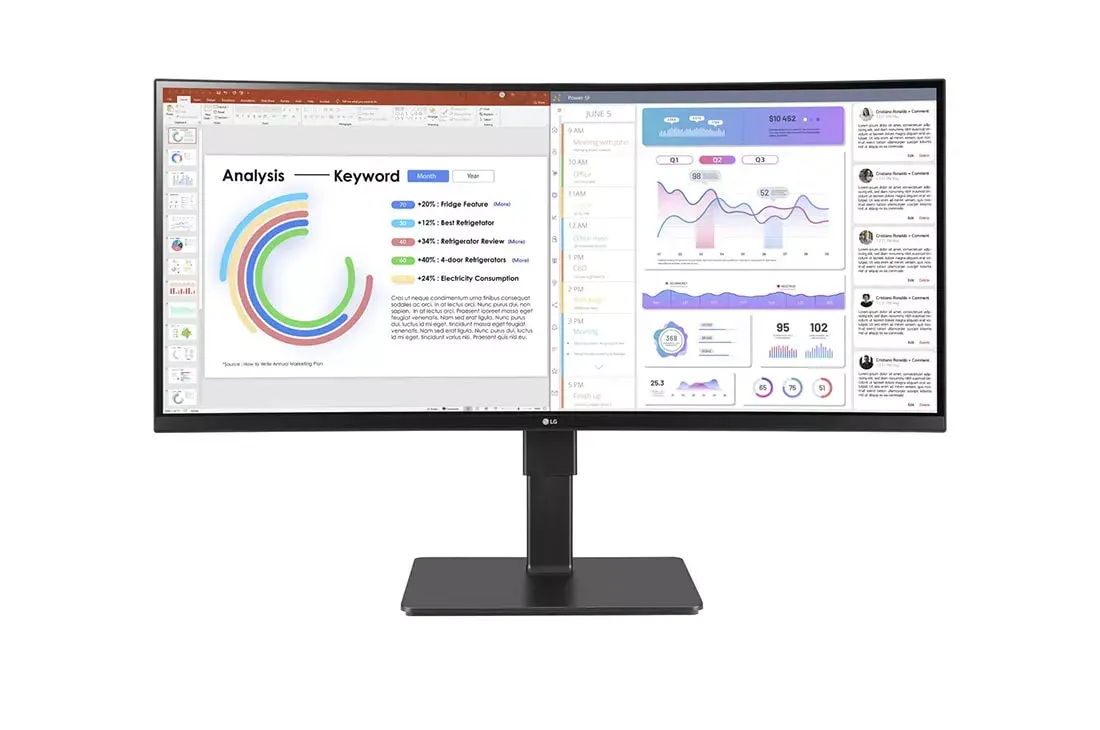
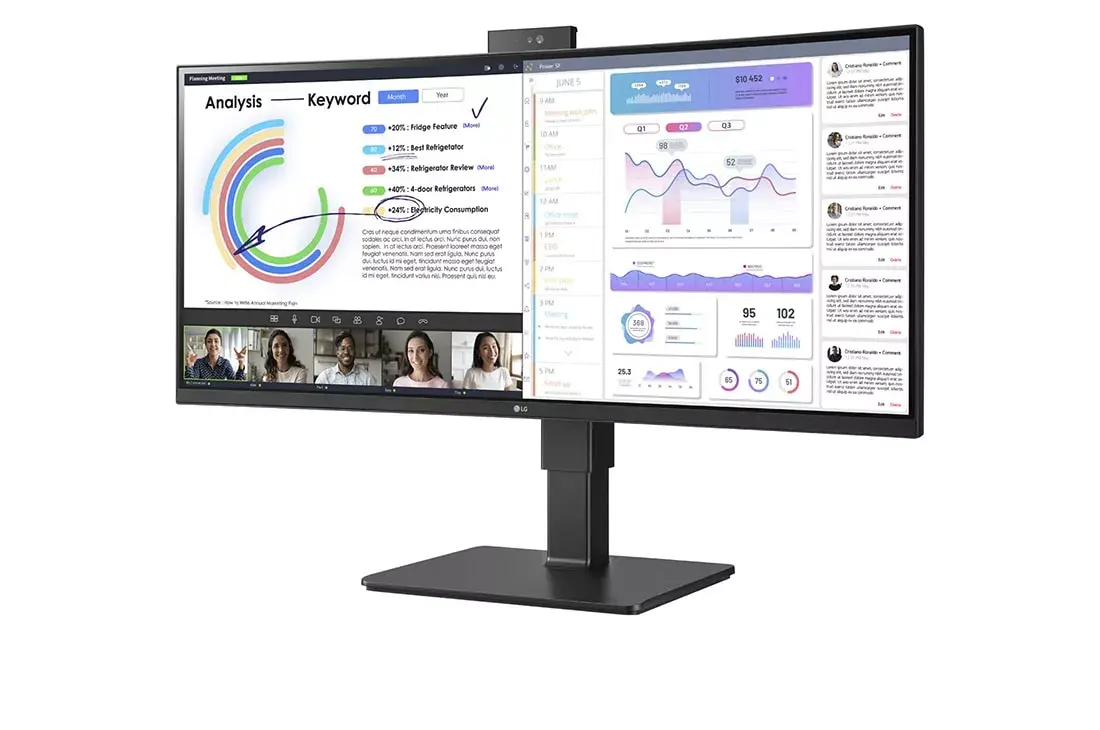
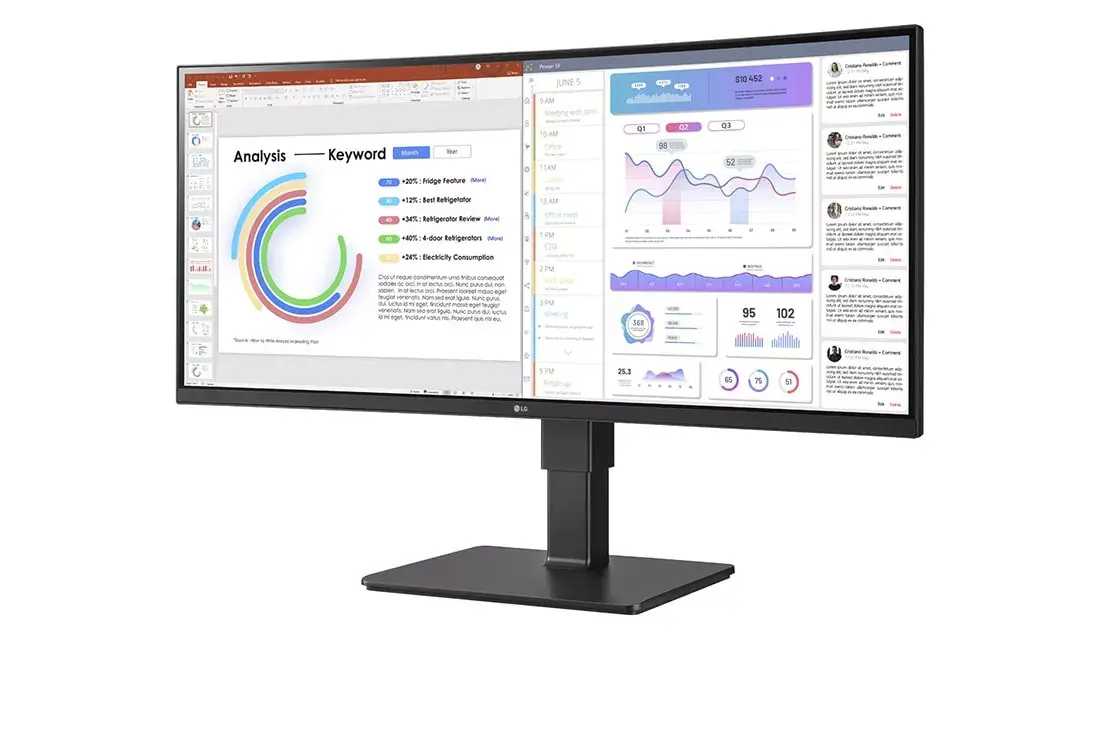
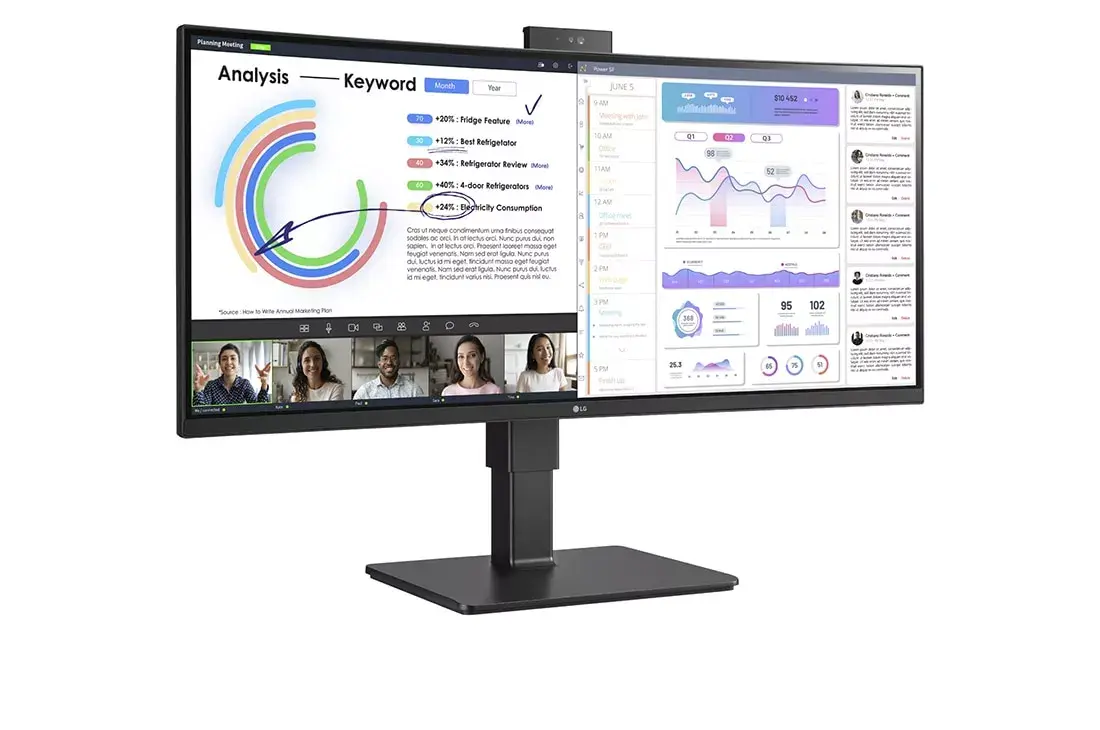
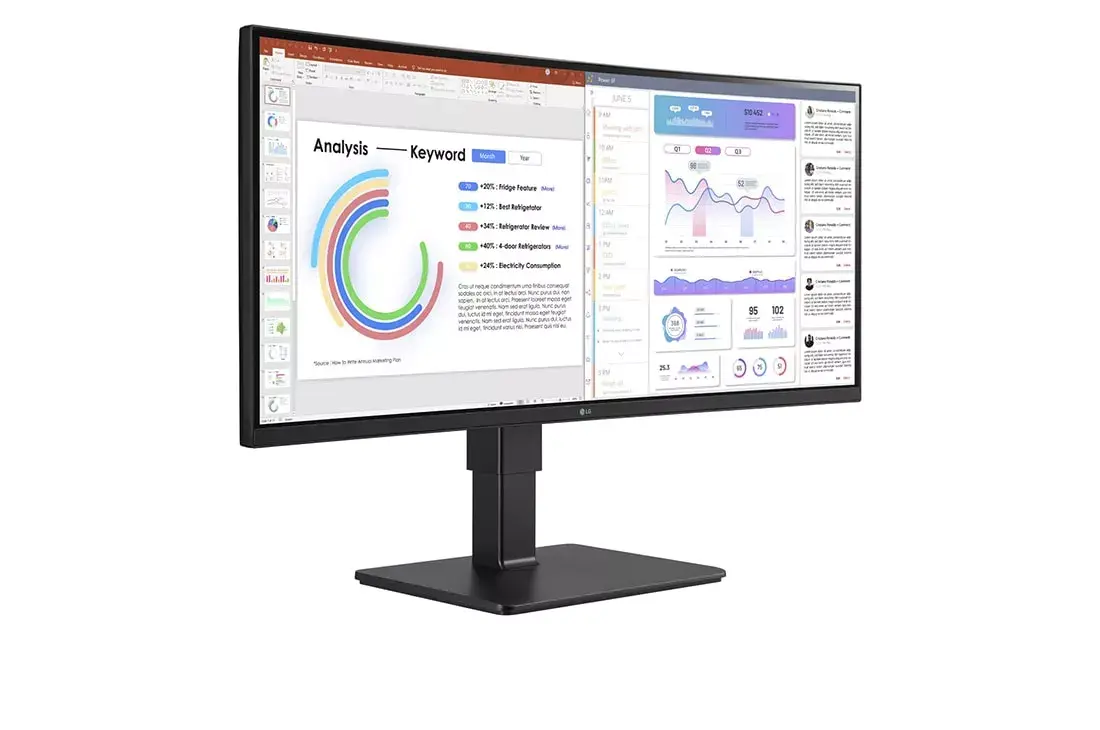
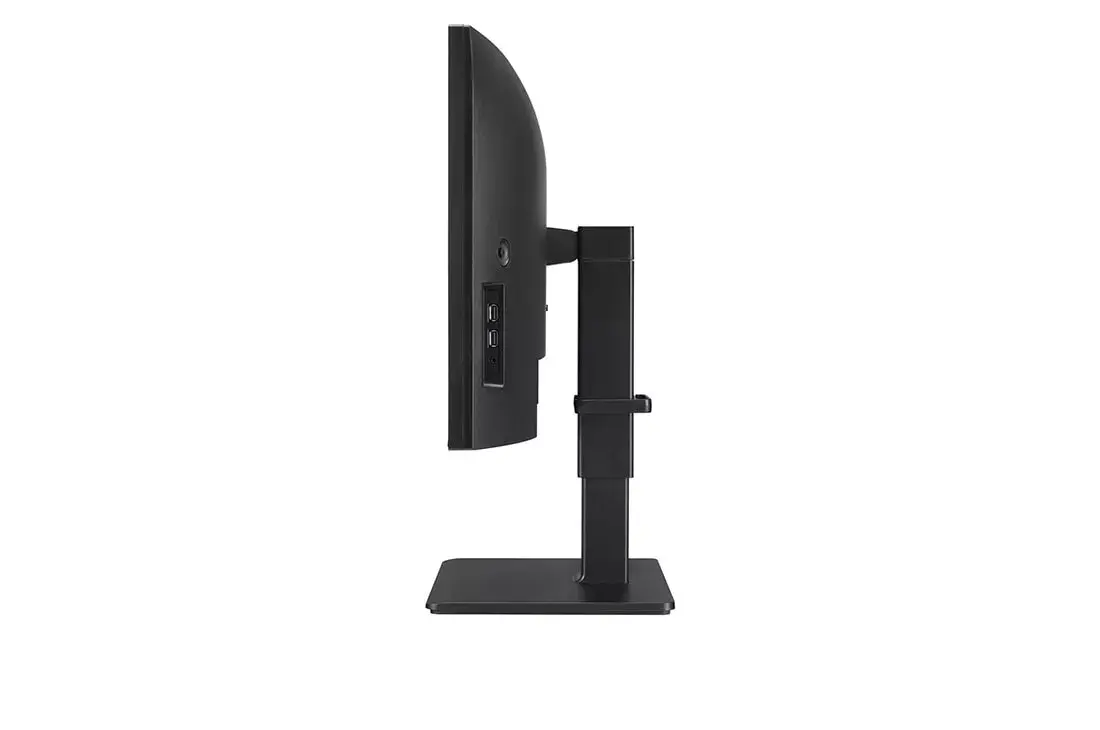
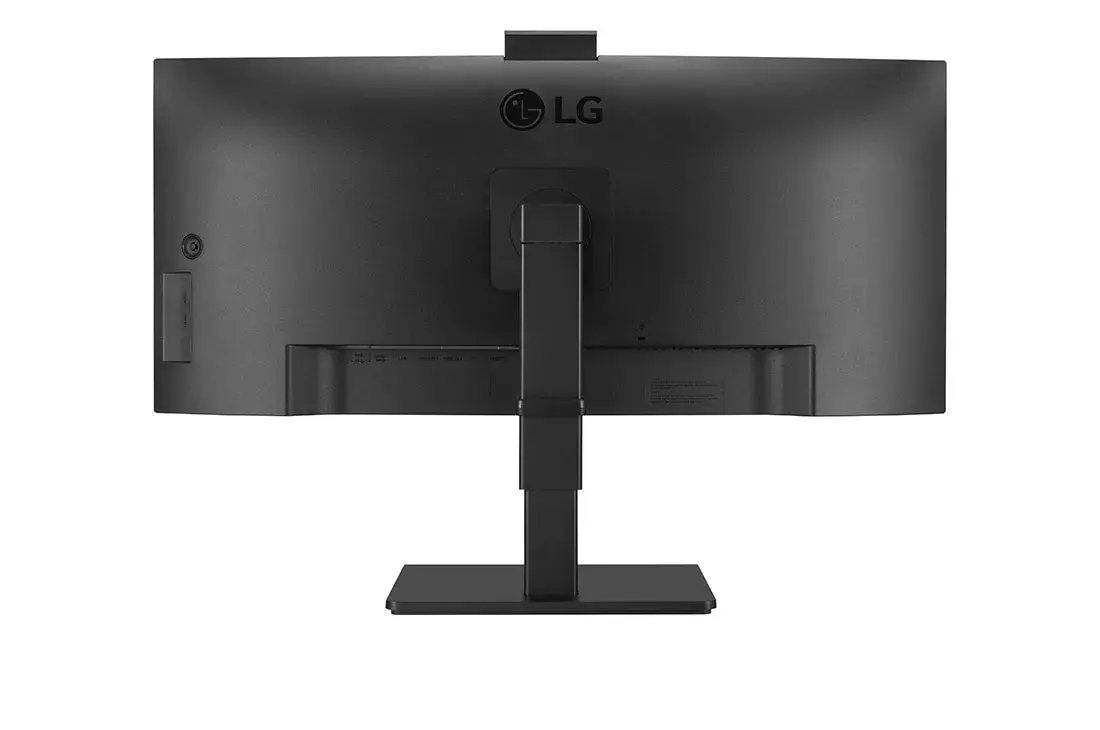
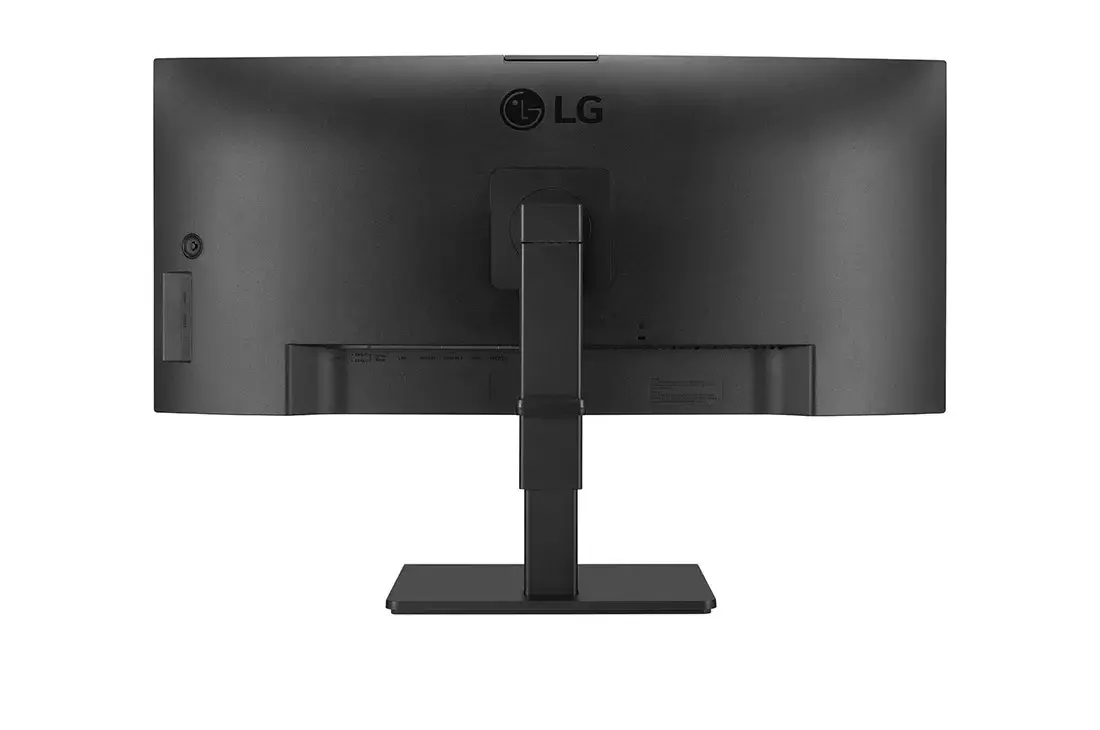
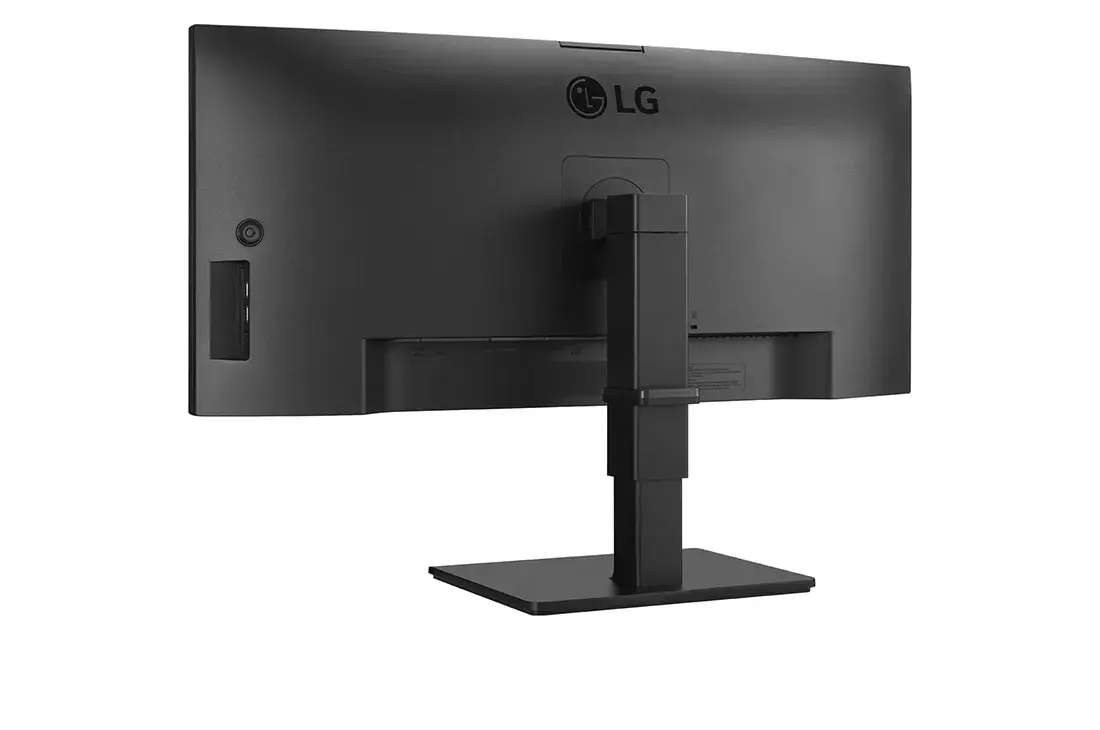
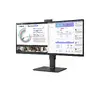
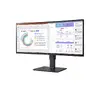
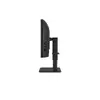
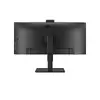
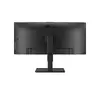
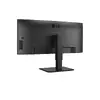
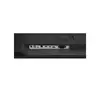
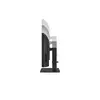
Computer monitor LG 34BQ77QC-B 34" UltraWide Dual Quad HD LCD 3440 x 1440
The LG 34BQ77QC-B is a 34-inch UltraWide Dual Quad HD monitor designed to enhance productivity and provide an immersive visual experience. Featuring a 3440 x 1440 resolution and a 21:9 aspect ratio, this IPS display offers expansive screen real estate, allowing you to manage multiple applications simultaneously without the need for a dual-monitor setup. The curved screen design ensures consistent viewing angles and reduced distortion, making it an excellent choice for professional workflows and multimedia consumption.
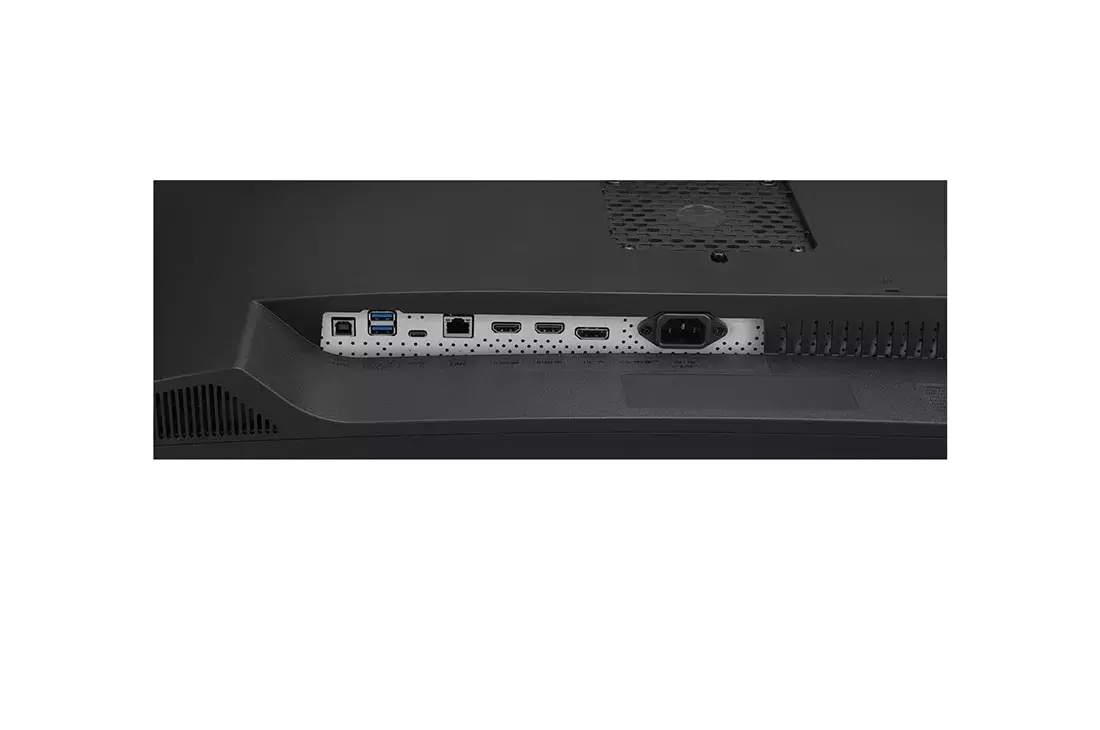
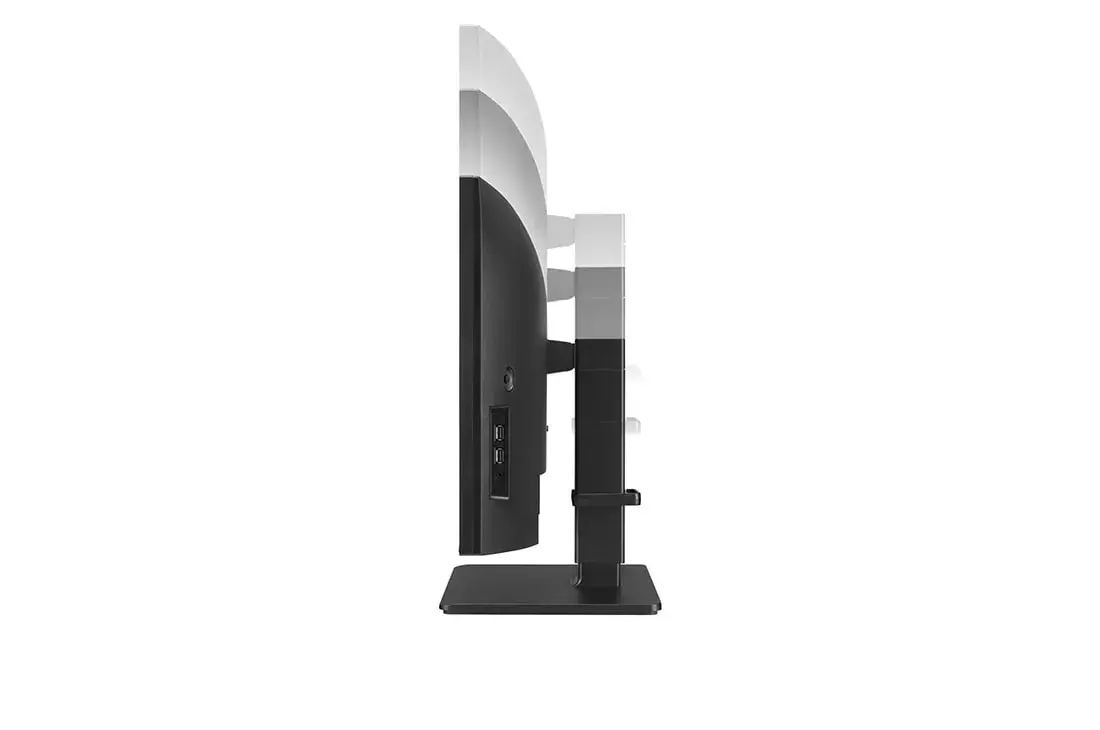
This monitor excels in color accuracy and visual clarity, covering 99% of the sRGB spectrum to ensure professional-grade color reproduction. The inclusion of HDR10 support enhances contrast and brightness, bringing depth to your content. Ergonomics are prioritized through a versatile stand that supports height, tilt, and swivel adjustments, while the integrated Flicker Safe technology and Reader Mode help minimize eye strain during extended work sessions. Connectivity is streamlined via a USB Type-C port that supports data transfer, display signal, and device charging up to 90W, effectively reducing cable clutter on your desk.
This monitor may not be the ideal choice for competitive e-sports gaming where ultra-high refresh rates exceeding 60Hz are required, as this model focuses primarily on productivity and color accuracy. Additionally, users with very limited desk space may find the 34-inch ultra-wide footprint too large for their specific workstation setup.
To set up the monitor, attach the stand using the one-click mechanism and connect your computer via the provided USB Type-C or HDMI/DisplayPort cables. Once connected, you can utilize the OnScreen Control software to customize your workspace layout and split the screen into multiple zones. Adjust the height and tilt of the stand to align the screen with your eye level for optimal ergonomic comfort. If using the USB Type-C connection, ensure your laptop supports power delivery to take advantage of the integrated charging feature.
For the best visual experience, position the monitor at arm's length and adjust the height so that the top of the screen is at or slightly below eye level. Enable Reader Mode during long document-editing sessions to reduce blue light exposure and maintain eye comfort.
{{highlightedFeature.featureTitle}}:
{{getProductFeatureValueById(product, highlightedFeature.featureId)}}
{{ productComparisonGenerationError }}
Device manufacturer code
Device manufacturer
iagonal of the visible part of the screen expressed in centimeters and inches.
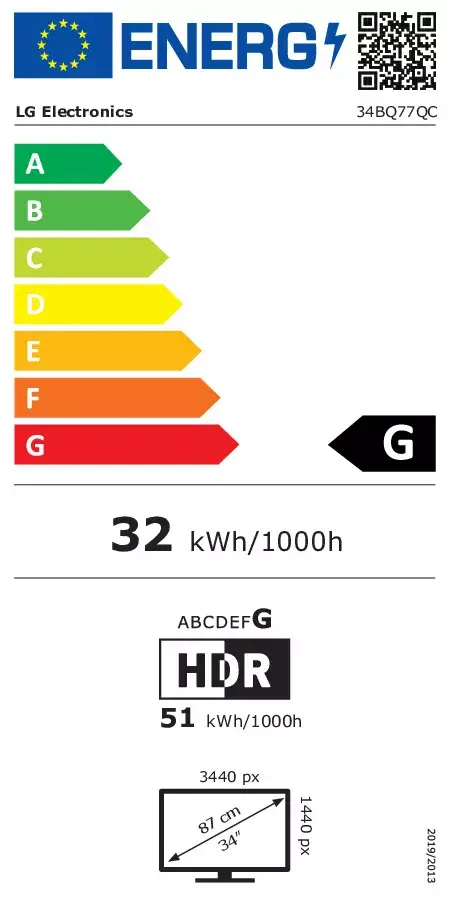
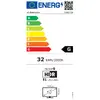
Energy efficiency class is a standard classification that is used all over Europe and which is understandable at first sight. Products can be efficiently compared according to classes, starting from A (the most energy efficient class), and ending with G (the most energy-intensive class). The classification of energy efficiency is based on annual energy consumption which is being calculated on the basis of several different parameters.
Power consumption in switched-on state expressed in W.