Save time and money with our discounts!
In cart {{totalProductsCount}} item(s)
Your cart is empty
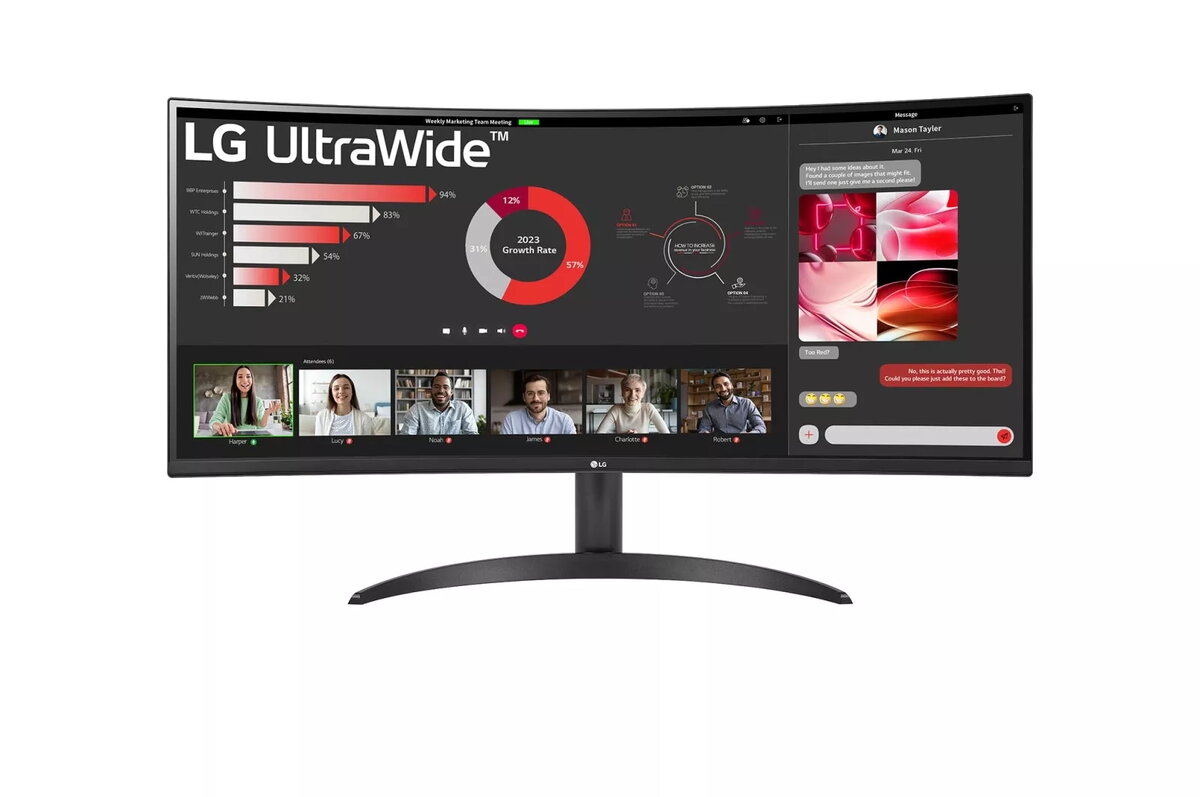
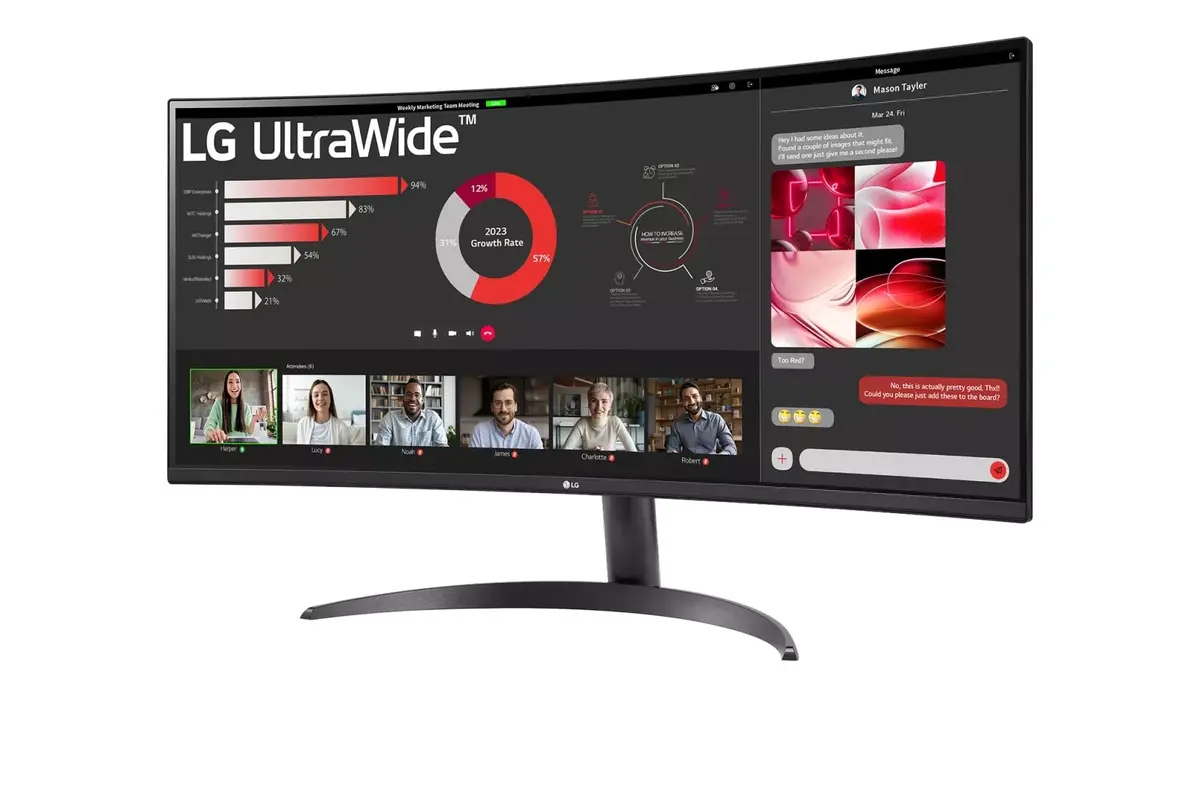
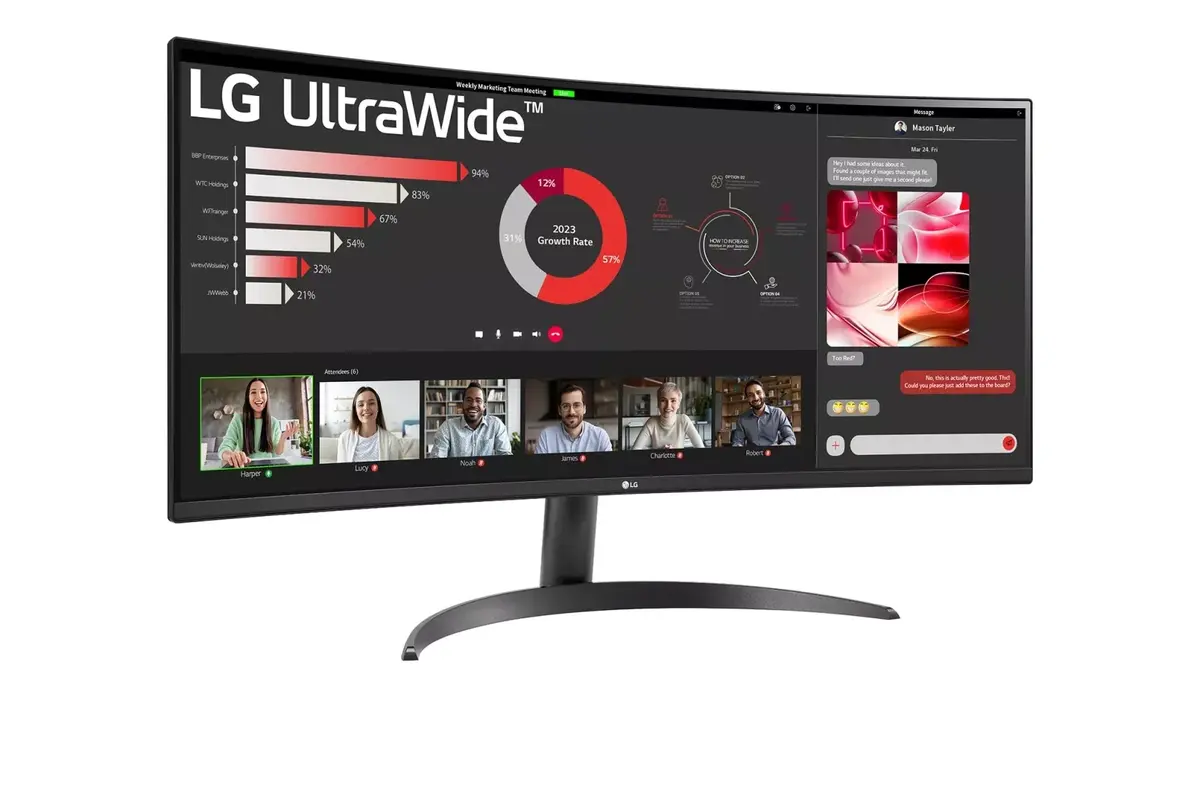
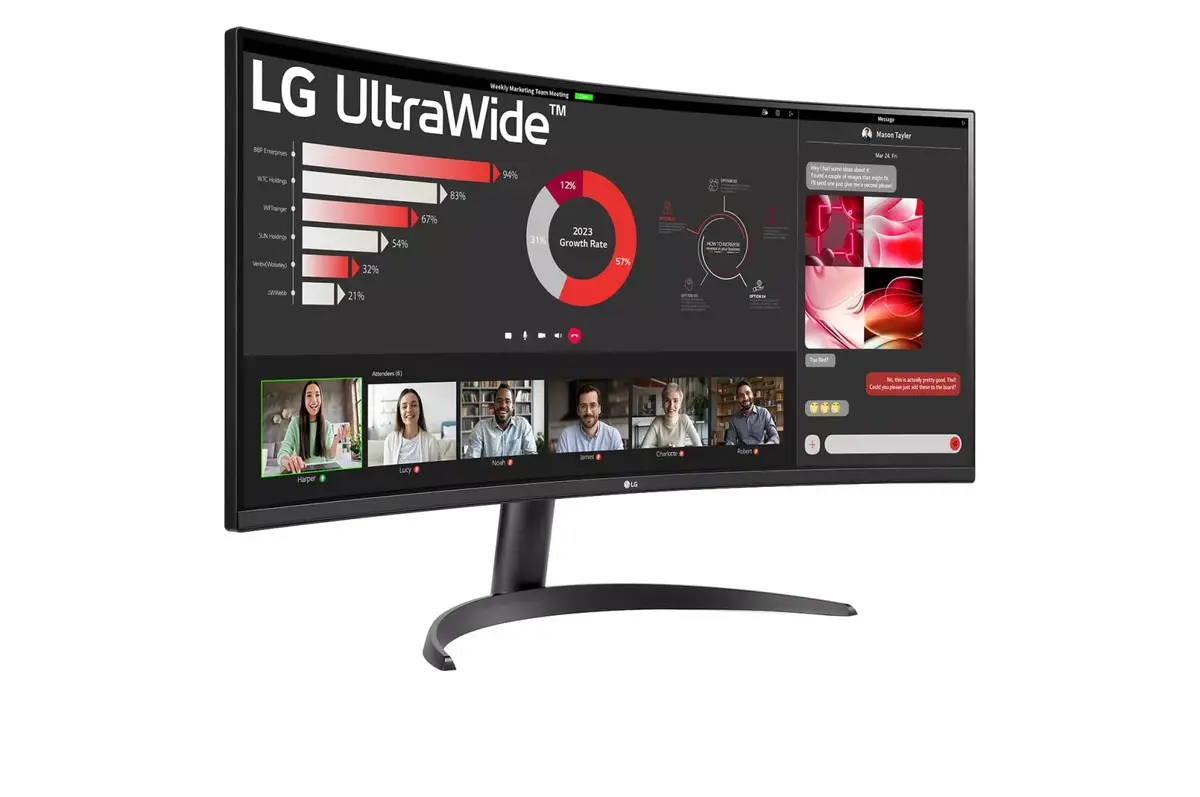
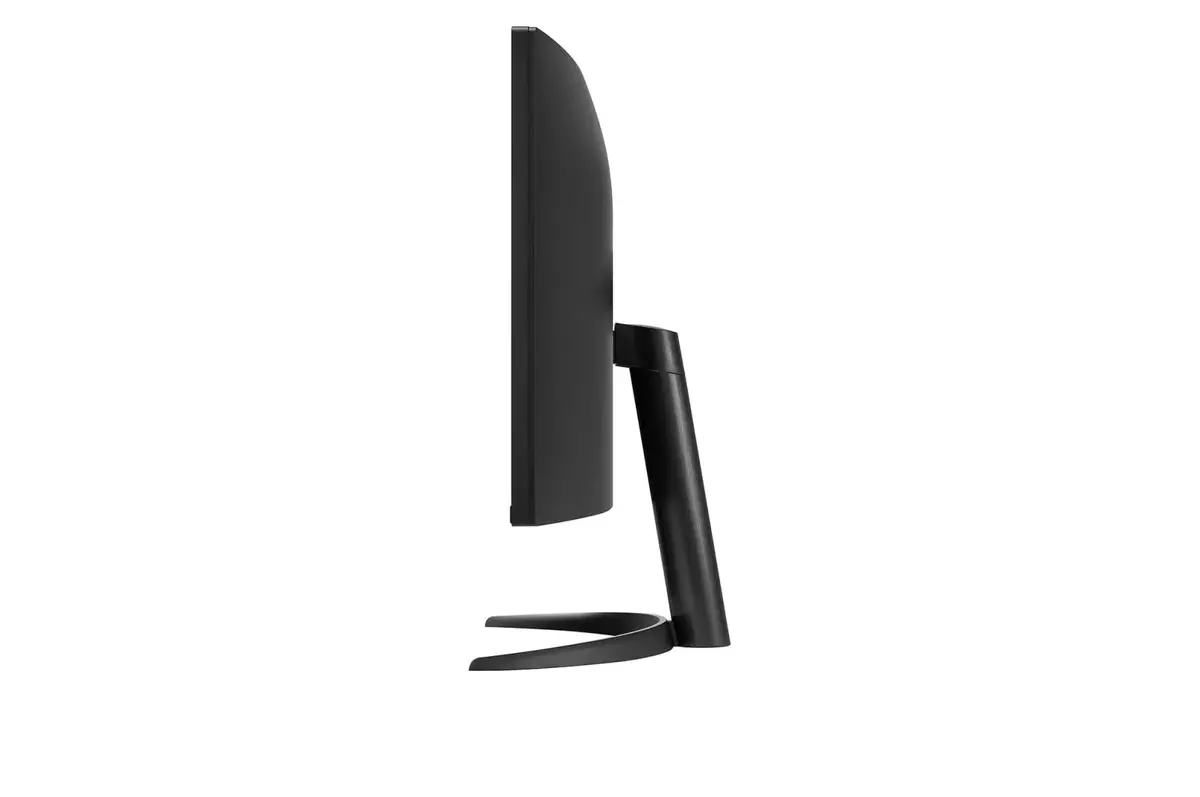
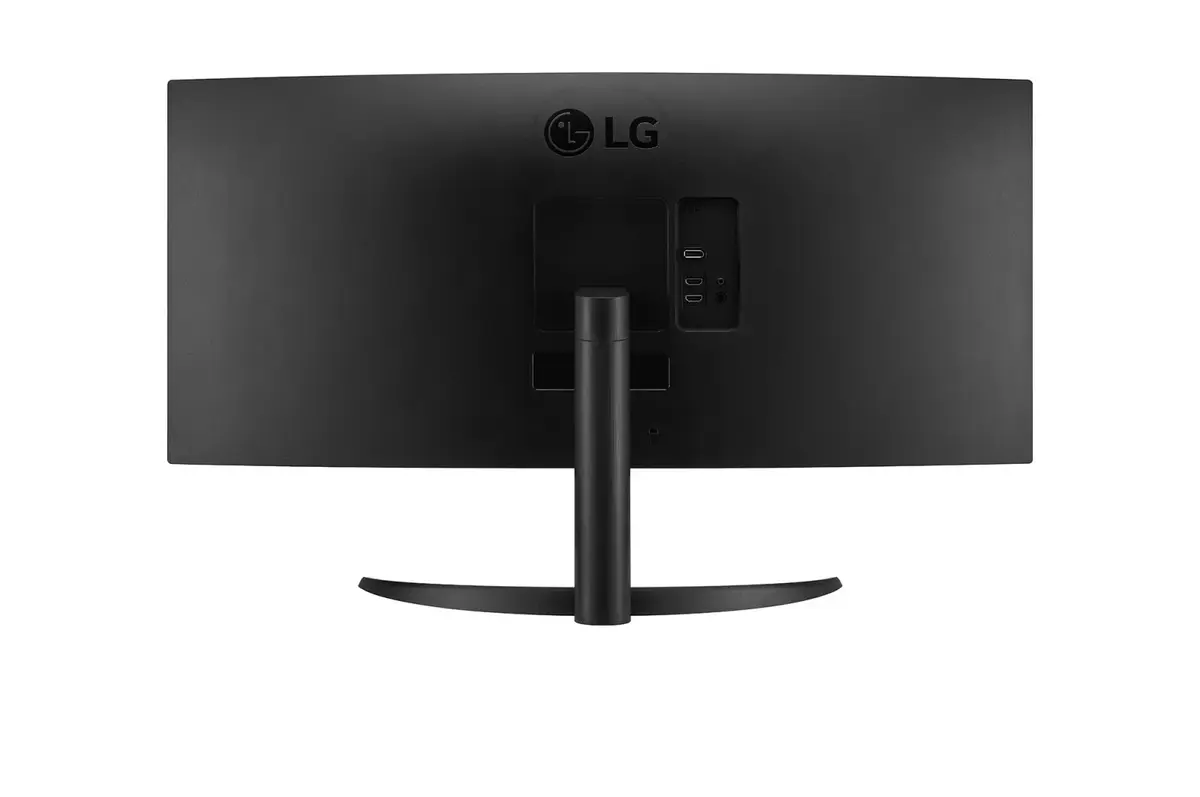
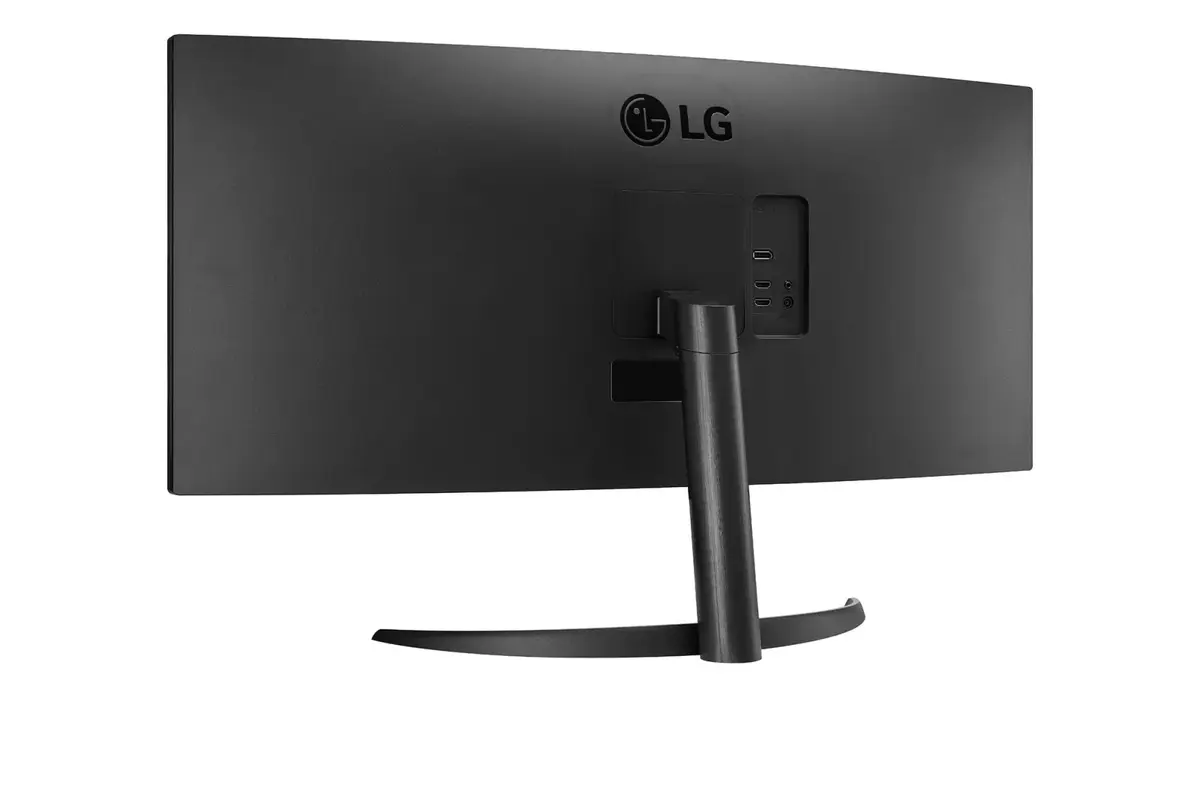
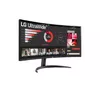
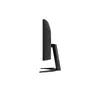
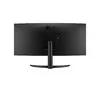
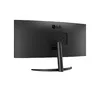
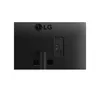
Monitor LG 34WR50QC-B.AEU 34" UltraWide Quad HD LCD 3440 x 1440
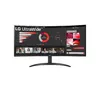
The LG 34WR50QC-B.AEU is a 34-inch UltraWide Quad HD monitor designed to enhance productivity and entertainment through its expansive 21:9 aspect ratio. Featuring a curved VA panel with a resolution of 3440 x 1440 pixels, this display offers a wide field of view and deep contrast, making it an excellent choice for multitasking and immersive media consumption. Its sleek black aesthetic and VESA mounting support allow it to integrate seamlessly into various professional or home office environments.
The primary benefit of this monitor is the UltraWide screen real estate, which effectively replaces dual-monitor setups by allowing multiple windows to be viewed side-by-side without a distracting bezel in the middle. The VA panel technology provides a high typical contrast ratio of 3000:1, ensuring deep blacks and vibrant colors. With a 5 ms response time and wide 178-degree viewing angles, the display maintains visual clarity and performance consistency, whether you are editing documents, managing spreadsheets, or watching high-definition content.
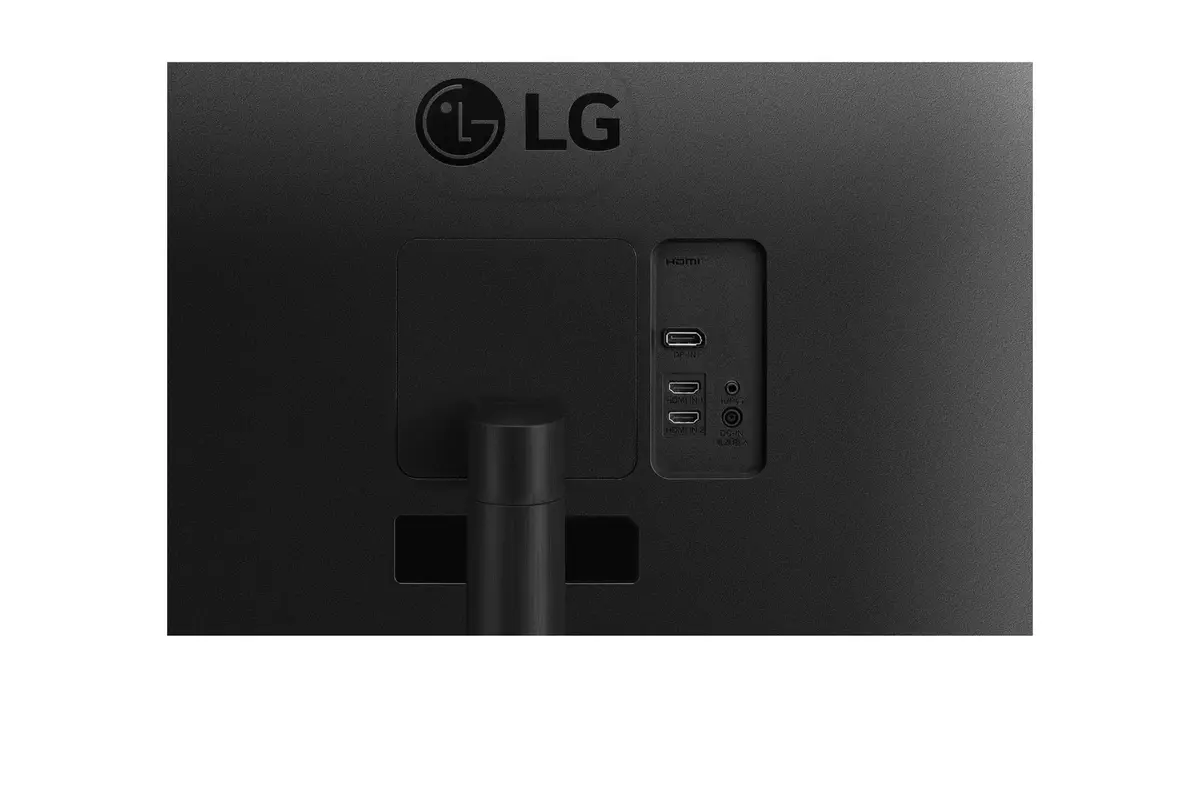
This monitor may not be the ideal choice for professional color-critical work, such as high-end graphic design or print production, where specific color gamut coverage is required. Additionally, users who require built-in speakers or an integrated USB hub for peripheral connectivity will need to utilize external solutions, as this model does not include these features.
To set up the monitor, connect it to your computer using a compatible video cable. Once powered on, ensure your operating system is set to the native resolution of 3440 x 1440 to achieve the sharpest image quality. You can adjust the tilt and position of the screen to suit your ergonomic needs, or mount it on a compatible VESA arm for a cleaner desk setup. Use the on-screen display menu to fine-tune brightness, contrast, and color settings according to your lighting conditions.
For the best visual experience, position the monitor at eye level and maintain a comfortable viewing distance. If using the monitor for extended periods, utilize the display settings to adjust brightness to match your ambient room lighting to reduce eye strain.
{{highlightedFeature.featureTitle}}:
{{getProductFeatureValueById(product, highlightedFeature.featureId)}}
{{ productComparisonGenerationError }}
Device manufacturer code
Device manufacturer
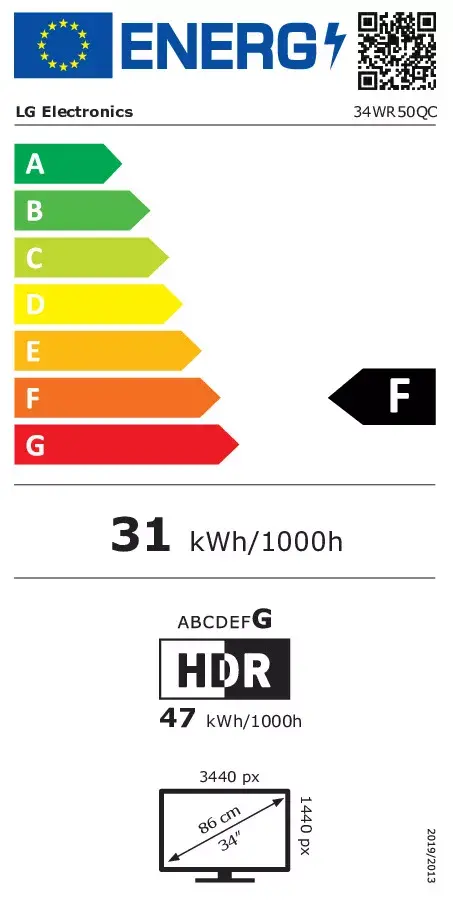
iagonal of the visible part of the screen expressed in centimeters and inches.
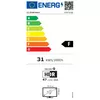
Energy efficiency class is a standard classification that is used all over Europe and which is understandable at first sight. Products can be efficiently compared according to classes, starting from A (the most energy efficient class), and ending with G (the most energy-intensive class). The classification of energy efficiency is based on annual energy consumption which is being calculated on the basis of several different parameters.
Power consumption in switched-on state expressed in W.