

Powerful EcoFlow stations for energy anywhere!
In cart {{totalProductsCount}} item(s)
Your cart is empty
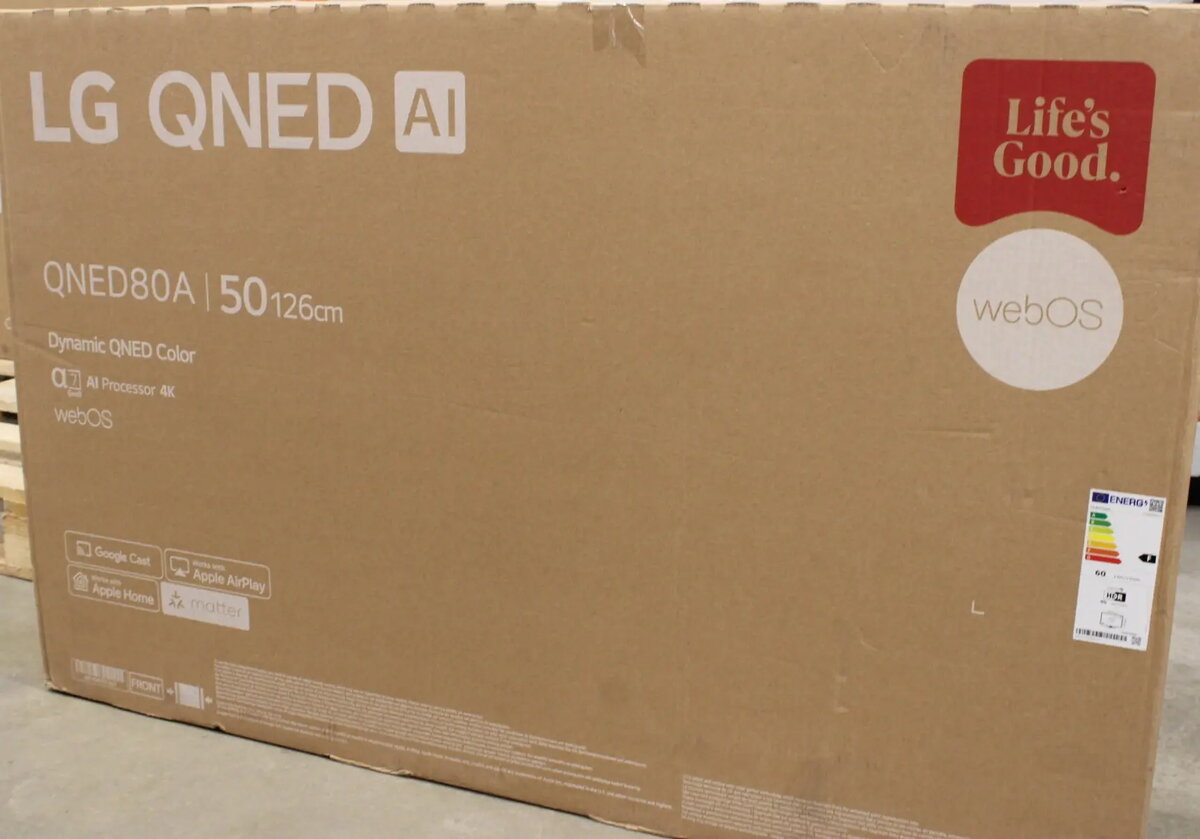
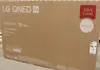
LG 50QNED80A3A 50-inch QNED LED Smart TV, UHD 4K, webOS 25, Black
The LG 50QNED80A3A is a 50-inch QNED LED Smart TV designed to deliver a high-quality home entertainment experience. With its UHD 4K resolution, this television provides sharp, detailed imagery that brings movies, sports, and gaming content to life. The integration of the webOS 25 operating system ensures a smooth and intuitive user interface, allowing for quick access to popular streaming services and applications. Its sleek black finish and modern design make it a versatile addition to any living room or bedroom.
This television utilizes advanced QNED technology to combine quantum dot and NanoCell capabilities, resulting in vibrant colors and enhanced contrast. The inclusion of the webOS 25 platform offers a user-friendly environment for managing content and connected devices. With comprehensive tuner support, including DVB-T2, C, and S2, the TV is ready for various broadcast signals without the need for external decoders. Furthermore, the inclusion of Bluetooth and multiple HDMI and USB ports ensures that users can easily connect soundbars, gaming consoles, and external storage devices.
This model may not be the ideal choice for users seeking professional-grade color grading monitors or those requiring specialized inputs not supported by standard consumer televisions. Additionally, while it offers excellent performance for general media consumption, users with specific requirements for high-end audio setups might prefer to supplement the built-in speakers with an external sound system.
To begin using the LG 50QNED80A3A, place the television on a stable surface or mount it using a compatible VESA wall mount. Connect your power source and antenna or satellite cable to the appropriate ports on the back. Upon powering on, follow the on-screen instructions to connect to your local Wi-Fi network and complete the initial setup of the webOS 25 interface. Once configured, you can navigate through the menu to sign into your streaming accounts or scan for available broadcast channels.
For the best viewing experience, position the TV at eye level and ensure the room lighting is controlled to minimize glare on the screen. Regularly update the webOS software through the settings menu to ensure access to the latest features and security improvements.
{{highlightedFeature.featureTitle}}:
{{getProductFeatureValueById(product, highlightedFeature.featureId)}}
{{ productComparisonGenerationError }}