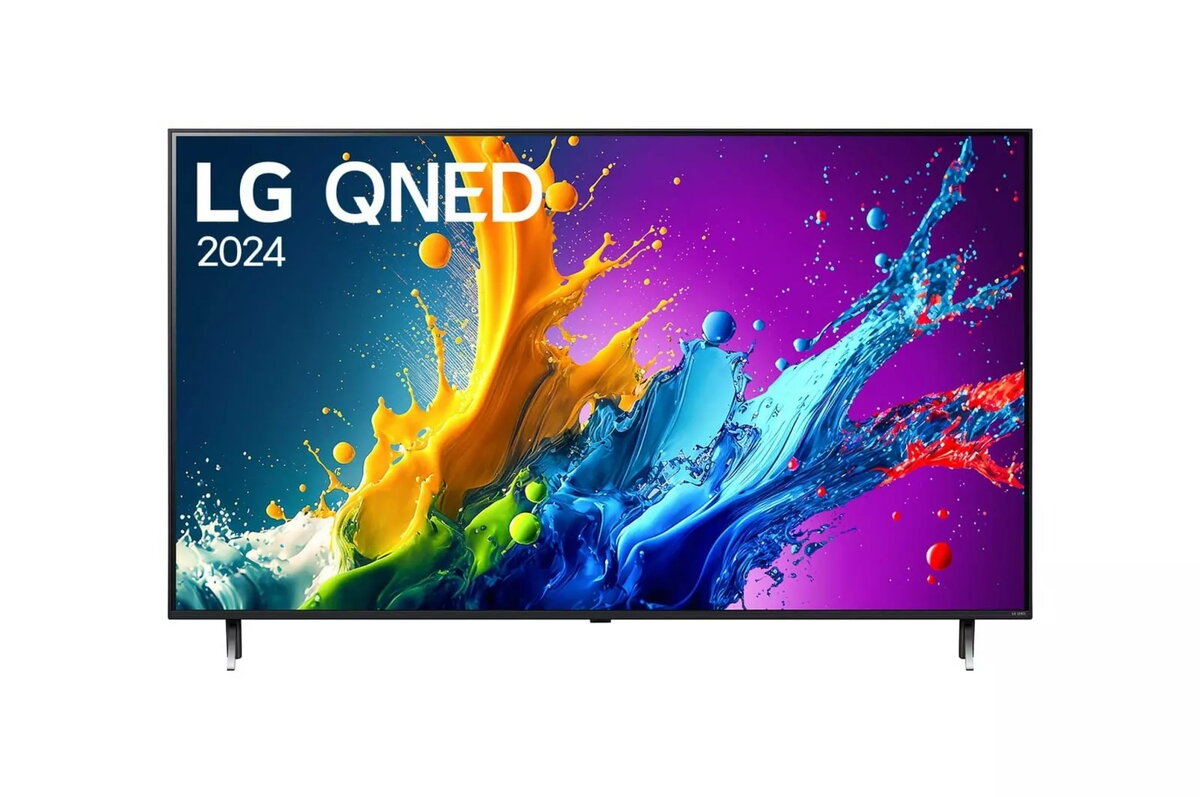
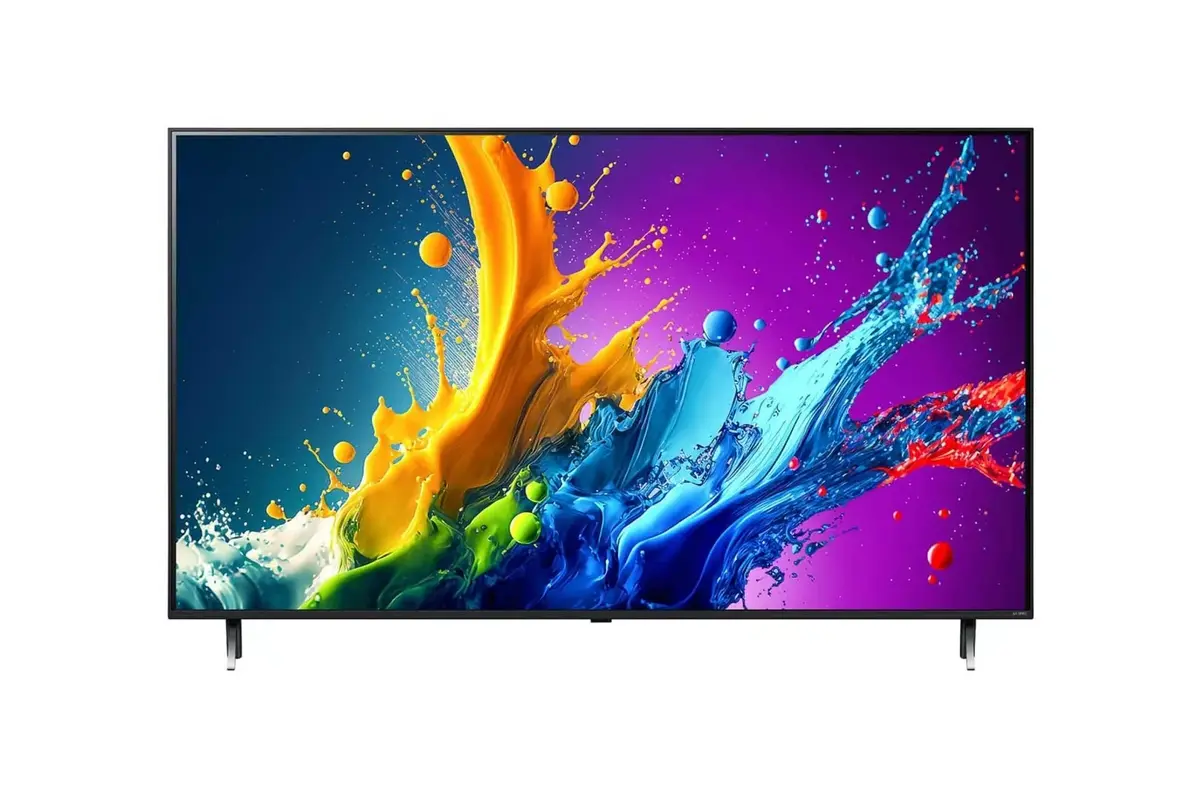
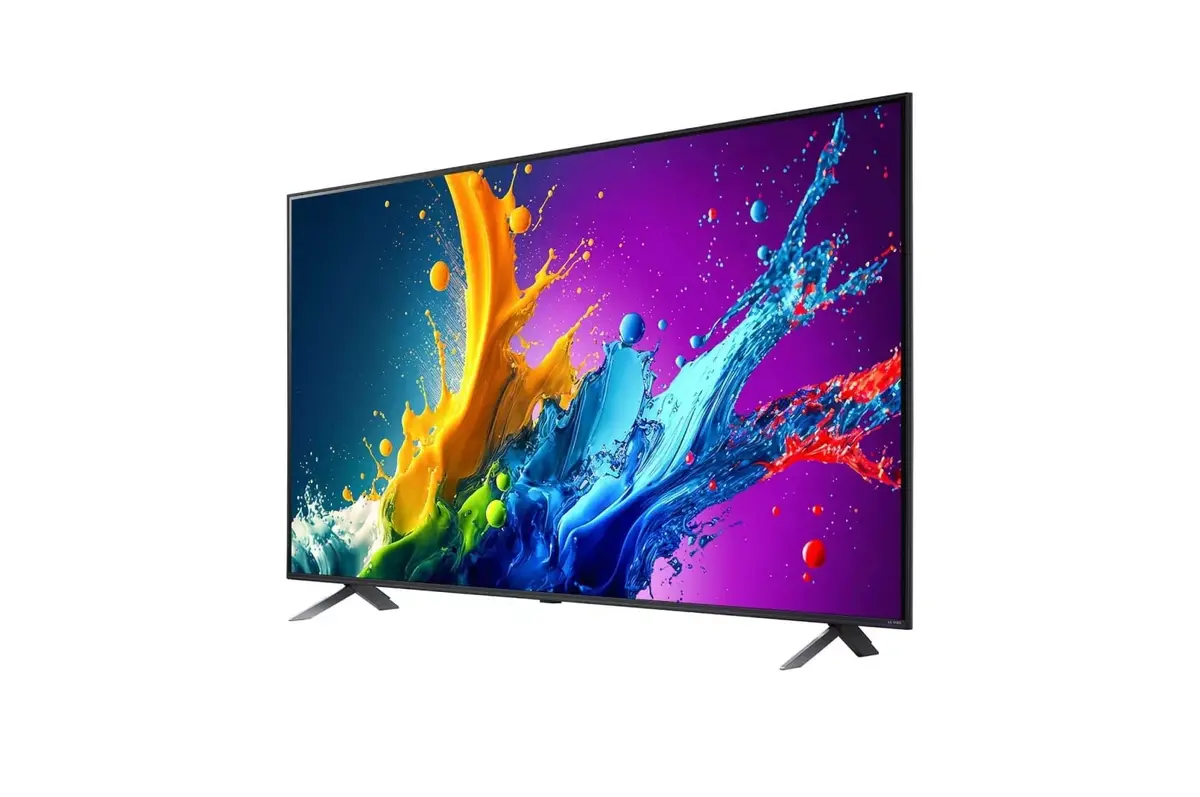
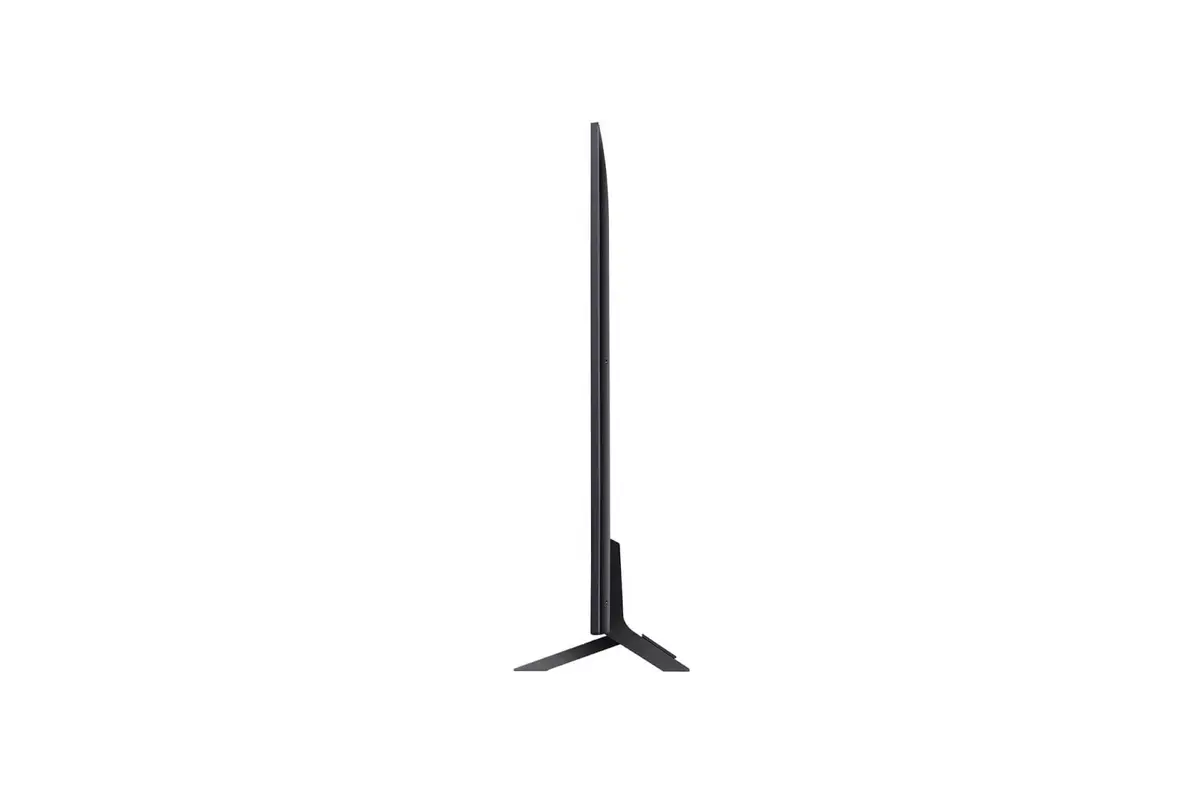
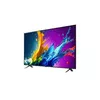
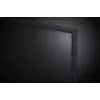
-
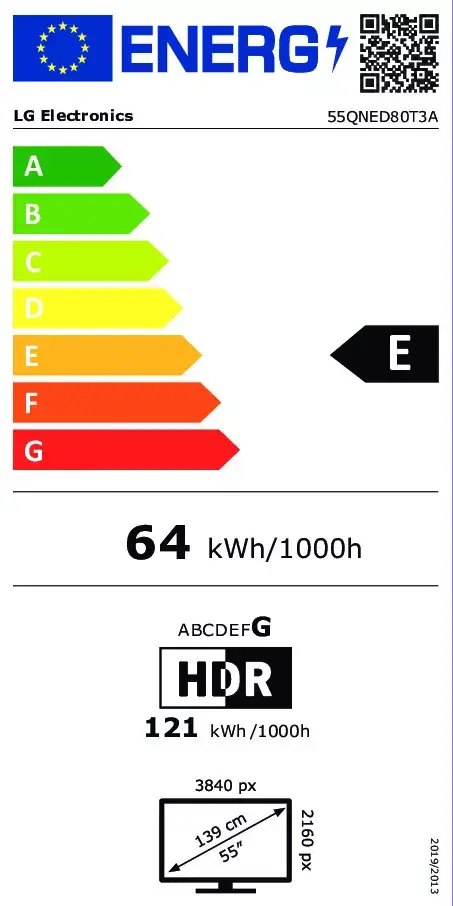
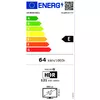
Energy consumption (SDR) per 1000 hours:
Power consumption in switched-on state expressed in W.
-
64 kWh
-
Energy efficiency class (SDR):
Energy efficiency class is a standard classification that is used all over Europe and which is understandable at first sight. Products can be efficiently compared according to classes, starting from A (the most energy efficient class), and ending with G (the most energy-intensive class). The classification of energy efficiency is based on annual energy consumption which is being calculated on the basis of several different parameters.
-
E
-
Common interface Plus (CI+):
In Digital Video Broadcasting, the Common Interface (CI) is a technology which allows separation of conditional access functionality from a digital TV receiver-decoder (Host) into a removable conditional access module (CAM). CI+ or Common Interface Plus implements a form of copy protection between a Conditional Access Module (CAM) and the television receiver (Host). CI+ is backward compatible with CIv1. Old television receivers, which have CIv1 CI-slot, can be used with CI+ CAM and vice versa, but for viewing only those of TV programs which are not marked as CI+ protected.
-
Yes
-
Common interface (CI):
Technology which allows separation of conditional access functionality from a digital TV receiver-decoder (Host) into a removable conditional access module (CAM). It is also referenced as DVB-CI for Digital Video Broadcast - Common Interface. The host is responsible for tuning to pay TV channels and demodulation of the RF signal, while CAM is responsible for CA descrambling. The Common Interface allows them to communicate with each other.
-
Yes
-
USB 3.2 Gen 1 (3.1 Gen 1) Type-A ports quantity:
-
0
-
PC in (D-Sub):
The socket (port) to receive input from a PC via a D-sub, which is a connector with a characteristic D-shaped metal shield.
-
No
-
Ethernet LAN:
An Ethernet LAN (Local Area Network) interface is present, for a wired conection via a cable.
-
Yes
-
Internet TV:
Digital distribution of television content via the Internet. Internet television is a general term that covers the delivery of television shows and other video content over the Internet by video streaming technology, typically by major traditional television broadcasters.
-
Yes
-
Tuner type:
The type of radio tuner e.g. analog, digital.
-
Analog & digital
-
Screen shape:
-
Flat
-
Display resolution:
The number of distinct pixels in each dimension that can be displayed. It is usually quoted as width × height, with the units in pixels: for example, "1024 × 768" means the width is 1024 pixels and the height is 768 pixels. The higher the number of pixels, the sharper the image.
-
3840 x 2160
-
Display technology:
The technology used in the display e.g. plasma, LED.
-
QNED
-
Display diagonal:
Size of the display for this product, measured diagonally, usually in inches.
-
55 "
-
Product colour:
The colour e.g. red, blue, green, black, white.
-
Black