Filters you can trust. Pure water every day.
In cart {{totalProductsCount}} item(s)
Your cart is empty
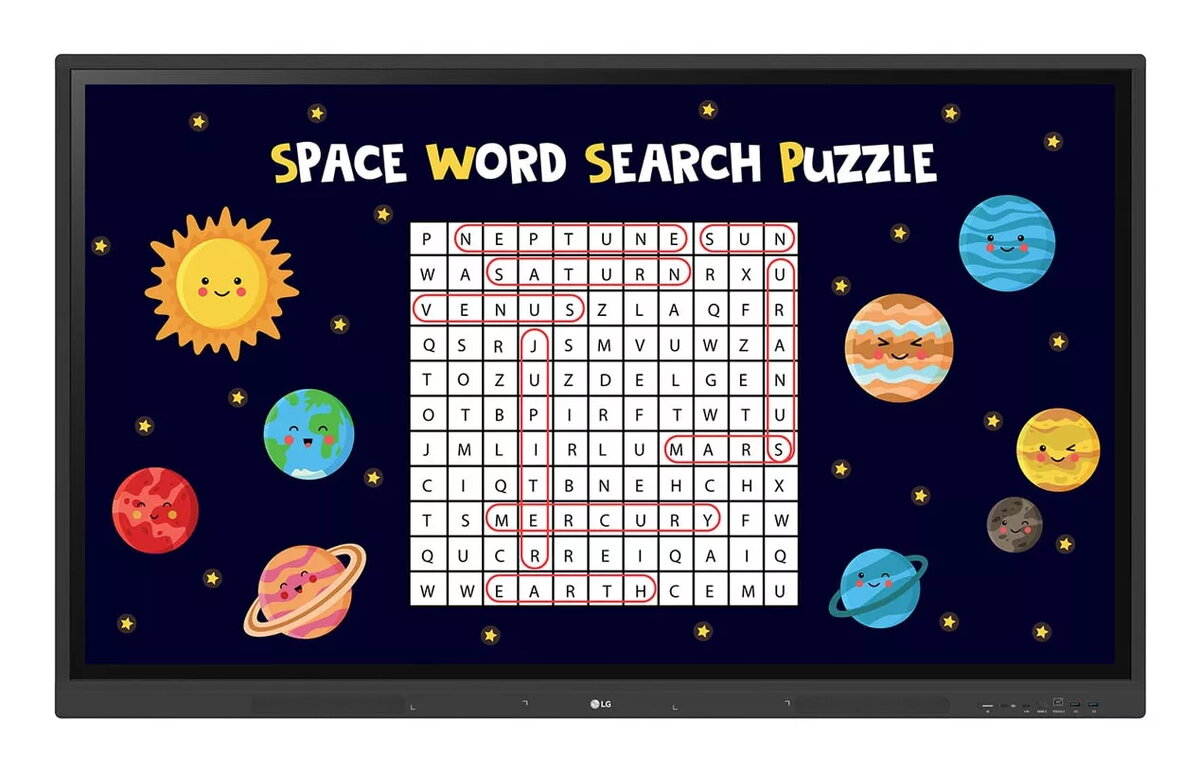
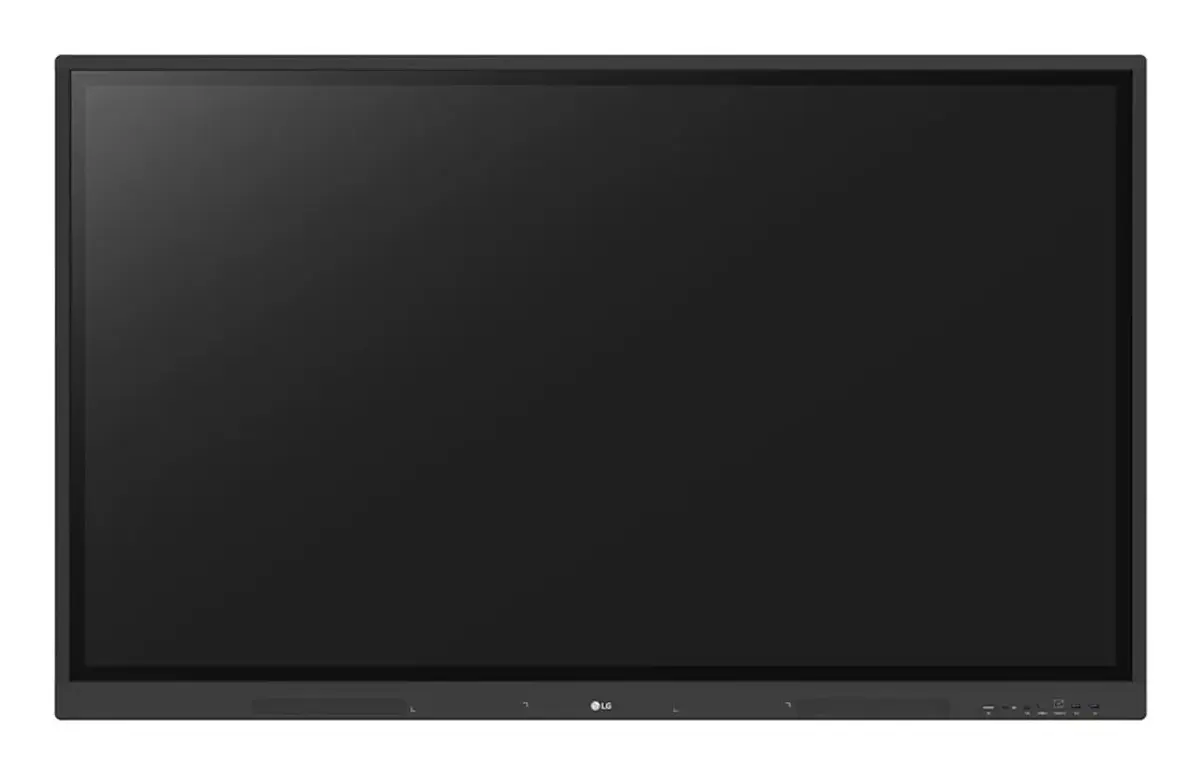
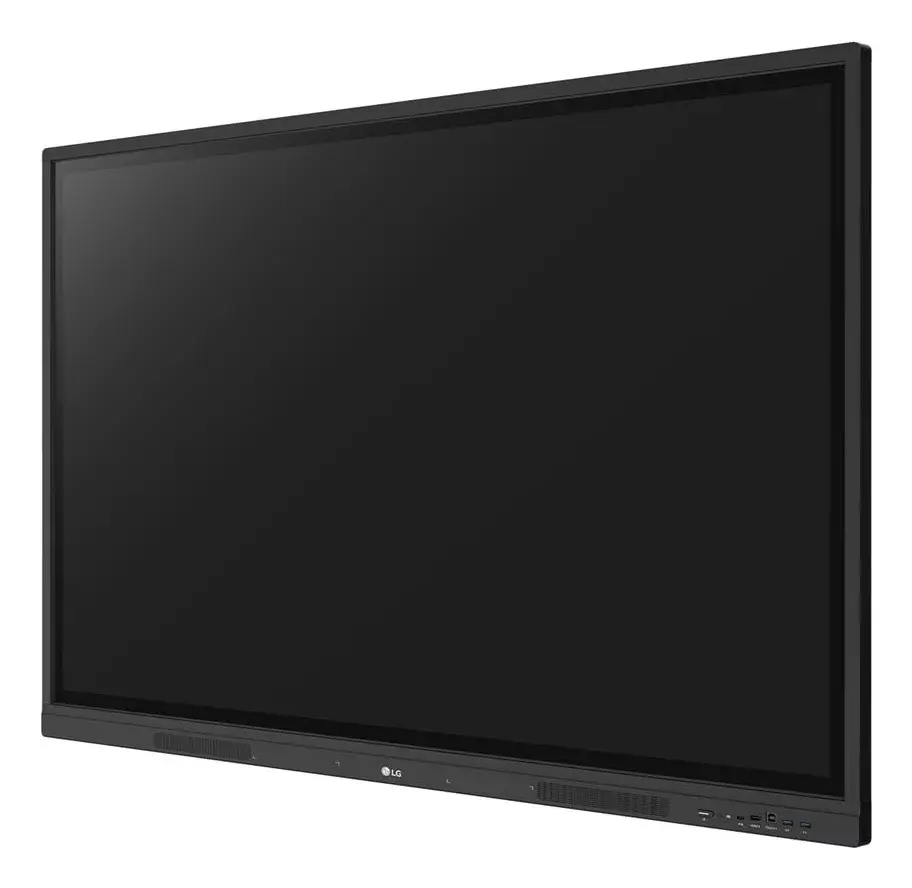
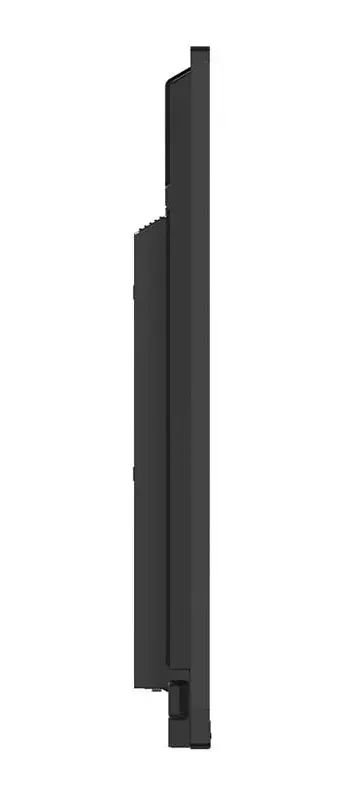
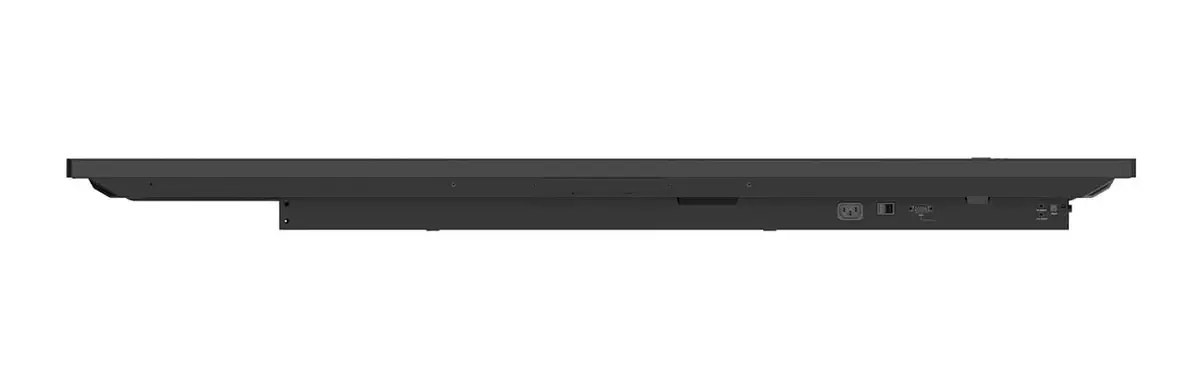
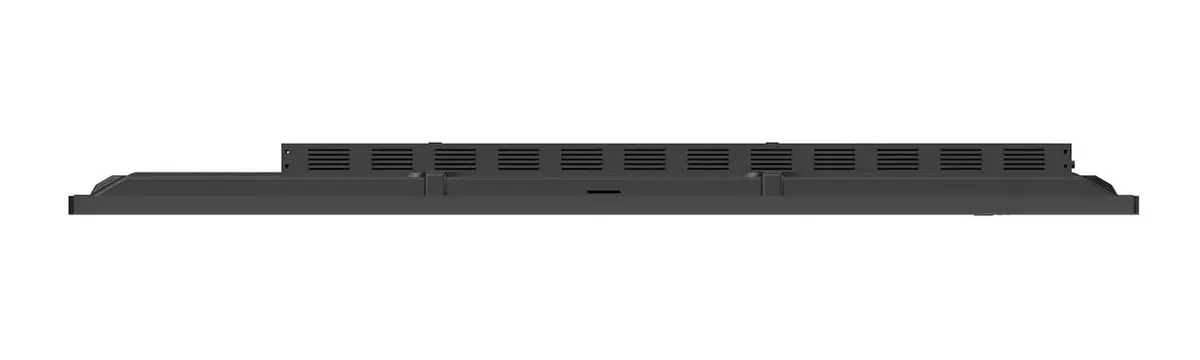
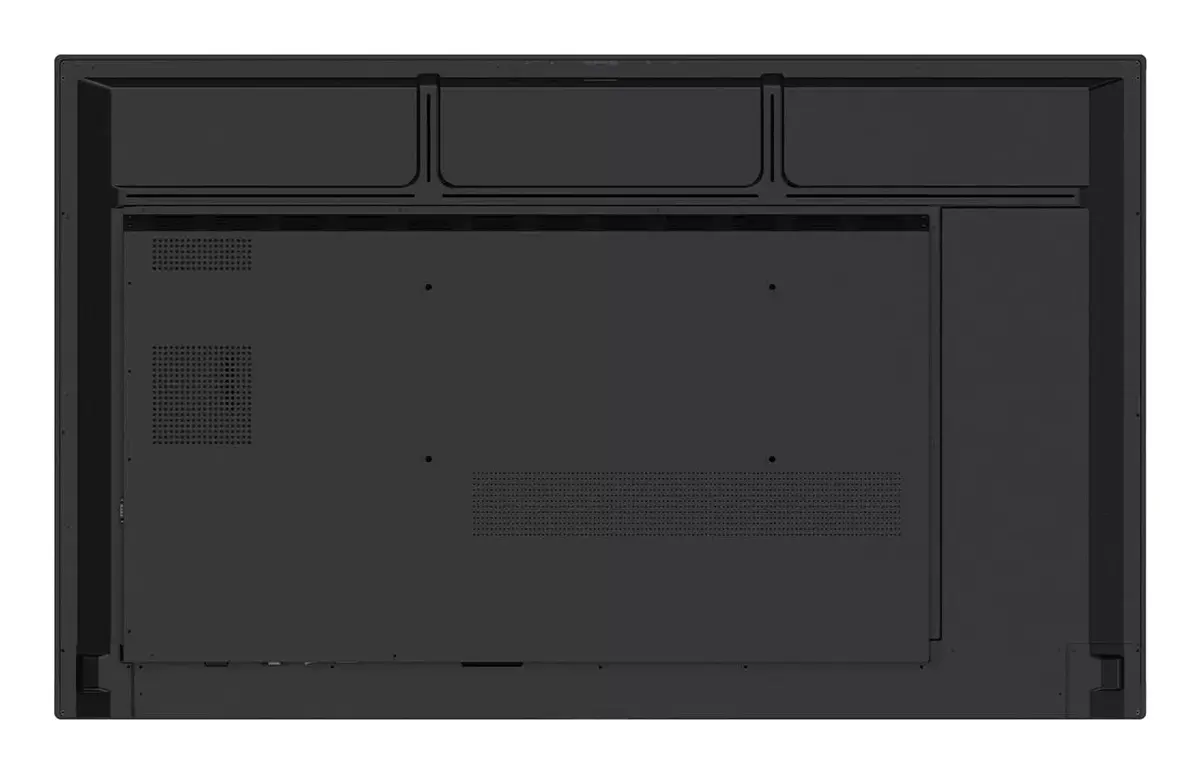
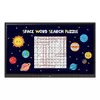
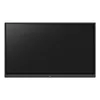
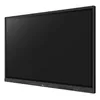
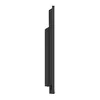
Monitor LG CreateBoard 75" Touchscreen Display 3840 x 2160
LG CreateBoard 75" Touchscreen Display 3840 x 2160 is an interactive classroom display designed for collaborative teaching and presentations. The 75" 4K Ultra HD IPS panel delivers clear images at 3840 x 2160 resolution and 440 cd/m² brightness, while a multi-touch system supports up to 40 simultaneous touch points. The device runs on an ARM Cortex‑A55 processor, includes 8 GB RAM and 64 GB internal storage, and provides built-in 30 W speakers, Wi‑Fi 6E connectivity and a range of front-facing ports for convenient access.
The LG CreateBoard combines multi-touch responsiveness, wireless screen sharing and USB‑C connectivity to simplify classroom interaction. It supports easy import/export with Google Drive, OneDrive or USB, enables QR login for quick cloud access, and offers Bluetooth pairing for peripherals. Built‑in management tools such as LG ConnectedCare DMS allow remote monitoring, scheduling and issue management. Security features include screen lock, secure mode, USB lock mode and automatic file removal options. The display also incorporates eye‑care (flicker‑free) technology and an OPS slot for expanded functionality.
Place or mount the LG CreateBoard according to the VESA specification or use the LG Universal Stand for mobility. Power on the display and connect to the local network via Wi‑Fi 6E or wired LAN if available. Sign in to cloud services using the QR login on the home screen to access Google Drive or OneDrive, or import files from a USB drive. Use touch input or connected peripherals (keyboard, mouse) via Bluetooth or USB‑C to navigate, annotate and play multimedia content. Share screens wirelessly with the LG CreateBoard Share app to display up to nine device screens simultaneously. Configure scheduling, power saving and screen lock in the Settings menu as needed.
For stable operation in educational environments, enable LG ConnectedCare DMS for remote monitoring and set threshold alerts for temperature, memory and signal to receive early warnings. Use Secure Mode and USB Lock Mode where sensitive data protection is required, and enable auto‑remove files to reduce residual data. For prolonged use, keep the flicker‑free setting active and connect audio devices via Bluetooth or the front speakers for clear sound.
{{highlightedFeature.featureTitle}}:
{{getProductFeatureValueById(product, highlightedFeature.featureId)}}
{{ productComparisonGenerationError }}