


Powerful EcoFlow stations for energy anywhere!
In cart {{totalProductsCount}} item(s)
Your cart is empty
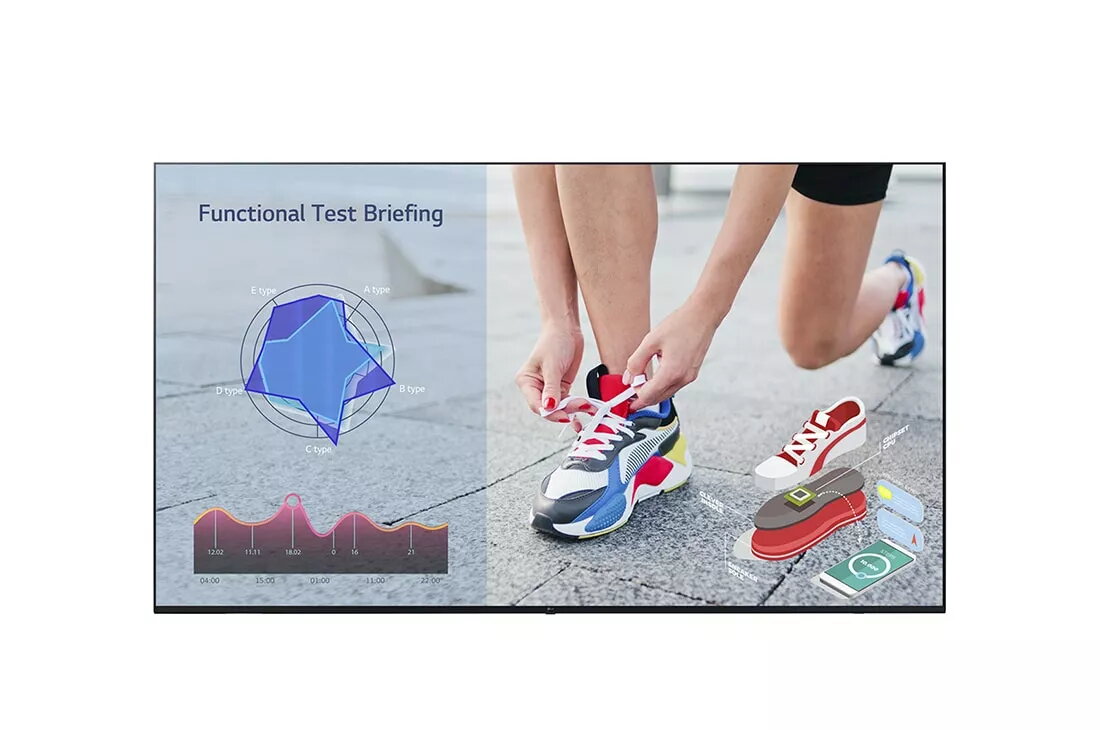
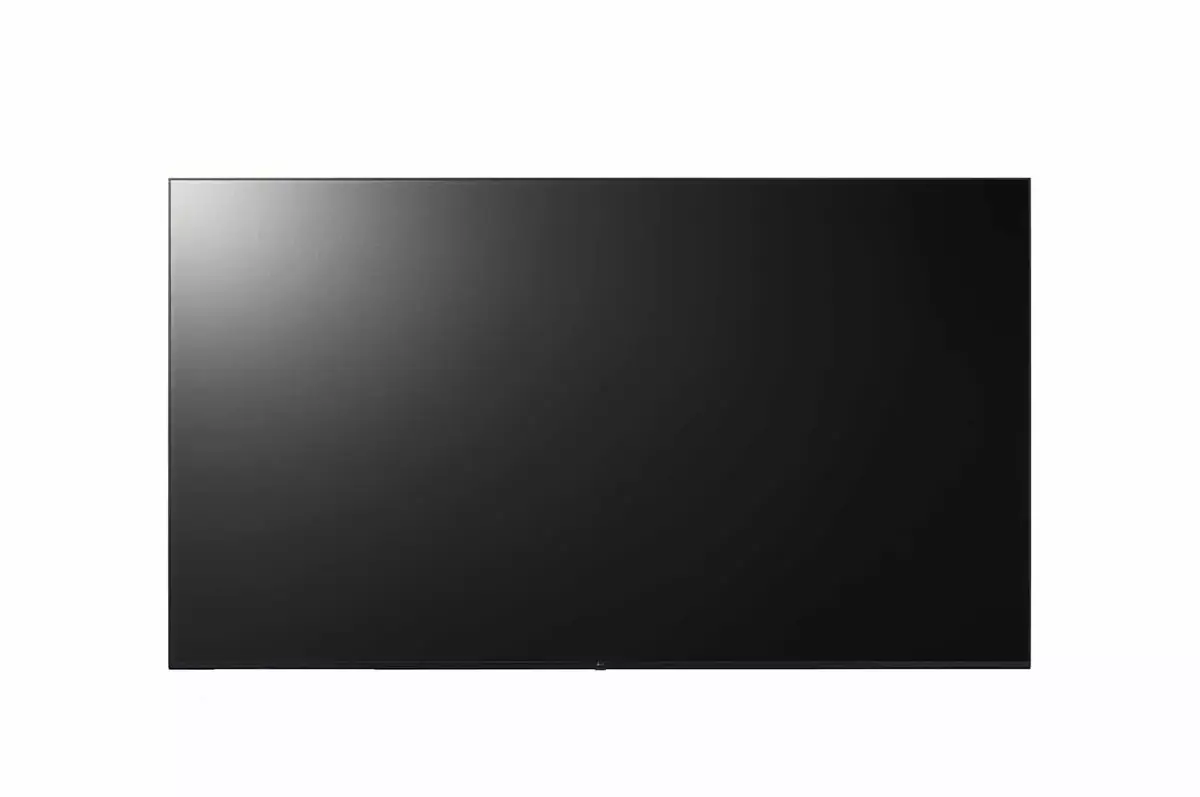
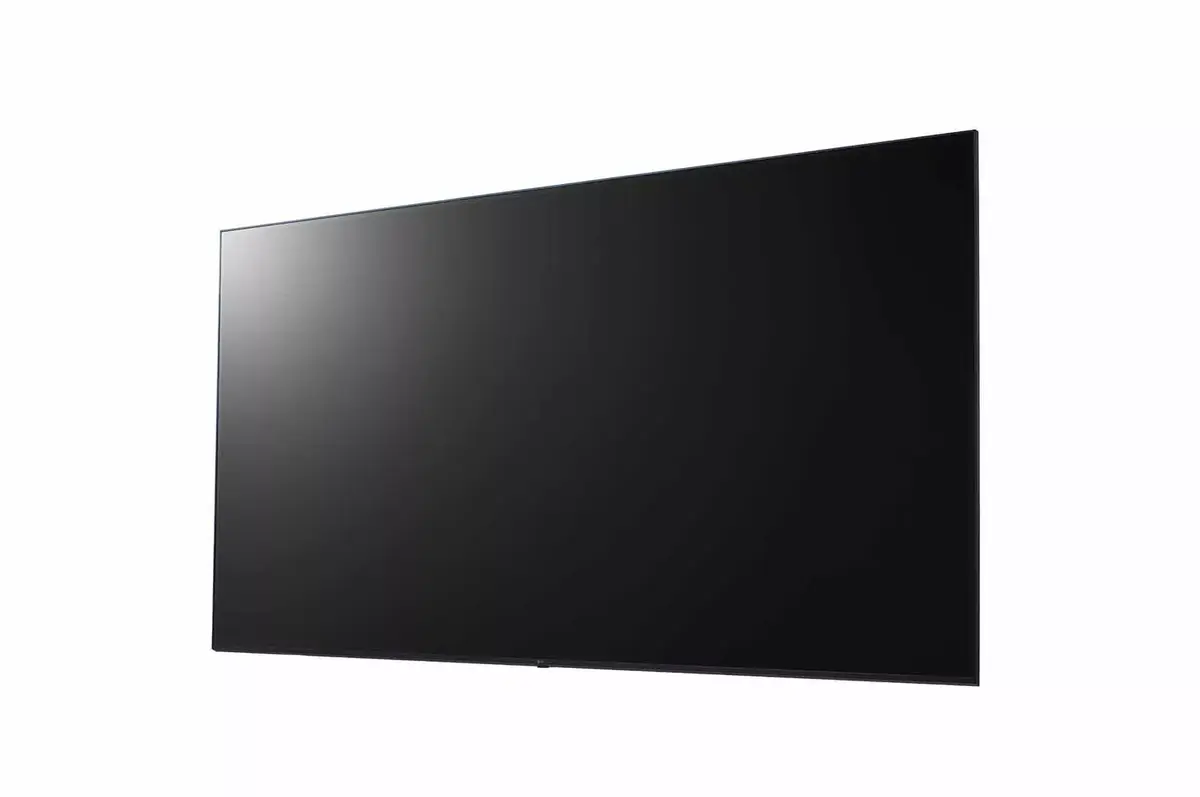
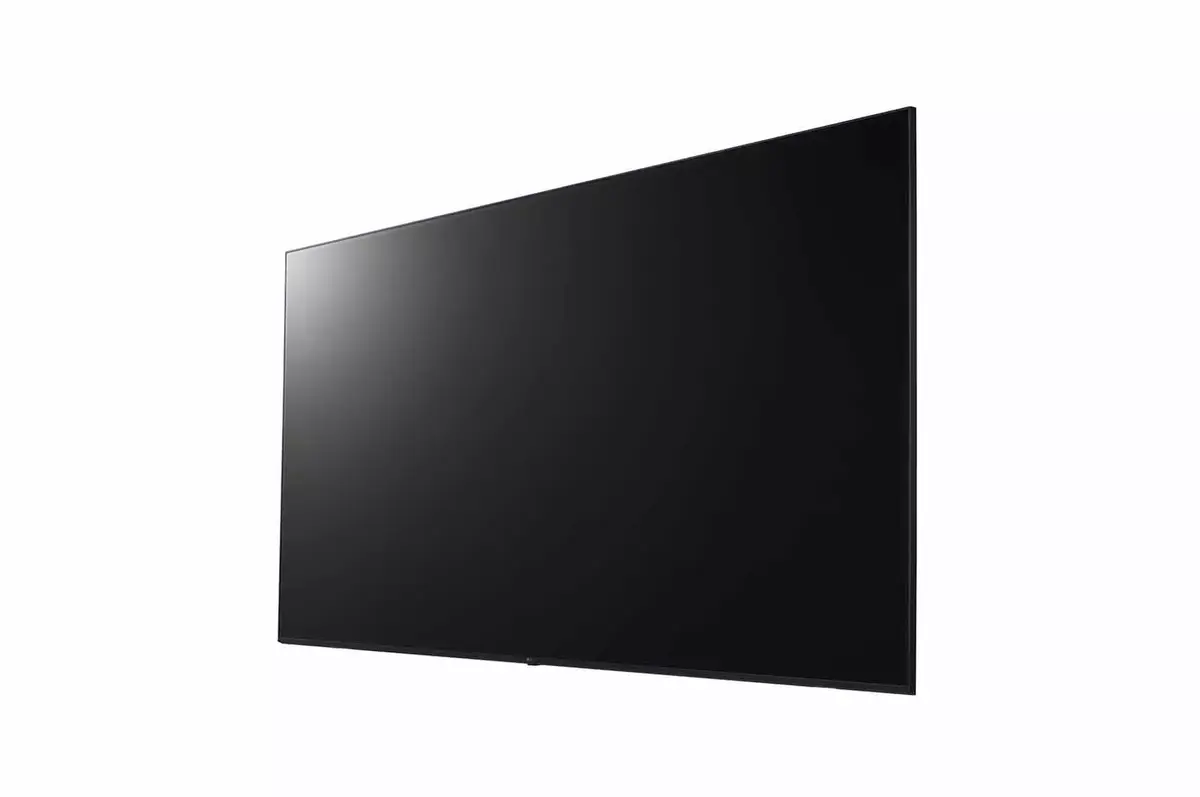
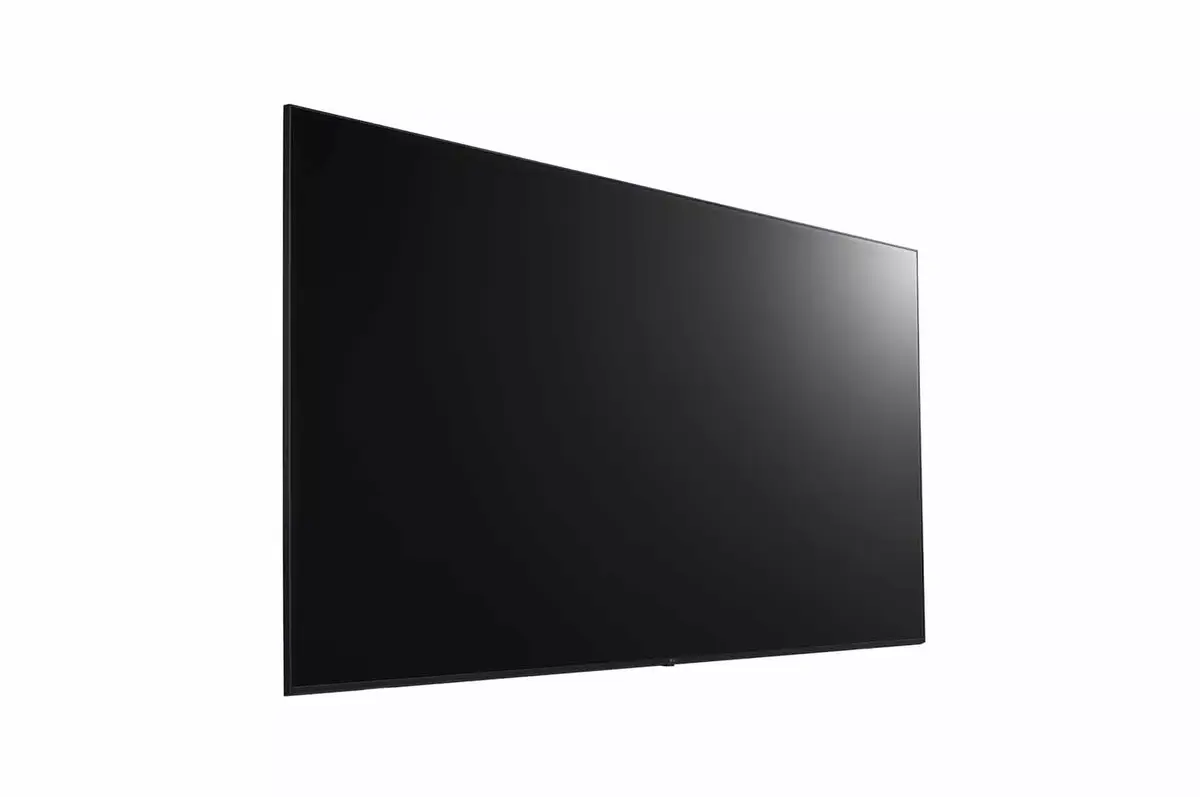
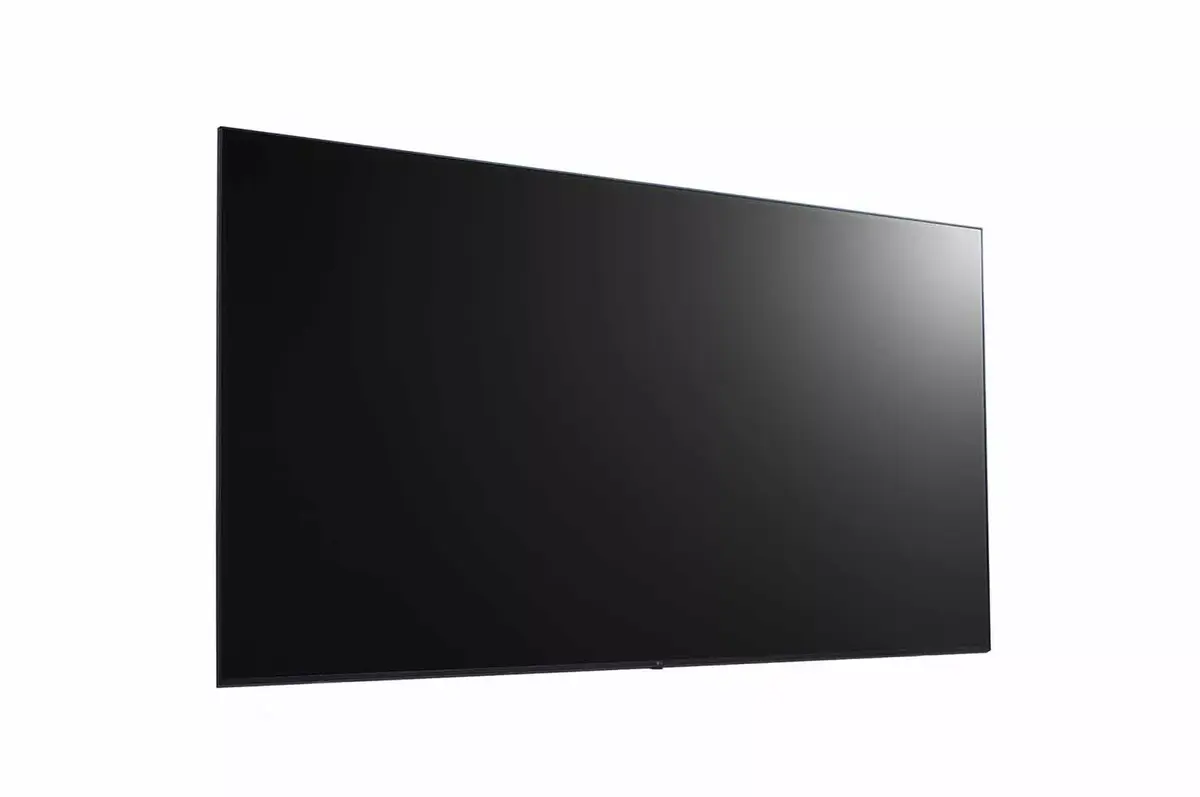
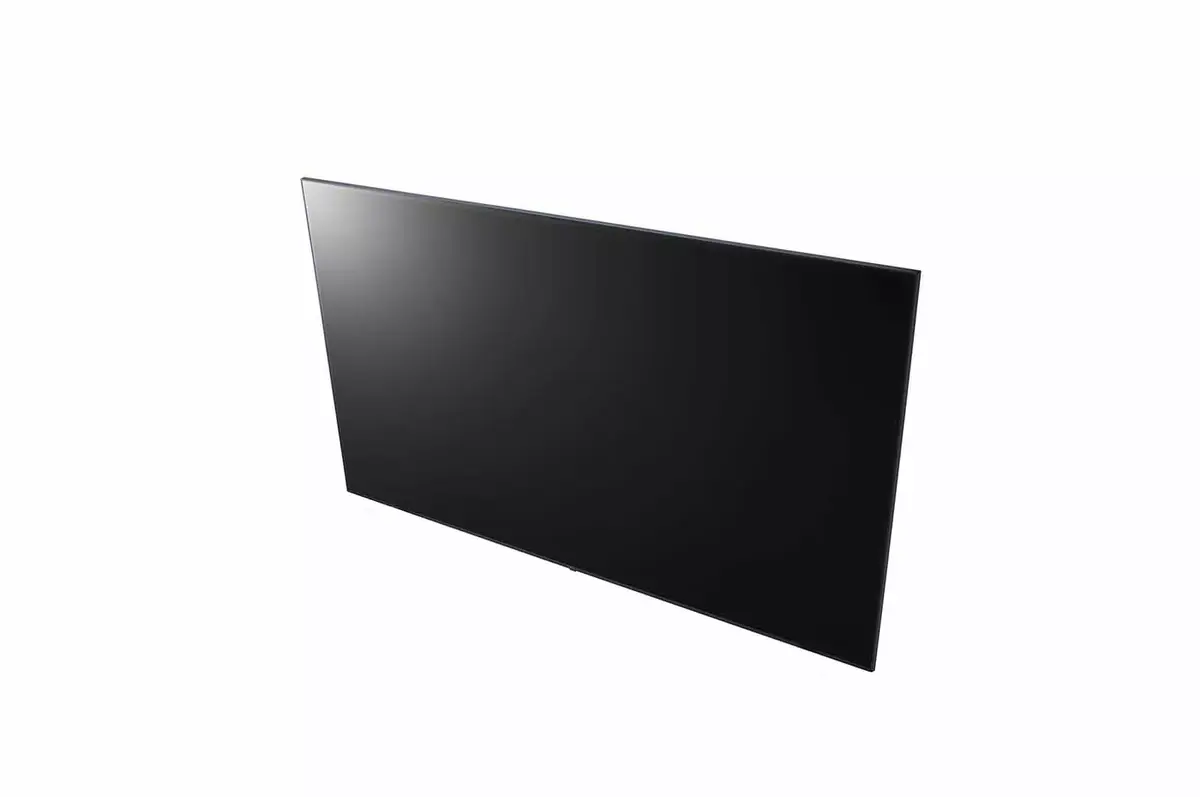
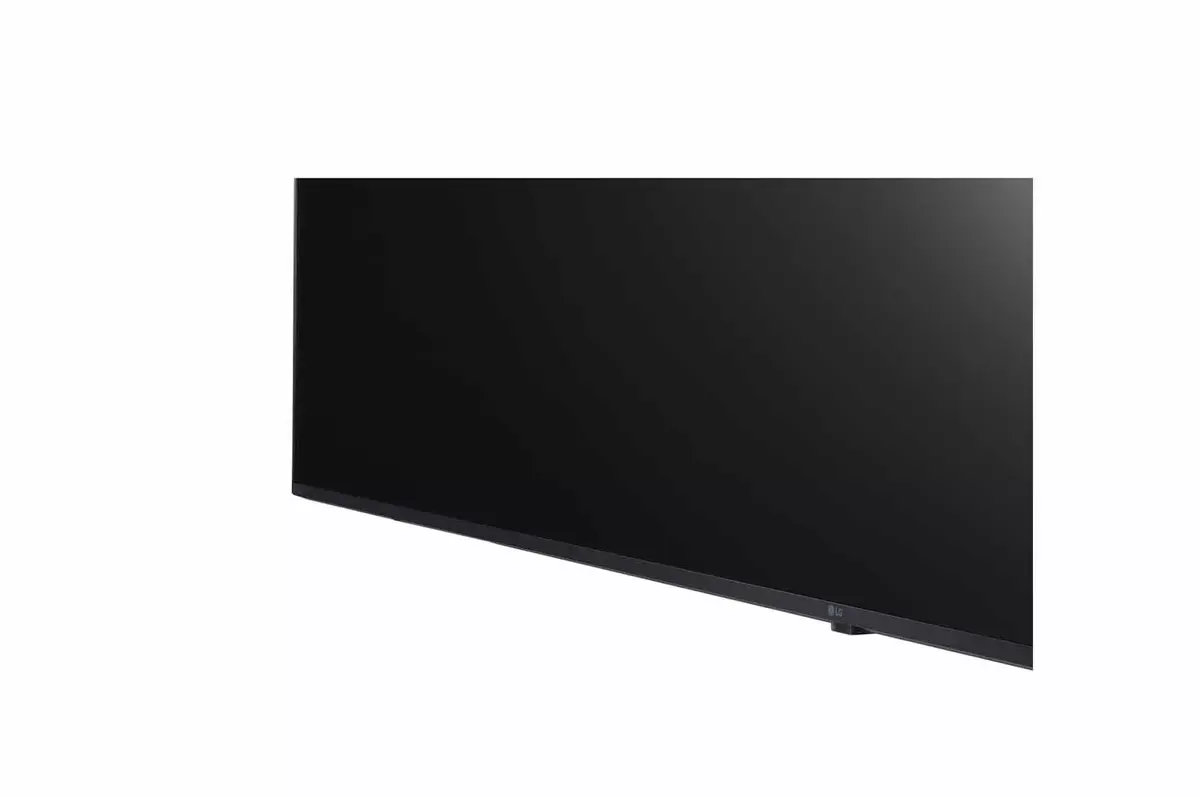
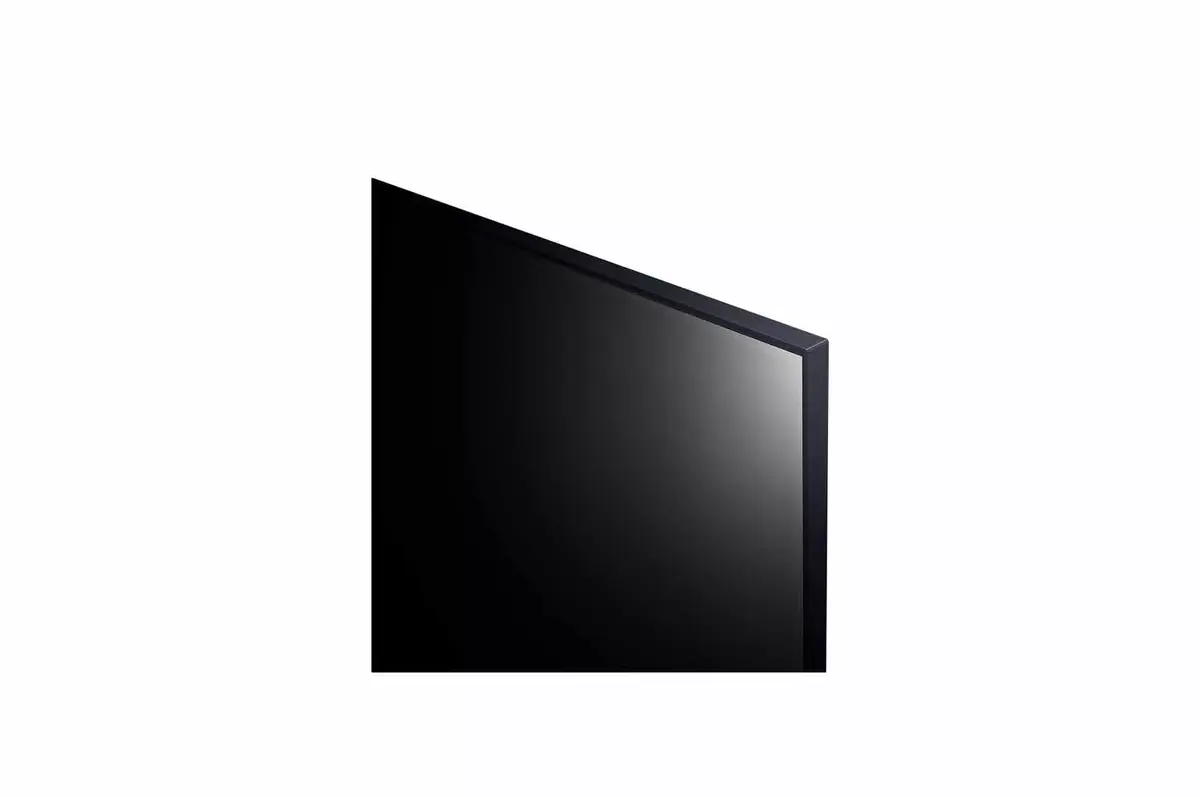
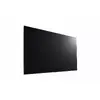
Digital signage flat panel LG 86UL3J-N 86" LCD 4K Ultra HD 3840 x 2160
The LG UL3J series delivers Ultra HD (UHD) resolution for vivid, realistic color and detailed images with a wide viewing angle for consistent clarity. Its slim bezel and thin profile save space and simplify installation while providing a refined appearance that enhances room decor. Powered by LG webOS 6.0 with an upgraded SoC and web engine, the display supports smooth multitasking and an intuitive graphical interface for easy operation. The series supports various external sensors via USB plug-ins, offers LG One:Quick Share for wireless screen sharing and basic remote-free display control, and includes embedded Wi‑Fi for content distribution, firmware updates and operation as a wireless access point. Built-in speakers provide sound without separate audio equipment, and optional LG ConnectedCare enables remote monitoring, diagnostics and management to support stable operation.
The UL3J series provides Ultra HD picture quality and wide viewing angles for consistent image clarity. Its slim design minimizes bezel and thickness for space-saving installation and a more immersive viewing experience. LG webOS 6.0 improves responsiveness and multitasking, while USB sensor support and Crestron/Cisco compatibility enable integration with AV controls and conferencing systems. Wireless features include One:Quick Share for simple screen sharing and embedded Wi‑Fi for content distribution, firmware updates and acting as an access point. Built-in speakers and optional LG ConnectedCare remote service simplify deployment and ongoing maintenance.
Install the display in the desired location and connect power and network (wired or Wi‑Fi). Use the LG webOS 6.0 interface to configure input sources, picture and audio settings, and network options. For wireless screen sharing, insert the LG One:Quick Share USB transmission unit and follow the app instructions on your PC to mirror the screen and adjust basic display settings without a remote. Connect external sensors via USB plug-ins as required, and integrate with AV control or video conferencing systems using supported Crestron or Cisco interfaces. Manage content distribution and firmware updates over the embedded Wi‑Fi or a local network, and use the web-based monitoring tools or LG ConnectedCare service for remote diagnostics and control.
For reliable installation and optimal performance, mount the display on a stable surface, ensure a strong network connection for wireless features, and register the device with LG ConnectedCare for proactive remote support and maintenance.
{{highlightedFeature.featureTitle}}:
{{getProductFeatureValueById(product, highlightedFeature.featureId)}}
{{ productComparisonGenerationError }}