
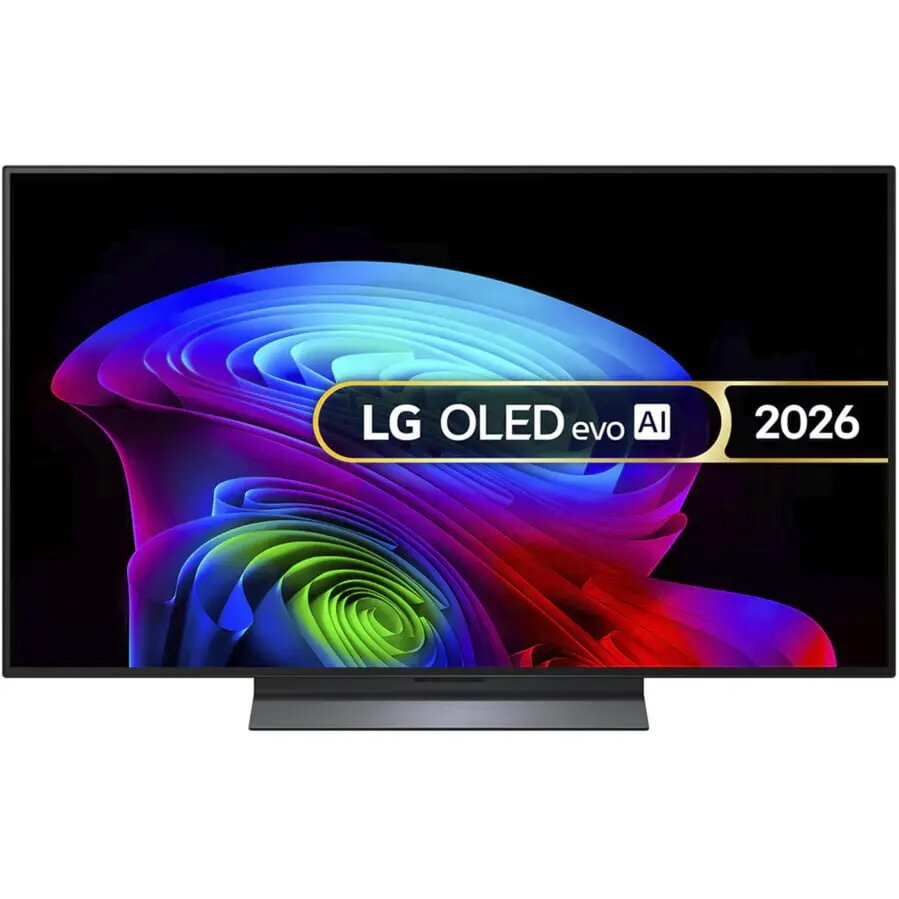
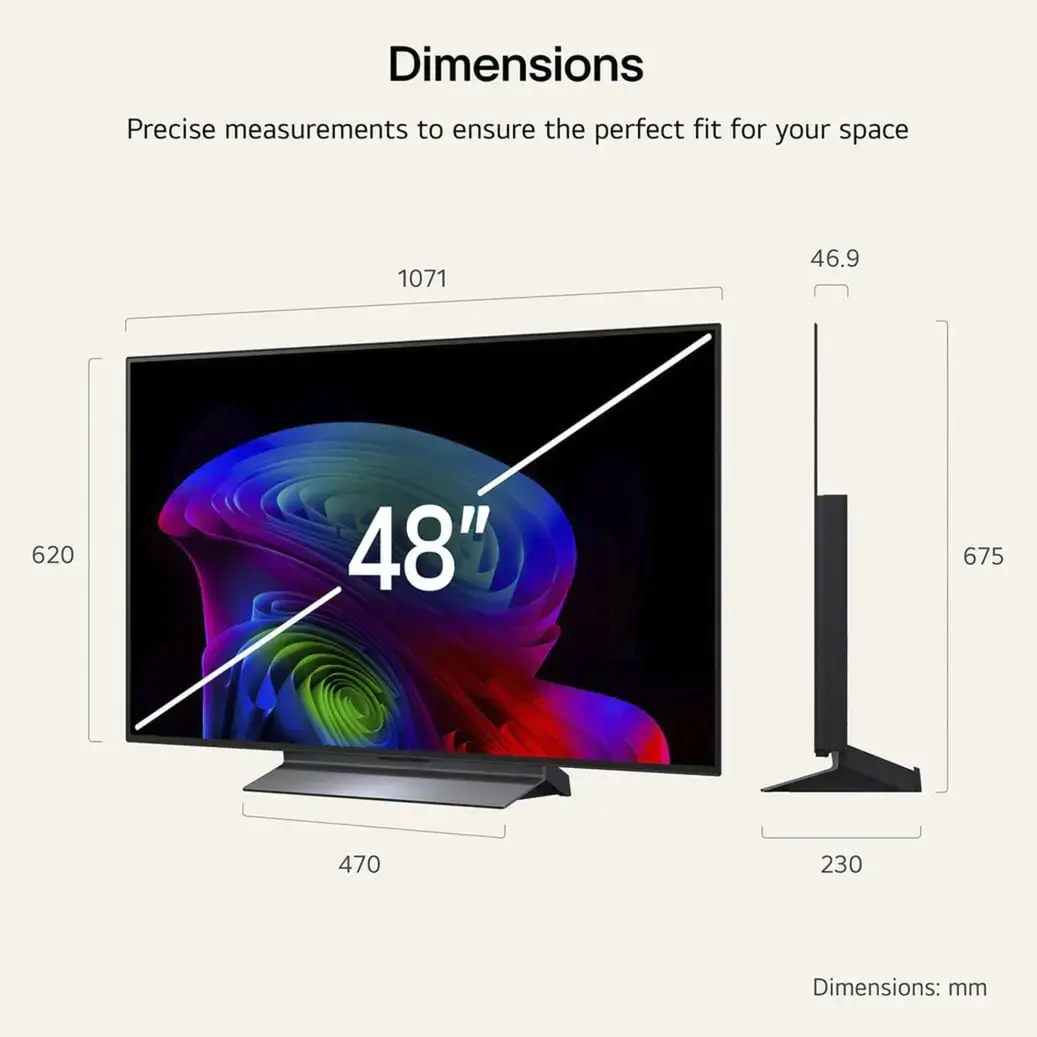
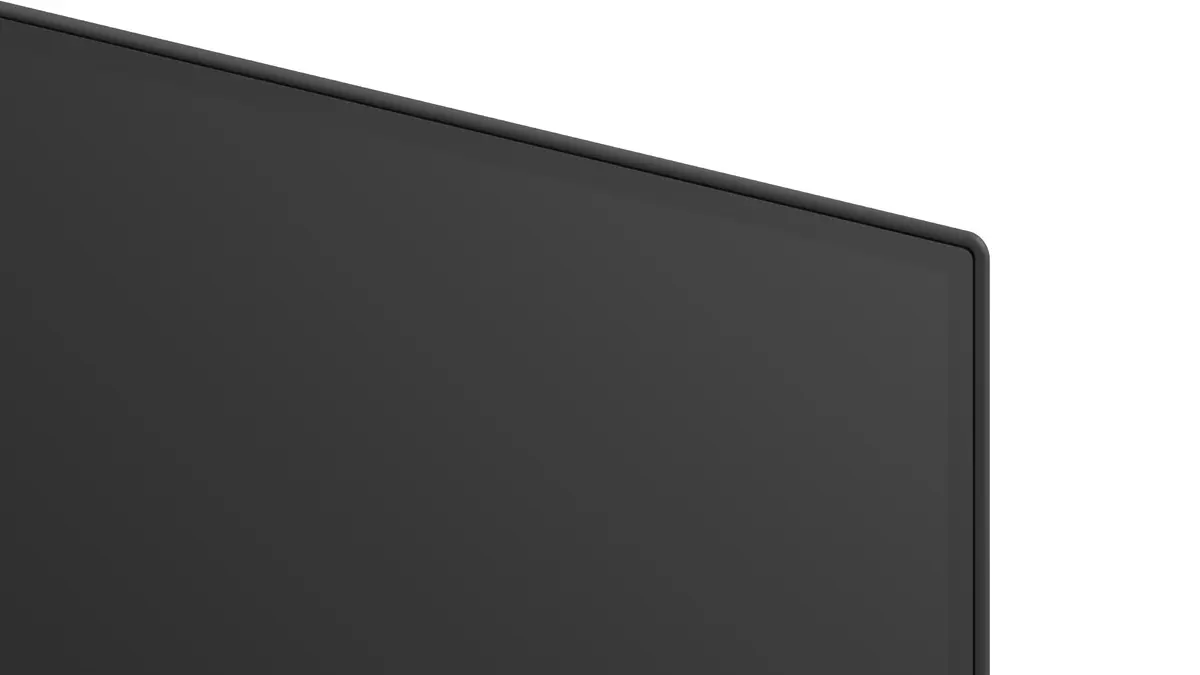

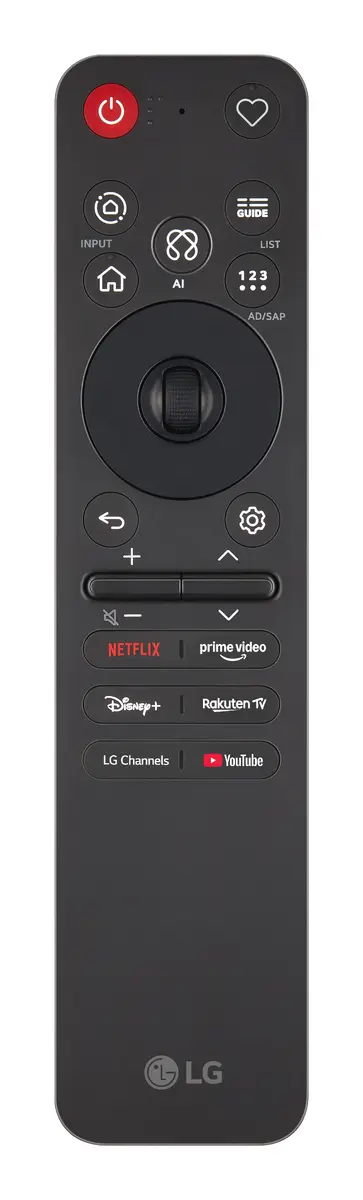
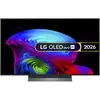



LG OLED48C6ELB 48" 4K Ultra HD Smart TV OLED Flat Black 3840 x 2160 DVB-T2/S2/C Wi-Fi Ethernet
{{selectedOffer && selectedOffer.price | formatAmount}}

Keep track of price changes
You keep track of price changes
Watch the price drop
Leave your address - as soon as the price of the product goes down, you'll know about it right away
You keep track of price changes
LG OLED48C6ELB 48" 4K Ultra HD Smart TV OLED Flat Black 3840 x 2160 DVB-T2/S2/C Wi-Fi Ethernet
{{email}}
You keep track of price changes
LG OLED48C6ELB 48" 4K Ultra HD Smart TV OLED Flat Black 3840 x 2160 DVB-T2/S2/C Wi-Fi Ethernet
{{email}}
{{selectedOffer && selectedOffer.price | formatAmount}}
Short description
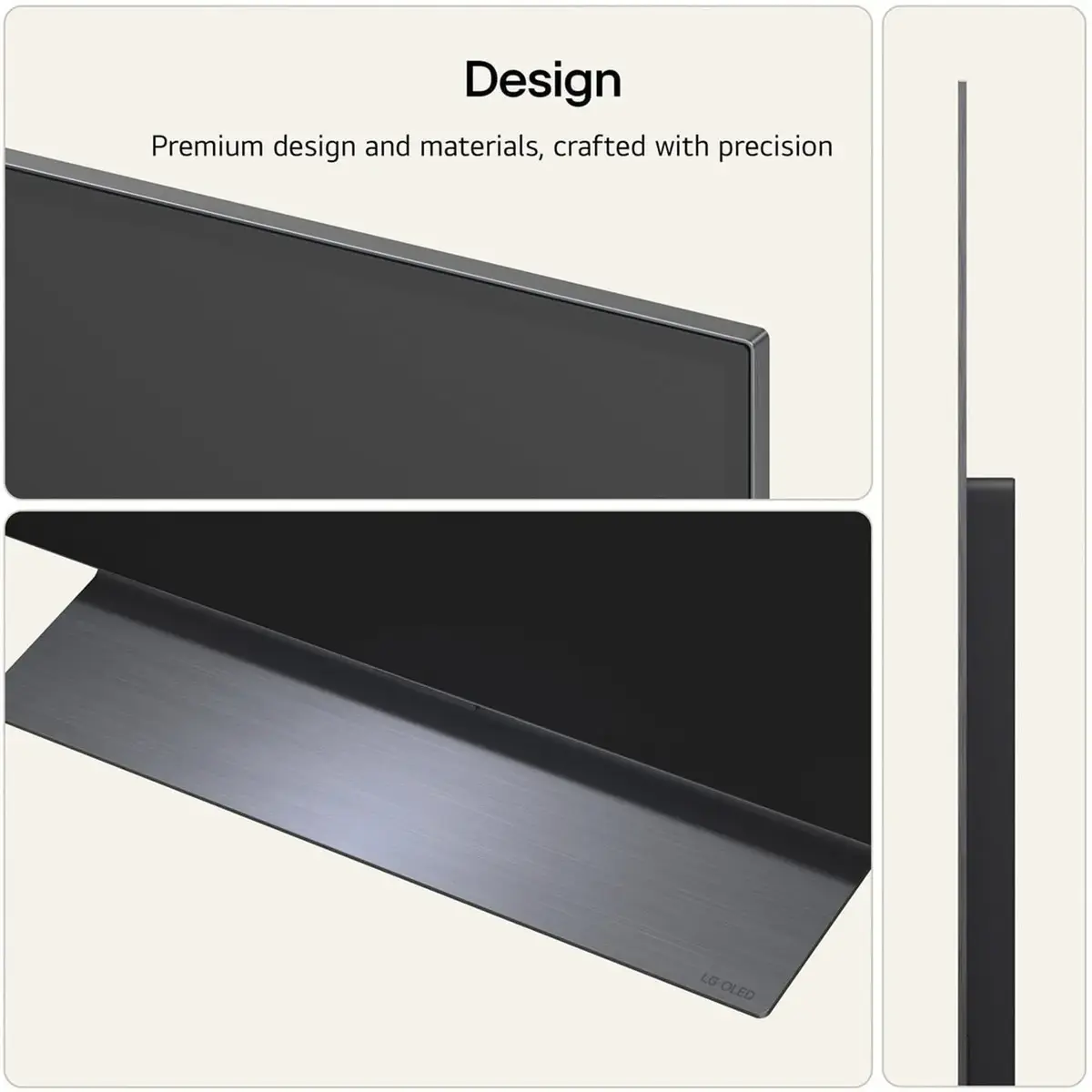
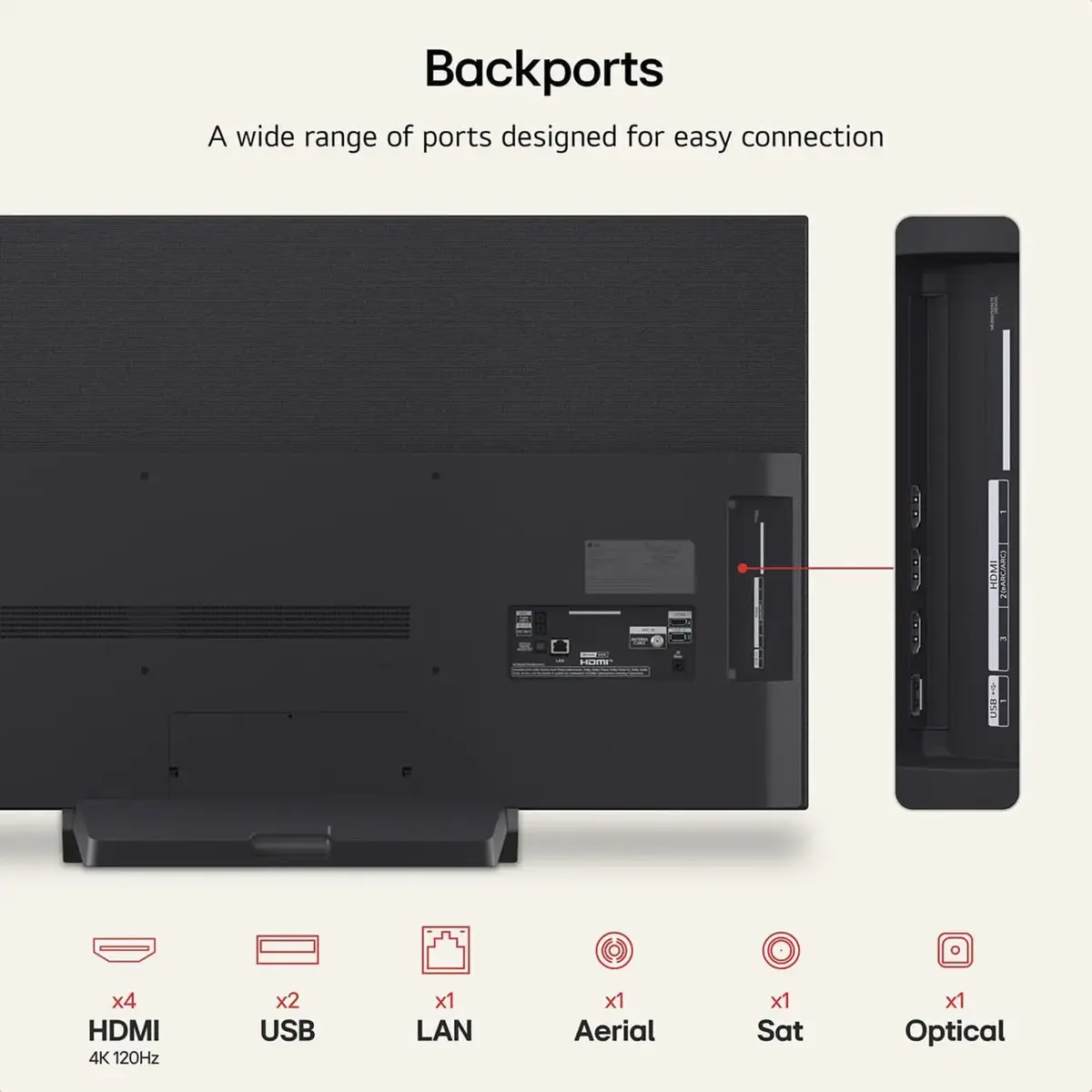
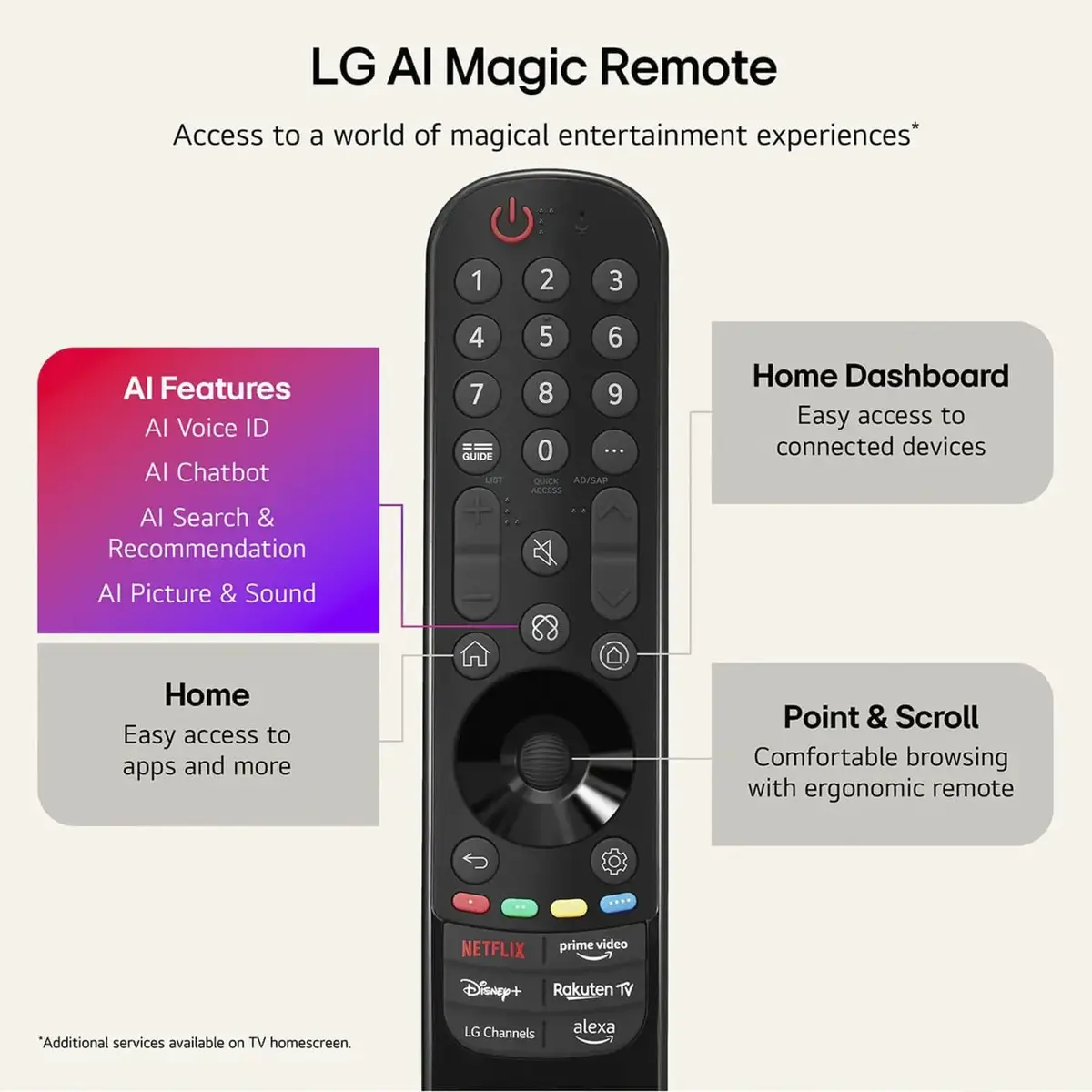
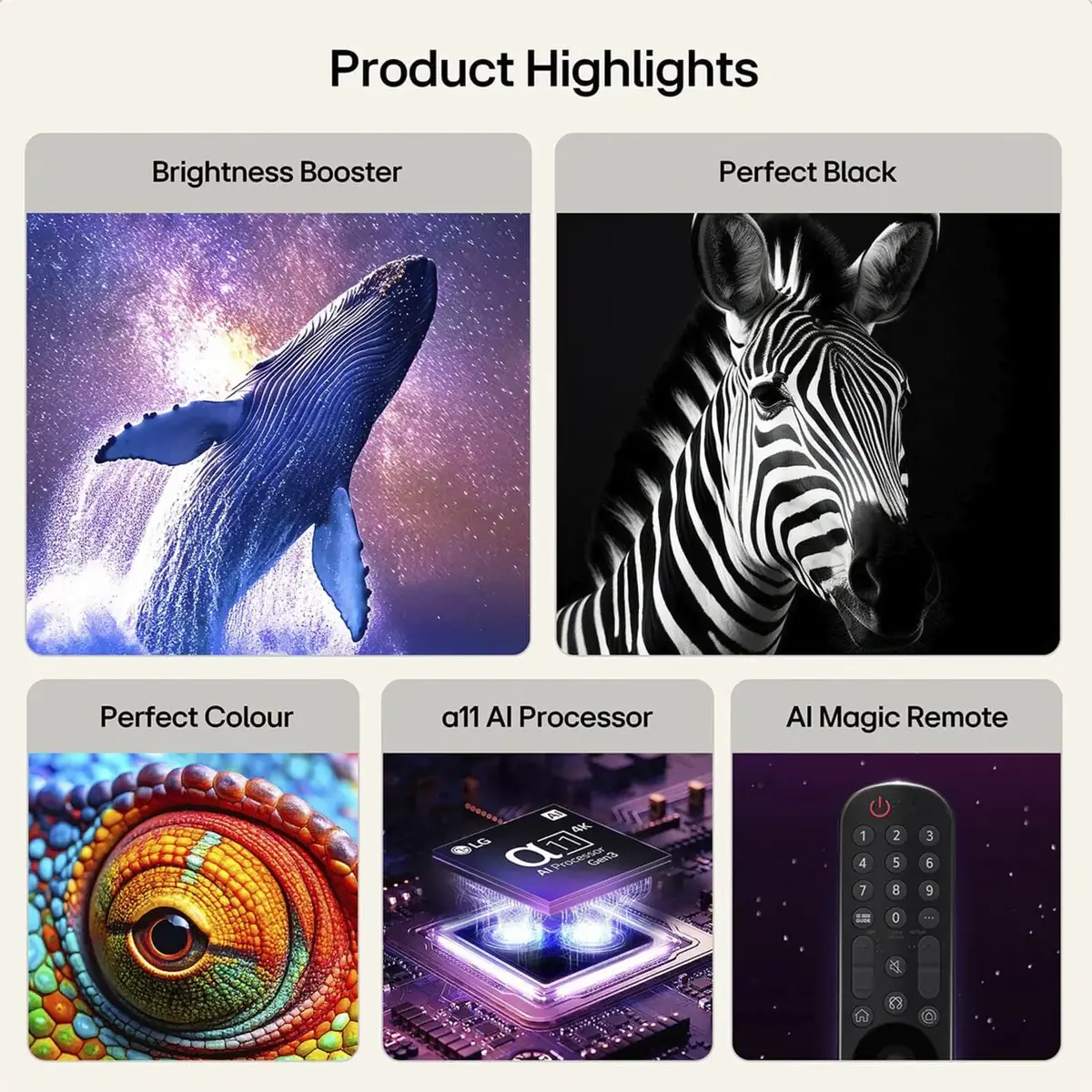
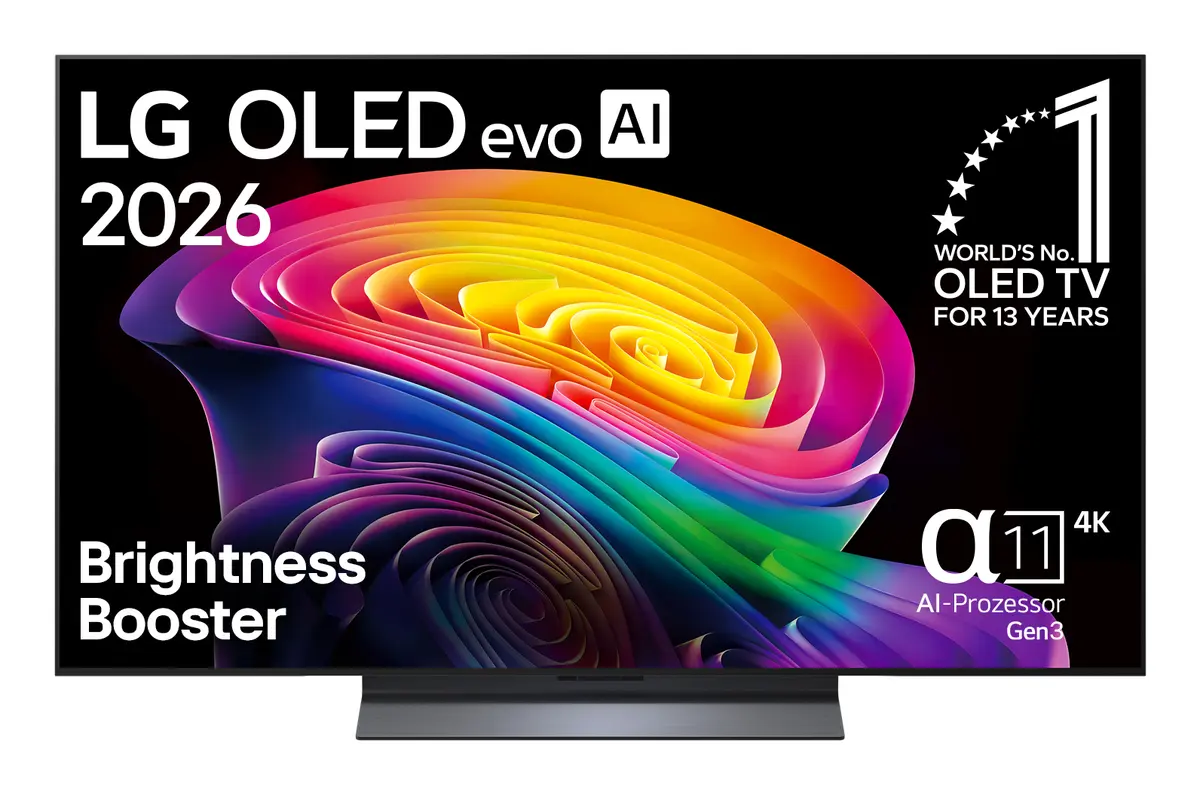
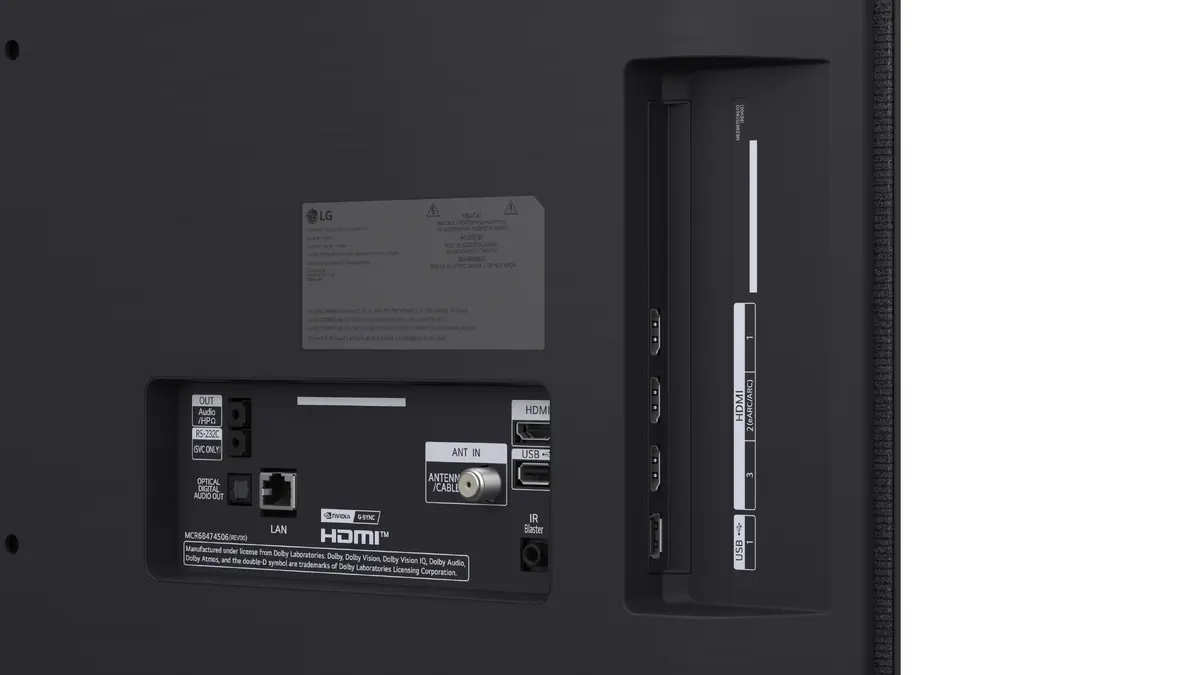
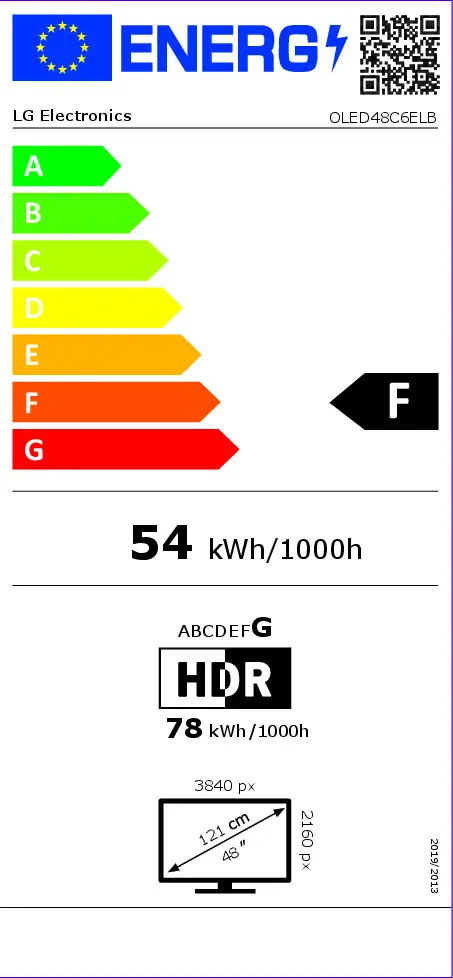
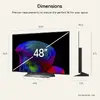
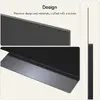
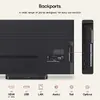
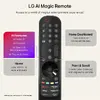
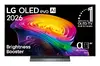
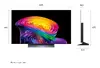
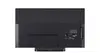
LG OLED evo AI OLED48C6ELB 48-inch 4K Ultra HD Smart TV featuring an OLED flat display with 3840 x 2160 resolution. Equipped with built-in Wi-Fi, Ethernet LAN, digital signal format system including DVB-T2, DVB-S2, and DVB-C, plus OLED Motion technology. Ideal for home entertainment setups, offering sharp visuals and internet TV capabilities in a black finish.
Available for order:
9 pcs.
Warranty:
2 Years
SKU:
12536644


to the Customer Service Center at Kengaraga 2b, Riga
29.10.2026
{{selectedOffer.officeDeliveryString}}
free
- Delivery country: {{ userCountryName }}
Customer service center
2b. Kengaraga str., Riga, Latvia, LV-1063
29.10.2026
{{selectedOffer.officeDeliveryString}}
free
Courier Delivery
Please note that in case of a large parcel additional delivery costs may apply!
From 15.77 € (Weight: 20.40 kg)

pay in 3 equal parts
All payment Methods:
Bank transfer, Bank cards on-line, Apple Pay, Google Pay, Installment, Leasing for legal entities
36 months installment:
from 50.86 euros per month
Leasing for legal entities:
from 63.72 euros per month


