Powerful EcoFlow stations for energy anywhere!
In cart {{totalProductsCount}} item(s)
Your cart is empty
LG OLED 55B68LA Smart TV 55-inch 4K Ultra HD Flat OLED AI TV with Wi-Fi Black
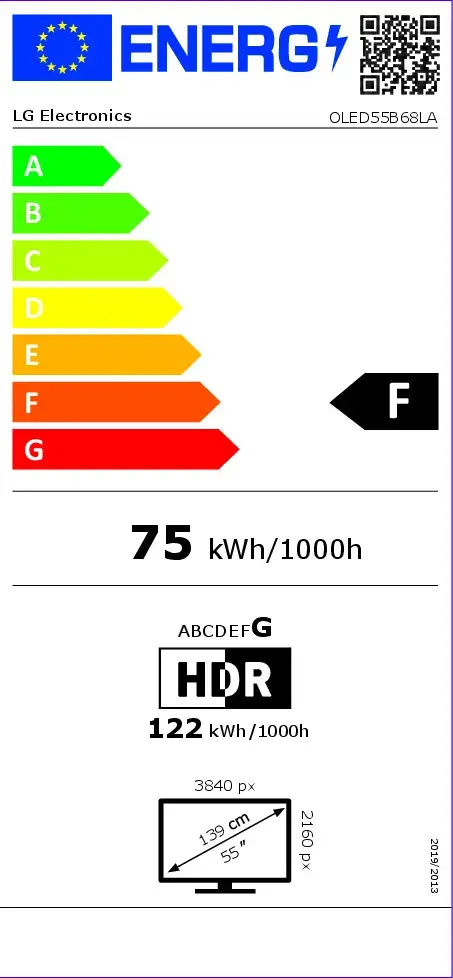
The LG OLED 55B68LA Smart TV 55-inch 4K Ultra HD Flat OLED AI TV with Wi-Fi Black delivers an exceptional home entertainment experience with advanced display technology and smart capabilities. Featuring a 55-inch flat OLED screen with a stunning 4K Ultra HD resolution of 3840 x 2160 pixels, this television provides incredible contrast, deep blacks, and vibrant colors for movies, sports, and gaming. Integrated smart functionality allows for effortless streaming of your favorite content, while built-in Wi-Fi and Ethernet LAN ensure stable network connections. Designed in a sleek black finish, this LG television combines modern aesthetics with high-performance audio-visual engineering.
The OLED display technology ensures self-lit pixels that switch off completely to produce infinite contrast and absolute black levels, creating a truly cinematic viewing experience at home. The 4K Ultra HD resolution offers exceptional clarity, allowing you to notice fine details in every scene. Comprehensive connectivity options, including built-in Wi-Fi, Ethernet LAN, and multiple digital signal formats such as DVB-T2, DVB-S2, and DVB-C, make it easy to access online entertainment and broadcast channels without extra adapters. The flat screen shape minimizes reflections and provides consistent picture quality from virtually any viewing angle in the room.
This television may not be the ideal choice for users looking for a smaller or larger screen size, as it features a fixed 55-inch display diagonal. Additionally, households with very limited wall-mounting space or specific furniture dimensions should verify the physical footprint and VESA mounting compatibility prior to purchase.
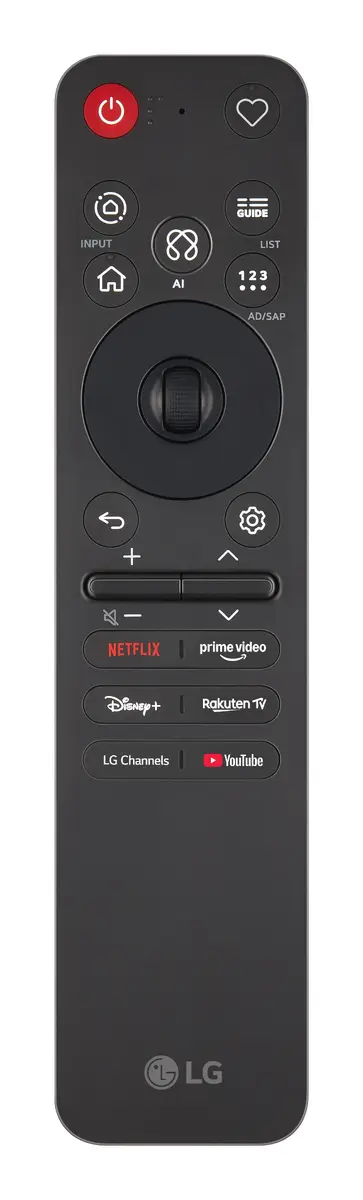
Unpack the television carefully and place it on a stable, flat surface or mount it to a compatible wall using appropriate hardware. Connect the power cable to a standard electrical outlet and attach your antenna, cable, or satellite source to the corresponding digital signal input. Turn on the device using the remote control and follow the on-screen setup wizard to connect to your home Wi-Fi or Ethernet network. Once the initial configuration is complete, you can access smart streaming applications, tune into digital television channels, or connect external media devices via available ports.
For optimal performance and longevity, position the television away from direct sunlight and ensure adequate ventilation around the chassis during operation.
{{highlightedFeature.featureTitle}}:
{{getProductFeatureValueById(product, highlightedFeature.featureId)}}
{{ productComparisonGenerationError }}