


Cable Magnetic 2in1 MicroUSB/Lightning LIBOX LB0113 — magnetic connector adapter for MicroUSB and Lightning
Short description

Cheapest delivery:
Unisend LV
Product information
Description
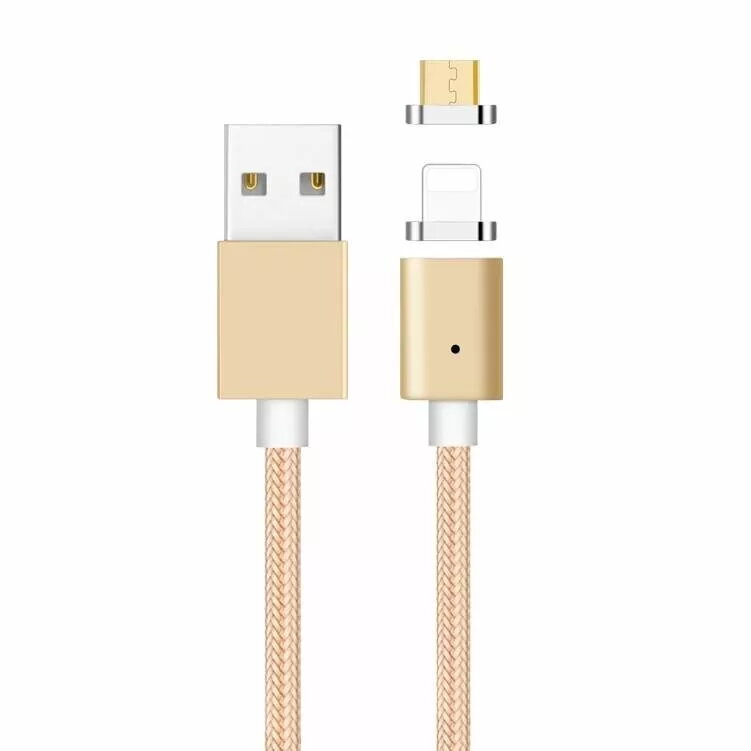
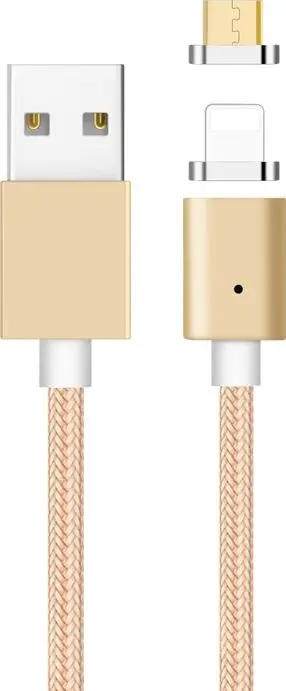
Cable Magnetic 2in1 MicroUSB/Lightning LIBOX LB0113 is a magnetic connector adapter cable designed for users who need quick, reversible attachment and the ability to switch between MicroUSB and Lightning interfaces. The cable features a detachable magnetic tip system that accommodates both MicroUSB and Lightning plugs, enabling charging and data transfer for compatible smartphones, tablets and accessories. Its design focuses on convenient connection and simple interchangeability of connector tips without requiring multiple cables.
Advantages
The magnetic tip system enables fast, one-handed attachment and reduces wear on device ports by maintaining a small, stable connector in the device while the cable attaches magnetically. Dual compatibility with MicroUSB and Lightning connectors eliminates the need to carry separate cables for different devices. The cable supports both charging and data transfer workflows and allows quick swapping of connector tips for different devices.
Suitable for
- Charging MicroUSB-equipped smartphones, tablets and accessories
- Charging Lightning-equipped iPhones, iPads and Apple accessories
- Transferring data between compatible devices and a computer
- Users who need a single cable for multiple device types
Key specifications
- Connector system: detachable magnetic tip with interchangeable MicroUSB and Lightning plugs
- Functionality: charging and data transfer
- Cable type: 2in1 magnetic adapter cable
- Compatibility: devices with MicroUSB or Lightning ports (requires appropriate tip)
How to use
Insert the appropriate magnetic tip (MicroUSB or Lightning) into the device port until it seats securely. Attach the cable end so the magnetic connector aligns and snaps into place for charging or data transfer. To switch between device types, detach the magnetic cable from the tip, remove the tip from the device if necessary, and insert the other tip. Connect the cable to a suitable power source or computer USB port to begin charging or syncing. Follow device prompts if any appear when initiating data transfer.
Usage recommendations
Keep the unused tip protected when not in use and ensure the device port and magnetic surfaces are clean and dry before connecting. Use the cable with compatible chargers and ports, and avoid excessive bending at the cable ends to prolong service life.


