
Power Switch, Lindy, IPower Switch Classic 16
{{selectedOffer && selectedOffer.price | formatAmount}}
{{selectedOffer && selectedOffer.price | formatAmount}}
Offer for legal entity, cashless payment.
Why is an item available only for a legal entity?
This is due to long delivery times and limited product warranties.
This is due to long delivery times and limited product warranties.
Short description
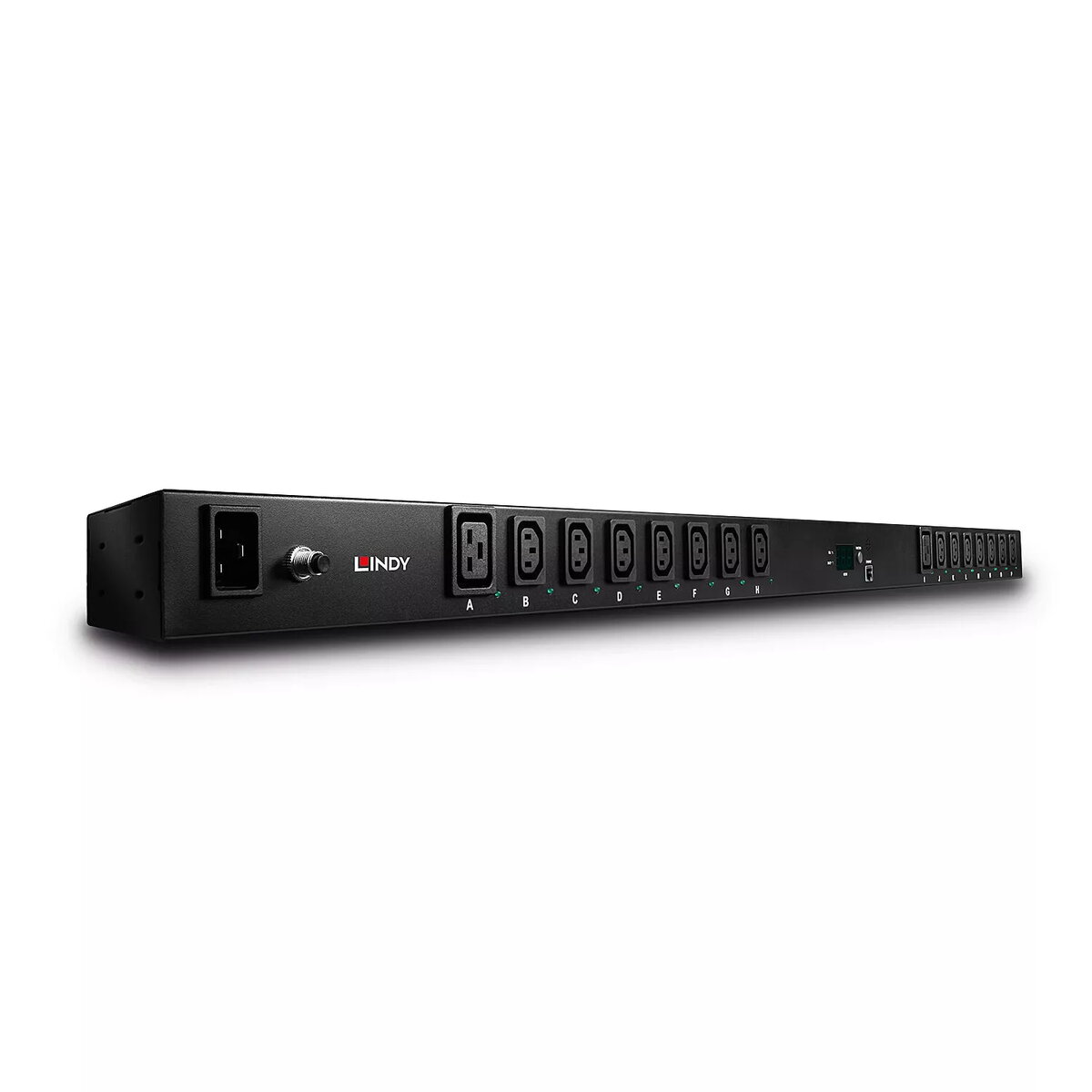
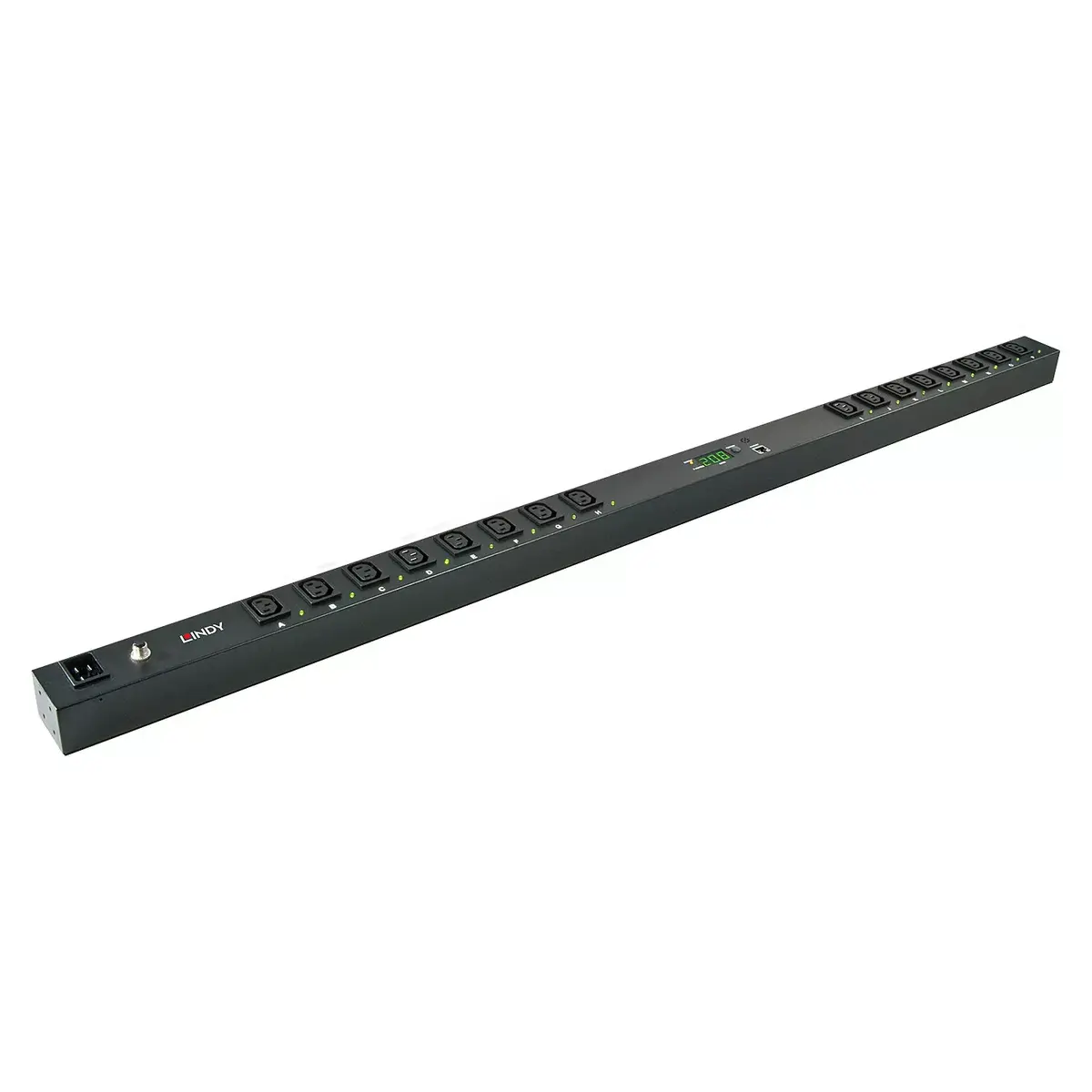
The Lindy IPower Switch Classic 16 is a reliable power switch with an AC input voltage of 220 V. Weighing 3 kg and measuring 483 x 90 x 43 mm, it is designed for efficient power management in various applications. Its robust build ensures durability and longevity, making it an ideal choice for both home and professional use.
Available for order:
1 pcs.
Warranty:
2 Years
SKU:
1091867


to the Customer Service Center at Kengaraga 2b, Riga
19.11.2026
{{selectedOffer.officeDeliveryString}}
free
- Delivery country: {{ userCountryName }}
Customer service center
2b. Kengaraga str., Riga, Latvia, LV-1063
19.11.2026
{{selectedOffer.officeDeliveryString}}
free
Courier Delivery
Please note that in case of a large parcel additional delivery costs may apply!
From 4.99 € (Weight: 3.00 kg)

Leasing for legal entities:
from 27.46 euros per month


