

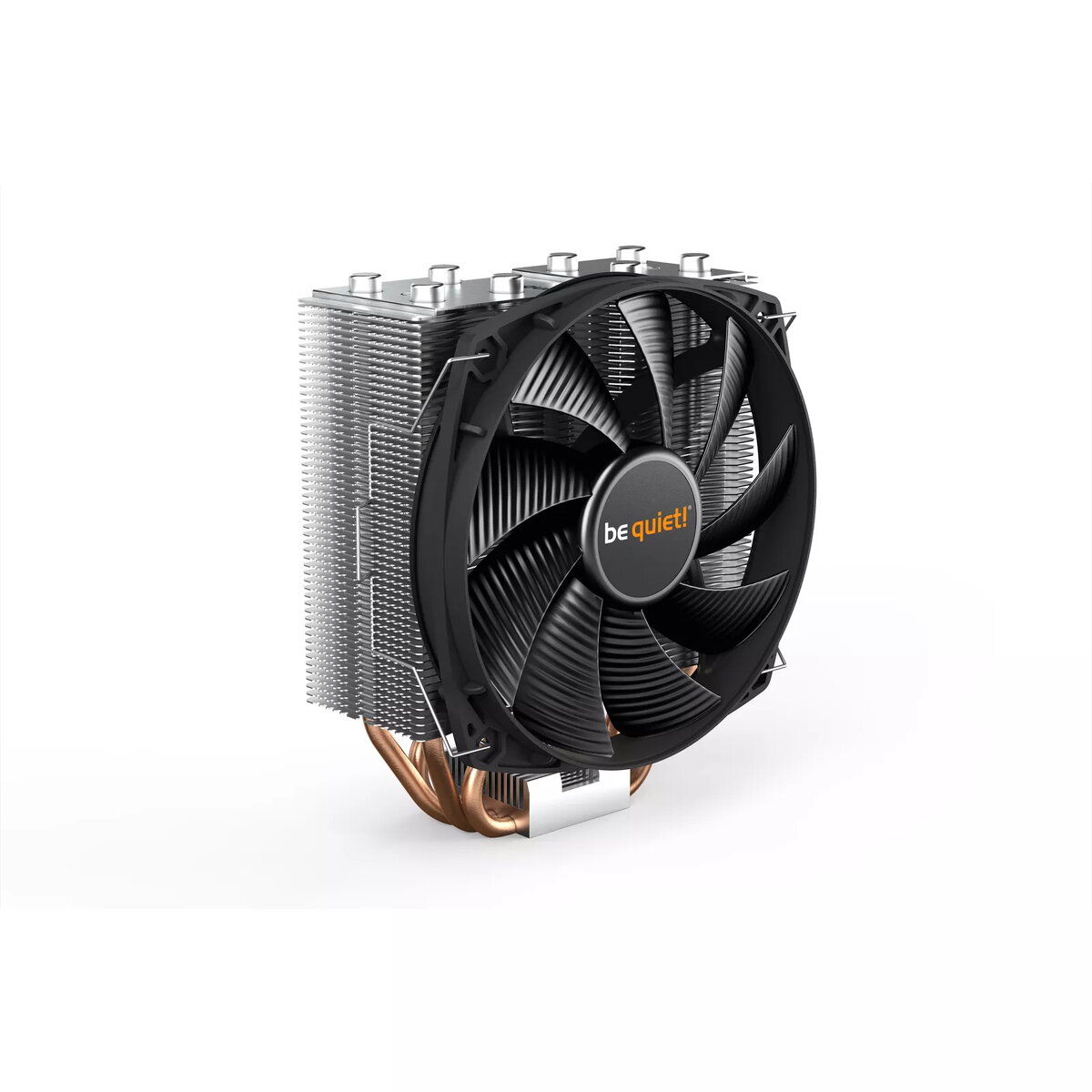
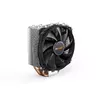
CPU Cooler be quiet! Shadow Rock Slim 2 1400 RPM 13.5 cm Fan
49.49 €
Keep track of price changes
You keep track of price changes
Watch the price drop
Leave your address - as soon as the price of the product goes down, you'll know about it right away
You keep track of price changes
CPU Cooler be quiet! Shadow Rock Slim 2 1400 RPM 13.5 cm Fan
{{email}}
You keep track of price changes
CPU Cooler be quiet! Shadow Rock Slim 2 1400 RPM 13.5 cm Fan
{{email}}
{{selectedOffer && selectedOffer.price | formatAmount}}
Short description
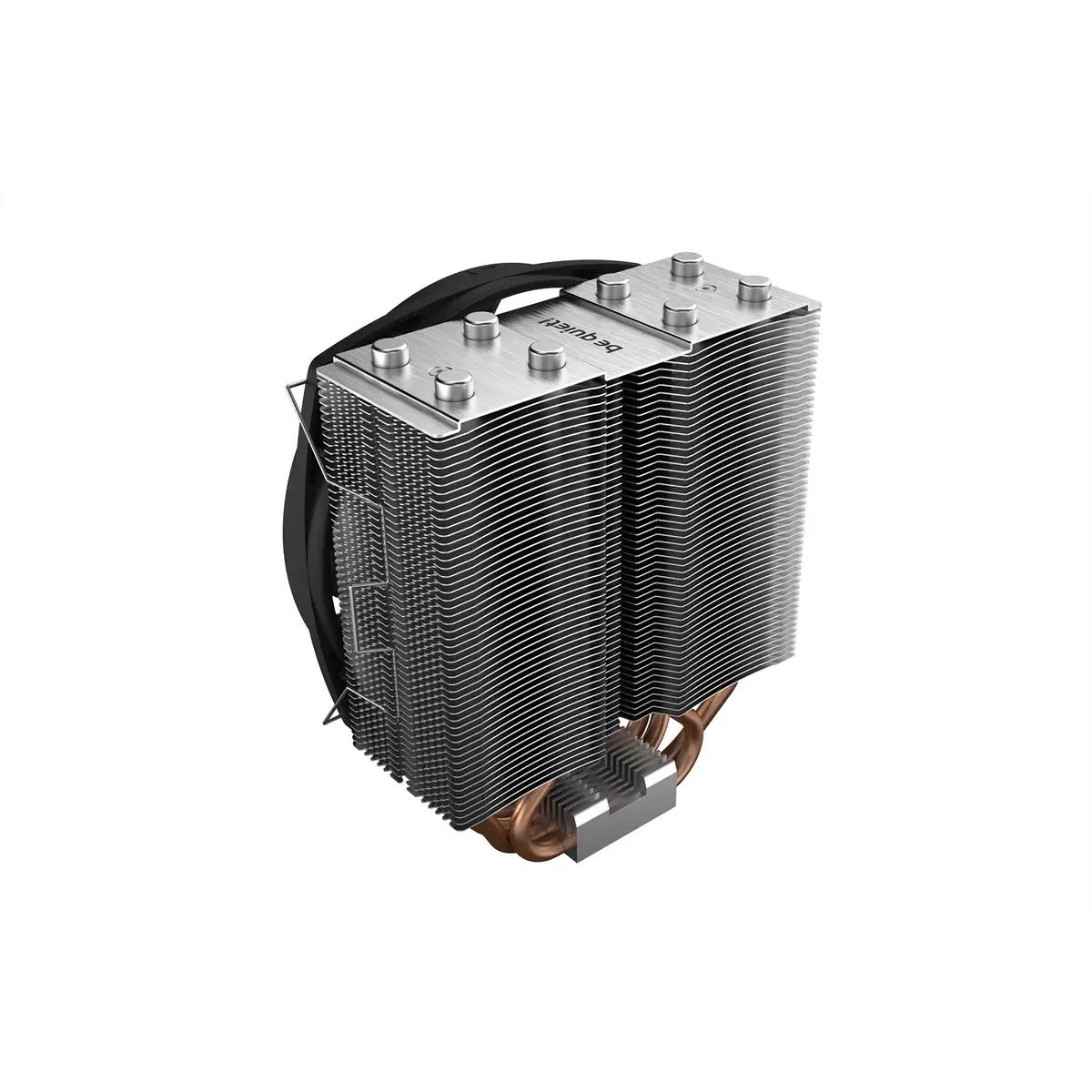
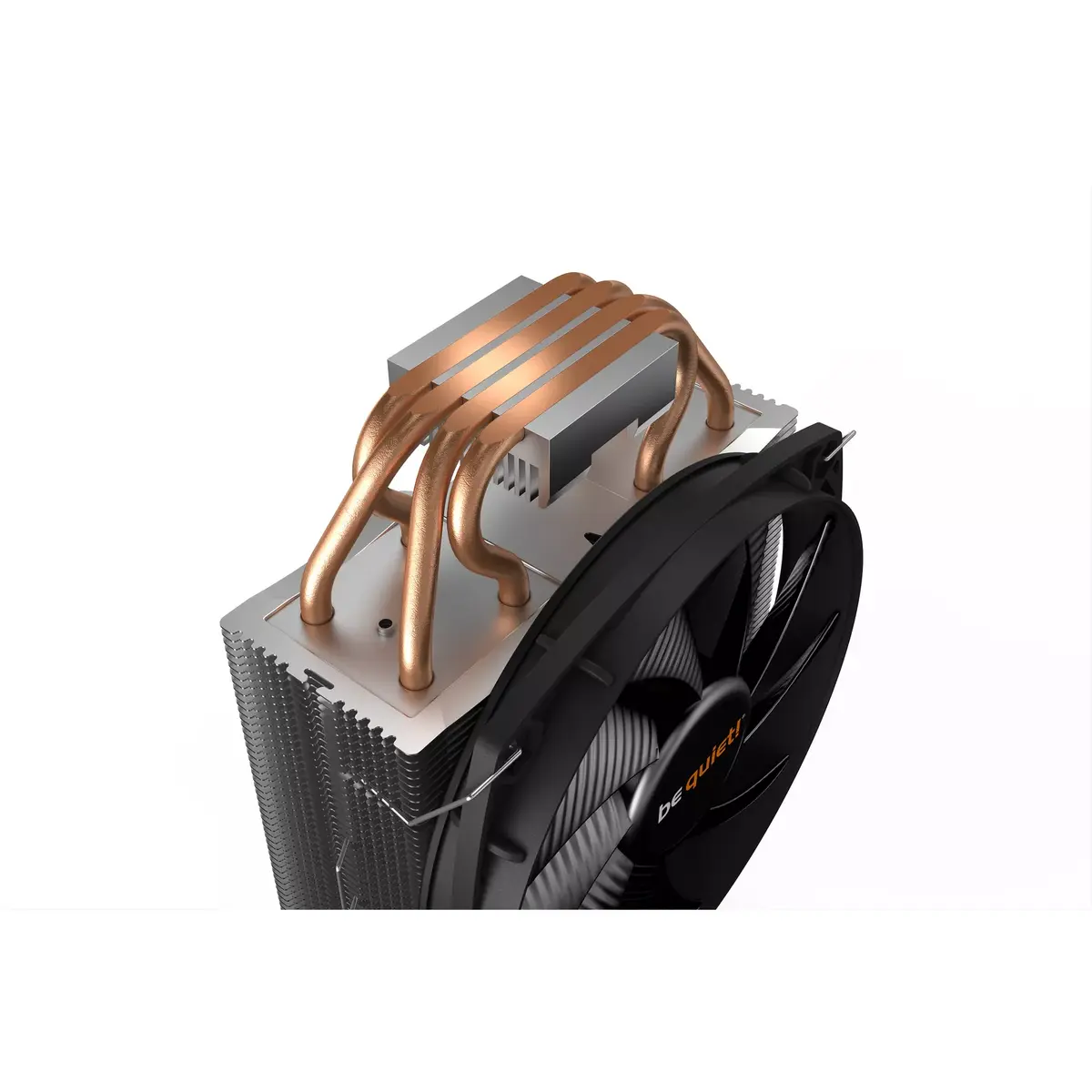
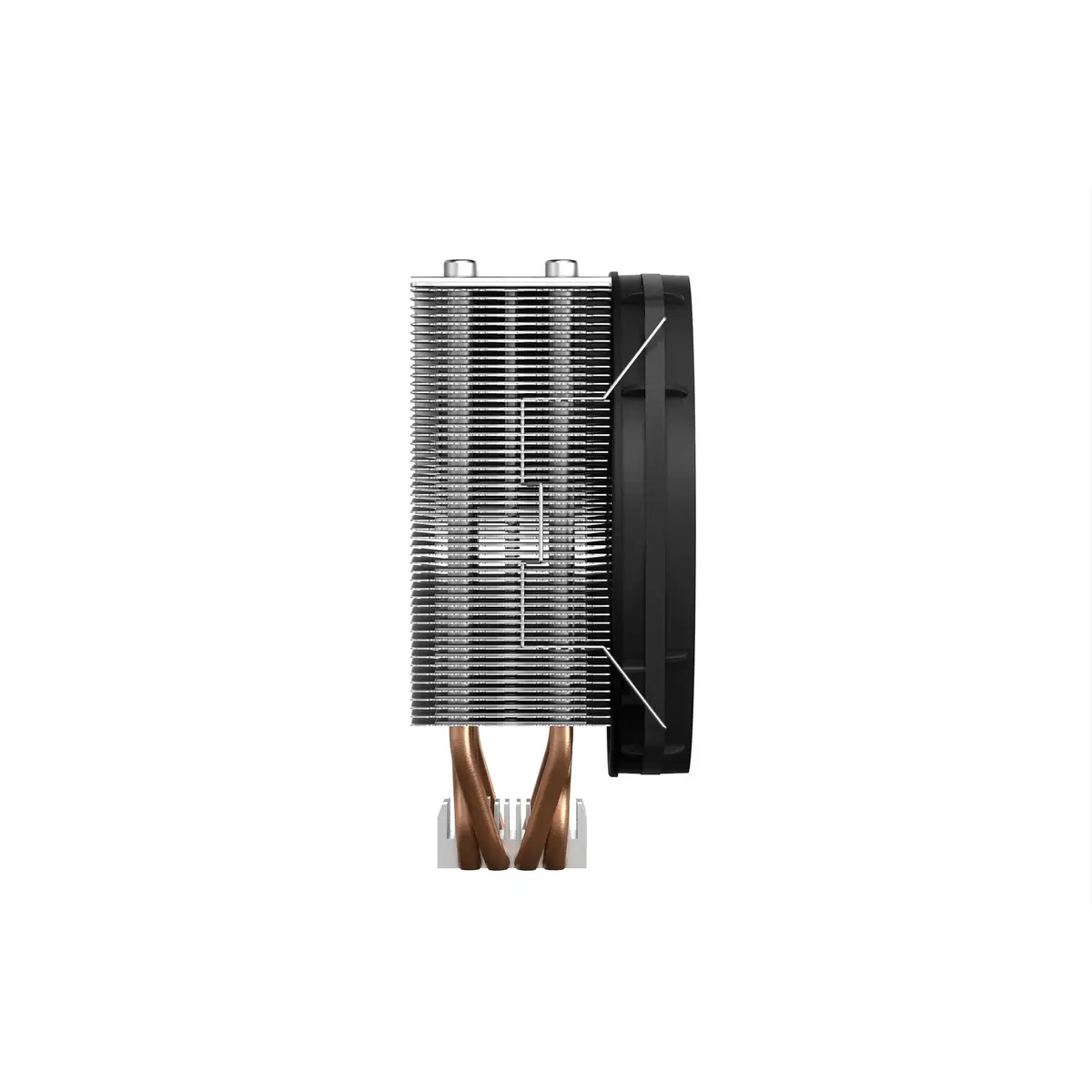
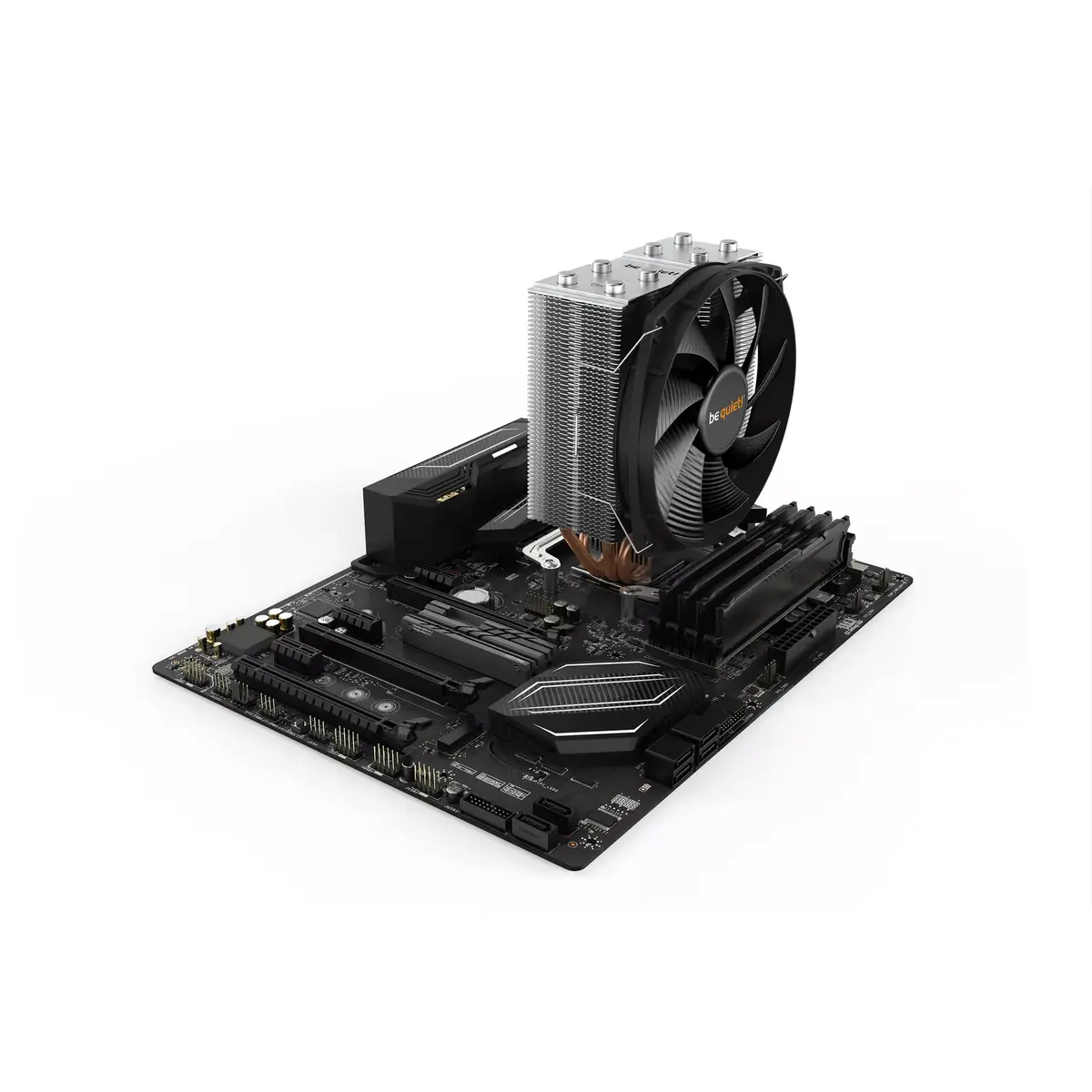
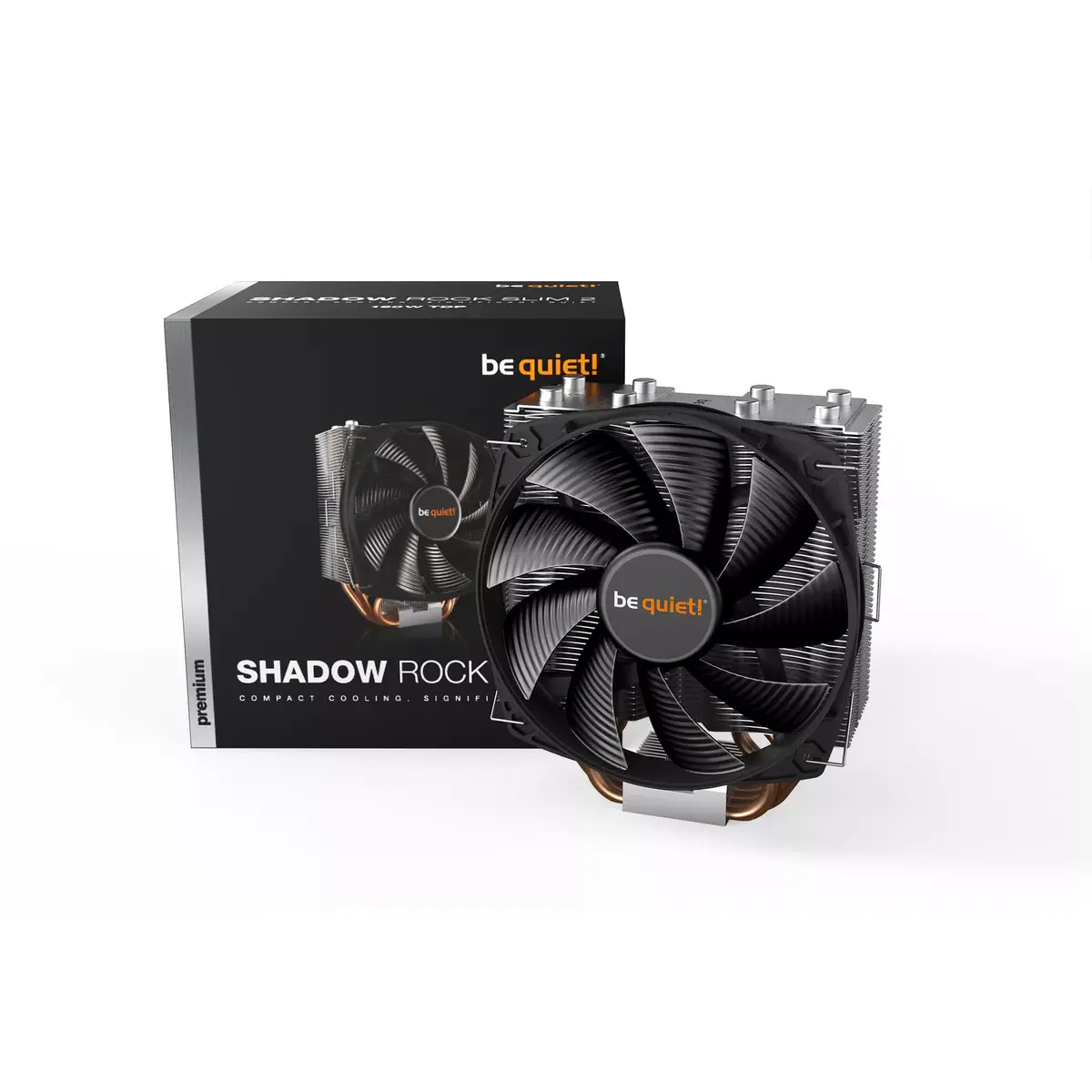
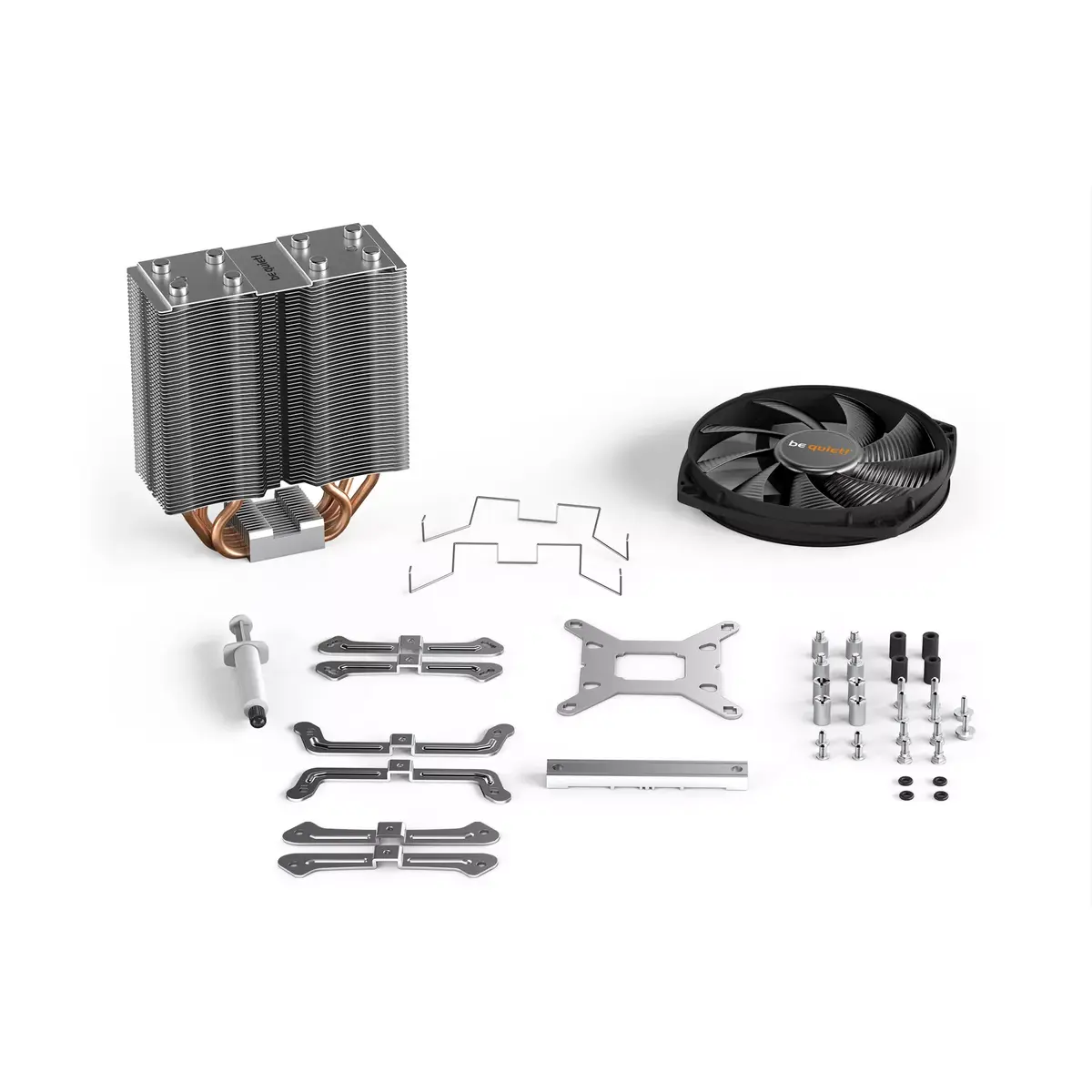
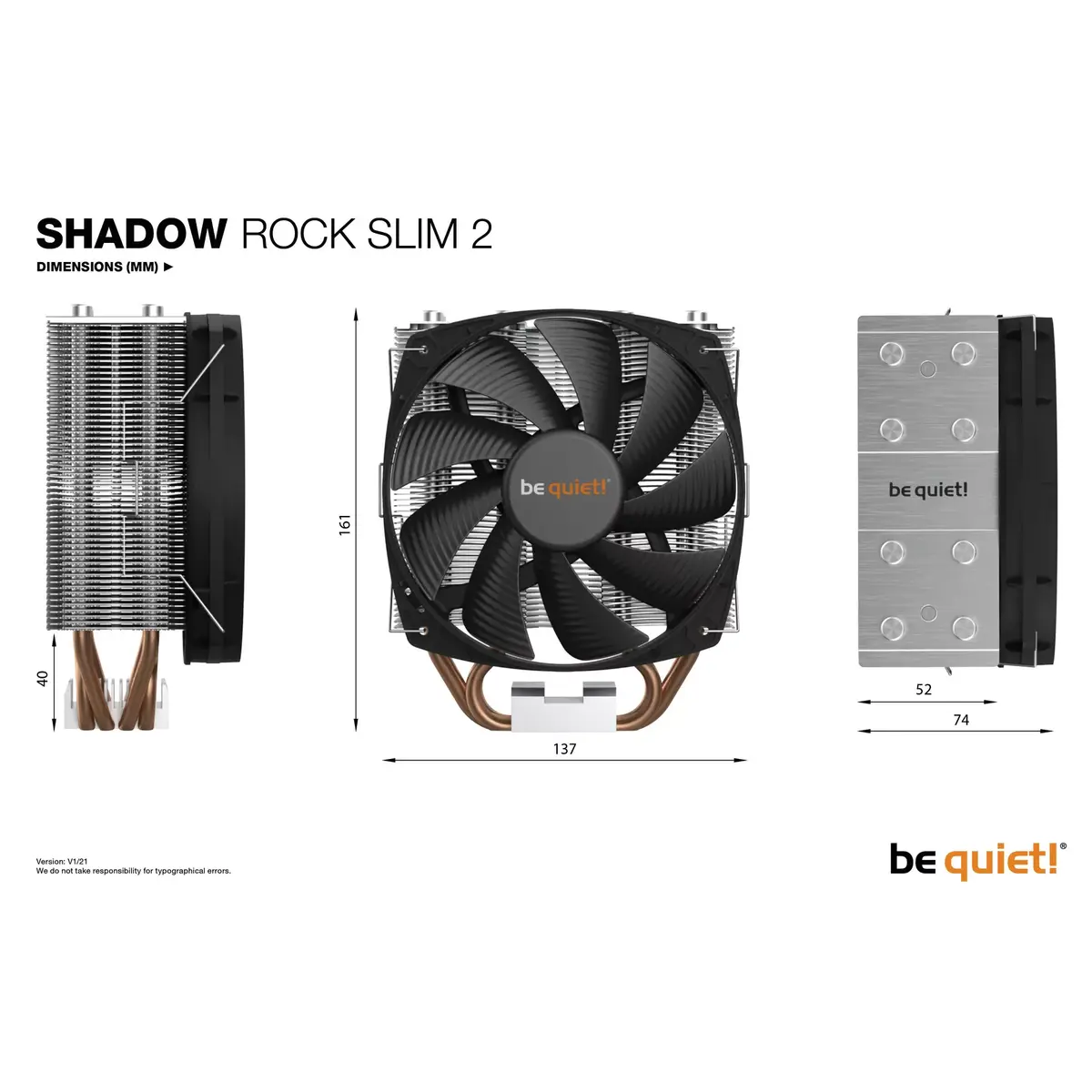
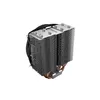
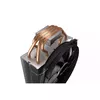
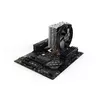
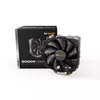
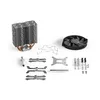
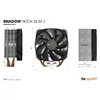
The be quiet! Shadow Rock Slim 2 CPU Cooler features a 13.5 cm fan with a maximum rotational speed of 1400 RPM. It utilizes rifle bearing technology for enhanced durability. With dimensions of 137 mm width, 74 mm depth, and 161 mm height, it is designed for efficient cooling in compact spaces. The cooler is made from aluminum, black, and copper materials, ensuring both performance and aesthetics.
Deliver the order:
to the Customer Service Center at Kengaraga 2b, Riga
30.06.2026
{{selectedOffer.officeDeliveryString}}
free
Customer service center
2b. Kengaraga str., Riga, Latvia, LV-1063
30.06.2026
{{selectedOffer.officeDeliveryString}}
free
Courier Delivery
Please note that in case of a large parcel additional delivery costs may apply!
From 4.99 € (Weight: 1.07 kg)
Parcel couriers
Latvijas Pasts pakomāts / Unisend / DPD Paku skapis / Omniva / Venipak Pickup / Venipak Locker / Latvijas Pasts nodaļa
03.07.2026
{{selectedOffer.parcelStationDeliveryString}}
From 1.99 €

Payment Methods:
Bank transfer, Bank cards on-line, Apple Pay, Google Pay


