
Dreame vacuums for fast and efficient cleaning!
In cart {{totalProductsCount}} item(s)
Your cart is empty
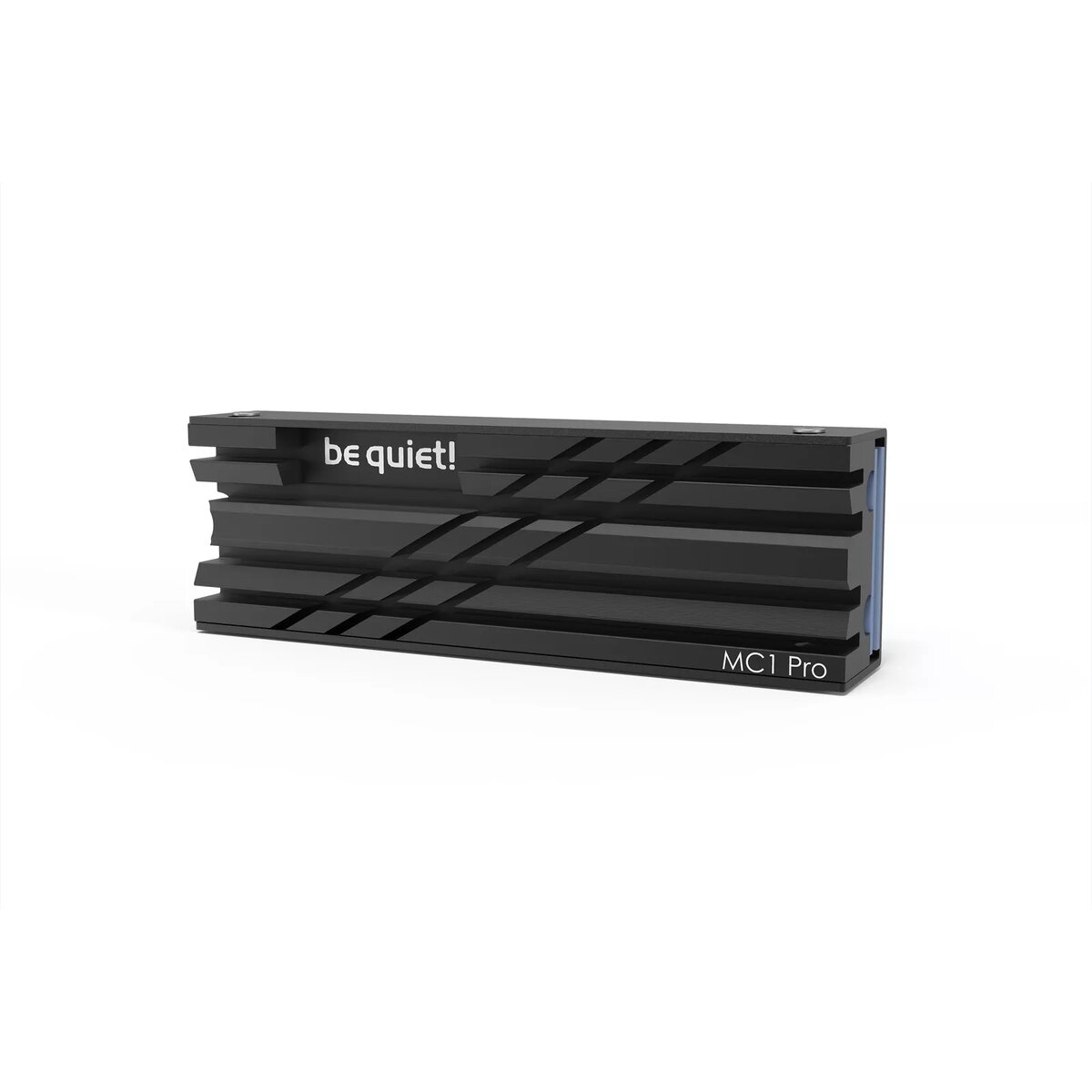
be quiet! MC1 PRO M.2 SSD Heatsink Black
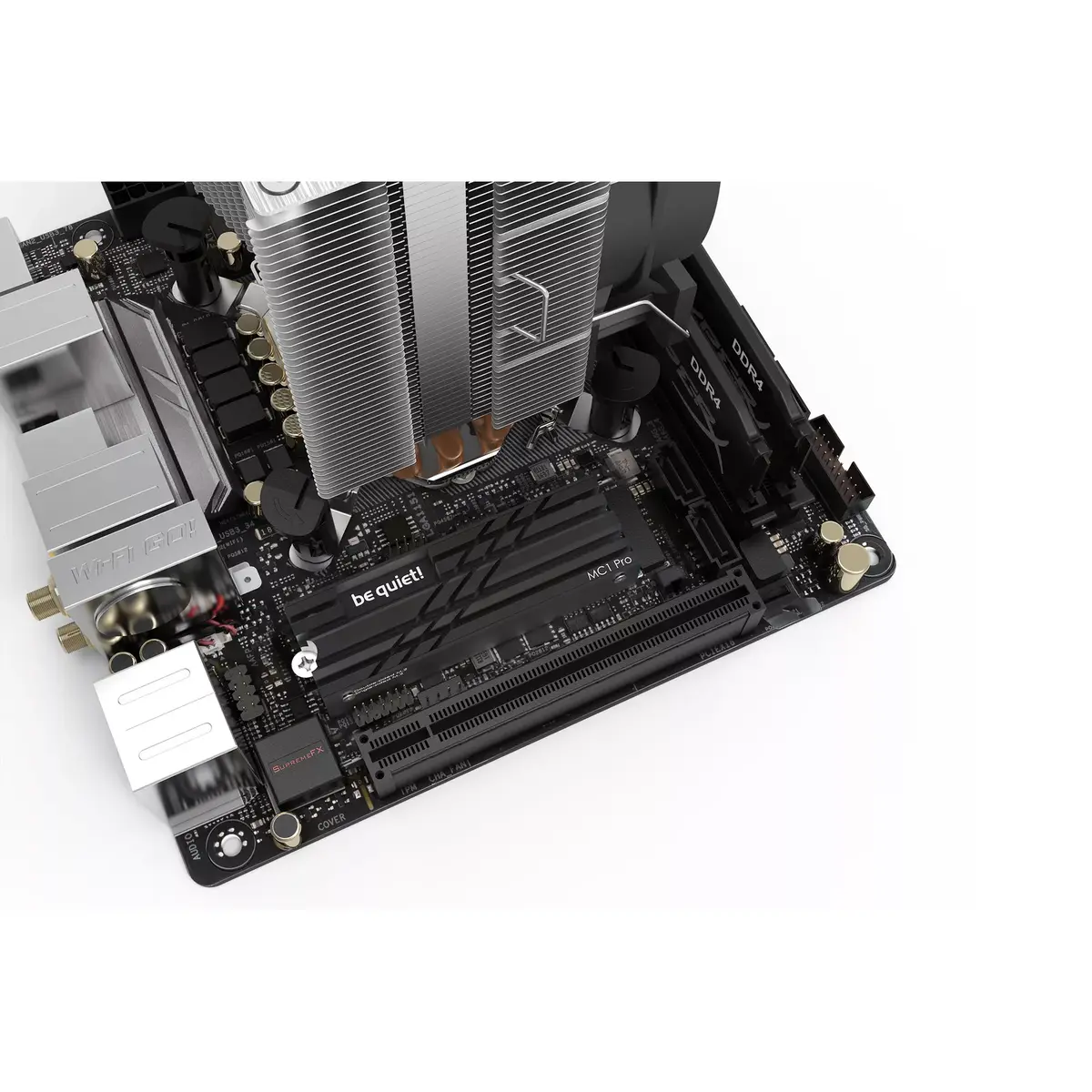
The be quiet! MC1 PRO M.2 SSD Heatsink is a high-performance cooling solution engineered specifically for M.2 2280 solid-state drives. By effectively dissipating heat, this black radiator prevents thermal throttling, ensuring that your high-speed NVMe SSD maintains consistent and stable performance even under heavy workloads. It is designed to fit both single and double-sided modules, making it a versatile choice for desktop PC users looking to optimize their storage reliability.
The primary benefit of the MC1 PRO is its ability to maintain optimal operating temperatures for your storage drive, which directly translates to sustained maximum read and write speeds. By preventing the drive from overheating during intensive data transfers, gaming, or professional content creation, the heatsink extends the lifespan of your hardware and ensures that your system remains responsive. Its sleek black design integrates seamlessly into most modern PC builds, providing a professional aesthetic alongside its functional cooling capabilities.
This heatsink is designed exclusively for M.2 2280 form factor drives and will not fit other sizes or types of storage media. Additionally, it may not be compatible with motherboards that already feature integrated, non-removable M.2 cooling solutions or those with very limited clearance around the M.2 slot.
To install the MC1 PRO, first ensure your computer is powered off and disconnected from the power supply. Remove the existing M.2 drive from your motherboard. Apply the provided thermal pads to the SSD, then place the heatsink over the drive according to the manufacturer's instructions. Secure the assembly firmly using the included mounting hardware before reinserting the drive into the M.2 slot on your motherboard.
For the best results, ensure that your PC case has adequate airflow to assist the heatsink in dissipating heat away from the drive. Regularly check that the heatsink remains securely attached to the SSD to maintain optimal thermal contact.
{{highlightedFeature.featureTitle}}:
{{getProductFeatureValueById(product, highlightedFeature.featureId)}}
{{ productComparisonGenerationError }}