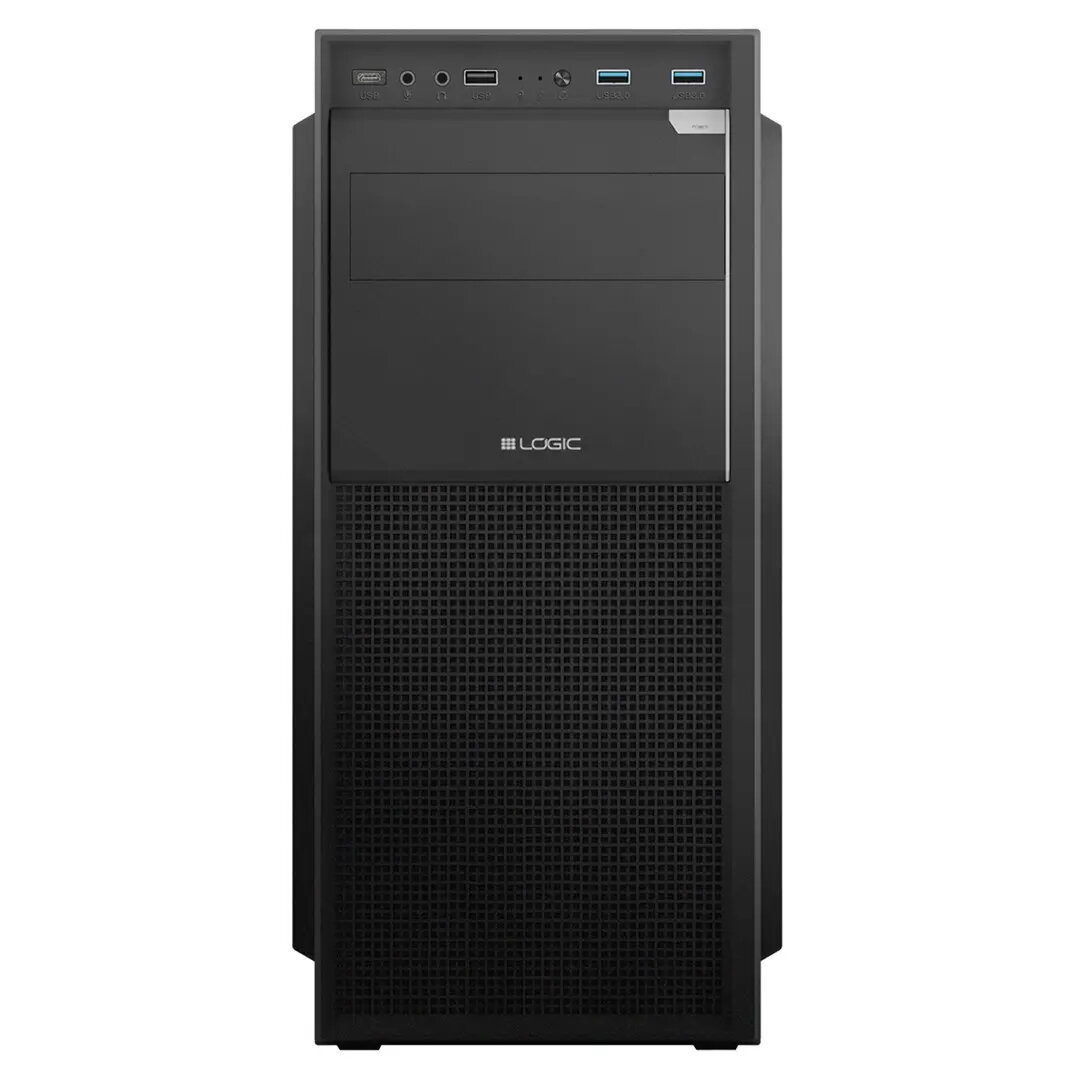
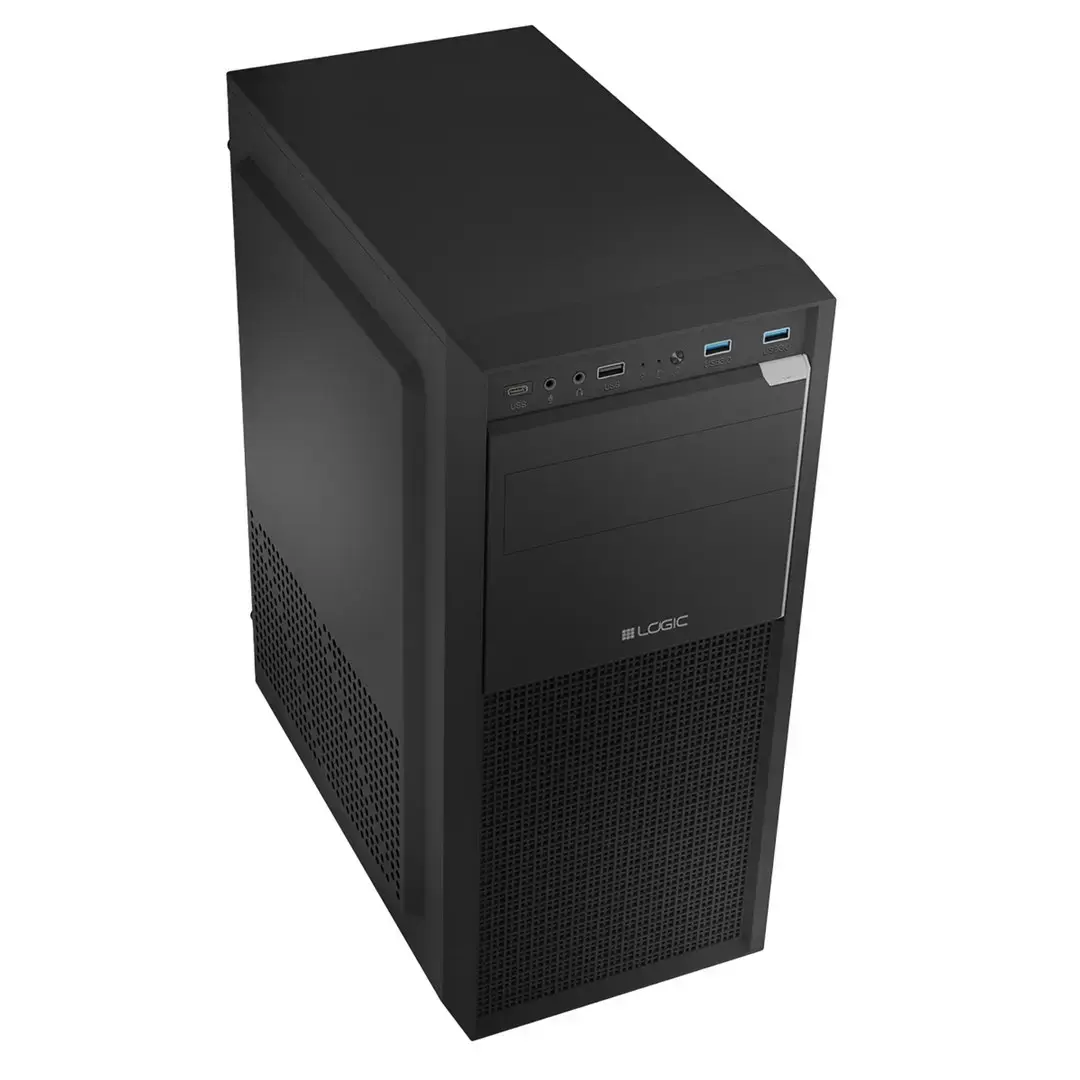
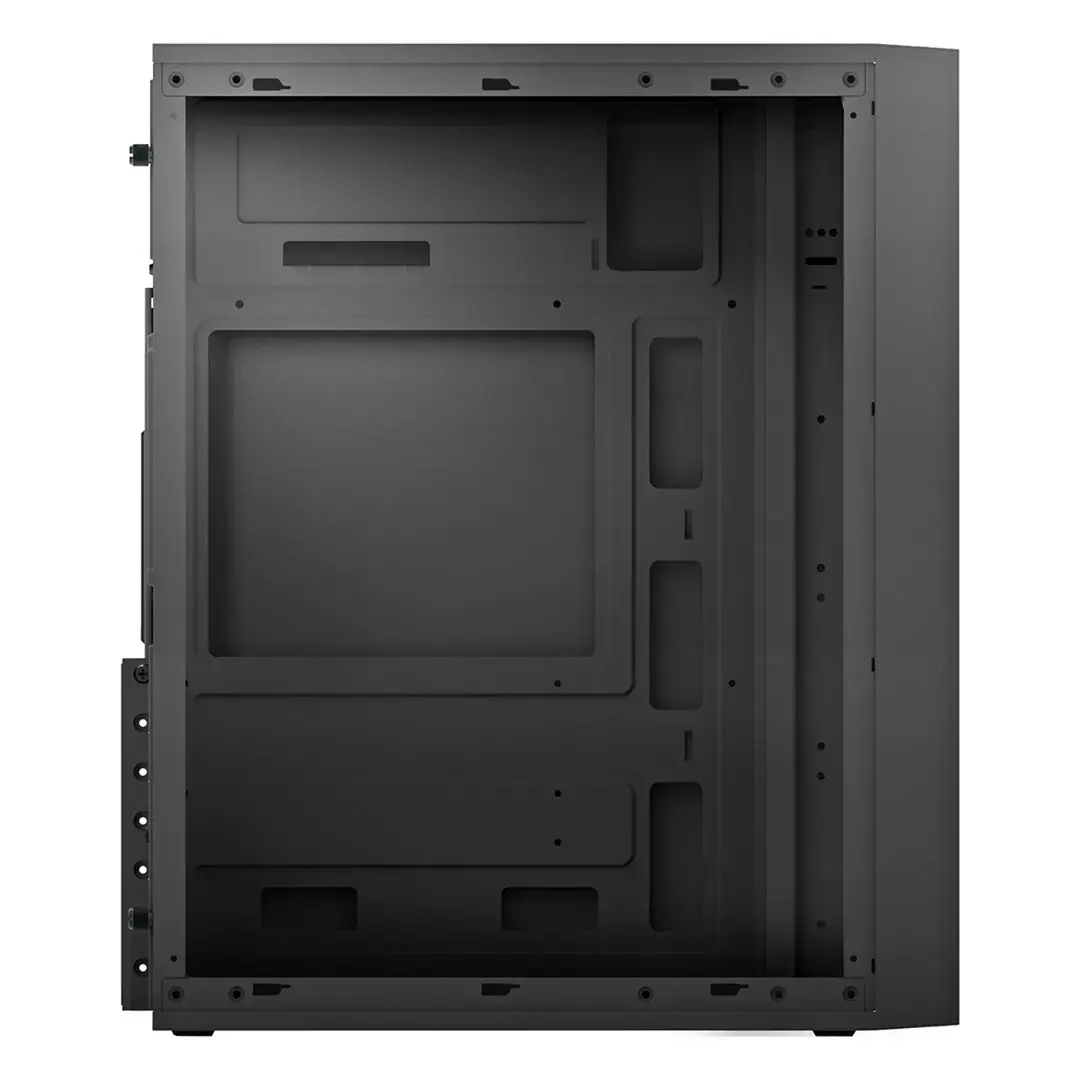
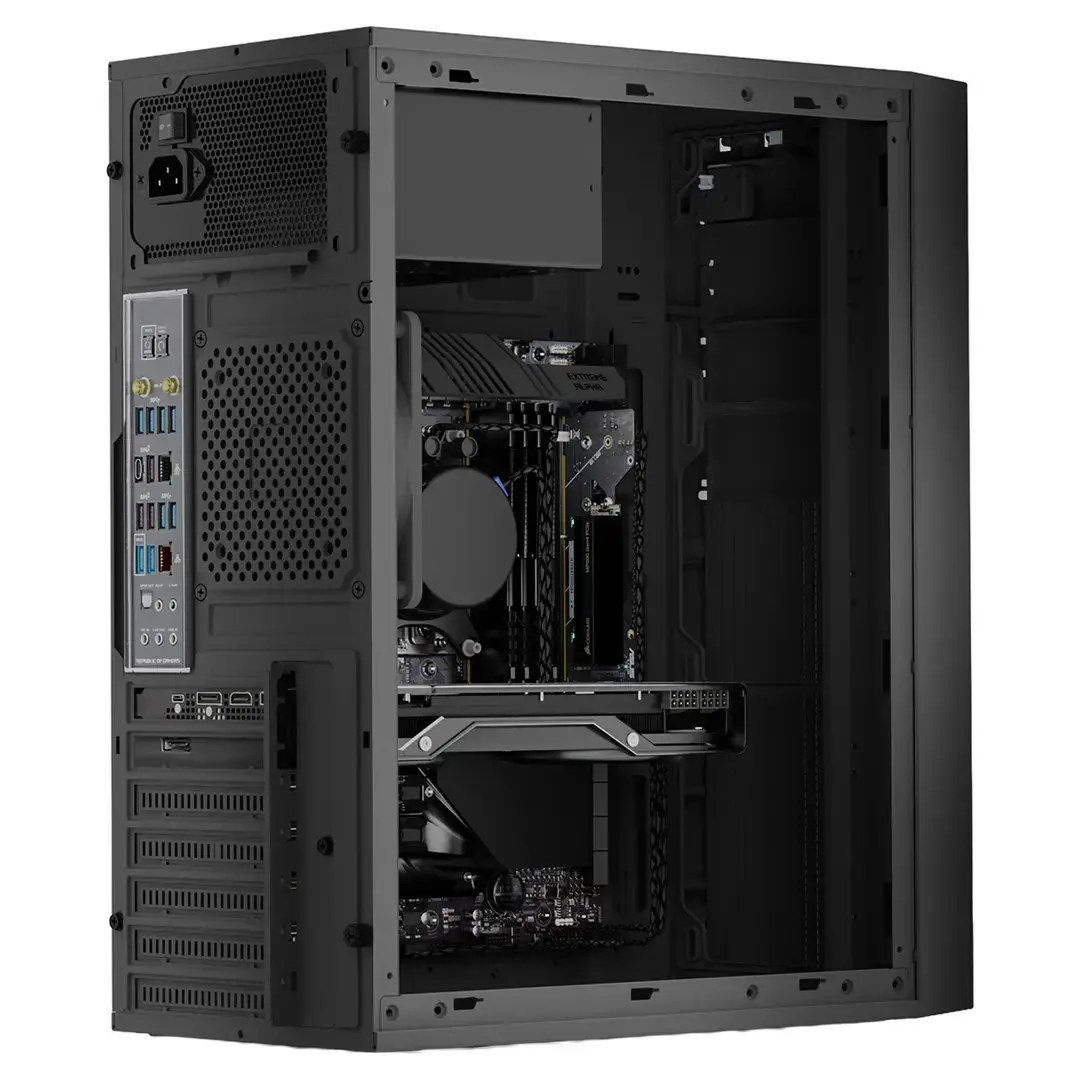
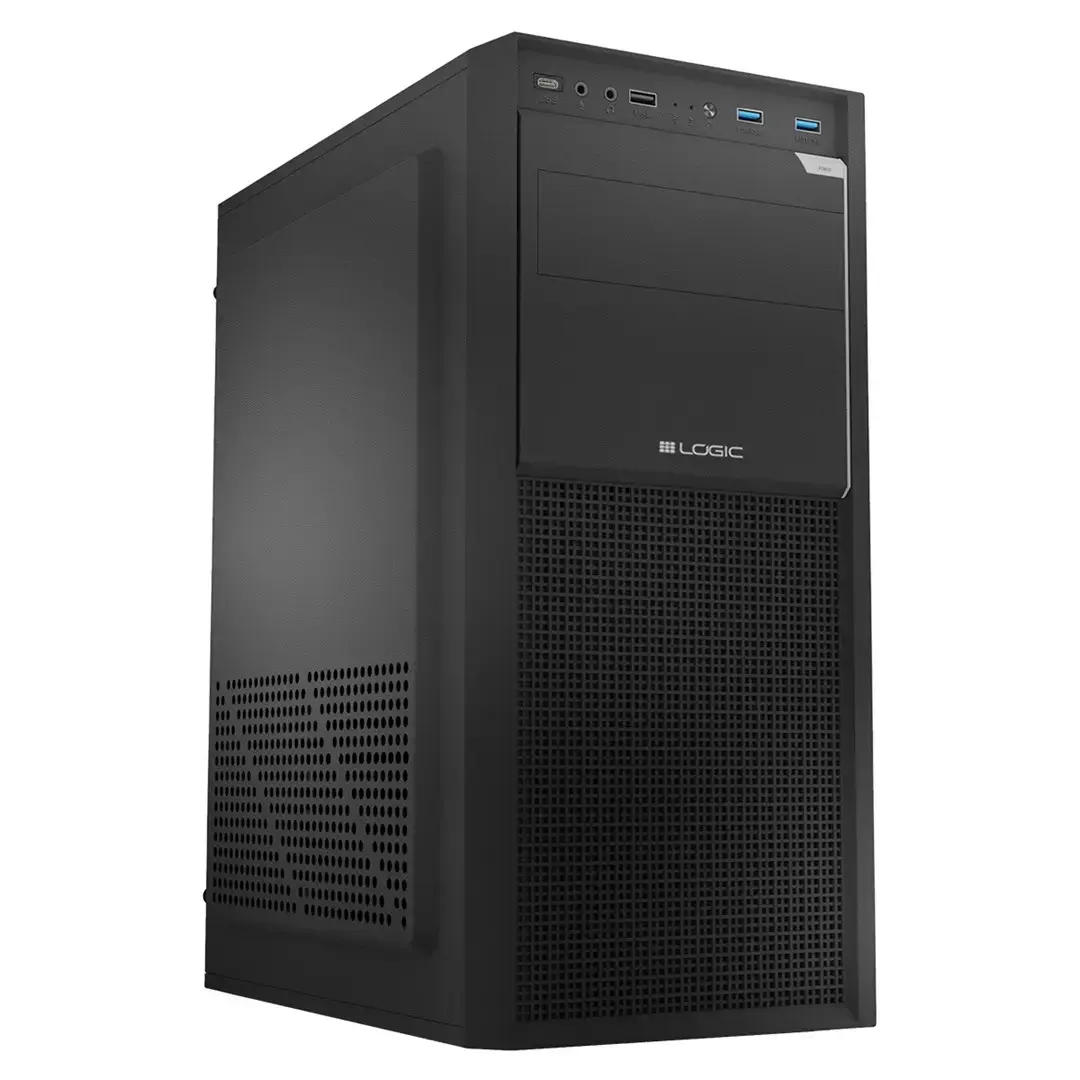
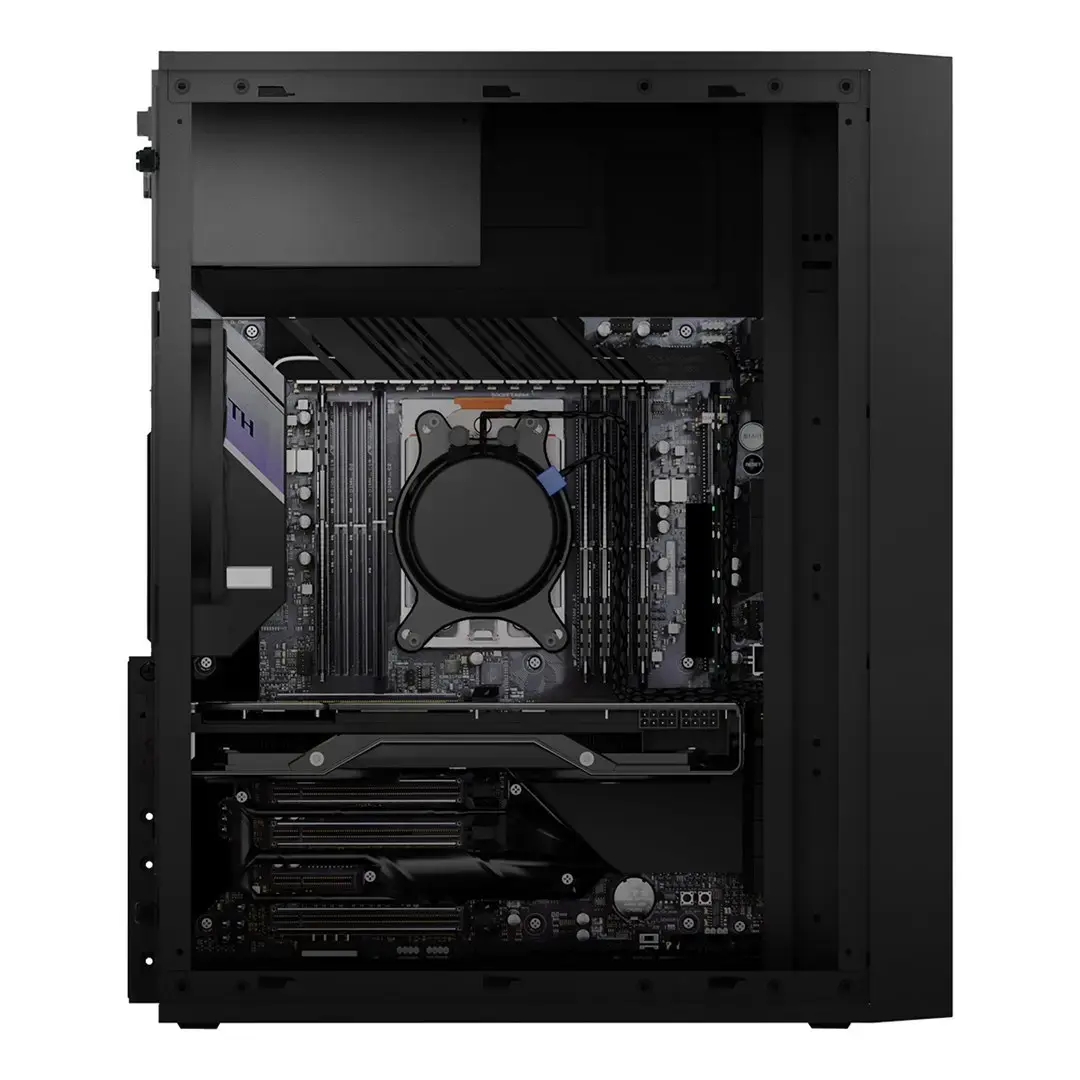
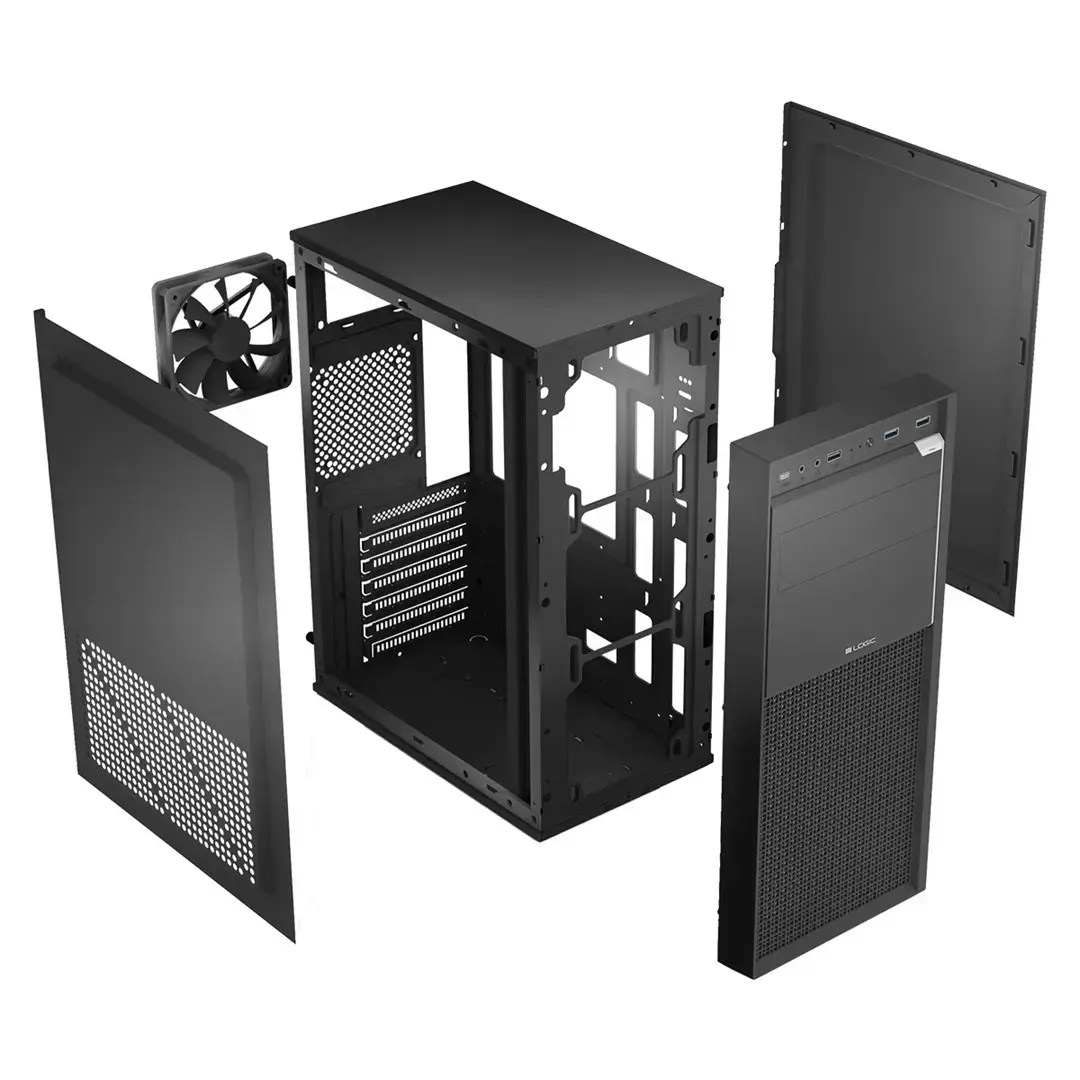
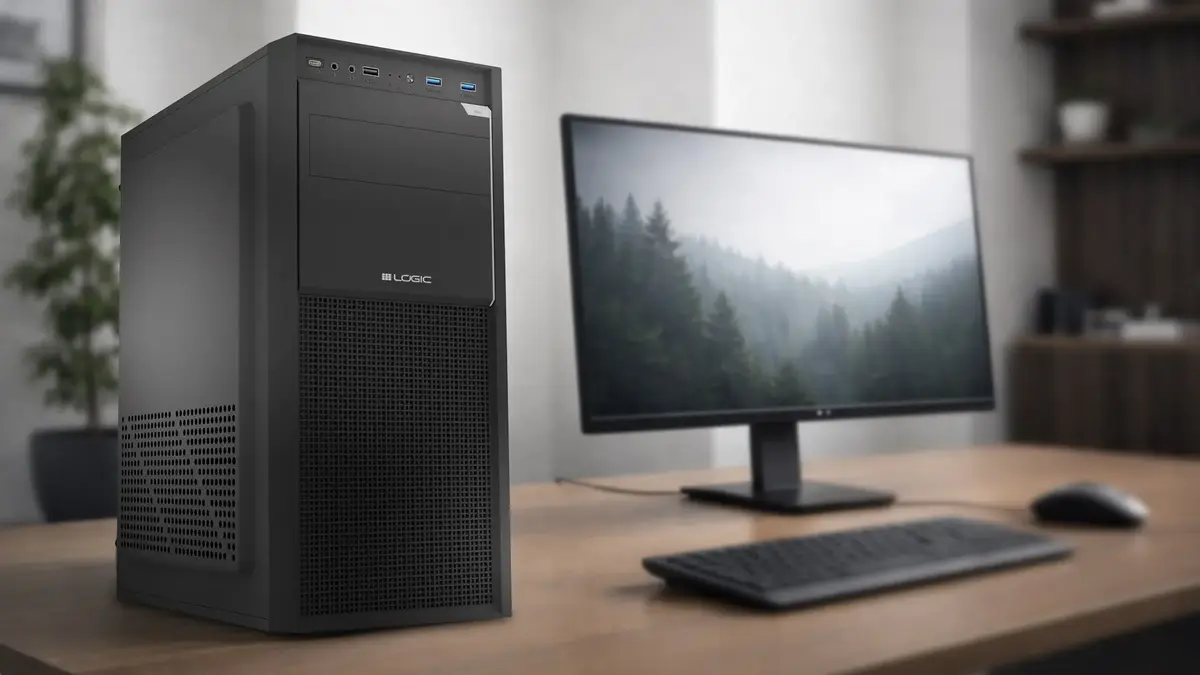
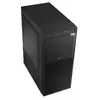
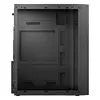
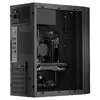
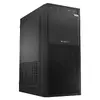
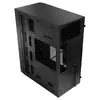
The LOGIC J23 PRO Midi Tower PC case is a versatile and functional solution for users looking to assemble a reliable desktop computer. Designed to accommodate ATX motherboards, this black chassis offers a clean and professional aesthetic suitable for office or home environments. Its internal layout is optimized for standard hardware configurations, ensuring that essential components are housed securely while maintaining a compact footprint.
Advantages
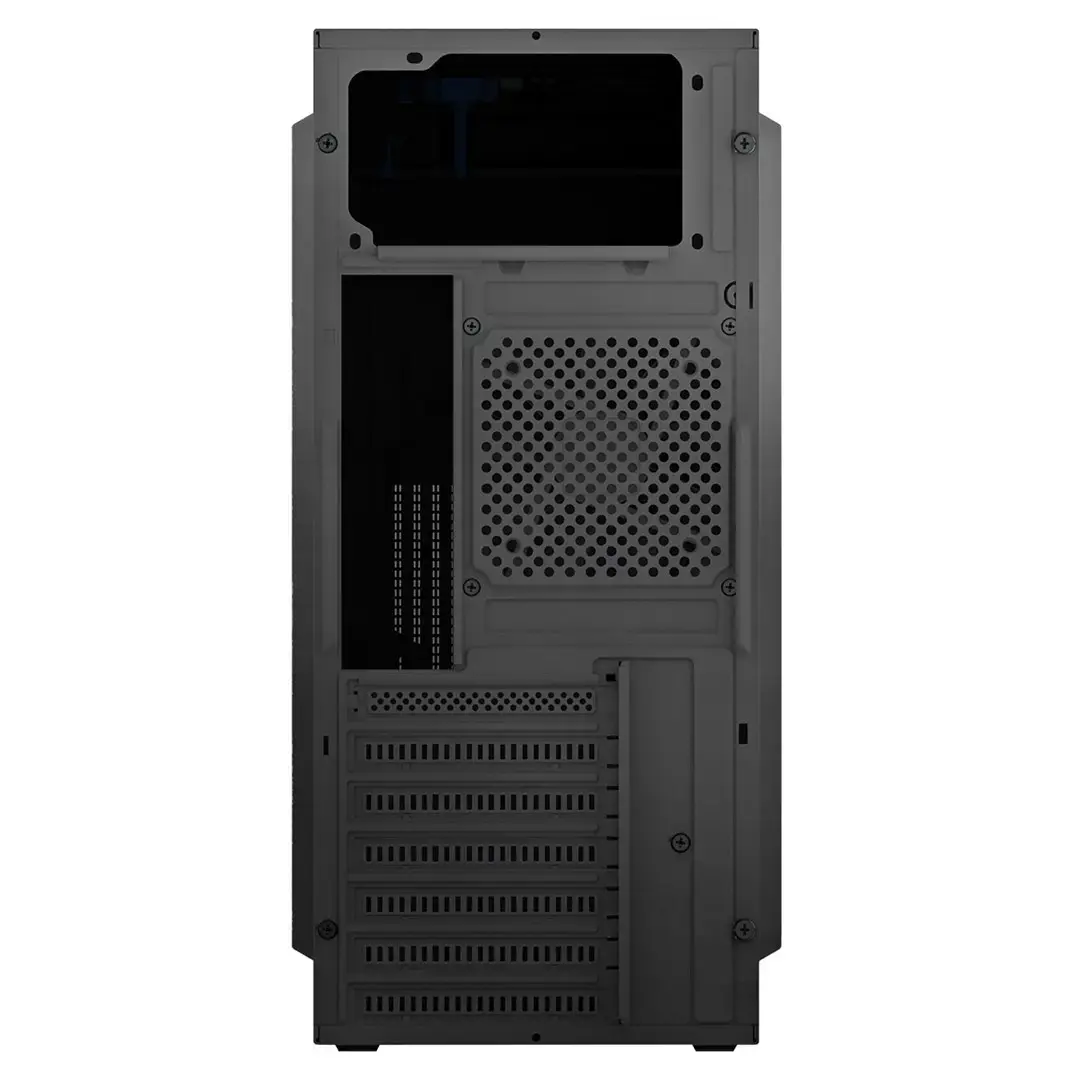
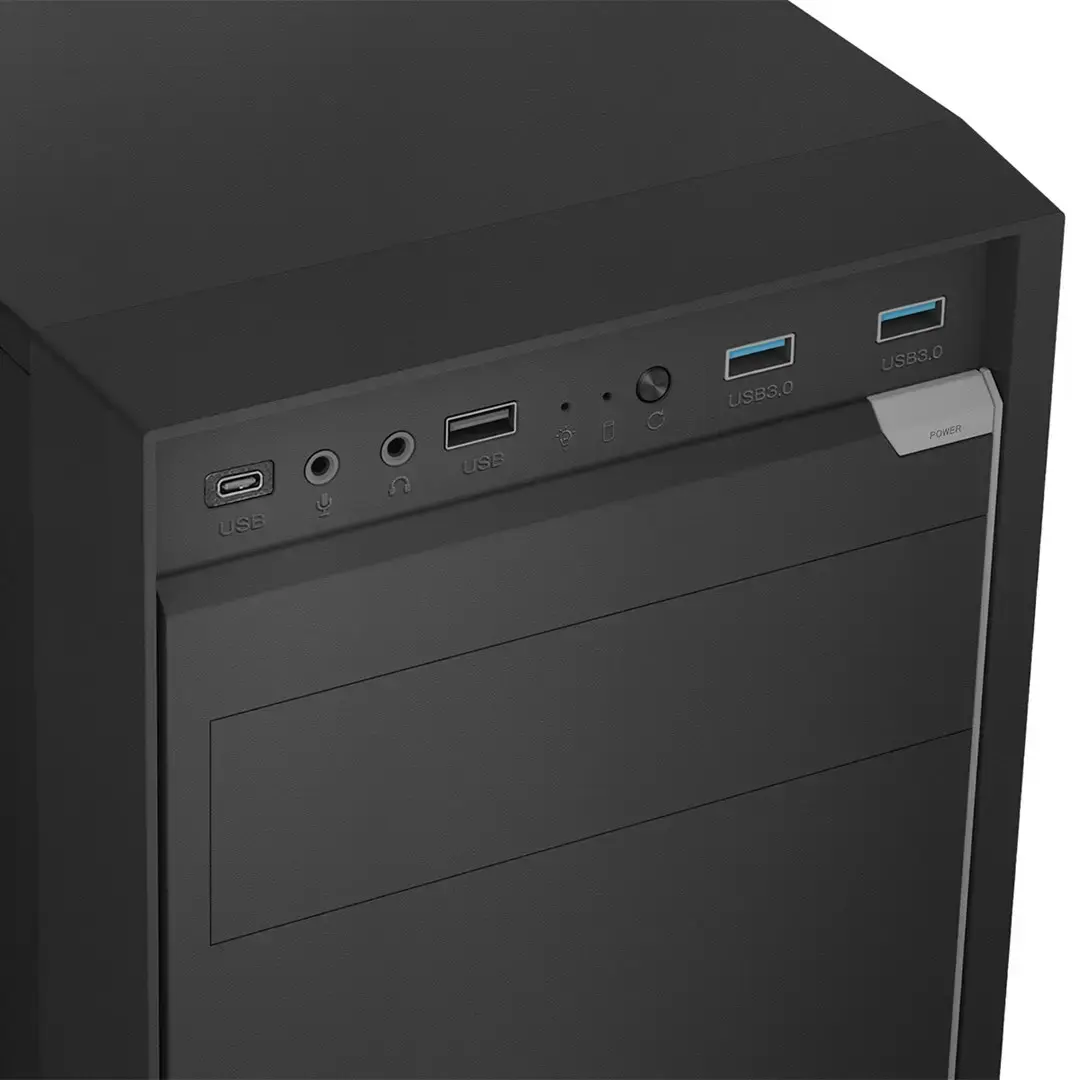
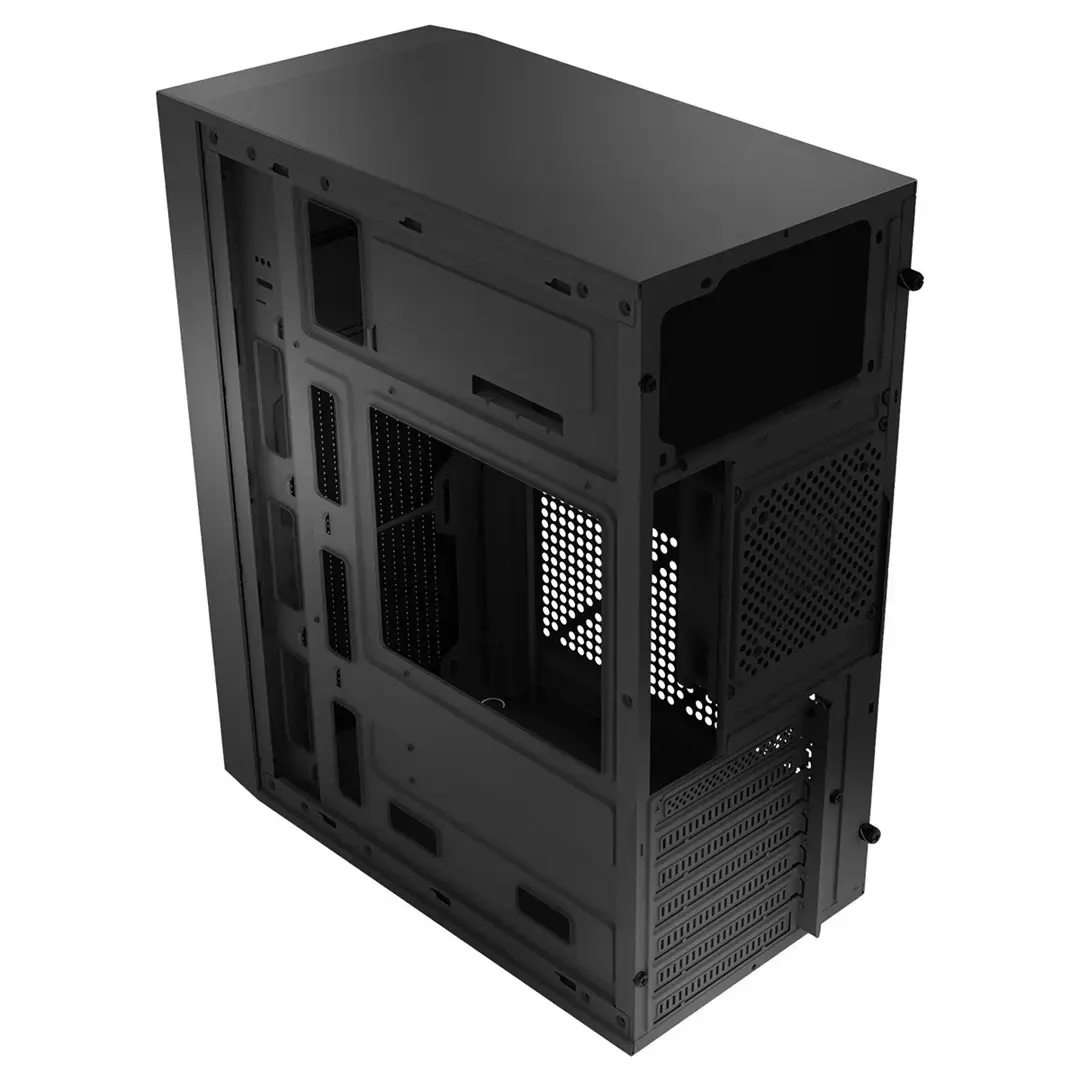
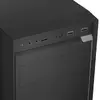
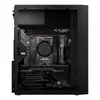
This PC case stands out due to its modern connectivity options, including a front-panel USB 3.2 Gen 2 Type-C port, which allows for fast data transfer and compatibility with contemporary peripherals. The inclusion of cable management features helps in maintaining an organized interior, which is essential for proper airflow and a tidy build. With seven expansion slots, the case provides sufficient room for various add-on cards, while the pre-installed 120mm rear fan ensures immediate thermal management right out of the box.
Suitable for
- Building office workstations
- Assembling home desktop computers
- Standard ATX motherboard configurations
- Systems requiring modern USB-C connectivity
This case may not be suitable for high-end gaming rigs that require extensive liquid cooling radiators or multiple large graphics cards, as the internal space is optimized for standard components. Additionally, users looking for aesthetic features like tempered glass side panels or RGB lighting will need to consider other models, as this case focuses on a minimalist, functional design.
Key specifications
- Form factor: Midi Tower
- Supported motherboard: ATX
- Expansion slots: 7
- Drive bays: 1 x 3.5", 1 x 2.5"
- Connectivity: 1 x USB-C, 2 x USB 3.2 Gen 1, 1 x USB 2.0, Audio I/O
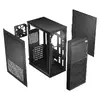
- Cooling: 1 x 120mm rear fan included, supports 2 x 120mm front fans
- Max CPU cooler height: 16.5 cm
- Max GPU length: 29 cm
- Dimensions: 363 x 412 x 207 mm
To use the LOGIC J23 PRO, begin by installing your power supply unit and motherboard into the chassis using the provided mounting points. Once the motherboard is secured, route your cables through the designated management channels to keep the interior clear. Install your storage drives in the respective 3.5-inch or 2.5-inch bays, and finally, mount your graphics card and other expansion cards into the seven available slots. Connect the front panel cables to the motherboard headers to enable the USB and audio ports.
What to consider before purchase
- Ensure your graphics card does not exceed 29 cm in length.
- Verify that your CPU cooler height is within the 16.5 cm limit.
- Confirm that your power supply is compatible with the ATX form factor.
- Note that this case does not include a power supply unit.
Usage recommendations
For optimal performance, it is recommended to install additional front-mounted 120mm fans to improve airflow through the case, especially if you are using components that generate significant heat during operation.