Leave your address - as soon as the price of the product goes down, you'll know about it right away
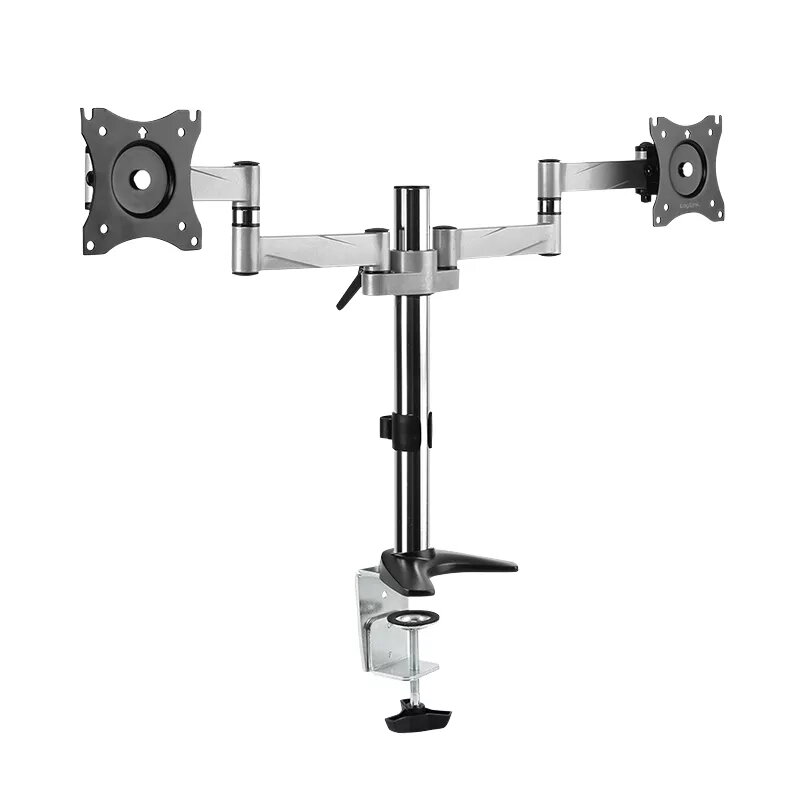
Monitor Mount LogiLink BP0077 27" Desk Black Stainless Steel
In cart {{totalProductsCount}} item(s)
Your cart is empty
Monitor Mount LogiLink BP0077 27" Desk Black Stainless Steel
Leave your address - as soon as the price of the product goes down, you'll know about it right away
Monitor Mount LogiLink BP0077 27" Desk Black Stainless Steel
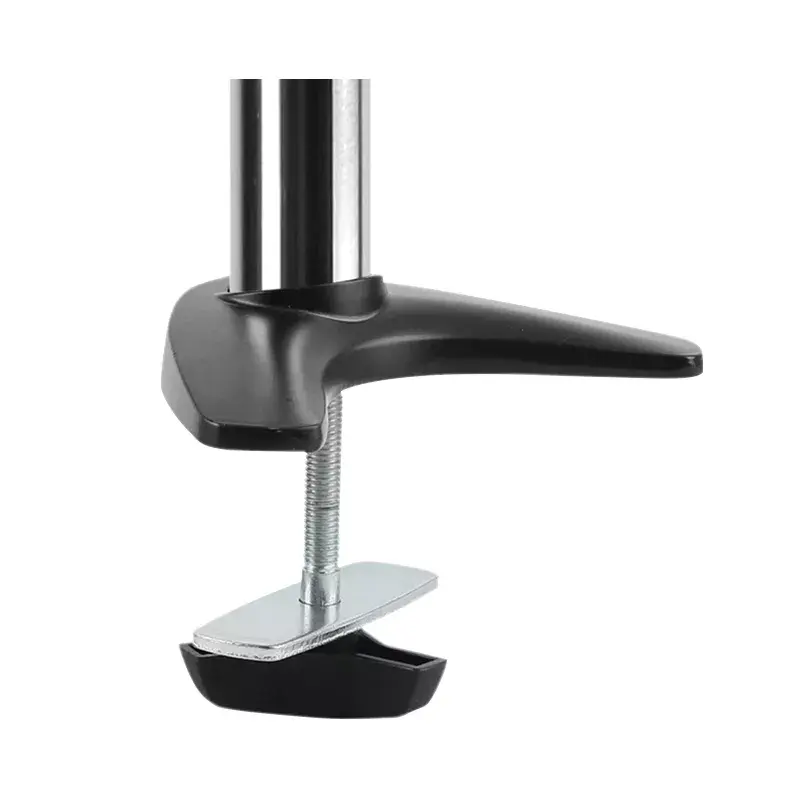
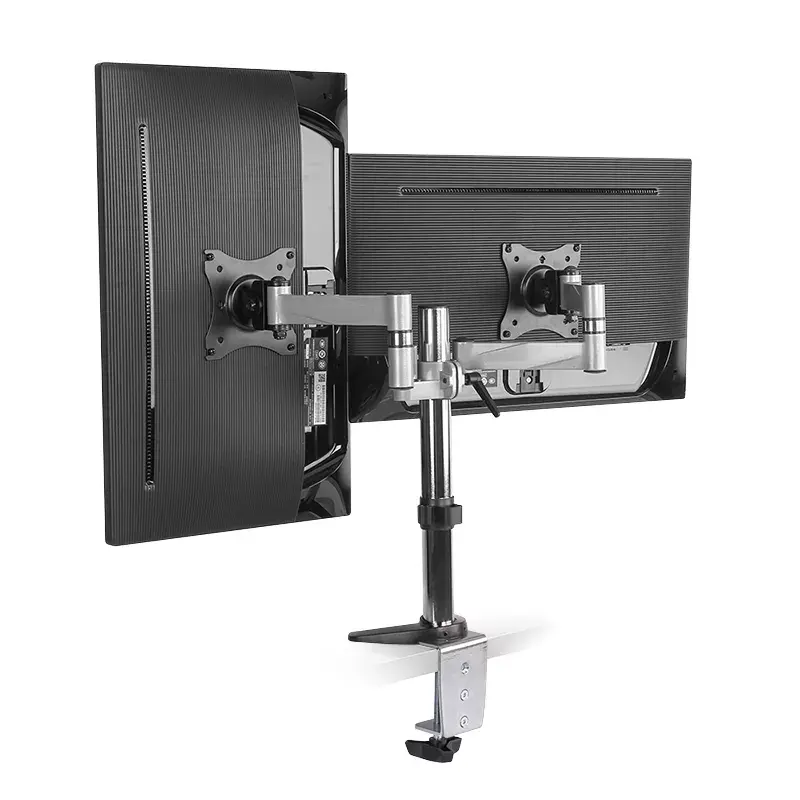
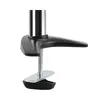
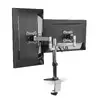
The LogiLink BP0077 27" Desk monitor mount is designed to support single screens from 13" up to 27" with a maximum weight capacity of 8 kg. Constructed with stainless steel and black elements, the mount offers bolt-through installation and is compatible with VESA patterns from 75 x 75 mm to 100 x 100 mm. It provides height adjustment plus wide swivel and tilt ranges to adapt viewing angle and desk layout for improved ergonomics.
The mount's stainless steel and black finish delivers durability and a neutral appearance suitable for office or home workstations. Height adjustment enables cursor-level alignment while the swivel range of -90° to 90° and tilt range of -35° to 35° allow precise positioning to reduce neck and eye strain. Bolt-through mounting ensures a secure attachment to desks, and compatibility with common VESA mounts simplifies installation with most 13"–27" monitors.
Attach the mount to a suitable desk surface using the bolt-through mounting hardware provided, following the manufacturer's installation instructions. Secure the monitor to the VESA plate using screws matching the monitor's VESA pattern within the supported range. Adjust the height to align the screen with eye level, then set the tilt and swivel angles to achieve the desired viewing position. Verify that the monitor weight does not exceed the 8 kg limit before finalizing the installation.
Check that the desk thickness and structural integrity are compatible with bolt-through installation. When positioning the monitor, aim for the top of the screen at or slightly below eye level and use moderate tilt to reduce glare. Periodically inspect mounting hardware for tightness and confirm the monitor weight remains within specified limits.
{{highlightedFeature.featureTitle}}:
{{getProductFeatureValueById(product, highlightedFeature.featureId)}}
| Warehouse | Stock | Delivery to the store | Store Price | |
| EU1 | 1 | 26.06.2026 | 62.49 € | |
| BT84 | 2 | 22.06.2026 Best delivery | 70.49 € | |
| WH356 | 1 | 02.07.2026 | 71.49 € | |
| EU3 | 7 | 01.07.2026 | 72.49 € | |
| WH320 | 7 | 01.07.2026 | 75.49 € |
| Warehouse | Stock | Delivery to the store | Store Price | |
| EU4 | 272 | 15.07.2026 | 72.49 € | |
| WH109 | 2 | 15.07.2026 | 75.99 € |
|
62.49 €
Stock:
1
Delivery Date:
26.06.2026
Warehouse: EU1
|
|
70.49 €
Stock:
2
Delivery Date:
22.06.2026
Best delivery
Warehouse: BT84
|
|
71.49 €
Stock:
1
Delivery Date:
02.07.2026
Warehouse: WH356
|
|
72.49 €
Stock:
7
Delivery Date:
01.07.2026
Warehouse: EU3
|
|
75.49 €
Stock:
7
Delivery Date:
01.07.2026
Warehouse: WH320
|
|
72.49 €
Stock:
272
Delivery Date:
15.07.2026
Warehouse: EU4
|
|
75.99 €
Stock:
2
Delivery Date:
15.07.2026
Warehouse: WH109
|