
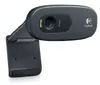
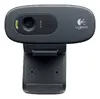
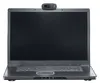
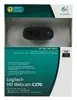
Logitech C270 Webcam, 720p HD, 3 MP, USB 2.0
{{selectedOffer && selectedOffer.price | formatAmount}}
{{selectedOffer && selectedOffer.price | formatAmount}}
Short description
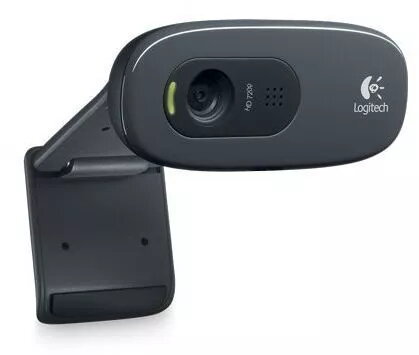
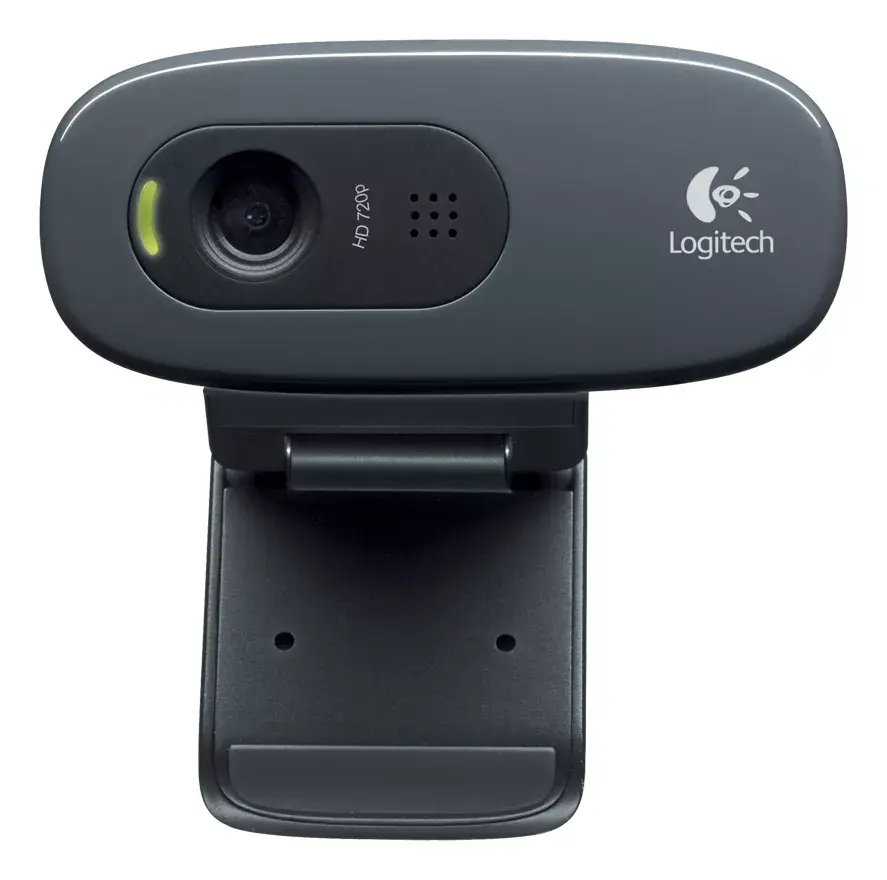
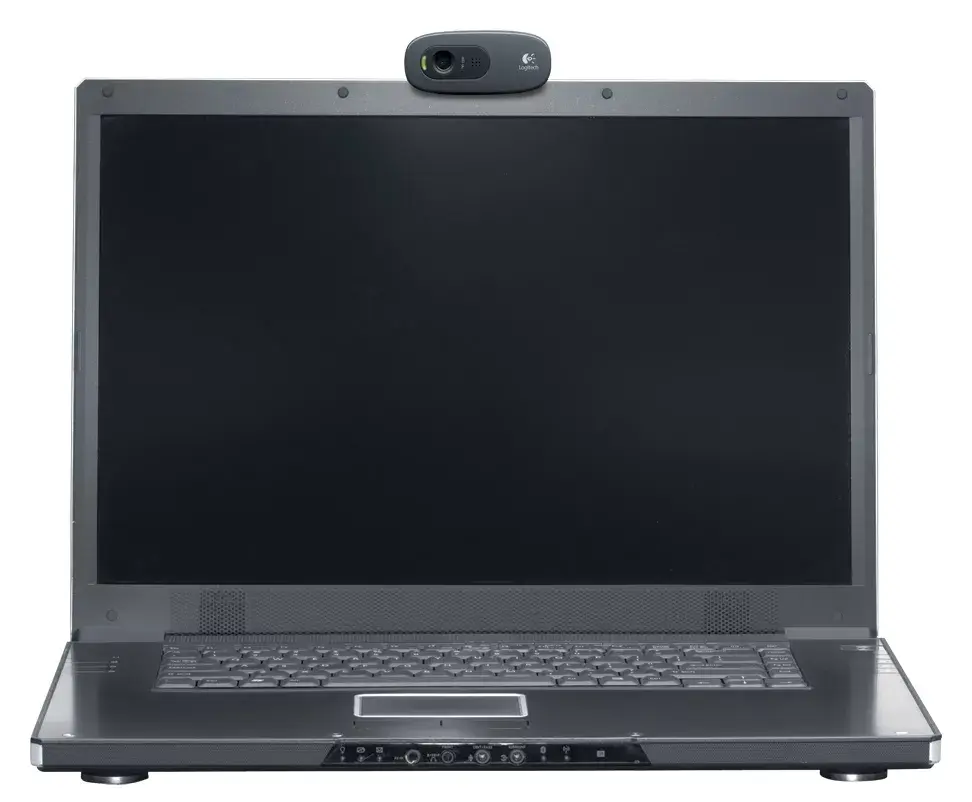
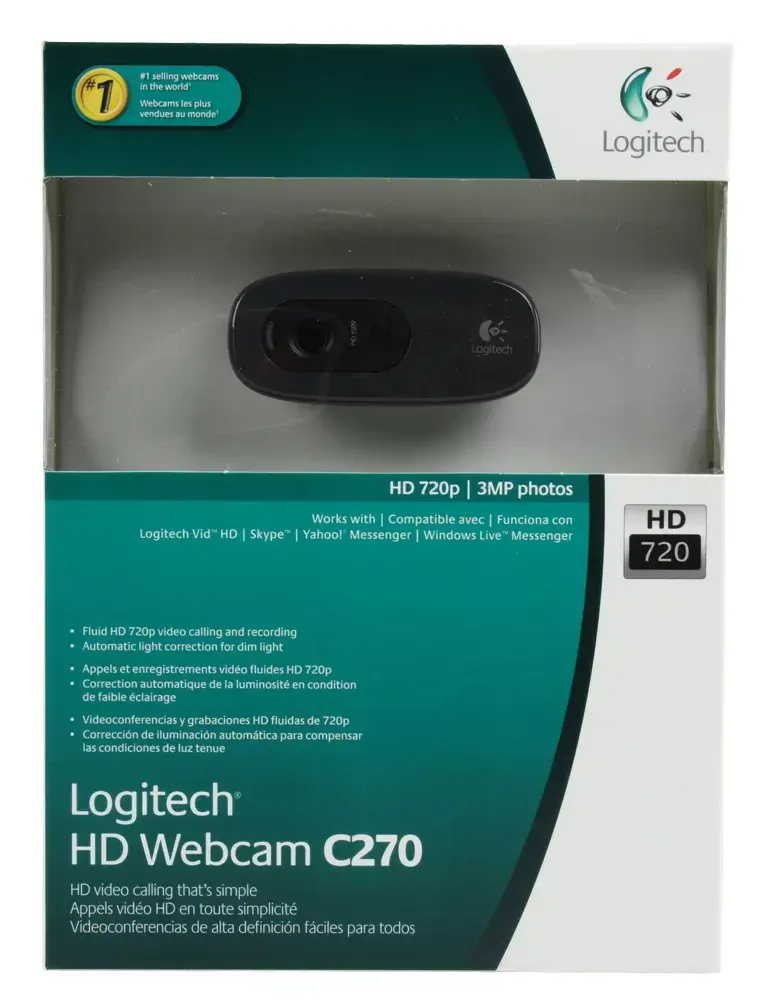
The Logitech C270 is a high-definition webcam designed for clear video calls and recordings. It features a 720p resolution at 1280 x 720 pixels and a 3 MP sensor for sharp image quality. Connecting via a standard USB 2.0 interface, this plug-and-play device is compatible with most computers, making it an ideal solution for remote work, online meetings, and staying connected with friends and family.
Available for order:
16 pcs.
Warranty:
2 Years
SKU:
4576107


Cheapest delivery:
Unisend LV
Pick-up points
Unisend LV
Cost
1.99 €
Deliver
{{selectedOffer.parcelStationDeliveryString}}
Customer service center
2b. Kengaraga str., Riga, Latvia, LV-1063
Friday
{{selectedOffer.officeDeliveryString}}
free
Courier Delivery
Please note that in case of a large parcel additional delivery costs may apply!
From 4.99 € (Weight: 0.31 kg)
Parcel couriers
Unisend LV / Venipak Pickup LV / Venipak Locker LV / DPD Paku skapis / Omniva LV / Latvijas Pasts pakomāts / Latvijas Pasts nodaļa
14.10.2026
{{selectedOffer.parcelStationDeliveryString}}
From 1.99 €

Payment Methods:
Bank transfer, Bank cards on-line, Apple Pay, Google Pay


