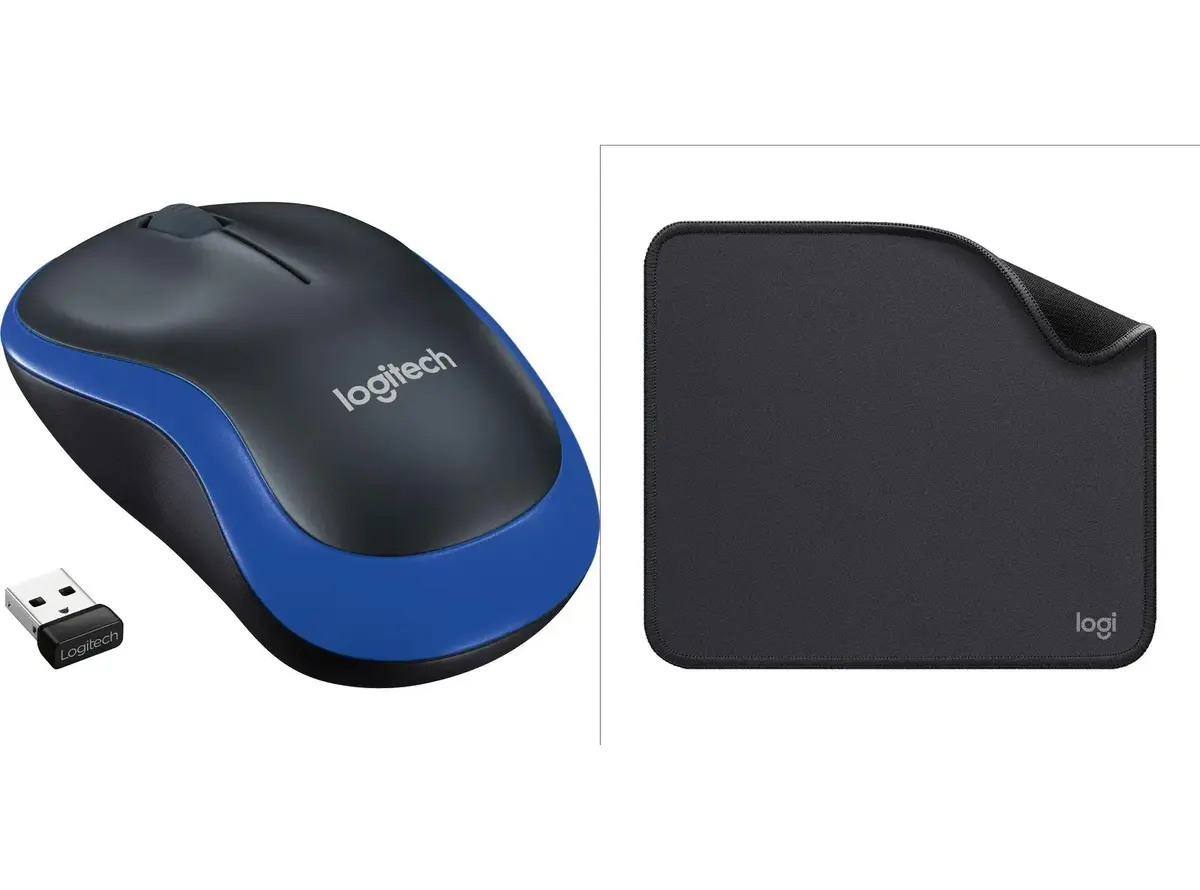
The Logitech M185 Blue Wireless 2.4GHz Optical Mouse is a reliable peripheral designed to provide seamless and stable navigation for both laptops and desktop computers. Featuring a striking blue color and a compact ambidextrous shape, this mouse combines everyday functionality with a comfortable grip. Utilizing advanced 2.4GHz wireless connectivity via a plug-and-play USB nano receiver, it ensures a dependable connection without signal drops or lag during daily tasks.
Advantages
This wireless mouse offers exceptional convenience through its plug-and-play setup, allowing immediate use without the need for complex driver installations. The stable 2.4GHz wireless connection maintains reliable performance from a distance, reducing cable clutter on any desk. Its comfortable ambidextrous design accommodates both left-handed and right-handed users naturally during extended periods of work or study. Additionally, the reliable optical tracking ensures smooth cursor control on various surfaces, while the compact form factor makes it easy to pack and carry for travel.
Suitable for
- Daily office work and document editing
- Web browsing and general computer navigation
- Students working on laptops at home or university
- Mobile professionals and frequent travelers
When it may not be suitable
This mouse may not be suitable for high-performance PC gaming, professional graphic design, or 3D modeling that requires advanced programmable buttons, customizable DPI settings, or an ergonomic vertical orientation. Users with very large hands who prefer a full-sized, palm-supported desktop mouse might find the compact dimensions less comfortable for extended all-day use.
Key specifications
- 2.4GHz wireless connectivity via USB nano receiver
- Optical tracking sensor technology
- Ambidextrous shape suitable for both hands
- Compact and portable design
- Blue color finish
How to use
To begin using the mouse, remove the wireless USB nano receiver from its storage compartment or the packaging and plug it into an available USB port on your computer. Insert the required battery into the battery compartment located on the underside of the mouse, ensuring correct polarity. Switch the power toggle to the on position if applicable. The operating system will automatically detect the device and install the necessary generic drivers within seconds, allowing you to start navigating immediately.
What to consider before purchase
- Check if your computer has an available standard USB-A port for the wireless receiver
- Verify that your hands match the compact dimensions of the device for comfortable daily handling
- Consider your primary tasks to ensure basic optical tracking and standard button configuration meet your needs
Usage recommendations: To maintain optimal performance and extend battery life, switch off the mouse when transporting it or during extended periods of inactivity. Use the mouse on a clean, non-reflective surface or mouse pad for the most accurate optical tracking results.