



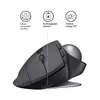
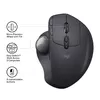
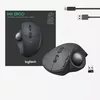
header-product Mouse Logitech MX Ergo RF Wireless + Bluetooth
12.49 €

Mouse Logitech MX Ergo RF Wireless + Bluetooth

Fast shipping
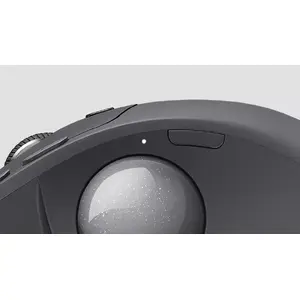
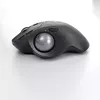
Mouse Logitech MX Ergo Photo 1
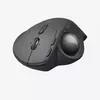
Mouse Logitech MX Ergo Photo 2
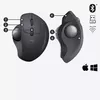
Mouse Logitech MX Ergo Photo 3
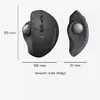
Mouse Logitech MX Ergo Photo 4
Mouse Logitech MX Ergo Photo 5
Mouse Logitech MX Ergo Photo 6
Mouse Logitech MX Ergo Photo 7
Mouse Logitech MX Ergo Photo 8
Mouse Logitech MX Ergo Photo 9
Mouse Logitech MX Ergo Photo 10
Mouse Logitech MX Ergo Photo 11
Mouse Logitech MX Ergo Photo 1
Mouse Logitech MX Ergo Photo 2
Mouse Logitech MX Ergo Photo 3
Mouse Logitech MX Ergo Photo 4
Mouse Logitech MX Ergo Photo 5
Mouse Logitech MX Ergo Photo 6
Mouse Logitech MX Ergo Photo 7
Mouse Logitech MX Ergo Photo 8
Mouse Logitech MX Ergo Photo 9
Mouse Logitech MX Ergo Photo 10
Mouse Logitech MX Ergo Photo 11
Keep track of price changes You keep track of price changes
Watch the price drop

Leave your address - as soon as the price of the product goes down, you'll know about it right away

You keep track of price changes

Mouse Logitech MX Ergo RF Wireless + Bluetooth

{{email}}
You keep track of price changes

Mouse Logitech MX Ergo RF Wireless + Bluetooth

{{email}}
{{selectedOffer && selectedOffer.price | formatAmount}}

Short description

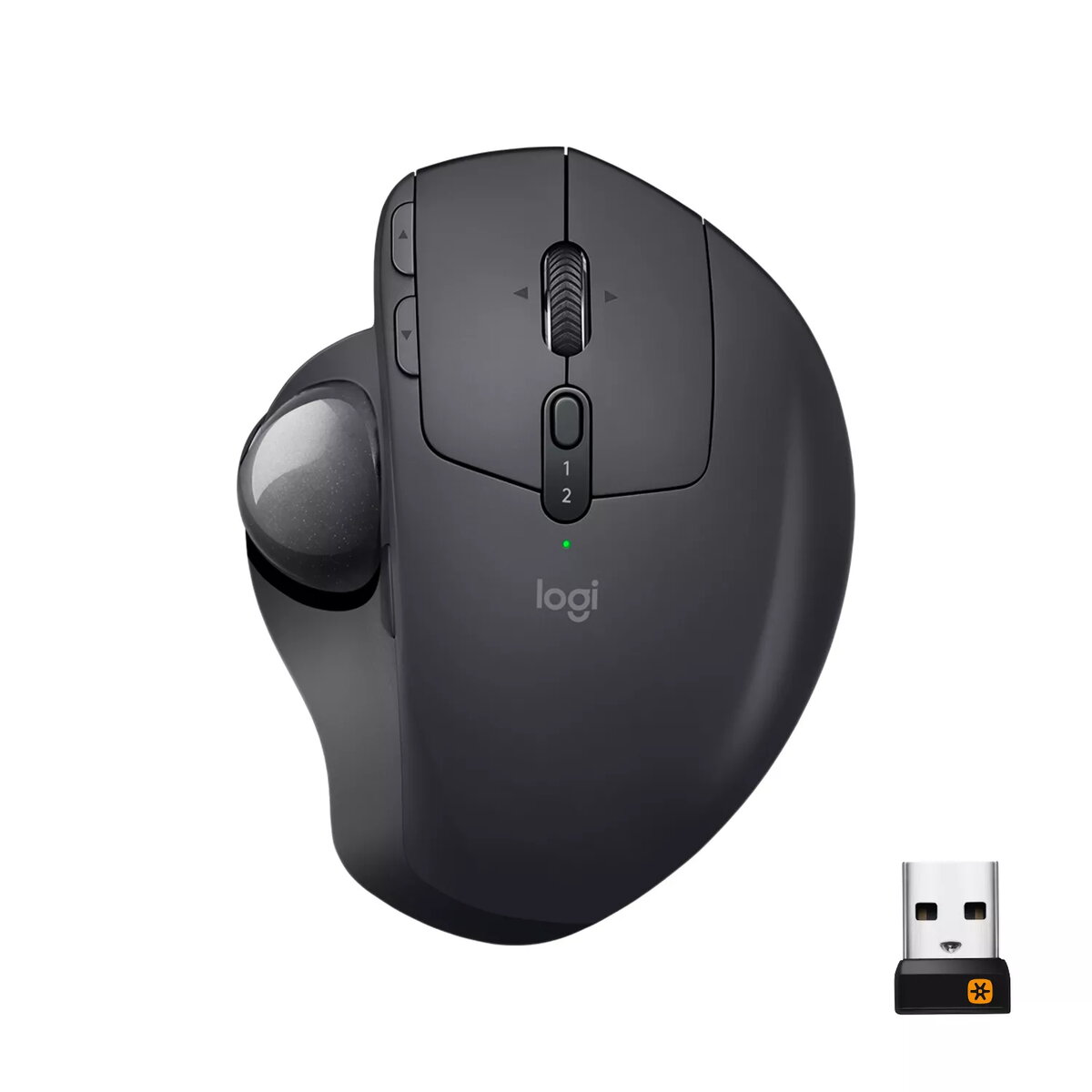
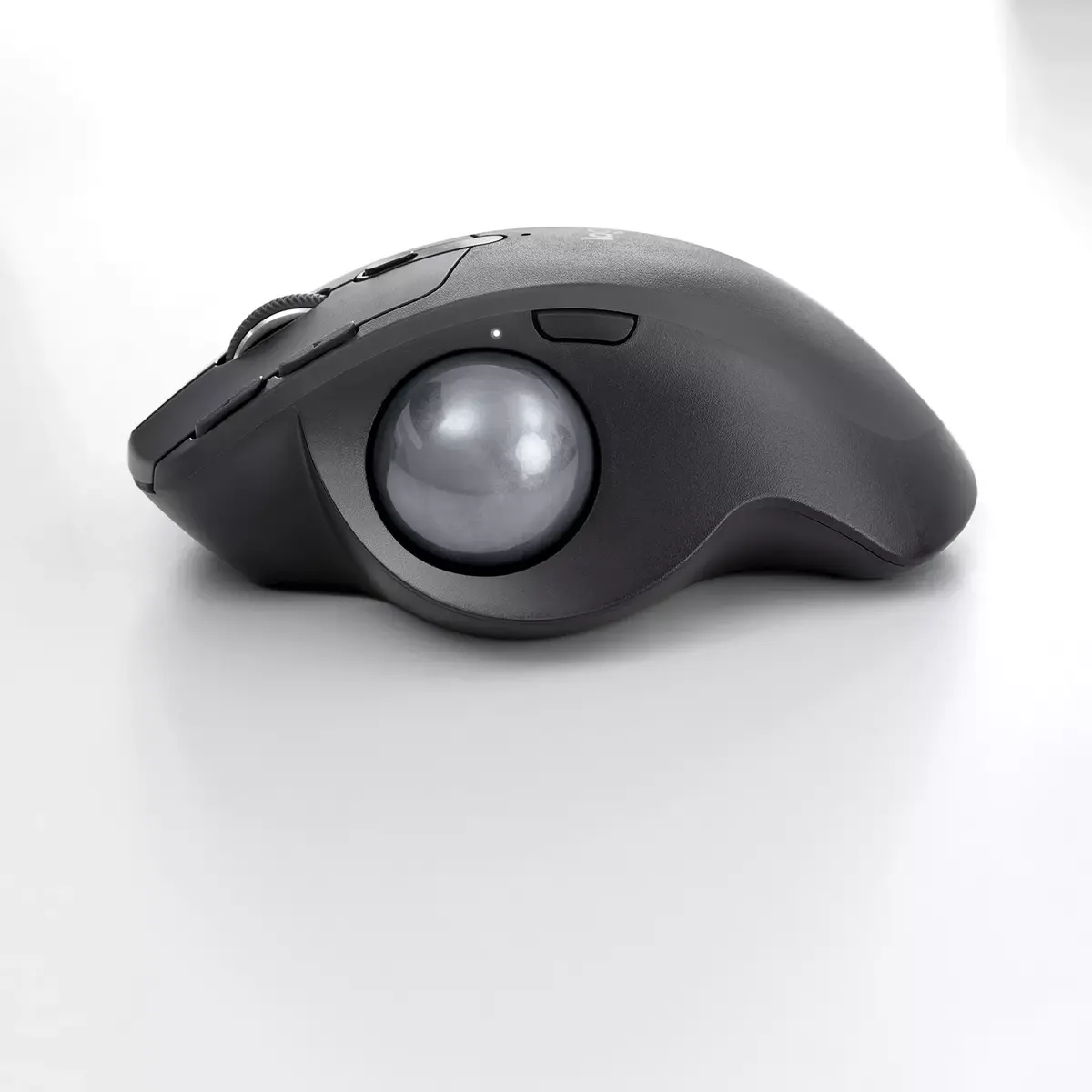
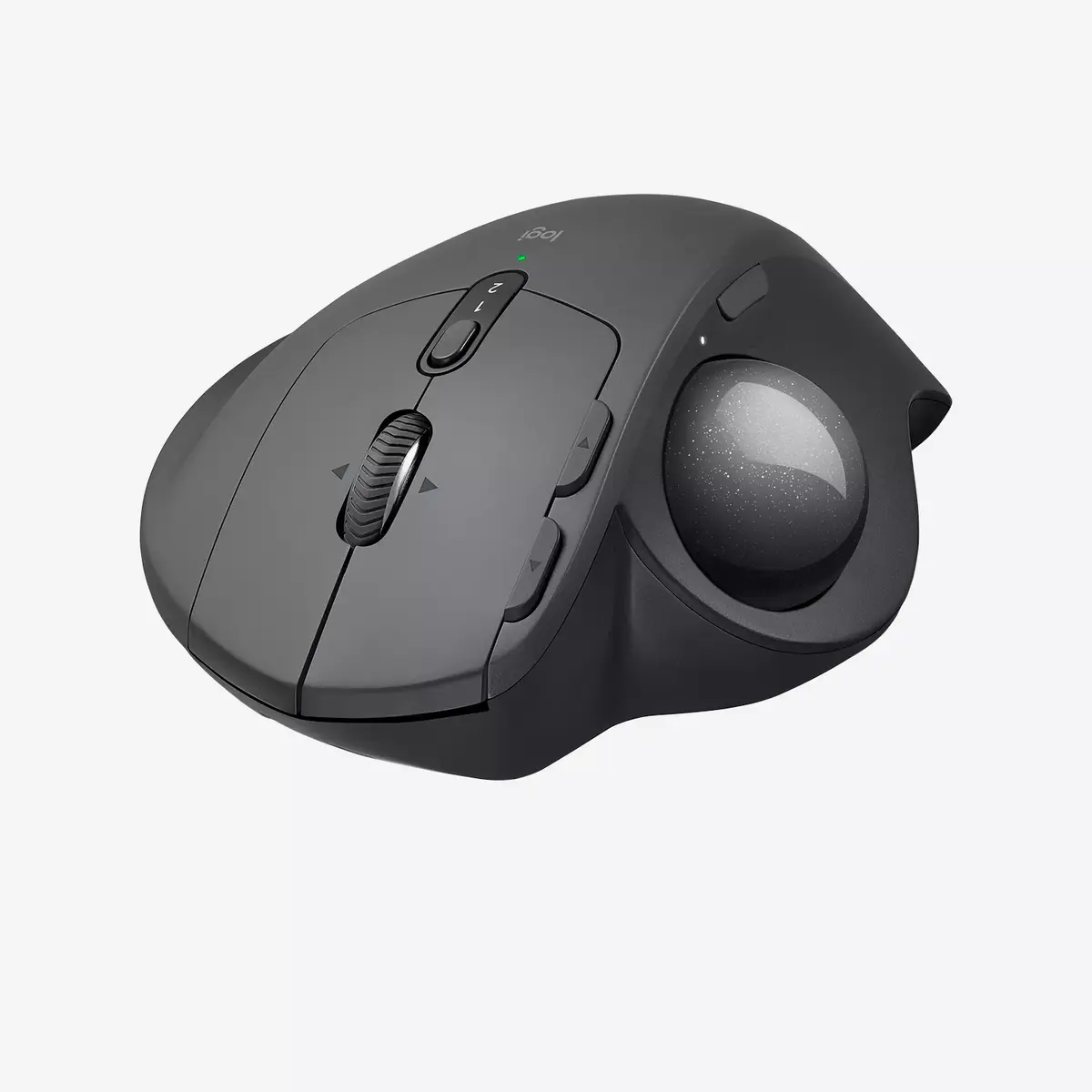
The Logitech MX Ergo is a right-hand trackball mouse featuring RF Wireless and Bluetooth connectivity. With a movement resolution of 440 DPI, it offers precise control. The mouse has 8 pressed buttons and a ball scroll type, making navigation smooth and efficient. Powered by batteries, it comes in a sleek graphite color, perfect for any workspace.
Available for order: 1 pcs.
Warranty: 2 Years
SKU: 405895

delivery
to the Customer Service Center at Kengaraga 2b, Riga
Tuesday {{selectedOffer.officeDeliveryString}}
free
Customer service center
2b. Kengaraga str., Riga, Latvia, LV-1063
Tuesday {{selectedOffer.officeDeliveryString}}
free
Courier Delivery Please note that in case of a large parcel additional delivery costs may apply!
12.06.2026 {{selectedOffer.courierDeliveryString}}
From 4.99 € (Weight: 0.46 kg)
Parcel couriers
Latvijas Pasts pakomāts / Unisend / DPD Paku skapis / Omniva / Venipak Pickup / Venipak Locker / Latvijas Pasts nodaļa
12.06.2026 {{selectedOffer.parcelStationDeliveryString}}
From 1.99 €
payment
Payment Methods:
Cash payment, Bank transfer, Bank cards on-line, Apple Pay, Google Pay
Together cheaper
{{product.price | formatAmount}}
{{product.title}}
{{productBundle.reference.specialPrice | formatAmount}}
{{productBundle.title}}
{{productBundlePreviousPrice | formatAmount}}
{{productBundleSpecialPrice | formatAmount}}

You saving {{productBundleYouSave | formatAmount}}

Product information

Description

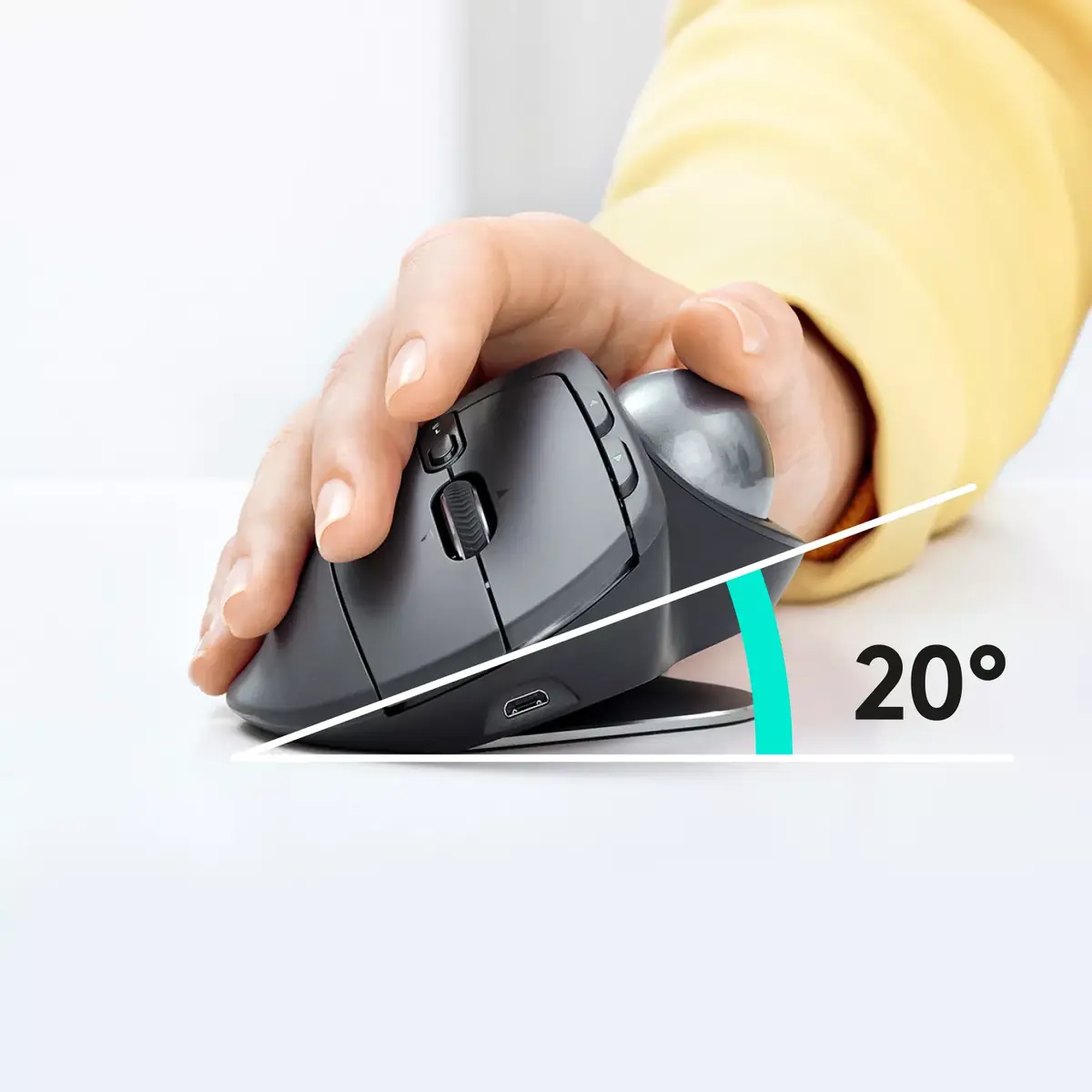
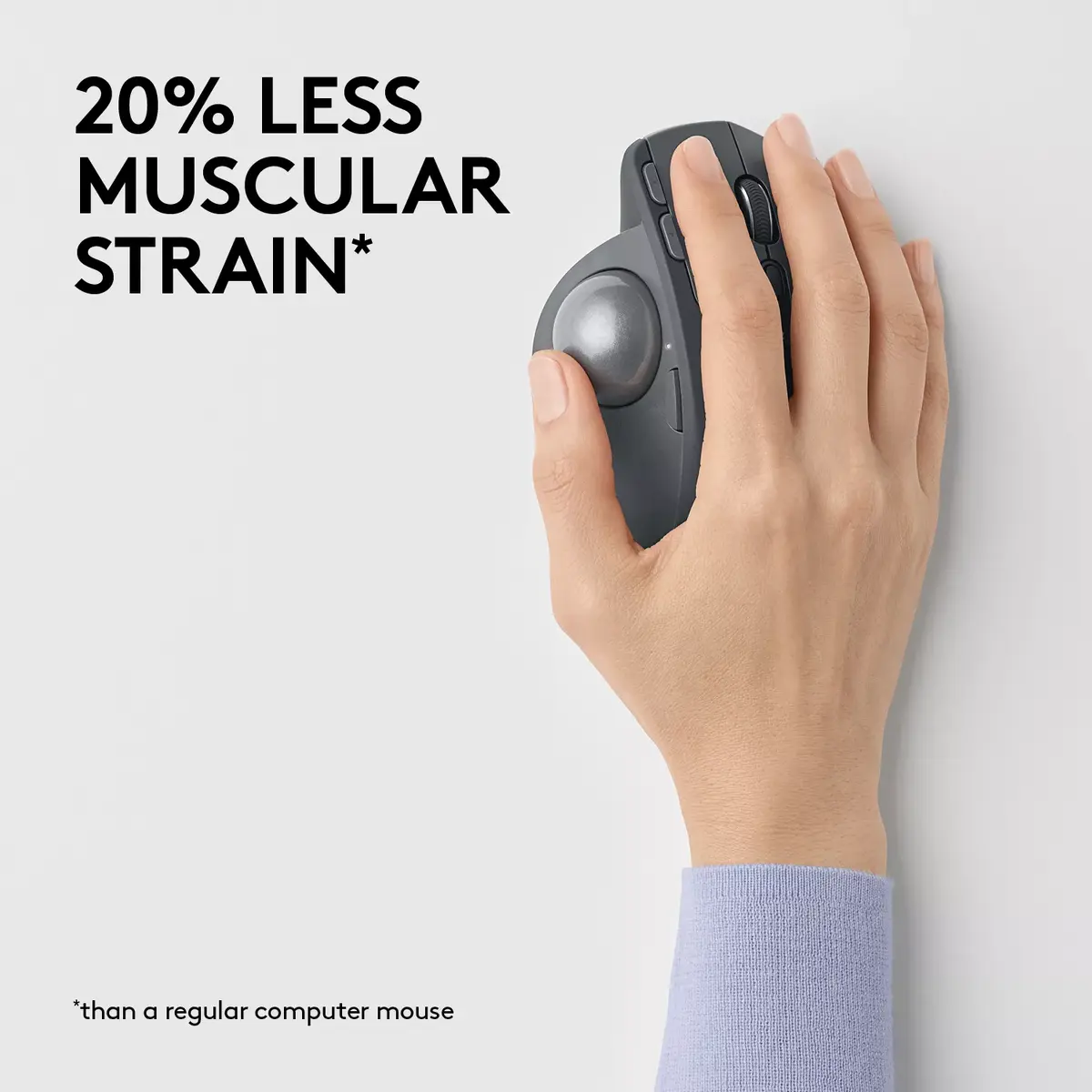
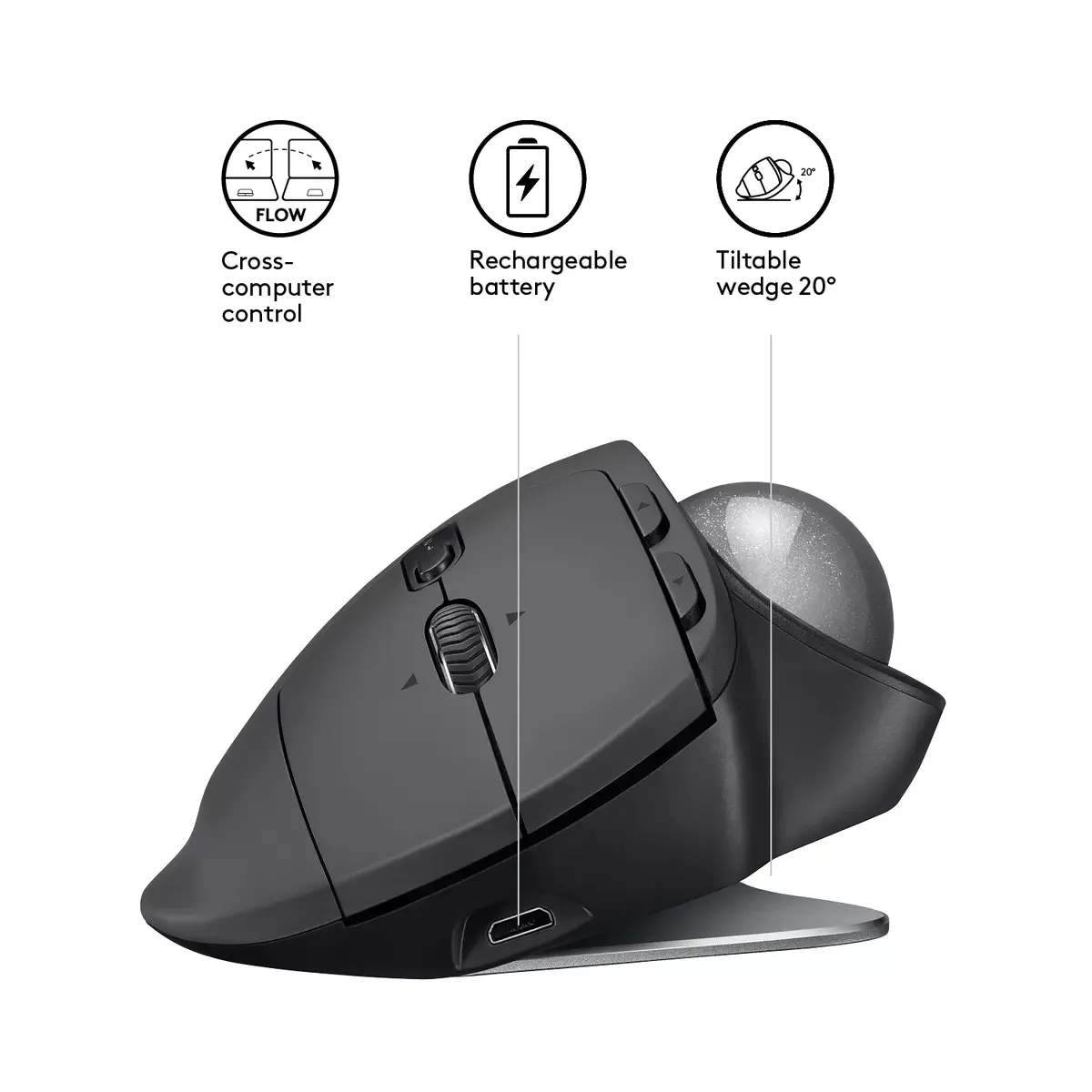
The Logitech MX Ergo is a premium wireless trackball mouse designed to provide a new standard of comfort and precision for professional users. By utilizing a stationary trackball, this device allows for cursor control without moving your arm, which helps reduce muscular strain by 20% compared to a standard mouse. Its ergonomic design features a unique adjustable hinge that lets you choose between a 0°, 20°, or 30° angle, ensuring a natural hand position for any workspace.

Advantages

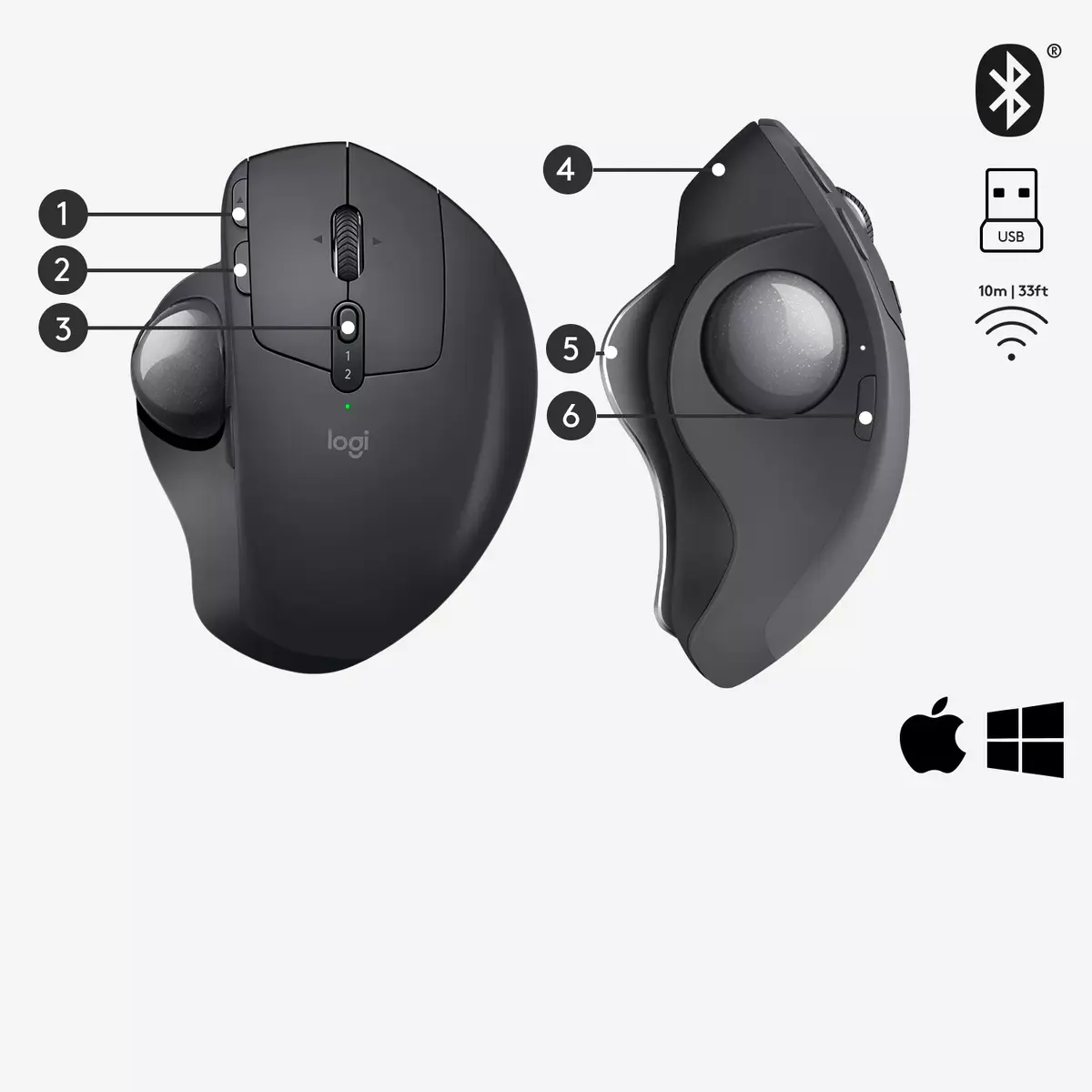
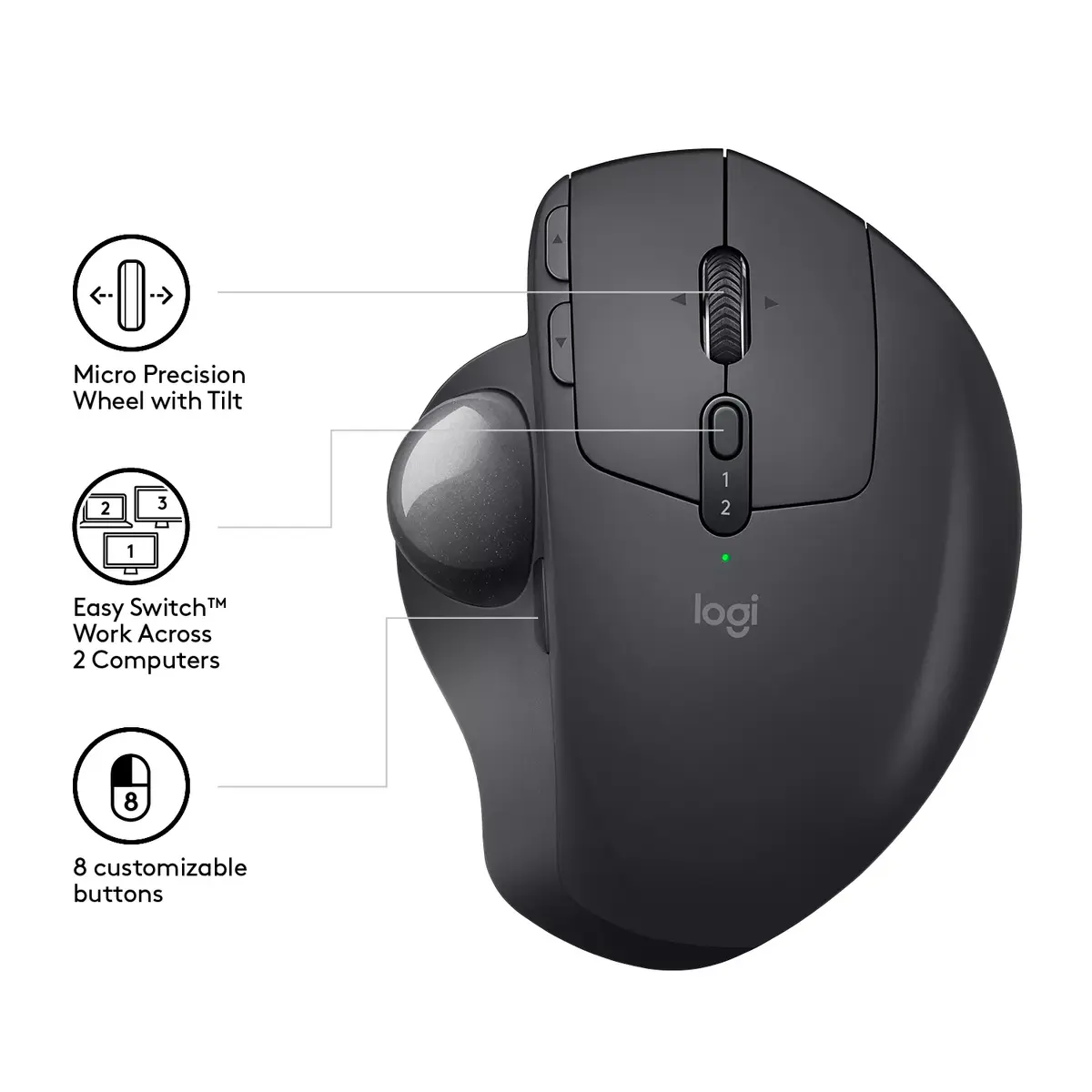
This trackball mouse offers significant ergonomic benefits by minimizing wrist and forearm movement. The adjustable tilt mechanism allows users to customize the device to their specific comfort needs, effectively reducing fatigue during long work sessions. With advanced connectivity options, including both RF Wireless and Bluetooth, it provides a stable and versatile connection to multiple devices. The inclusion of a precision mode button allows for instant switching between high-speed navigation and detailed tracking, while the long-lasting rechargeable battery ensures reliable performance for up to four months on a single charge.

Suitable for

  • Office professionals seeking to reduce repetitive strain injuries
  • Users with limited desk space who require a stationary pointing device
  • Multi-taskers managing workflows across two different computers
  • Designers and editors needing precise cursor control

This device may not be suitable for users who prefer the traditional feel of a standard optical mouse or those who engage in fast-paced competitive gaming where high-speed flick movements are required. Additionally, individuals who have never used a trackball may experience a learning curve while adjusting to the thumb-operated control mechanism.

Key specifications

  • Connectivity: RF Wireless and Bluetooth
  • Movement detection: Trackball technology
  • Resolution: 440 DPI
  • Buttons: 8 programmable buttons
  • Scroll type: Ball scroll
  • Form factor: Right-hand ergonomic design
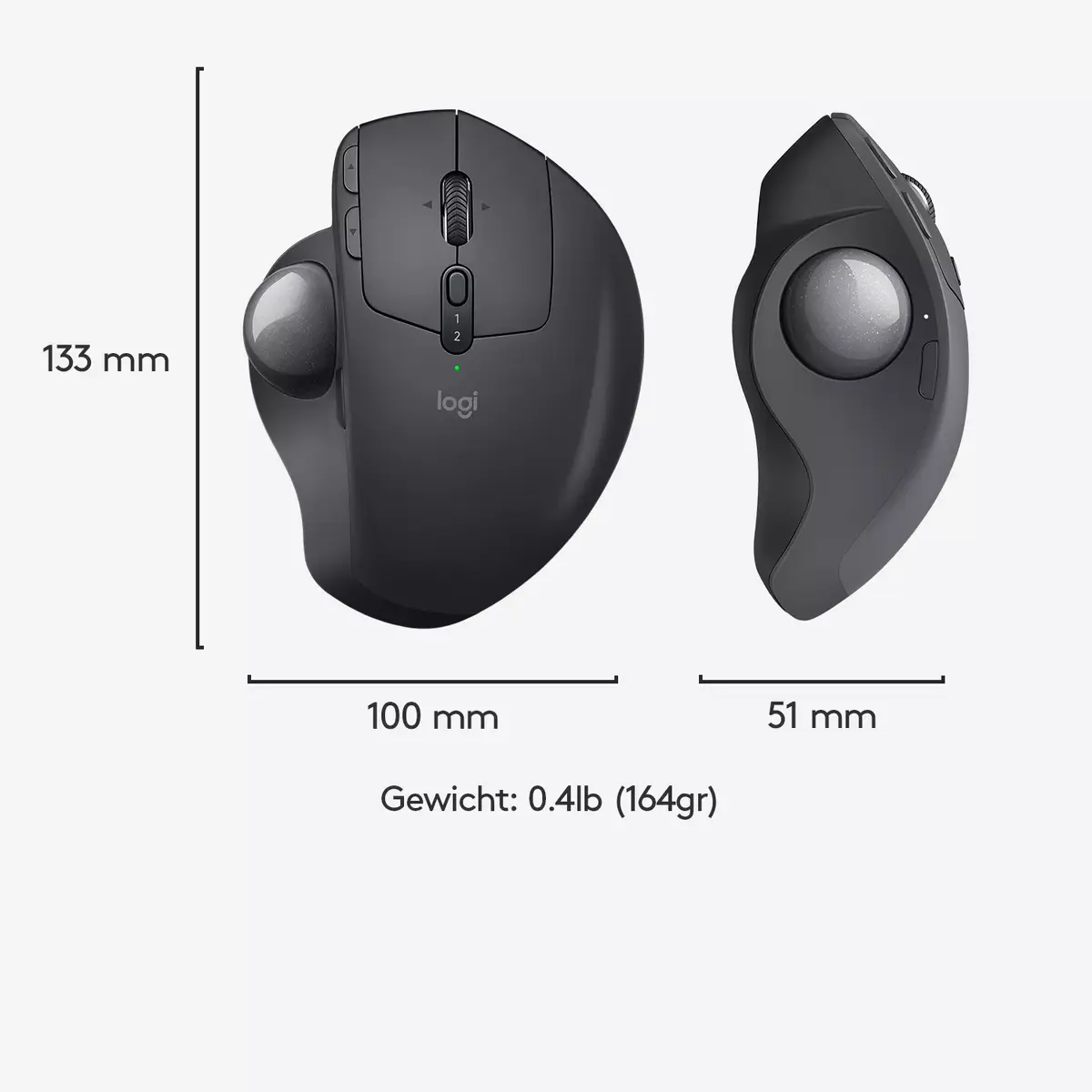
  • Weight: 0.1643 kg
  • Color: Graphite

To begin using the Logitech MX Ergo, connect the device to your computer via the included Unifying receiver or pair it through your system's Bluetooth settings. For optimal functionality, it is recommended to install the Logitech Options software, which allows you to customize the button assignments and enable advanced features like FLOW for multi-computer control. Ensure the trackball is placed on a stable surface and adjust the hinge angle to your preferred setting to maintain an ergonomic posture.

What to consider before purchase

  • Requires a period of adaptation for those transitioning from traditional mice
  • Best suited for right-handed users due to its ergonomic shape
  • Requires software installation for full feature customization
  • Battery life may vary depending on individual usage patterns
For the best experience, clean the trackball sensor periodically to prevent dust buildup and ensure smooth, accurate cursor movement.

Specifications

Form factor:
Right-hand
Weight:
0.1643 kg
Purpose:
Office
Buttons quantity:
8
Scroll type:
Ball
Device interface:
RF Wireless + Bluetooth
Movement detection technology:
Trackball
Movement resolution:
440 DPI
Product colour:
Graphite
All features

Design

Form factor:
Right-hand
LED indicators:
Y
Product colour:
Graphite
Surface coloration:
Monochromatic

Ergonomics

Wireless range:
10 m

Power

Battery type:
Built-in battery
Power source:
Batteries
Rechargeable:
Yes
USB Power Delivery (USB PD):
No
Charging port type:
Micro-USB Type-B
USB Type-C charging port:
No

Weight & dimensions

Weight:
0.1643 kg
Height:
99.8 mm
Width:
51.4 mm
Depth:
132.5 mm
Receiver depth:
6.1 mm
Receiver height:
18.4 mm
Receiver width:
14.4 mm
Receiver weight:
2 g

System requirements

Windows operating systems supported:
Windows 10, Windows 8, Windows 11
Mac operating systems supported:
Mac OS X 10.12 Sierra
Mobile operating systems supported:
iPadOS

Packaging data

Package weight:
471 g
AC adapter included:
No
Cables included:
Micro-USB
Package depth:
160 mm
Package height:
89 mm
Package width:
121 mm
Package type:
Box
Quantity per pack:
1 pc(s)

Other features

Packaging content:
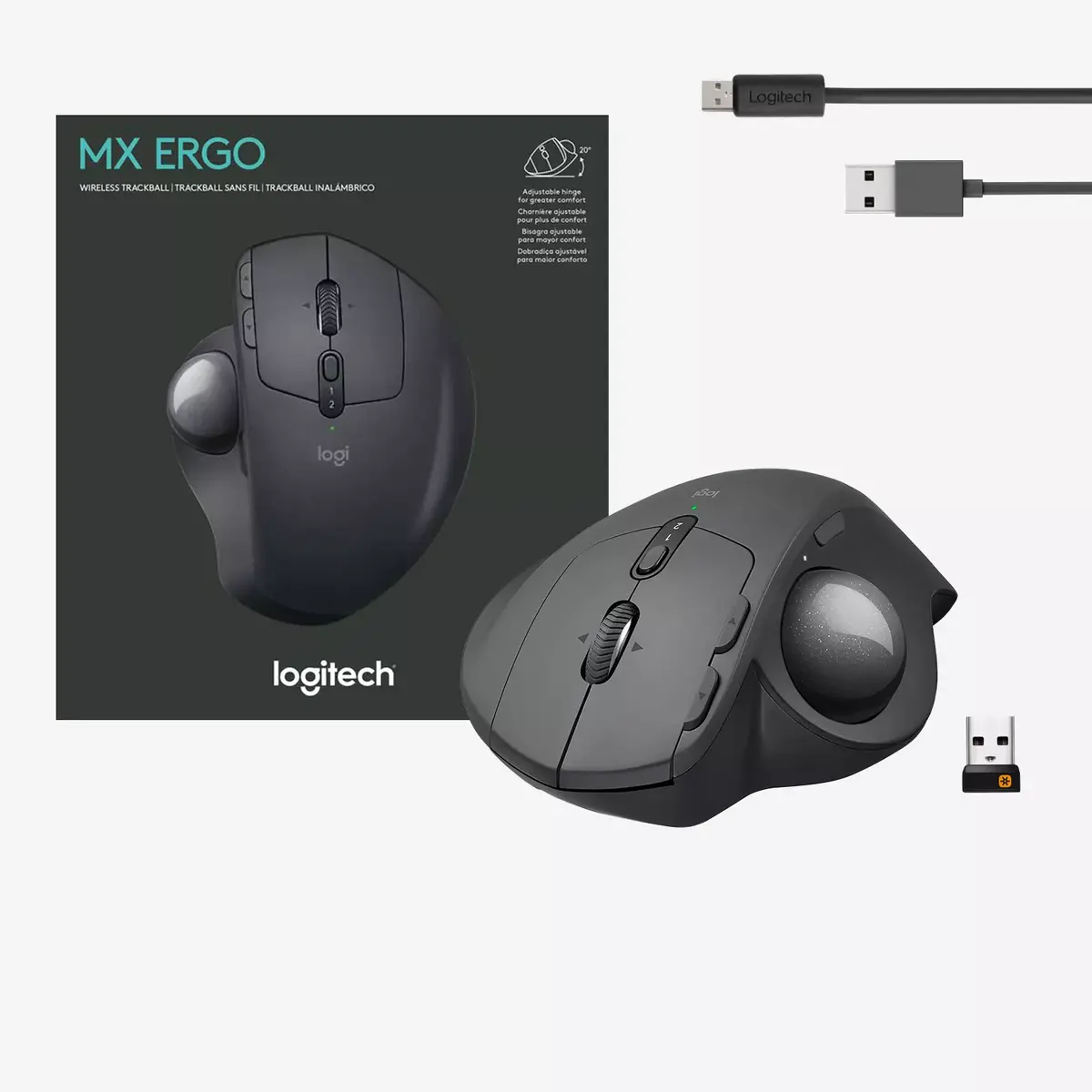
Wireless trackball Unifying receiver Micro-USB cable for recharging User documentation 2-year manufacturer’s guarantee and full product support

Logistics data

Products per pallet:
544 pc(s)
Master (outer) case height:
196 mm
Master (outer) case width:
173 mm
Master (outer) case gross weight:
2126 g
Master (outer) case length:
260 mm
Master (outer) case GTIN (EAN/UPC):
50992060730810
Products per intermodal container (20ft):
11088 pc(s)
Products per intermodal container (40ft):
22704 pc(s)
Harmonized System (HS) code:
84716070

Mouse

Purpose:
Office
Buttons quantity:
8
Buttons type:
Pressed buttons
Scroll type:
Ball
Scrolling directions:
Vertical/Horizontal
Number of scroll wheels:
1
Device interface:
RF Wireless + Bluetooth
Movement detection technology:
Trackball
Movement resolution:
440 DPI
Customizable movement resolution:
Yes
Frequency band:
2.4
Recommended usage:
Universal
Buttons durability (million clicks):
10

Packaging content

User guide:
Yes
Wireless receiver interface:
USB Type-A
Receiver type:
Nano receiver
Receiver included:
Yes
Unifying receiver:
Yes

Battery

Battery technology:
Lithium Polymer (LiPo)
Battery capacity:
500 mAh
Battery capacity:
1.85 Wh

Description

Machine translation. Load original

Reasons to buy

Advanced tracking and precision mode buttonChange the speed and accuracy of your cursor for optimal control with a press of a button. Advanced tracking and precision mode button Effortless Multi-Computer WorkflowConnect and work on two devices at the same time and easily switch between them. Boost your cross-computer experience with Logitech FLOW technology. Copy and paste text, images and files between computers. 1 Effortless Multi-Computer Workflow Precision scroll wheel with tiltGet things done faster with quick access to shortcuts.
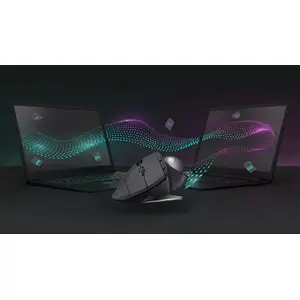
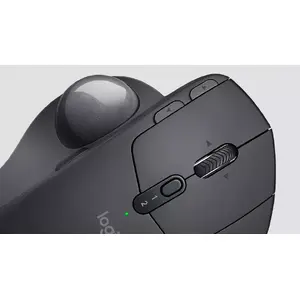
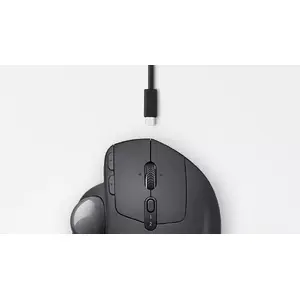
The precision scroll wheel features horizontal scrolling and a convenient middle click. Precision scroll wheel with tilt Long-lasting and fast rechargeable batteryBattery holds power for up to 4 months on a full charge. One minute of charge gives up to a full day of use. 2 Long-lasting and fast rechargeable battery
{{highlightedFeature.featureTitle}}:

{{product.title}}
{{product.price}}

{{getProductFeatureValueById(product, highlightedFeature.featureId)}}

Might be useful
{{product.manufacturerName}}
{{product.categoryName}}
{{product.title}}
{{product.specialPrice}}
{{product.price}}

Customer reviews

Customer questions

FAQ

How much does the Mouse Logitech MX Ergo cost, and is it available for purchase?

The price is 12.49 € (valid at the time of publication and already includes all taxes). The item is available for order — 1 pcs. are in stock, and you can place your purchase right now with delivery across Latvia and Europe or choose pickup at the Riga collection point. We offer favorable purchase terms, including the option to split the payment into convenient monthly installments. Availability and price are updated in real time, so we recommend placing your order in advance.

If I order this product today, when will I receive my order?

If you place your order today, delivery will be as fast and convenient as possible. You will be able to pick up your order on Tuesday at the Riga pickup point or choose delivery across Latvia and Europe. We carefully inspect every purchase and pack it securely for safe transportation.

What payment options are available?

AiO.lv offers several payment methods: Cash payment, Bank transfer, Bank cards on-line, Apple Pay, Google Pay. All transactions are 100% secure and encrypted.

Can this product be purchased for a company (with VAT)?

Yes. AiO.lv works with legal entities in Latvia and across Europe. The product price already includes VAT. For certain product categories, as well as for companies from other EU countries with a valid VAT number, a 0% VAT rate may apply. We issue the invoice immediately after the order is placed, support electronic BIS invoices, and automatically generate all necessary accounting documents. You can complete the purchase for a company online — simply select the company profile and choose bank transfer as the payment method during checkout.

What is the warranty period?

All Logitech products come with an official 2 Years warranty. It covers all manufacturing defects and malfunctions that may occur during use. The warranty is valid at all authorized Logitech service centers and through AiO.lv

Can the product be returned after purchase?

Yes, you can return the product within 14 days of purchase if you bought it as a consumer (not a legal entity). Returns are possible without giving any reason — the main condition is that the product retains its original appearance and full set of accessories. We will make the process as simple and convenient as possible: just contact our customer support team, and we will help you arrange the return.

Where should I contact for warranty service?

For warranty-related questions you can contact the AiO.lv (SIA VSPRO) customer support team. We will assist with consultation, warranty claim processing, and coordination with certified service centers.

How can I tell if this product suits my needs?

When making a choice, we recommend paying attention to the key features: form factor, weight, purpose, buttons quantity, scroll type, device interface, movement detection technology, movement resolution, product colour, compatibility with your devices or usage conditions, material quality, functionality, and warranty terms. These characteristics will help you determine how well the model meets your needs.

Where can I download the instructions for Mouse Logitech MX Ergo?

You can download the instructions in PDF format from the “Instructions” section on the product description page. The file contains complete information about installation, setup, and usage.
warranty
14-Day Return Policy We are confident in our quality, but if the purchase doesn’t fit — you have 14 days to return the product with peace of mind.
shipping
Fast Delivery Get your orders as quickly as possible — right to your door, parcel lockers, or pickup points across Latvia and the EU.
payment
Secure Payment Pay the way you prefer: cash, VISA, MasterCard, Apple Pay, Google Pay, bank transfer, or 0% installment plan.
warranty
Quality Since 2008 AiO.lv has been on the market for over 18 years and has earned trust — with more than 6000 genuine positive reviews on Google.