{{ totalProductsCount }}

In cart {{totalProductsCount}} item(s)

Total:
{{sum | formatAmount}}

Your cart is empty

header-product Mouse Logitech M171 RF Wireless Optical
11.99 €

Mouse Logitech M171 RF Wireless Optical

Fast shipping
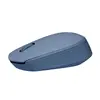
Mouse Logitech M171 Photo 1
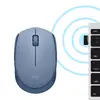
Mouse Logitech M171 Photo 2
Mouse Logitech M171 Photo 3
Mouse Logitech M171 Photo 4
Mouse Logitech M171 Photo 5
Mouse Logitech M171 Photo 6
Mouse Logitech M171 Photo 1
Mouse Logitech M171 Photo 2
Mouse Logitech M171 Photo 3
Mouse Logitech M171 Photo 4
Mouse Logitech M171 Photo 5
Mouse Logitech M171 Photo 6

Excellent choice

Keep track of price changes You keep track of price changes
Watch the price drop

Leave your address - as soon as the price of the product goes down, you'll know about it right away

You keep track of price changes

Mouse Logitech M171 RF Wireless Optical

{{email}}
You keep track of price changes

Mouse Logitech M171 RF Wireless Optical

{{email}}
{{selectedOffer && selectedOffer.price | formatAmount}}

Short description

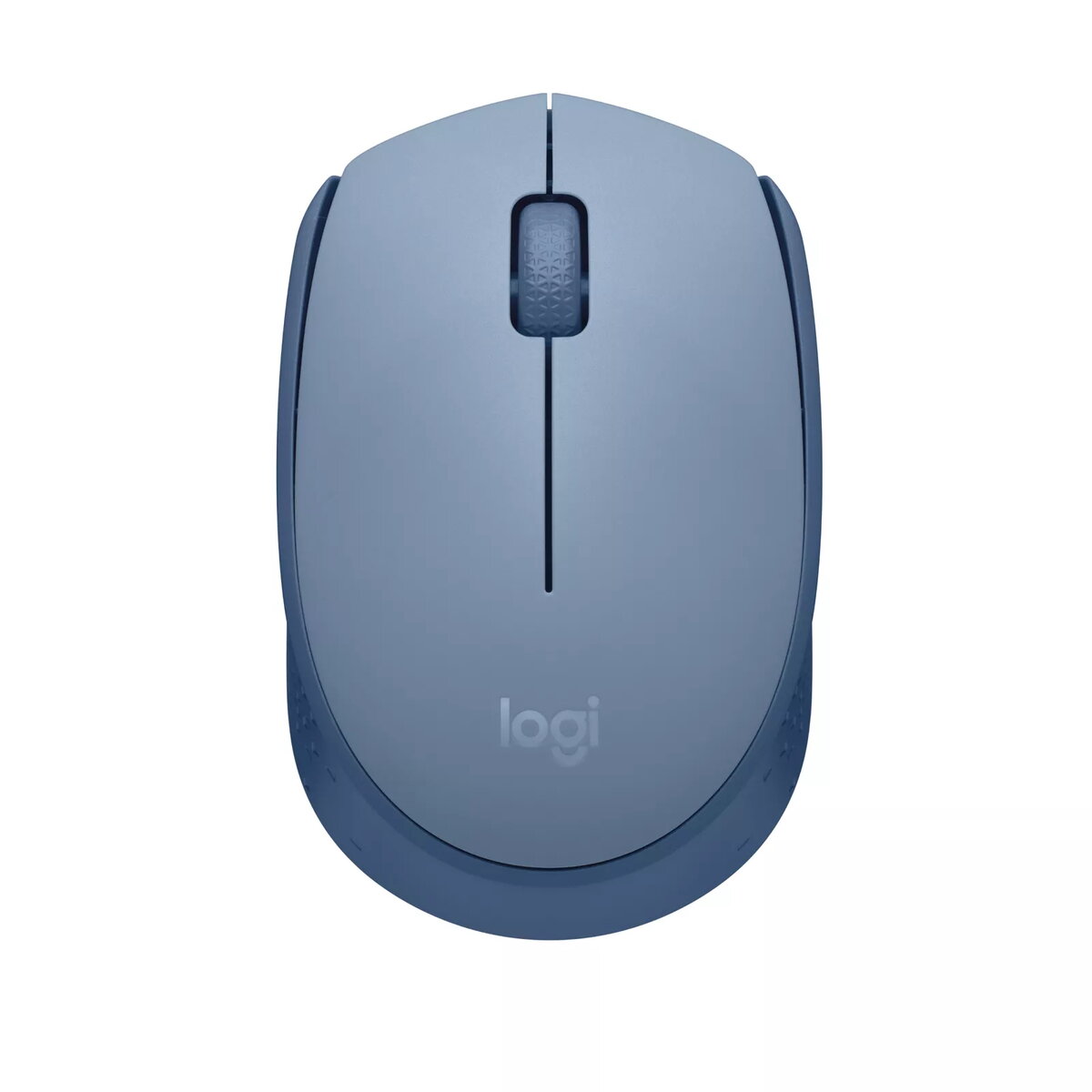
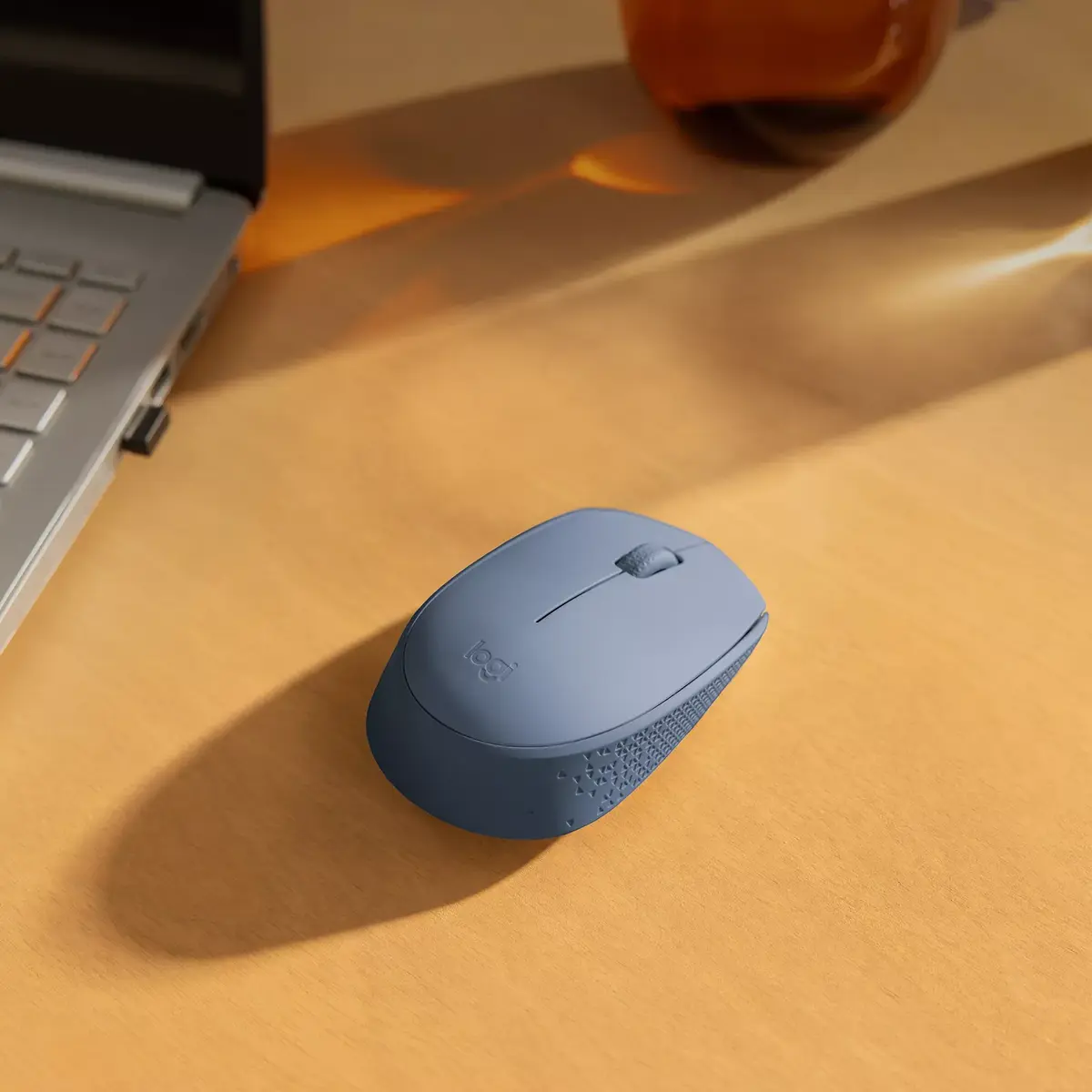
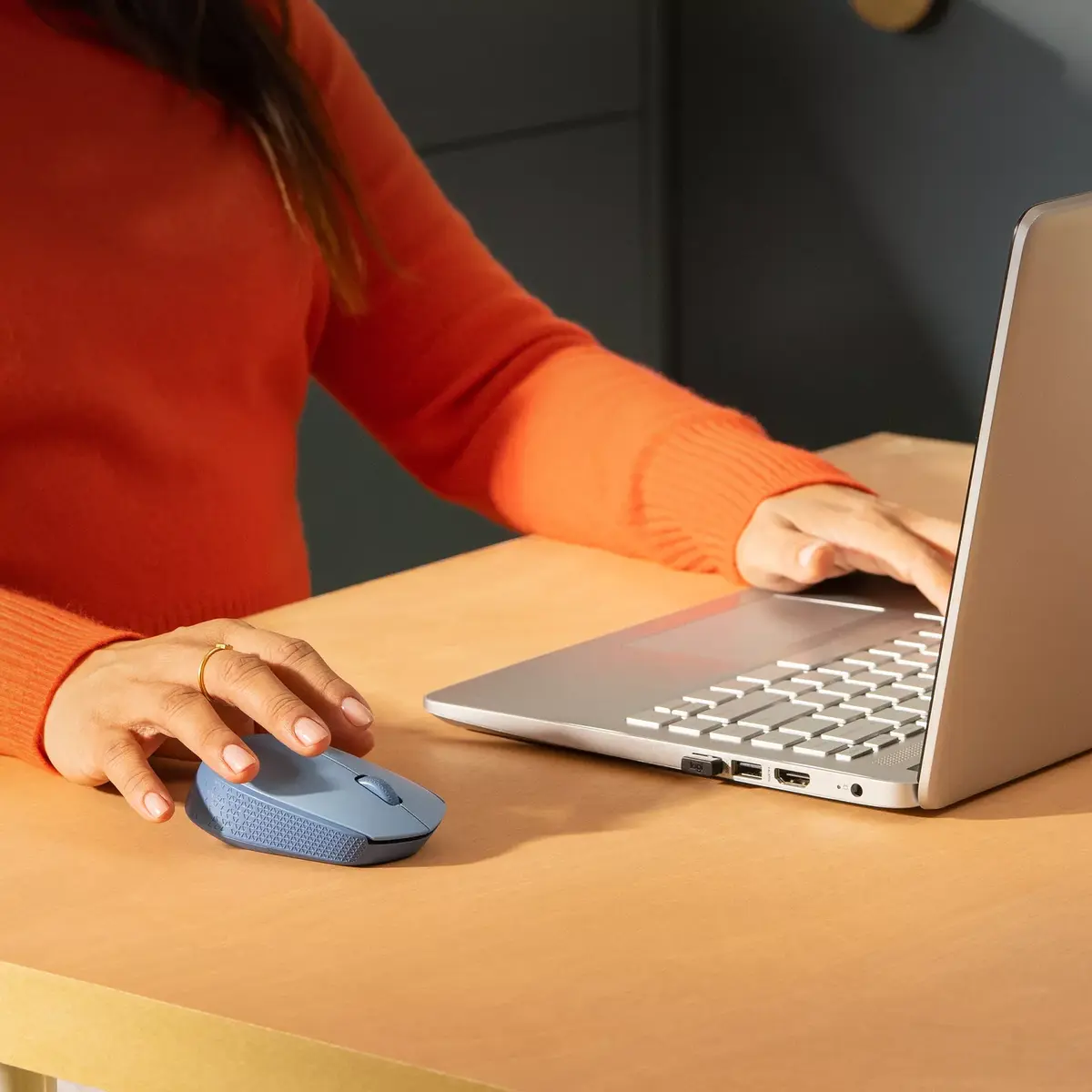
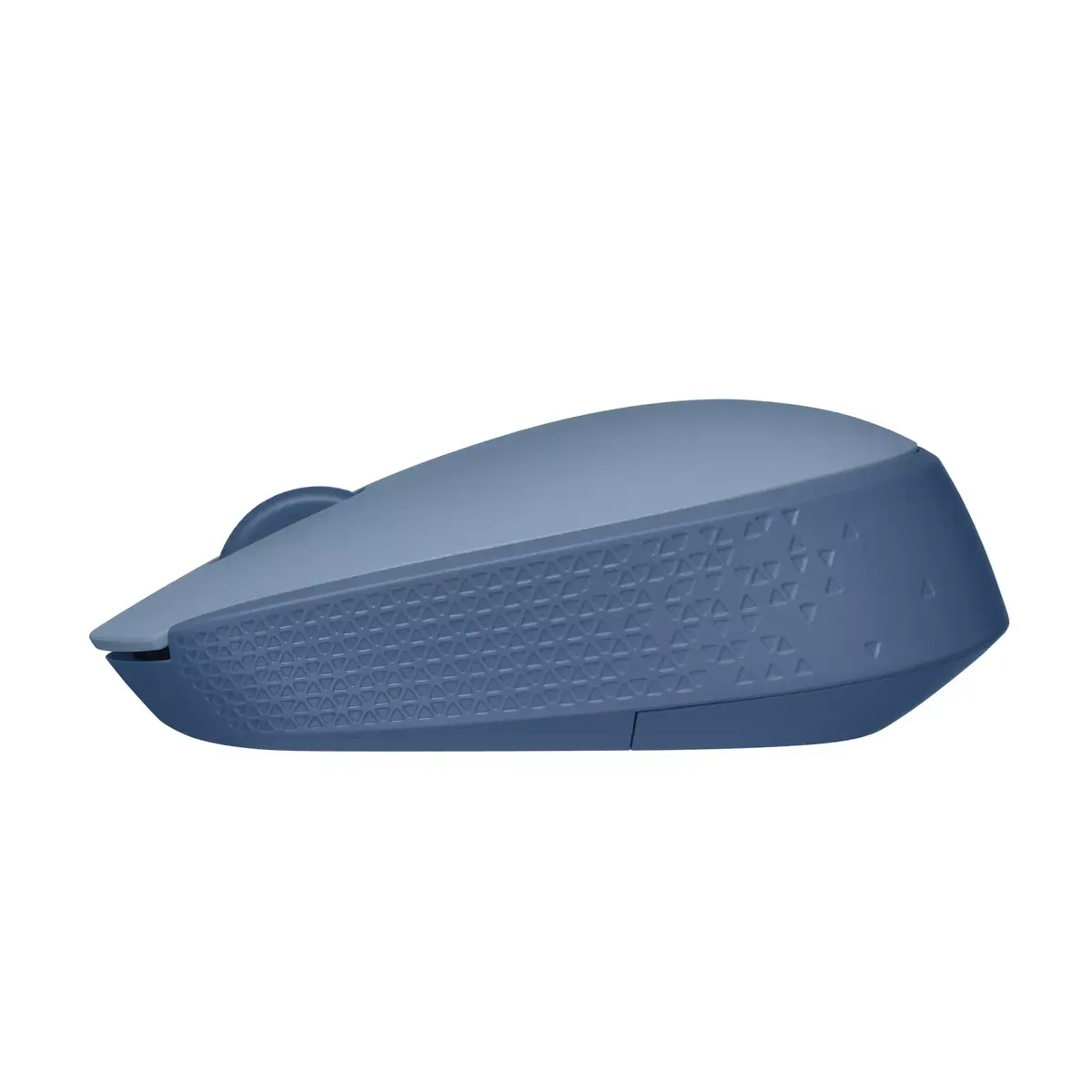
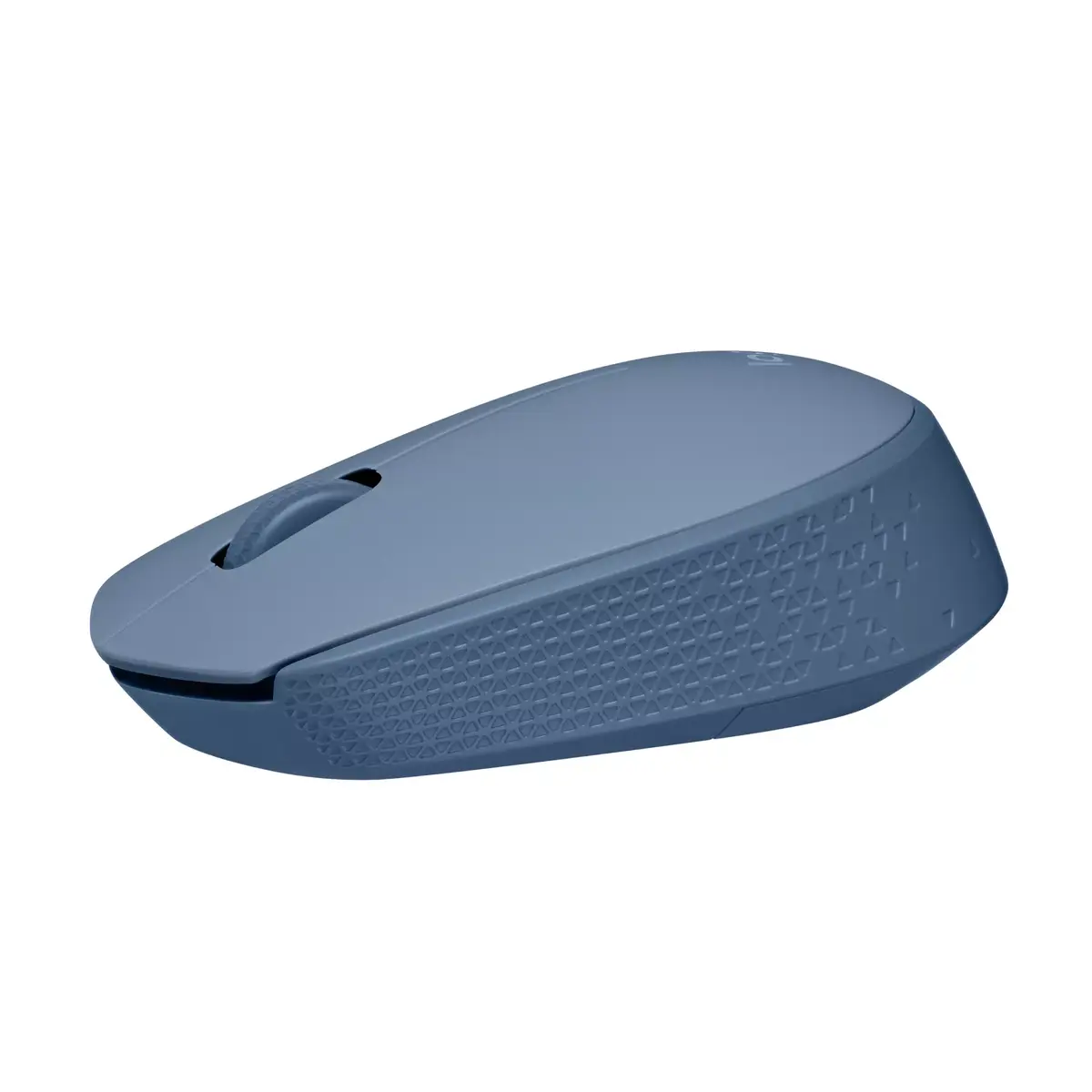
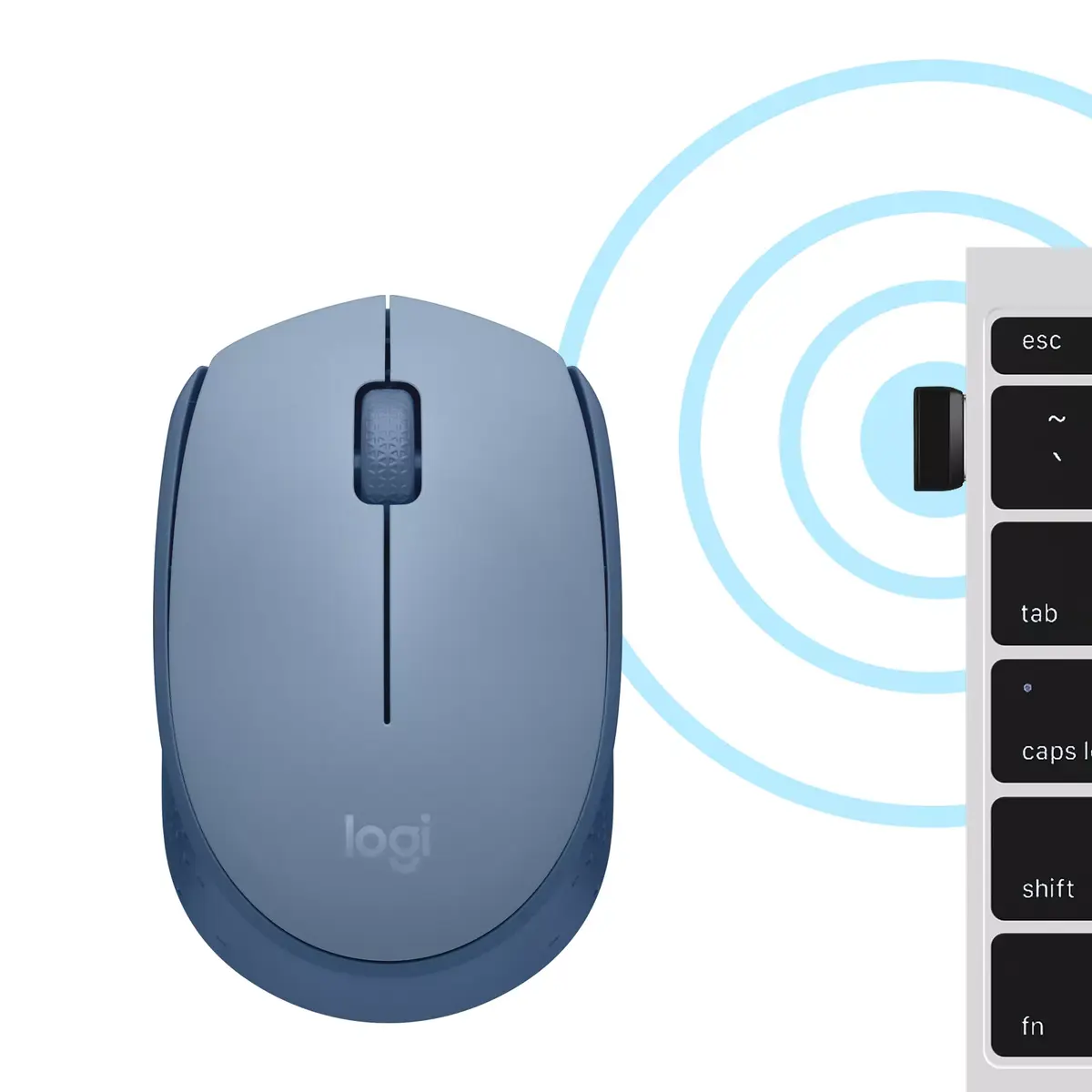
The Logitech M171 is an ambidextrous RF wireless optical mouse featuring optical movement detection and a 3-button layout. It operates on batteries and is designed for comfortable use by both left and right-handed users. The blue color adds a stylish touch to your workspace, while the wheel scroll allows for easy navigation.

Available at price 11.99 €: 30 pcs.
Total available for order: 1194 pcs.
Warranty: 1 Year
SKU: 6538044
Manufacturer: Logitech Alternativ
free shipment

Cheapest delivery:

Unisend LV

Pick-up points

Unisend LV

Cost

1.99 €

Deliver

{{selectedOffer.parcelStationDeliveryString}}

Customer service center
2b. Kengaraga str., Riga, Latvia, LV-1063
Tuesday {{selectedOffer.officeDeliveryString}}
free
Courier Delivery Please note that in case of a large parcel additional delivery costs may apply!
Friday {{selectedOffer.courierDeliveryString}}
From 4.99 € (Weight: 0.13 kg)
Parcel couriers
Unisend LV / Venipak Pickup LV / Venipak Locker LV / DPD Paku skapis / Omniva LV / Latvijas Pasts pakomāts / Latvijas Pasts nodaļa
Friday {{selectedOffer.parcelStationDeliveryString}}
From 1.99 €
payment
Payment Methods:
Cash payment, Bank transfer, Bank cards on-line, Apple Pay, Google Pay
Together cheaper
{{product.price | formatAmount}}
{{product.title}}
{{productBundle.reference.specialPrice | formatAmount}}
{{productBundle.title}}
{{productBundlePreviousPrice | formatAmount}}
{{productBundleSpecialPrice | formatAmount}}

You saving {{productBundleYouSave | formatAmount}}

Product information

Description

The Logitech M171 RF Wireless Optical mouse is an ambidextrous, battery-powered pointing device designed for everyday office use. It features optical movement detection, a three-button layout with a wheel scroll, and a compact RF wireless connection via a USB receiver. The blue color provides a visible accent without affecting functionality. The mouse’s lightweight design supports extended use with minimal effort, and its ambidextrous form factor fits both left- and right-handed users.

Advantages

The Logitech M171 offers reliable optical tracking suitable for standard office surfaces and a simple plug-and-play RF wireless interface that requires no pairing software. With three buttons and a scroll wheel, the mouse covers basic navigation and selection tasks. Its ambidextrous shape and low weight make it comfortable for a wide range of users, while battery operation ensures portability and ease of replacement. The compact RF USB receiver stays connected for consistent wireless responsiveness.

Suitable for

  • General office work and document editing
  • Email and web browsing
  • Home computer use and casual computing
  • Users who need a simple, ambidextrous mouse

Key specifications

  • Brand: Logitech
  • Model: M171 (MPN 910-006866)
  • EAN: 5099206108776
  • Form factor: Ambidextrous
  • Weight: 0.0705 kg
  • Purpose: Office
  • Buttons quantity: 3
  • Scroll type: Wheel
  • Device interface: RF Wireless (USB receiver)
  • Movement detection technology: Optical
  • Product colour: Blue

How to use

Insert the required battery or batteries according to the product instructions, plug the included RF USB receiver into an available USB port on the computer, and allow the operating system to recognize the device. Use the left, right and middle (wheel) buttons for selection and navigation; move the mouse on a flat surface for optical tracking. If necessary, adjust pointer speed and button functions in the operating system’s mouse settings. Store the USB receiver in the mouse compartment if provided when transporting the device.

Usage recommendations

For consistent tracking, use the mouse on a flat, non-reflective surface or a mouse pad. Replace batteries when cursor responsiveness decreases. Keep the USB receiver within the recommended range of the computer and avoid placing metal objects between the receiver and the mouse to maintain stable RF wireless performance.

Specifications

Quantity per pack:
1 pc(s)
Power source: What is providing power for the product e.g. mains electricity.
Batteries
Form factor: The shape or design of the product.
Ambidextrous
Buttons quantity: The number of buttons that there are in/on the product.
3
Scroll type: Type of scroll in computer input device, e.g. wheel, touch.
Wheel
Movement detection technology: The technology employed to detect motion, e.g. Dual, using combinations of different sensing technologies to help reduce false triggering.
Optical
Device interface: The ports (sockets) where the device connects with other devices.
RF Wireless
Purpose: What the product is used for.
Office
Product colour: The colour e.g. red, blue, green, black, white.
Blue
All features

Packaging content

Receiver type: Describes type of receiver which is a device for picking up an external signal.
Nano receiver
Wireless receiver interface:
USB Type-A
Receiver included: The product includes a receiver, which is a device for picking up an external signal.
Yes

Packaging data

Quantity per pack:
1 pc(s)

Weight & dimensions

Receiver weight:
2 g
Receiver height:
18.7 mm
Receiver depth:
6.6 mm
Receiver width:
14.4 mm
Weight: Weight of the product without packaging (net weight). If possible, the net weight is given including standard accessories and supplies. Please note that sometimes the manufacturer leaves out the weight of accessories and/or supplies.
0.0705 kg
Height: The measurement of the product from head to foot or from base to top.
35.2 mm
Depth: The distance from the front to the back of something.
97.7 mm
Width: The measurement or extent of something from side to side.
61.5 mm

System requirements

Other operating systems supported:
ChromeOS
Mac operating systems supported: Mac operating systems e.g. OS X can be used with the device.
Mac OS X 10.9 Mavericks, Mac OS X 10.8 Mountain Lion, Mac OS X 10.15.3 Catalina, Mac OS X 10.15 Catalina, Mac OS X 10.14 Mojave, Mac OS X 10.13 High Sierra, Mac OS X 10.12 Sierra, Mac OS X 10.11 El Capitan, Mac OS X 10.10 Yosemite, Mac OS X 11.0 Big Sur, Mac OS X 12.0 Monterey, Mac OS X 13.0 Ventura
Windows operating systems supported: Windows vesions wich can be used with the device.
Windows 8, Windows 7, Windows 11, Windows 10

Power

Battery type: Description of battery supplied with the product, such battery form factor (e.g. AA/AAA).
AA
Number of batteries supported: The number of batteries that can be used with the product.
1
Power source: What is providing power for the product e.g. mains electricity.
Batteries

Ergonomics

Plug and Play: Indicates whether this product supports is "plug and play". Plug and play is hardware or software that, after being installed ("plugged in"), can immediately be used ("played with"), as opposed to hardware or software which requires configuration.
Yes

Design

Surface coloration: Type of surface coloration e.g. monotone, image.
Monochromatic
Product colour: The colour e.g. red, blue, green, black, white.
Blue
Form factor: The shape or design of the product.
Ambidextrous

Mouse

Buttons type: The type of the buttons.
Pressed buttons
Buttons quantity: The number of buttons that there are in/on the product.
3
Scroll type: Type of scroll in computer input device, e.g. wheel, touch.
Wheel
Movement detection technology: The technology employed to detect motion, e.g. Dual, using combinations of different sensing technologies to help reduce false triggering.
Optical
Device interface: The ports (sockets) where the device connects with other devices.
RF Wireless
Purpose: What the product is used for.
Office

Description

Machine translation. Load original

Similar products

{{product.title}}
Show details Hide details

{{highlightedFeature.featureTitle}}:

{{getProductFeatureValueById(product, highlightedFeature.featureId)}}

{{product.price | formatAmount}}

Product comparison

We are comparing the wireless mouse Mouse Logitech M171 RF Wireless Optical with several alternative wireless optical mice, including other color variants of the same model (white and pink) as well as models from DeLOCK, Canyon, and Logitech M325s. All of these devices share an ambidextrous form factor suitable for both left and right-handed users, an RF wireless connection, optical movement detection, and battery-powered operation. The main differences lie in the product color, button count, navigation features, and intended use cases such as office work or travel.

⚙️ The technical specification and functional comparison covers the device interface, movement detection technology, button quantity, purpose, and color options.

SpecificationMouse Logitech M171 (Blue)Mouse Logitech M171 (White)Mouse Logitech M171 (Pink)Mouse DeLOCK 12494Mouse Canyon CNE-CMSW1GMouse Logitech M325sPractical conclusion
Device interfaceRF WirelessRF WirelessRF WirelessRF WirelessRF WirelessRF WirelessAll models provide convenient wireless connectivity without cable clutter on the desk.
Sensor technologyOpticalOpticalOpticalOpticalOpticalOpticalOptical sensors ensure precise tracking across various common surfaces.
Form factorAmbidextrousAmbidextrousAmbidextrousAmbidextrousAmbidextrousAmbidextrousAll mice offer comfortable use for both left and right-handed users.
Buttons quantity333235The M325s provides more buttons for extended tasks, DeLOCK has two, while others feature a standard three-button layout.
PurposeOfficeOfficeOfficeTravelOfficeTravelThe models are optimized either for stationary office tasks or portable travel use.
Product colourBlueWhitePinkBlackGreenBlackVarious color options allow users to match the mouse to their personal workspace aesthetic.

◎ The evaluation of usage scenarios, buyer needs, and suitable options helps you choose the most appropriate mouse based on your specific requirements and workspace setup.

Use caseRecommended productWhy
Standard office work with a blue color preferenceMouse Logitech M171 RF Wireless Optical (Blue)Offers a reliable three-button layout, ambidextrous design, and practical office purpose in a vibrant blue finish.
Bright and clean workspace setupMouse Logitech M171 RF Wireless Optical (White)Provides the same core features and comfortable form factor in an elegant white colorway.
Personalized and colorful desk stylingMouse Logitech M171 RF Wireless Optical (Pink)Retains the dependable M325/M171 series functionality in an attractive pink finish.
Portable use during travel with a compact designMouse DeLOCK 12494Designed specifically for travel portability, though it features a two-button configuration.
Versatile office setup in greenMouse Canyon CNE-CMSW1GFeatures a 1200 DPI resolution and suits everyday office tasks in a green color option.
Enhanced navigation and travel convenienceMouse Logitech M325s RF WirelessProvides five buttons for improved navigation flexibility while maintaining a travel-friendly form factor.
The choice between these models depends on your aesthetic preferences and functional needs. If you need a straightforward, reliable, and comfortable ambidextrous mouse for office tasks, the Mouse Logitech M171 RF Wireless Optical is a solid choice, with color options like blue, white, and pink allowing you to match your personal style. If you require additional buttons for advanced navigation or a specialized travel companion, alternatives such as the Logitech M325s or DeLOCK 12494 may better suit your workflow.
Might be useful
{{product.manufacturerName}}
{{product.categoryName}}
{{product.title}}
{{product.specialPrice}}
{{product.price}}
Stock data
Warehouse Stock Delivery to the store Store Price
BT19 30 Tuesday Best delivery
Fast shipping
11.99 € Best price
WH166 500 28.09.2026
12.49 €
WH155 10 28.09.2026
12.99 €
Show all offers Hide
Available only for legal entities
Warehouse Stock Delivery to the store Store Price
WH15 3 28.09.2026
17.99 €
WH109 230 12.10.2026
19.99 €
Fast shipping
11.99 €
Stock: 30
Delivery Date: Tuesday Best delivery
Warehouse: BT19
12.49 €
Stock: 500
Delivery Date: 28.09.2026
Warehouse: WH166
12.99 €
Stock: 10
Delivery Date: 28.09.2026
Warehouse: WH155
12.99 €
Stock: 17
Delivery Date: 28.09.2026
Warehouse: WH174
13.99 €
Stock: 7
Delivery Date: Thursday
Warehouse: BT45
16.99 €
Stock: 5
Delivery Date: 28.09.2026
Warehouse: WH349
16.99 €
Stock: 360
Delivery Date: 21.09.2026
Warehouse: BT17
17.49 €
Stock: 32
Delivery Date: 28.09.2026
Warehouse: WH94
Available only for legal entities
17.99 €
Stock: 3
Delivery Date: 28.09.2026
Warehouse: WH15
19.99 €
Stock: 230
Delivery Date: 12.10.2026
Warehouse: WH109

Customer reviews

Customer questions

FAQ

How much does the Mouse Logitech M171 cost, and is it available for purchase?

The price is 11.99 € (valid at the time of publication and already includes all taxes). The item is available for order — 1194 pcs. are in stock, and you can place your purchase right now with delivery across Latvia and Europe or choose pickup at the Riga collection point. We offer favorable purchase terms, including the option to split the payment into convenient monthly installments. Availability and price are updated in real time, so we recommend placing your order in advance.

If I order this product today, when will I receive my order?

If you place your order today, delivery will be as fast and convenient as possible. You will be able to pick up your order on Tuesday at the Riga pickup point or choose delivery across Latvia and Europe. We carefully inspect every purchase and pack it securely for safe transportation.

What payment options are available?

AiO.lv offers several payment methods: Cash payment, Bank transfer, Bank cards on-line, Apple Pay, Google Pay. All transactions are 100% secure and encrypted.

Can this product be purchased for a company (with VAT)?

Yes. AiO.lv works with legal entities in Latvia and across Europe. The product price already includes VAT. For certain product categories, as well as for companies from other EU countries with a valid VAT number, a 0% VAT rate may apply. We issue the invoice immediately after the order is placed, support electronic BIS invoices, and automatically generate all necessary accounting documents. You can complete the purchase for a company online — simply select the company profile and choose bank transfer as the payment method during checkout.

What is the warranty period?

All Logitech Alternativ products come with an official 2 Years warranty. It covers all manufacturing defects and malfunctions that may occur during use. The warranty is valid at all authorized Logitech Alternativ service centers and through AiO.lv

Can the product be returned after purchase?

Yes, you can return the product within 14 days of purchase if you bought it as a consumer (not a legal entity). Returns are possible without giving any reason — the main condition is that the product retains its original appearance and full set of accessories. We will make the process as simple and convenient as possible: just contact our customer support team, and we will help you arrange the return.

Where should I contact for warranty service?

For warranty-related questions you can contact the AiO.lv (SIA VSPRO) customer support team. We will assist with consultation, warranty claim processing, and coordination with certified service centers.

How can I tell if this product suits my needs?

When making a choice, we recommend paying attention to the key features: quantity per pack, power source, form factor, buttons quantity, scroll type, movement detection technology, device interface, purpose, product colour, compatibility with your devices or usage conditions, material quality, functionality, and warranty terms. These characteristics will help you determine how well the model meets your needs.

Where can I download the instructions for Mouse Logitech M171?

You can download the instructions in PDF format from the “Instructions” section on the product description page. The file contains complete information about installation, setup, and usage.
warranty
14-Day Return Policy We are confident in our quality, but if the purchase doesn’t fit — you have 14 days to return the product with peace of mind.
shipping
Fast Delivery Get your orders as quickly as possible — right to your door, parcel lockers, or pickup points across Latvia and the EU.
payment
Secure Payment Pay the way you prefer: cash, VISA, MasterCard, Apple Pay, Google Pay, bank transfer, or 0% installment plan.
warranty
Quality Since 2008 AiO.lv has been on the market for over 18 years and has earned trust — with more than 6000 genuine positive reviews on Google.