Powerful EcoFlow stations for energy anywhere!
In cart {{totalProductsCount}} item(s)
Your cart is empty
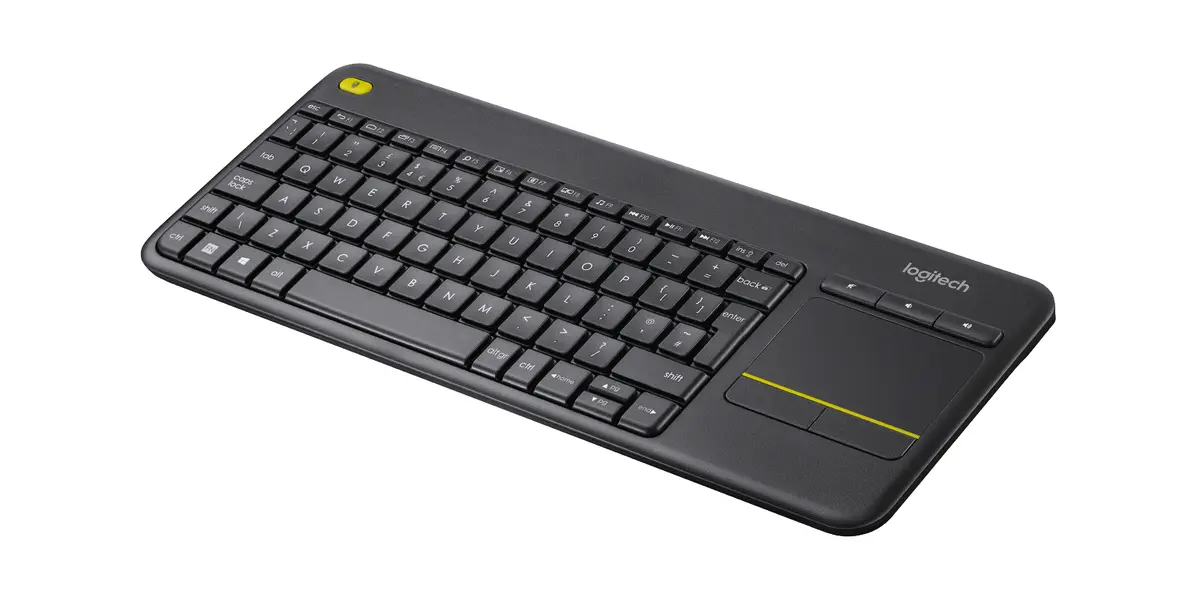
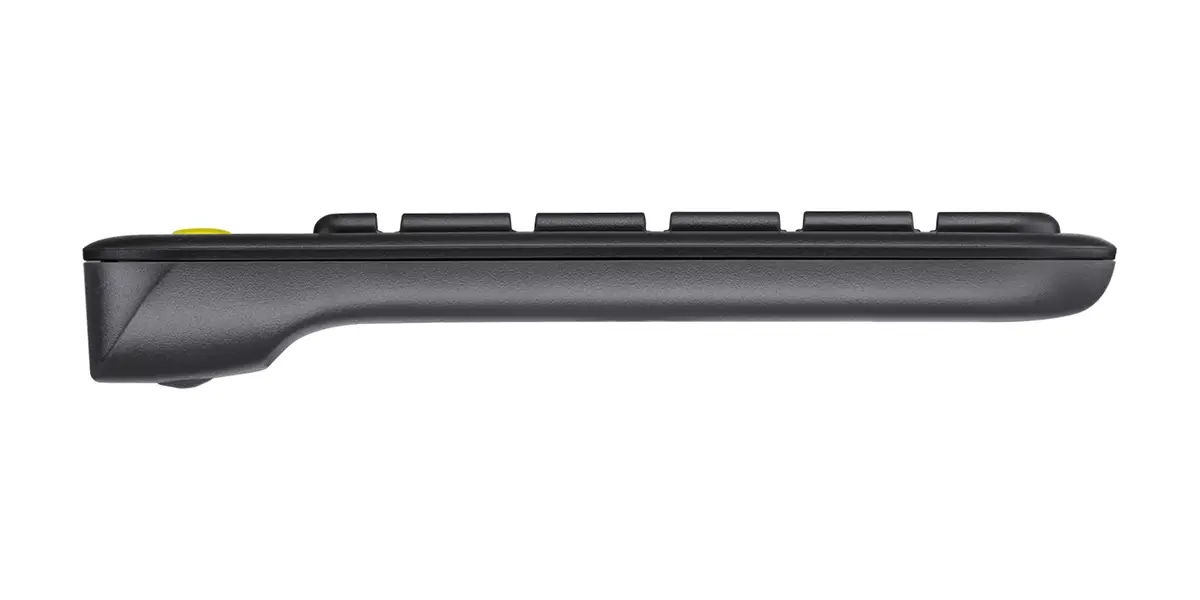
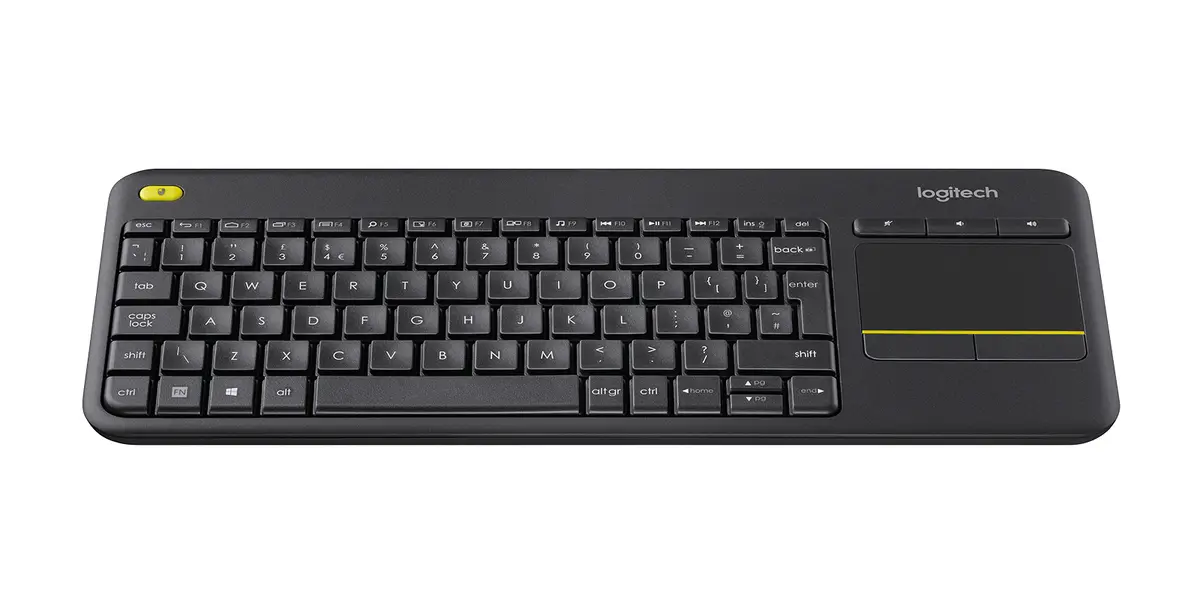
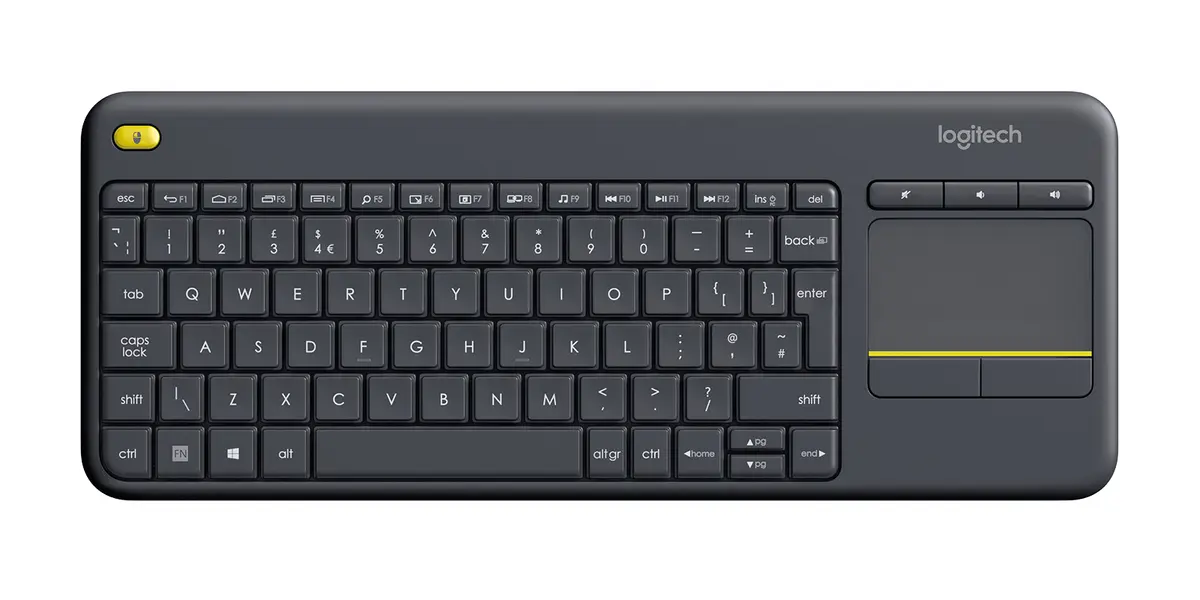
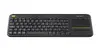
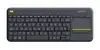
Logitech Wireless Touch Keyboard K400 Plus Mini QWERTY RF Wireless Black with Built-in Touchpad and US International Layout
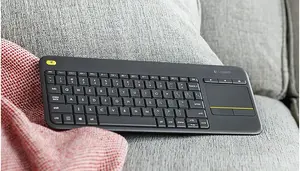
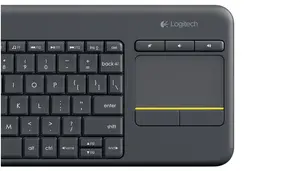
The Logitech Wireless Touch Keyboard K400 Plus Mini QWERTY RF Wireless Black with Built-in Touchpad and US International Layout is a compact peripheral designed to streamline navigation and typing for everyday computing and home entertainment systems. Featuring a mini form factor and a reliable wireless connection, this black keyboard integrates a built-in touchpad with dedicated mouse buttons, removing the need for a separate mouse. Powered by batteries, it offers a convenient all-in-one control solution for a variety of setups.
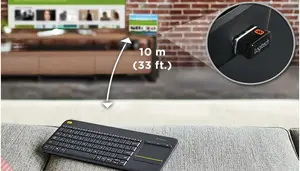
This wireless touch keyboard provides a clutter-free experience by combining a full typing surface and a touchpad into a single device. The integrated pointer eliminates the necessity of a standalone mouse, making it exceptionally practical for use in restricted spaces or away from a traditional desk. RF wireless connectivity ensures a stable connection from a distance, allowing users to operate their systems comfortably from a couch or another preferred location. The compact mini layout saves physical space while maintaining standard typing functionality with a US International QWERTY configuration.
This mini keyboard may not be the optimal choice for users who require intensive numerical data entry, as it lacks a dedicated numeric keypad. Additionally, individuals seeking specialized mechanical gaming keyboards or devices with backlighting for dark environments will likely need to look for alternative peripherals.
To begin using the keyboard, insert the required batteries into the compartment. Connect the wireless receiver into an available USB port on your compatible host device. The system should recognize the peripheral automatically, allowing you to type and use the built-in touchpad immediately. Use the integrated touchpad surface for cursor navigation and the physical mouse buttons for clicking actions. Turn off the device using the power switch when not in use for extended periods to help conserve battery life.
For optimal performance and longevity, store the keyboard in a dry environment and replace the batteries promptly when power levels run low. Utilize the power switch during periods of prolonged inactivity to preserve battery life.
PC-to-TV entertainment shouldn't be hard work. Kick back and navigate your TV-connected computer from the comfort of your couch!

Enjoy seamless control of your PC-to-TV entertainment, without the hassle and clutter of a separate keyboard and mouse.Comfortable, quiet keys and a large (3.5-inch) touchpad make navigation effortless.

Watch video, browse the web, chat with friends and more, without annoying delays or dropouts.

You are instantly comfortable using the K400 Plus. Layout is designed for relaxed media interaction.
{{highlightedFeature.featureTitle}}:
{{getProductFeatureValueById(product, highlightedFeature.featureId)}}
The wireless touch keyboard Logitech K400 Plus with Built-In Touchpad and Media Shortcuts is compared with several similar alternatives from the same product line: German QWERTZ layout versions (models 920-007127), Nordic QWERTY layout versions (models 920-007141), and a Czech layout version (model 920-007151). All these devices share a core foundation: they are designed for home entertainment setups, Smart TVs, and PC-to-TV control from the comfort of a couch, featuring an integrated touchpad, RF wireless connectivity, and battery power. The primary differences among the options lie exclusively in the keyboard language layout and regional configuration.
⚙️ The specifications comparison table below contrasts the device type, connection interface, presence of a touchpad, form factor, and regional keyboard layout characteristics.
| Parameter | Logitech K400 Plus (Main) | Logitech K400 PLUS (Germany, QWERTZ) | Logitech K400 Plus (Nordic, QWERTY) | Wireless Touch Keyboard Logitech K400 Plus (Nordic) | Logitech Wireless Touch Keyboard K400 Plus (Germany) | Wireless Touch Keyboard Logitech K400 Plus (Czech) | Practical Conclusion |
|---|---|---|---|---|---|---|---|
| Device type | Wireless mini keyboard with touchpad | Wireless keyboard with touchpad | Wireless mini keyboard with touchpad | Mini wireless touch keyboard | Wireless keyboard with built-in touchpad | Mini wireless touch keyboard | All devices share an identical base form factor intended for multimedia navigation. |
| Connection interface | RF Wireless | RF Wireless | RF Wireless | RF Wireless | RF Wireless | RF Wireless | The connectivity method and operational range are completely identical across all models. |
| Built-in touchpad | Yes | Yes | Yes | Yes | Yes | Yes | The integrated touchpad eliminates the need for a separate mouse on the couch in all versions. |
| Keyboard layout | Standard / To be specified | German (QWERTZ) | Nordic (QWERTY) | Nordic (QWERTY) | German (QWERTZ) | Czech | The choice of a specific model depends entirely on the user's preferred input language and regional layout. |
◎ The suitability table below outlines which product variant is most appropriate for different user needs and typing language requirements.
| Use case | Recommended product | Why |
|---|---|---|
| Controlling Smart TVs and media players with a standard layout | Logitech K400 Plus with Built-In Touchpad and Media Shortcuts | Provides universal wireless media control without tying the user to specific regional key symbols. |
| Entering German text for living room PC setups | Logitech K400 PLUS (German QWERTZ versions) | The QWERTZ layout is fully adapted for German-speaking users for comfortable typing. |
| Use in Nordic countries | Modifications with Nordic layout | Contains the necessary regional symbols for convenient typing in northern regions. |
| Working with Czech localization | Modification with Czech layout | Optimal for users who need to type texts in the Czech language. |
The choice of a specific model from the Logitech K400 Plus line depends solely on the required regional keyboard layout, as technically and functionally all presented devices are identical. The main version is versatile, while alternative options are tailored for comfortable use in German, Nordic languages, or Czech. Choose the modification whose layout matches your daily typing habits.