Dreame vacuums for fast and efficient cleaning!
In cart {{totalProductsCount}} item(s)
Your cart is empty
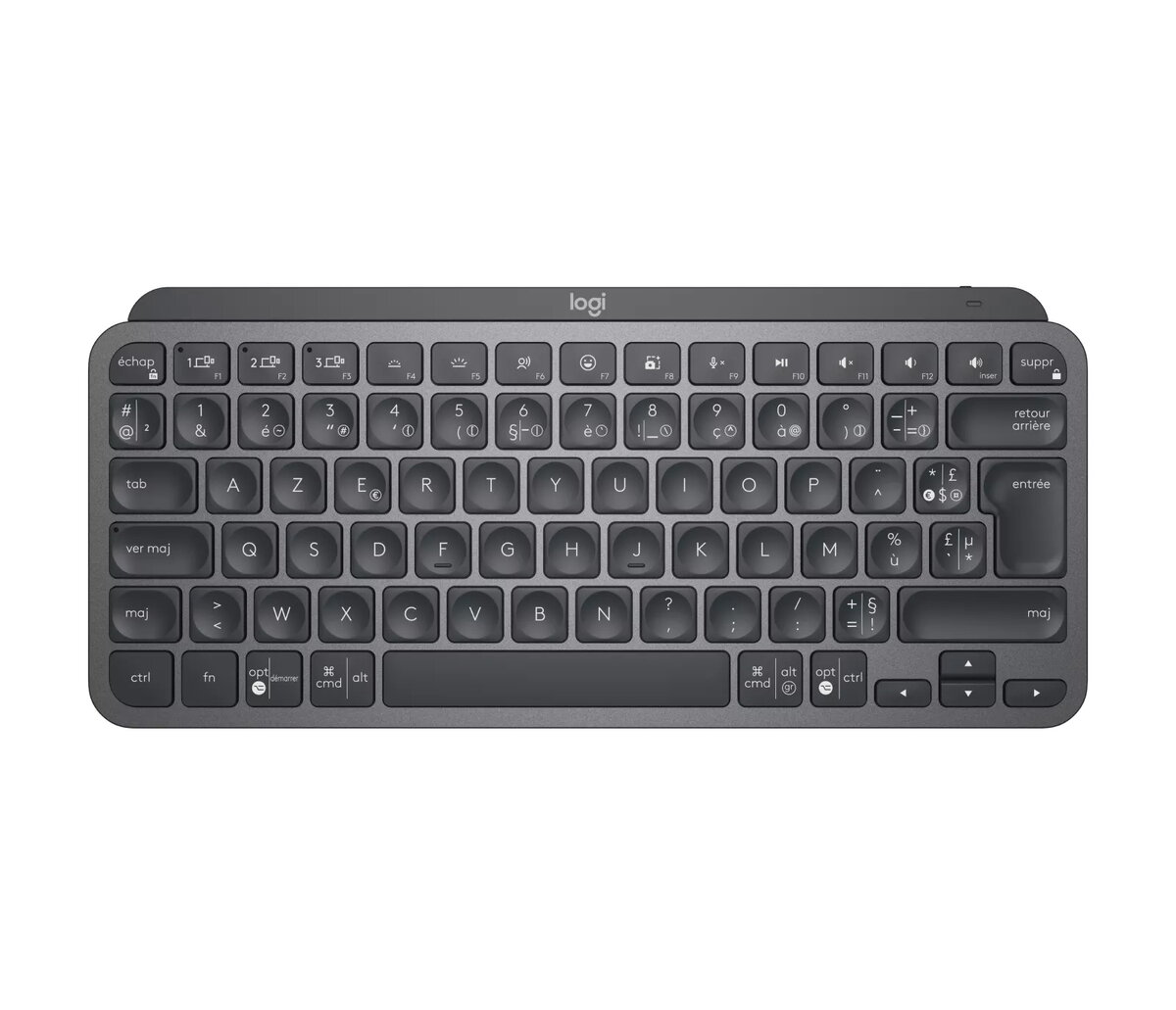
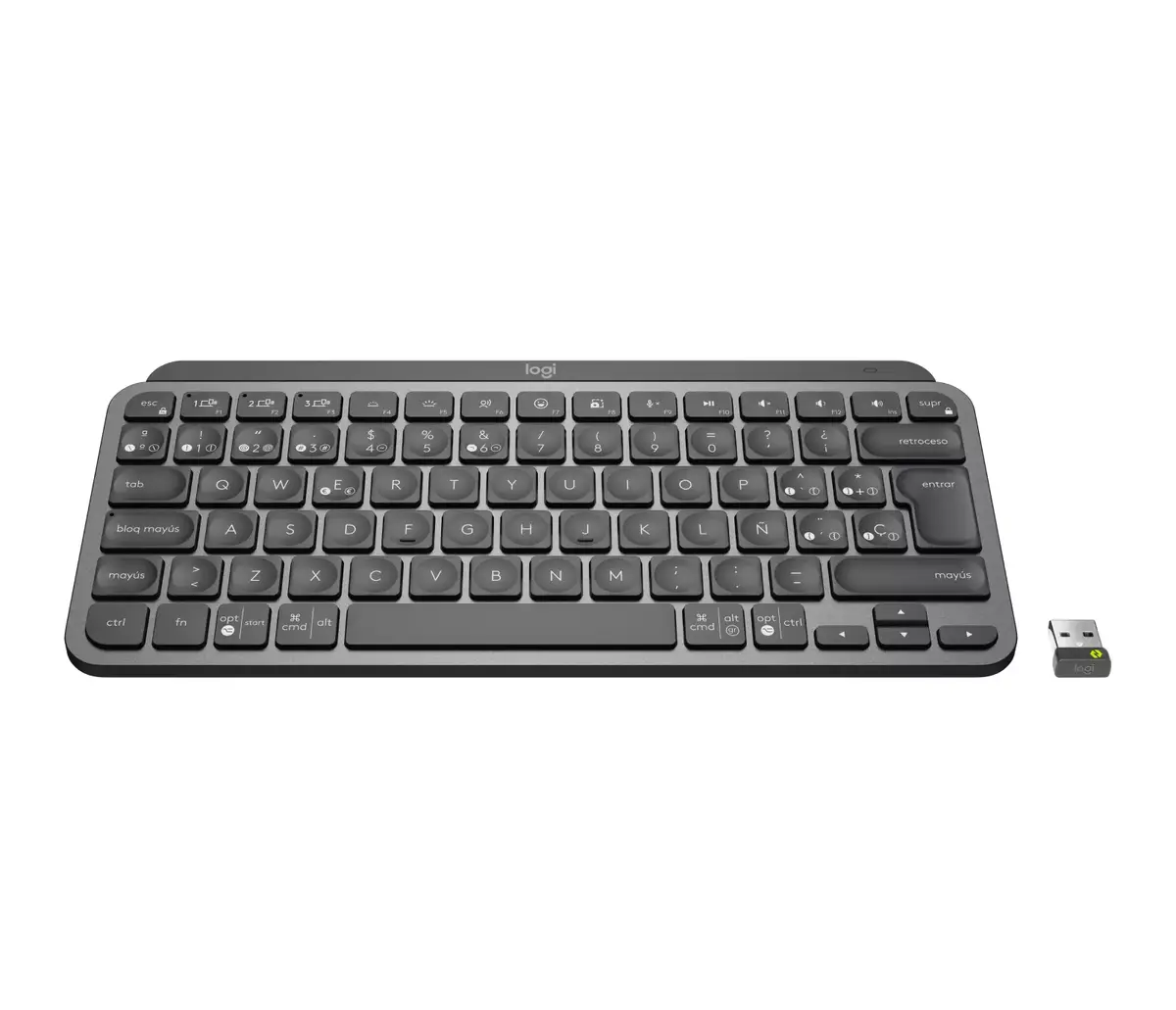
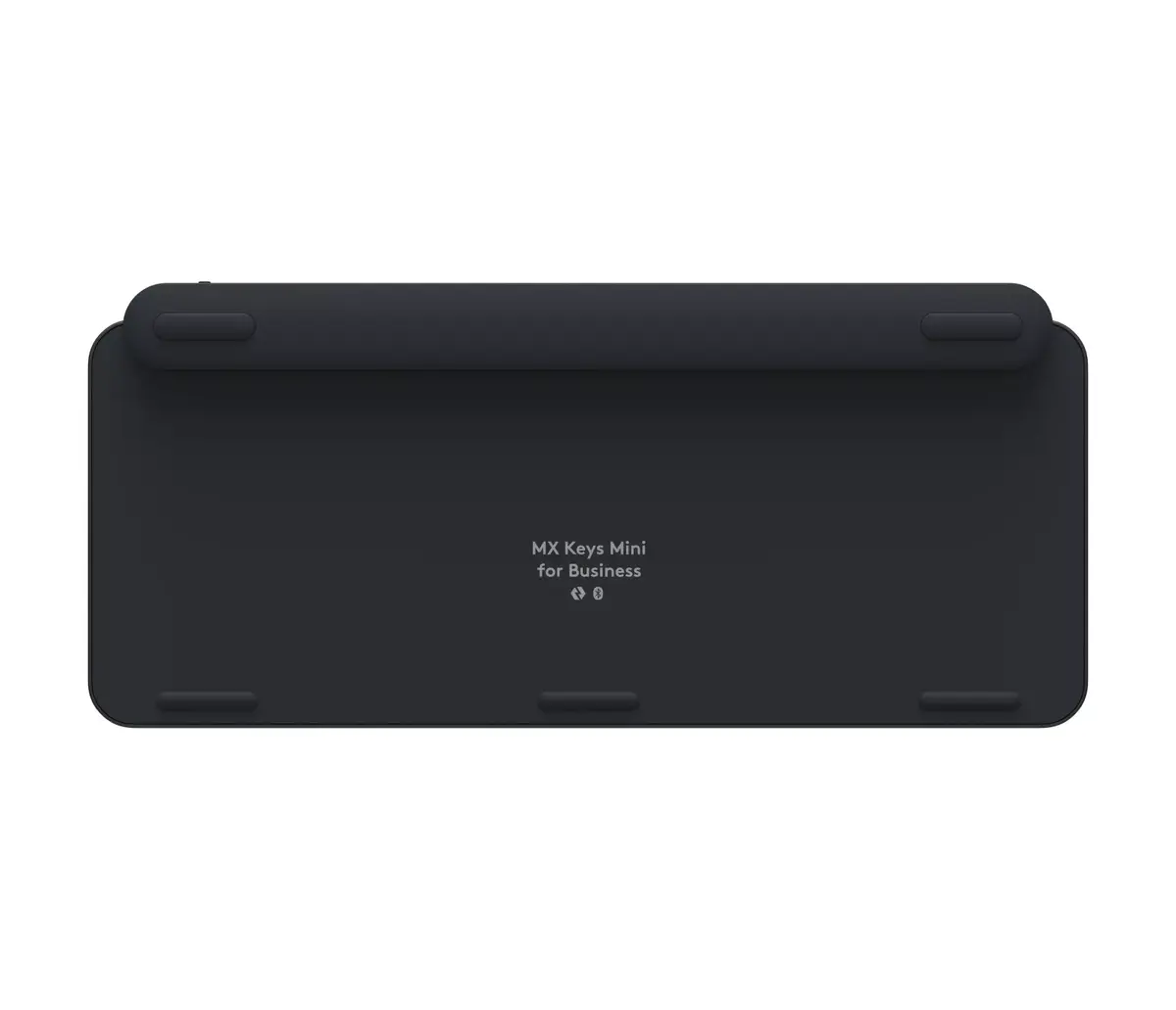
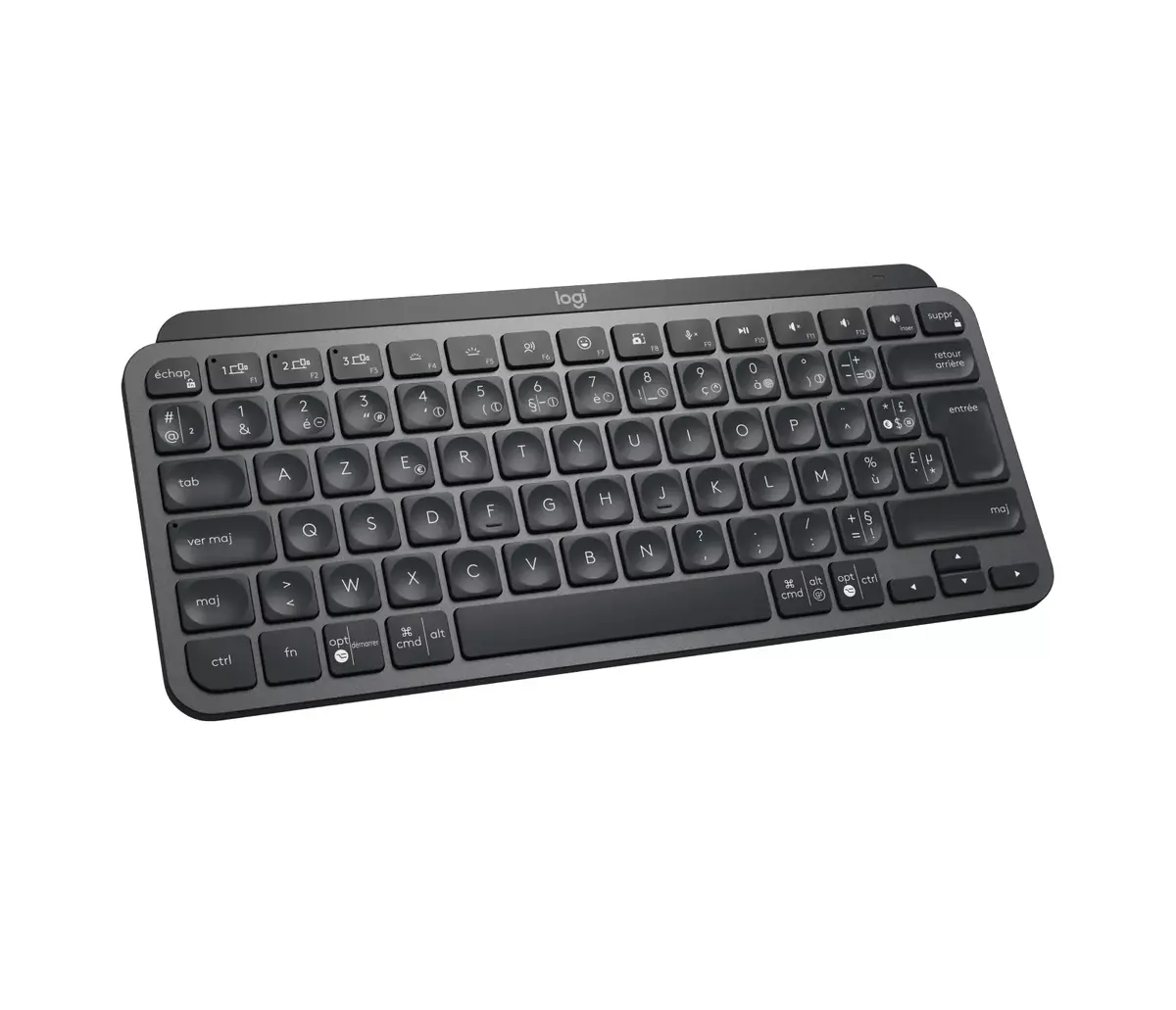
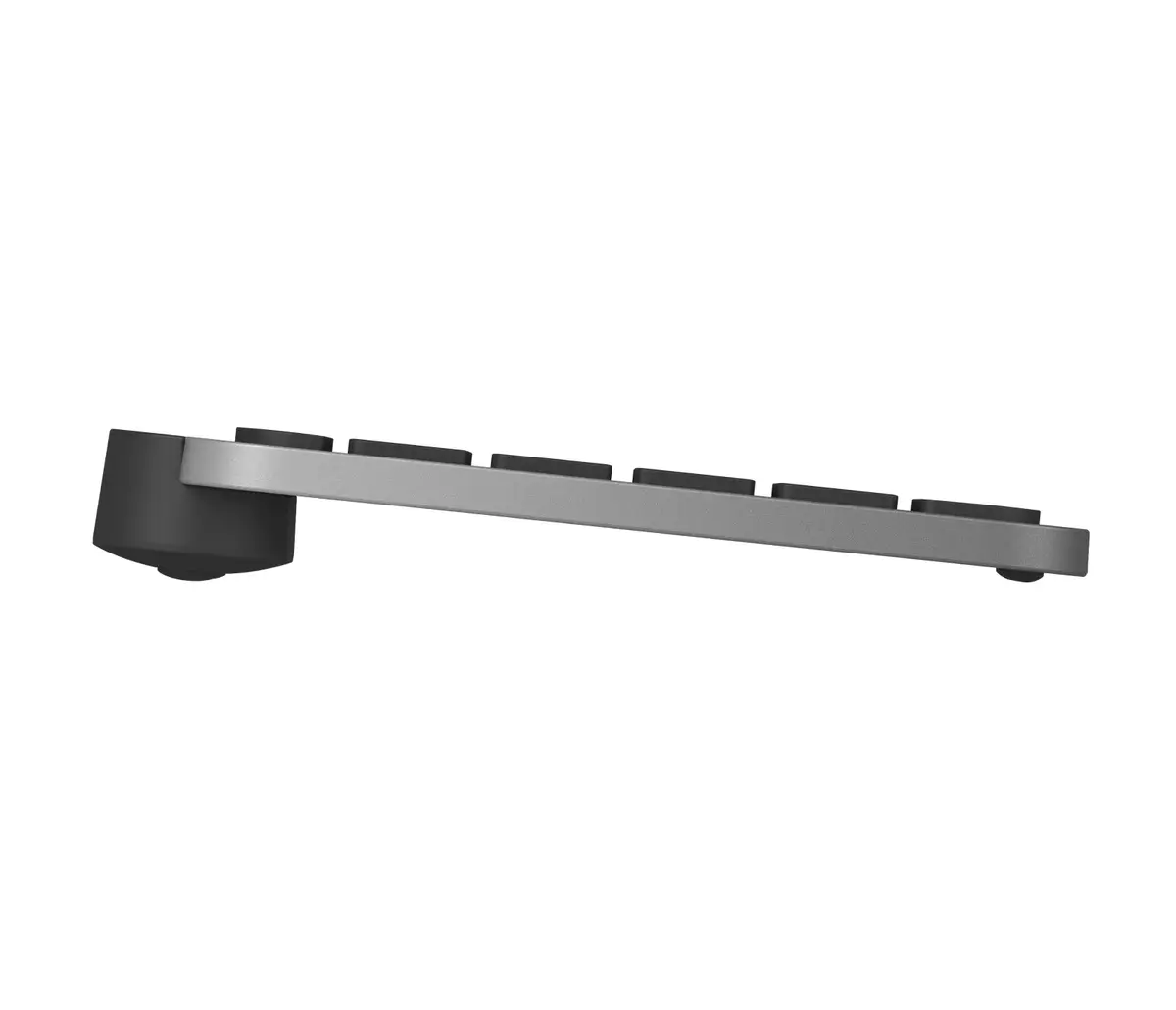
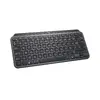
Keyboard Logitech MX Keys Mini For Business Wireless AZERTY 79 Keys
The Logitech MX Keys Mini For Business is a compact wireless keyboard with 79 AZERTY keys in a French layout and a Graphite finish. Designed for office and professional environments, it combines a minimalist form factor with scissor-switch keys, LED backlighting and dual connectivity via RF Wireless (Logi Bolt receiver) and Bluetooth Low Energy. The keyboard emphasizes stable keystrokes, portable workspace savings and cross-platform compatibility for Windows, macOS, Linux, Chrome OS, iPadOS, iOS and Android devices.
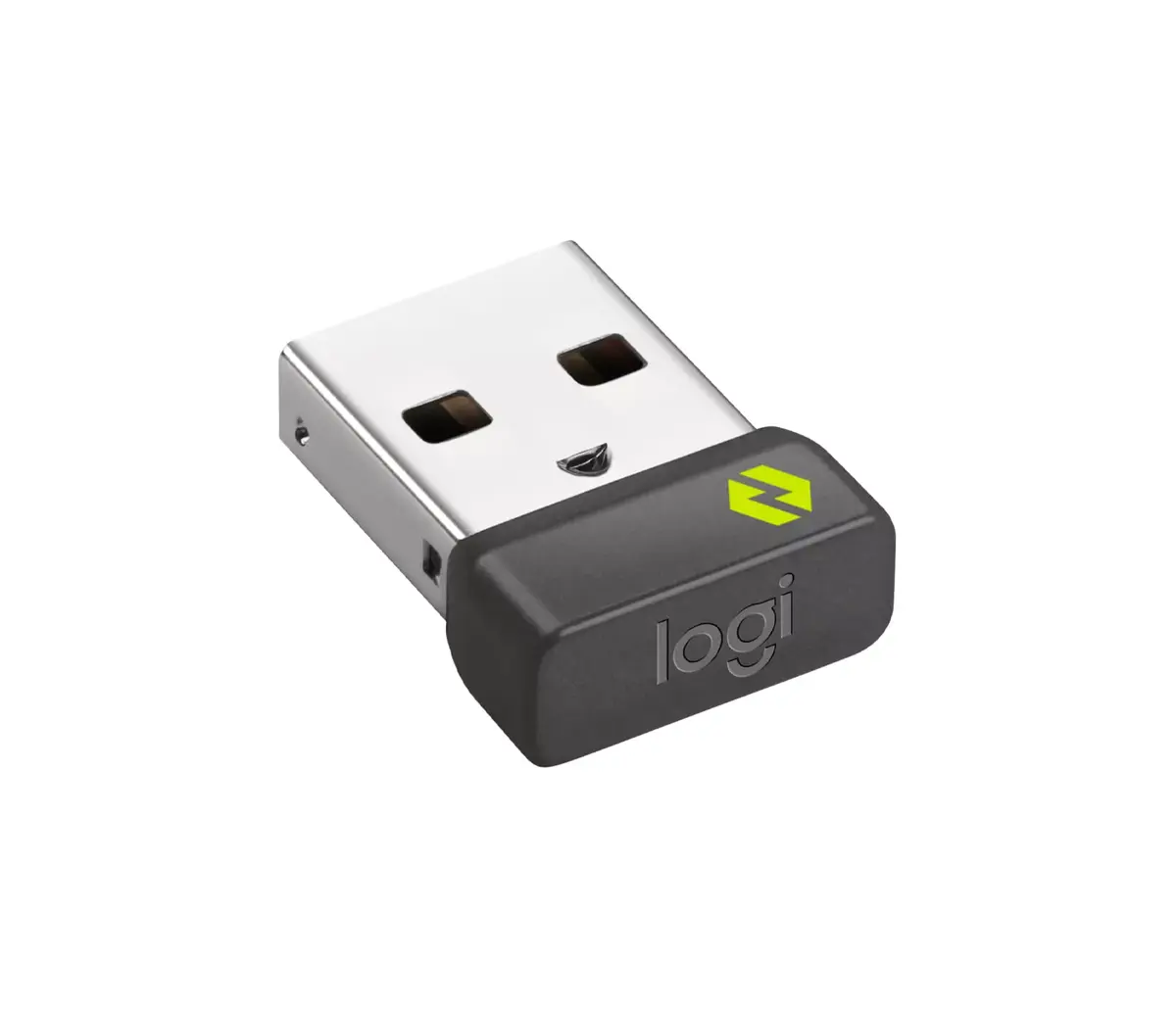
The MX Keys Mini For Business provides a stable metal-plate chassis that reduces keyboard flex and improves key responsiveness while lowering typing noise. Its backlit Perfect Stroke keys adapt to lighting and movement to support accurate typing in variable environments. Rechargeable battery life supports up to 10 days with typical backlight use or up to several months with illumination off, and multiple connection options let you pair up to three devices and switch between them with Easy-Switch keys. Logi Bolt secure wireless adds encrypted, congestion-resistant connectivity suited for managed IT deployments.
The compact 79-key AZERTY layout omits some keys found on full-size keyboards, which may slow workflows that rely on a numeric keypad or dedicated navigation cluster. Users who prefer mechanical switches or a larger ergonomic layout may find this mini form factor less comfortable for all-day heavy typing.
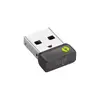
Charge the keyboard before first use and connect via Bluetooth or insert the Logi Bolt USB receiver to enable RF Wireless. Use the Easy-Switch keys to pair and toggle between up to three devices. Backlighting activates automatically based on ambient light and hand proximity; brightness can be adjusted or disabled through the companion software. For managed deployments, IT administrators can apply firmware updates and central settings using Logi Bolt management tools.
Place the keyboard centrally to keep the mouse within a comfortable reach zone and reduce shoulder strain. Use the Easy-Switch keys to maintain separate pairings for work and personal devices. Enable backlight only when needed to extend battery life, and deploy Logi Bolt management for firmware and settings control in organisational environments.
{{highlightedFeature.featureTitle}}:
{{getProductFeatureValueById(product, highlightedFeature.featureId)}}