Hurry and order now – up to 50% off!
In cart {{totalProductsCount}} item(s)
Your cart is empty
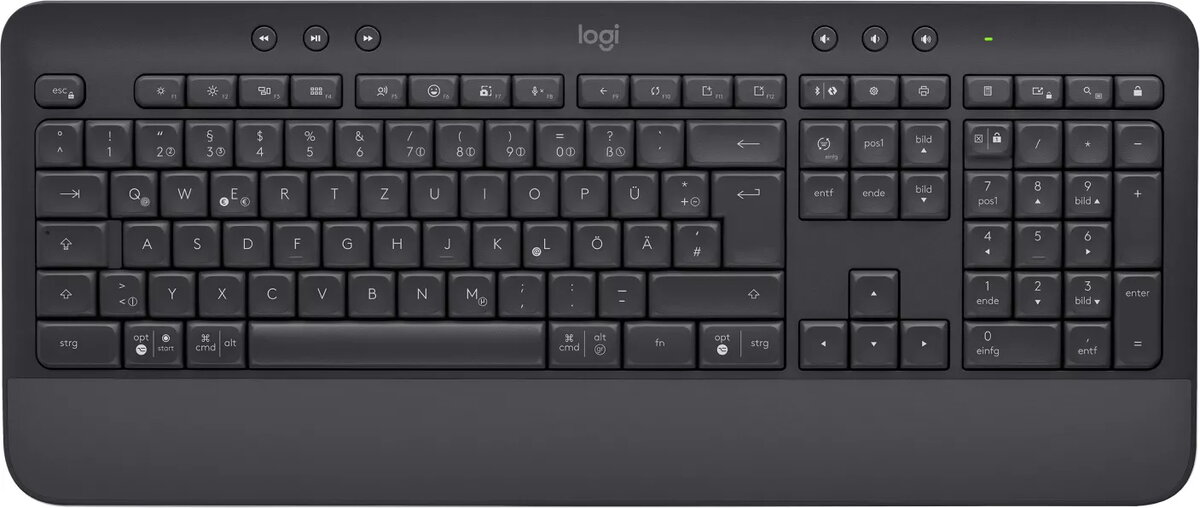
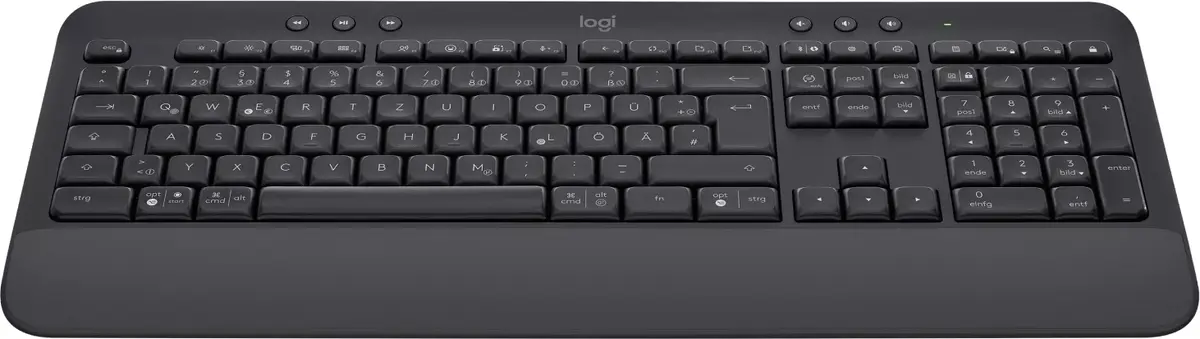
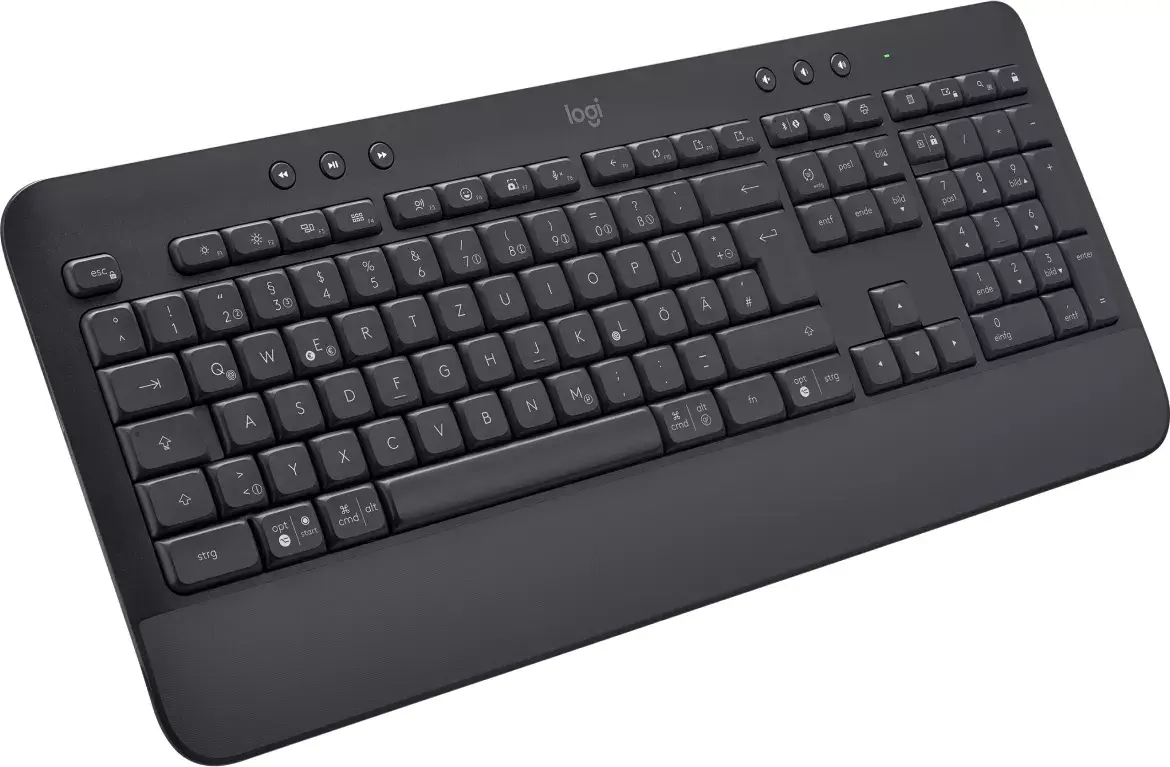
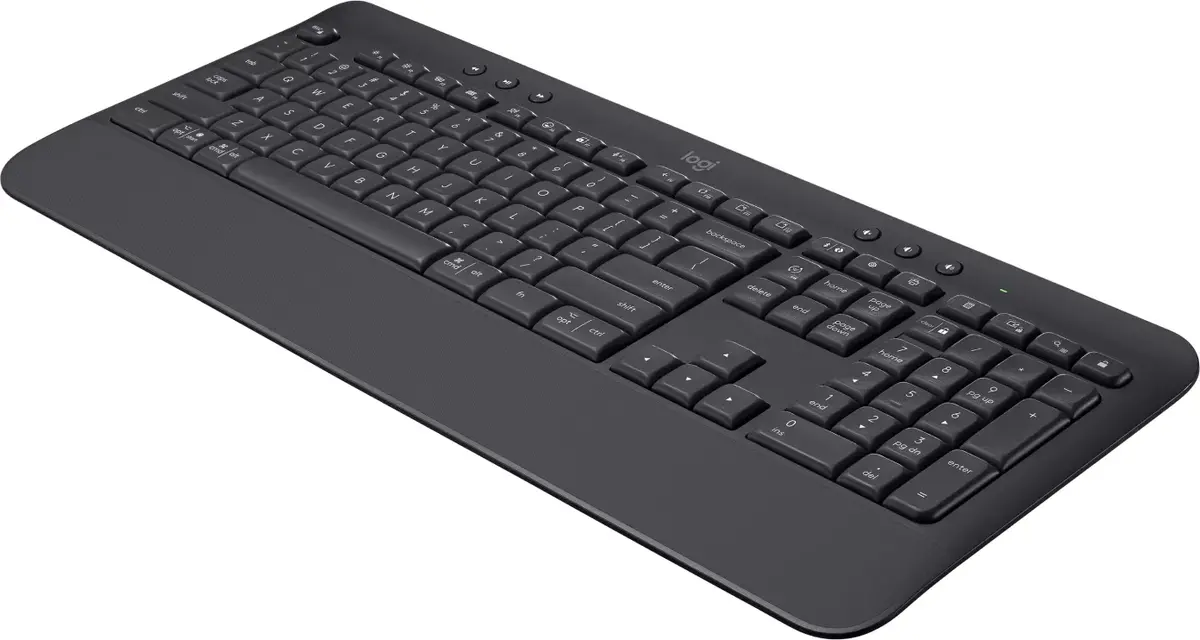
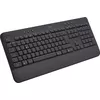
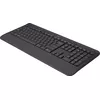
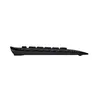
Keyboard Logitech SIGNATURE K650
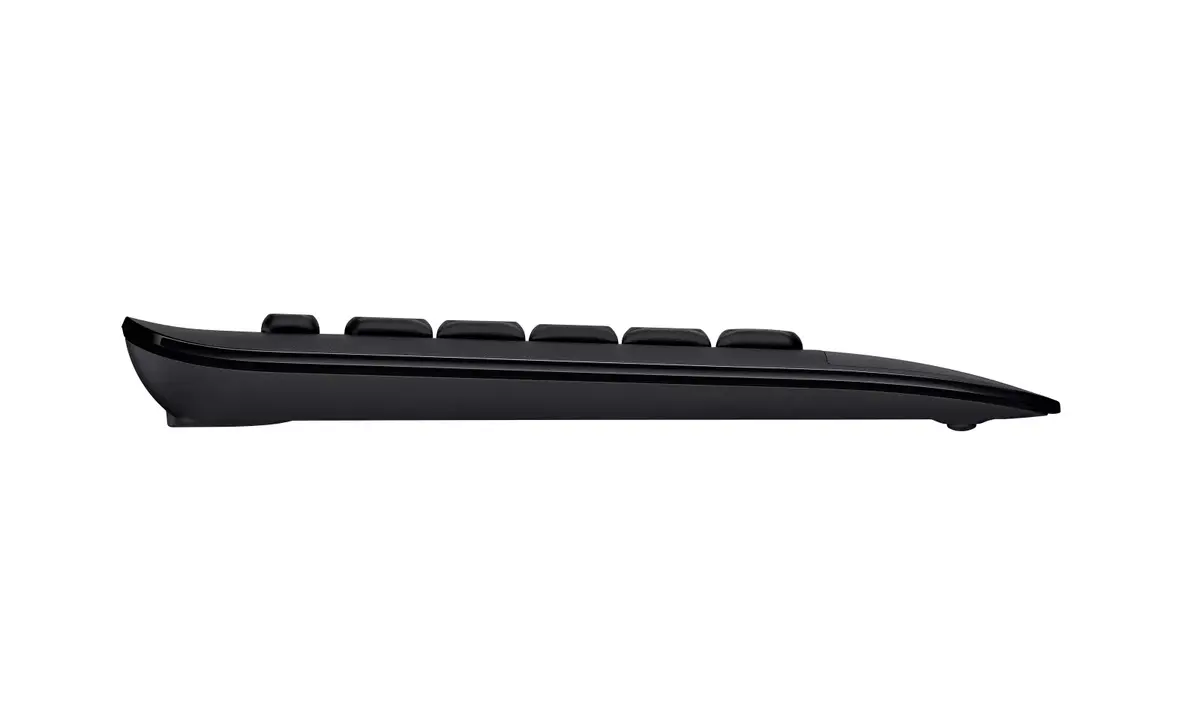
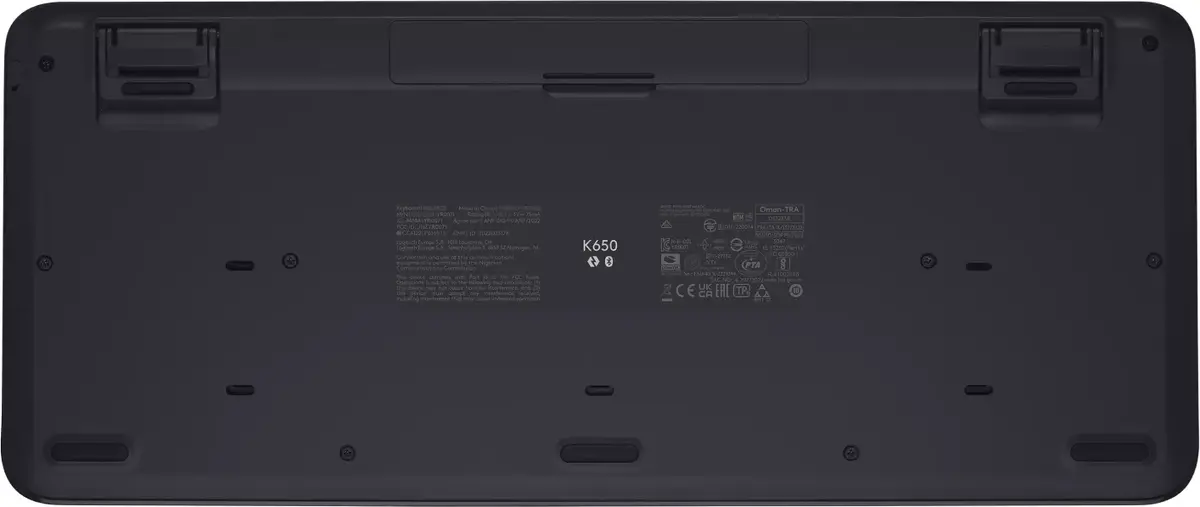
The Logitech SIGNATURE K650 is a full-size wireless keyboard with a QWERTZ layout and 118 keys designed for prolonged desk use. It includes an integrated soft-touch palm rest and deep-cushioned membrane keys to provide comfortable typing for long hours. The keyboard supports Bluetooth Low Energy and comes with a Logi Bolt USB receiver for a reliable wireless connection up to 10 meters. It is compatible with Windows, macOS, Linux, iPadOS, iOS, Android and is Works With Chromebook™ certified. The keyboard is spill-resistant, easy to clean, and uses certified post-consumer recycled plastic in its construction.
Signature K650 offers all-day comfort through a soft-touch integrated palm rest and deep-cushioned keys that reduce fatigue during extended typing sessions. A full-size layout with dedicated shortcut keys—such as screenshot, mic mute/unmute, and web navigation—speeds up common tasks. Multiple connectivity options (Bluetooth Low Energy or Logi Bolt receiver) provide flexibility and a stable connection up to 10 meters. Long battery life of up to 36 months and spill-resistant design make the keyboard reliable and low-maintenance. The device also contributes to reduced environmental impact by using recycled plastic and being certified carbon neutral.
Connect the keyboard to your device via Bluetooth Low Energy or plug in the included Logi Bolt USB receiver to establish a wireless connection. Place the keyboard on a stable surface and align your wrists on the integrated soft-touch palm rest to reduce strain. Use the dedicated shortcut keys for screenshots, mic mute/unmute during calls, and web navigation to improve workflow. Switch between devices and operating systems as needed; follow on-screen pairing instructions for each platform.
For best results, keep the keyboard on a flat, clean surface and position your monitor at eye level to maintain an ergonomic posture. Clean spills promptly and use a soft cloth for regular maintenance. To personalize key behavior and shortcuts, install Logitech Options+ software and pair the keyboard with a compatible Logitech mouse such as the Signature M650.
{{highlightedFeature.featureTitle}}:
{{getProductFeatureValueById(product, highlightedFeature.featureId)}}
| Warehouse | Stock | Delivery to the store | Store Price | |
| EU86 | 64 | 22.06.2026 | 43.49 € | |
| EU3 | 113 | 22.06.2026 | 46.49 € | |
| WH321 | 200 | 18.06.2026 Best delivery |
Discount -1%
|
|
| WH94 | 100 | 22.06.2026 | 49.99 € |
| Warehouse | Stock | Delivery to the store | Store Price | |
| WH109 | 113 | 08.07.2026 | 52.99 € | |
| EU6 | 4 | 22.06.2026 | 58.49 € |
|
43.49 €
Stock:
64
Delivery Date:
22.06.2026
Warehouse: EU86
|
|
46.49 €
Stock:
113
Delivery Date:
22.06.2026
Warehouse: EU3
|
|
Discount -1%
Stock:
200
Delivery Date:
18.06.2026
Best delivery
Warehouse: WH321
|
|
49.99 €
Stock:
100
Delivery Date:
22.06.2026
Warehouse: WH94
|
|
52.99 €
Stock:
113
Delivery Date:
08.07.2026
Warehouse: WH109
|
|
58.49 €
Stock:
4
Delivery Date:
22.06.2026
Warehouse: EU6
|