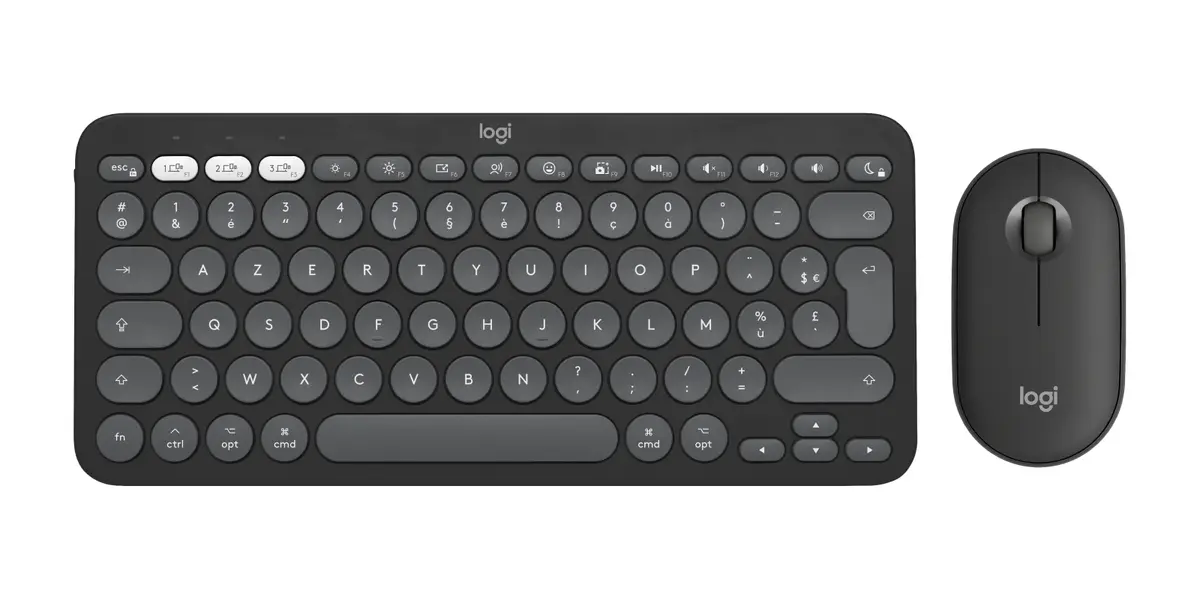
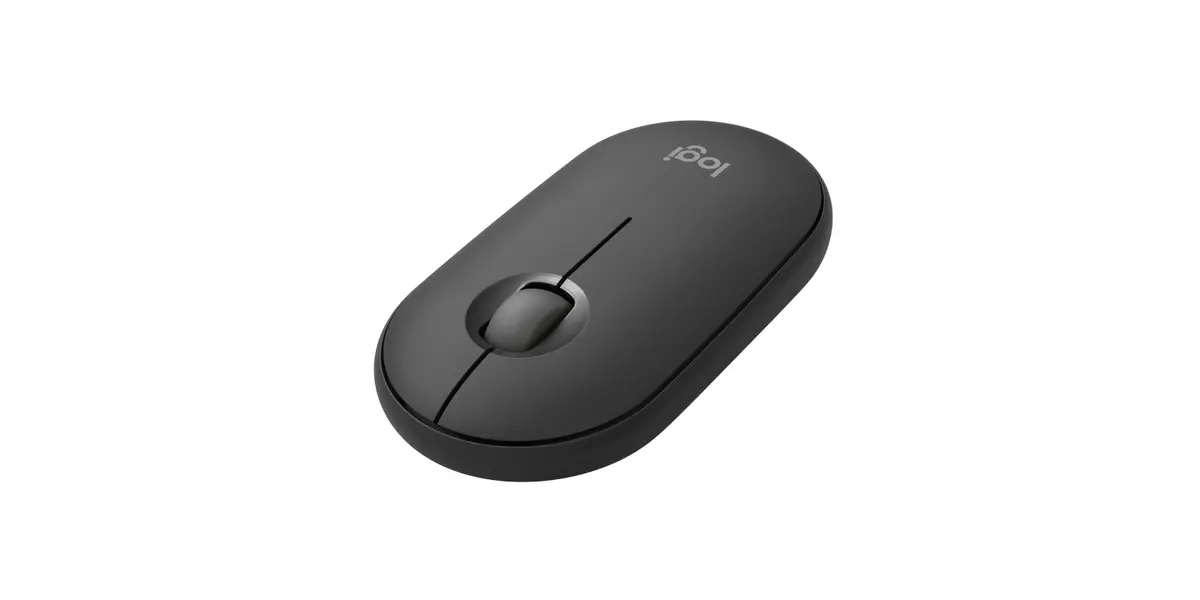
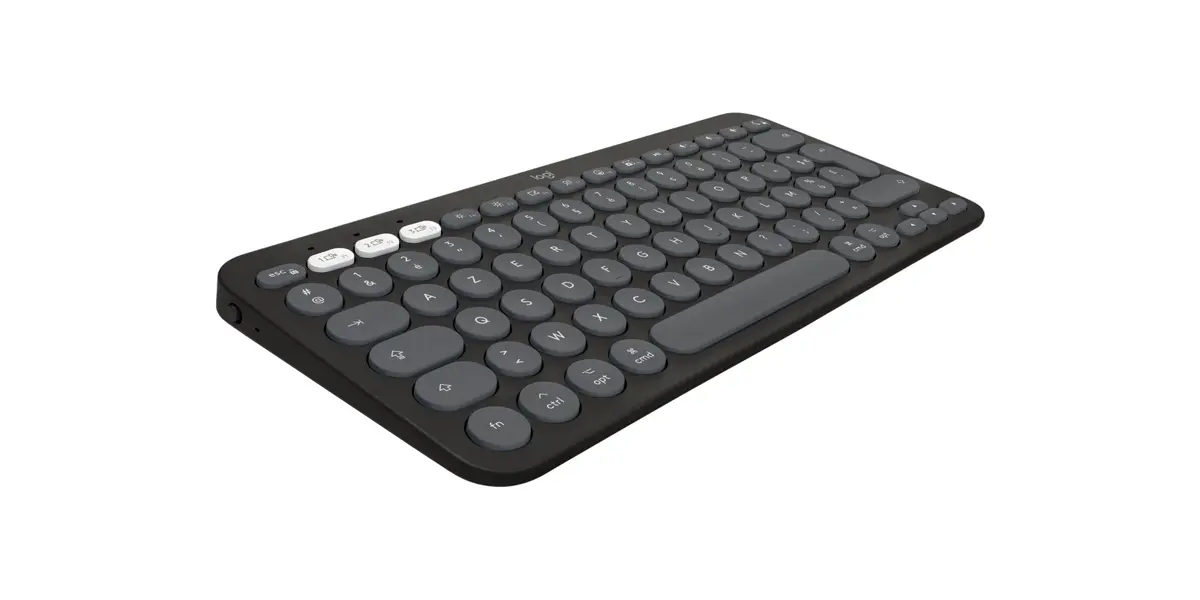
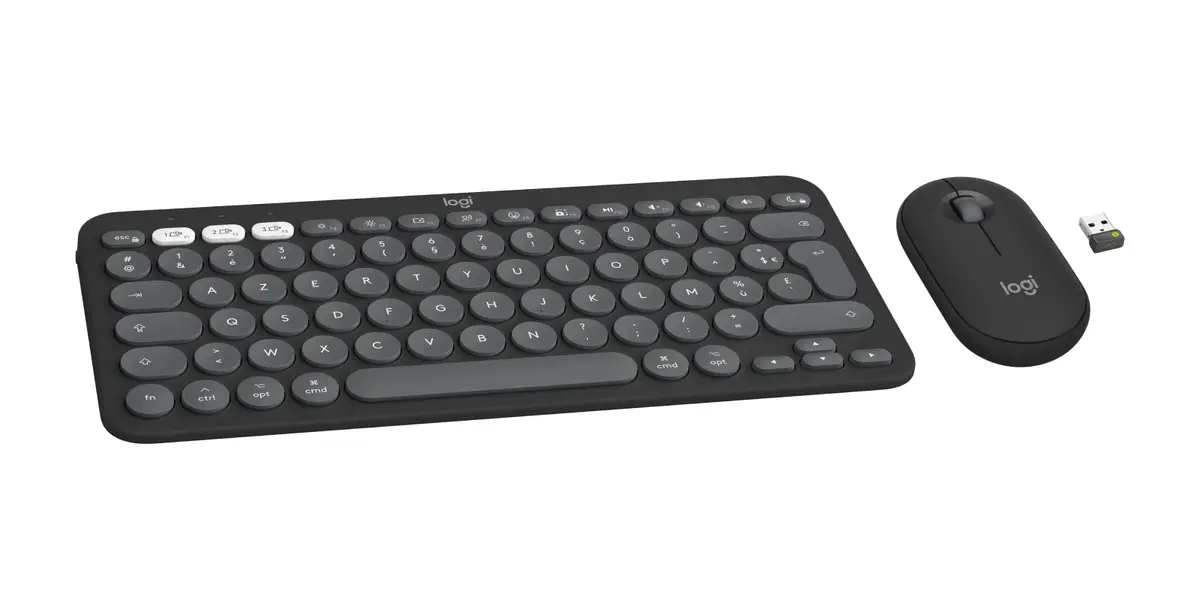
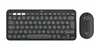
-
Battery technology:
The type of battery in the device, e.g. nickel–cadmium (NiCd).
-
Alkaline
-
Pointing device:
-
No
-
Form factor:
The shape or design of the product.
-
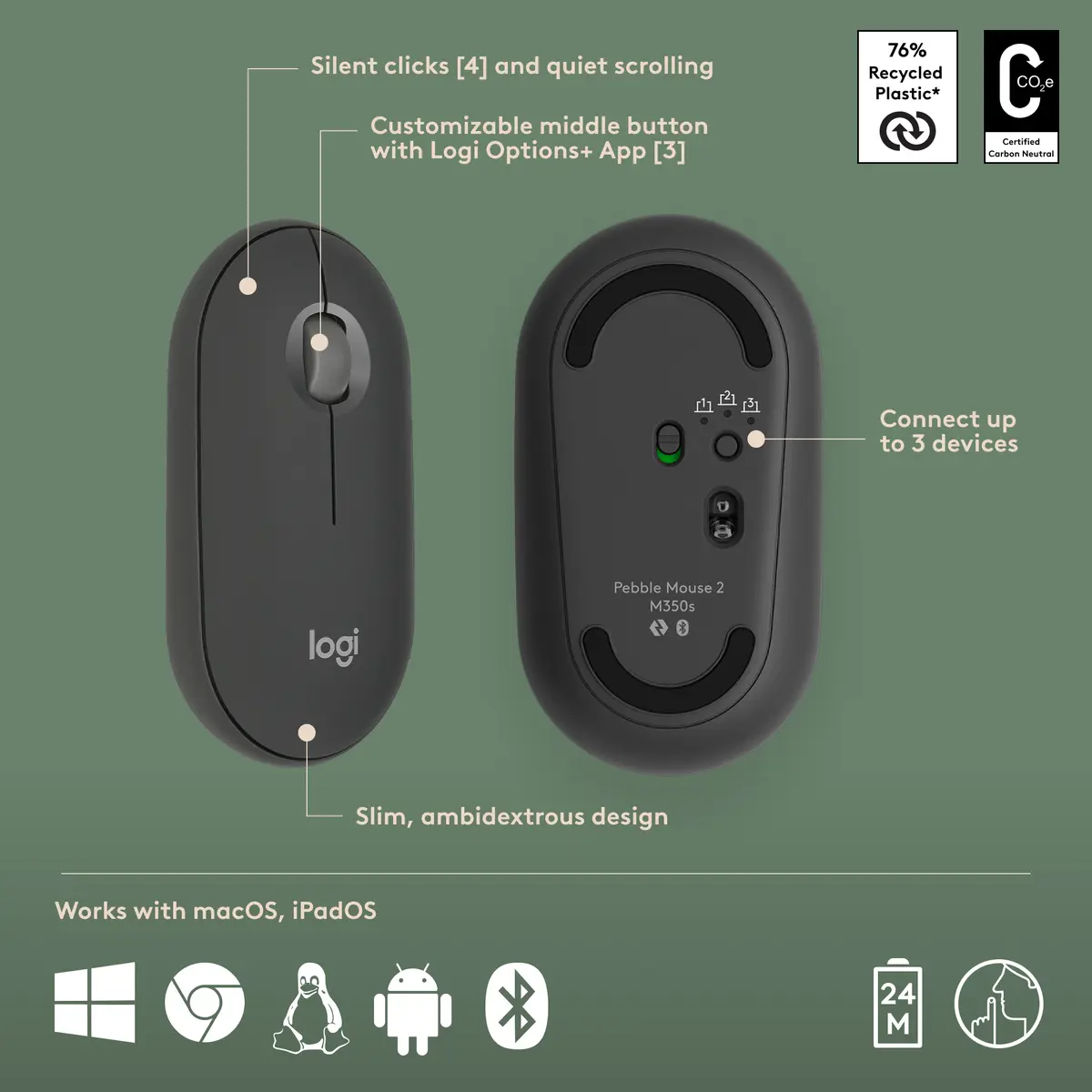
Ambidextrous
-
Compatibility:
The other products, software and hardware this product can be used with.
-
Logi Bolt USB receiver
-
Numeric keypad:
Small, palm-sized, seventeen key section of a computer keyboard, usually on the very far right. The numeric keypad features digits 0 to 9, addition (+), subtraction (-), multiplication (*) and division (/) symbols, a decimal point (.) and Num Lock and Enter keys. Laptop keyboards often do not have a numpad, but may provide numpad input by holding a modifier key (typically labelled "Fn") and operating keys on the standard keyboard.
-
No
-
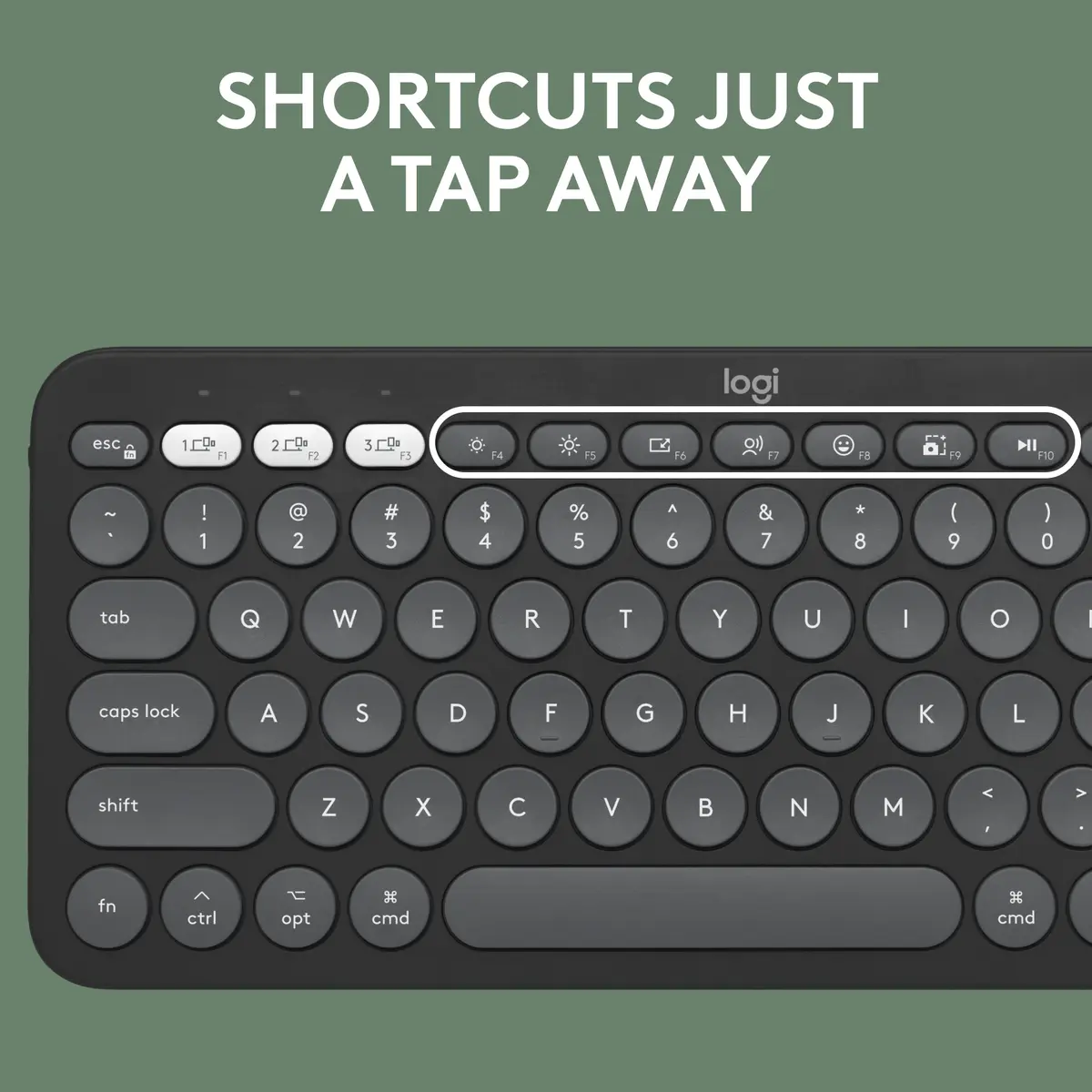
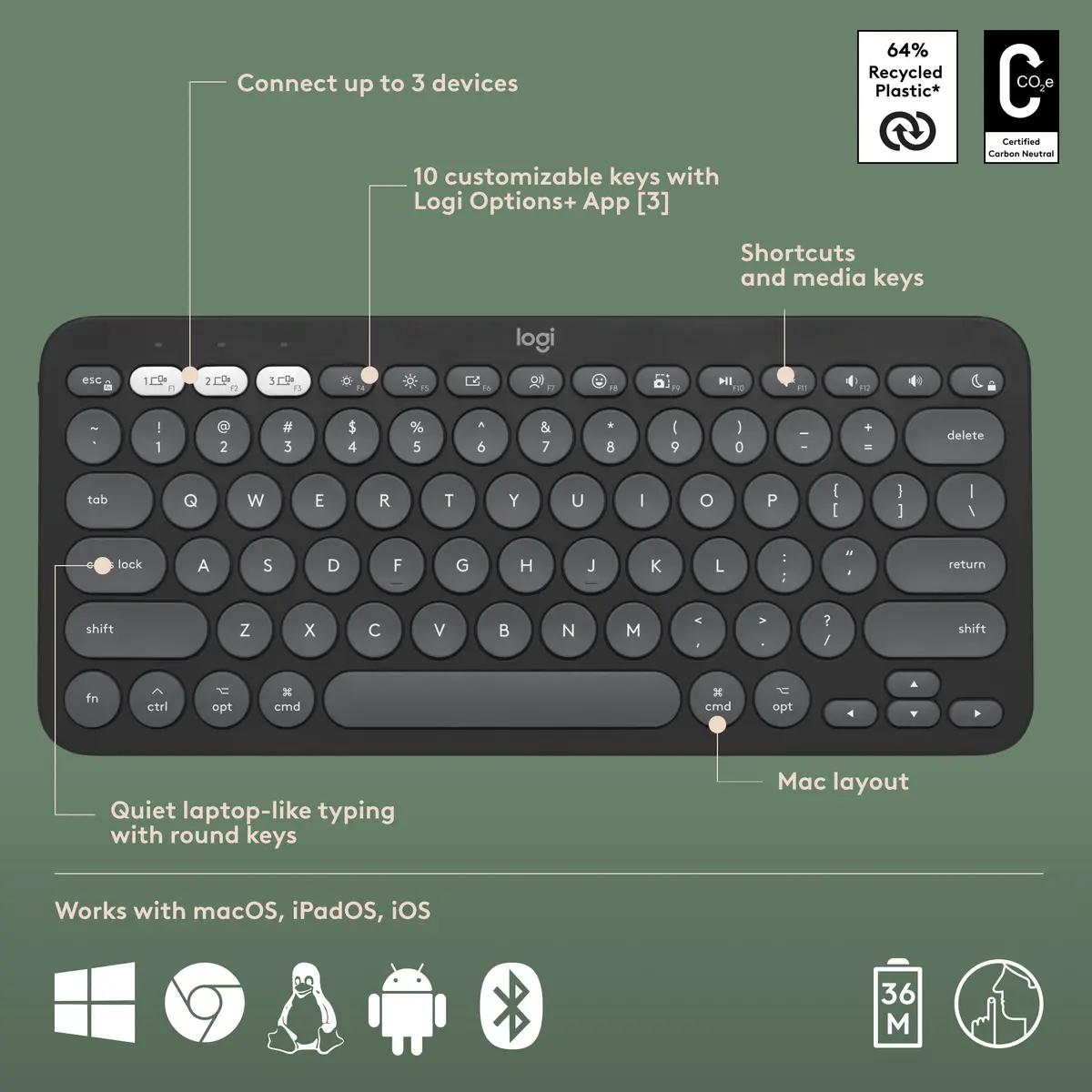
Hot keys:
-
Yes
-
Keyboard layout:
The type of keys on a keyboard, and their position on the keyboard. This can differ from country to country.
-
AZERTY
-
LED indicators:
-
Y
-
Wireless range:
-
10 m
-
Response time:
The response time is the time difference between the moment that a source (for example a video card) sends a signal and that equipment (for example a monitor) receives or display the signal. (Used abbreviations: R/F = Rise and Fall.)
-
8 ms
-
Connectivity technology:
The technology that enables connectivity of the device, e.g. wired or wireless.
-
Wireless
-
Buttons quantity:
The number of buttons that there are in/on the product.
-
3
-
Product colour:
The colour e.g. red, blue, green, black, white.
-
Graphite
-
Movement detection technology:
The technology employed to detect motion, e.g. Dual, using combinations of different sensing technologies to help reduce false triggering.
-
Optical
-
Movement resolution:
-
4000 DPI
-
Downloadable software:
List of software available to download for the product bundle; including manufacturer and coined name
-
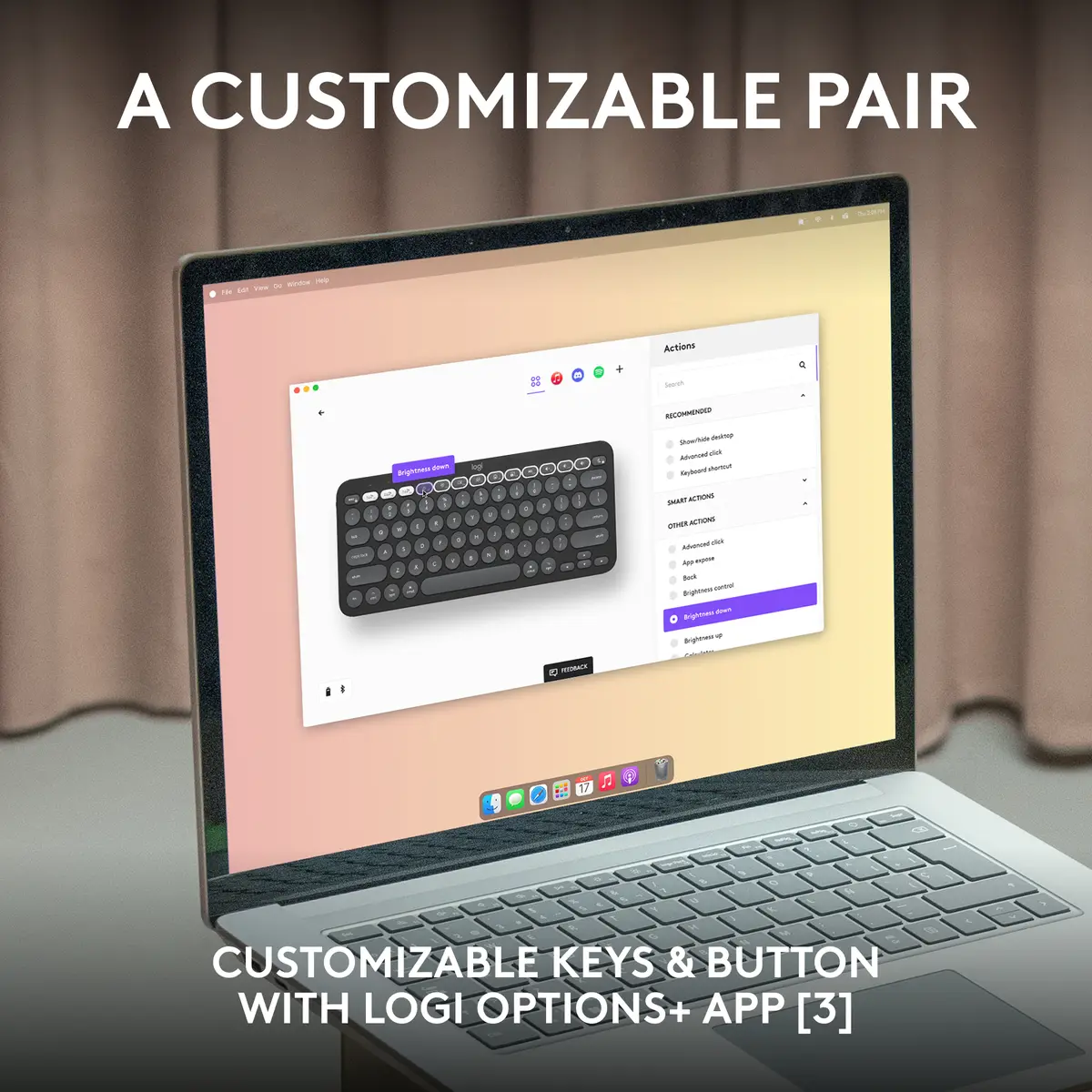
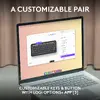
Logi Options+
-
Mouse included:
A mouse is included with this product.
-
Yes
-
Mouse dimensions (WxDxH):
-
58.7 x 26.6 x 106.7
-
Mouse weight:
How heavy the mouse is.
-
76 g
-
Backlight:
Product has a built-in light source for its illuminating.
-
No
-
Warranty card:
-
Yes
-
Scroll:
Move displayed text or graphics in a particular direction on a computer screen in order to view different parts of them.
-
Yes
-
Batteries included:
-
Yes
-
Number of products included:
The number of products that are included in the package.
-
2 pc(s)
-
Keyboard dimensions (WxDxH):
-
279 x 16 x 124
-
Keyboard weight:
-
415 g
-
On/off switch:
The button which is pressed to switch the device on or off.
-
Yes
-
Windows operating systems supported:
Windows vesions wich can be used with the device.
-
Windows 11, Windows 10
-
Mac operating systems supported:
Mac operating systems e.g. OS X can be used with the device.
-
Mac OS X 11.0 Big Sur, Mac OS X 12.0 Monterey, Mac OS X 13.0 Ventura
-
Power source type:
What the power source is.
-
Battery
-
User guide:
-
Yes
-
Surface coloration:
Type of surface coloration e.g. monotone, image.
-
Monochromatic
-
Receiver included:
The product includes a receiver, which is a device for picking up an external signal.
-
No
-
Recommended usage:
What the product should be used for, and how it should be used (e.g. ambient temperature).
-
Universal
-
Device interface:
The ports (sockets) where the device connects with other devices.
-
RF Wireless + Bluetooth
-
Keyboard language:
The letters which are marked on the keys for convenience of the keyboard usage with specific language.
-
French
-
Scrolling directions:
-
Vertical
-
Keyboard form factor:
Keyboard size, e.g. standard, mini.
-
Mini
-
Keyboard style:
The style of the keyboard e.g. straight, curved.
-
Straight
-
Mobile operating systems supported:
The operating systems e.g. Android, iOS, that can be used with the mobile device.
-
iPadOS, iOS 16, iOS 15, iOS 14.5, iOS 14
-
Scroll type:
Type of scroll in computer input device, e.g. wheel, touch.
-
Wheel
-
Number of batteries (mouse):
-
1
-
Number of batteries (keyboard):
-
2
-
Mouse battery type:
-
AA
-
Keyboard battery type:
-
AAA
-
Actuation force:
-
60 g
-
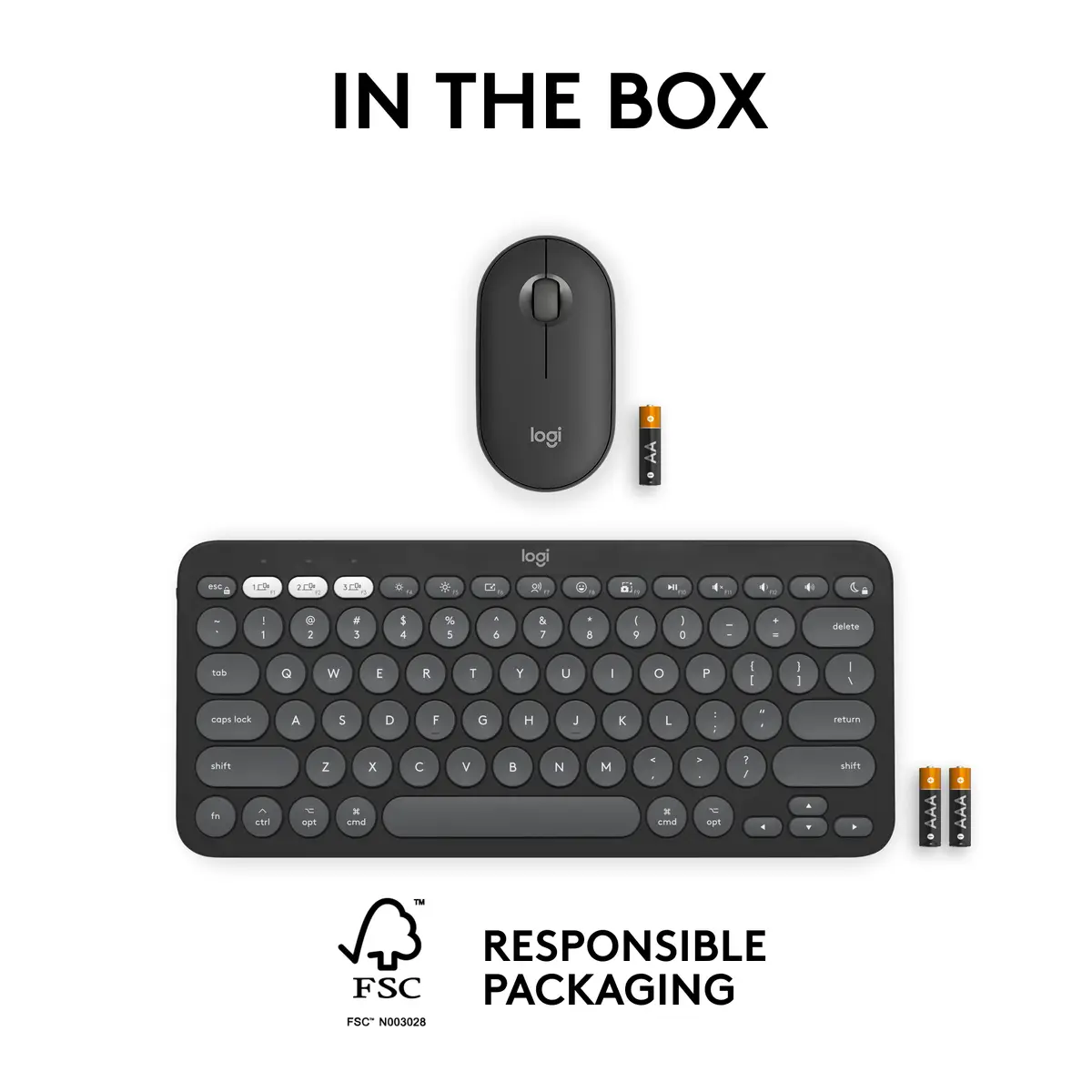
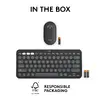
Packaging content:
-
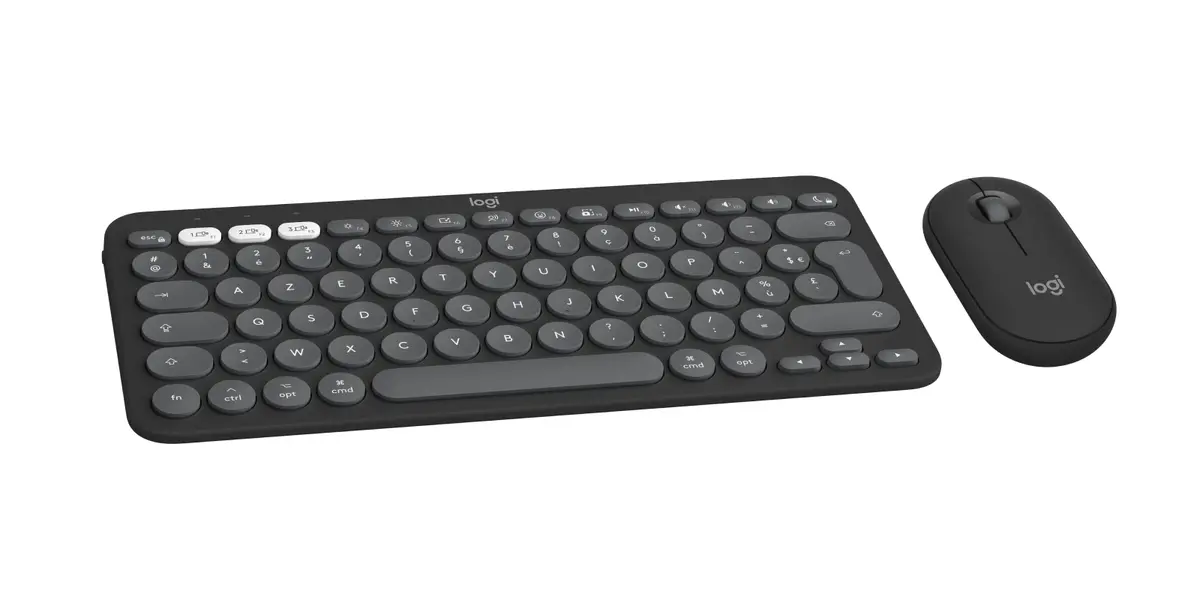
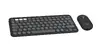
Pebble Keys 2 K380s for Mac keyboard
2 X AAA batteries (pre-installed)
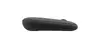
Pebble Mouse 2 M350s
1 x AA alkaline battery (pre-installed)
User documentation
Warranty Card for CN and JP
Important Info Document (IID)
-
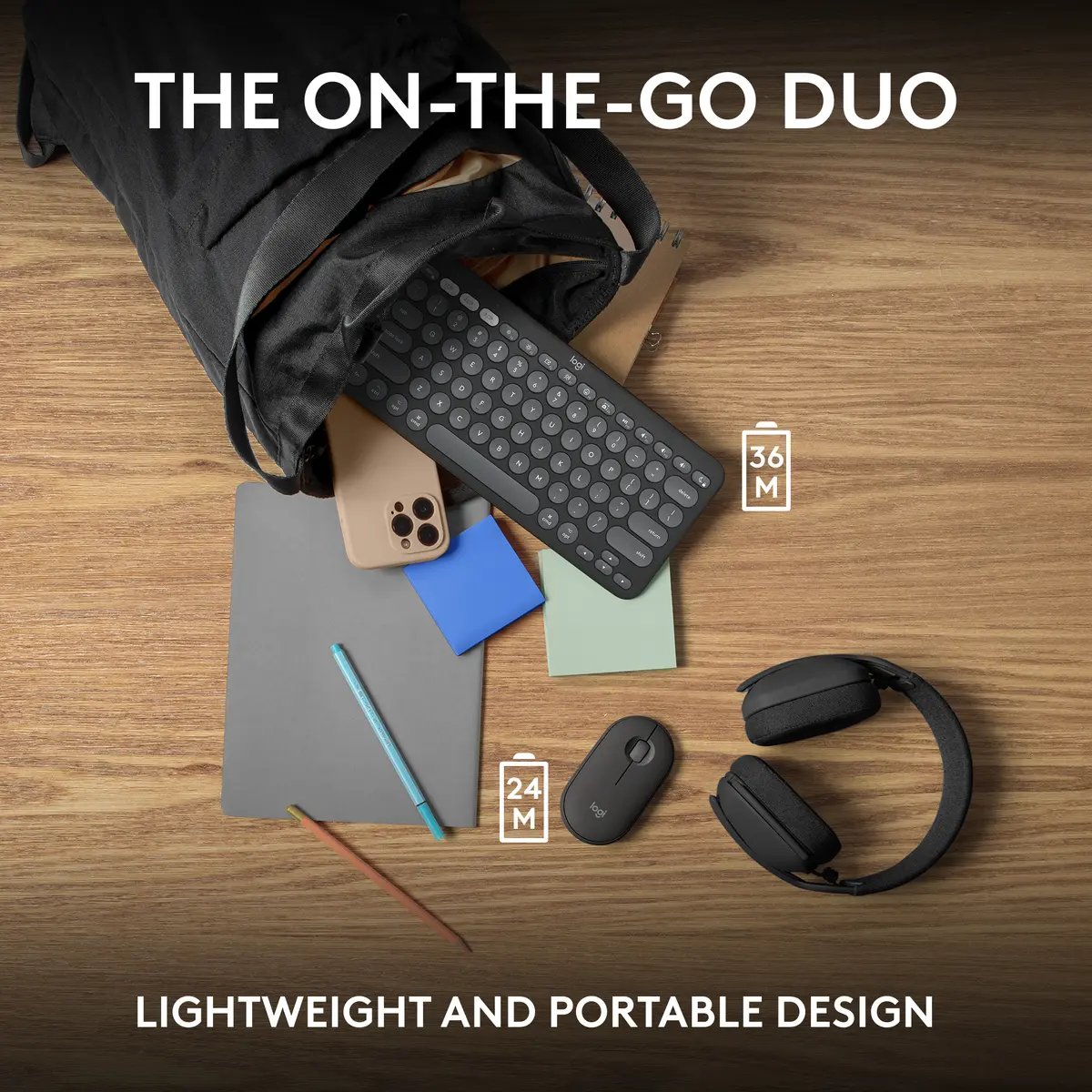
Service life of battery:
-
36 month(s)
-
Buttons type:
The type of the buttons.
-
Pressed buttons
-
Key travel distance:
-
1.5 mm
-
Keyboard key switch:
The characteristics of the key switch, mechanical vs rubber dome. A mechanical key switch is usually more expensive, gives a stronger feedback and can be more precise.
-
Scissor key switch
-
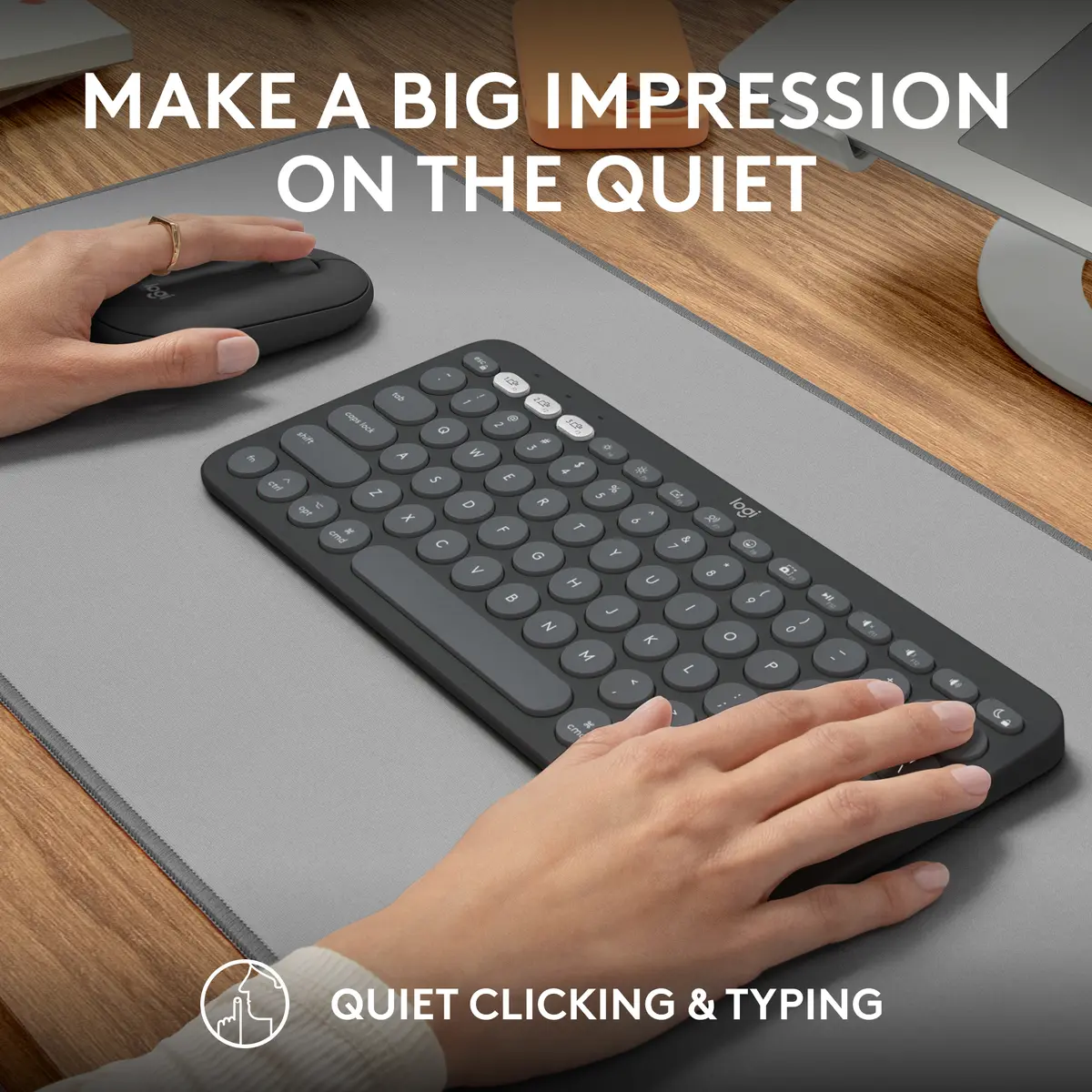
Silent keys:
-
Yes
-
Acceleration (max):
-
10 G
-
Buttons durability (million clicks):
-
3
-
Keyboard keys operating life:
-
10 million characters
-
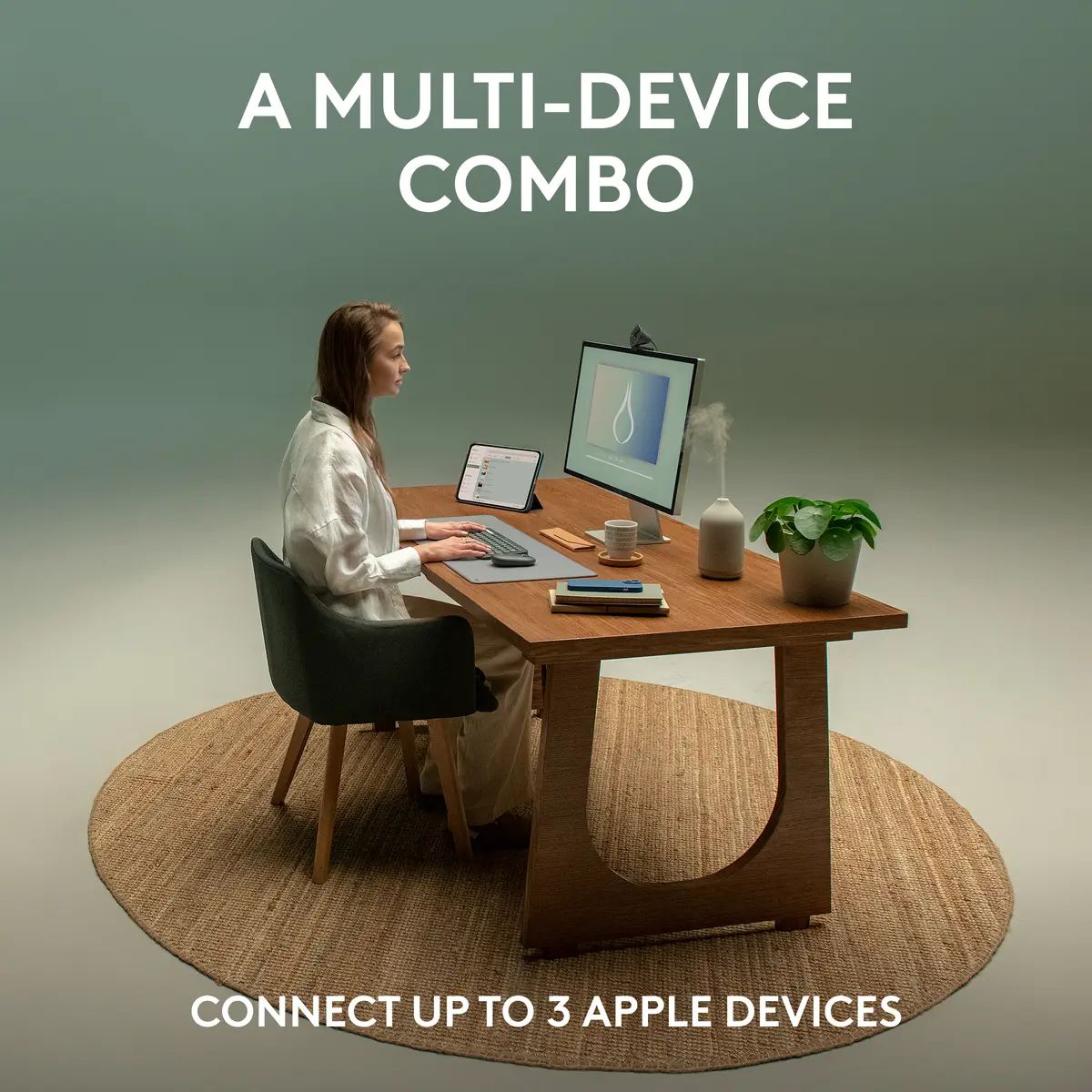
Multi-device support:
-
Yes
-
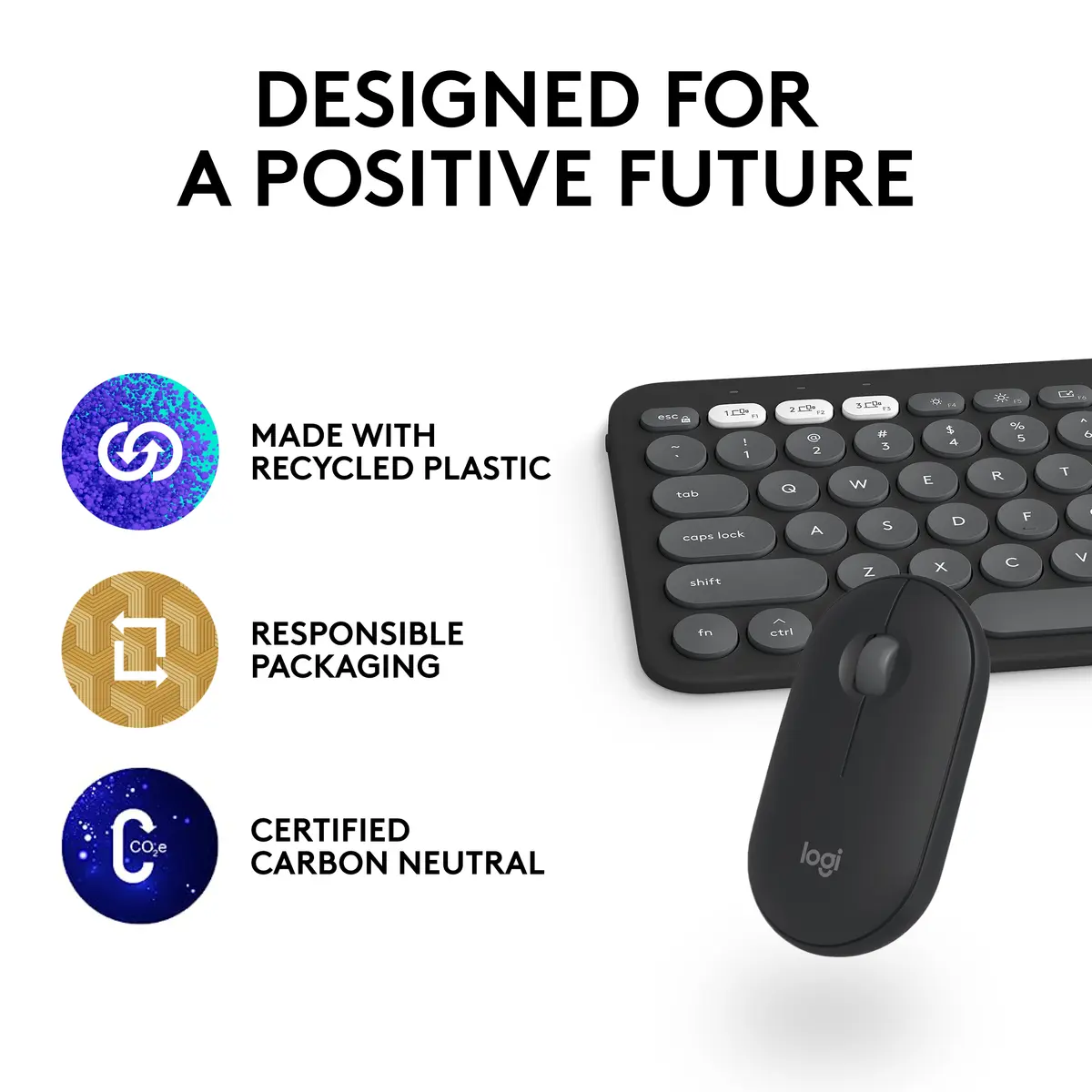
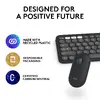
Product post-consumer recycled plastic:
The percentage of post-consumer recycled plastic relative to the total weight of all plastic used in the product.
-
76 %
-
Mouse tracking speed:
-
20 ips
-
Bluetooth Low Energy (BLE):
-
Yes
-
Keyboard key profile:
-
Low-profile
-
Sustainability certificates:
-
Forest Stewardship Council (FSC)
-
Mouse battery life:
-
24 month(s)
-
Mouse on/off switch:
-
Yes
-
Mouse battery technology:
-
Alkaline