Dreame vacuums for fast and efficient cleaning!
In cart {{totalProductsCount}} item(s)
Your cart is empty
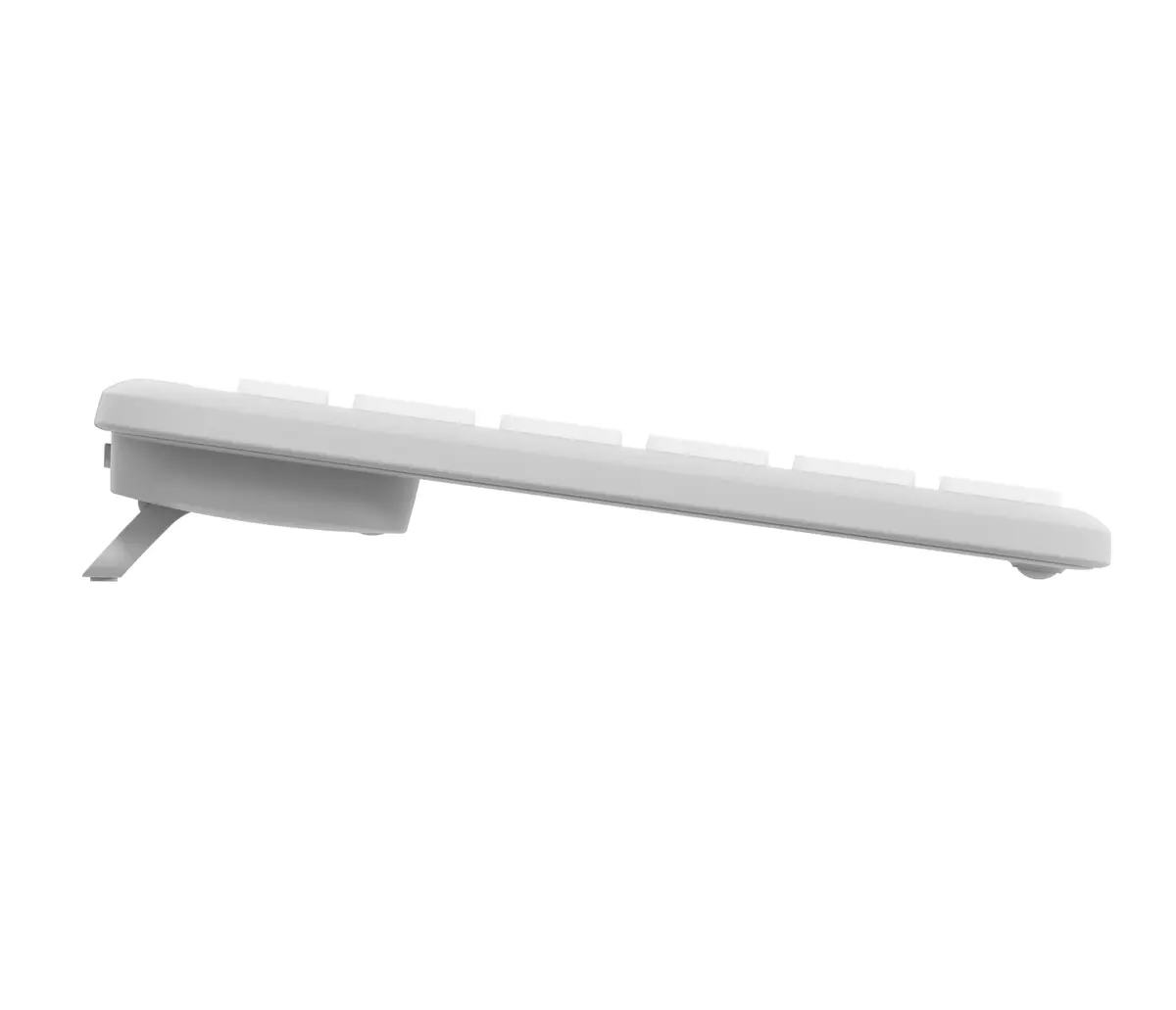
Logitech Signature Slim Wireless Keyboard K950 Off White
Enhance your daily workflow with the Logitech Signature Slim Wireless Keyboard K950 Off White, a sleek and reliable wireless keyboard engineered for modern workspaces, remote setups, and professional environments. Combining a minimalist aesthetic with functional performance, this keyboard helps you maintain productivity while complementing your desk setup. Its slim profile and quiet keys ensure a comfortable typing experience throughout the workday, making it an ideal choice for offices and home environments alike.
The Logitech Signature Slim Wireless Keyboard K950 Off White offers a comfortable and responsive typing feel that closely resembles a laptop keyboard, reducing finger fatigue during extended typing sessions. Its wireless connectivity ensures a clutter-free desk space, allowing you to position the keyboard wherever it suits you best. The quiet key mechanism minimizes typing noise, making it exceptionally well-suited for shared workspaces, open-plan offices, and late-night working sessions where discretion is valued. Furthermore, the modern off-white finish adds an elegant touch to any workspace.
This keyboard may not be the optimal choice for competitive gaming enthusiasts who require mechanical switches, specialized macro keys, or ultra-low latency wired connections. Additionally, users who prefer a heavily inclined, bulky mechanical keyboard with audible click feedback might find the slim and quiet design less satisfying.
Unbox the Logitech Signature Slim Wireless Keyboard K950 and insert the required batteries if applicable. Connect the keyboard to your compatible computer, tablet, or smartphone using the available wireless connection method. Once paired, you can immediately begin typing and utilizing the device across your daily applications. Position the keyboard on a flat, stable surface at a comfortable distance to maintain ergonomic posture while working.
Usage recommendations: Keep the keyboard clean by wiping the surface periodically with a dry or slightly damp lint-free cloth, and store it in a dry environment away from direct sunlight and liquid spills to ensure longevity.
{{highlightedFeature.featureTitle}}:
{{getProductFeatureValueById(product, highlightedFeature.featureId)}}
{{ productComparisonGenerationError }}