
Leave your address - as soon as the price of the product goes down, you'll know about it right away
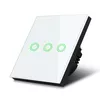
Wall-mounted Wi‑Fi touch light switch MACLEAN MCE705W T0 EU (2-gang)
In cart {{totalProductsCount}} item(s)
Your cart is empty
Wall-mounted Wi‑Fi touch light switch MACLEAN MCE705W T0 EU (2-gang)
Leave your address - as soon as the price of the product goes down, you'll know about it right away
Wall-mounted Wi‑Fi touch light switch MACLEAN MCE705W T0 EU (2-gang)
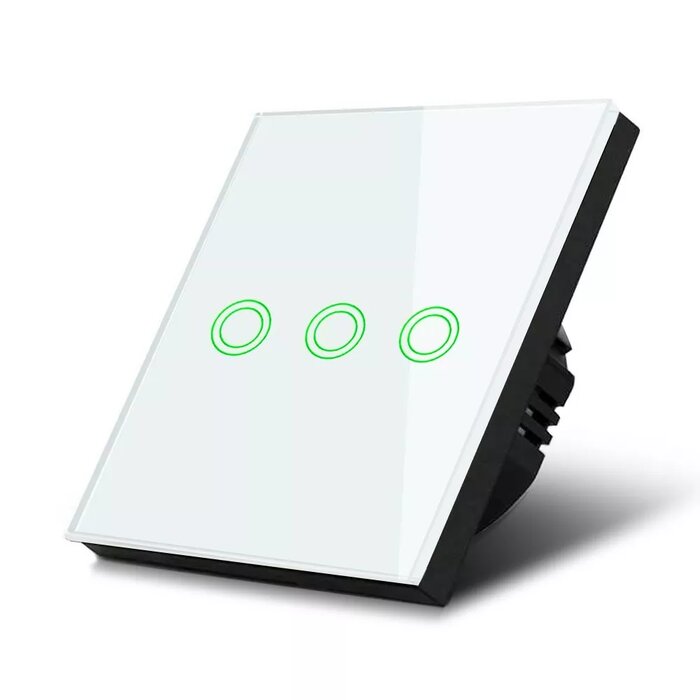
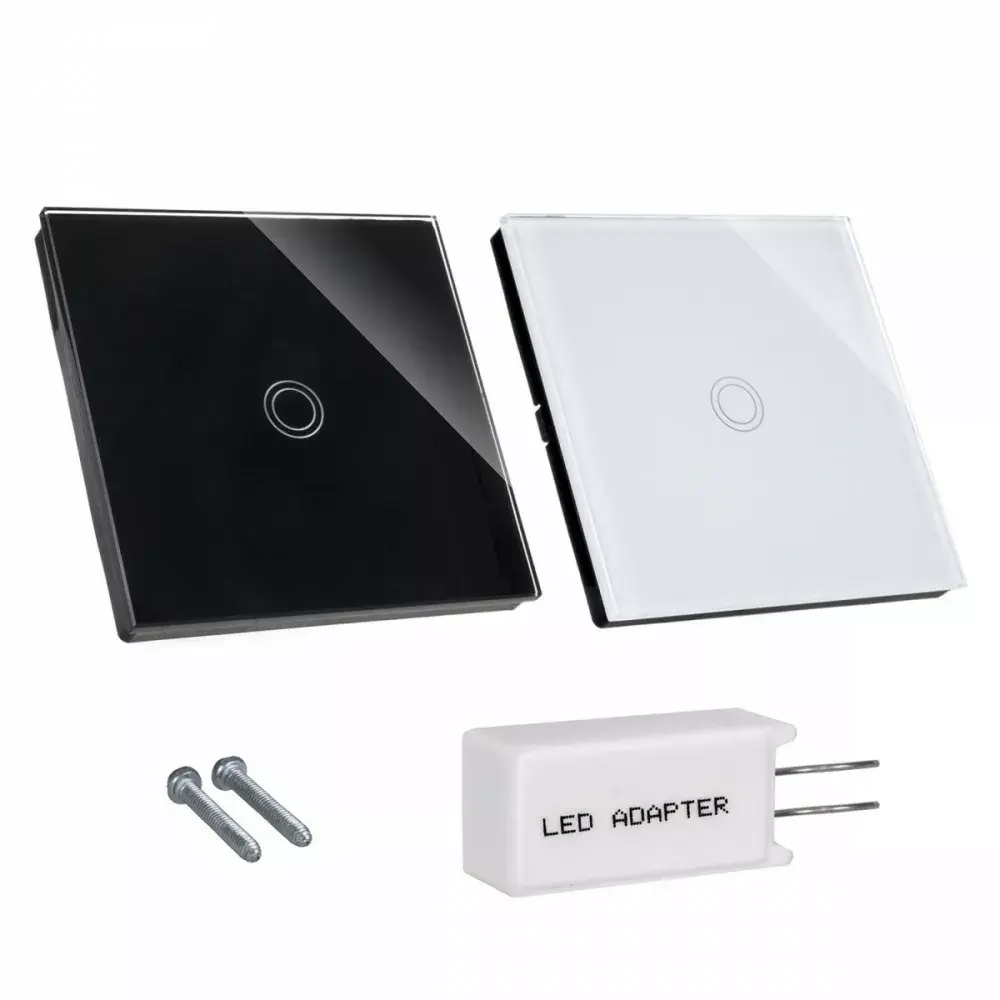
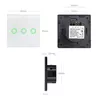
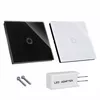
MACLEAN MCE705W T0 EU (2-gang) is a wall-mounted Wi‑Fi touch light switch designed for standard EU electrical installations. The device combines capacitive touch controls for two independent lighting circuits with wireless connectivity for remote control and basic automation. Its slim profile and touch-sensitive glass surface provide a modern wall-mounted interface for residential and small commercial spaces where centralized or app-based light control is required.
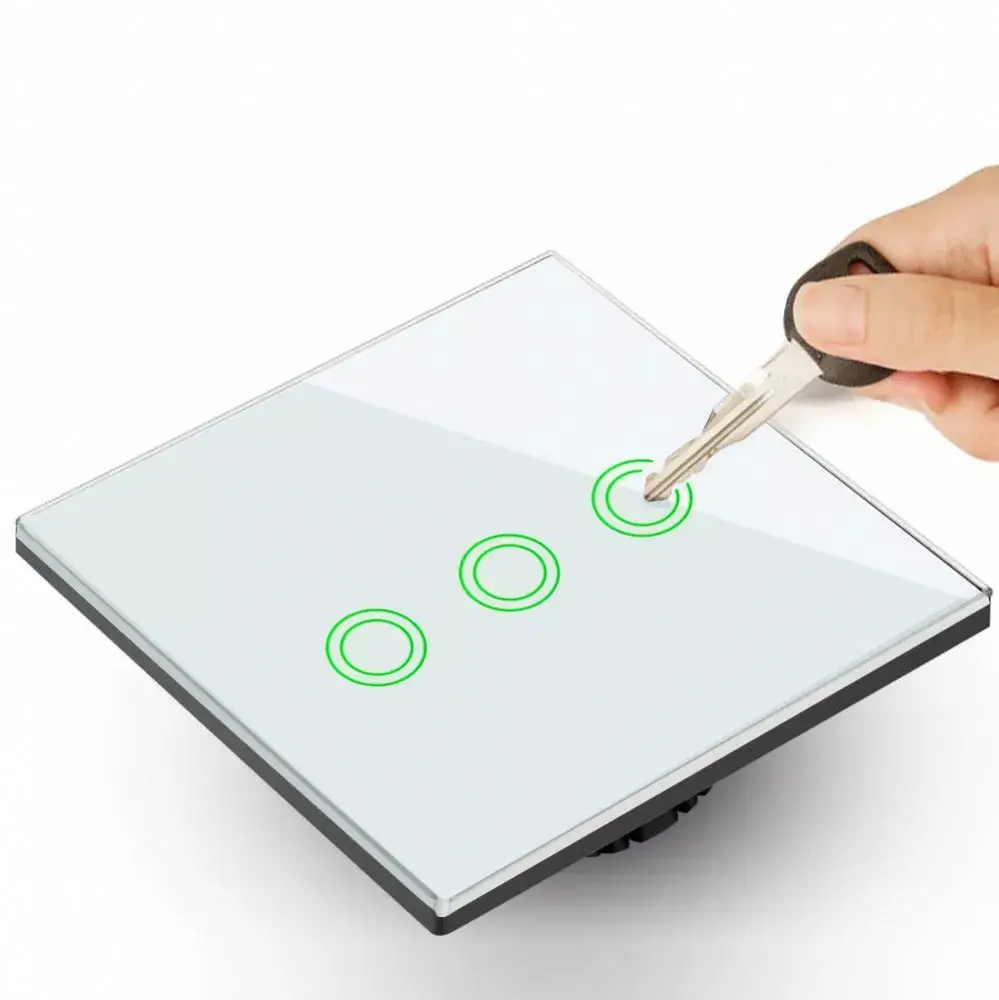
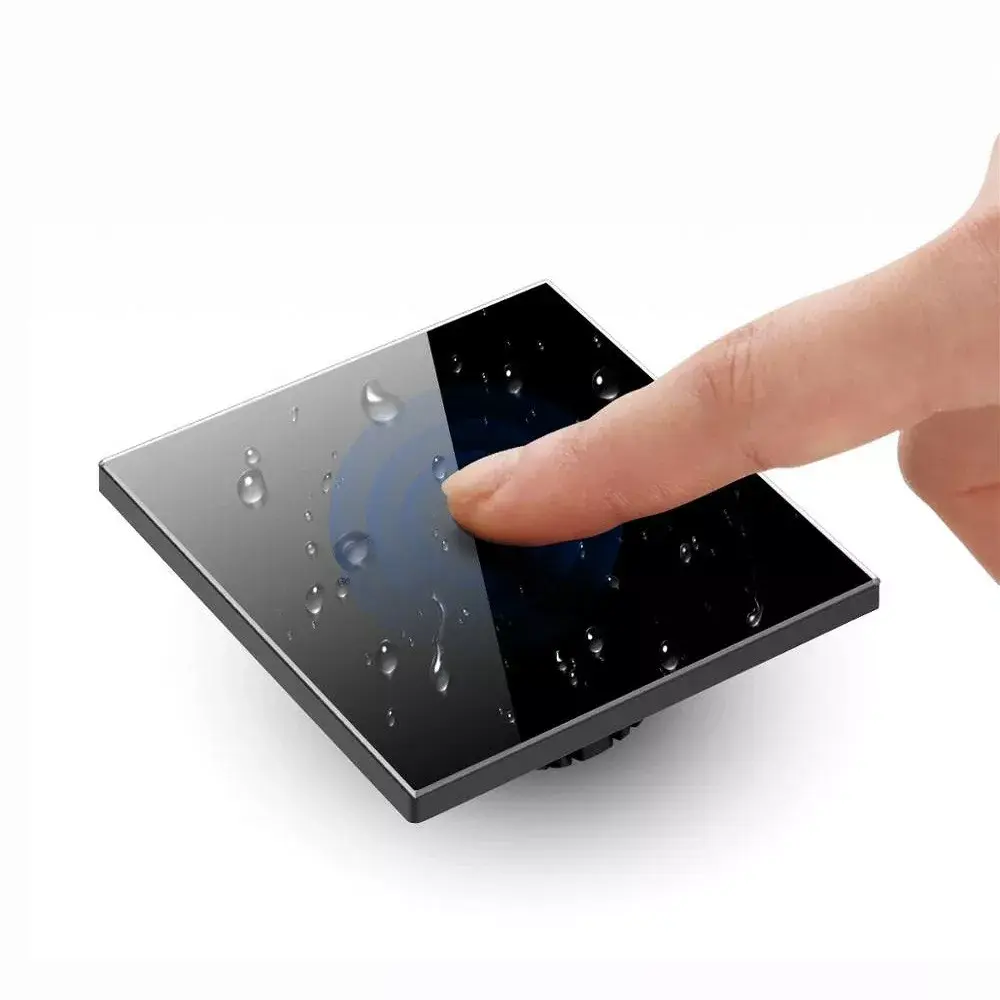
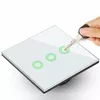
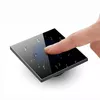
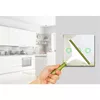
The switch offers dual-circuit control through a single wall plate, enabling independent operation of two lighting zones. Integrated Wi‑Fi allows remote switching, scheduling and integration with compatible smart home systems without additional hubs. Capacitive touch operation provides a smooth, responsive user experience while the wall-mounted design fits standard EU back boxes. The product supports scene activation and timed control, facilitating straightforward automation of lighting scenes.
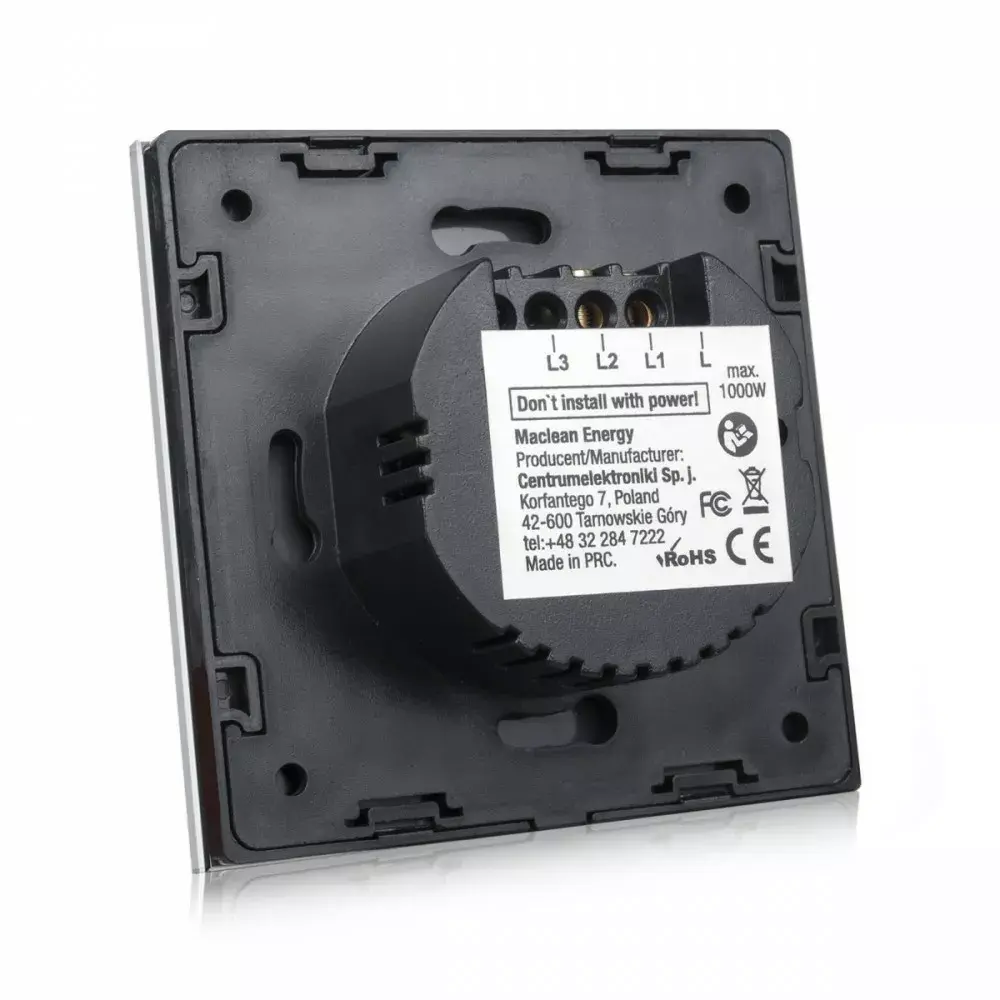
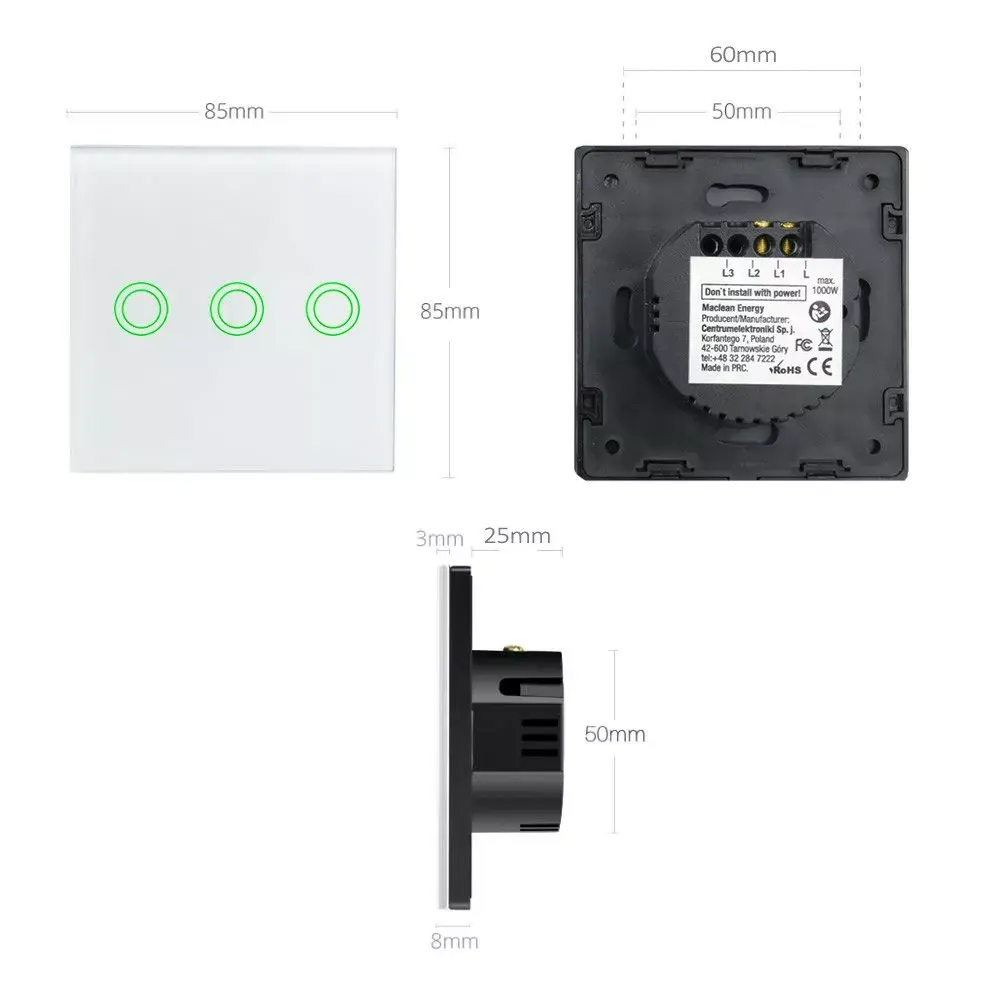
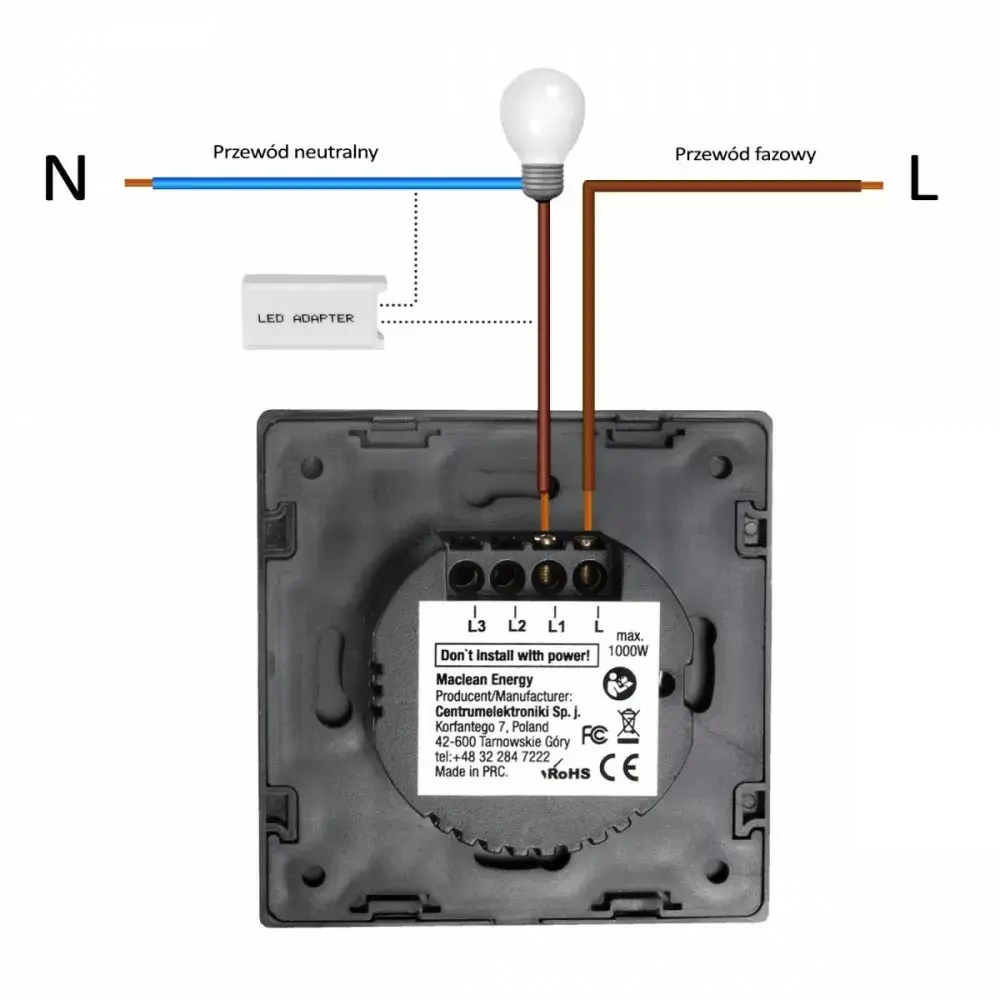
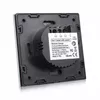
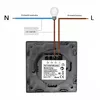
Install the switch into a standard EU wall back box and connect the live and load wires according to local electrical regulations; neutral wiring requirements depend on the existing circuit and should be verified before installation. Use the capacitive touch areas on the panel to switch each circuit locally. For remote control and automation, connect the switch to a local Wi‑Fi network and follow the manufacturer's app setup to register the device, configure schedules and create scenes. Ensure the device firmware and app are kept up to date for stable operation.
For safe and reliable performance, installation should be performed by a qualified electrician. Use a stable 2.4 GHz Wi‑Fi network as required by many smart switches. Limit the connected loads to values supported by the building wiring and the switch ratings; consult local electrical codes and the product manual for exact load limits and wiring diagrams.
{{highlightedFeature.featureTitle}}:
{{getProductFeatureValueById(product, highlightedFeature.featureId)}}