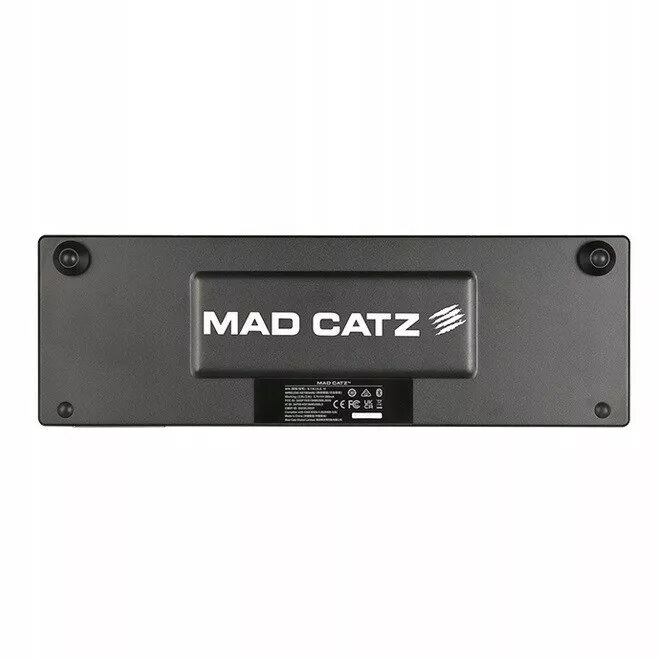
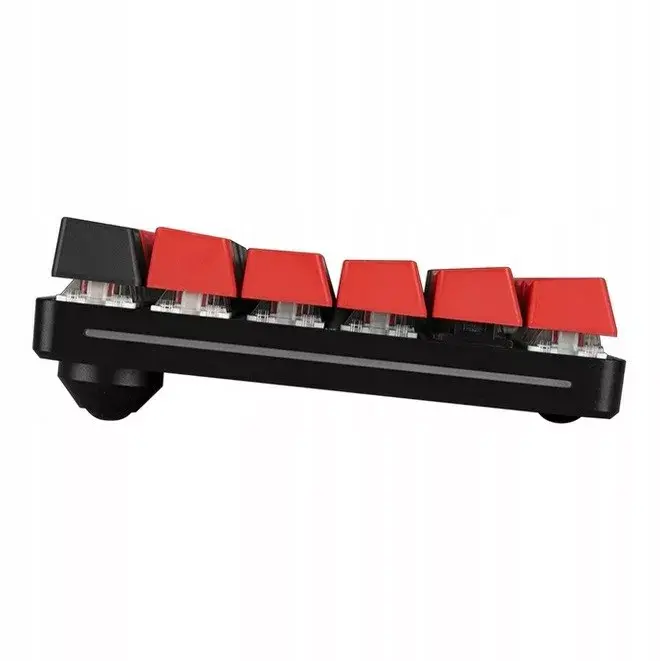
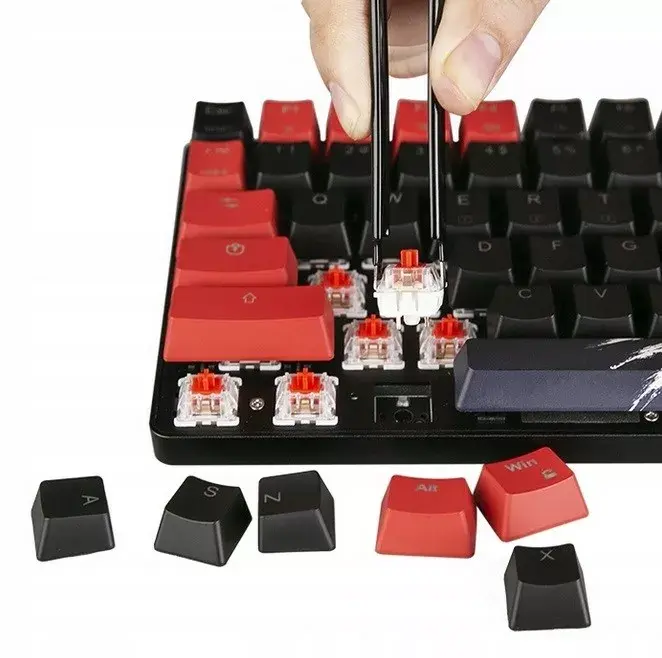
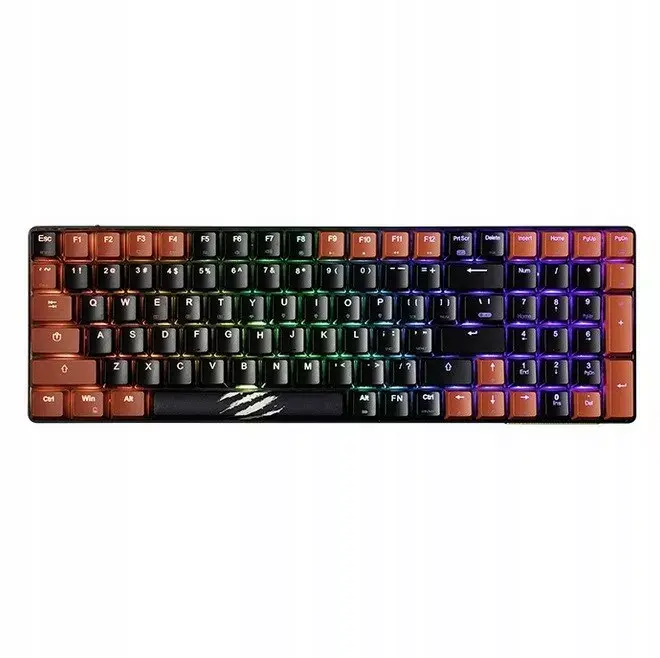
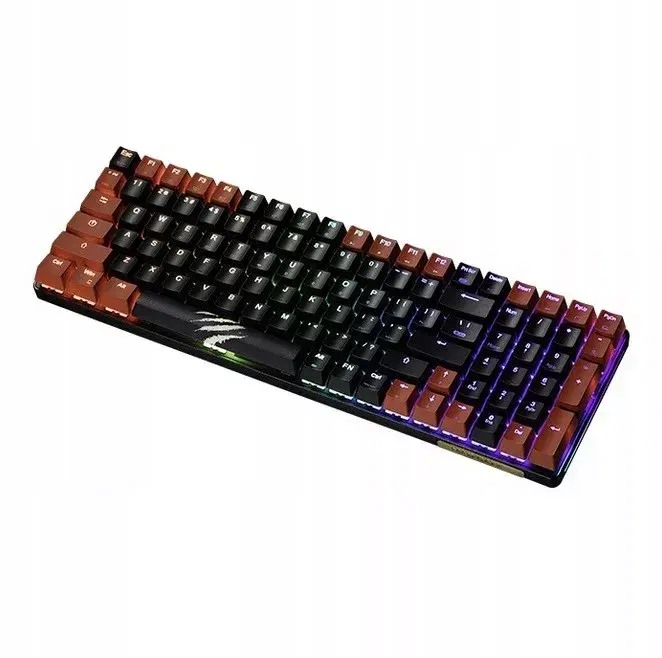
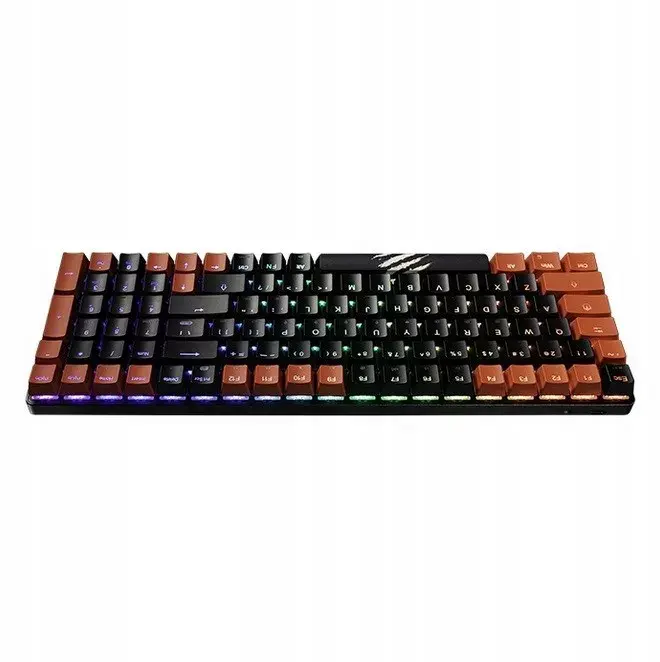
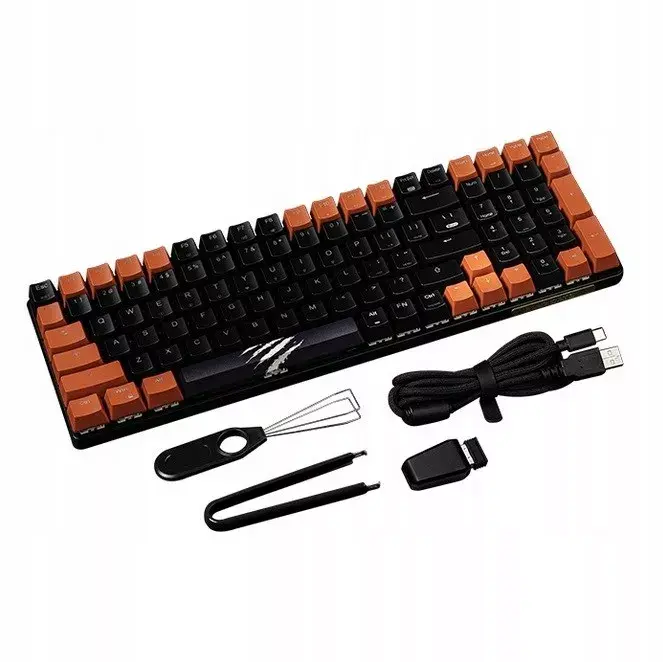
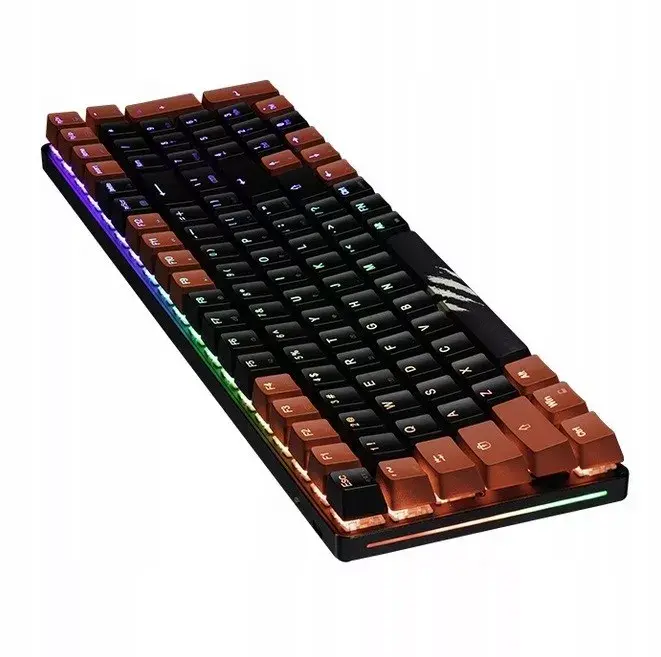
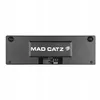
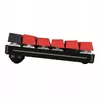
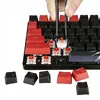
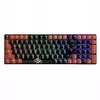
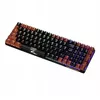
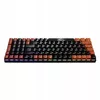
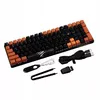
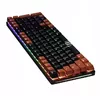
The Mad Catz S.T.R.I.K.E. 11 Wireless Mechanical Keyboard is a high-performance peripheral engineered for users who demand precision, speed, and reliability. Designed with durable mechanical switches, this keyboard delivers consistent tactile feedback and rapid response times, making it an excellent choice for both competitive gaming and intensive professional typing tasks. Its wireless connectivity eliminates cable clutter, promoting a clean and organized workspace while maintaining a stable connection for uninterrupted performance.
Advantages
This keyboard stands out due to its robust construction, which ensures long-term durability even under heavy daily use. The mechanical switches provide a satisfying typing experience with high accuracy, reducing input errors during fast-paced activities. By utilizing wireless technology, the device offers greater flexibility in desk arrangement and portability, allowing users to maintain a minimalist setup without sacrificing the performance typically associated with wired mechanical keyboards.
Suitable for
- Competitive gaming sessions requiring fast response times
- Professional typing and content creation
- Users seeking a clutter-free, minimalist desk setup
- Office environments where reliable mechanical input is preferred
When it may not be suitable
This keyboard may not be the ideal choice for users who require a dedicated numeric keypad, as its compact design prioritizes space-saving. Additionally, those who prefer silent membrane keyboards may find the audible click and tactile nature of mechanical switches distracting in quiet shared office spaces.
Key specifications
- Mechanical switch technology
- Wireless connectivity
- Durable build quality
- Tactile feedback response
How to use
To begin using the Mad Catz S.T.R.I.K.E. 11, ensure the device is fully charged using the provided cable. Connect the wireless receiver to an available USB port on your computer or pair the device via the integrated wireless protocol. Once connected, the keyboard is ready for immediate use. You can manage settings and customize performance through the manufacturer's software if additional configuration is required for specific gaming profiles or macro assignments.
What to consider before purchase
- Check compatibility with your operating system
- Consider the lack of a full-size numeric keypad if your workflow relies on it
- Evaluate your preference for mechanical switch sound levels
Usage recommendations
For optimal performance and battery longevity, keep the keyboard firmware updated and ensure the wireless receiver is placed in a clear line of sight to the device to minimize potential signal interference.