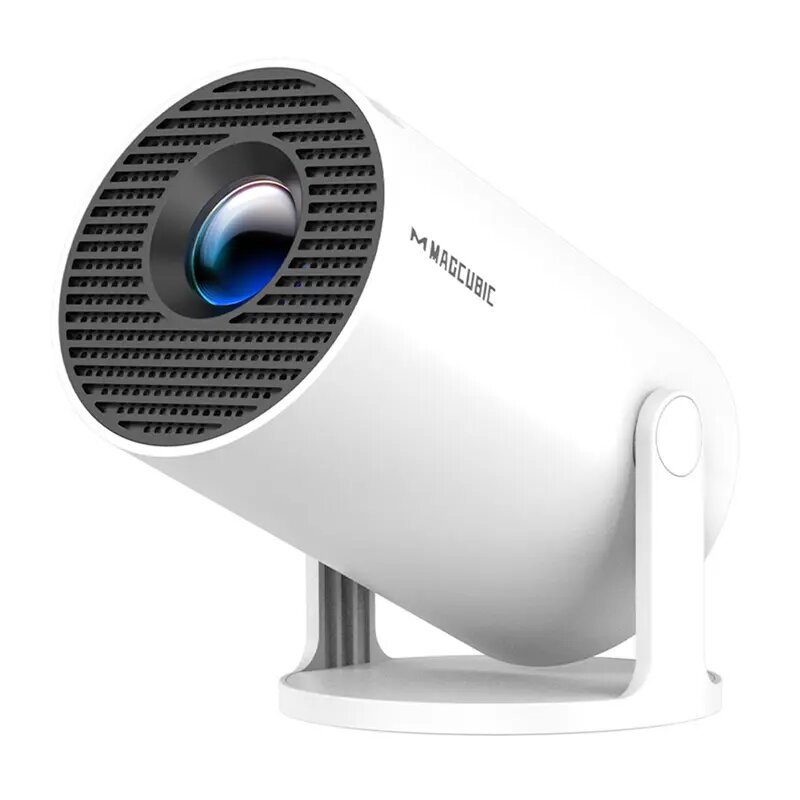
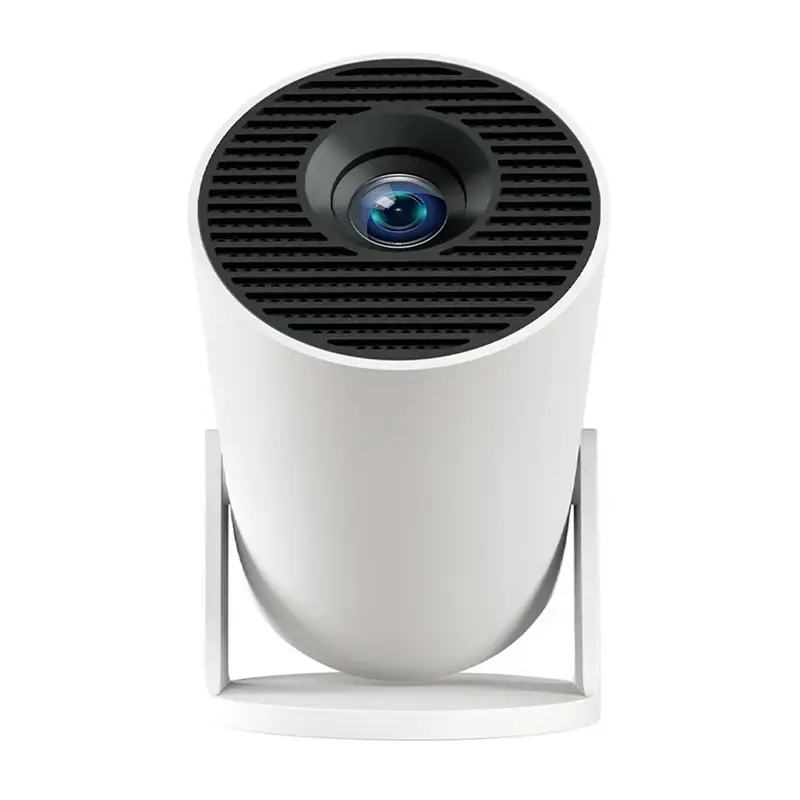
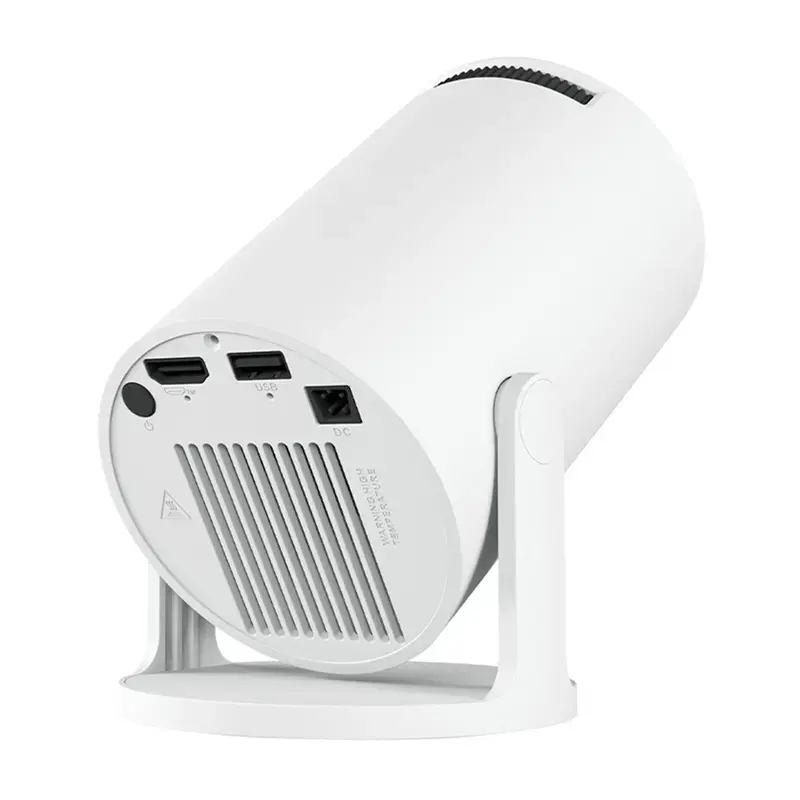
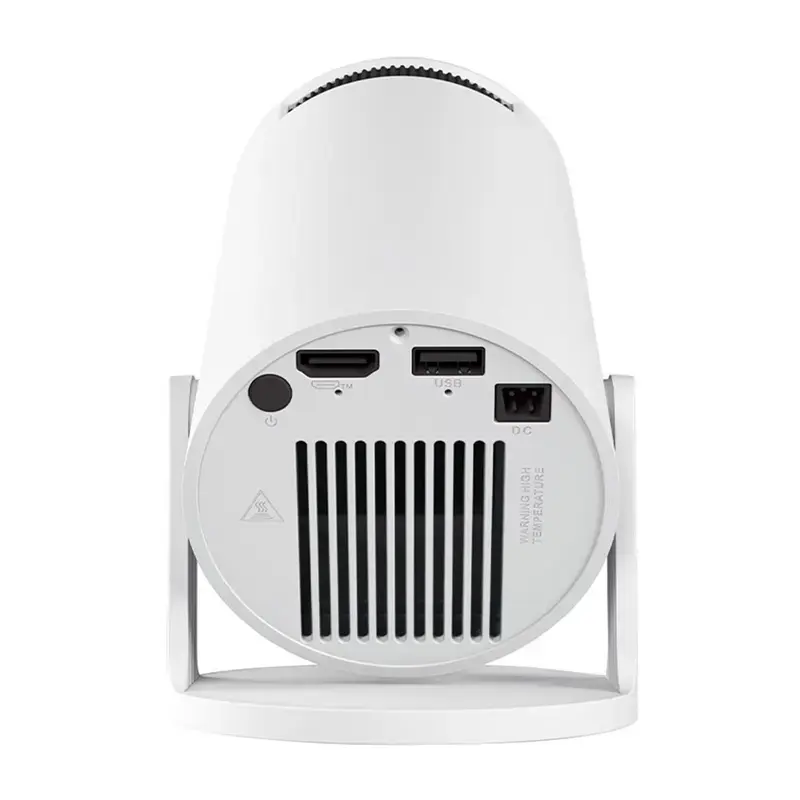
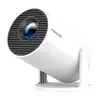
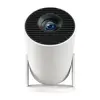
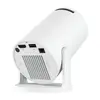
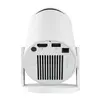
In this overview, the Magcubic HY300PRO Portable Smart Projector is compared against similar models from the same brand: Magcubic HY300PRO+ Portable Projector Gray, Magcubic HY350 Portable Projector, Gray, Magcubic HY300X-2 Portable Projector, Magcubic X7 Projector, and Magcubic L018 Projector. All these devices are designed for multimedia entertainment, home cinema, gaming, and presentations. The primary differences lie in exterior design finishes, indoor versus outdoor suitability, and specific series enhancements.
⚙️ Comparison of technical specifications and design features across the evaluated projector lineup.
| Parameter | Magcubic HY300PRO | Magcubic HY300PRO+ | Magcubic HY350 | Magcubic HY300X-2 | Magcubic X7 | Magcubic L018 | Practical Significance |
|---|
| Device Type | Smart portable projector | Portable projector | Portable projector | Portable projector | Projector | Projector | While all devices focus on versatile multimedia, the PRO series specifically integrates smart functionality for seamless content streaming. |
| Design & Finish | Standard finish | Gray finish | Gray finish | X-2 variant | X7 series model | L018 series model | Gray finishes and specific variant indices provide refreshed aesthetics while maintaining compact portability. |
| Usage Environment | Home, presentations, gaming | Home, presentations, gaming | Indoor environments, media | Indoor and outdoor use | Professional and personal use | Indoor environments | Modifications like the HY300X-2 are specifically engineered for flexible deployment both indoors and outdoors. |
◎ Comparison of usage scenarios and target buyer profiles to help select the most suitable model.
| Use Case | Recommended Product | Why |
|---|
| Smart streaming & home media | Magcubic HY300PRO Portable Smart Projector | Built-in smart capabilities allow for seamless content streaming and projection right out of the box. |
| Outdoor and mobile use | Magcubic HY300X-2 Portable Projector | The design ensures flexible setup and mobility for both indoor and outdoor environments. |
| Dedicated indoor entertainment | Magcubic L018 Projector | Engineered as a practical and reliable projection system tailored for various indoor rooms. |
The Magcubic HY300PRO Portable Smart Projector stands out with its integrated smart functionality for effortless streaming, making it ideal for versatile home entertainment. If you require outdoor usage capabilities, the HY300X-2 is more suitable, whereas the HY350 or L018 serve well for dedicated indoor environments.