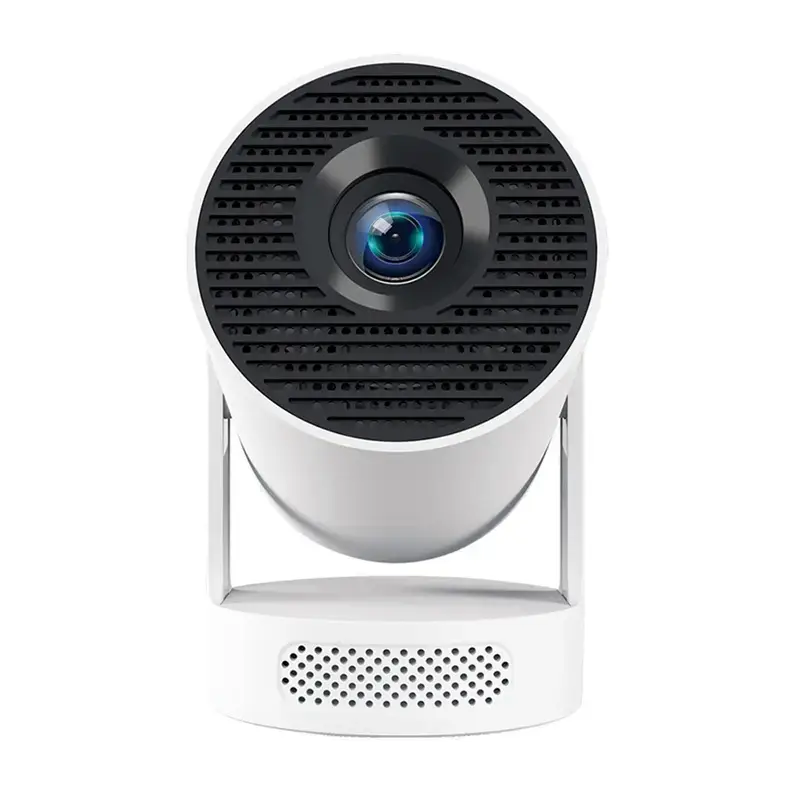
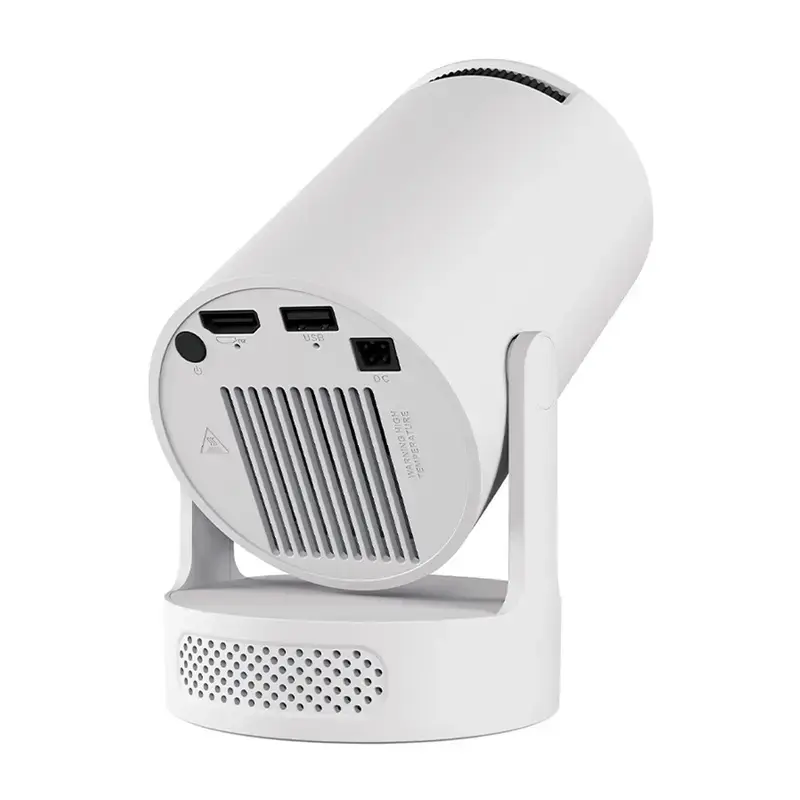
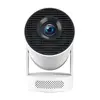
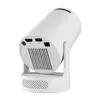
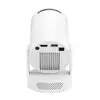
The Magcubic HY300PRO+ is a compact, portable projector designed for versatile multimedia entertainment. Featuring a native resolution of 720p and support for 4K content, it delivers a clear image up to 130 inches in diagonal. Powered by the Allwinner H726 processor and the Android 14 operating system, it functions as a standalone media hub. With its 180° rotating design, integrated 5W speaker, and advanced wireless connectivity including Wi-Fi 6 and Bluetooth 5.4, this device is built for both indoor home cinema and outdoor viewing.
Advantages
This projector offers significant flexibility through its 180° rotating stand, which allows for projection onto walls or ceilings without requiring additional mounts. The integration of the Android 14 system provides direct access to popular streaming services, eliminating the need for external playback devices. Users benefit from a dual-focus system that combines manual dial adjustment with digital precision, alongside automatic vertical keystone correction to ensure a perfectly aligned image. Its lightweight, portable construction makes it easy to transport, while the inclusion of modern wireless standards ensures stable streaming and seamless device pairing.
Suitable for
- Home cinema and movie nights
- Outdoor screenings
- Casual gaming
- Educational or business presentations
- Viewing content while lying down
When it may not be suitable
This projector is designed for portable and casual use, so it may not be the ideal choice for professional-grade cinema setups or large-scale conference halls requiring high-lumen output. Due to its 200 ANSI lumen brightness, it performs best in darkened environments and may struggle to maintain image clarity in rooms with significant ambient light.
Key specifications
- Native resolution: 1280 × 720 pixels
- Brightness: 200 ANSI lumens
- Operating system: Android 14
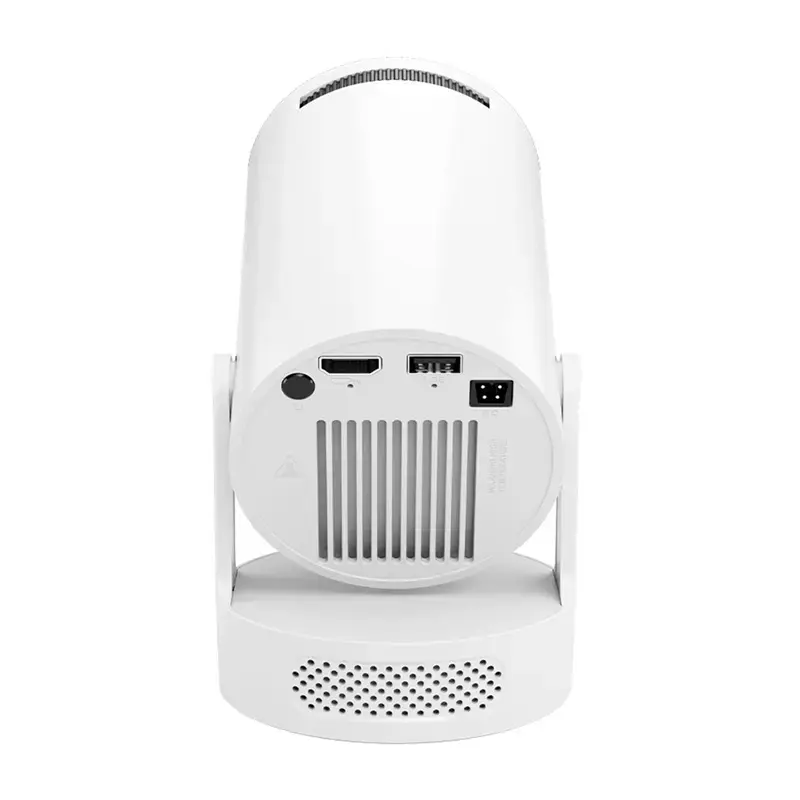
- Connectivity: Wi-Fi 6, Bluetooth 5.4, HDMI, USB, 3.5 mm audio output
- Projection size: Up to 130 inches
- Speaker: 5W integrated
- Weight: Approximately 400 g
How to use
To begin using the projector, connect it to a power source and place it on a stable surface. Use the integrated rotating stand to direct the lens toward your chosen projection surface. Once powered on, follow the on-screen instructions to connect to your local Wi-Fi network. You can navigate the interface using the included remote control to access pre-installed apps or connect external devices via the HDMI or USB ports. Adjust the image clarity using the manual focus dial or the digital focus settings, and use the keystone correction features to square the image if the projector is placed at an angle.
What to consider before purchase
- Ensure the projection environment can be sufficiently darkened for optimal image quality.
- Check if your preferred streaming apps are compatible with the Android 14 interface.
- Verify that the projection distance of 1.6 to 2.6 meters is suitable for your available space.
- Consider if you require external audio equipment for larger gatherings, as the built-in 5W speaker is intended for personal or small-group use.
Usage recommendations
For the best viewing experience, place the projector at a distance of 1.6 meters for an 80-inch screen or up to 2.6 meters for the maximum 130-inch display. Always ensure the ventilation areas remain unobstructed during operation to maintain optimal performance.