
Powerful EcoFlow stations for energy anywhere!
In cart {{totalProductsCount}} item(s)
Your cart is empty
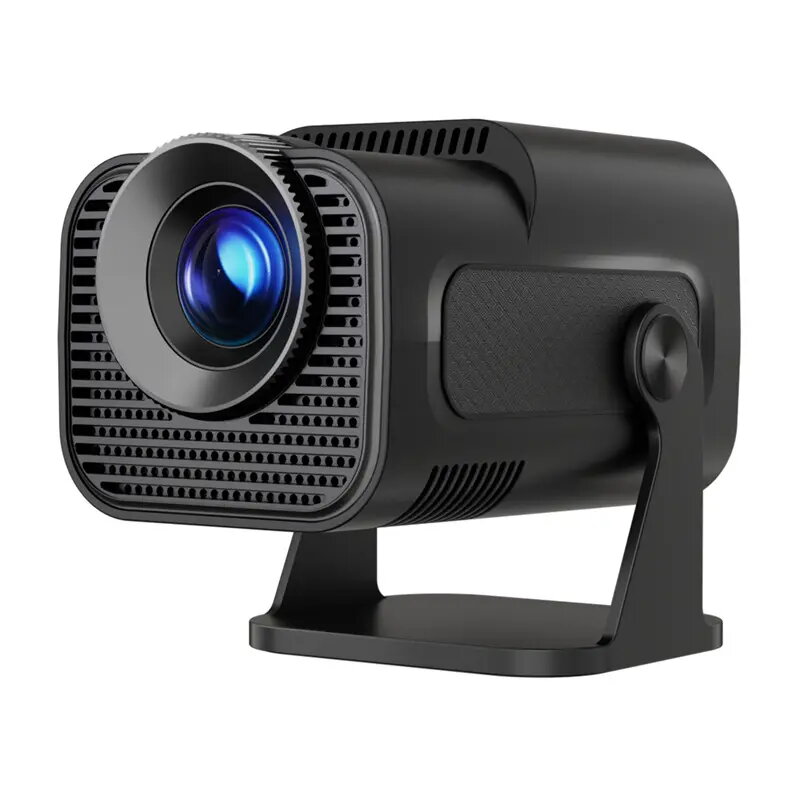
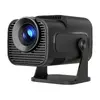
Magcubic HY320MINI Portable Projector
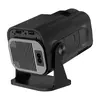
The Magcubic HY320MINI is a compact, portable projector designed to provide a versatile multimedia experience. Featuring a native 720p resolution with 4K content support, 300 ANSI lumens of brightness, and a 10,000:1 contrast ratio, it delivers clear and dynamic visuals. With a built-in Android 11 operating system, Wi-Fi 6, and Bluetooth 5.0, this device functions as a standalone entertainment hub. Its lightweight 0.74 kg frame and 180° swivel design allow for flexible projection onto walls or ceilings, making it an ideal choice for home cinema or mobile presentations.
This projector stands out due to its high level of integration and ease of use. The inclusion of Android 11 provides direct access to thousands of streaming applications without requiring external hardware. The advanced Wi-Fi 6 connectivity ensures smooth, high-speed streaming, while the 180° swivel mechanism offers unparalleled flexibility in positioning the image. Furthermore, the combination of automatic vertical keystone correction and 4-point geometry adjustment allows for a perfectly aligned picture in virtually any environment, regardless of the projection angle.
This projector is designed primarily for indoor use and may not provide sufficient visibility in rooms with high levels of ambient daylight or bright artificial lighting. While it supports 4K input, the native resolution is 720p, which may not meet the requirements of users seeking professional-grade ultra-high-definition clarity for critical color-grading or large-scale cinema installations.
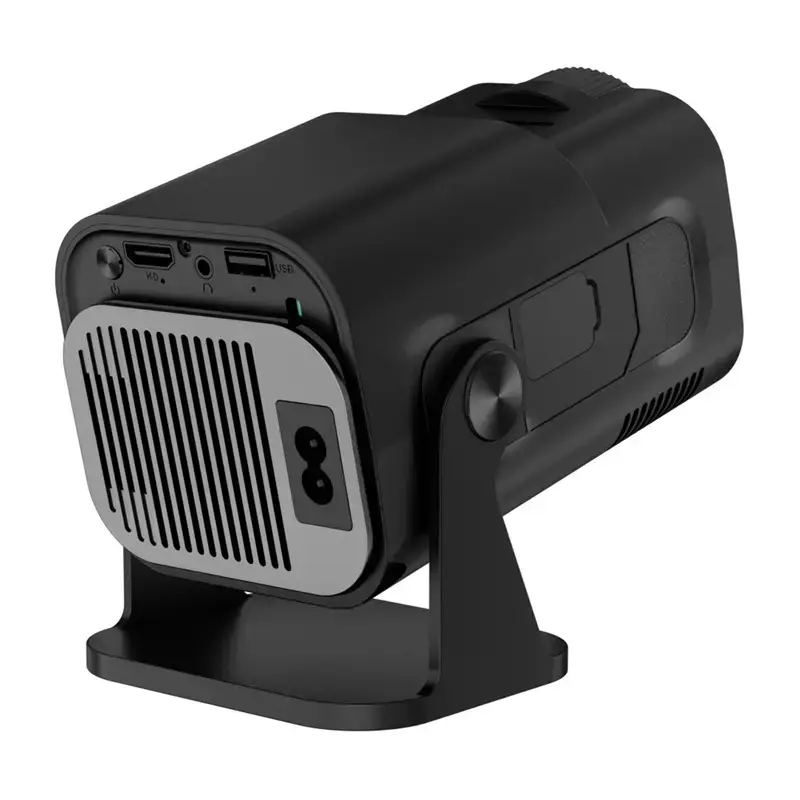
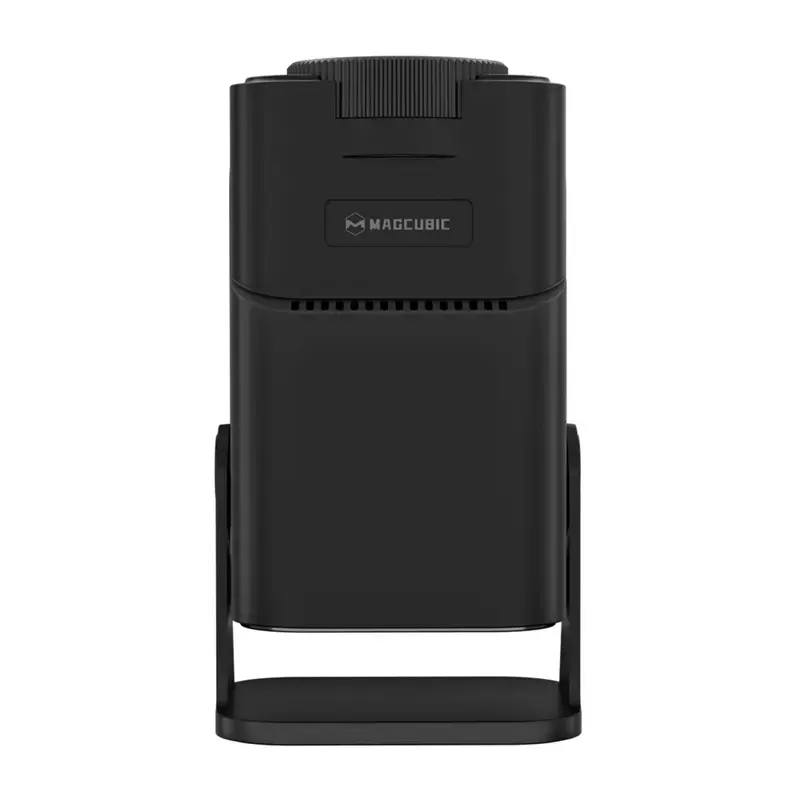
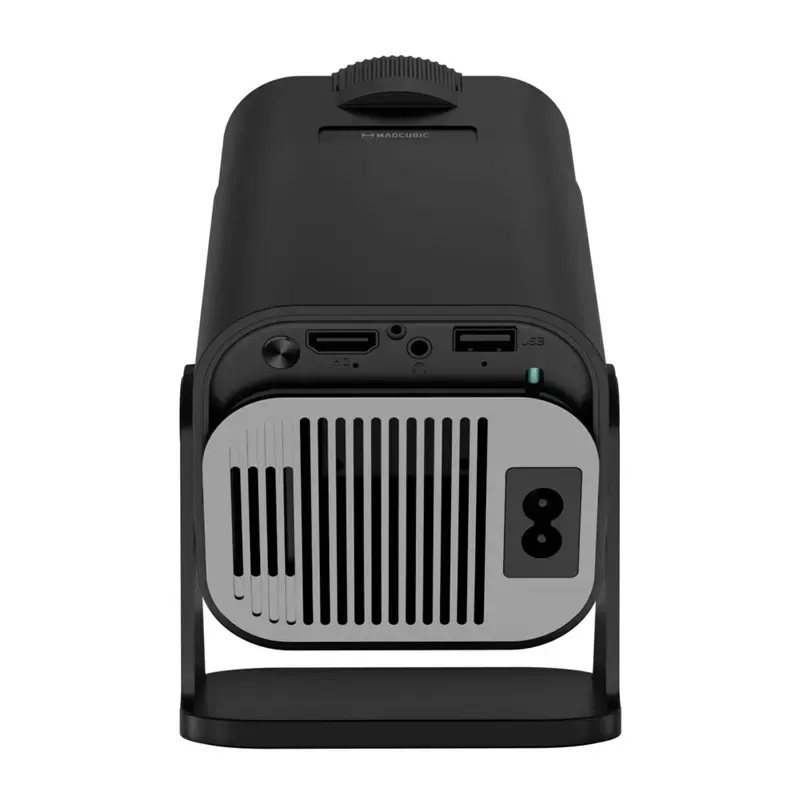
To begin, place the projector on a stable surface or mount it to a tripod. Connect the device to a power source and use the power button to turn it on. Once the Android interface loads, connect to your local Wi-Fi network via the settings menu. You can then navigate to the app store to download your preferred streaming services or connect external devices such as game consoles or laptops via the HDMI port. Use the manual focus dial to sharpen the image and utilize the on-screen menu to adjust the keystone and 4-point geometry settings for a perfectly rectangular projection.
Usage recommendations: For the best visual experience, use the projector in a darkened room. Regularly clean the lens with a soft, dry cloth to maintain image clarity and ensure the ventilation vents remain unobstructed to prevent overheating during long viewing sessions.
{{highlightedFeature.featureTitle}}:
{{getProductFeatureValueById(product, highlightedFeature.featureId)}}