
Leave your address - as soon as the price of the product goes down, you'll know about it right away
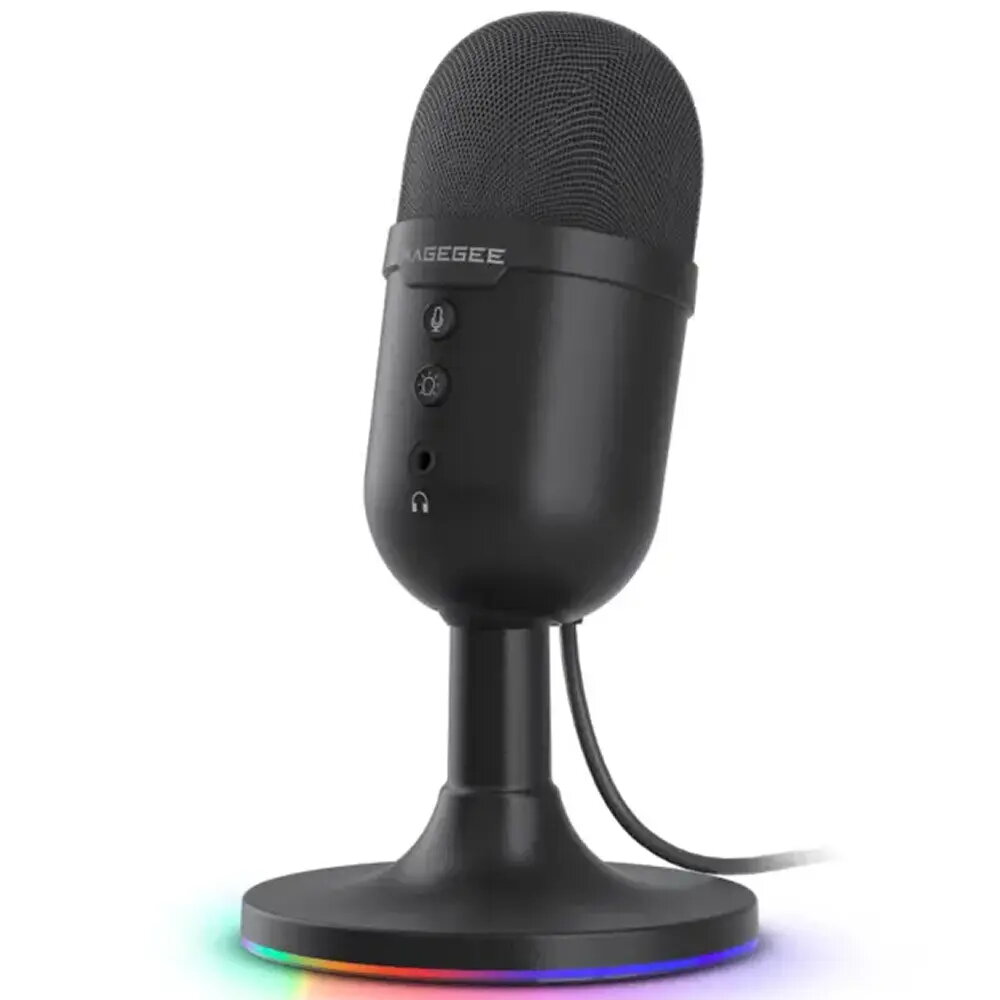
Microphone MageGee Fantasy (MG-Fantasy) — Black
In cart {{totalProductsCount}} item(s)
Your cart is empty
Microphone MageGee Fantasy (MG-Fantasy) — Black
Leave your address - as soon as the price of the product goes down, you'll know about it right away
Microphone MageGee Fantasy (MG-Fantasy) — Black
The MageGee Fantasy (MG-Fantasy) — Black is a compact vocal and instrument microphone designed for live performance, recording and streaming. Its neutral frequency response and rugged black finish make it a single-solution microphone for speech, singing and a range of musical instruments. The microphone is built for compatibility with standard stage and studio setups, offering straightforward connection and placement for both portable and fixed installations.
The microphone combines a compact form factor with a durable exterior suitable for regular stage and studio use. It provides clear vocal reproduction and reliable capture of instruments without requiring complex setup. Standard connector compatibility and a balanced output support integration with common mixers, audio interfaces and PA systems. The design reduces handling noise and enables consistent performance across different sound sources.
Mount the microphone on a suitable stand or hold it by the body for handheld use. Connect the microphone to a mixer, audio interface or PA system using a compatible cable and set input gain to avoid clipping. Position the microphone close to the sound source for direct capture of vocals or instruments, and adjust angle and distance to control proximity effect and tonal balance. For recording or streaming, monitor levels with headphones and make incremental gain and EQ adjustments on the console or interface as needed.
For consistent live performance results, place the microphone 5–15 cm from the vocalist’s mouth and angle slightly off‑axis to reduce plosive energy. When miking instruments, experiment with distance and angle to balance direct sound and room ambience. Use a pop filter or windscreen for close vocal work and mute or lower stage monitors to minimise feedback during loud performances.
{{highlightedFeature.featureTitle}}:
{{getProductFeatureValueById(product, highlightedFeature.featureId)}}