




JBL speakers and headphones for pure and deep sound!
In cart {{totalProductsCount}} item(s)
Your cart is empty
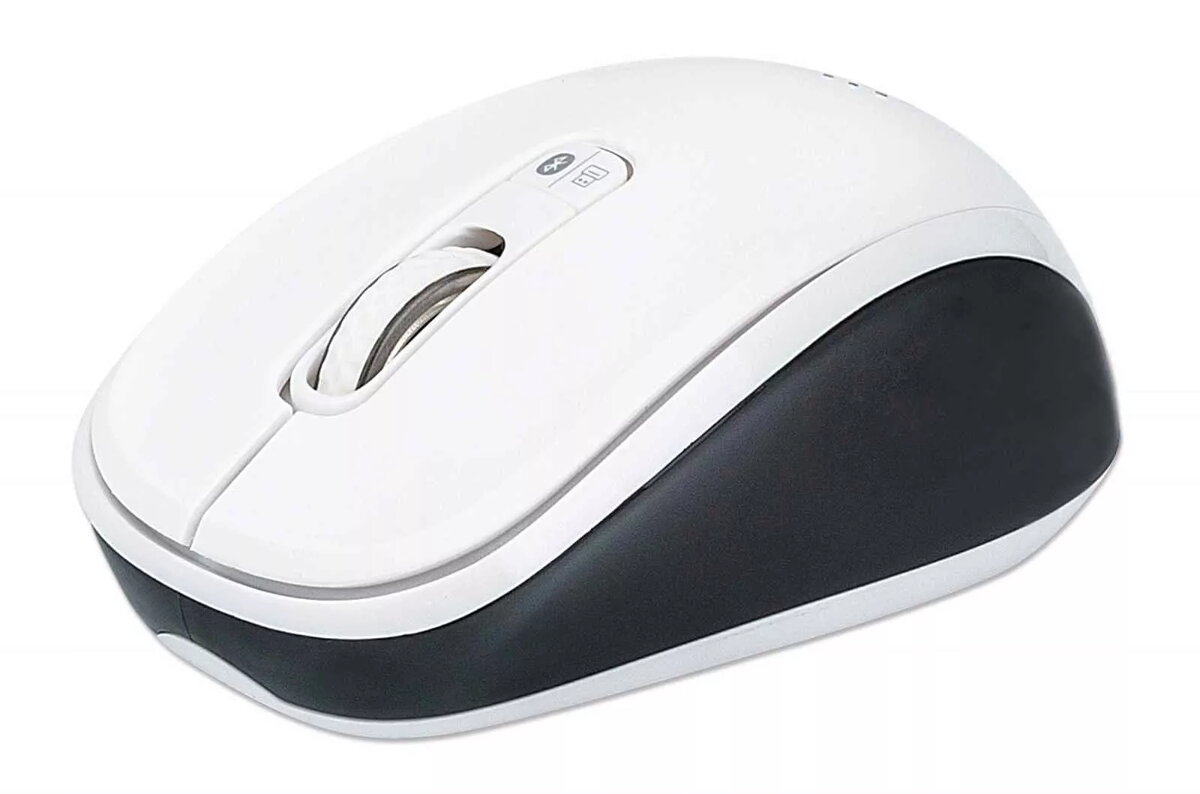
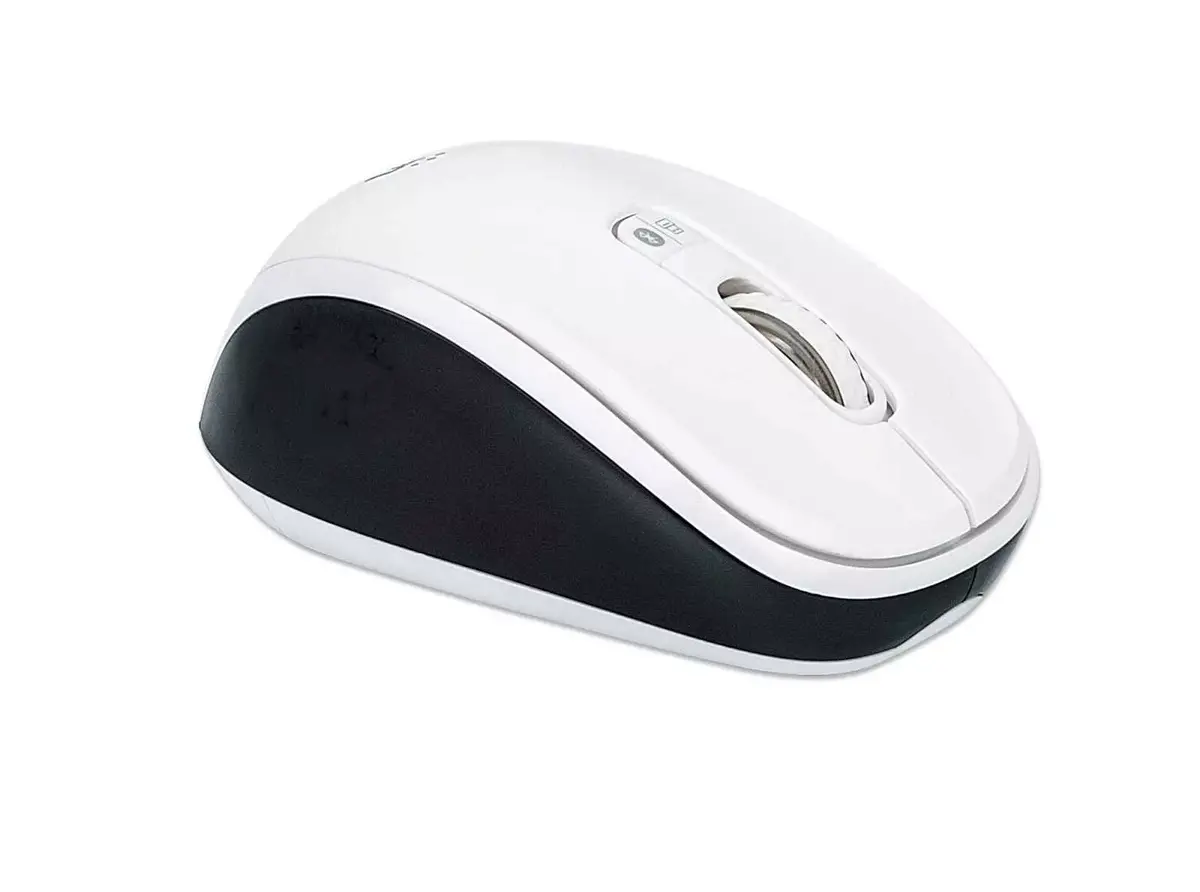
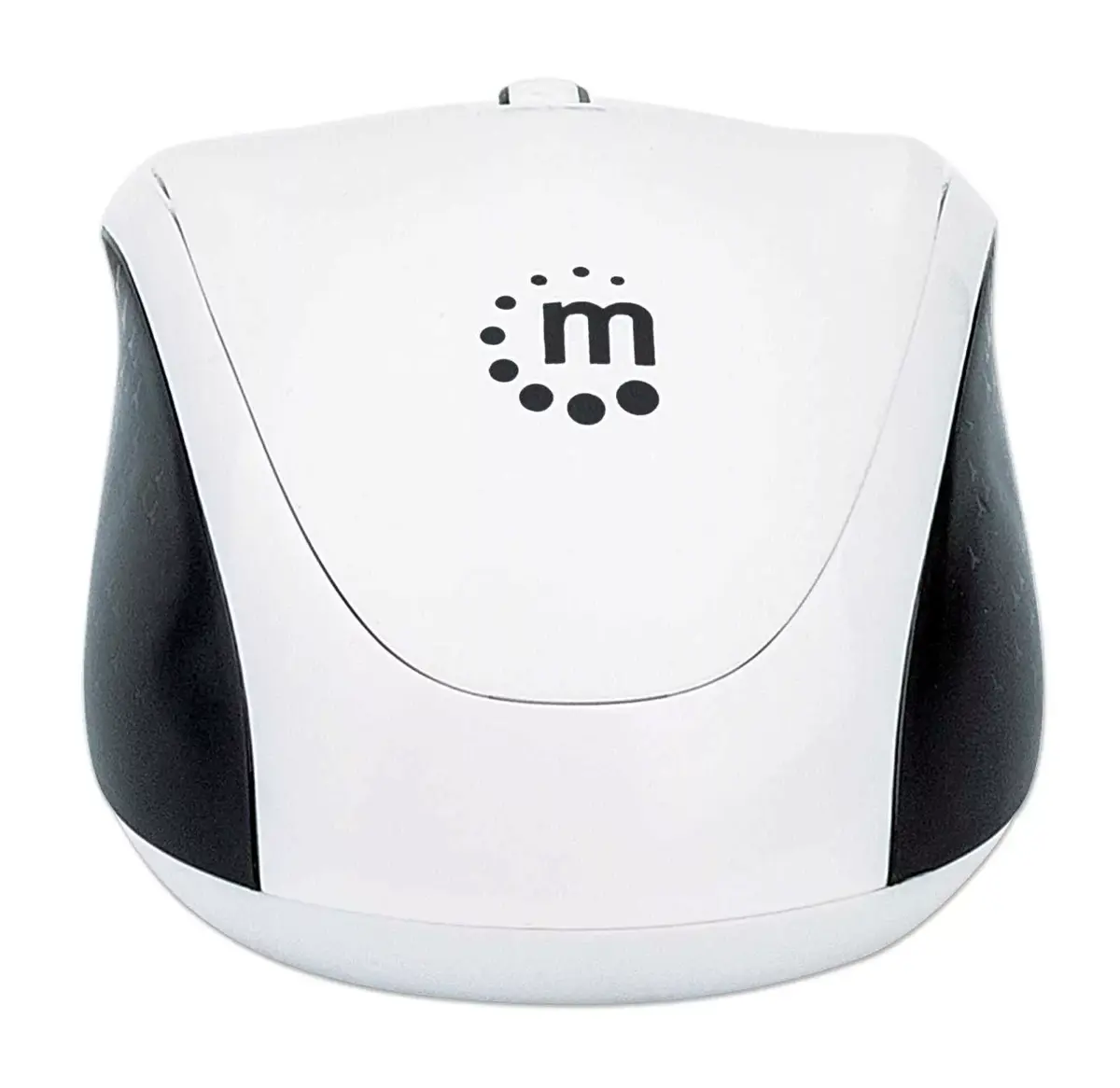
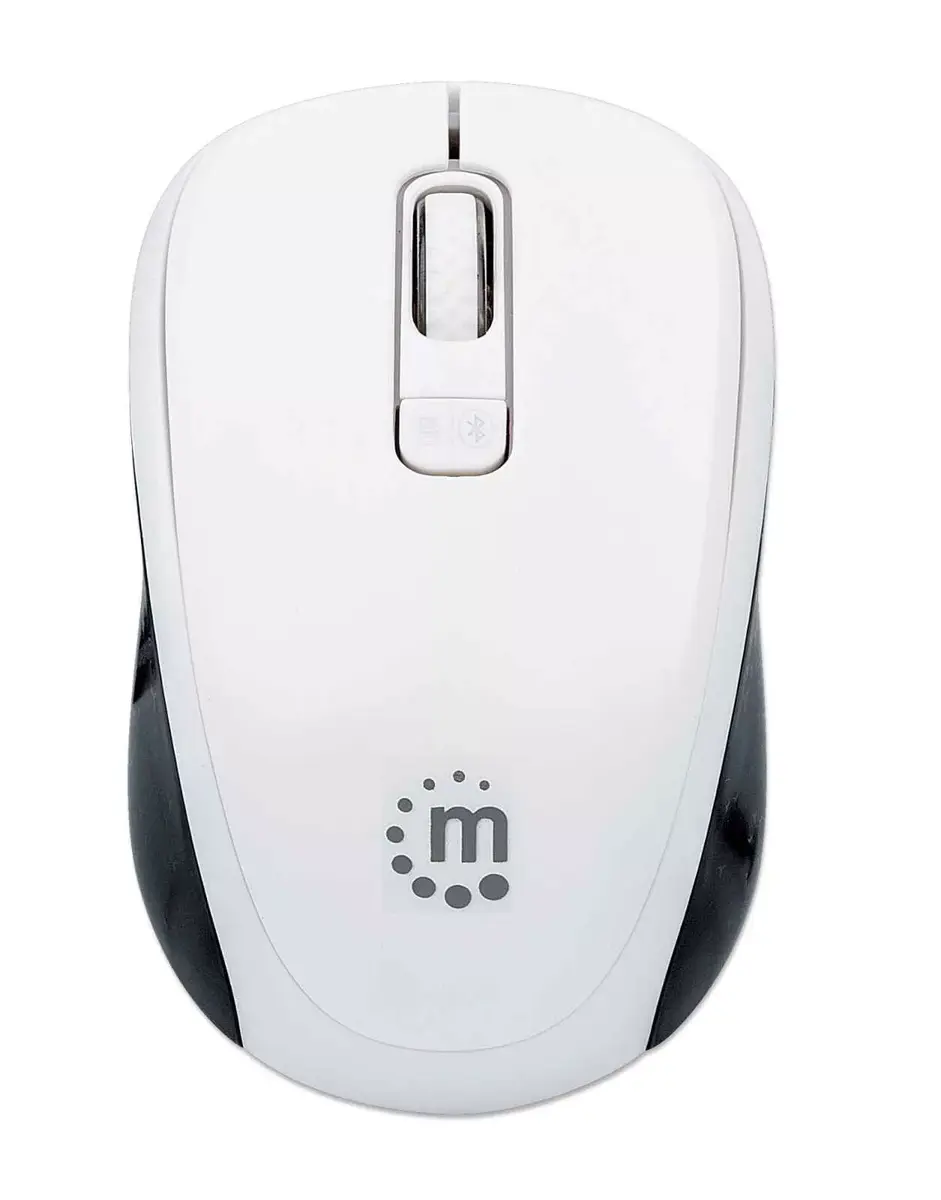
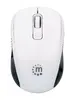
Mouse Manhattan Dual-Mode Bluetooth 4.0
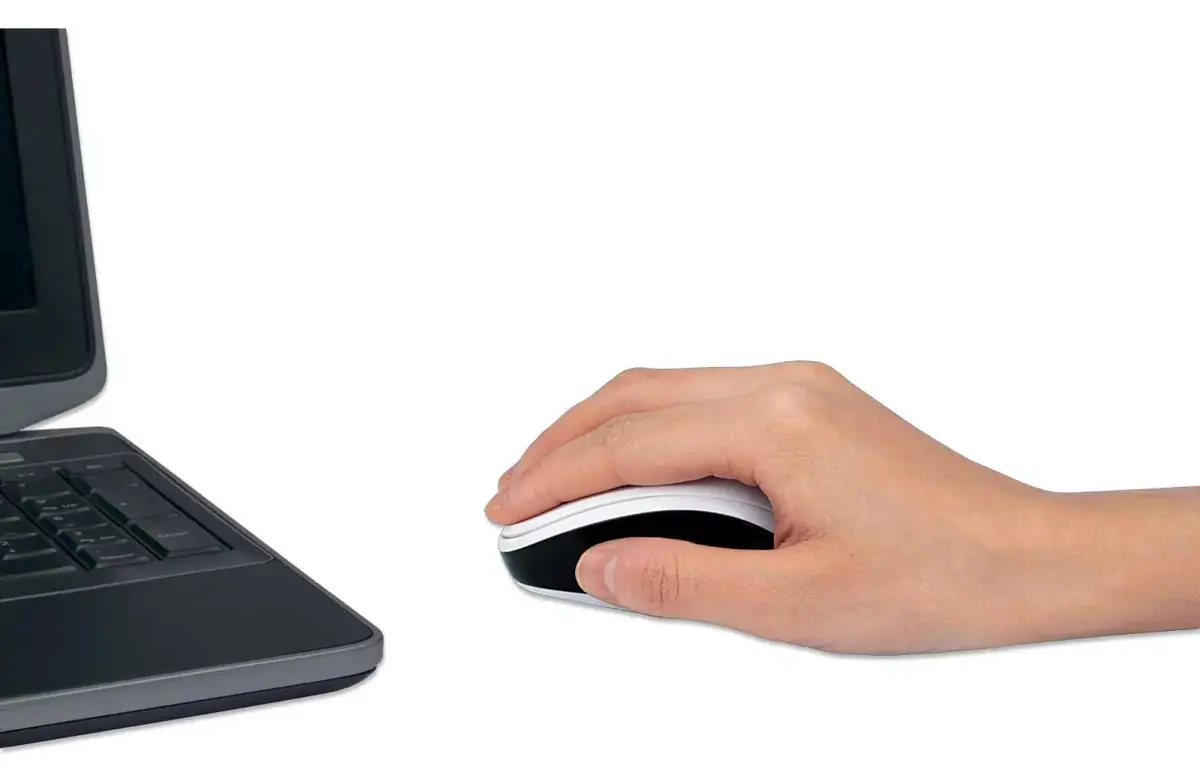
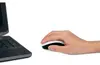
The MANHATTAN Dual-Mode Bluetooth 4.0 Mouse provides flexible wireless connectivity with both Bluetooth 4.0 and 2.4 GHz RF options. Designed for everyday office use, it uses optical movement detection and offers three DPI settings (800, 1200 and 1600) to match cursor speed to the task. The ambidextrous form factor and three-button layout with a scroll wheel deliver straightforward control for right- and left-handed users. The mouse is available in a black and white finish and is powered by batteries; a three-year warranty covers manufacturing defects.
The dual-mode connection lets you pair and switch between multiple devices quickly, reducing the need for additional adapters. Adjustable DPI provides precise cursor control for document work, web browsing, or basic graphic tasks. The ambidextrous shape and compact, durable ABS construction make the mouse suitable for mobile workflows and daily office use. Standard three-button operation with a scroll wheel maintains compatibility with most operating systems and common applications.
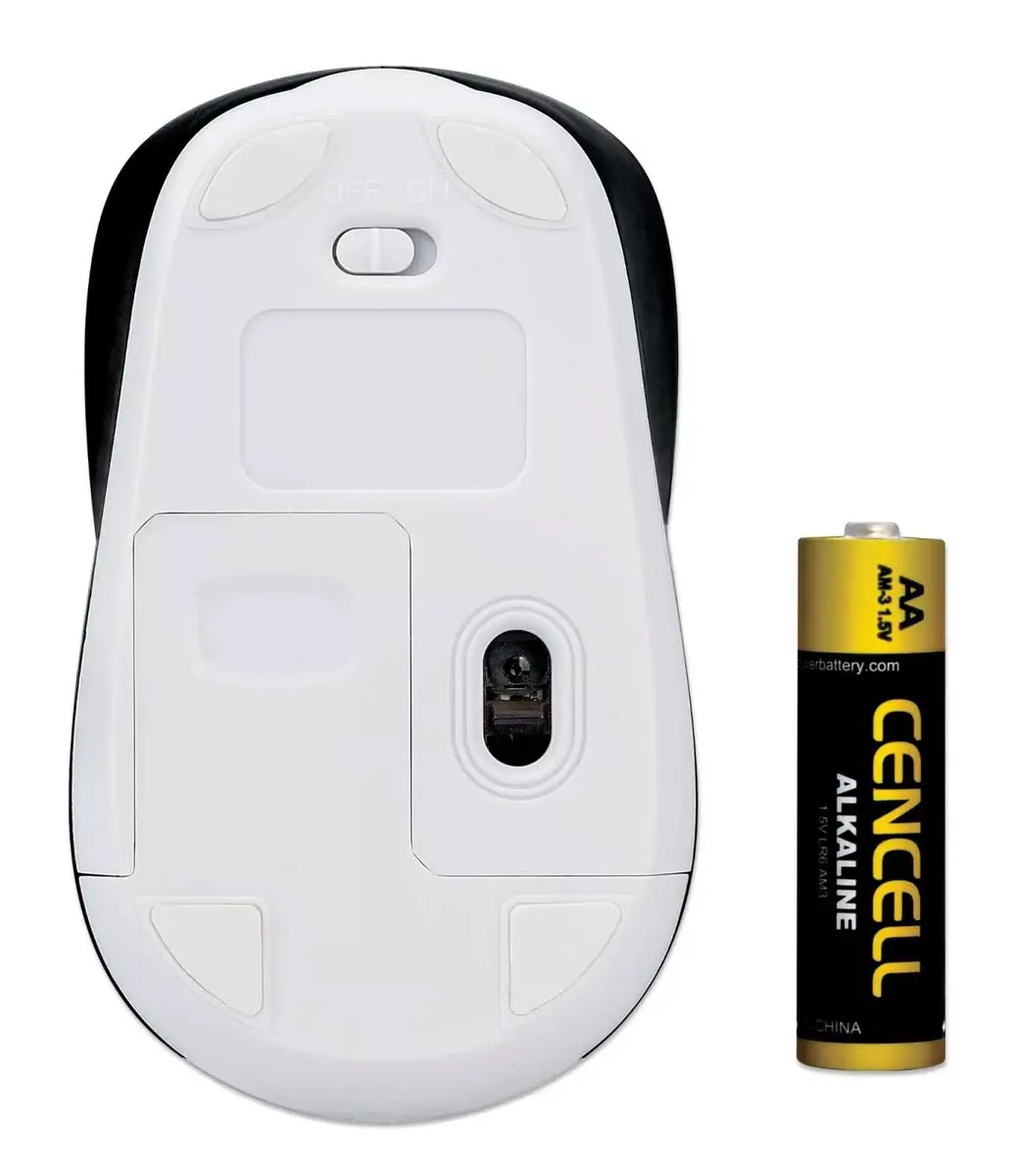
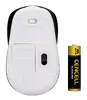
Install batteries according to the battery compartment instructions and turn the mouse on. Select the desired connection mode using the top push-button to switch between Bluetooth 4.0 and 2.4 GHz RF; for 2.4 GHz mode, insert the USB receiver into an available port on your computer. Put your host device into Bluetooth pairing mode, then follow on-screen prompts to complete pairing when using Bluetooth. Adjust DPI using the dedicated control or the mouse software (if applicable) to suit precision or speed requirements.
For best battery life, turn the mouse off when not in use and store the USB receiver inside the mouse (if storage is provided) when transporting. Use on a flat, non-reflective surface to ensure reliable optical tracking. Switch to the higher DPI setting for fast cursor movement and lower DPI for precise editing or detailed spreadsheet work.
{{highlightedFeature.featureTitle}}:
{{getProductFeatureValueById(product, highlightedFeature.featureId)}}