
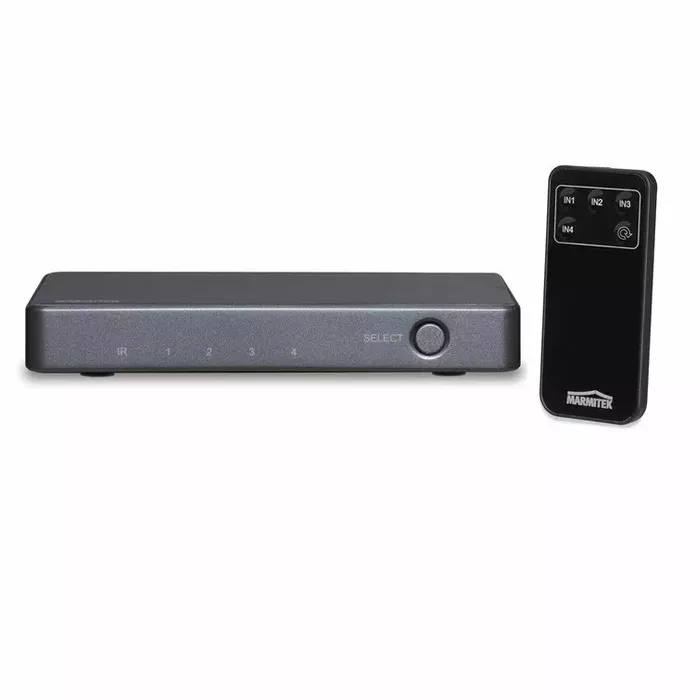
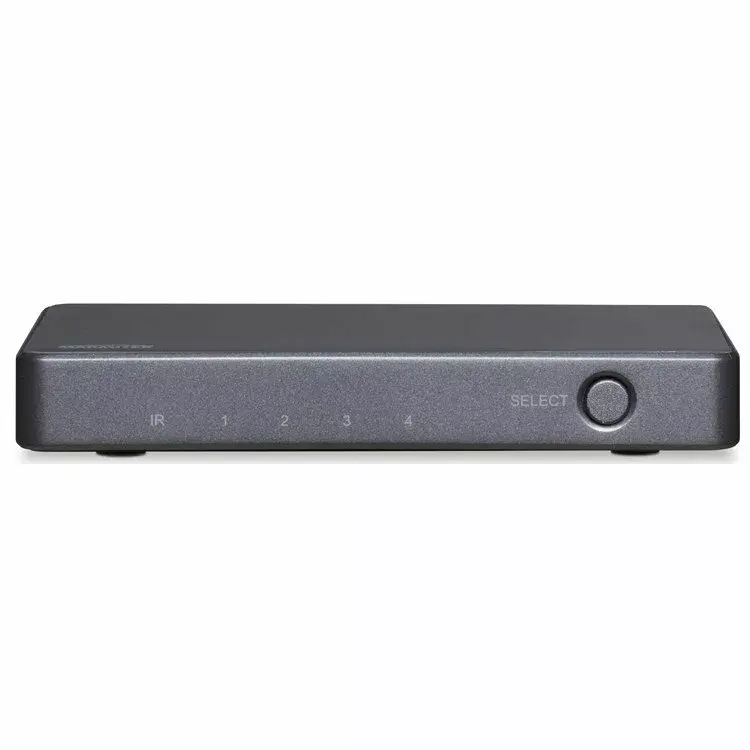
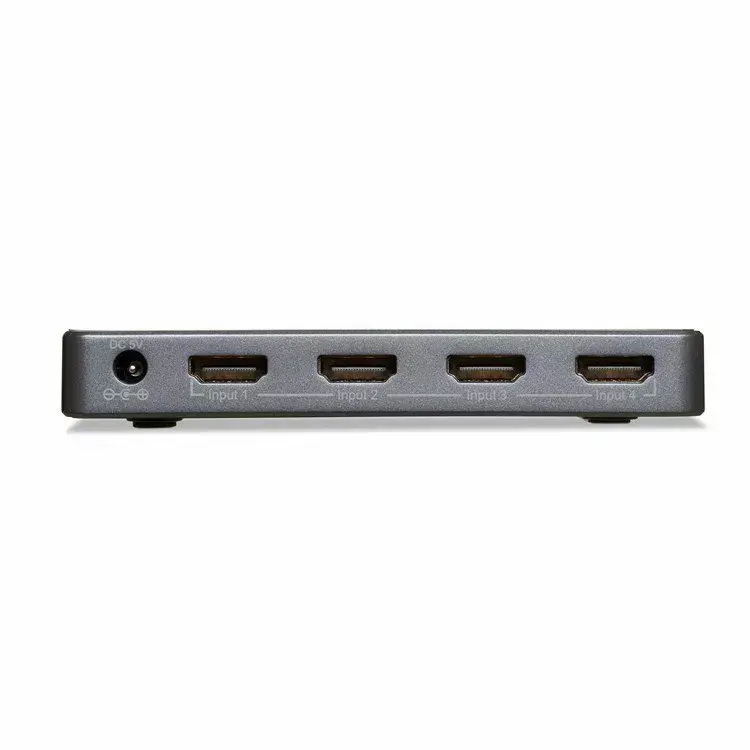
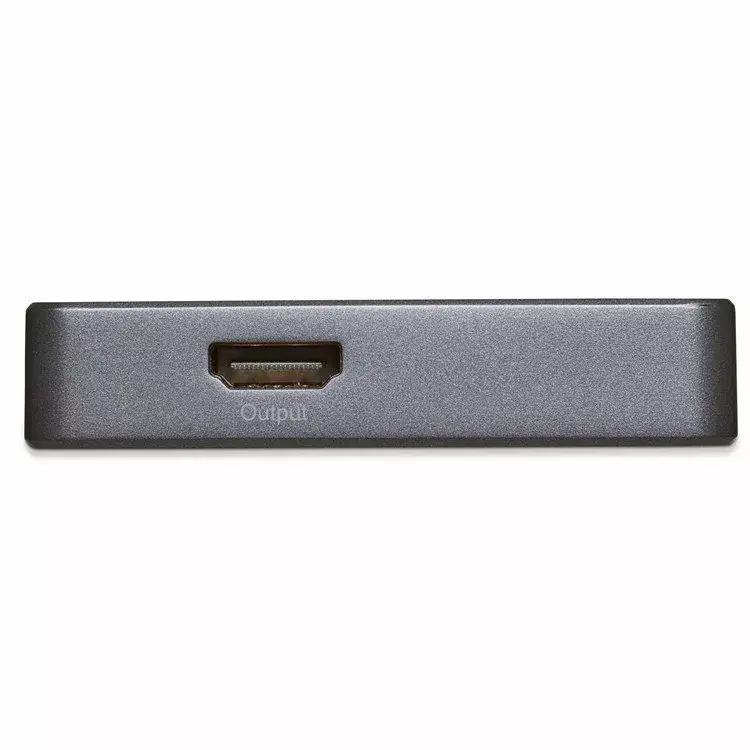
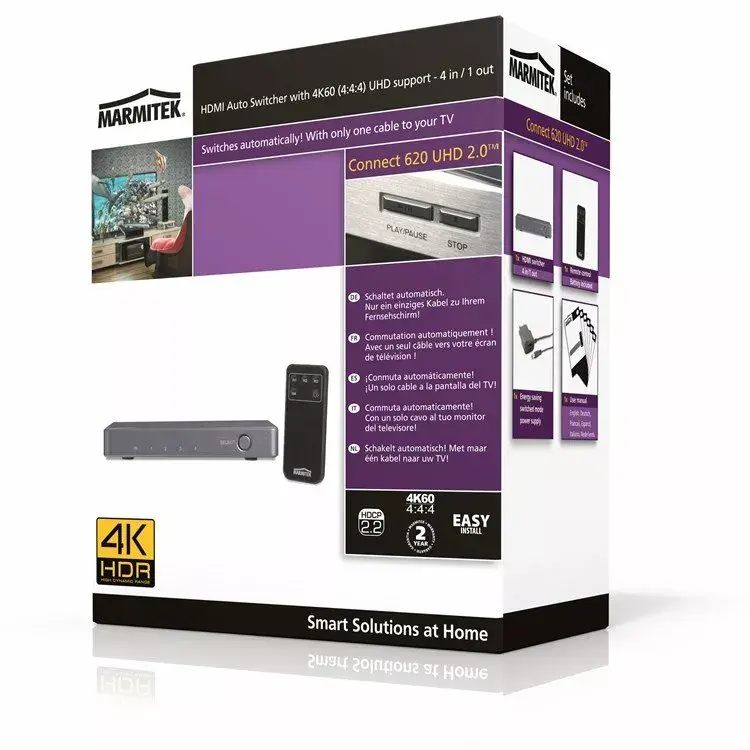
HDMI Extender Marmitek Connect 620 UHD 2.0
{{selectedOffer && selectedOffer.price | formatAmount}}
{{selectedOffer && selectedOffer.price | formatAmount}}
Offer for legal entity, cashless payment.
Why is an item available only for a legal entity?
This is due to long delivery times and limited product warranties.
This is due to long delivery times and limited product warranties.
Short description
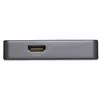
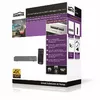
The Marmitek Connect 620 UHD 2.0 HDMI Extender allows you to extend HDMI signals up to 50 meters over a single CAT6 cable. It supports 4K resolution at 60Hz, ensuring high-quality video and audio transmission. With easy installation and compatibility with various devices, this extender is perfect for home theaters and professional setups. Enjoy seamless connectivity without signal loss.

Cheapest delivery:
Unisend LV
Pick-up points
Unisend LV
Cost
1.99 €
Deliver
{{selectedOffer.parcelStationDeliveryString}}
Customer service center
2b. Kengaraga str., Riga, Latvia, LV-1063
06.10.2026
{{selectedOffer.officeDeliveryString}}
free
Courier Delivery
Please note that in case of a large parcel additional delivery costs may apply!
From 18.01 € (Weight: 23.60 kg)
Parcel couriers
Unisend LV / Venipak Locker LV / DPD Paku skapis / Omniva LV / Latvijas Pasts pakomāts
09.10.2026
{{selectedOffer.parcelStationDeliveryString}}
From 1.99 €

Payment Methods:
Cash payment, Bank transfer, Bank cards on-line, Apple Pay, Google Pay
Available for private customers at price 117.99 €:
5 pcs.


